
Jellycat gingerbread Christmas tree decoration set
Print Profile(7)





Description
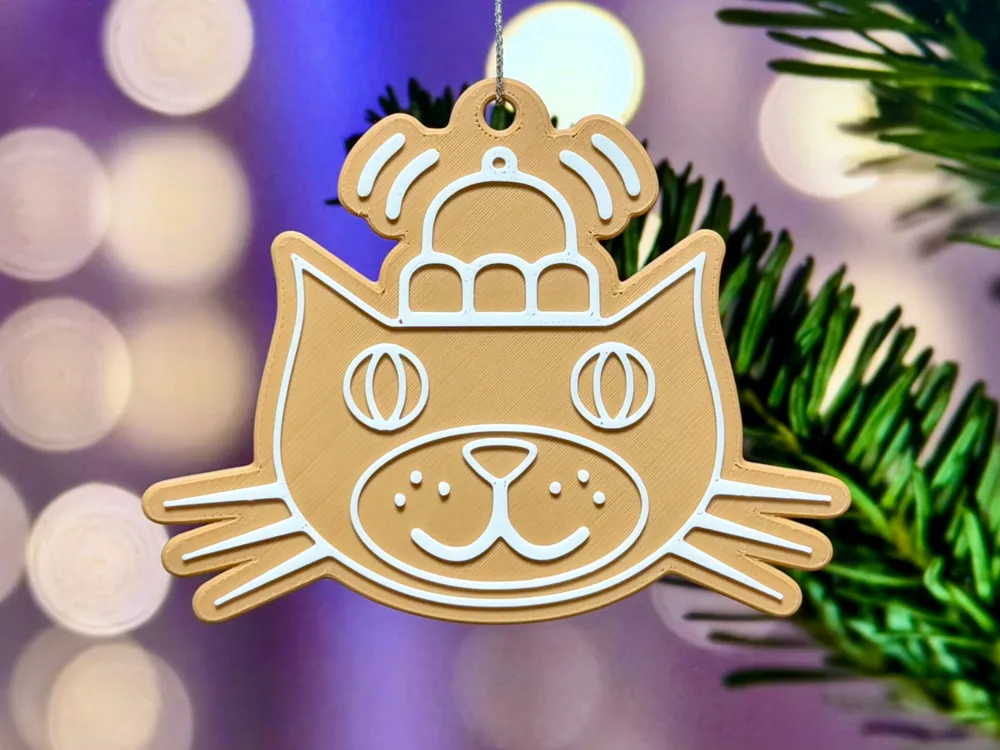
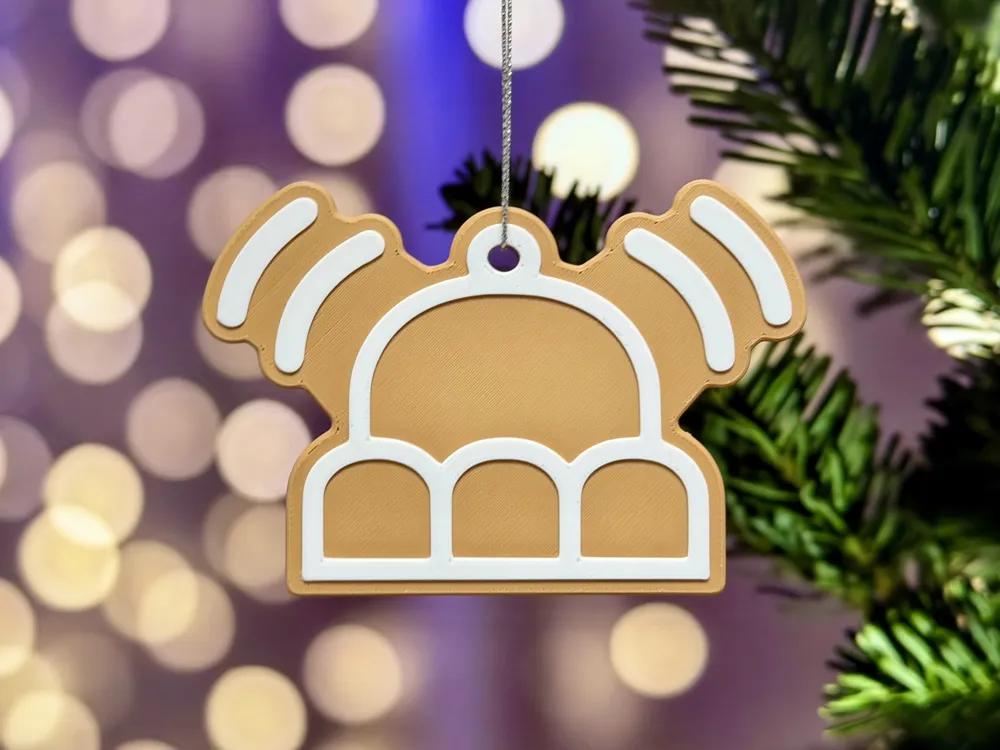
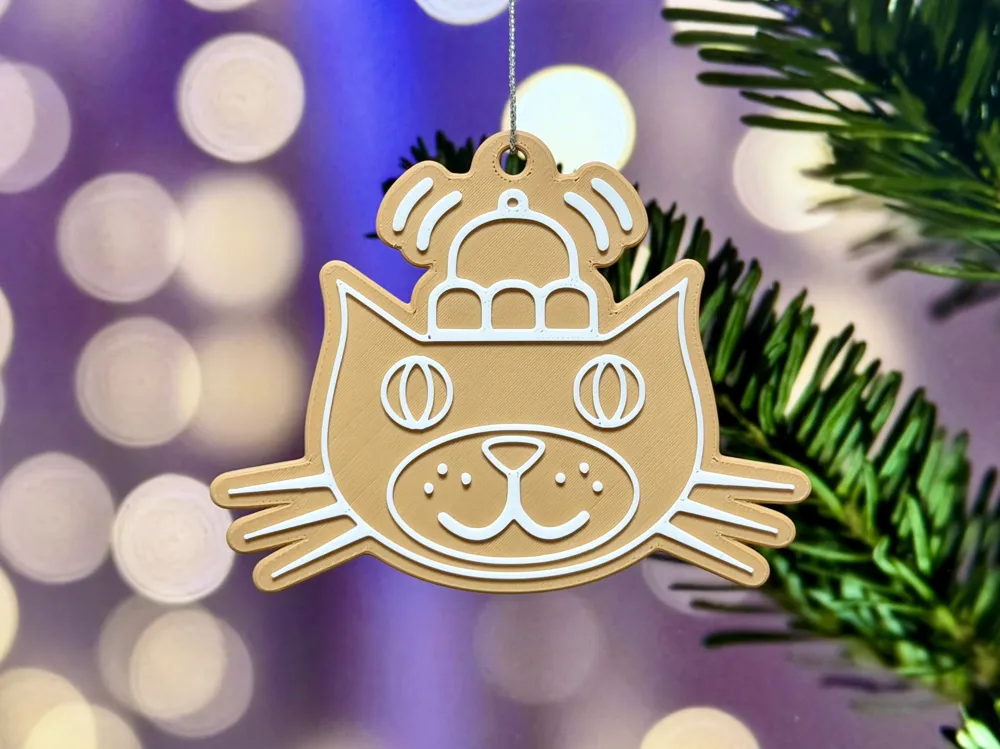
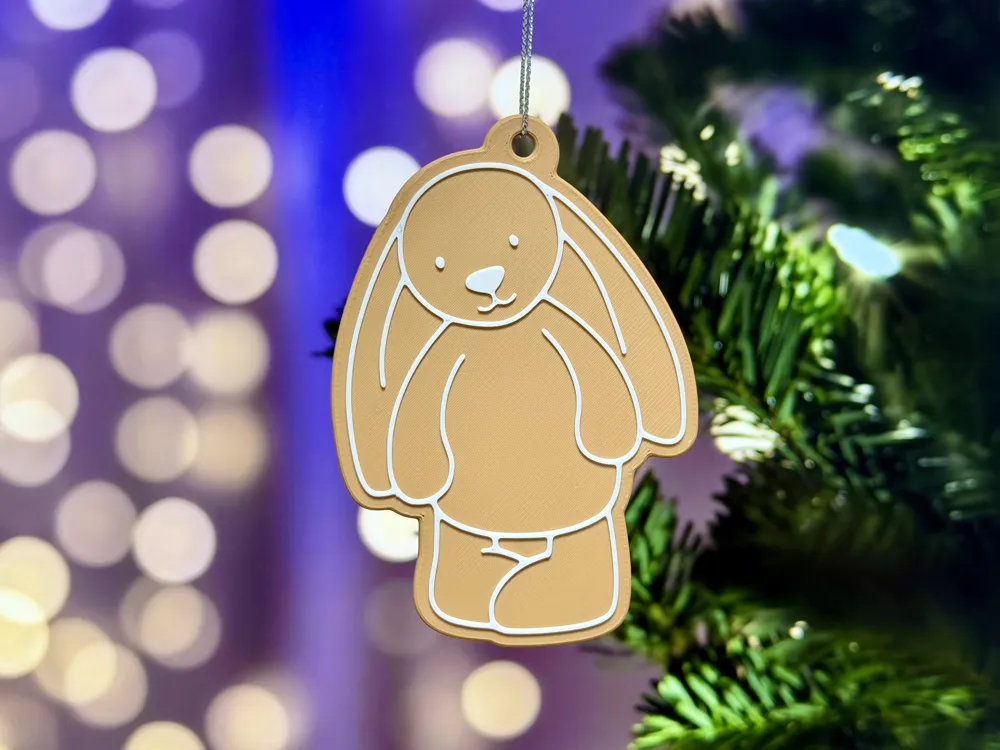
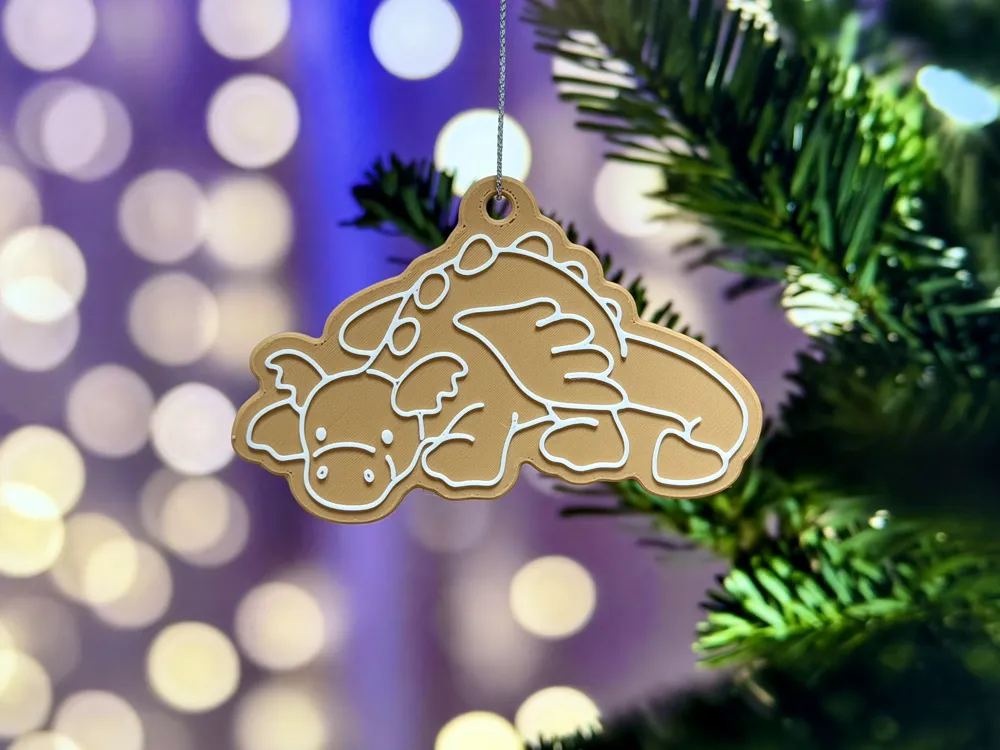
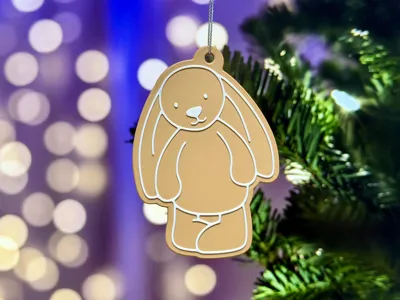
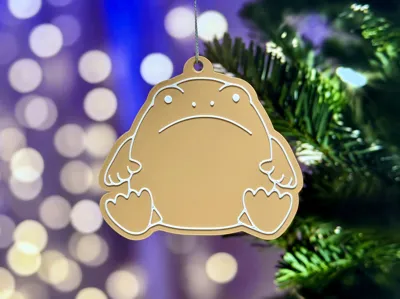
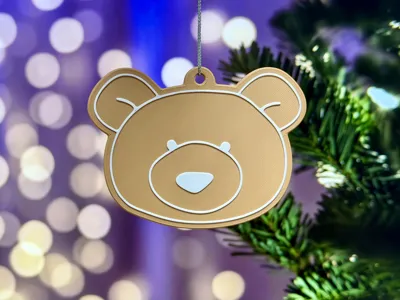
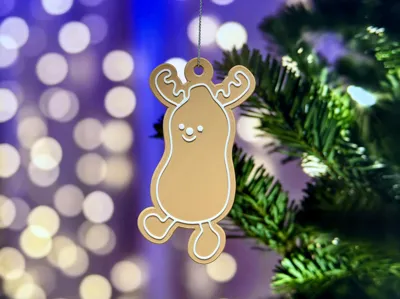
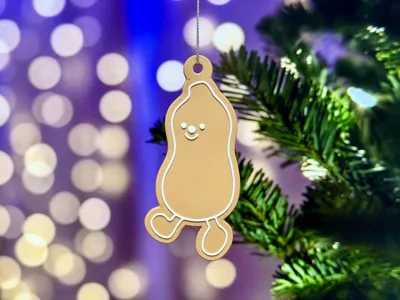
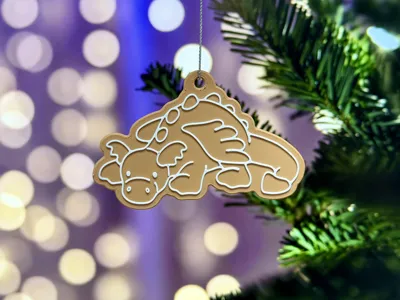
Jellycat gingerbread style Christmas tree decorations
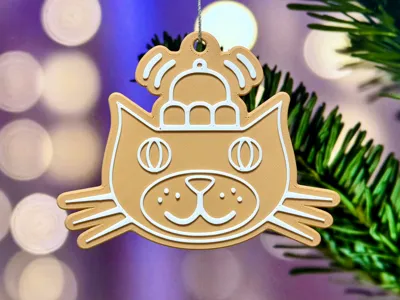
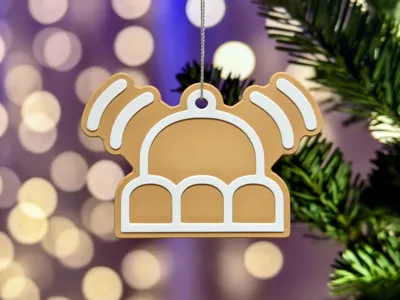
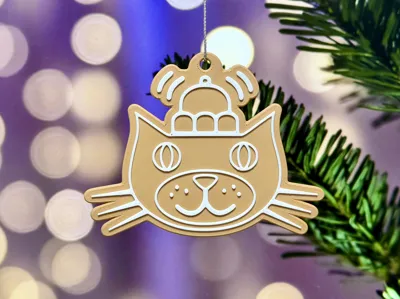
Ho ho ho, Jelly Christmas! - Something like that anyway. Inspired by my daughters love of Jellycats, here is a set of iced gingerbread style Christmas tree decorations.
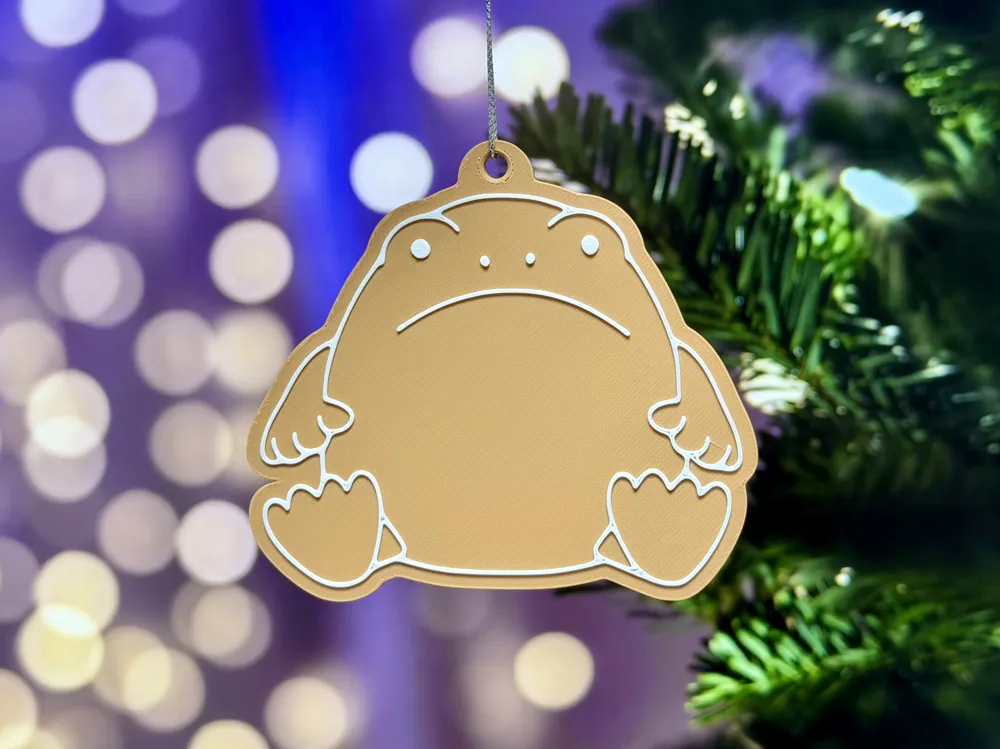
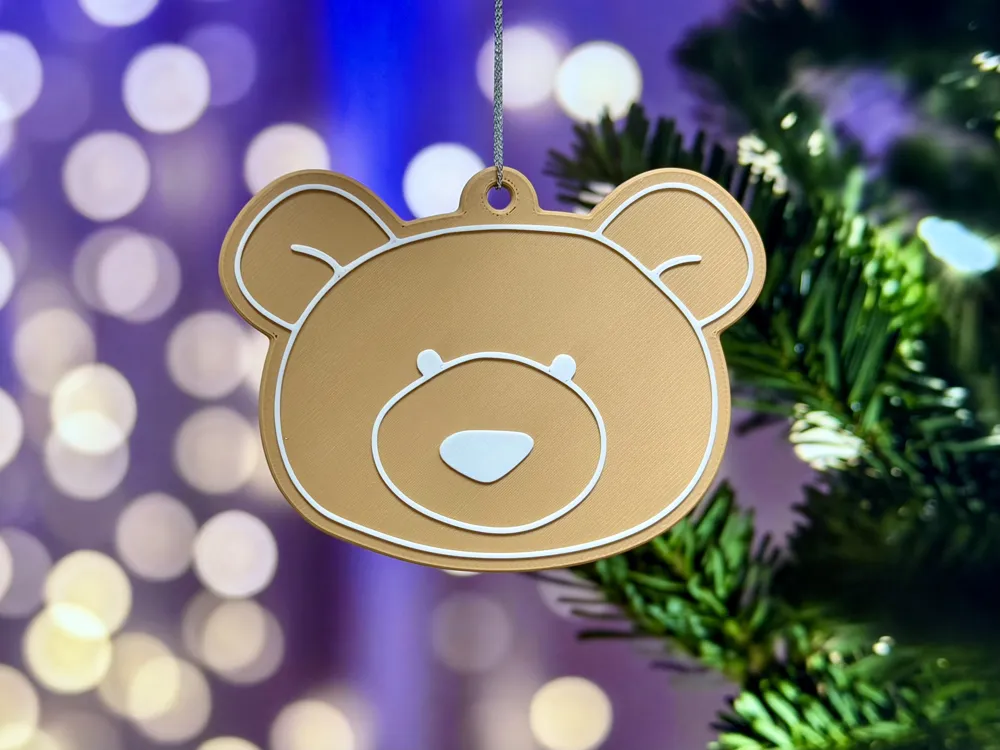
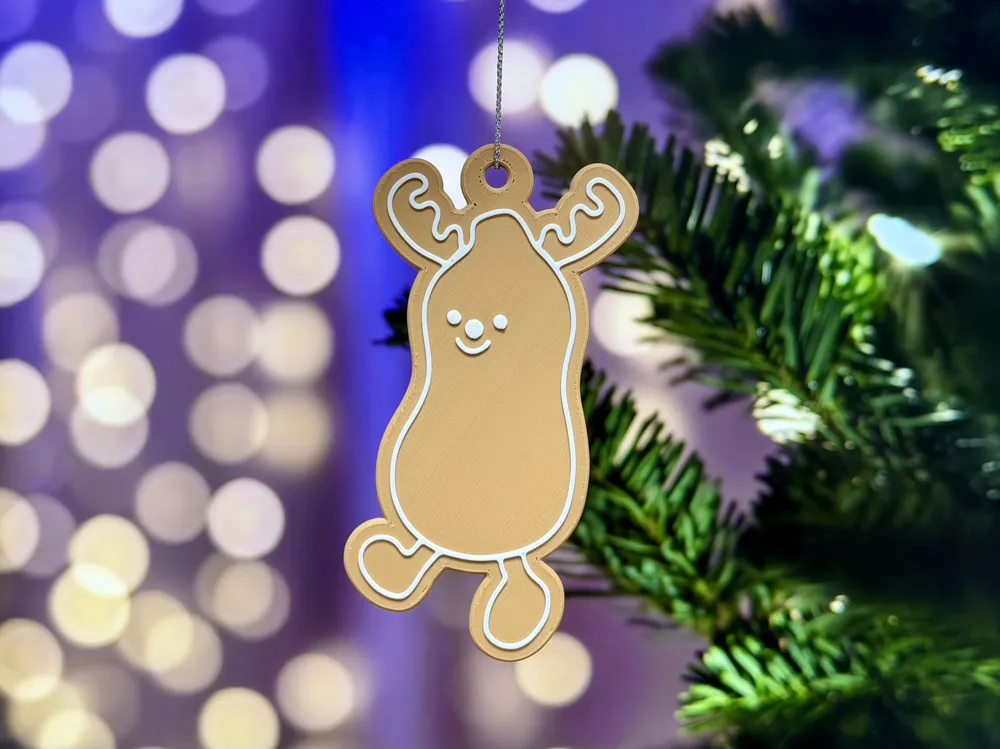
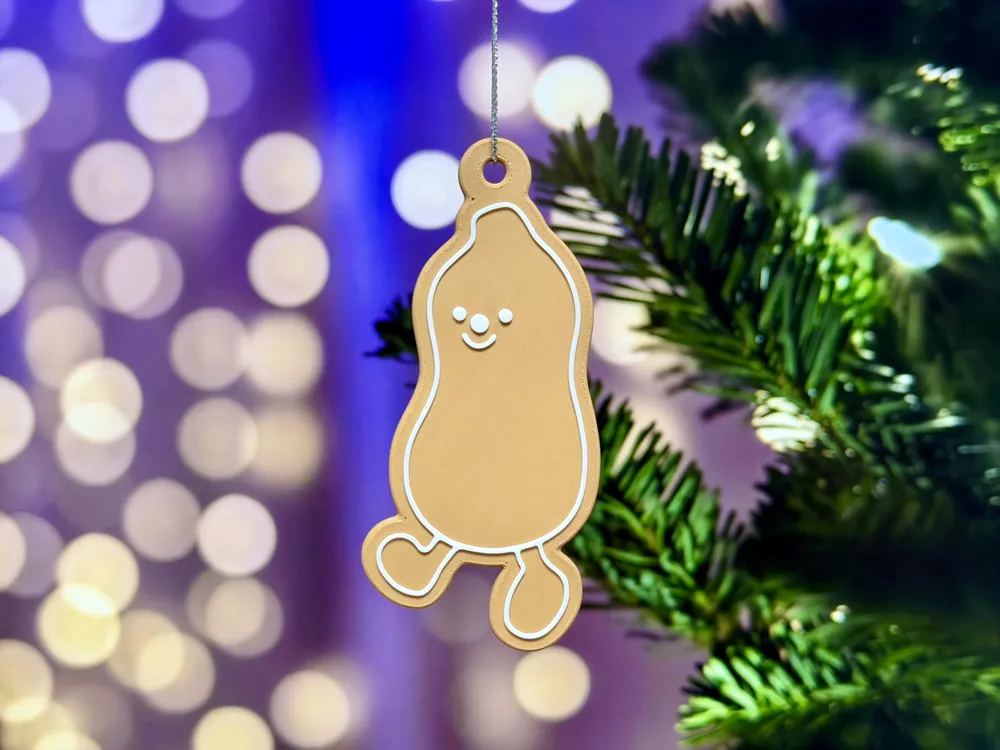
The set features Bashful Bunny, Bartholomew Bear, Ricky Rainfrog, Peanut (x2, regular + reindeer), a Dragon and of course, Jack.
These are simple and fast to print and no AMS needed. Details on how to do that below.
You can NOT sell copies of these prints, physical or otherwise, they are for personal use only. This is not an official product, simply something for fans of jellycat soft toys to add to their collection / Christmas displays, not to be confused with any item available on sale from Jellycat London.
Boost Me (for free)
If you like this festive print, please consider a boost as a way of supporting me on here.
Printing
Plate setup: Each design, or variation has it's own print profile (all labelled), choose to download whatever designs you want to print.
Filament: A light brown / caramel colour and white. All of the prints photographed here were using Bambu PLA Matte Caramel and Bambu Lab Basic PLA Jade White, which I'll link in the Bill of Materials below.
Plate: Whatever your preference.
Size: These print around 10cm at the tallest side, if you want to shrink these a touch, you can scale them in Bambu Studio, just be mindful of the detail needed and the thickness of the decorations (Z), you might want to untick the “uniform scale” box, and just reset the % of the X and Y scale (to both be the same).
For AMS users: Just set the correct colours and hit print!
For non-AMS users: Add a pause in after layer 15, start printing with your gingerbread colour, then swap the filament to white once paused and then continue.
Assembly
No assembly as such, just thread through some kind of string or ribbon through the hole and hang on your tree.
License

You shall not share, sub-license, sell, rent, host, transfer, or distribute in any way the digital or 3D printed versions of this object, nor any other derivative work of this object in its digital or physical format (including - but not limited to - remixes of this object, and hosting on other digital platforms). The objects may not be used without permission in any way whatsoever in which you charge money, or collect fees.


Comment & Rating (19)