
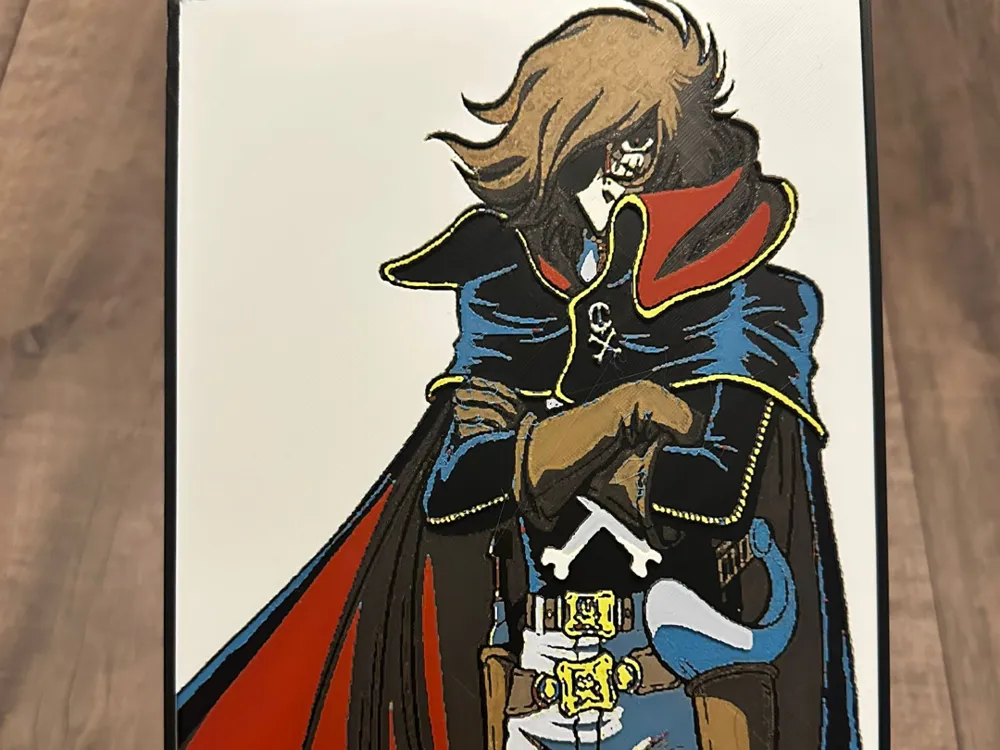
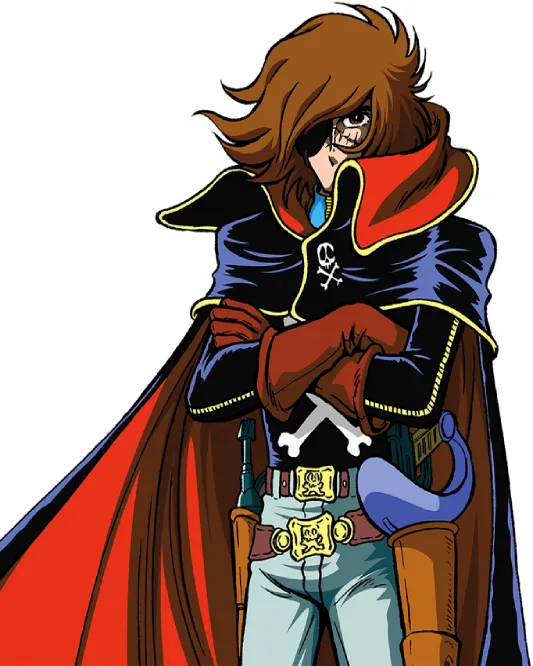
Captain Harlock
Print Profile(1)

Description
Boost Me (for free)
FREE BOOST
The Model is 188.07x235mm in size
You may print at higher layer heights below the Base Thickness of 0.96mm
The Max allowed Thickness is 3.2mm and the Actual Thickness is 3.2mm
This print uses 9 unique filaments
How to print more than 4 colors hueforge with 1 AMS
The example below is for a 5-color print but carry on the same idea if you need more.
- Load AMS slots A1, A2, and A3 with the first 3 colors used. Leave the 4th slot unloaded.
- Send to print. When asked which AMS slots have which colors assign the first 3 colors on A1 – A3 and the fourth color in the print to A4 (keep in mind it will not show a loaded color because it isn’t loaded). The fifth color will be assigned to A1 (I like to keep it sequentially but any other slot besides A4 will do)
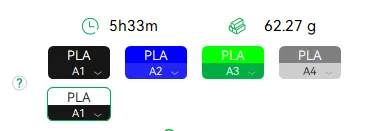
Swap Instructions:
Start with Black
At layer #13 (1.12mm) swap to Pumpkin Orange
At layer #15 (1.28mm) swap to Brown
At layer #16 (1.36mm) swap to Blue Gray
At layer #18 (1.52mm) swap to Cobalt Blue
At layer #24 (2mm) swap to Red
At layer #29 (2.4mm) swap to Cyan
At layer #30 (2.48mm) swap to Jade White
At layer #33 (2.72mm) swap to Yellow
At layer #35 (2.88mm) swap to Jade White
At layer #41 (3.36mm) swap to Black for the rest.
License



Comment & Rating (0)