Search models, users, collections, and posts

Sleeve Snap - Trading Card Snap Case
GIF
GIF

Print Profile(1)

All
X1 Carbon
H2D
A1 mini
P1P
A1
P2S
X1
X1E
H2D Pro
H2S
P1S
H2C
X2D
A2L

Closed and Open Back Versions
Designer
1.1 h
2 plates
5.0(46)

Open in Bambu Studio
Boost
492
1432
92
42
1.6 k
965
Released 

Description


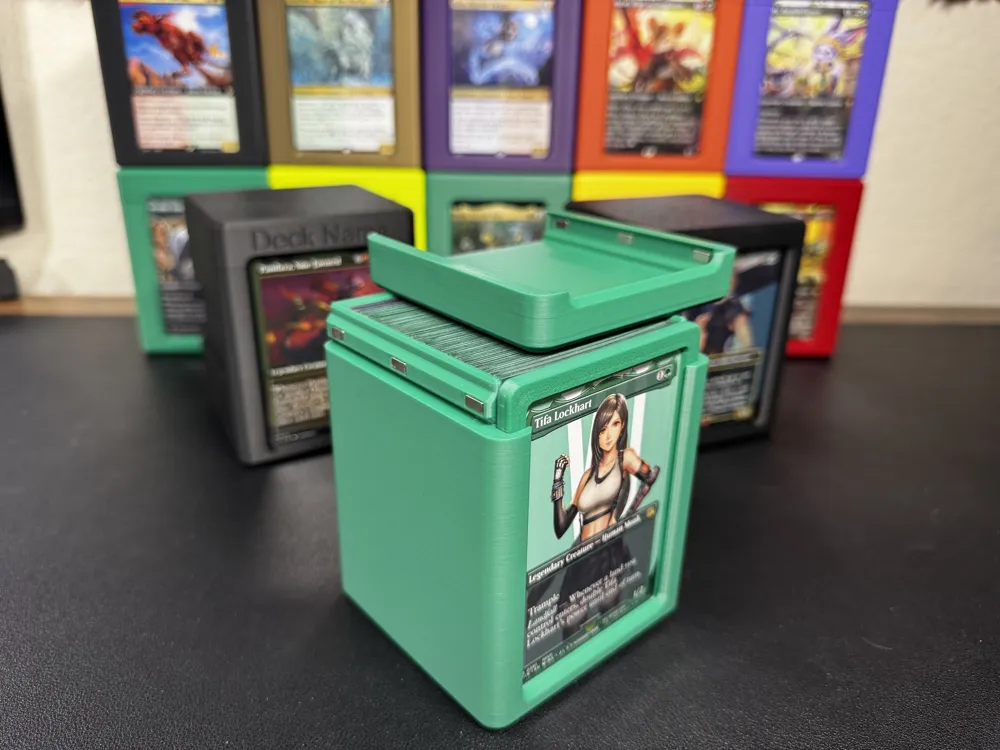
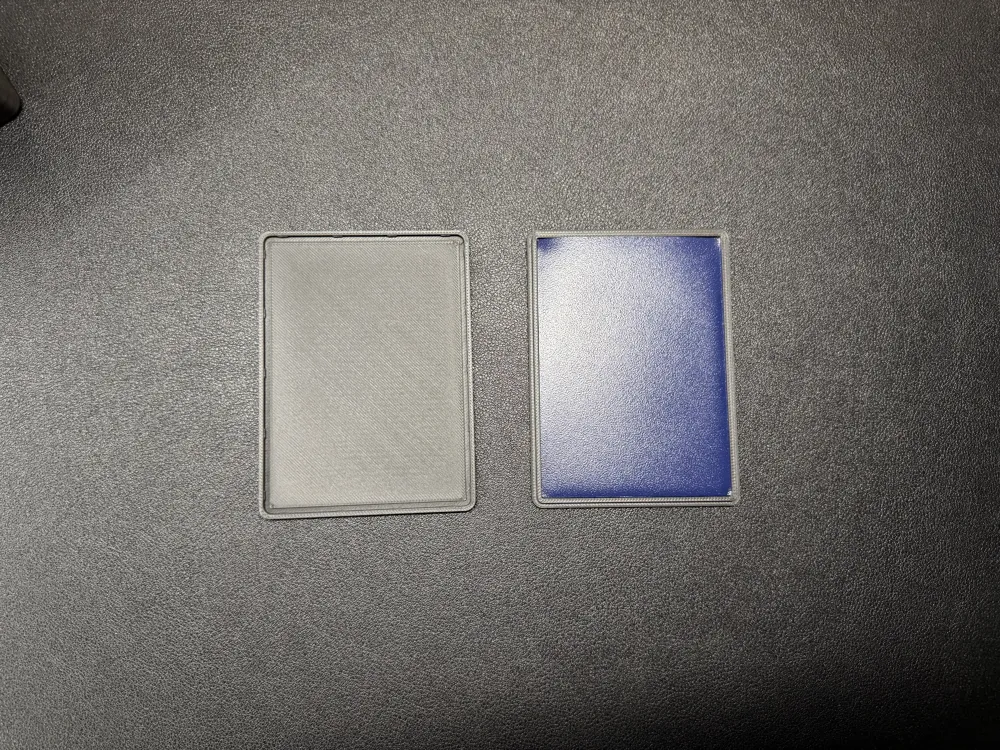
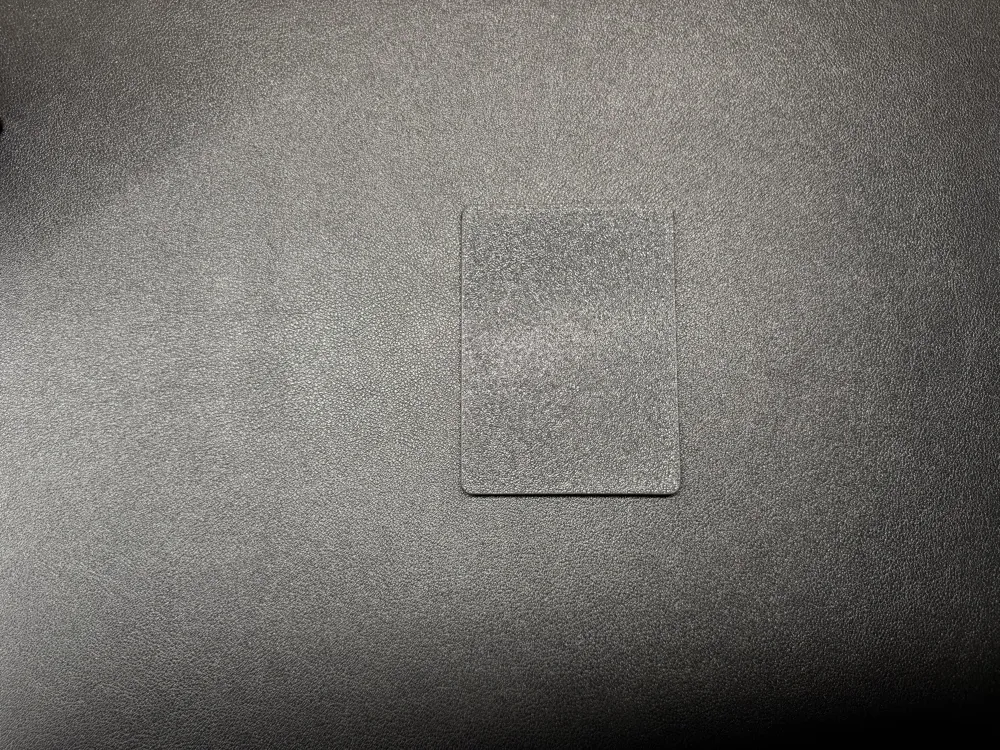
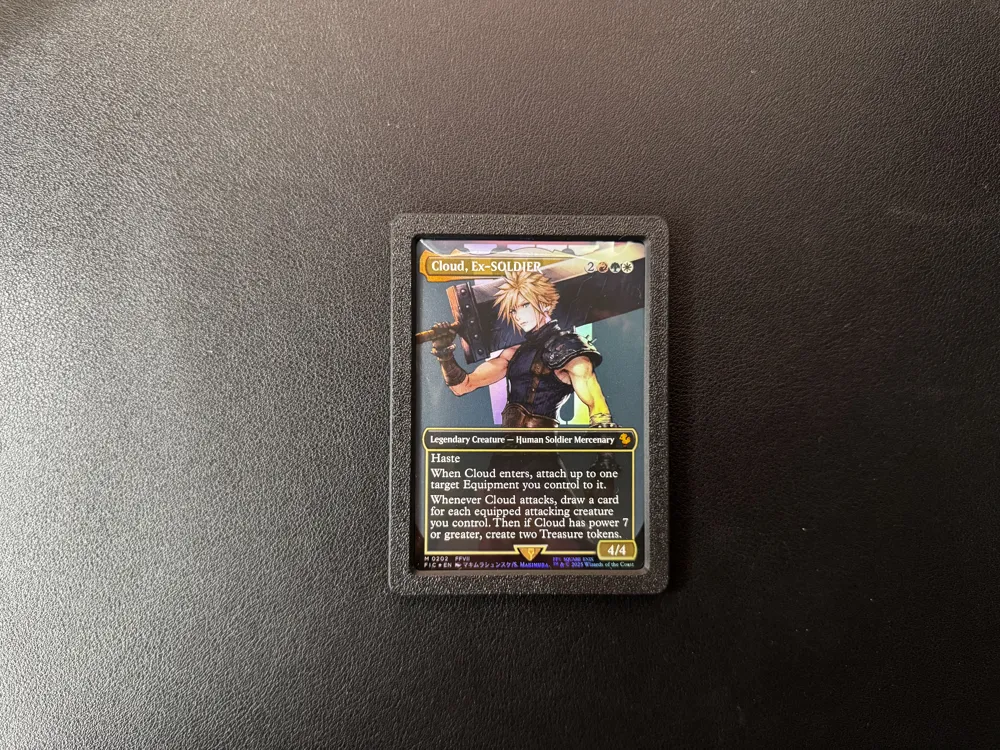
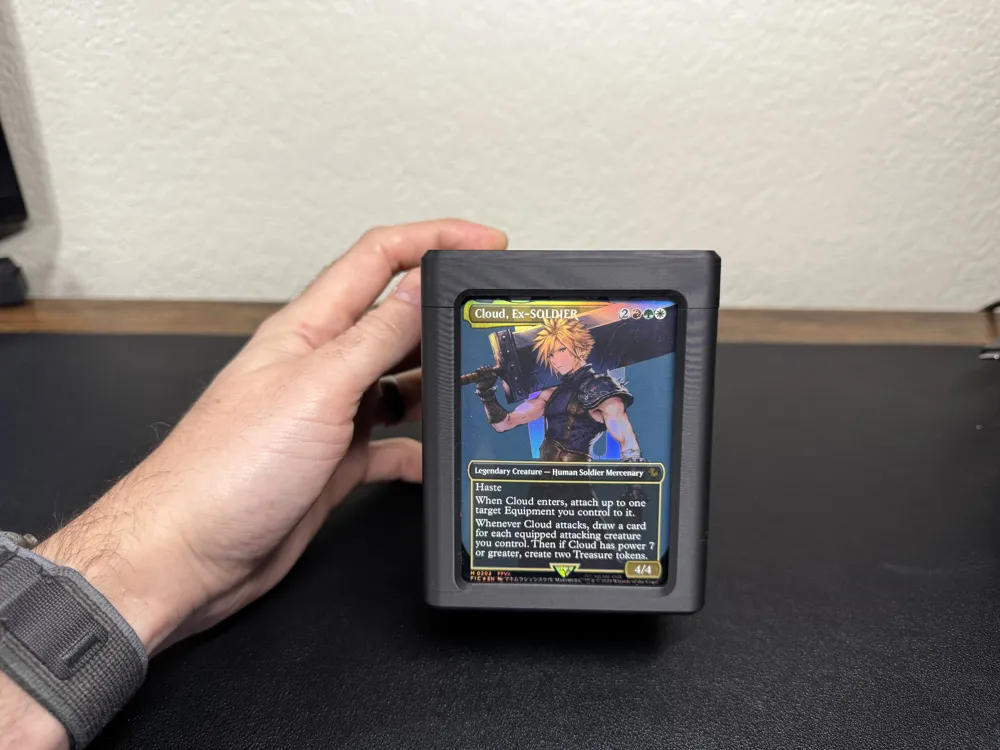
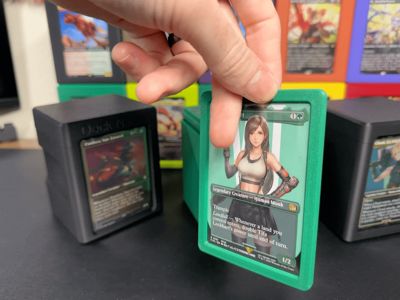
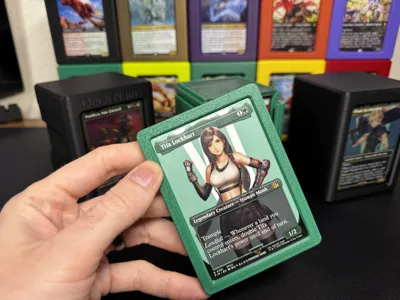
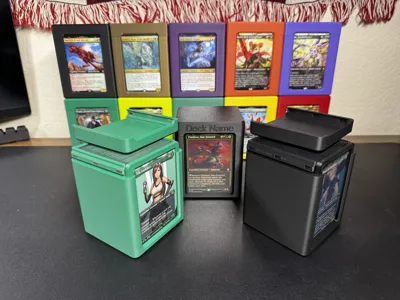
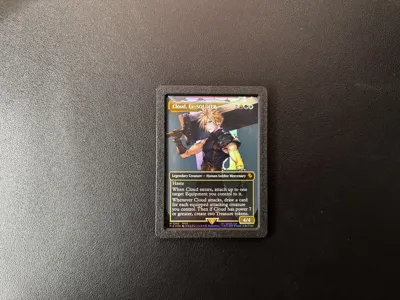
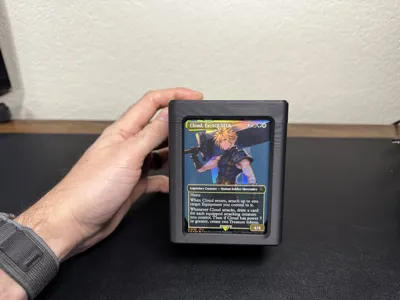

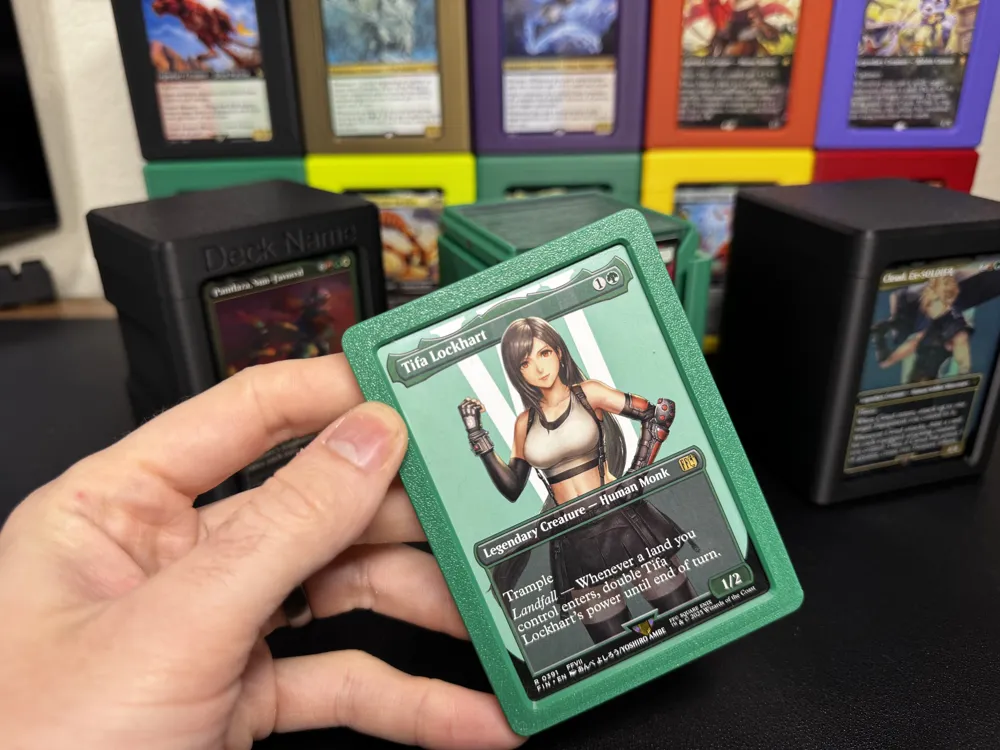
The Sleeve Snap is a printable case for your trading cards. You can use it to protect or display your cards, and it fits great with the different versions of my Commander Cases. It is designed around a Dragon Shield standard sleeve.


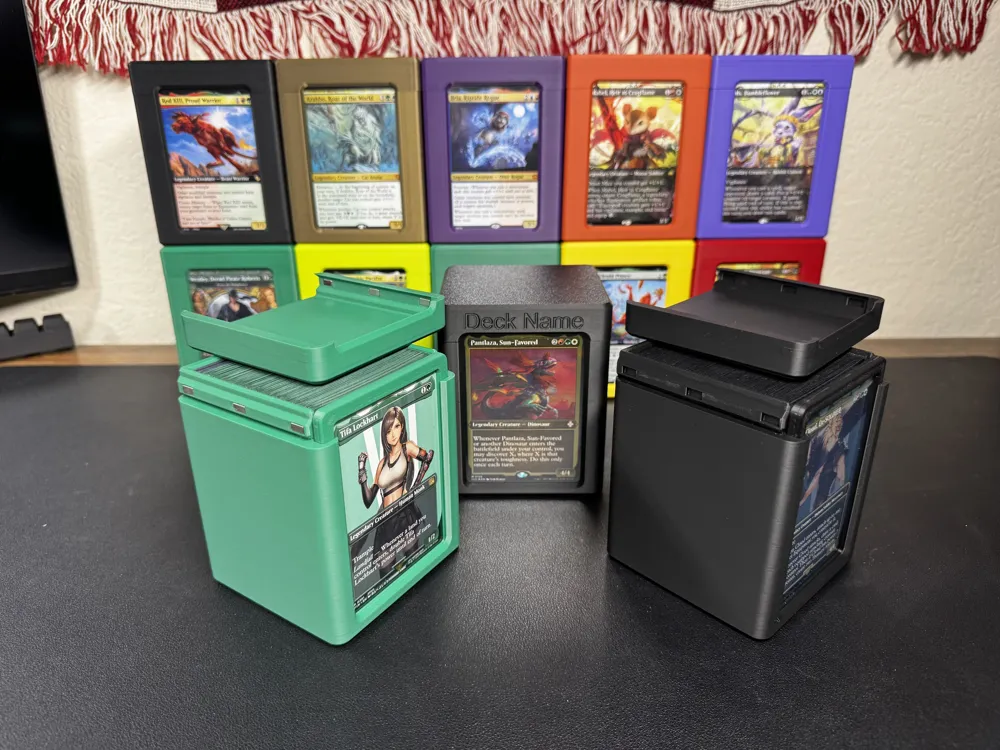
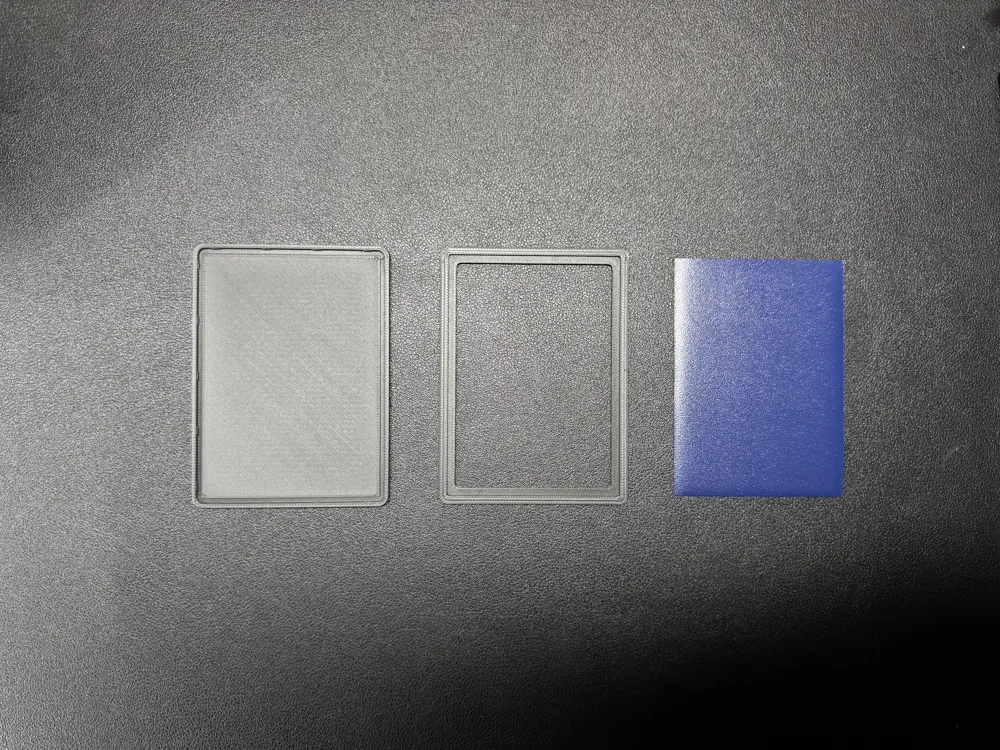
For double sided cards, there is also an open-back version!


Easy to snap together, reusable, and parametric in case you need to modify it to work with other sizes of card sleeves!


This was designed to be stiff enough when printed with ductile filaments like Bambu's Matte PLA. It should be plenty strong - certainly stronger than a top loader! If you do make a custom size for a different kind/size of card sleeve, please post the customizer variables and sleeve type in the comments or just post your model as a print profile for the benefit of others!
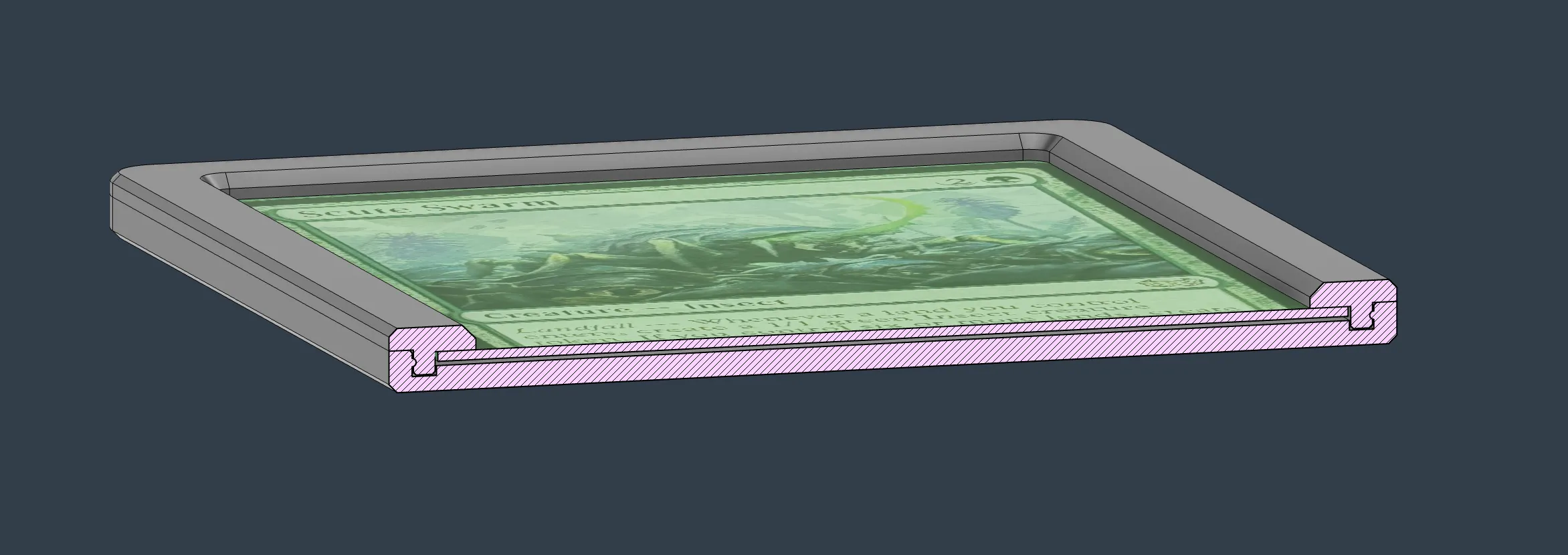
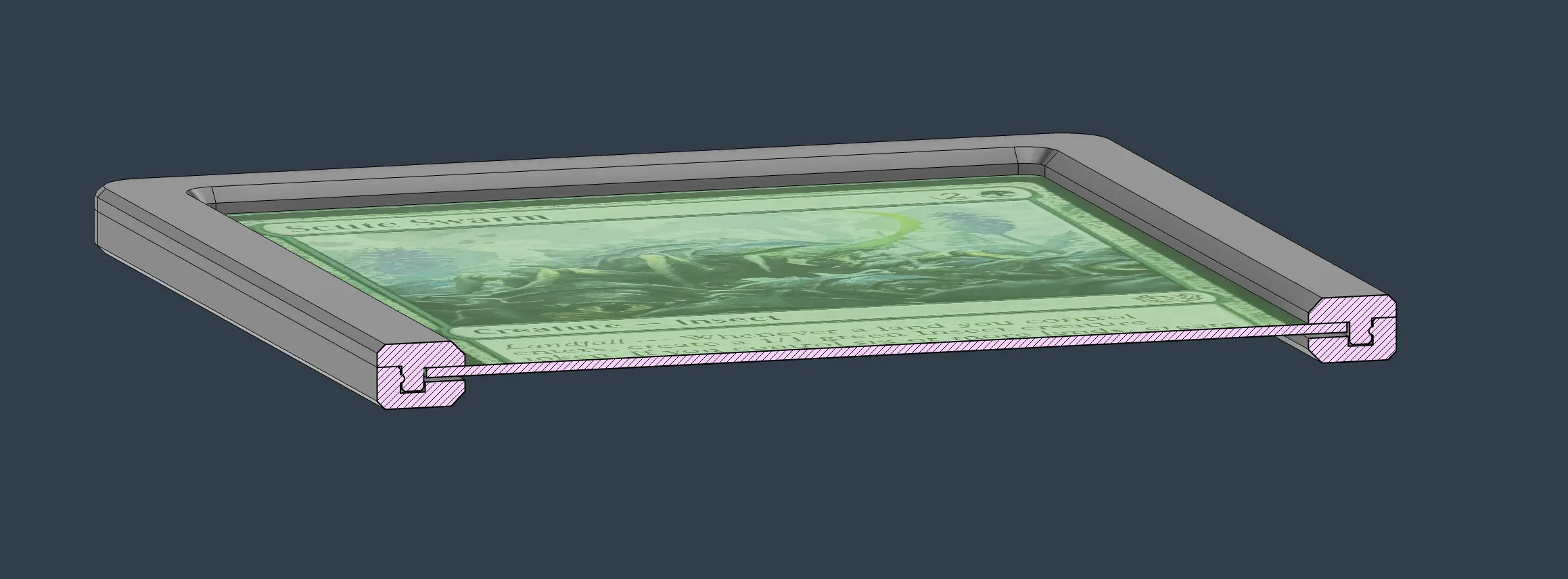
 

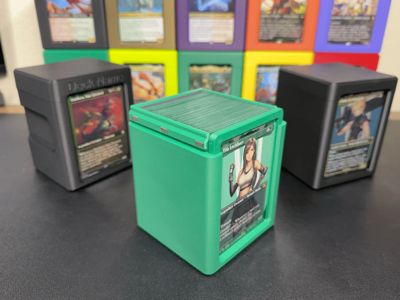
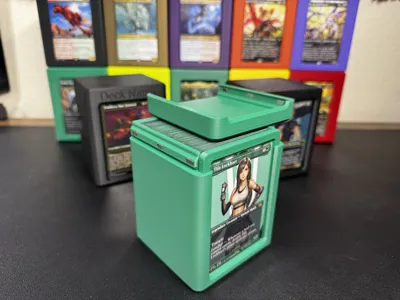
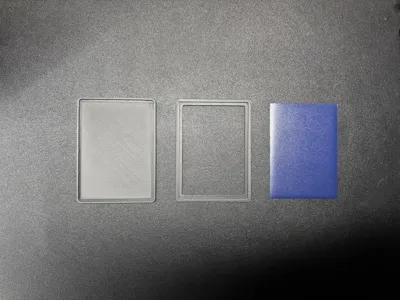
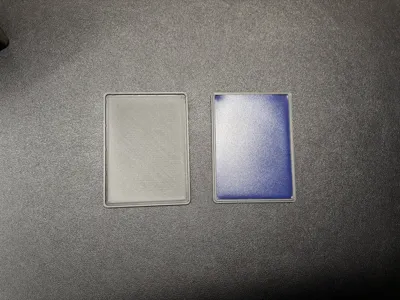
Closed-back side profile Open-back side profile

Closed-back side profile (left), Open-back side profile (right)


Boost Me (for free)

Lots of time and effort have gone into this design, even though it seems small and simple. It took much trial and error to get the fit just right. If you benefit from this, I'd really appreciate any extra boosts!

Comment & Rating (92)

(0/1000)

I'm having a problem with the "sleeve snap", my first two prints came out perfectly, then I tried to print again and they no longer close, I printed the closed-back version, and they don't close, there's a very large gap preventing it from locking, the strange thing is that the first two worked perfectly and the last two have this closing problem, I used the same printer, same bed, same filament, I don't know why there's a difference
Show original
3
Reply
I seem to be having the same problem. I've attempted to print a few with different filaments and also using the .4mm and .2mm nozzles and none seem to want to snap together. I've even gone as far as to use vice grips and a rubber mallet on a sacrificial one but with little luck. Whenever I get close to getting it snapped, the solid backpiece seems to bow like yours does in your picture @user_905942983 . @wesyarber are these designed for single sleeved cards or double sleeved cards? I printed one of the boxes (which turned out awesome, I'm pumped) and my double sleeved cards JUST barely fit in it. No problems otherwise and I can certainly use the customizer if need be, but I just wanted to see if they were meant for double sleeved cards and meant to be well snug. Thanks and happy holidays! :)
0
Reply
Did you figure out how to resolve the issue of the two pieces not snapping? I've printed 4 out so far and haven't been able to get any of them to snap together. They bow up like what you show. It's been very discouraging. I even grabbed two clamps and tried to force them to snap close but no dice.
0
Reply
Print Profile
Closed and Open Back Versions
just got wife of the year. Thankyou very much!
profile
3
Reply
I must be stupid because I must have done something wrong, but I wasn't satisfied with this project, or rather. I printed this case along with the commander case with the grip, the deck case truly satisfied, I like it "tight" just enough to perfectly close the deck, but the commander card case does not fit into the box. I must have made a mistake or I printed the box incorrectly, but the commander card only fits with a rigid protective sleeve and not with this one
The designer has replied
Show original
0
Reply
Oh man! Looks like there has been a mistake. You seem to have printed the top loader version and are trying to put the sleeve snap case into it. I know we speak different languages, so I hope that this is not lost in translation! But the "Sleeve Snap" case you printed needs a different version of commander case to go with it to fit it. The "Top Loader" is much thinner, a little taller, and wider. Hopefully you have some of those lying around so you don't have to reprint the entire "Commander Case"! I'm putting those in capitals and quotes hoping that the names of them won't get translated away to something that is less clear about what exactly I'm referring to.
0
Reply
Replying to @wesyarber :
yes yes with the "Top Loader" it fits perfectly, I must have confused everything unfortunately and thank you for the answer can you highlight for me which "COMMANDER CASE" is compatible with this project I really like this idea and unfortunately as you said the forced translation isn't very helpful haha have a good Sunday
Show original
designer
3
Reply
Perfect prints!! 2 colors for the Yellow/Blue Nami: firts printed the lid on yellow, then the case in two colors.
designer
1
Reply
Print Profile
Closed and Open Back Versions
great fit for the commander deckbox
0
Reply
Print Profile
Closed and Open Back Versions
For One Piece Thanks :)
Show original
0
Reply
Danke :)
0
Reply
This is really cool and printed perfectly. I'd love a version of the sleeve snap that's a little smaller for cards in perfect fit sleeves (and fits in standard deck boxes).
The designer has replied
0
Reply
I don’t have any of those, but the Sleeve Snaps are parametric and work with the MakerWorld customizer as well! The model is posted on my page if you want to make a version! If have the ability to take some measurements and print a few in trial and error, then share the parameters that worked well for you, that’d be awesome. you could even share your version as a print profile on it and get some MakerWorld points for it!
1
Reply
Replying to @wesyarber :
Since I happen to have perfect fit sleeves on hand, I decided to try and dial in the dimensions, but I keep running into issues with the 4th corner refusing to snap in. This is happening with both the original 3mf file you provided and the sized down STLs so I assume it could be one of my filament settings (Rapid PLA+ btw) Any ideas as to what the issue could be?
0
Reply
Replying to @Bean3D :
Hmm, I did struggle with that issue a lot while developing this. I fixed it for me, but it seems it must be pretty sensitive. let me investigate this a bit! I think the solution would be to add additional gap space for anyone that is having the same issue that you are having.
0
Reply
Print Profile
Closed and Open Back Versions
0
Reply
How do I get the top and bottom part as separate STLs? This just prints as one solid block for me
The designer has replied
1
Reply
You can right click and “split to objects” or use the cut tool in Bambu Studio. it is on the tool bar at the top where your move, rotate, scale tools are
1
Reply
Replying to @wesyarber :
Thank you. I have a FlashForge, so a bit klunky, but it worked
0
Reply

License

This user content is licensed under a Standard Digital File License.

You shall not share, sub-license, sell, rent, host, transfer, or distribute in any way the digital or 3D printed versions of this object, nor any other derivative work of this object in its digital or physical format (including - but not limited to - remixes of this object, and hosting on other digital platforms). The objects may not be used without permission in any way whatsoever in which you charge money, or collect fees.