Search models, users, collections, and posts

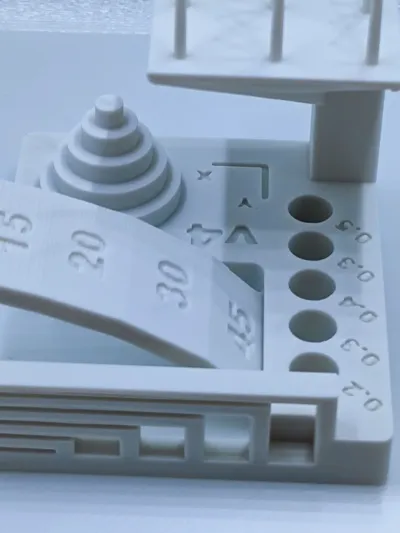
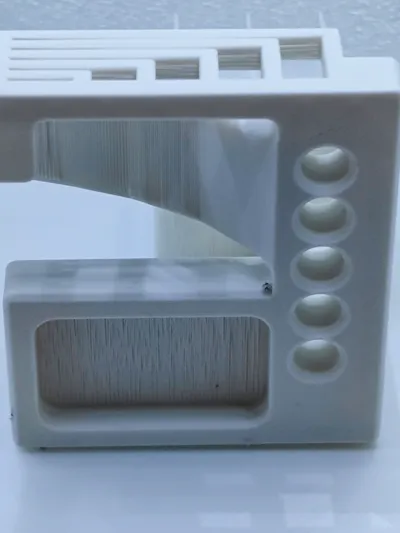
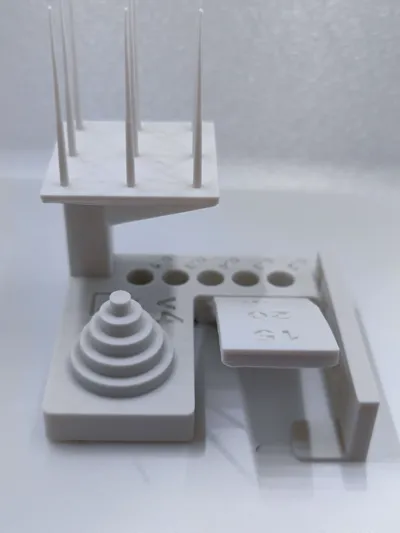
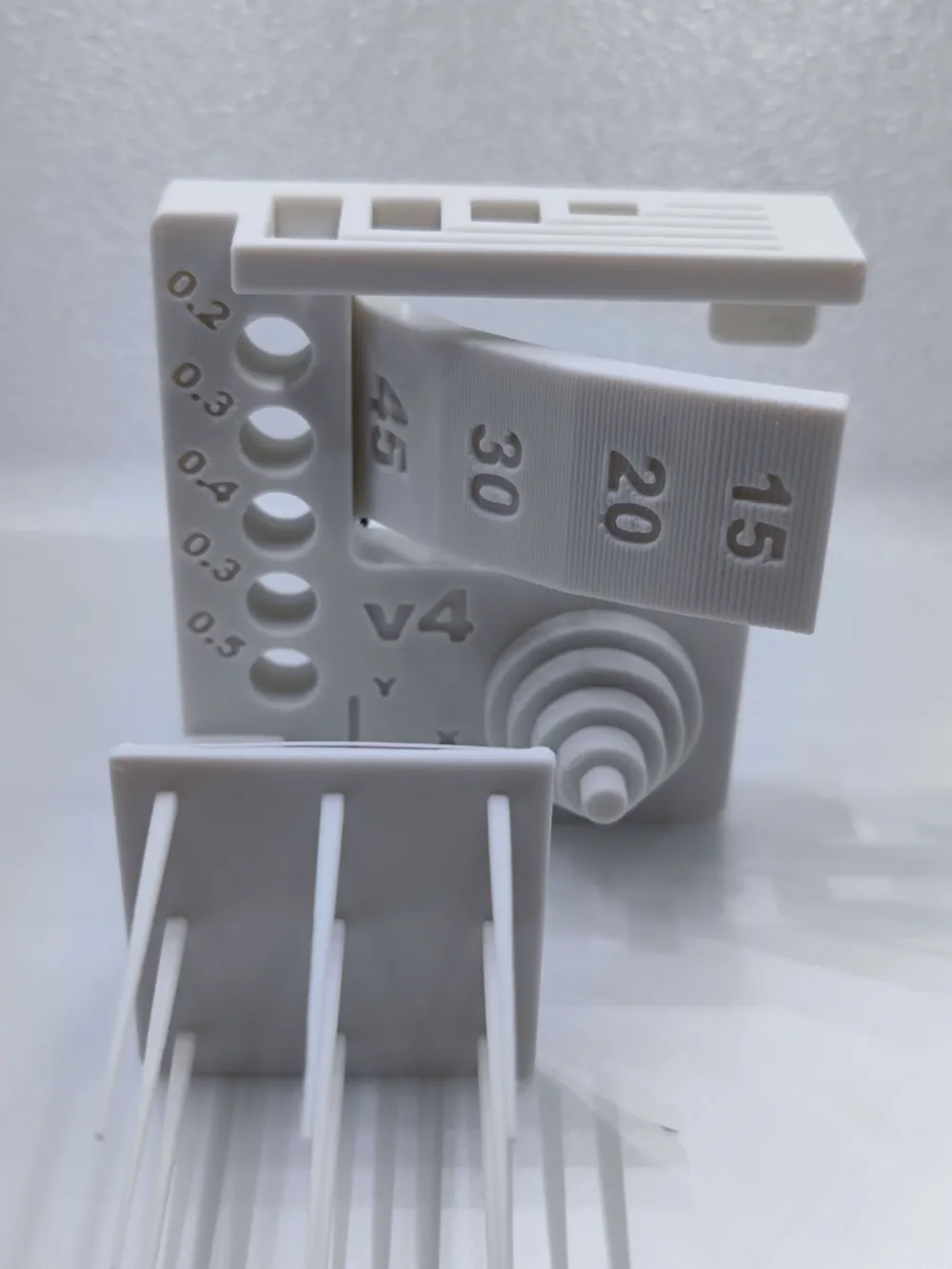
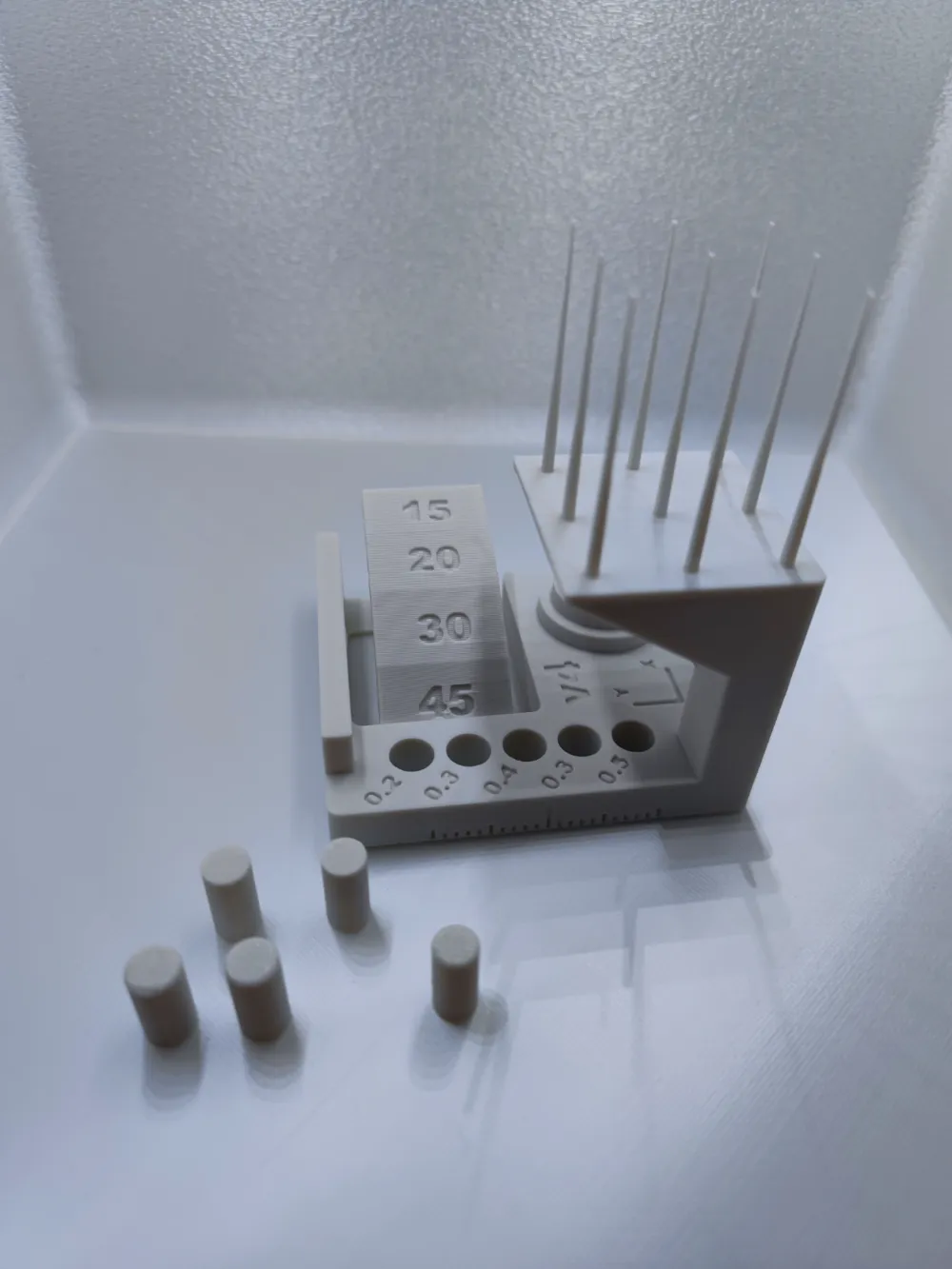
Bambustudio calibration test V4
Print Profile(5)

All
X1 Carbon
P1S
P1P
X1
X1E
A1
A1 mini
H2D
H2D Pro
H2S
P2S
H2C
X2D
A2L

0.2 mm layer (slicer standard settings)
Designer
1.8 h
1 plate
4.9(216)

0.28mm layer (slicer standard settings)
Designer
1.5 h
1 plate
5.0(15)

0.16mm layer optimal (slicer standard settings)
Designer
2.2 h
1 plate
4.7(6)

0.12mm layer fine (slicer standard settings)
Designer
2.6 h
1 plate
5.0(4)
Click to see more

Open in Bambu Studio
Boost
381
1293
269
78
3.9 k
2.2 k
Released 

Description

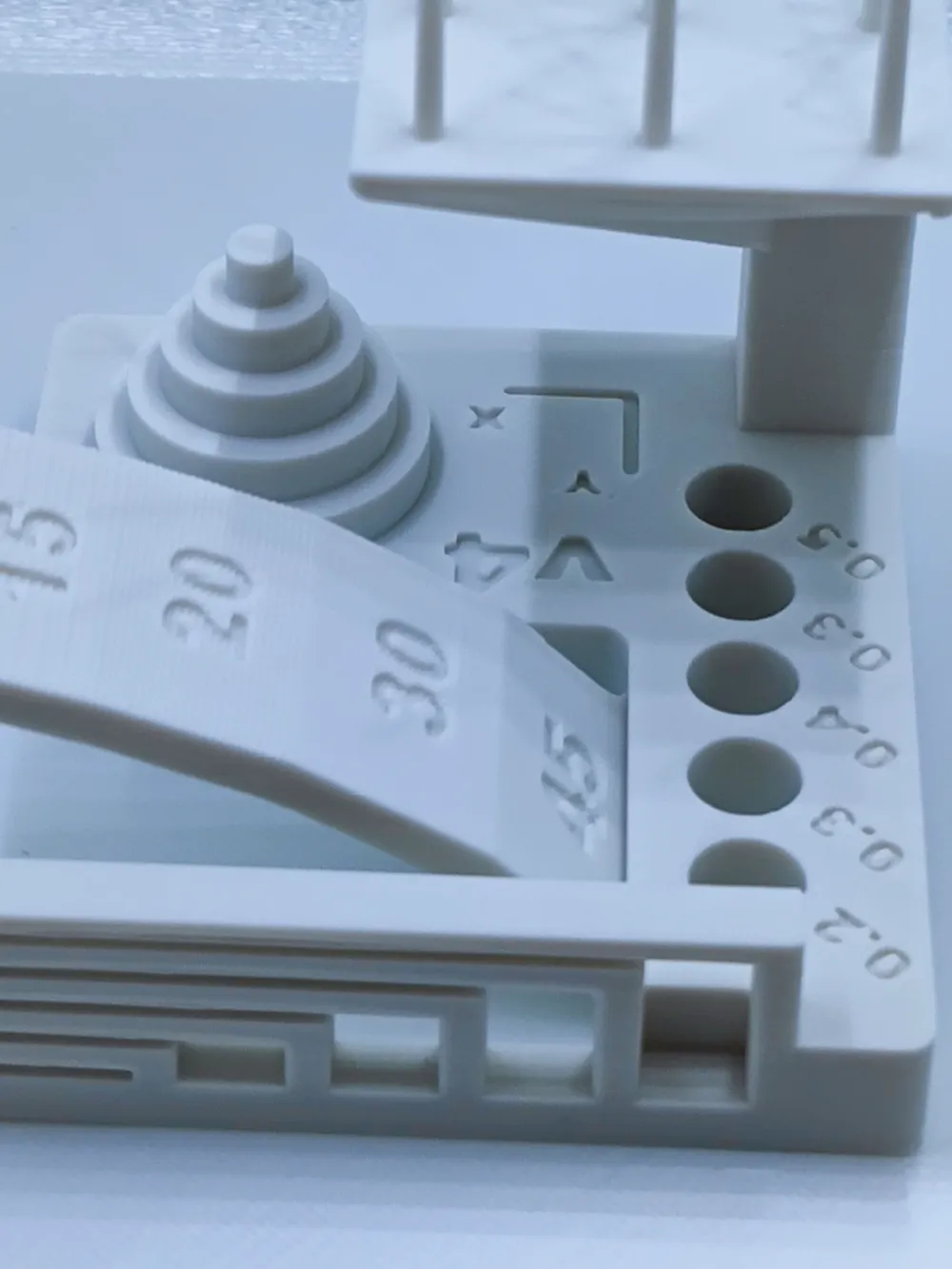
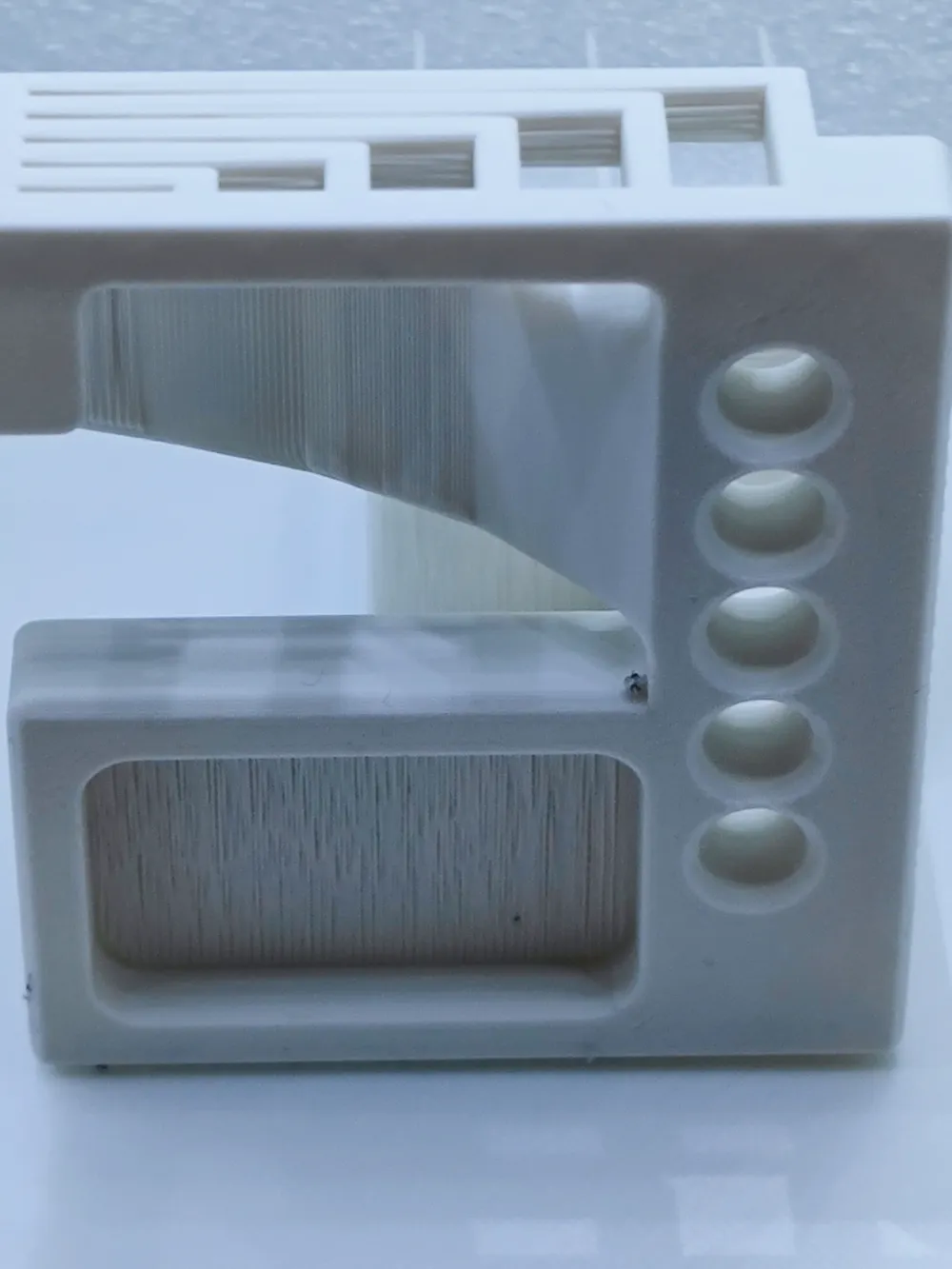
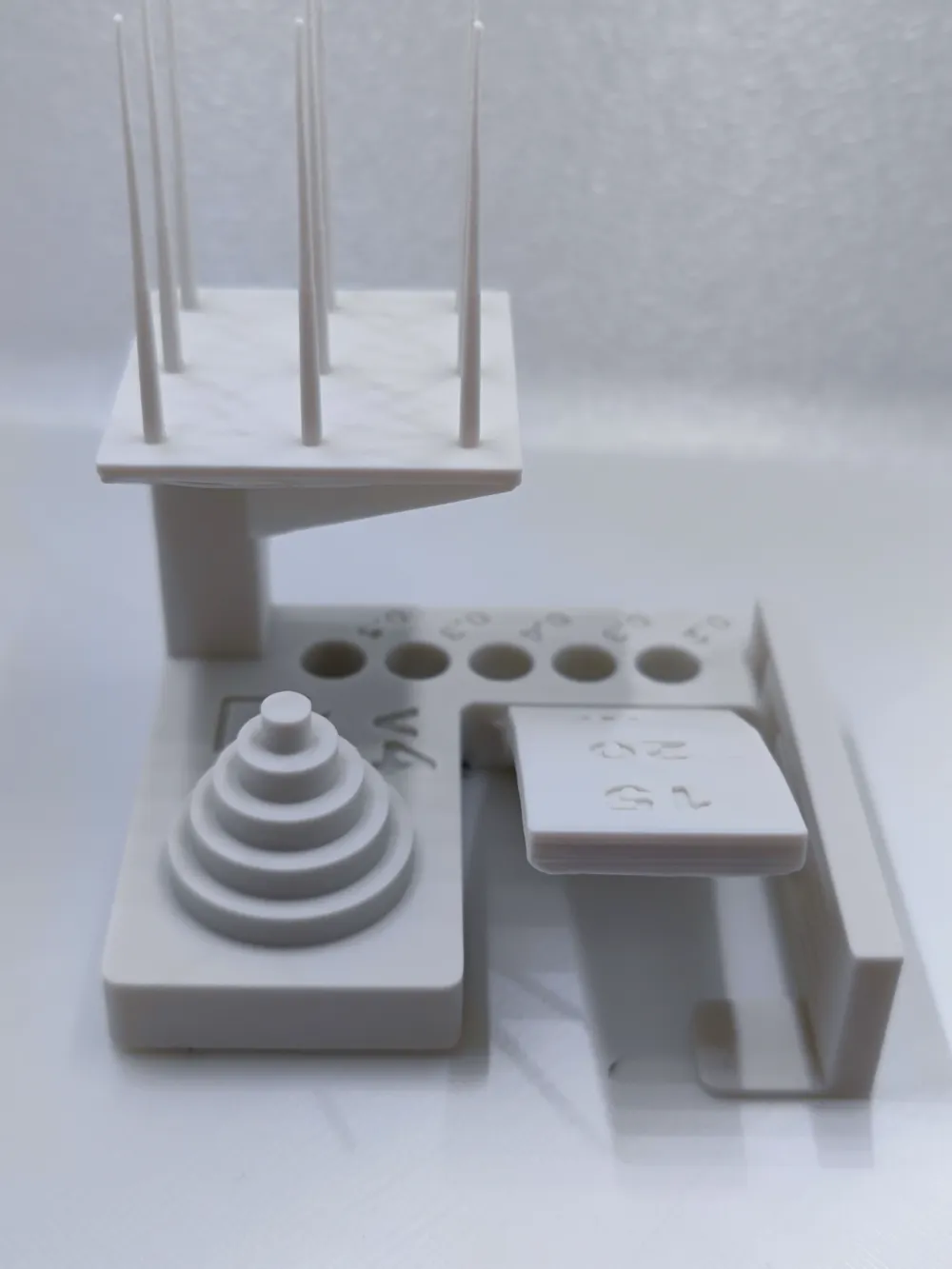
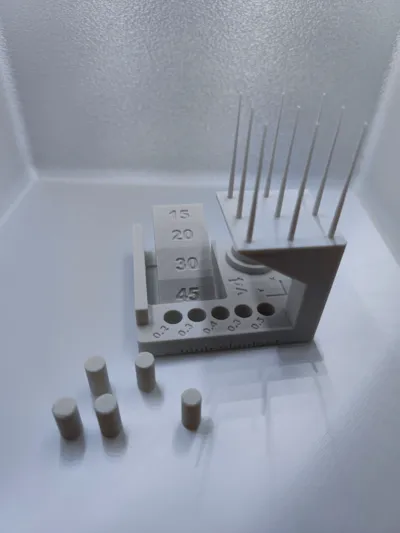
The standard calibration test (version 4) from Bambustudio.


For a uniform evaluation of your prints, all profiles are sliced with the standard settings


IMPORTANT: The print does not have to be perfect or beautiful. It is there to show what your printer can do and where improvements may need to be made (print adhesion / cooling / material ... etc.)

Comment & Rating (269)

(0/1000)

Print Profile
0.2 mm layer (slicer standard settings)
Great test, but you should really include what each test is for and what to do based on the results. I know it can all be found with a browser search, but i think it would be a lot more helpful to include it here especially for beginners. This lack of description seems to be a common issue on makerworld as opposed to thingaverse and printables.
19
Reply
Replying to @Spectraforge :
Video isn't available.
0
Reply
Boosted
The test proved incredibly helpful. I used it to evaluate print settings for PLA and PETG. First, standard PLA with default settings. Second, PETG with default settings. Third, PETG using my previous settings for PETG prints
Show original
designer
4
Reply
wow what were the PETG settings that made this dramatic difference?
0
Reply
Boosted
Replying to @danja :
I reduce the print speed and the maximum volumetric speed. This makes a big difference.
0
Reply
Replying to @MendozArt :
Thank you for the hint! I will check it out, because the print quality I get from PETG is far behind my PLA quality. So I have to twink some parameters
1
Reply
Boosted
Print Profile
0.2 mm layer (slicer standard settings)
This was a great print for testing the capabilities of my printer I do wish there was a description of what some parts were testing.
4
Reply
Really nice. Printed almost perfectly on the X1C with no changes to the defaults. Only issue was a tiny bit of stringing on the bottom of the top overhang. Great quick test for the printer. Printed using Bambu PLA, uxing X1C, on a textured PEI bed.
The designer has replied
designer
2
Reply
Thanks for your review, it still looks very clean
0
Reply
Print Profile
0.08mm layer extra fine (slicer standard settings)
my issue idk, with 0.2 profile is ok
1
Reply
Print Profile
0.2 mm layer (slicer standard settings)
What are your opinions? Printer: P2S Filament: Sunlu PETG HS (calibrated)
0
Reply
Boosted
Print Profile
0.2 mm layer (slicer standard settings)
Worked great for calibrating a difficult PETG filament.
0
Reply
Should this be done on all brands/materials or colors as well? Printed this on H2D, all default Bambu PLA settings.
0
Reply
Print Profile
0.2 mm layer (slicer standard settings)
It worked
Show original
0
Reply
Print Profile
0.2 mm layer (slicer standard settings)
Think the printer does it well
0
Reply

License

This user content is licensed under a Standard Digital File License.

You shall not share, sub-license, sell, rent, host, transfer, or distribute in any way the digital or 3D printed versions of this object, nor any other derivative work of this object in its digital or physical format (including - but not limited to - remixes of this object, and hosting on other digital platforms). The objects may not be used without permission in any way whatsoever in which you charge money, or collect fees.