
HomeRacker - Plates & Fan Grills
Print Profile(3)






Description
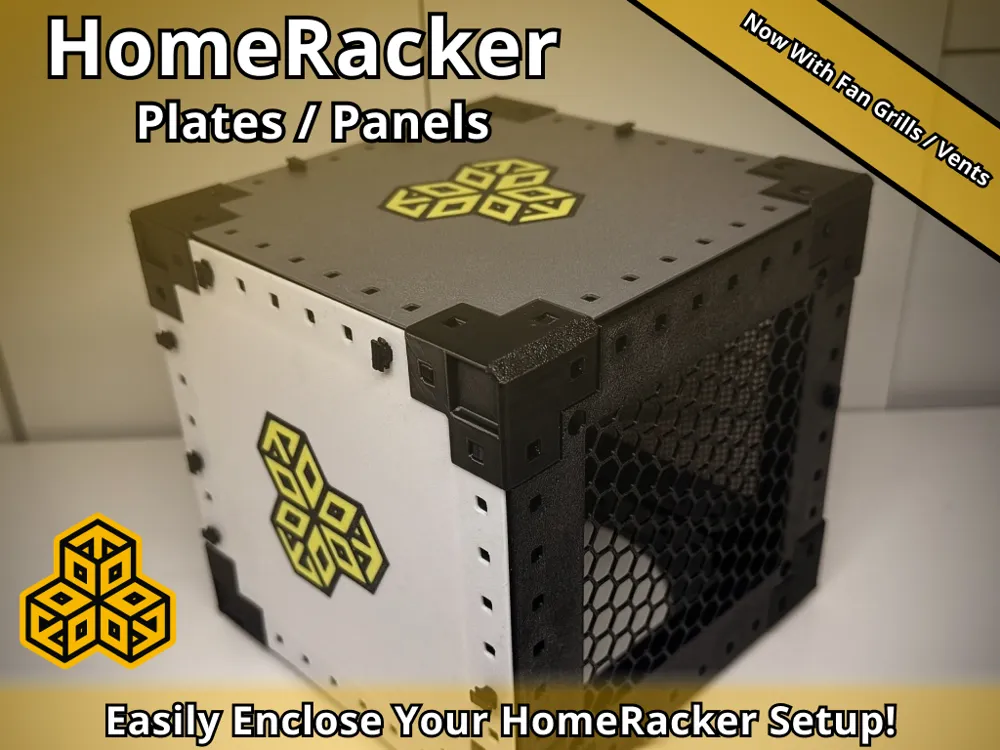
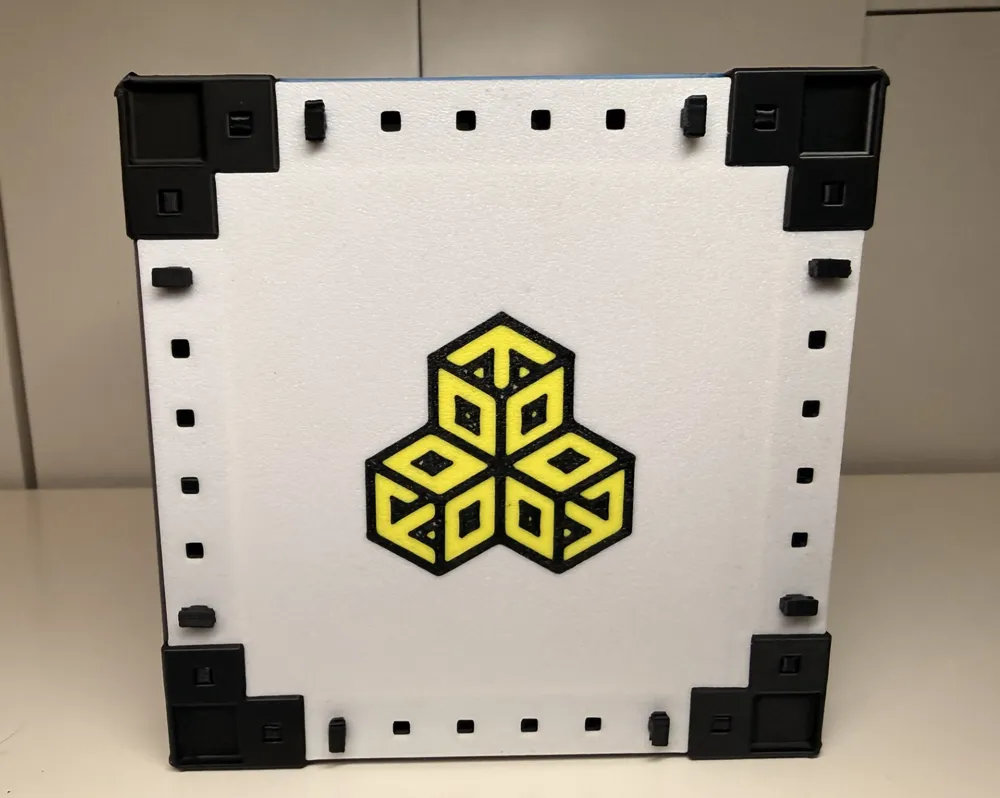
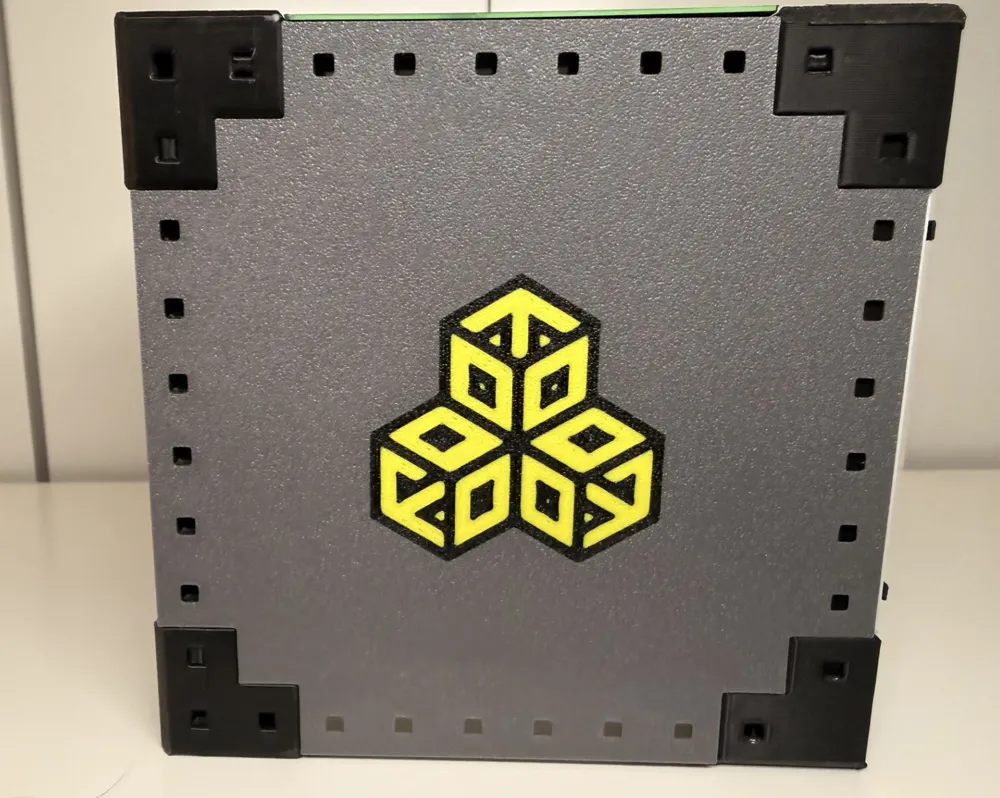
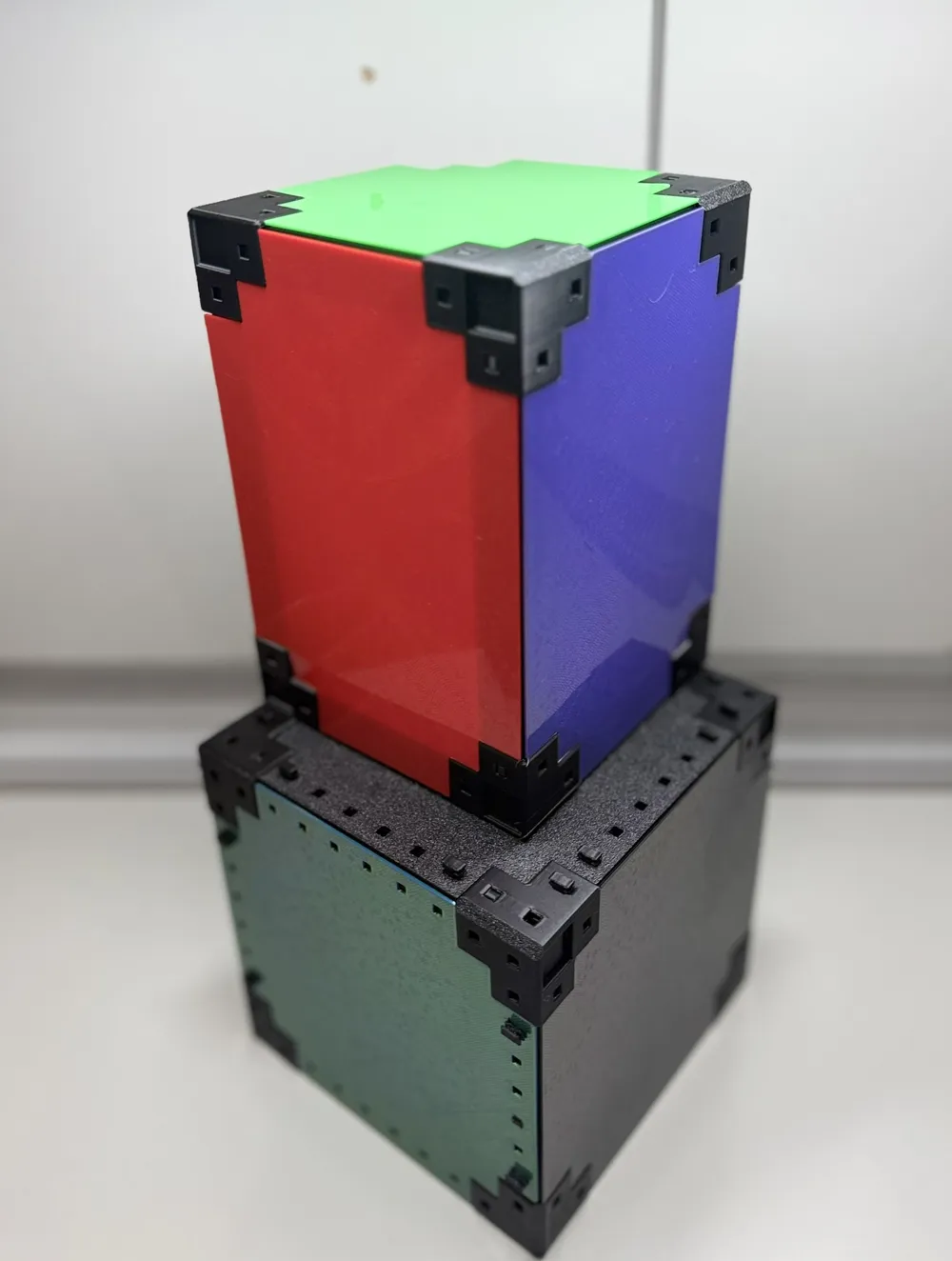
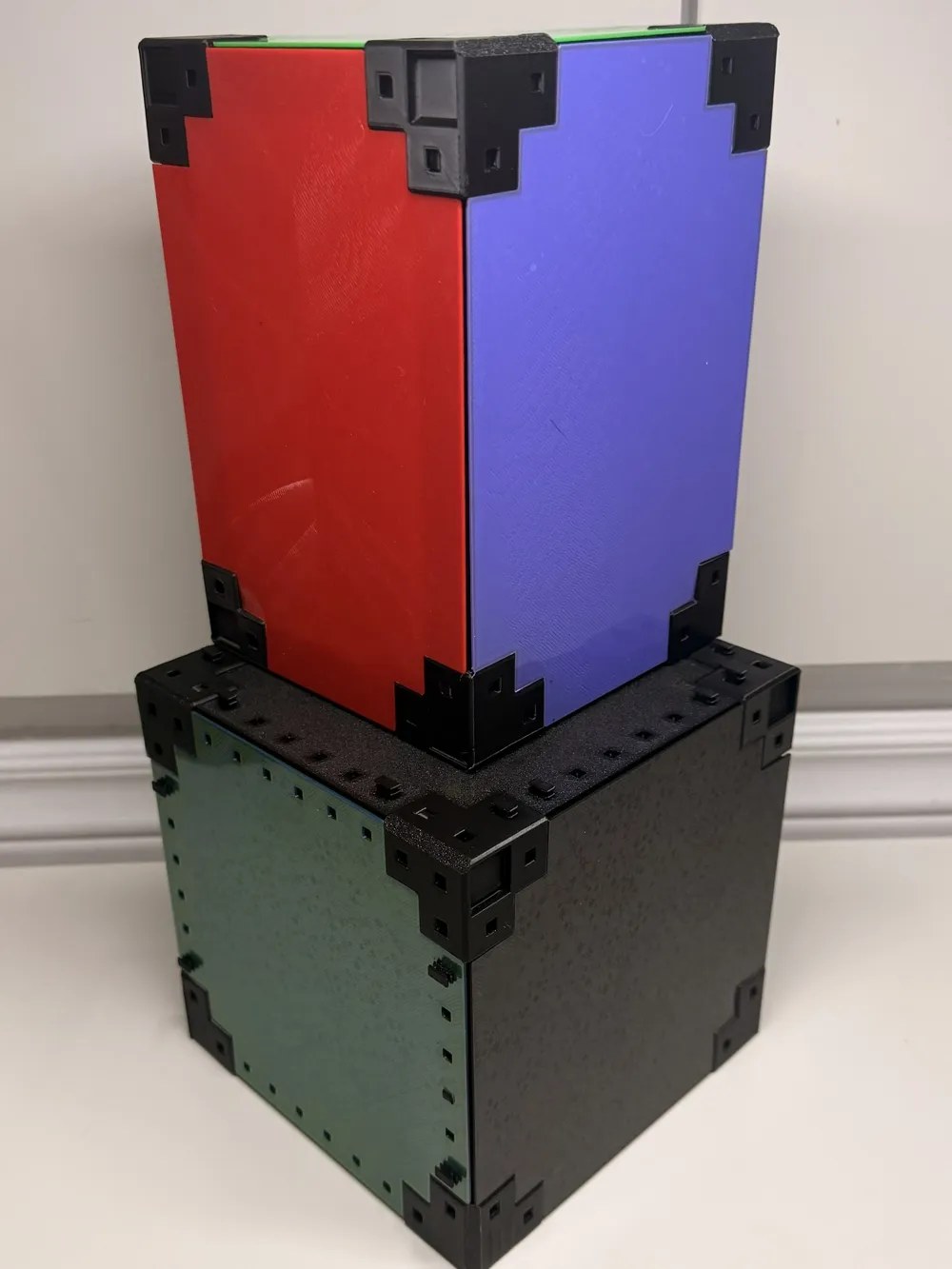
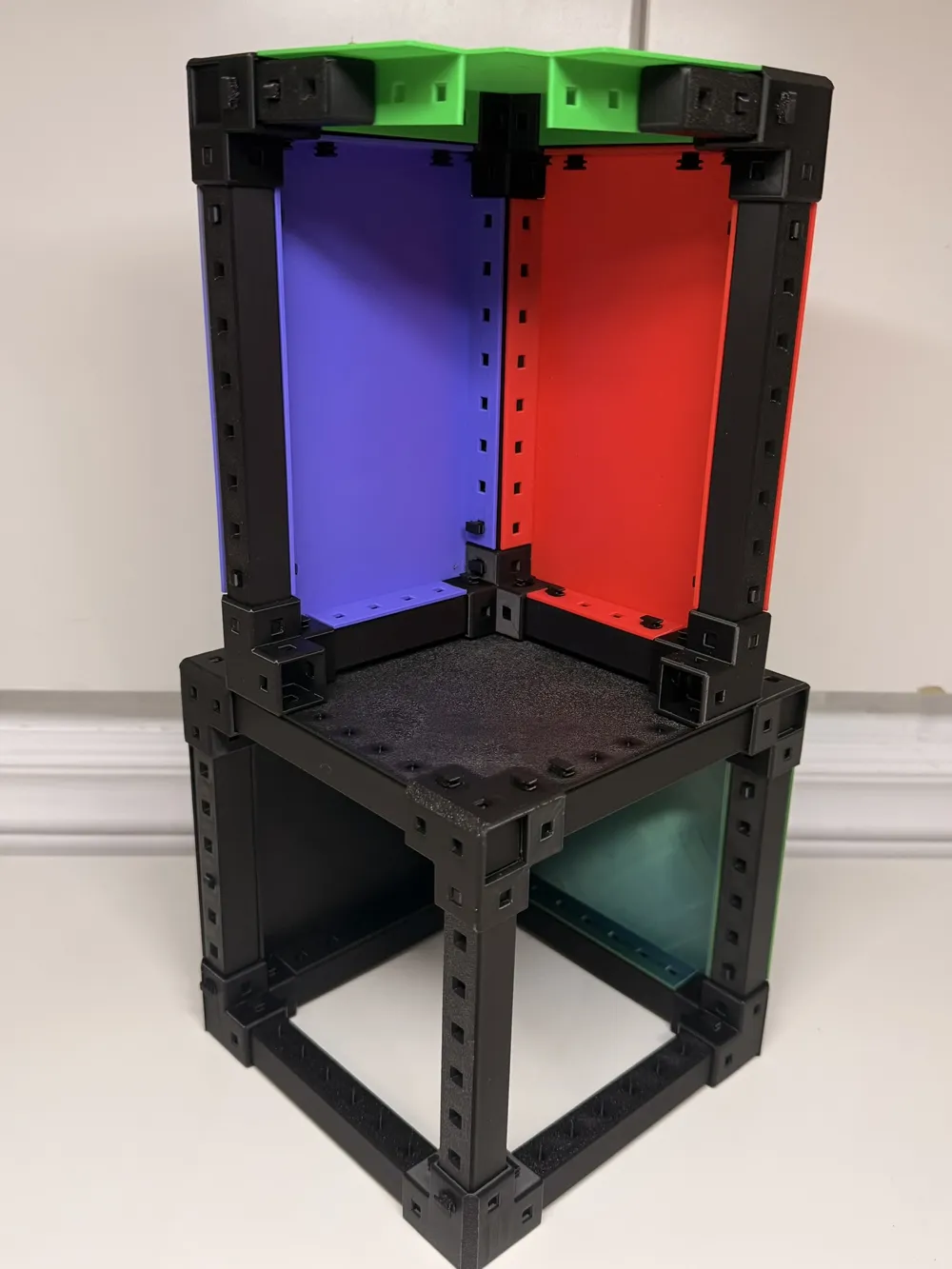
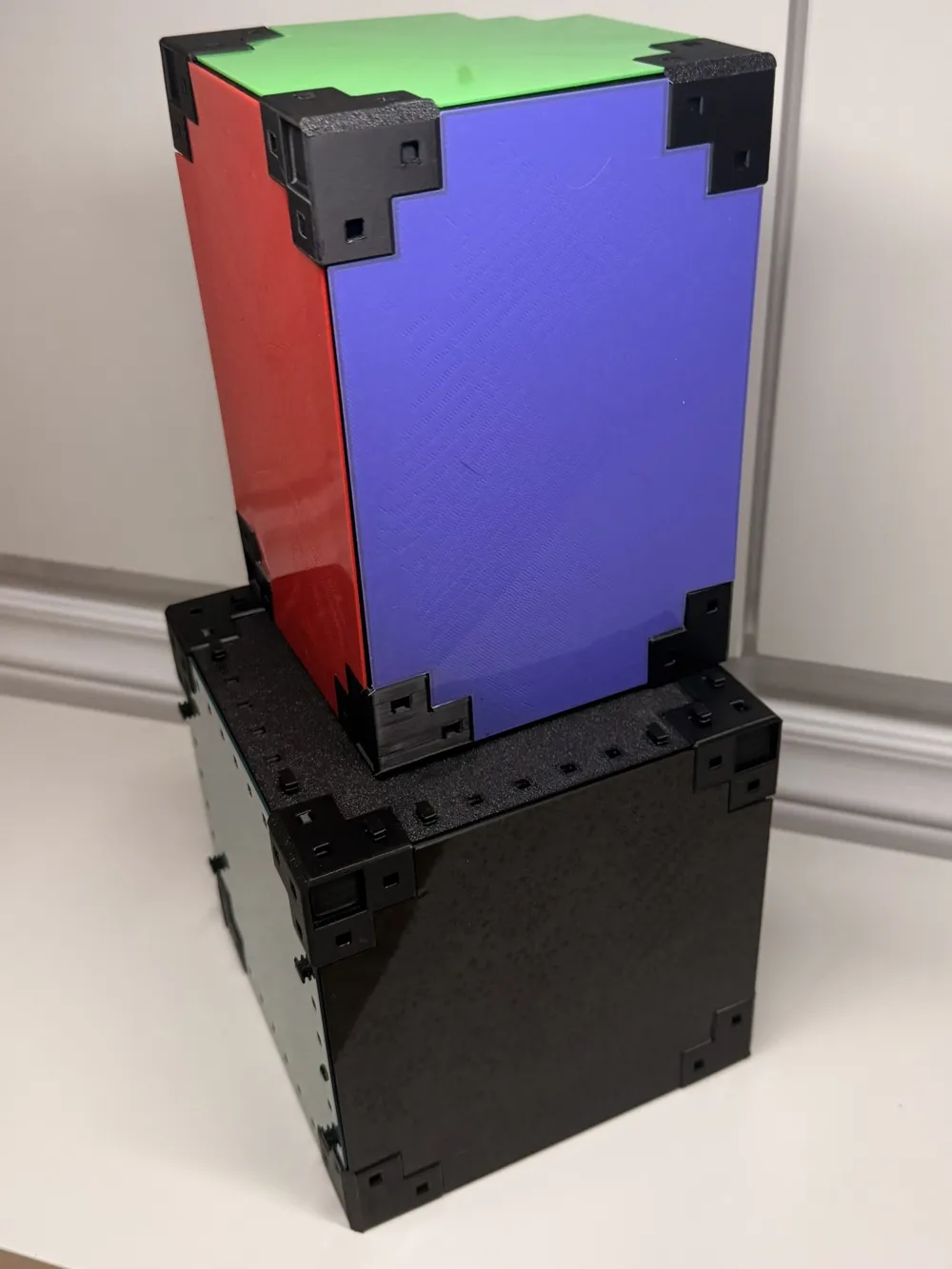
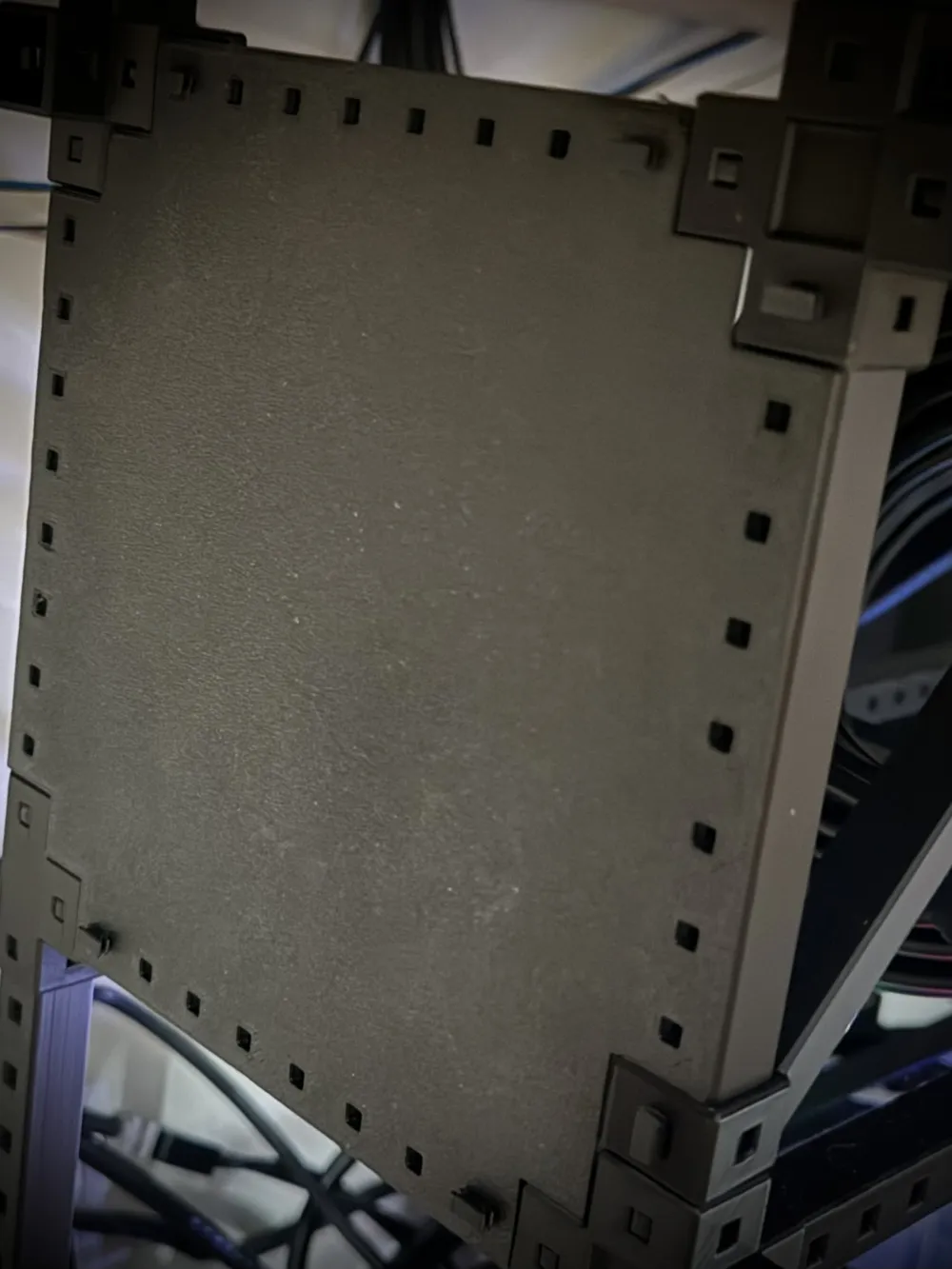
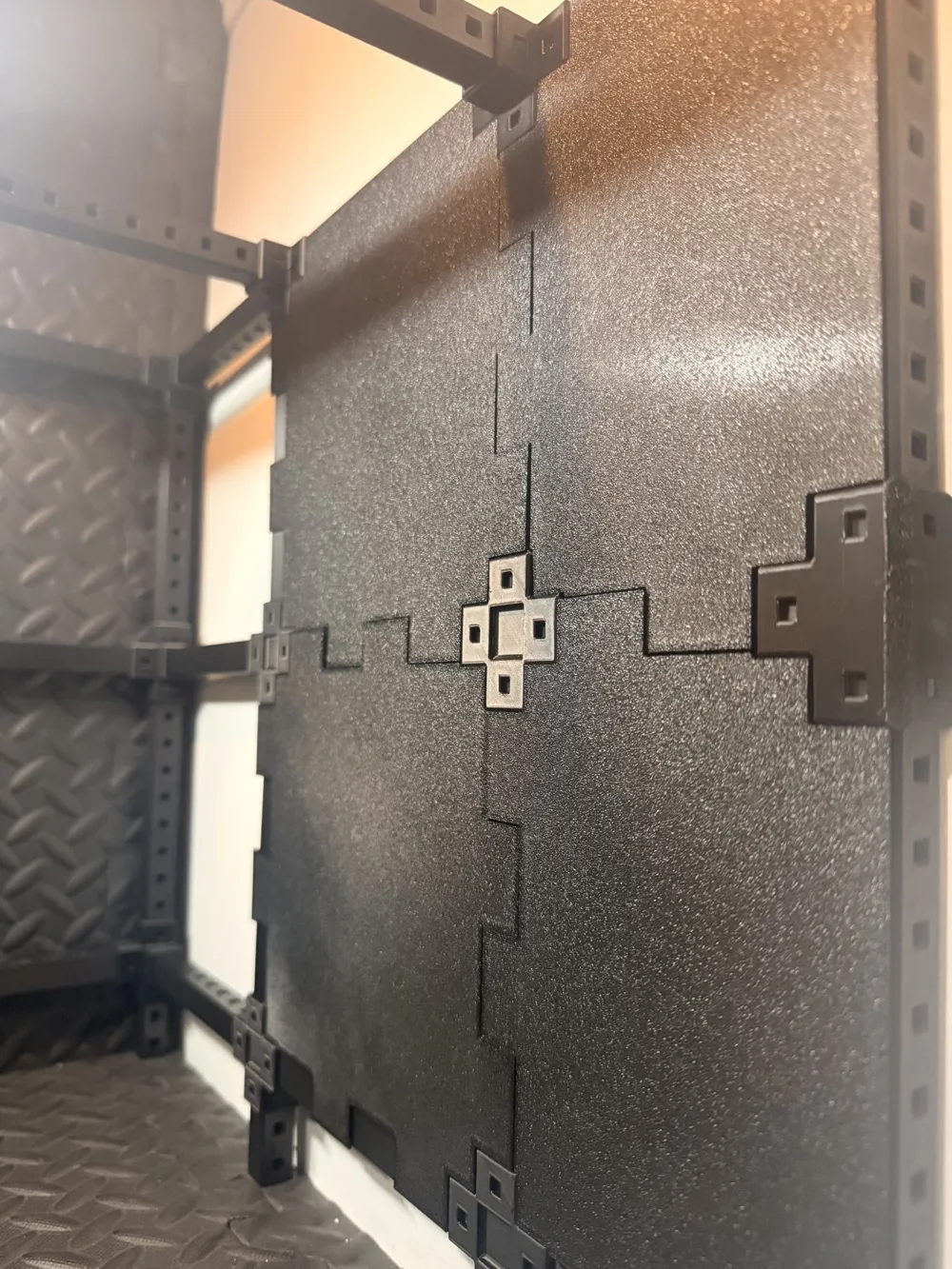
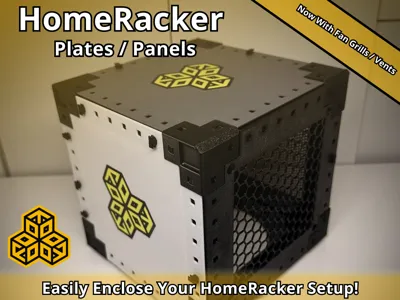
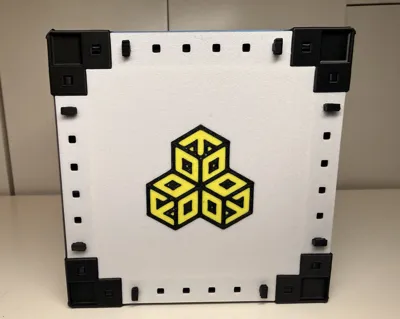
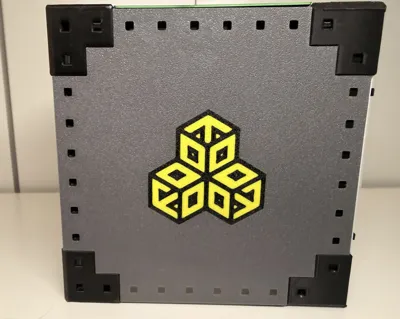
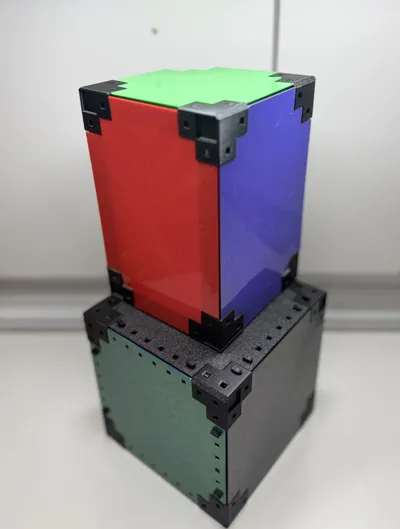
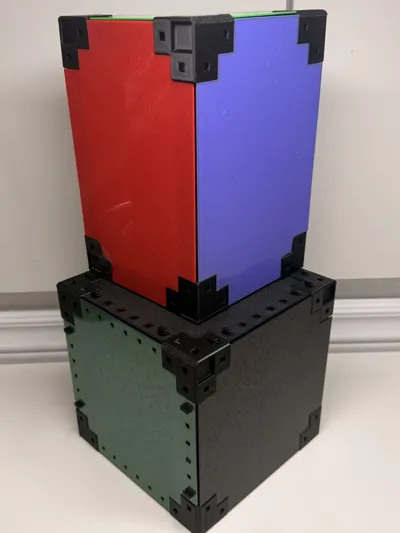
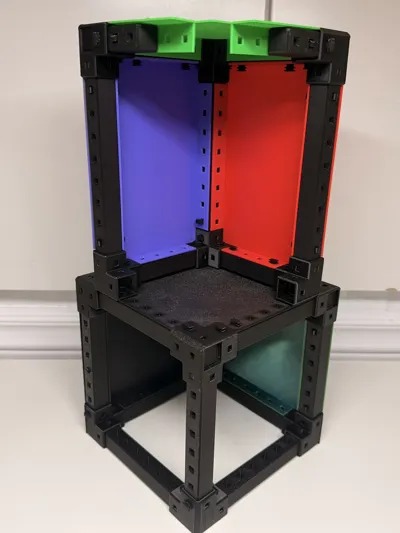
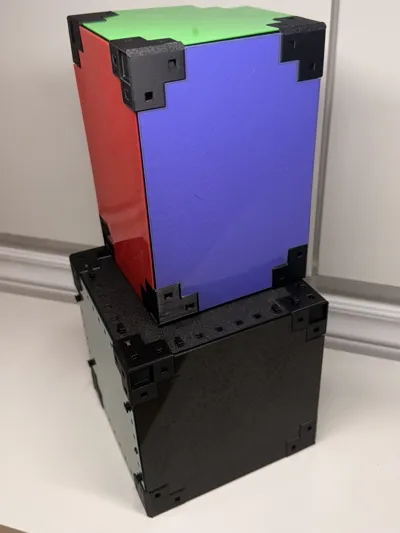
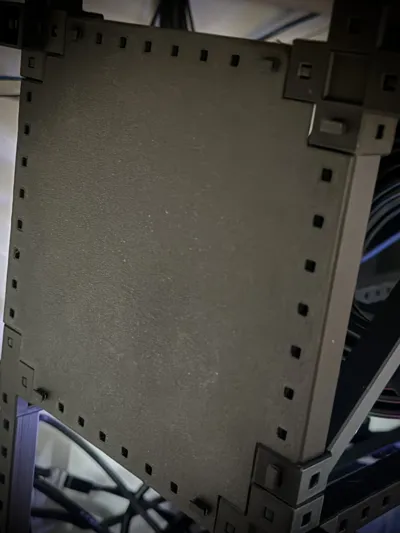
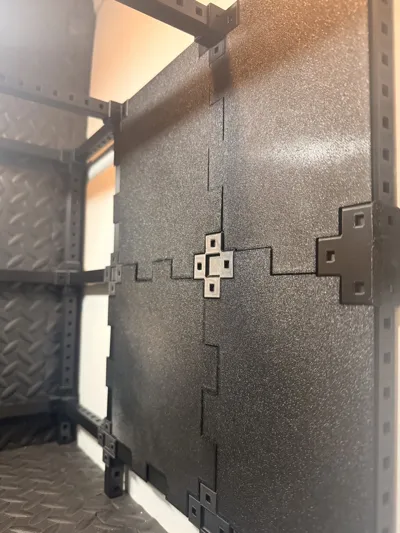
I needed some custom sized plates for my new HomeRacker setup, so this is what I came up with.
Easy and fast way to enclose your new HomeRacker setup for the more professional look 😎
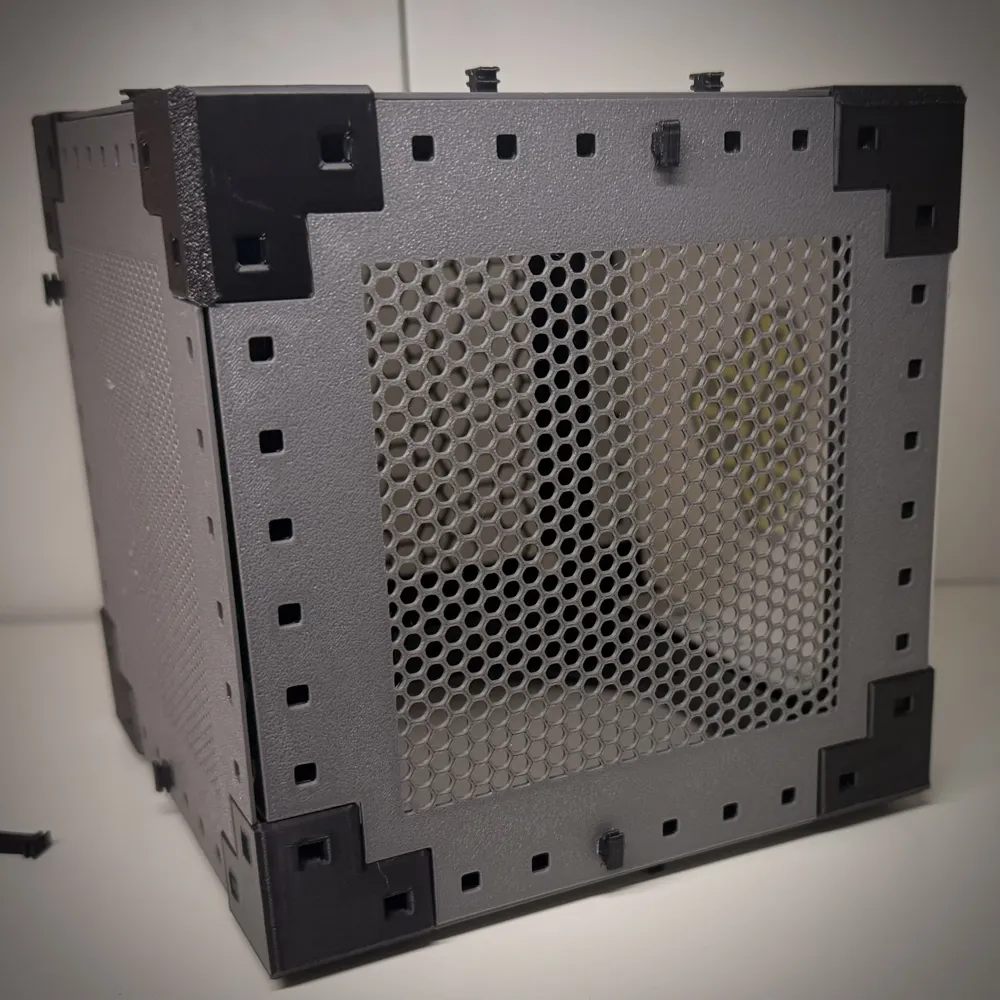
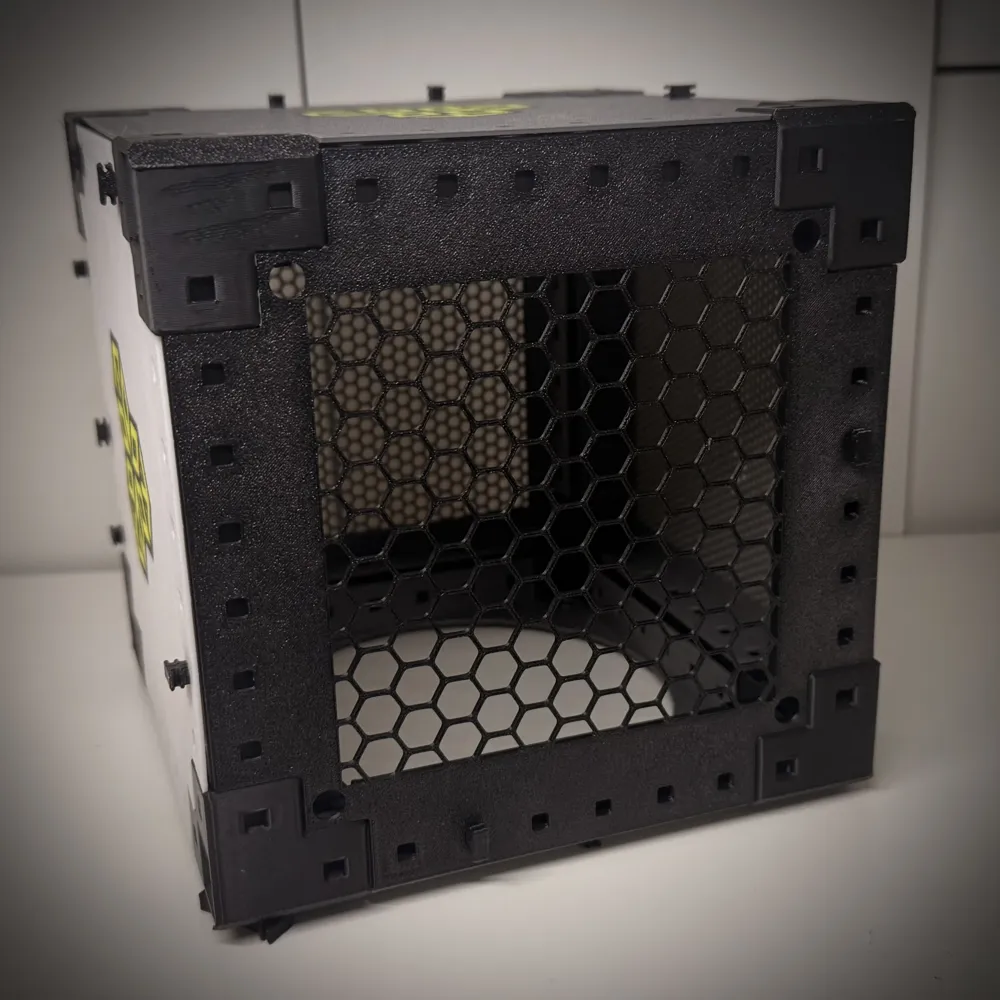
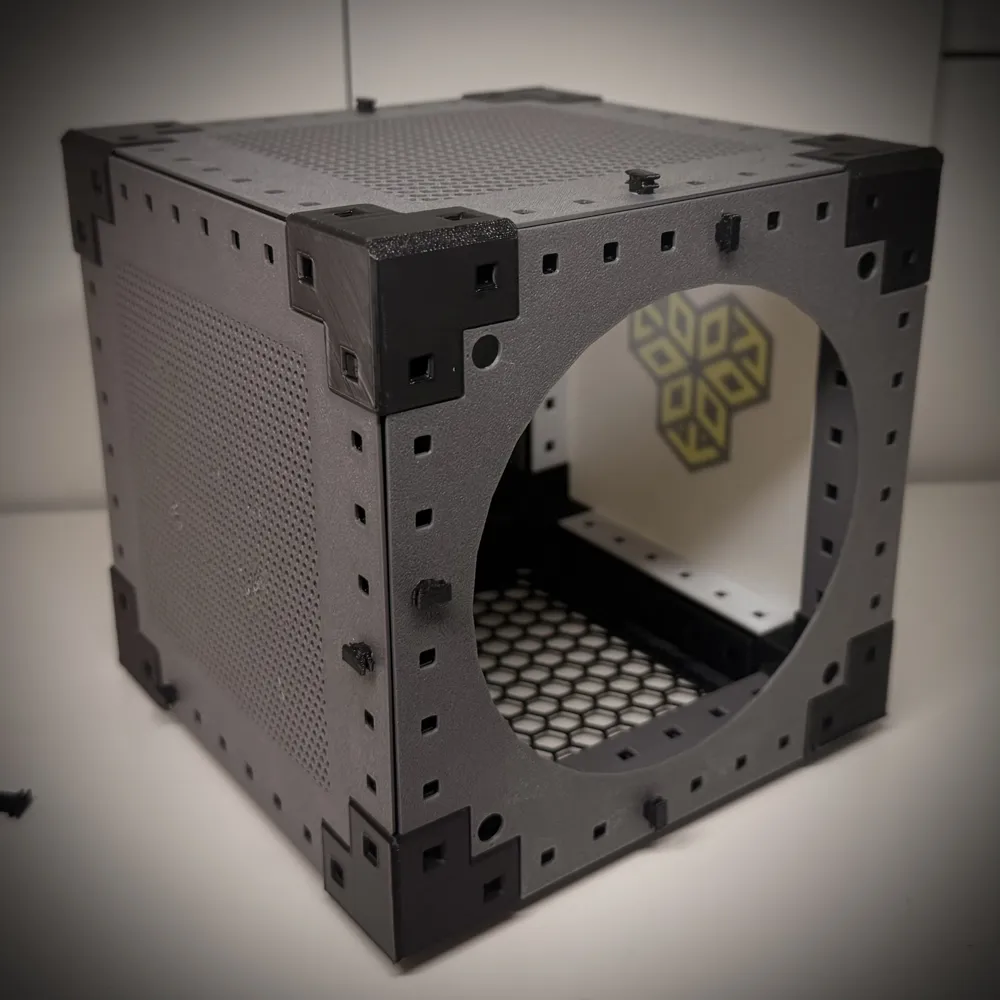
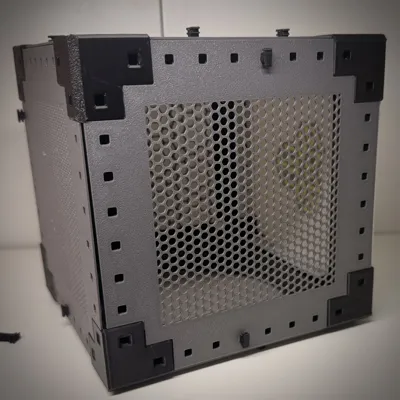
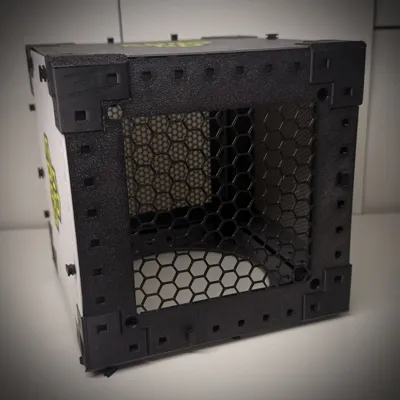
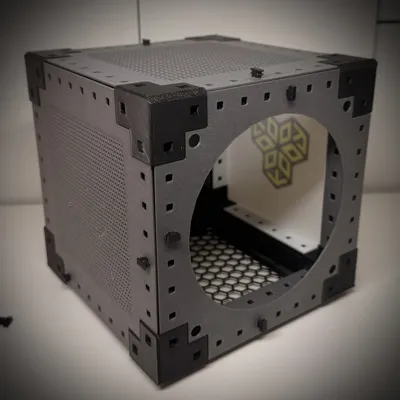
Now with Fan grills / Exhaust holes!
I do recommend you test your margins before you print a full panel using the margin tester!
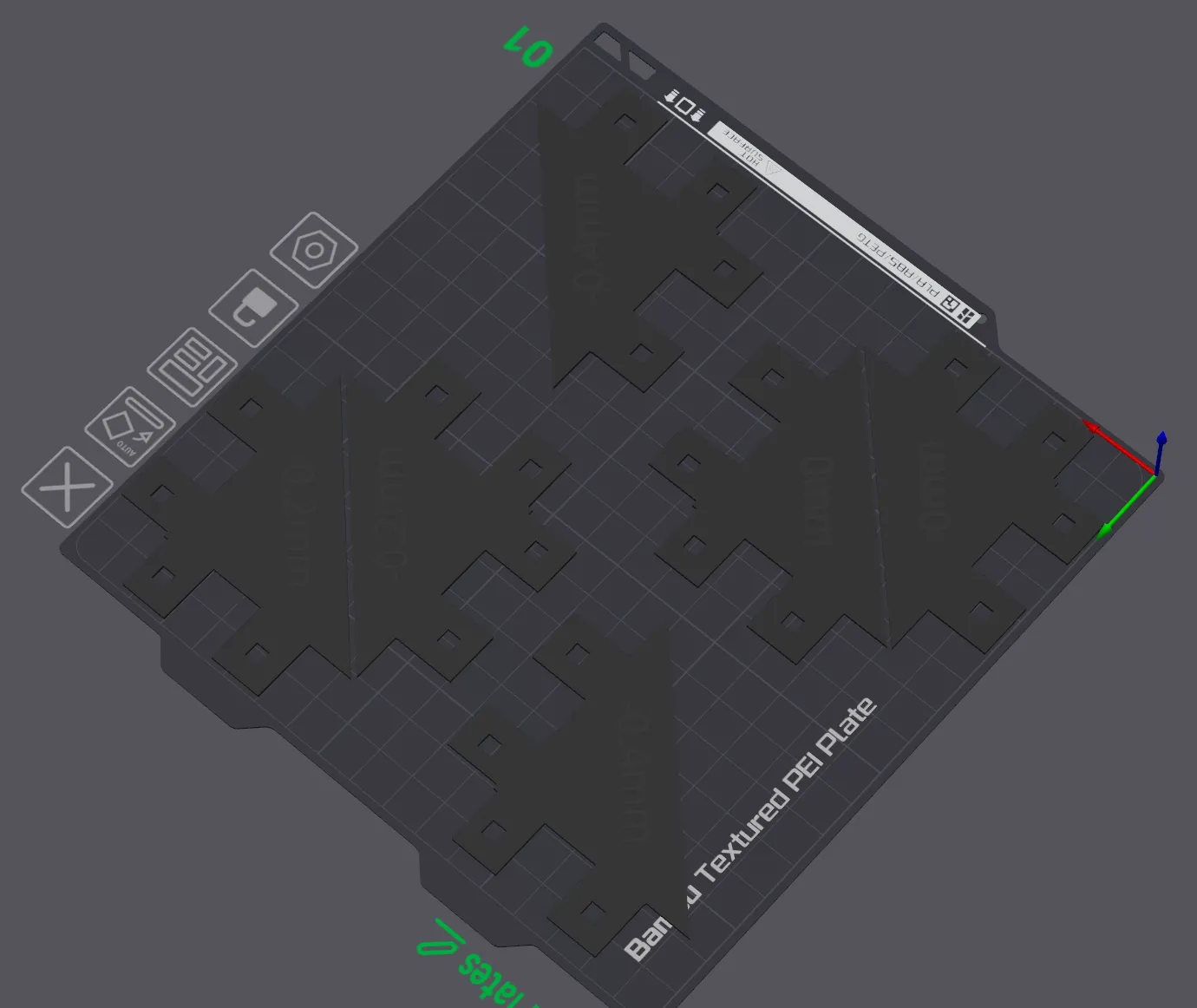
Share your custom plates!
Things You Can Customize
- Size in HomeRacker Units
- Thickness of Plate
- Color
- Toggling off surface plate holes
- Turning on and off ears
- Corner Cutouts for HomeRacker Connectors
- Removing hole flaps per size.
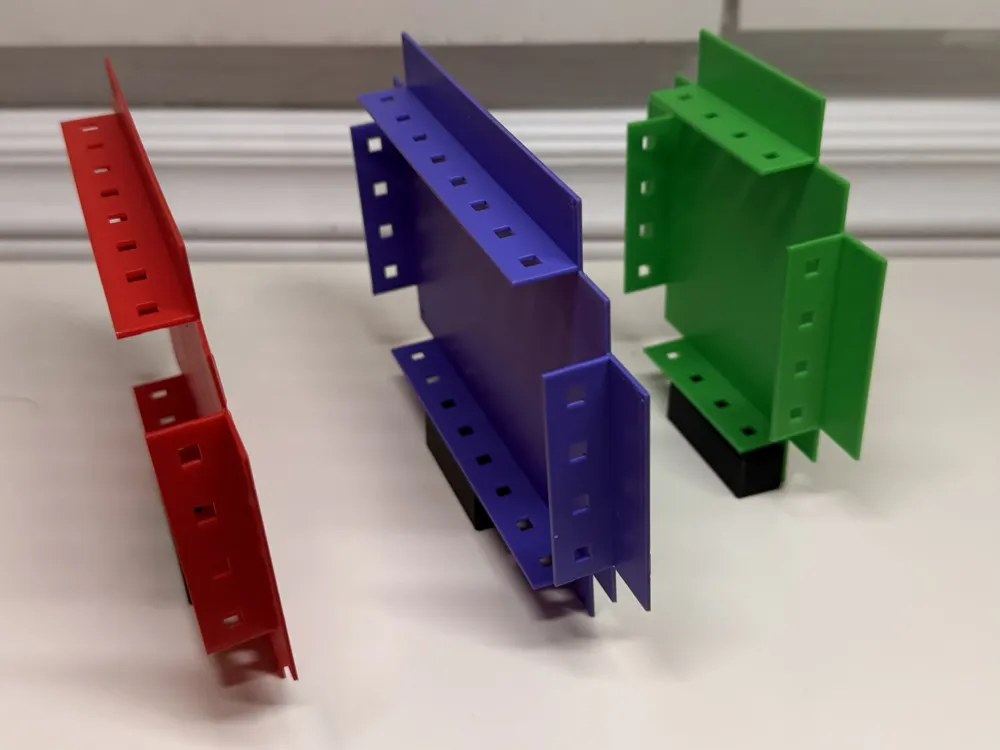
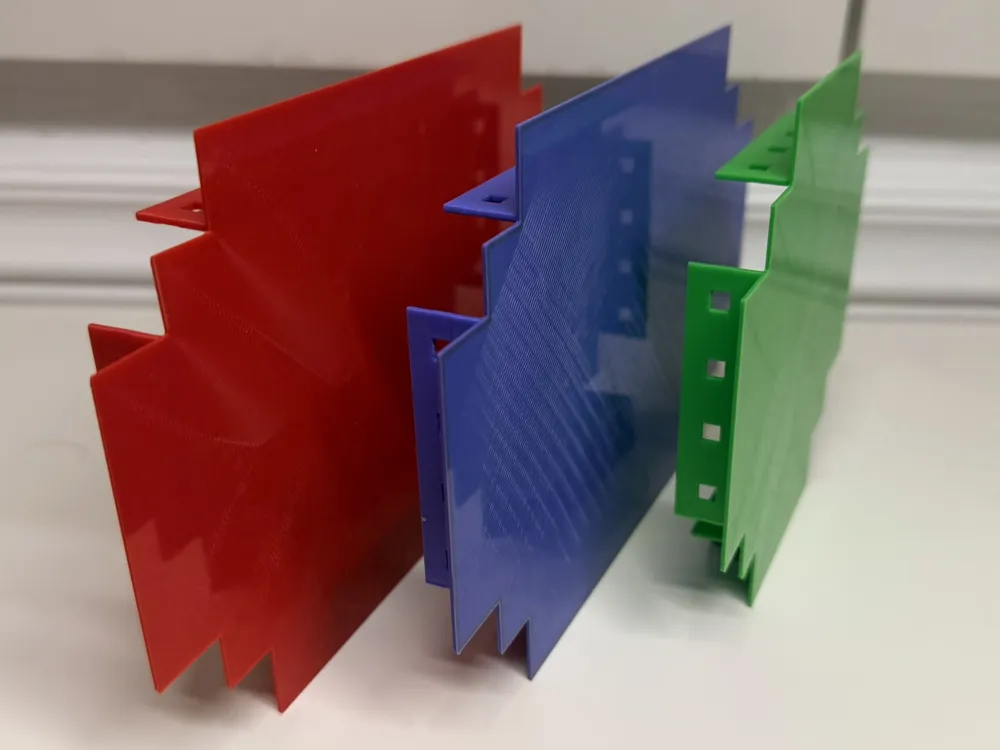
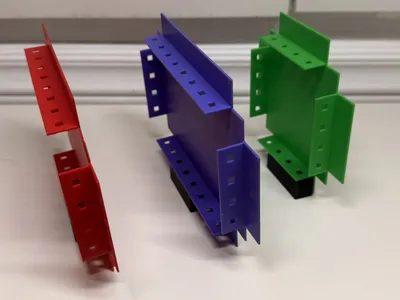
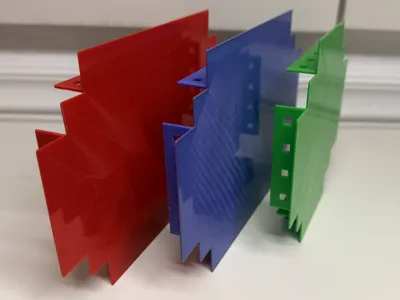
- Interlacing Flaps
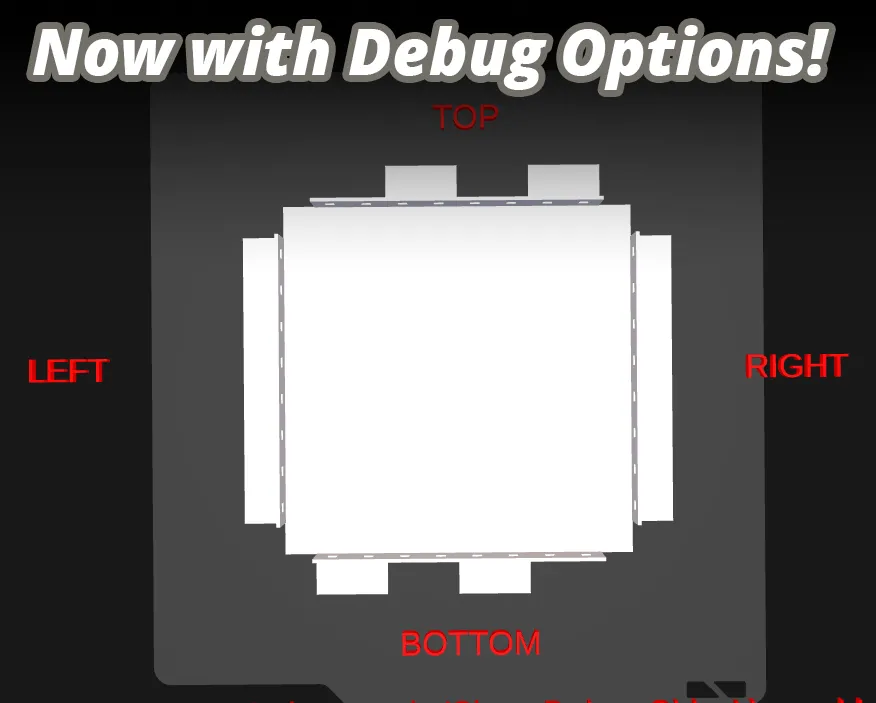
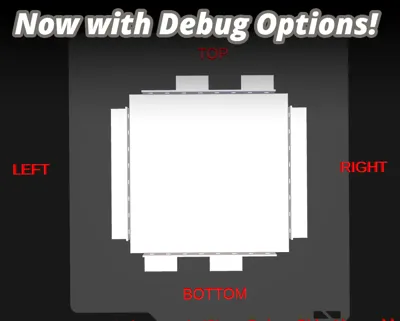
- Debug Mode (Ensure you turn this off before saving your models!)
- Interlacing flaps (Added by request from @pete25r)
- Added the ability to cut off certain areas of the flaps. Two cut objects per side.
- Guide for cutting. This displays a red block where the cut will be performed.
- Interlaced Ears. Requested by @Osku
- Margin adjustments for Ears & Flaps.
- Now on github: https://github.com/PanicPasta/HomeRacker-Plates-and-Grills . Feel free to let me know features to add via Github or here on Makerworld.
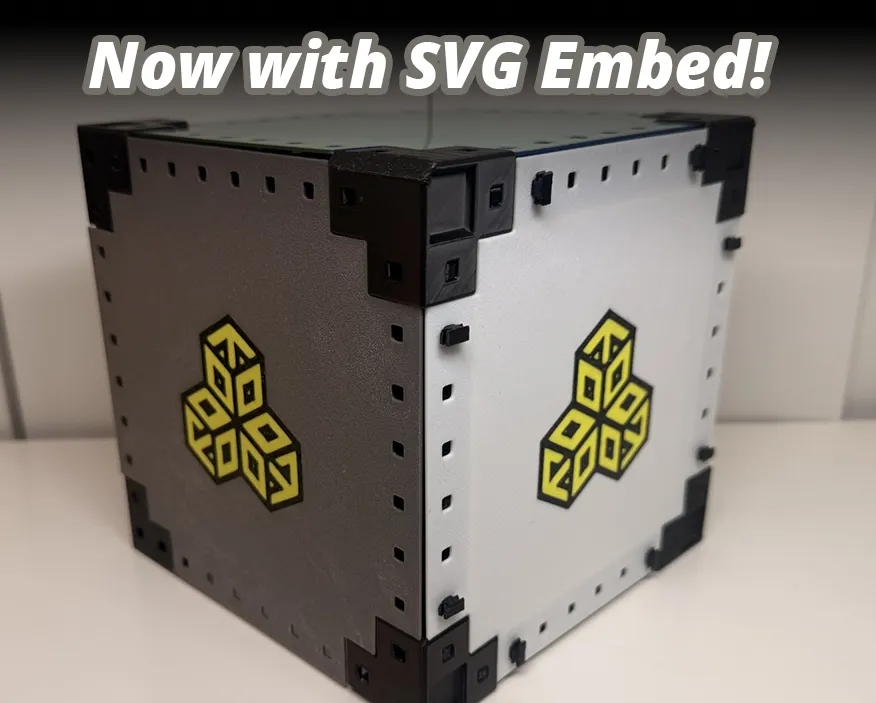
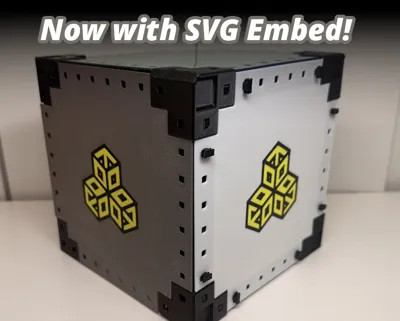
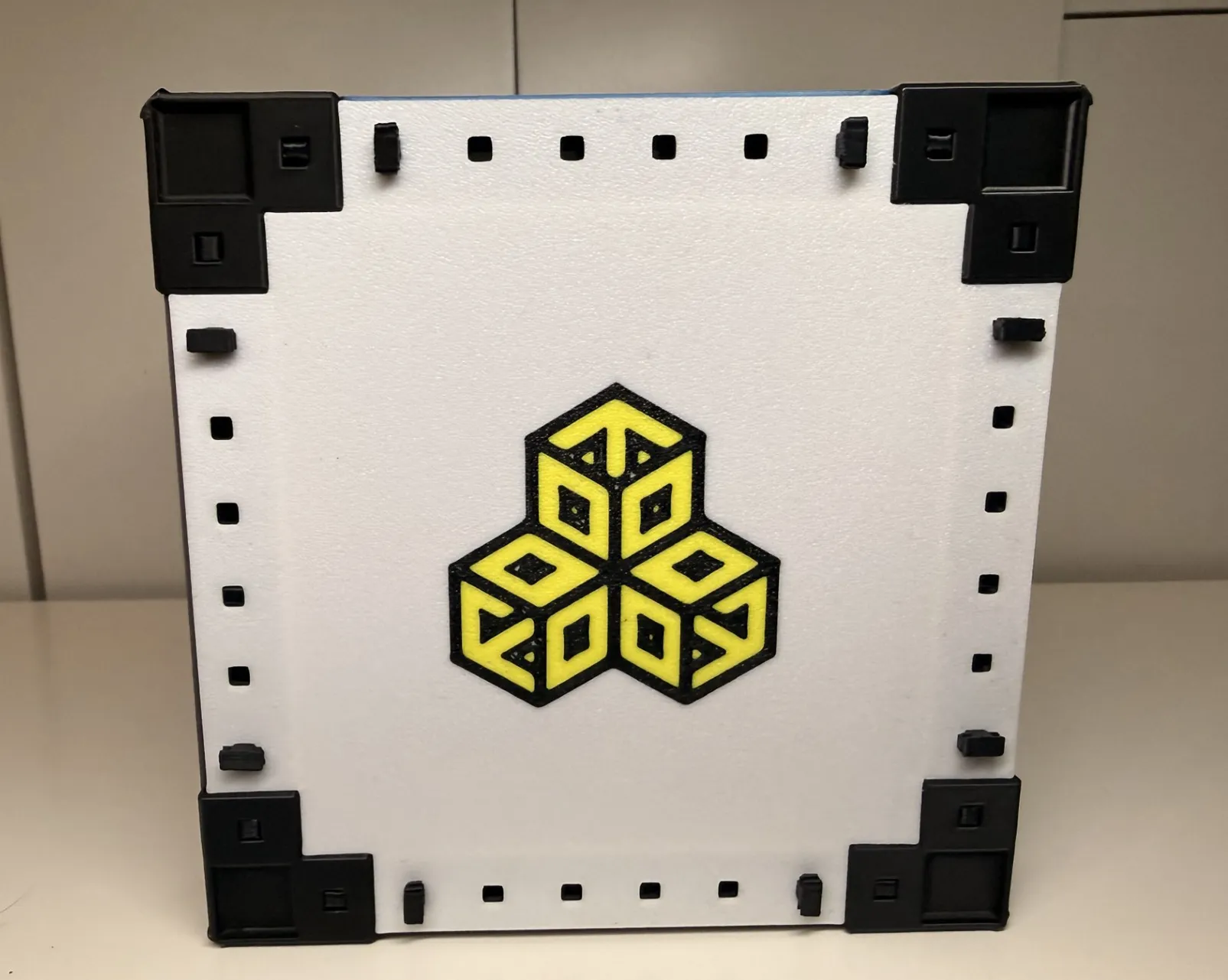
Basic SVG Embed. You can add SVGs to the outside of your plates! I will expand on this in the future.
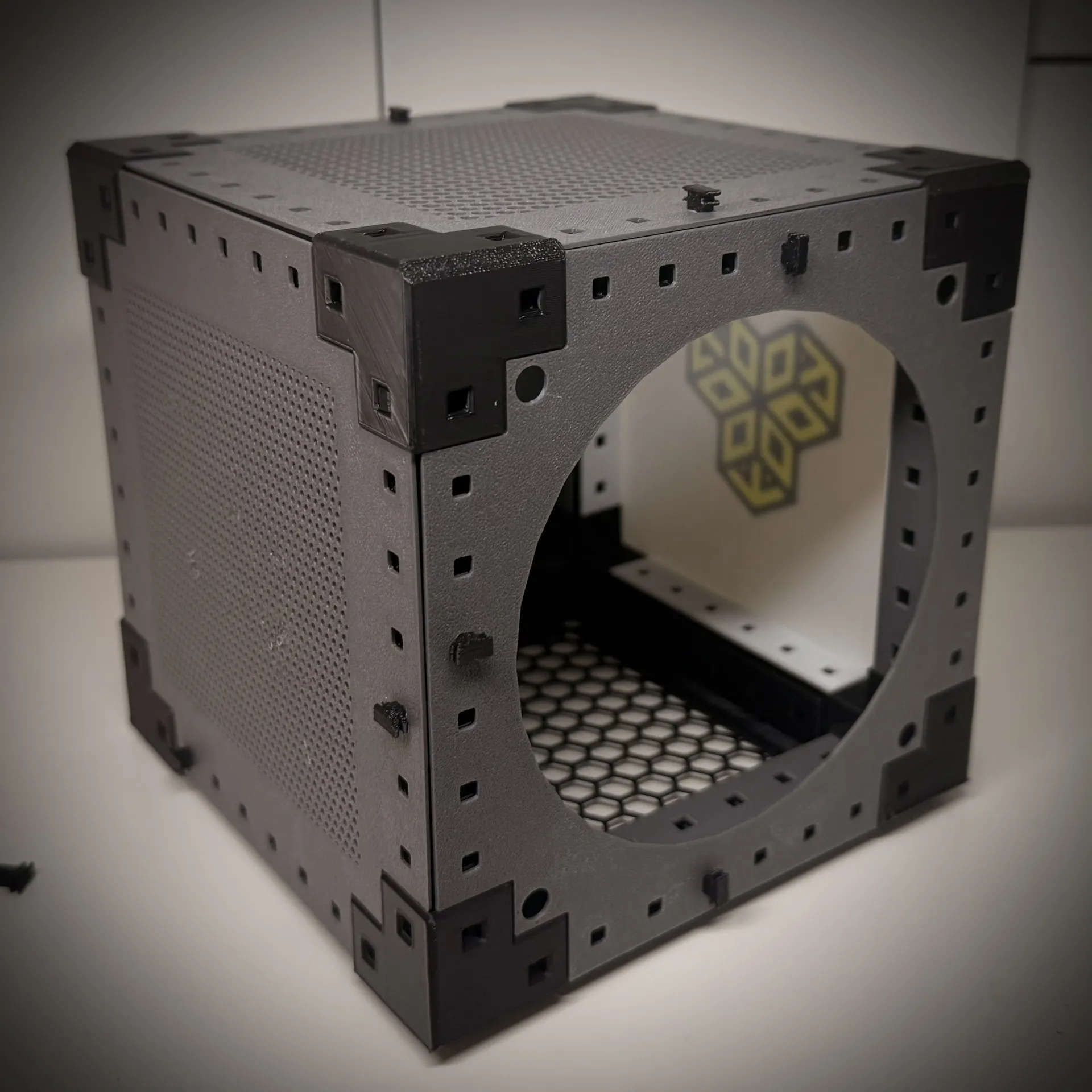
Added Fan Grills / Vent Holes to the model. I only own an A1 Mini so I haven't been able to test larger plates / fan grills but please let me know in the comments if you have any issues. Requested by @user_666121754.
New features as of 1.4.1
- Fixed issue where the right and left cutout positions were not calculated correctly.
- Added margins to all cutouts. Requested by https://makerworld.com/en/@user_985253575
| Guide On | 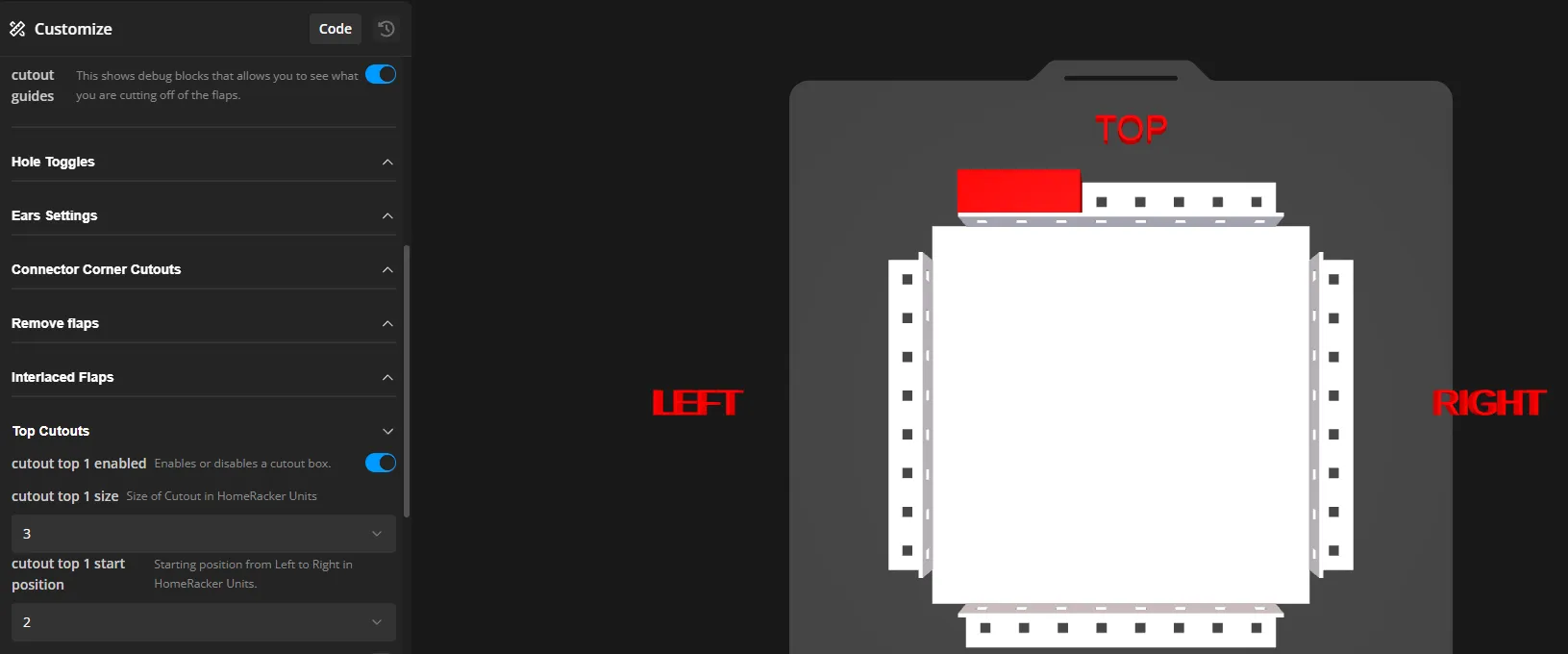 |
| Guide Off | 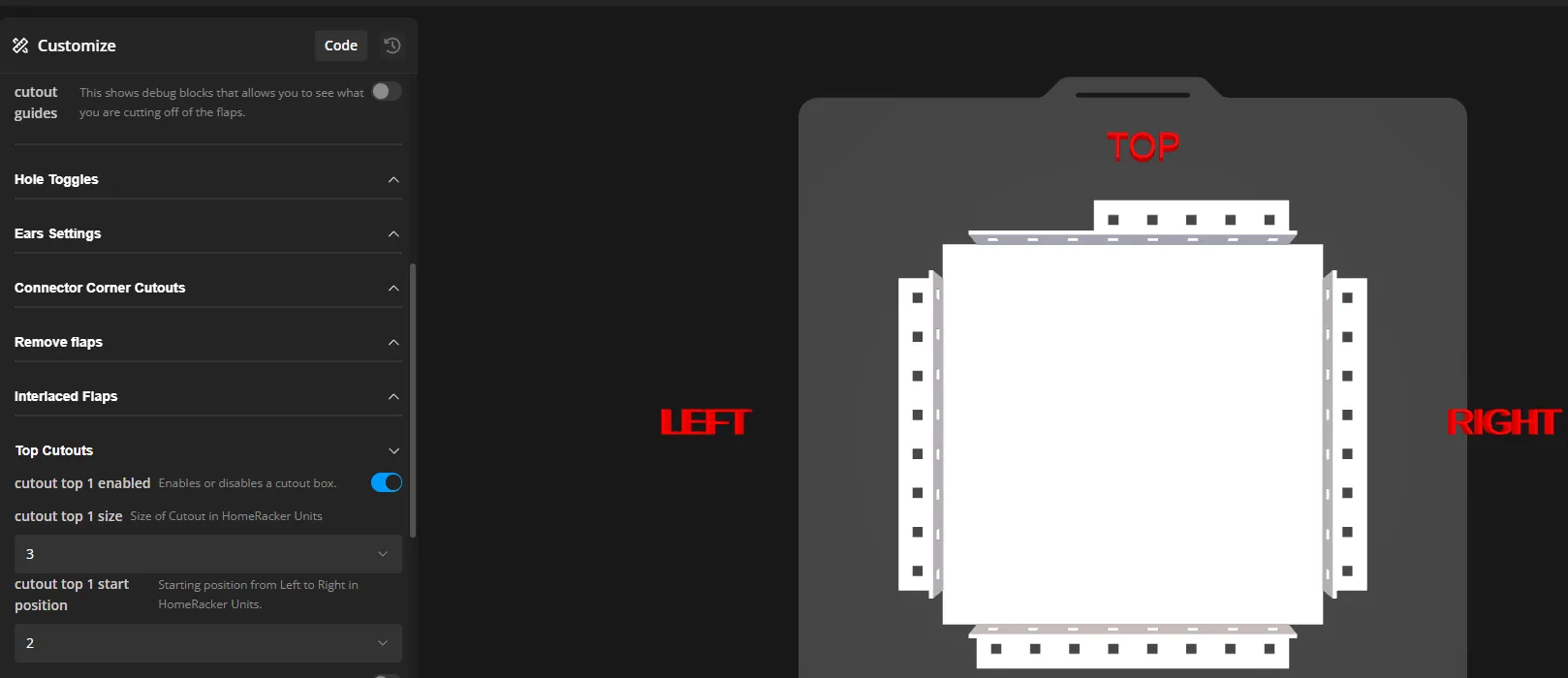 |
All SCAD OPTIONS:
| Parameters | |
| Blocks X | Number of HomeRacker units along the X-axis. |
| Blocks Y | Number of HomeRacker units along the Y-axis. |
| Thickness | Thickness of the plate/panel. Ideally no less than 1 mm to avoid warping and ensure structural strength. |
| Shape Color | Changes the color of the shape. Displayed in HEX format. |
| Show Debug Sides | Toggles debug text showing side orientation (Top, Bottom, Left, Right). This significantly increases model generation time. |
| Debug Color | Sets the color of all debug text and debug objects. Displayed in HEX format. |
| Cutout Guidelines | Displays debug blocks showing what portions of the flaps will be cut off. Affected by the Debug Color setting. |
| Toggle Holes | |
| Hole Top | Toggles surface holes on the top. |
| Hole Bottom | Toggles surface holes on the bottom. |
| Hole Left | Toggles surface holes on the left. |
| Hole Right | Toggles surface holes on the right. |
| Ears Settings | |
| Ear Top | Enables or disables the top ear. |
| Ear Bottom | Enables or disables the bottom ear. |
| Ear Left | Enables or disables the left ear. |
| Ear Right | Enables or disables the right ear. |
| Ear Thickness | Sets the ear thickness in millimeters. |
| Interlaced Ears | |
| Interlaced Ears Top | Enables or disables interlaced ears on the top. |
| Interlaced Ears Bottom | Enables or disables interlaced ears on the bottom. |
| Interlaced Ears Left | Enables or disables interlaced ears on the left. |
| Interlaced Ears Right | Enables or disables interlaced ears on the right. |
| Interlaced Ears Size | Size of interlaced ears in HomeRacker units. |
| Enable Ears Margin | Changes the margin of the ears, allows for better fit with certain printer options. |
| Interlaced Ears Margin | margin in millimeters, goes in the negative to increase margins and positive reduce margins. |
| Connector Corner Cuttouts | 30mm or 2 HomeRacker Units |
| Corner Top Left | Enables or disables the top-left corner cutout. |
| Corner Top Right | Enables or disables the top-right corner cutout. |
| Corner Bottom Left | Enables or disables the bottom-left corner cutout. |
| Corner Bottom Right | Enables or disables the bottom-right corner cutout. |
| Remove Flaps | |
| Flaps Top | Removes the top flap. |
| Flaps Bottom | Removes the bottom flap. |
| Flaps Left | Removes the left flap. |
| Flaps Right | Removes the right flap. |
| Interlaced Flaps | |
| Interlaced Flaps Top | Enables or disables interlaced flaps on the top. |
| Interlaced Flaps Bottom | Enables or disables interlaced flaps on the bottom. |
| Interlaced Flaps Left | Enables or disables interlaced flaps on the left. |
| Interlaced Flaps Right | Enables or disables interlaced flaps on the right. |
| Interlaced Flaps Size | Size of interlaced flaps in HomeRacker units. |
| Enable Flaps Margin | Changes the margin of the flaps, allows for better fit with certain printer options. |
| Interlaced Flaps Margin | margin in millimeters, goes in the negative to increase margins and positive reduce margins. |
| Cutouts | Settings repeat twice per size of the panel / plate. |
| Cutout Enabled | Enables the cutout. |
| Cutout Size | Cutout size in HomeRacker units. |
| Cutout Top Start | Starting position of the cutout in HomeRacker Units. |
| SVG Embed | This feature is experimental and has not been tested much. |
| Enable SVG | Enables SVG Embed. |
| FilenameSVG | Upload property for the SVG file. |
| SVG Color | Changes the color of the SVG. |
| Fan Openings / Fan Cutouts | |
| Enable fan holes | Enables the holes to be cut into the model. |
| Fan Size | This changes how the fan holes are located based on the fan size selected. |
| Fan Hole Screw Size | Changes the screw hole size. Displayed in millimeters. If you do not want screw holes set this to 0. |
| Fan Grill Pattern | Switches between patterns of grills. Currently just Hexagon and Circle |
| Fan Gril Hexagon Size | Changes the size of the hexagons in the fangrill |
| Fan Gril Hexagon spacing | Changes the spacing between each hexagon on the fangrill |
| Fan Gril Length | Length of grill displayed in millimeters. |
| Fan Gril Height | Height of grill displayed in millimeters. |
| Fan Grill Circle Diameter | Diameter of the circle displayed in millimeters. |
Only possible thanks to https://github.com/kellervater for creating HomeRacker!
This model is based on the open-source HomeRacker specification which you can find here:
[2026-01-25] - Version 1.4.1
- Fixed issue where the right and left cutout positions were not calculated correctly.
- Added margins to all cutouts. Requested by https://makerworld.com/en/@user_985253575
[2026-01-25] - Version 1.4
- Fixed the core code base and optimized for an OpenSource release. Now on github: https://github.com/PanicPasta/HomeRacker-Plates-and-Grills . Feel free to let me know features to add via Github or here on Makerworld.
- Fixed some adjustment fits with the corners.
- Fixed a bug where the thickness of the plate wouldnt scale the holes correctly.
[2025-12-19] - Version 1.3
- Added Fan Grills / Vent Holes to the model. I only own an A1 Mini so I haven't been able to test larger plates / fan grills but please let me know in the comments if you have any issues. Requested by @user_666121754.
[2025-12-10] - Version 1.2
- Added Interlaced Ears. Requested by @Osku
- Added margins for interlaced Ears & Flaps. This will make it easier to adjust for fit of the plates with each other.
- Added basic SVG embed to base of plate.
- Created a basic test model to print and test fit of margins.
[2025-11-18] - Version 1.1
- I have reworked the customizable SCAD to now allow for cutouts and interlacing of flaps. This makes it easier to have multiple plates size by side on one frame.
- Added a Debug option to display each side of the model. Makes it easier to find which side is which.
Made some small adjusts to fit for the SCAD.
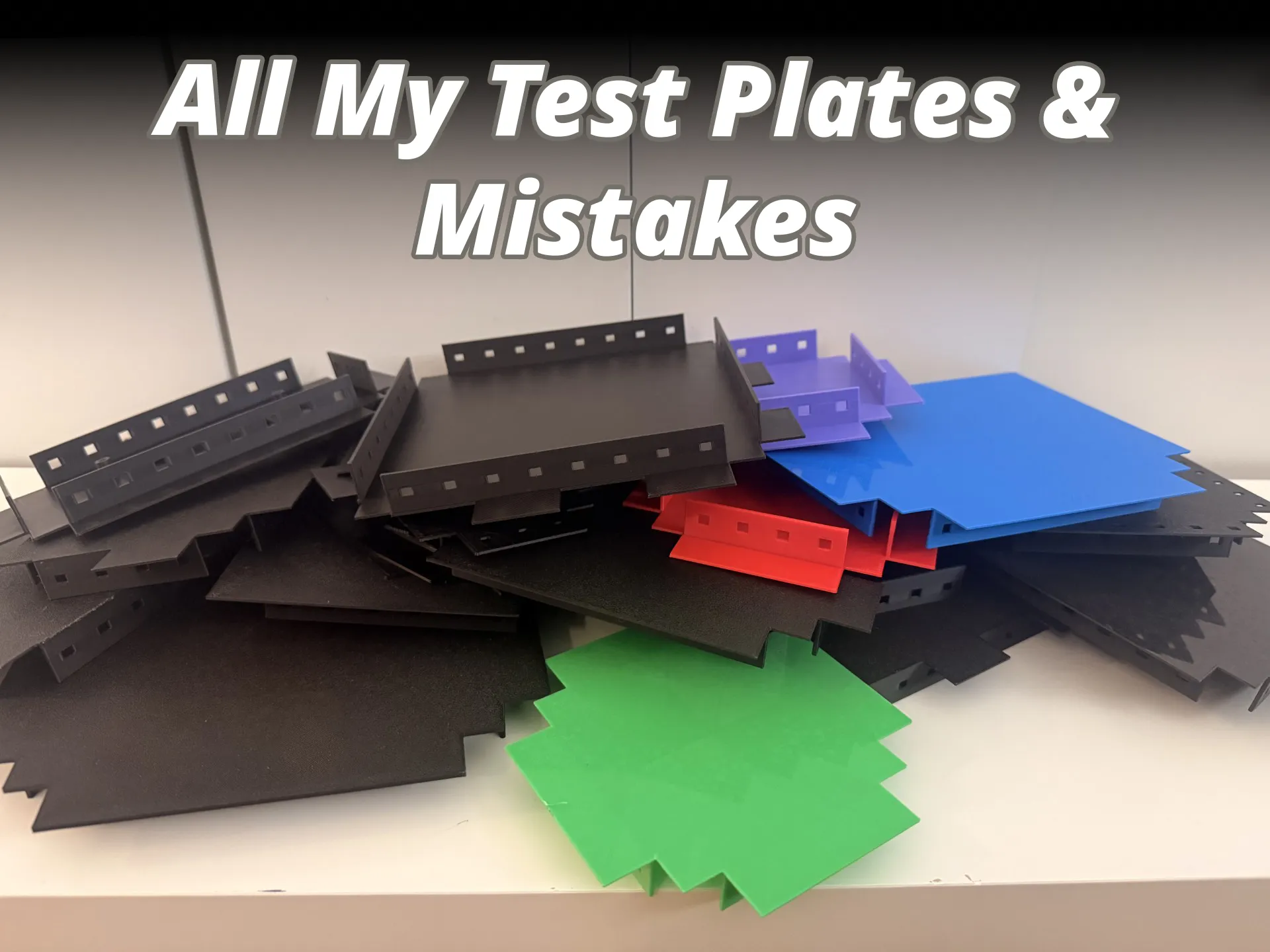
I have had quite a few failed prints in this process, if this model helped you consider boosting me to help me print more mistakes
Like my models? Boost me and fuel my never ending need for pasta 🍝.
Boost Me (for free)
Help fuel my crippling pasta addiction 🍝🍝🍝
License



Comment & Rating (39)