Search models, users, collections, and posts

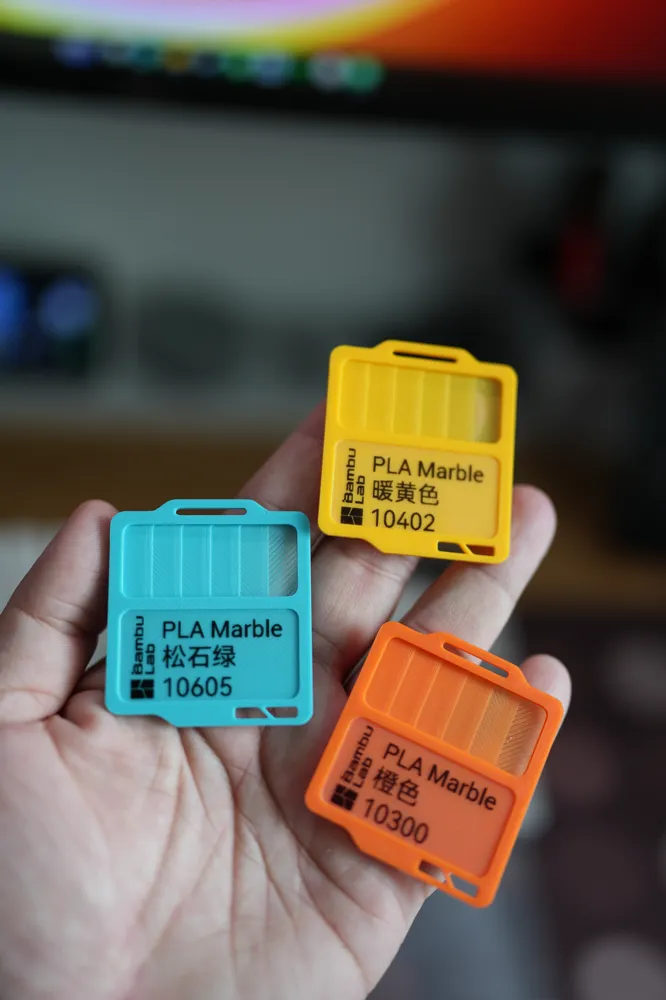
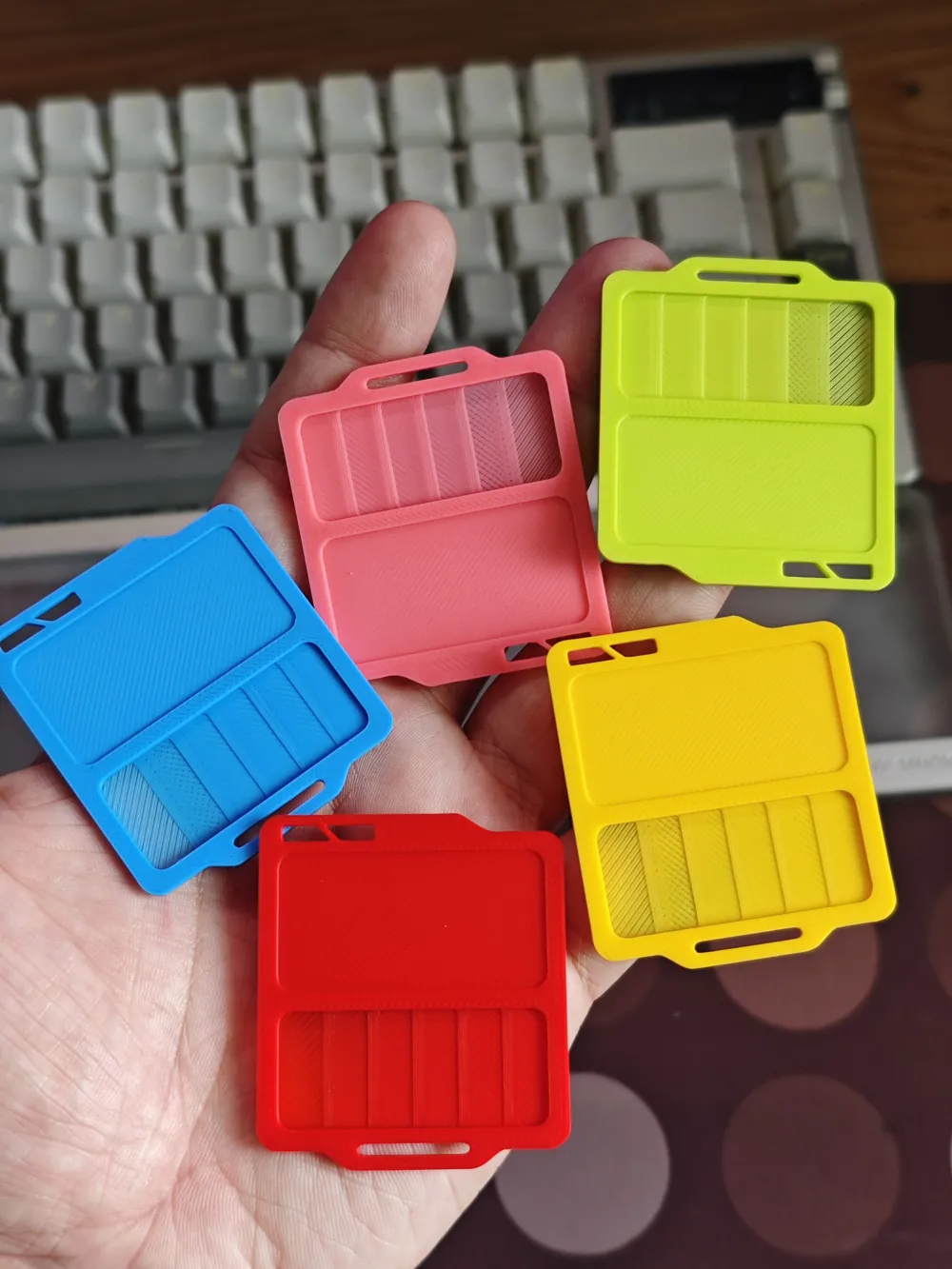
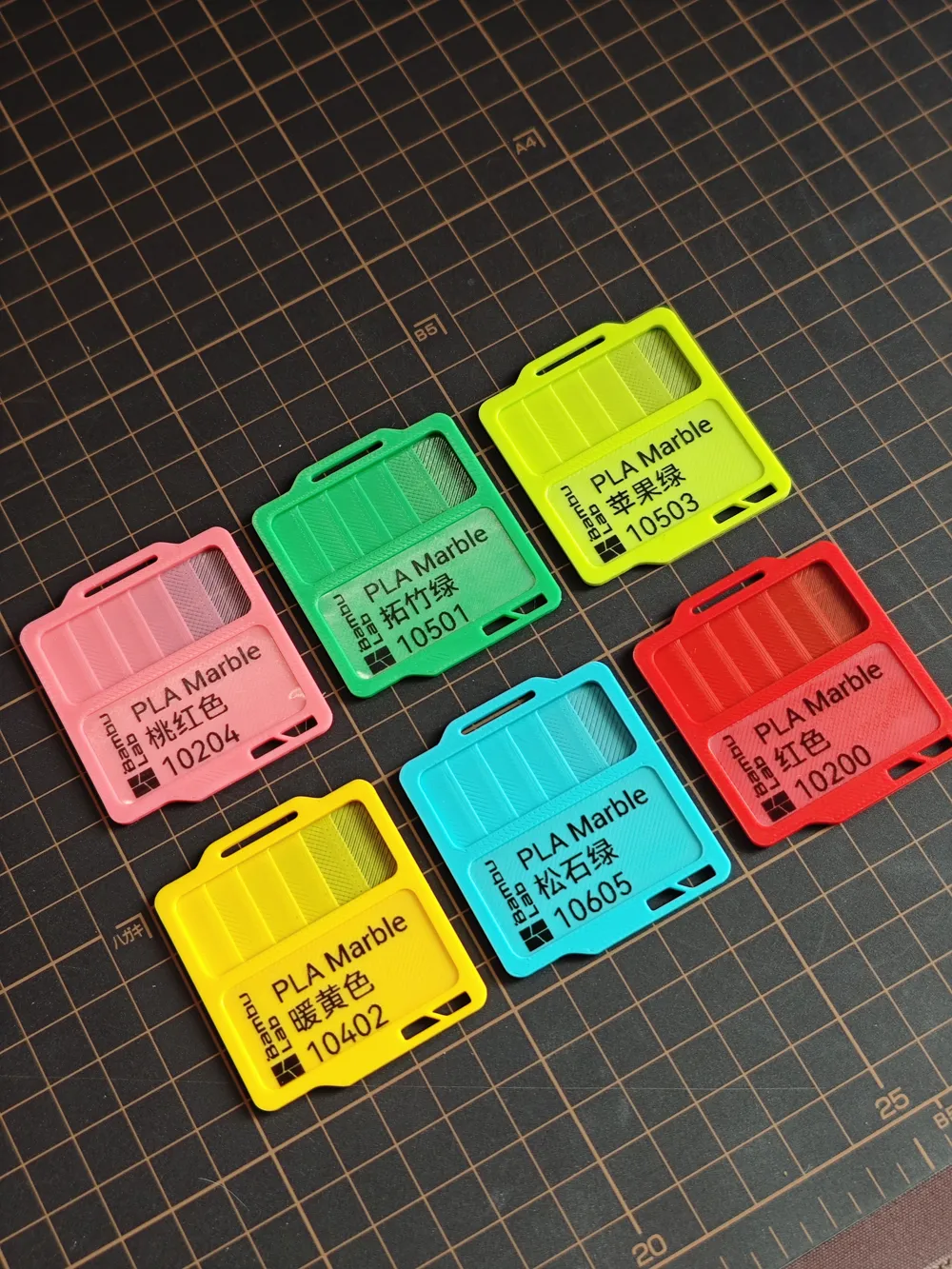
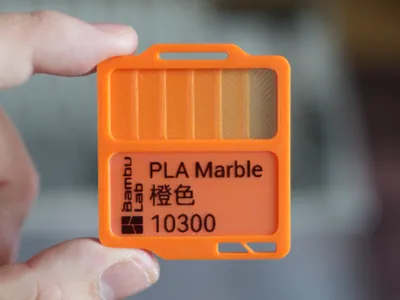
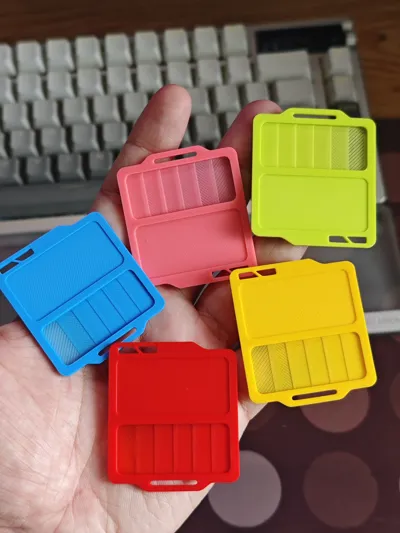
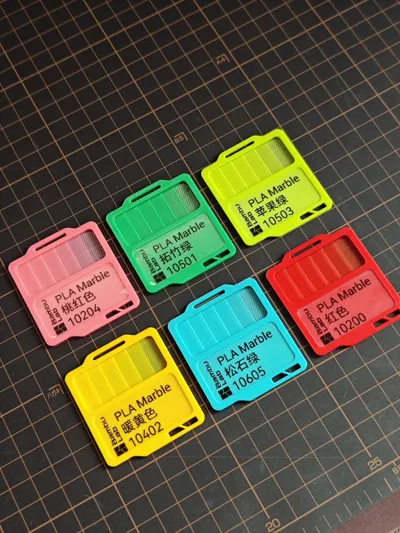
Mini Filament Swatches (Label Version / PIP Version)

Print Profile(17)

All
P2S
H2S
A1 mini
X1
X1 Carbon
H2D
A1
P1P
P1S
X1E
H2D Pro
H2C
X2D
A2L

Blank Swatch (Label Maker Required)
Designer
17 min
1 plate
4.9(28)

Blank Swatch (3D Printed Text Optimized )
Designer
18 min
1 plate
5.0(10)

Bambu PLA Basic Complete(No Label Printer Required)
Designer
13.6 h
30 plates
4.8(43)

Bambu PLA Matte Complete(No Label Printer Required)
Designer
11.4 h
25 plates
4.8(19)
Click to see more

Open in Bambu Studio
Boost
666
2139
252
99
1.2 k
621
Released 

Description

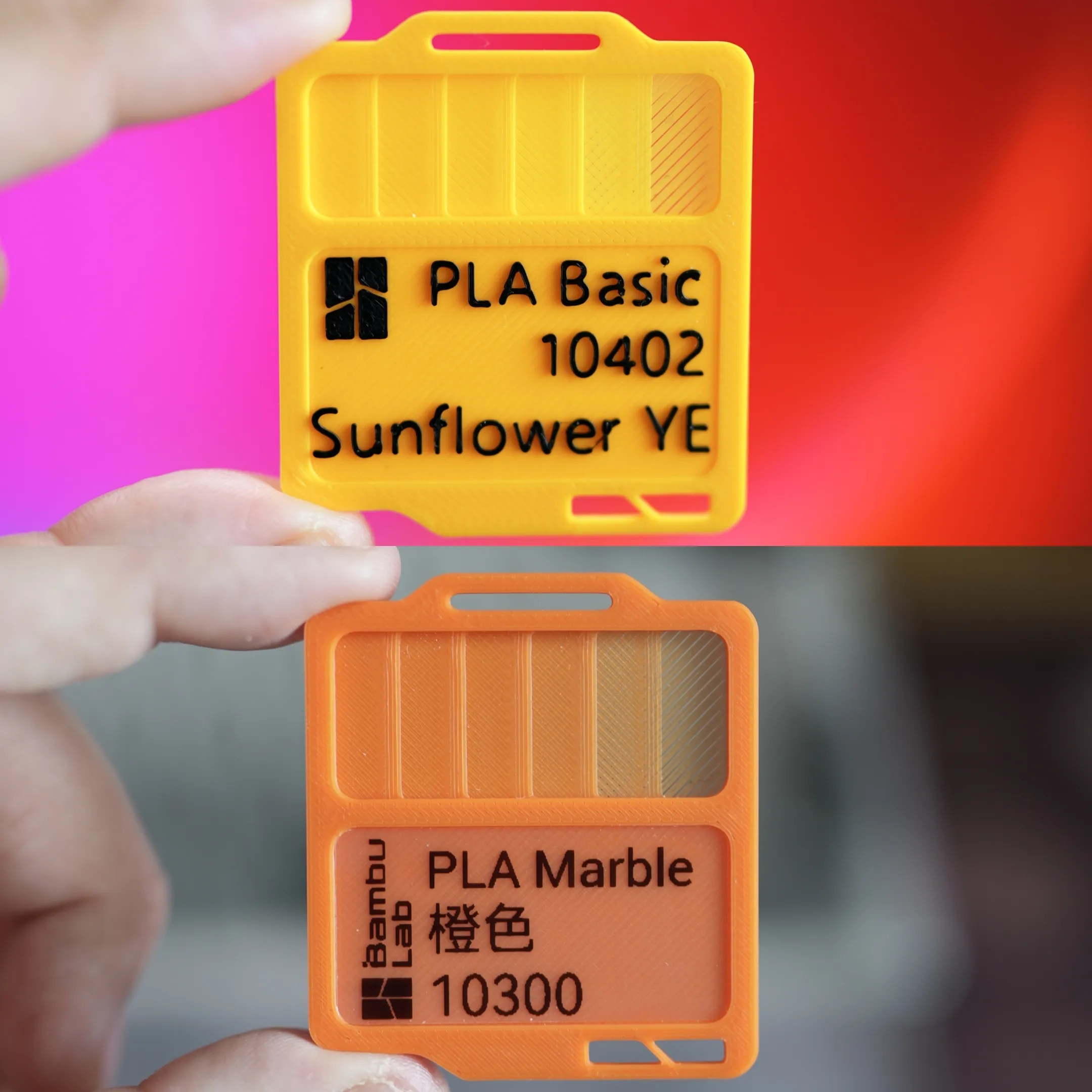
2 Versions Available:

  • Version 1: Blank swatches and requires label printer(label size 40mm x 20mm with 2 mm corner radius). Use transparent label for better results.
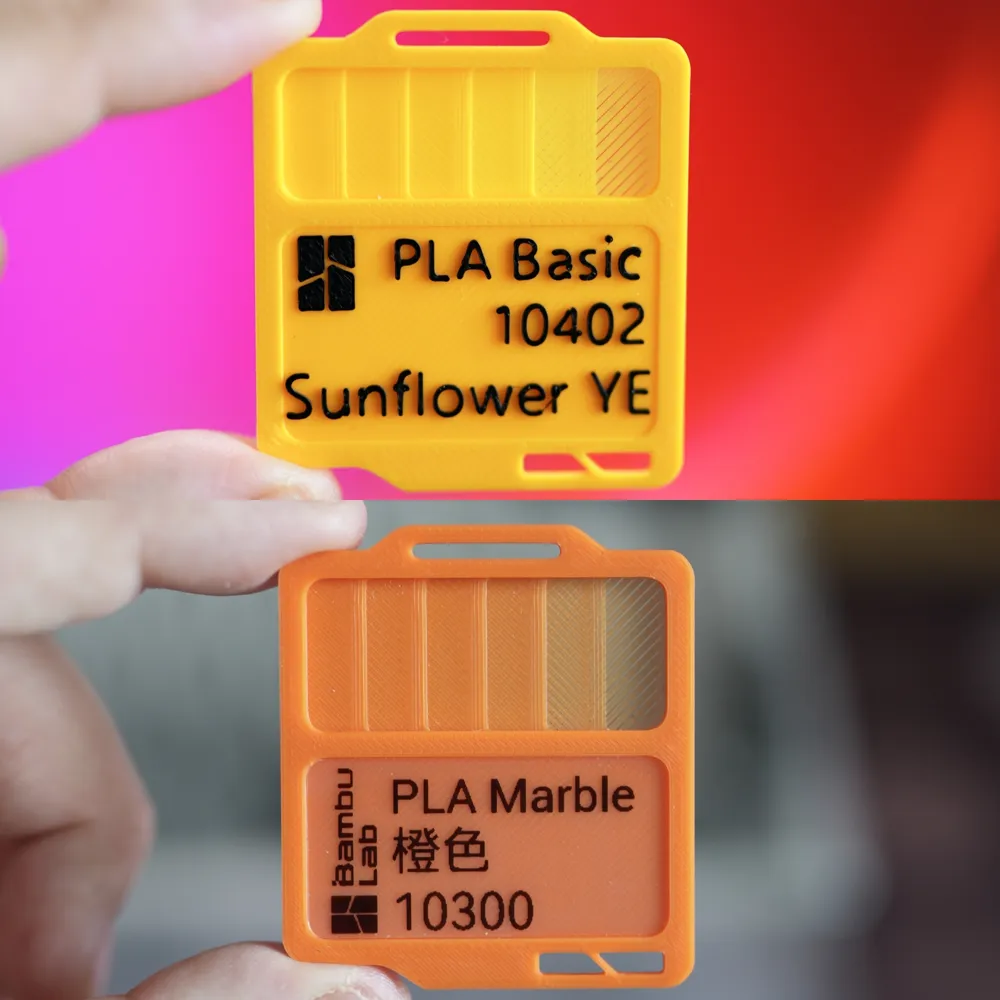
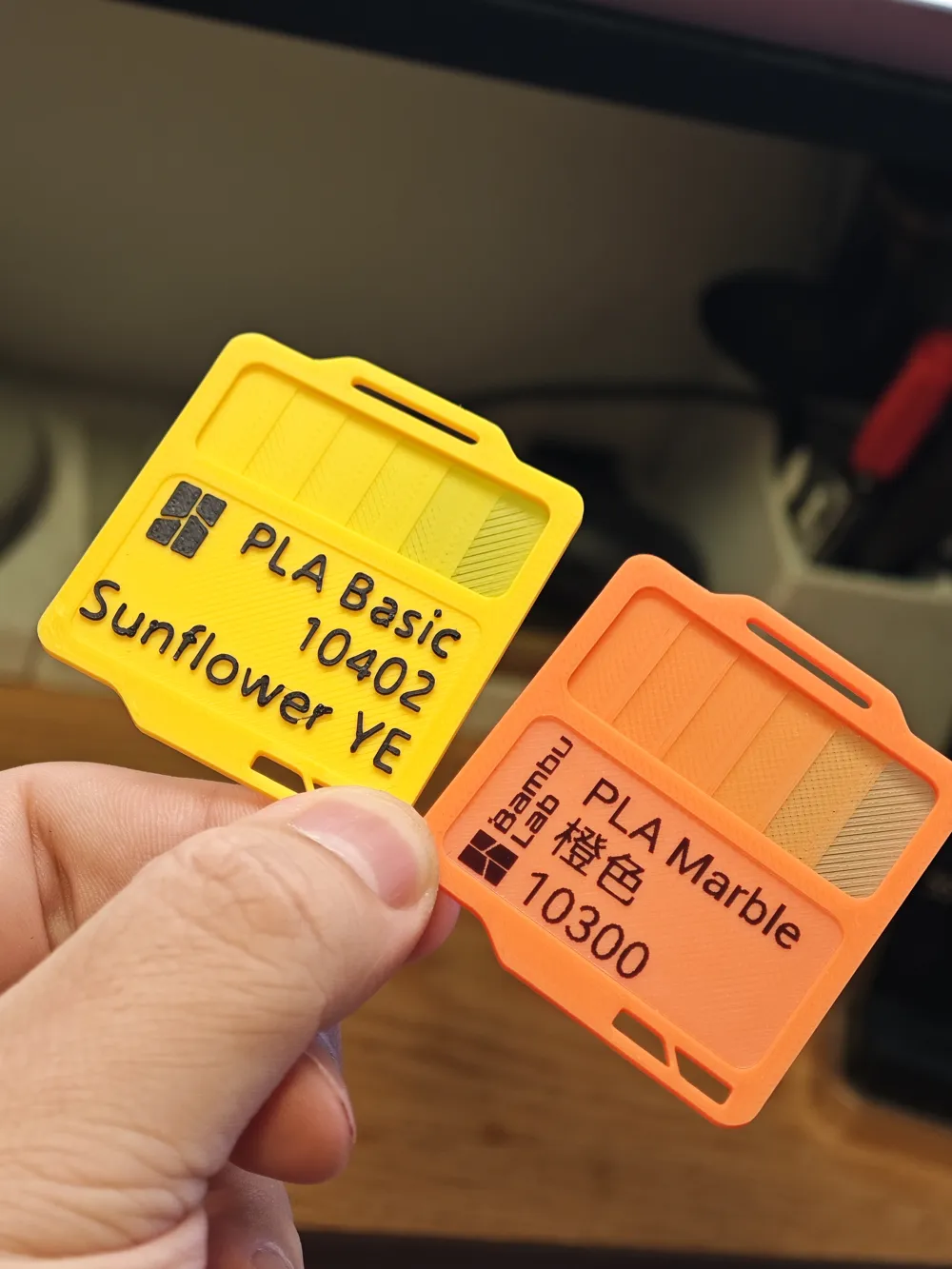
  • Version 2:  Swatches with texts multi-color 3D printed. Optimzed to have a larger area for texts and less color changes. 


For Version 2:

I have completed some of Bambu filaments with texts on them ready-to-print. I am aiming to cover all of Bambu filaments. And also I will try to cover some other brands. Leave your brand and filament series in the comment and I will cover it when I got time.   \


Filaments series done: Bambu Lab: PLA Basic, PLA Matte, PLA Silk+, PETG HF. To be continued…

Boost Me (for free)

If you like my swatches please consider give me a boost. Much appreciated

Note that: 

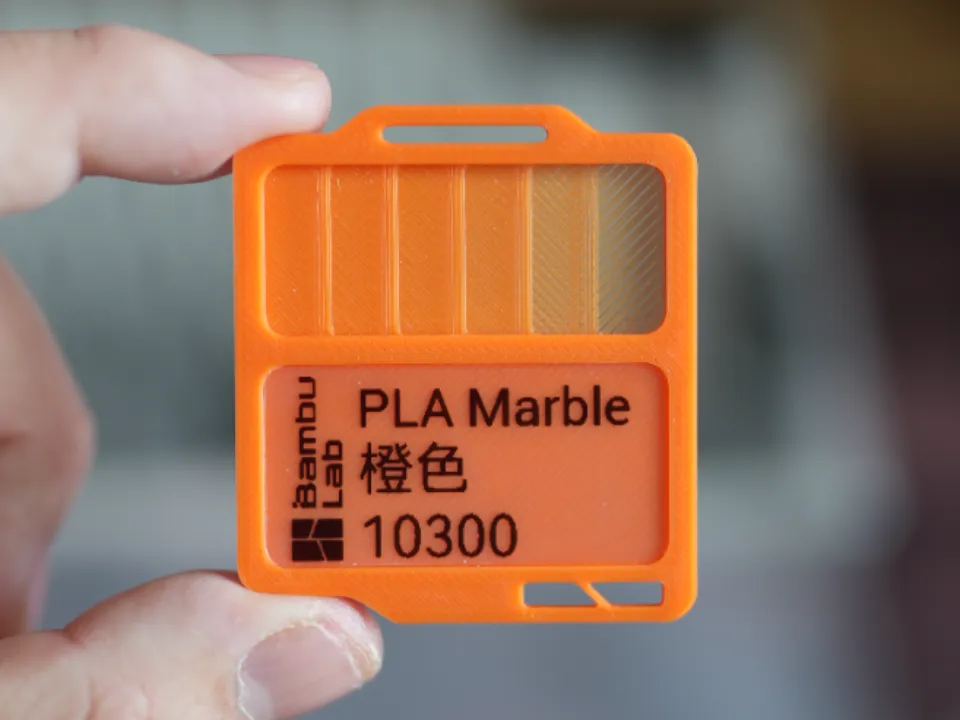
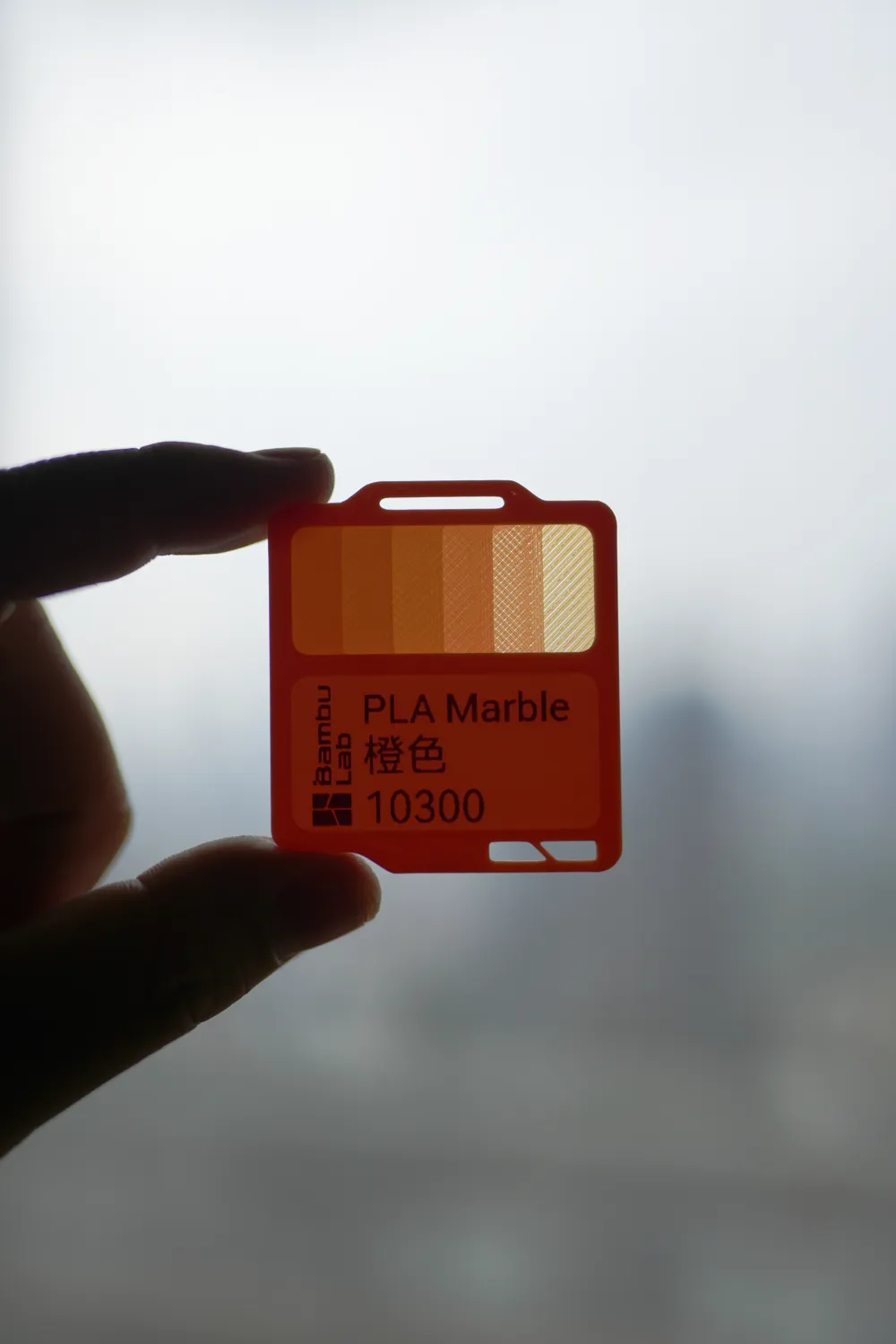
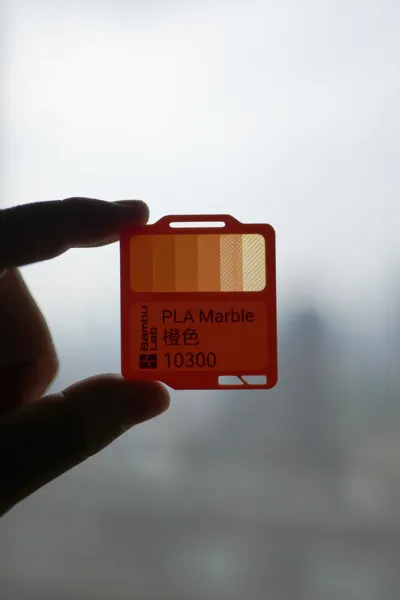
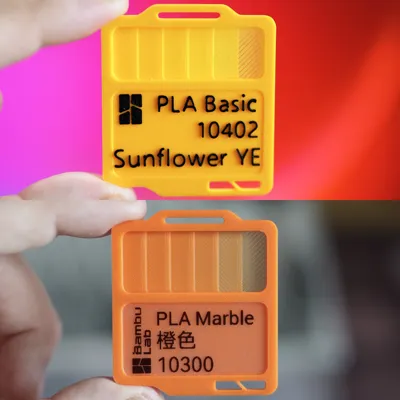
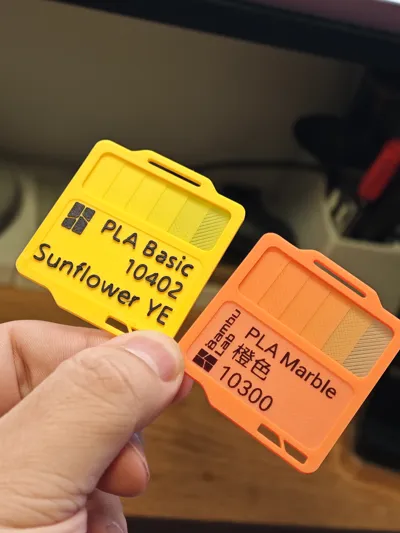
  • Transparency part thickness 0.1mm, 0.2mm, 0.4mm, 0.6mm, 0.8mm, 1mm from right to left.
  • Do not change settings about layer heights. 
  • Wait til the prints are fully cooled down and then remove them from plates to avoid the 0.1mm area from tearing.


Comment & Rating (252)

(0/1000)

Boosted
Print Profile
Blank Swatch (Label Maker Required)
Love those swatches, i have integrated them on my dryboxes and on the ams also. Want to try out the box also. Great design!
(Edited)
2
Reply
Do you have this swatch holder for drybox?
0
Reply
@Ebby.d From where do you have the cardholder from? i like the Setup to put it in front of AMS and also stick it on boxes. thx
0
Reply
Replying to @mama.printet :
That's exactly what I wanna know. I'm waiting for @expopunk to reply.
0
Reply
The print profile is no longer public
locley
The profile uploader has replied
1
Reply
Thanks for the rating! It seems that the 0.1mm transparency testing area didn't get printed out properly. Did you change layer height settings?
(Edited)
1
Reply
Replying to @FrostbiteDesign :
I tested with white PLA and it printed perfectly even the 0.1mm layer, but now I switched to black PLA and completely skipped that layer, what can I check on settings? I just pressed slice, didn't update anything at my end.
(Edited)
1
Reply
Replying to @Geomancer86 :
I think during the switching it might reset some of the layer settings. Try set layer height to 0.1 or just download the profile again maybe?
(Edited)
1
Reply
Print Profile
Bambu PLA Basic Complete(No Label Printer Required)
Very easy to add logos from other vendors. I used Gimp to clean up the png and found a random site to convert to SVG and then imported to the project with Bambu Studio.
4
Reply
what box is that ?
0
Reply
Replying to @Rags_to_bags :
It is the 12th profile listed, Storage Box with Lid.
0
Reply
Replying to @user_634390932 :
thank you. I didnt see it initially 😂🤦🏻‍♂️
0
Reply
Print Profile
Blank Swatch (Label Maker Required)
Great design. Prints fast and is thin enough that you can place many clones at once on the build plate and print by object. Peeling them off is a bit stressful as you need to go very slow to avoid the transparent section from breaking off, but with a fully cooled build plate and some patience they pop off no problem. The spot for labels fits the 18mm tape for my P-Touch label maker, 0.7" x 1.5". (TZe-241). I designed custom labels in the P-Touch editor and printed them out for each filament type.
6
Reply
These are beautiful! Would you mind telling me which fonts you used for "PLA Basic" and the color (e.g. Purple)? I've found a few that came close but can't figure it out exactly!
0
Reply
Replying to @cj.mingle :
I used “SF Pro” which is Apple’s iOS font - but it’s very very close to Helvetica
(Edited)
2
Reply
Print Profile
Gridfinity Compatible Box(2x2, 3x2)
Excellent box. It has some weight and feels super solid. Some small issues with the printing but i think it's a humidity thing from my part. I've also printed the lid with clear PETG but i don't think i will ever use it. The lid seems useless for my case.
(Edited)
The profile uploader has replied
1
Reply
Thank you for your kind comments ! I am glad you like my models. I wanna know wheather if you printed the transprarent box lid profile using PETG? coz this profile is for PLA only as stated in the title :) Making PLA and PETG clear are two very different things.
0
Reply
Replying to @FrostbiteDesign :
Yes i printed the lid with PETG Clear. I'm still learning this community and 3D printing. Where is this information about the suggested filament from the designer? Also don't get me wrong.. the "useless" i said, is because i will always have the box in my drawer so.. the lid doesn't serve any purpose for me. I printed it for fun in PETG clear so i can see the result (my first Clear print :P).
0
Reply
Replying to @Kaminos_art :
Ah I see. My bad ! I assumed people know PLA and PETG don't share much settings when it comes to printing transparent things. Usually if you see a printing profile for producing clear things, you should not switch materials. I am glad you liked my models and I hope you learn a little more everyday!
(Edited)
1
Reply
Boosted
Print Profile
PLA Translucent Box Lid(x15, x30, x60)
Overlooked that this was meant for PLA and so I used PETG, so the settings weren't optimal for transparency - but it printed without issue and fits snugly on the box.
(Edited)
The profile uploader has replied
0
Reply
Thank you for printing my profile. But this profile is for PLA only as stated in the title :) Making PLA and PETG clear are two very different things.
0
Reply
Boosted
Replying to @FrostbiteDesign :
Apologies, completely overlooked that. I forget PLA even comes translucent I'm used to it being just PETG that could come translucent. I have edited my rating
0
Reply
Replying to @Putz :
No problem! Thank you for the ratings and feedbacks!
0
Reply
Boosted
@FrostbiteDesign absolutely love these labels and am starting to make some! Big favor to ask… and chance you can make a print profile that is some kind of “clip” that can hold these onto the front of my AMS while in use and on my shelf in my closet that holds the filament when being stored? My idea is this when I bring a spool out, I unsnap/unclip the swatch from the shelf and snap it onto the outside of the AMS. I’m okay using a small adhesive piece (or tiny magnets (my shelf is metal)) to keep the clips in place. Any suggestions are welcome!
0
Reply
Boosted
To be clear: not suggesting magnets or adhesive on every swatch; I’m saying that for the “holder” or “clip” that stays in place on the AMS or shelf. I’m imagining using the current geometry of the swatches (eg the cutouts on the bottom plus the top?) to clip into or slide into the holder on the AMS and shelf.
0
Reply
Boosted
small sample of the many swatches I’m printing with this fab model! what other containers are people using to store them? I’m thinking of modding a skadis slider container for these.
0
Reply
Boosted
two things for people printing these. .1 is spicy as a transparency. when I printed multiples of them, it skipped the .1. I suspect 1000% that’s my printer P2S and the generic PLA profile I used, and NOT this model, as my other wider .1 filament swatches had the same issue. printing them one at a time didn’t have the issue at all. also, I found the best success to be if I pulled them off the plate very gently, watching for the .1 part to come loose, while the plate was still warm. awesome model! thank you for making it. :)
0
Reply
Boosted
Print Profile
Storage Box With Lid(x15, x30, x60)
Print profile works well, I think it could do with a fraction more clearance but that might just be my printer
1
Reply
Boosted
Can someone guide me how i can make the storage box gridfinity compatible?
The designer has replied
0
Reply
Hi. I am going to design a better storage box for this soon and I will make a version gridfinity compatible.
0
Reply
Boosted
Replying to @FrostbiteDesign :
any way i can learn the process? :D i would love to contribute to these designs. im very new to 3d printing
0
Reply
Replying to @luzi25 :
To make a custom designed gridfinity compatible container, basically you just have to combine the original model and a gridfinity grid shaped base. Since we are making a storage box for my swatches, an easier approach would be find an existing gridfinity compatible box (or generate one using online tools) and then cut out the slots for the swatches. Find a 3D modelling software that suits your style and needs first :D
0
Reply