
La Petite Dame de Fer - Support-Free Eiffel Tower
Print Profile(2)


Description
Boost Me (for free)
If you enjoy this print, Hit Boost 🚀. Your Boosts directly fuel my next projects. It helps me keep creating more unique designs for the community
Licensing & Commercial Use
- Non-Commercial Use Only: This design is provided for personal, non-commercial use.
- Commercial Licensing: If you intend to sell physical prints or use the design for any commercial purpose, you must contact me directly to discuss licensing and formal permission.
Bonjour, Makers!
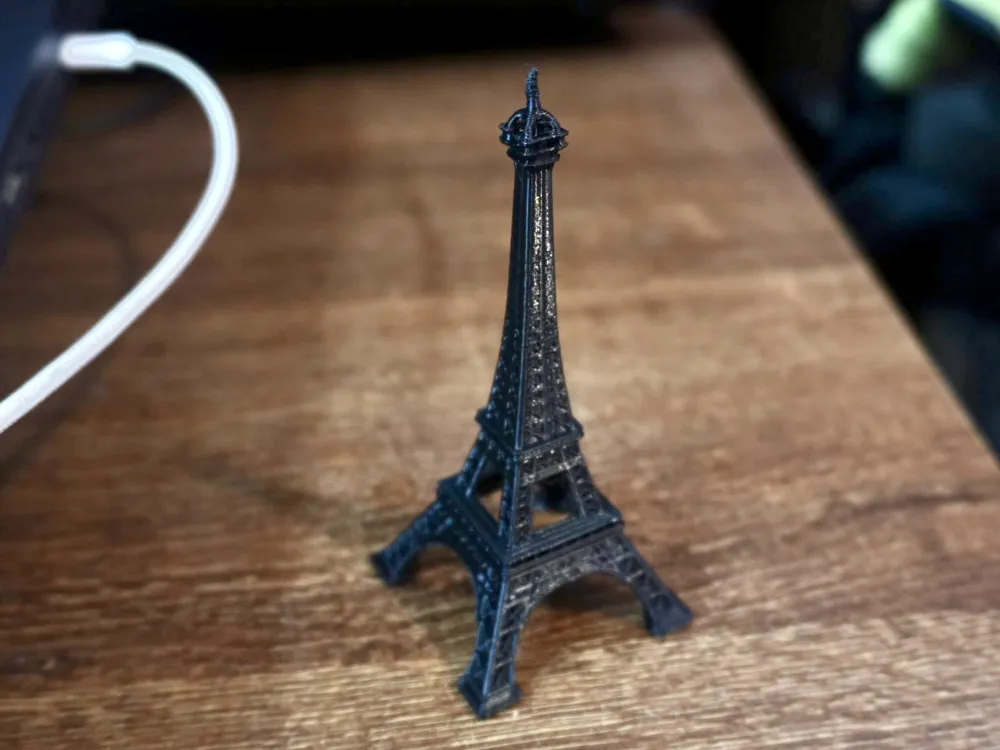
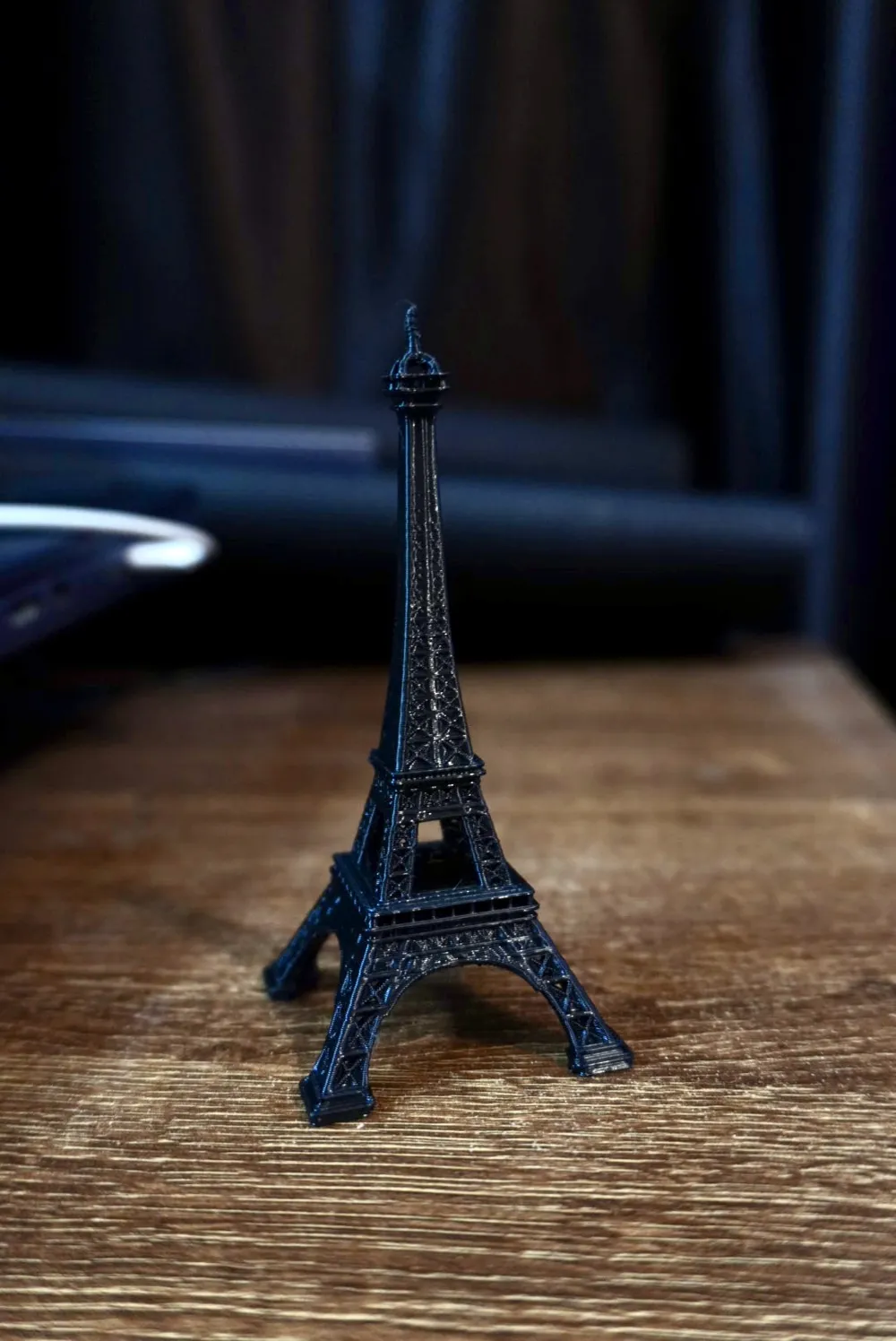
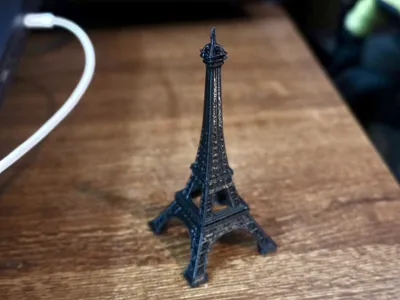
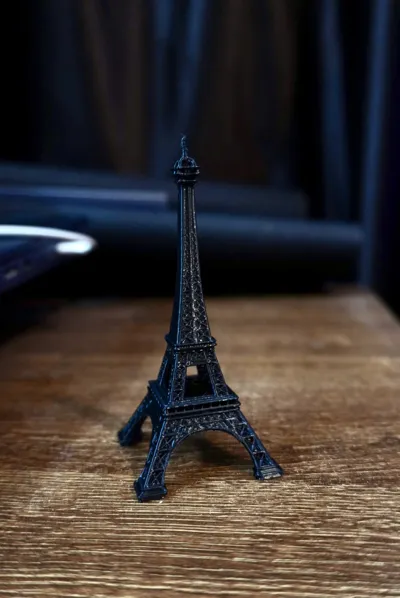
Dreaming of a Parisian escape, or just a stunning piece of history for your desk? Behold "La Petite Dame de Fer" (The Little Iron Lady) – your very own Eiffel Tower, perfectly engineered for a flawless 3D print!
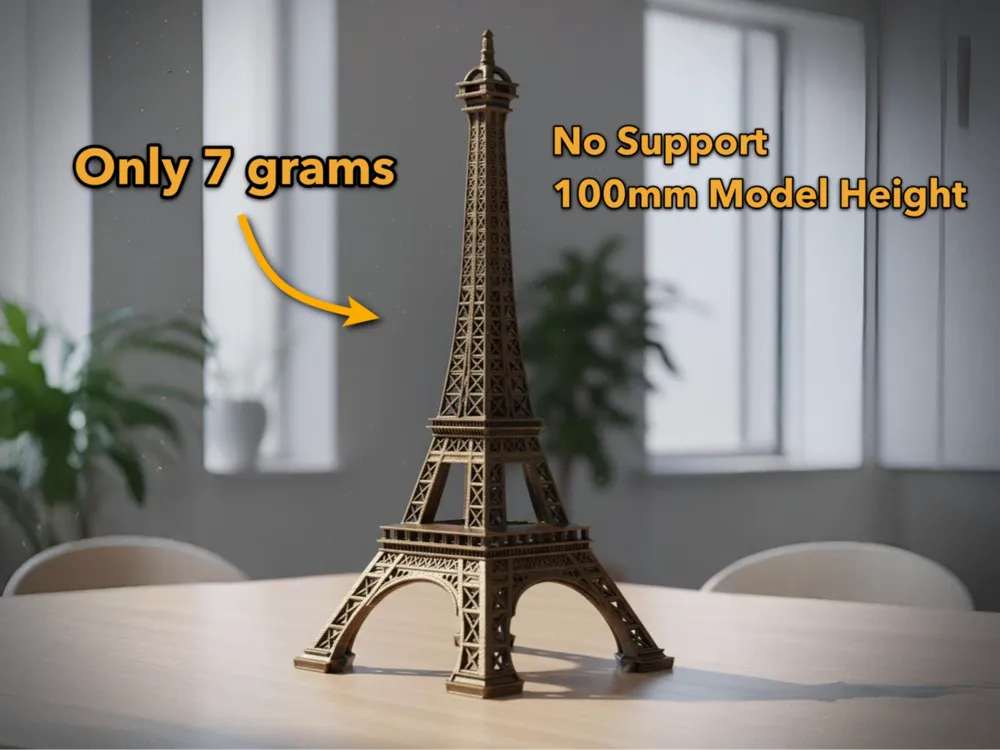
I've meticulously designed this iconic landmark to be 100% support-free! That's right, no fiddly cleanup, just pure printing pleasure. This means you can save time, filament, and avoid those annoying marks that supports often leave.
Crafted with durability in mind, I highly recommend printing this beauty in PETG filament for a strong, resilient model that will stand the test of time (and maybe a few accidental bumps!). While PETG is ideal for its strength and moderate flexibility, it also prints beautifully with excellent layer adhesion, giving you a smooth and impressive finish. If you're looking for even faster prints, PLA can also be used, though PETG is preferred for durability.
Standing at a graceful 100mm (approximately 4 inches) without a base, this model is the ideal size for a desk centerpiece, a bookshelf accent, or a thoughtful gift. Imagine the conversations it will spark!
Want a bigger one! Just scale it in Bambu Studio!
Printing Tips for the Best Results:
- No Supports Needed: Seriously, don't enable them! The design handles all overhangs gracefully.
- Material: PETG recommended for strength and a beautiful finish. PLA is also suitable for a quicker print.
- Nozzle Size: A standard 0.4mm nozzle works perfectly.
- Layer Height: For fine detail, a layer height of 0.16mm or 0.2mm is recommended. You can go up to 0.28mm for faster prints, but some intricate details might be less crisp.
- Infill: 10-15% infill is more than enough for this model.
- Perimeters/Walls: 2 or 3 perimeters will ensure good structural integrity.
- Bed Adhesion: Outer brims are added for safety.
"J'ai deux amours, mon pays et Paris." (I have two loves, my country and Paris.) – Josephine Baker. While this model can't replace the magic of Paris, it certainly brings a piece of its heart to your home.
Fun Fact about the real Eiffel Tower:
Did you know that Gustave Eiffel originally only had permission to leave the tower up for 20 years? It was almost torn down in 1909, but was saved because it proved invaluable for telecommunications! Just like the real tower, this model is built to impress and last.
Download now and bring a touch of Parisian elegance to your 3D printer!
Happy Printing!
Boost Me (for free)
If you enjoy this print, Hit Boost 🚀. Your Boosts directly fuel my next projects. It helps me keep creating more unique designs for the community!
Check out my other models from my profile: https://makerworld.com/en/@aaril/upload
If you are experiencing bed adhesion issues with this model, here are a few quick tips:
🛠️ Quick Fixes for Better Adhesion
- Clean the Build Plate: Wash your plate with warm water and dish soap (like Dawn) to remove oils from your fingers. This is the #1 cause of peeling!
- Add a Brim
- Increase Bed Temperature by 5°C for the first layer
Still having trouble? Feel free to leave a comment with your printer model and filament type, and I'll do my best to help you troubleshoot!
If you’re noticing fine "cobwebs" or hairs on your print, it’s likely a temperature or retraction issue. Try these steps to clean it up:
🕸️ How to Fix Stringing
- Lower the Nozzle Temp: Try decreasing your printing temperature by 5°C–10°C.
Quick Tip: You can quickly remove any remaining fine strings with a quick pass of a heat gun or a lighter!
Happy Printing! ✨
License

You shall not share, sub-license, sell, rent, host, transfer, or distribute in any way the digital or 3D printed versions of this object, nor any other derivative work of this object in its digital or physical format (including - but not limited to - remixes of this object, and hosting on other digital platforms). The objects may not be used without permission in any way whatsoever in which you charge money, or collect fees.


Comment & Rating (40)