
Chain Logo Pendant Connector with Split Link
Print Profile(6)


Description
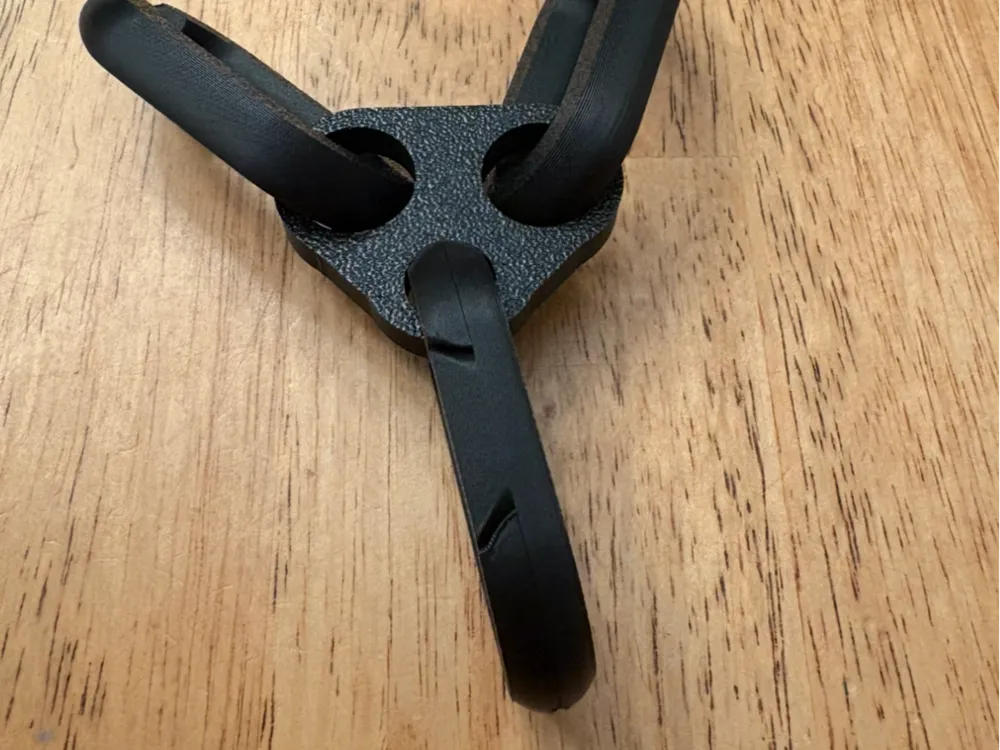
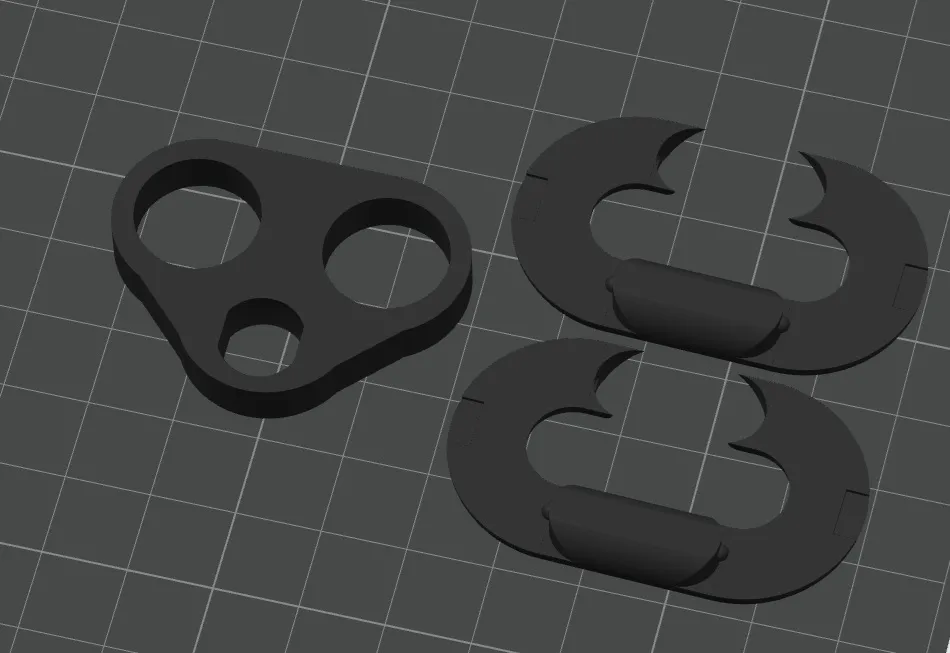
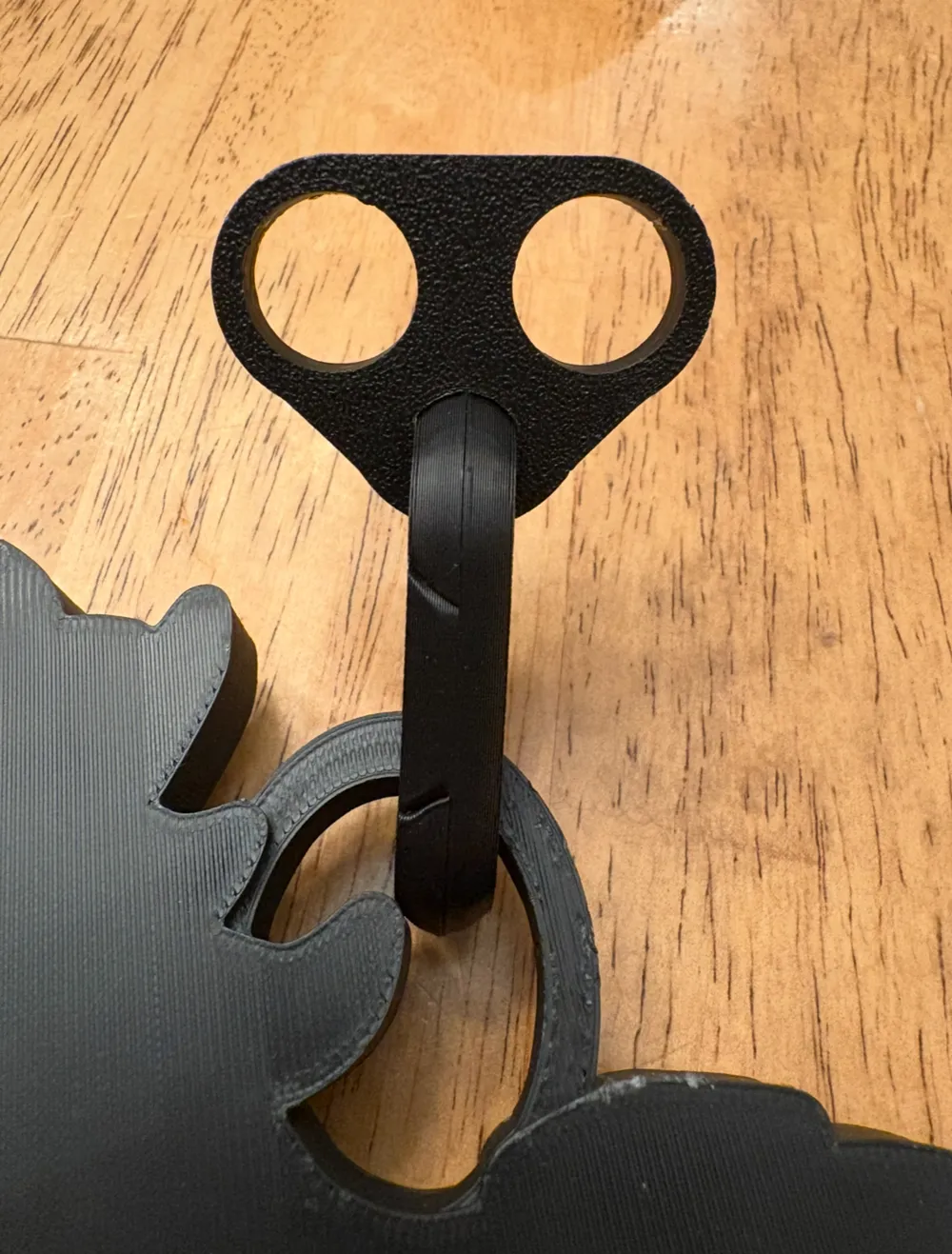
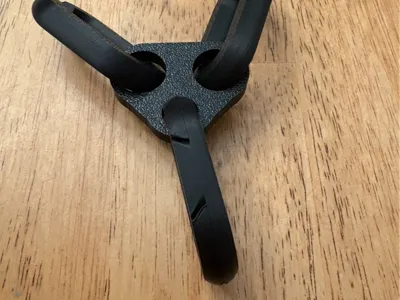
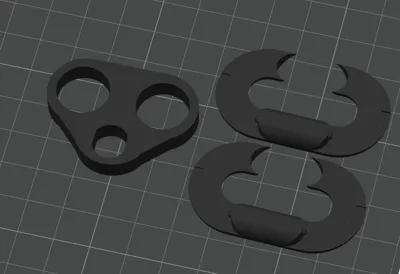
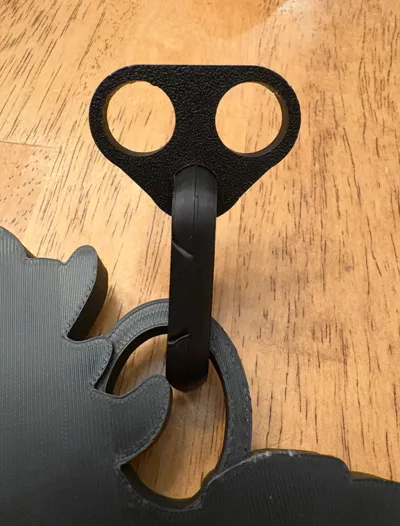
Here is a pendant connector hype chain logos. Use this with chain links and use the split link to connect to your chosen pendant. The split link snaps firmly in place but is removable with some effort. It is easiest to snap the links together when the thickest part of the half is placed horizontally in the triangular piece. Put one half in the hanger piece and one half through the pendant. Align and snap together. Once snapped in place rotate the connected split link longways vertically. Use a coin or flathead screwdriver to assist in unsnapping the links if needed. Two versions--one loose fit that allows for pendant link to move freely and one tight fit to restrict pendant movement.
You can find the chain links I use here:
https://makerworld.com/en/models/1932553-chain-links-for-team-logo-fan-hype-chain#profileId-2074737
Find my collection of chain and chain parts here: https://makerworld.com/collections/17309260
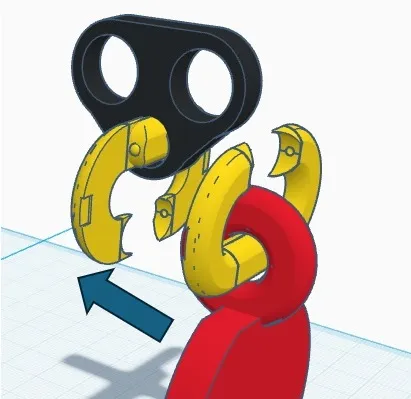
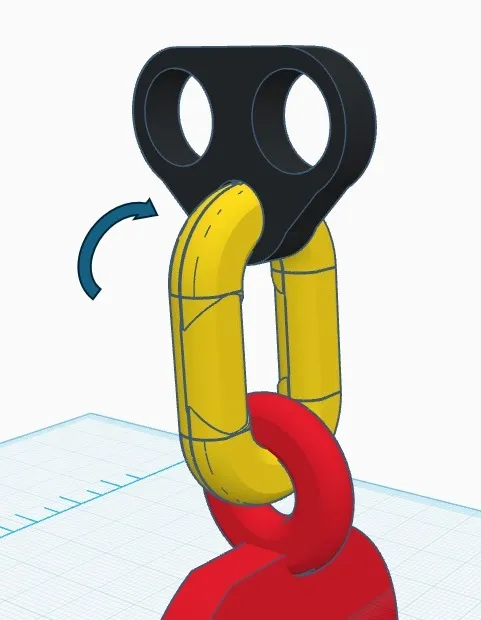
Edit 12/12/25
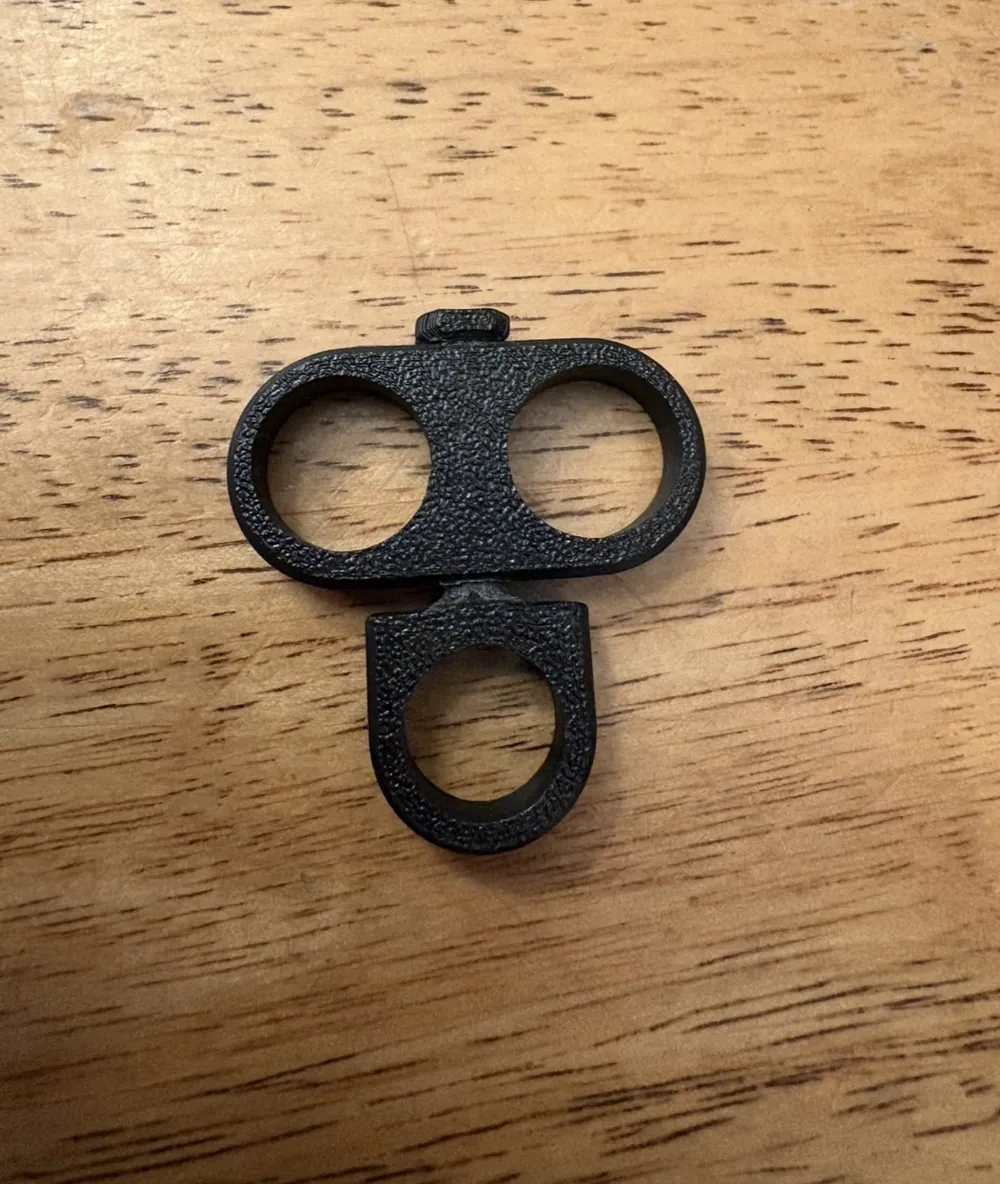
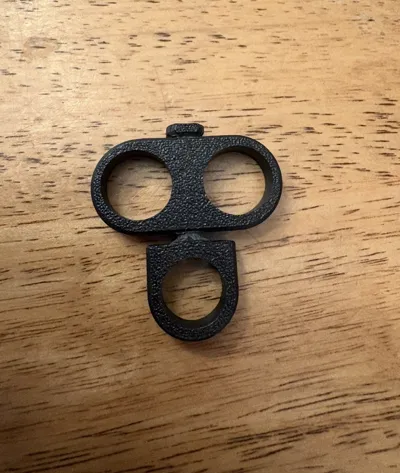
Added a swiveling version of this pendant hanger to use with double sided pendants or to allow pendant to lay flat with chain movement. Please note that this is a print in place swivel. After letting print cool, gently rotate pieces back and forth to break swivel free. It will take several rotations to allow swivel to move freely. Do not adjust layer heights (.20) as it may result in faulty part.
License

You may create derivative works based on this object, provided that all such derivative works are published exclusively on the MakerWorld platform and include proper attribution to the original creator. You may not share, upload, host, distribute, or publish this object—or any derivative work of this object—on any other digital platform, marketplace, or distribution channel. Commercial use of this object and any derivative works is strictly prohibited. This includes, but is not limited to, selling, renting, sublicensing, or using the object in any context in which you receive monetary compensation or other financial benefits.


Comment & Rating (139)