
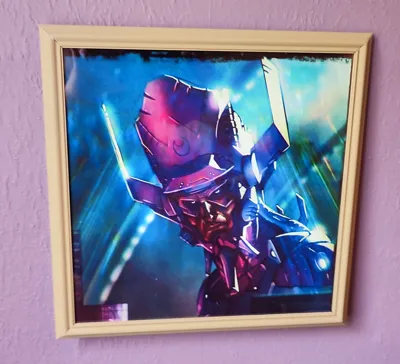
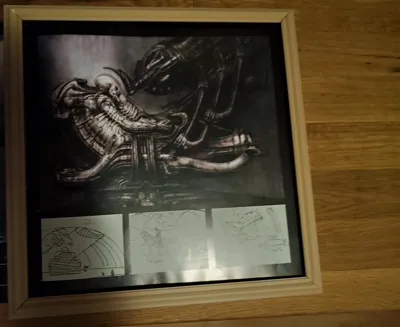
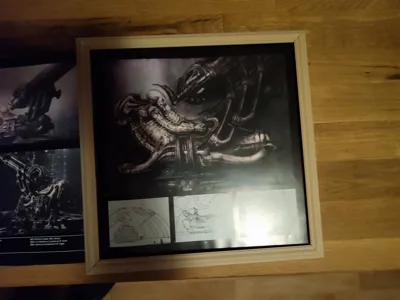
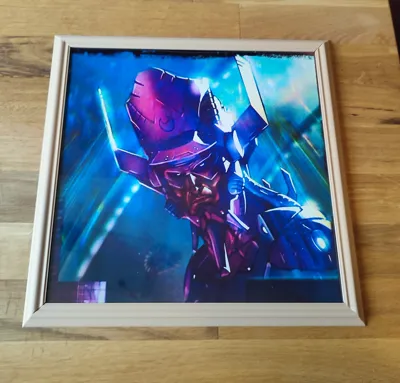
Picture Frame 300x300mm
Print Profile(4)


Bill of Materials

Description
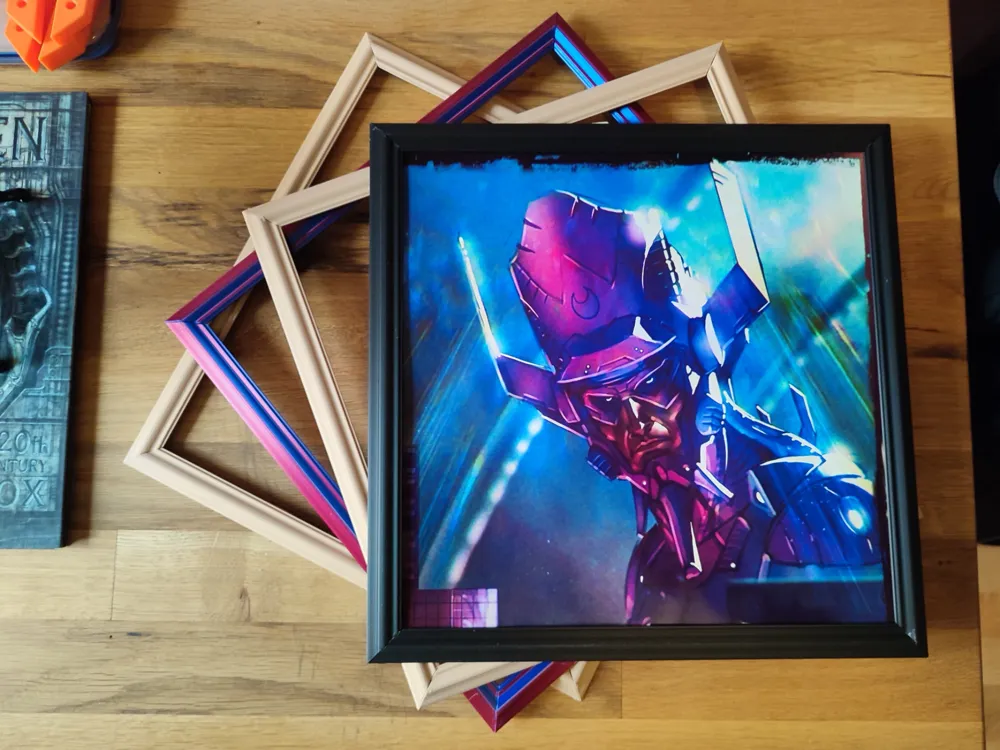
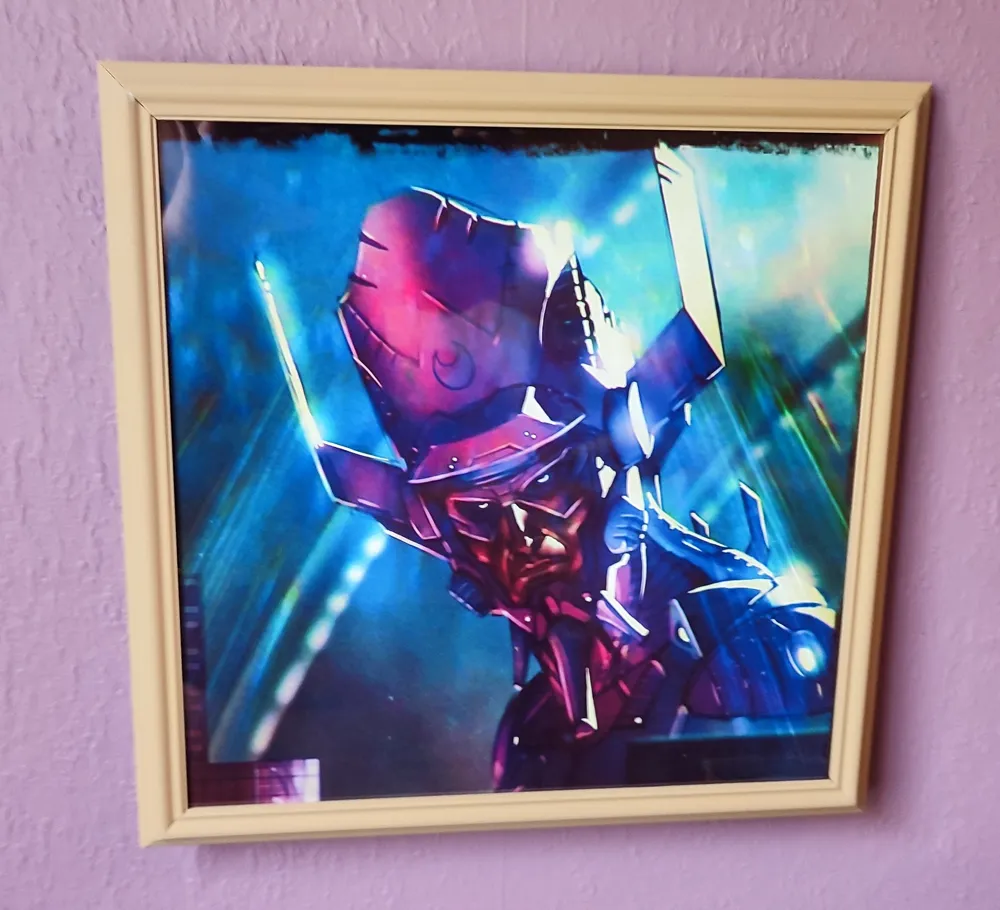
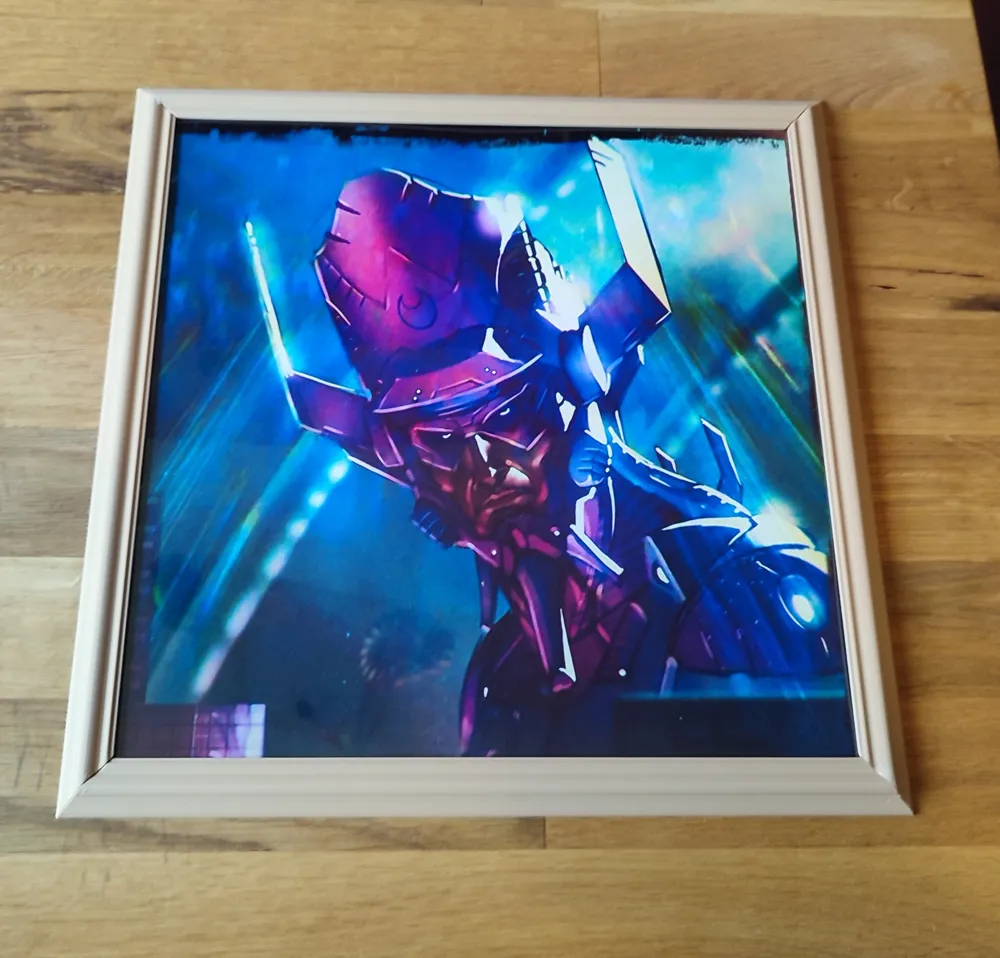
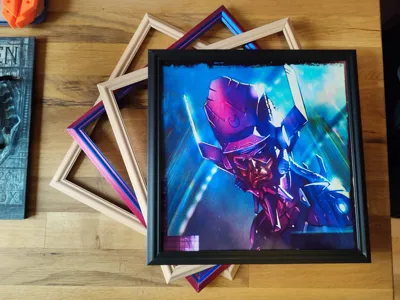
Classic Picture Frame 300 x 300 mm
Hanging-Holes built-in
Profile 1 has all 4 Frame-Parts for H2D and up only
Profile 2 has 1 Frame-Part (print 4 of them, for X1C, P2S, P1S, A1…)
Profile 3 has 4 Corner-Connectors - you need to print it for all profiles
Profile 4 has a A1 Mini split version of the frame parts, print 4, you still need to print Profile 3 for corners
Frame is designed to perfectly fit Bambu`s 0.3mm PVC Sheets,
looks like real glass and protects your Picture
Don`t forget to peel off the thin protecting foil.
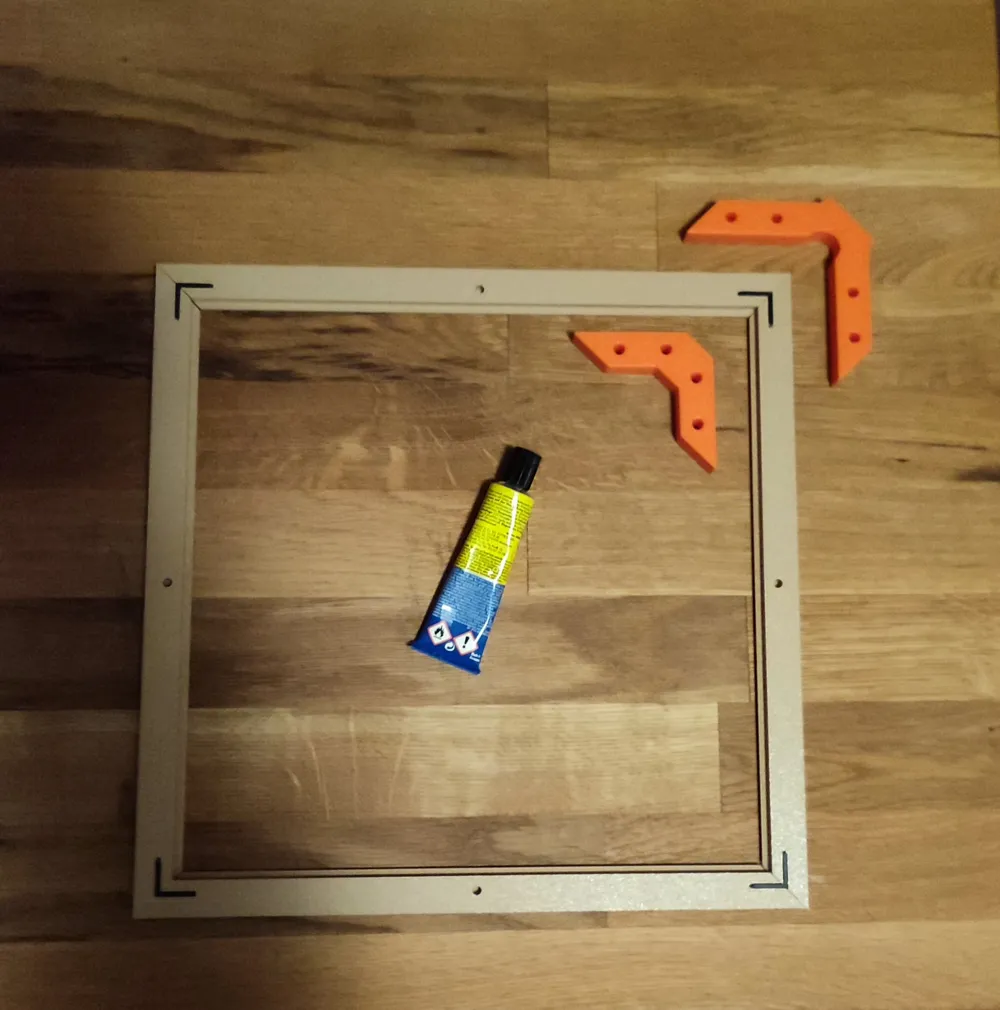
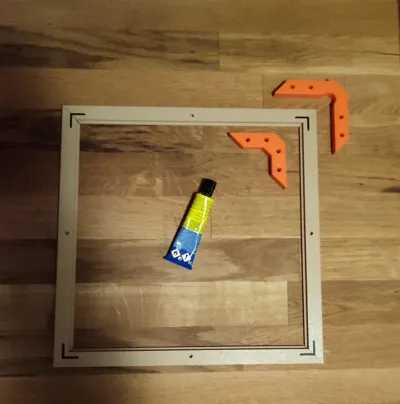
Please look at last Photo for assembly, it`s self-explaining
some drops of glue needed
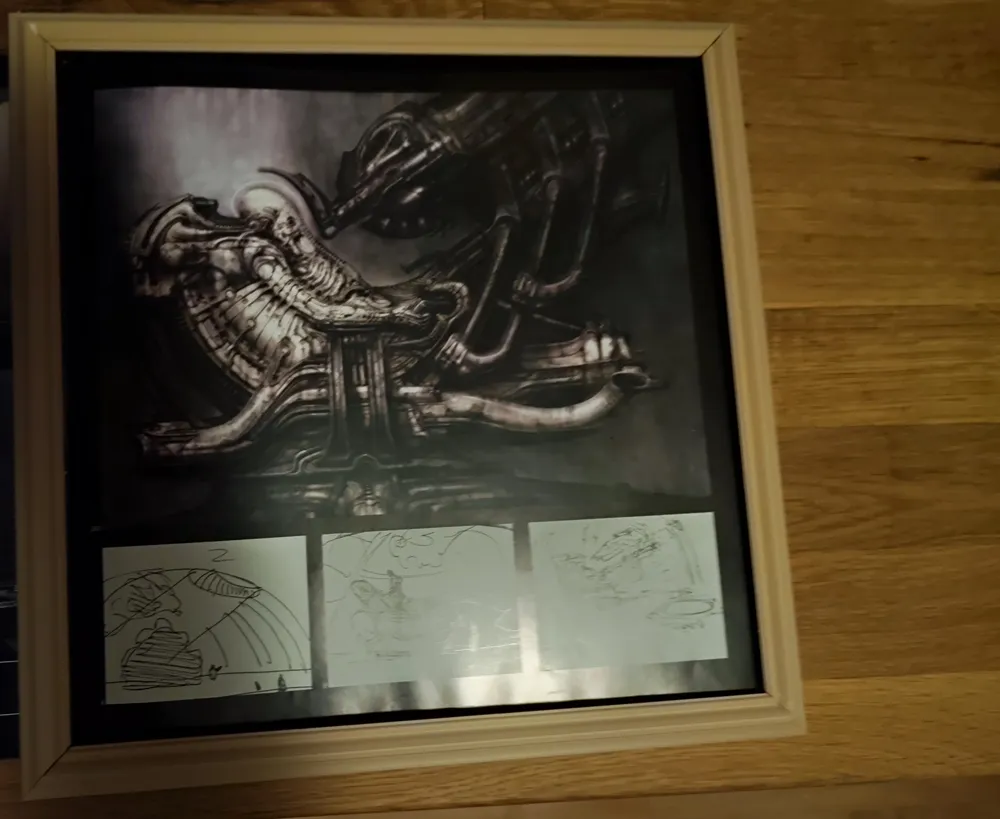
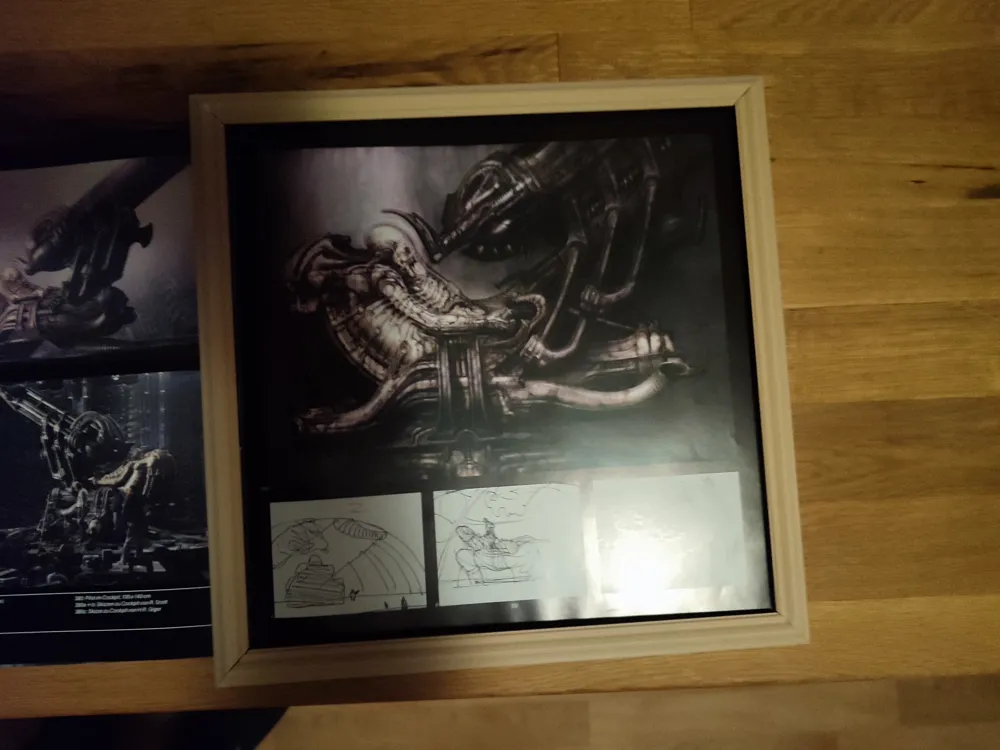
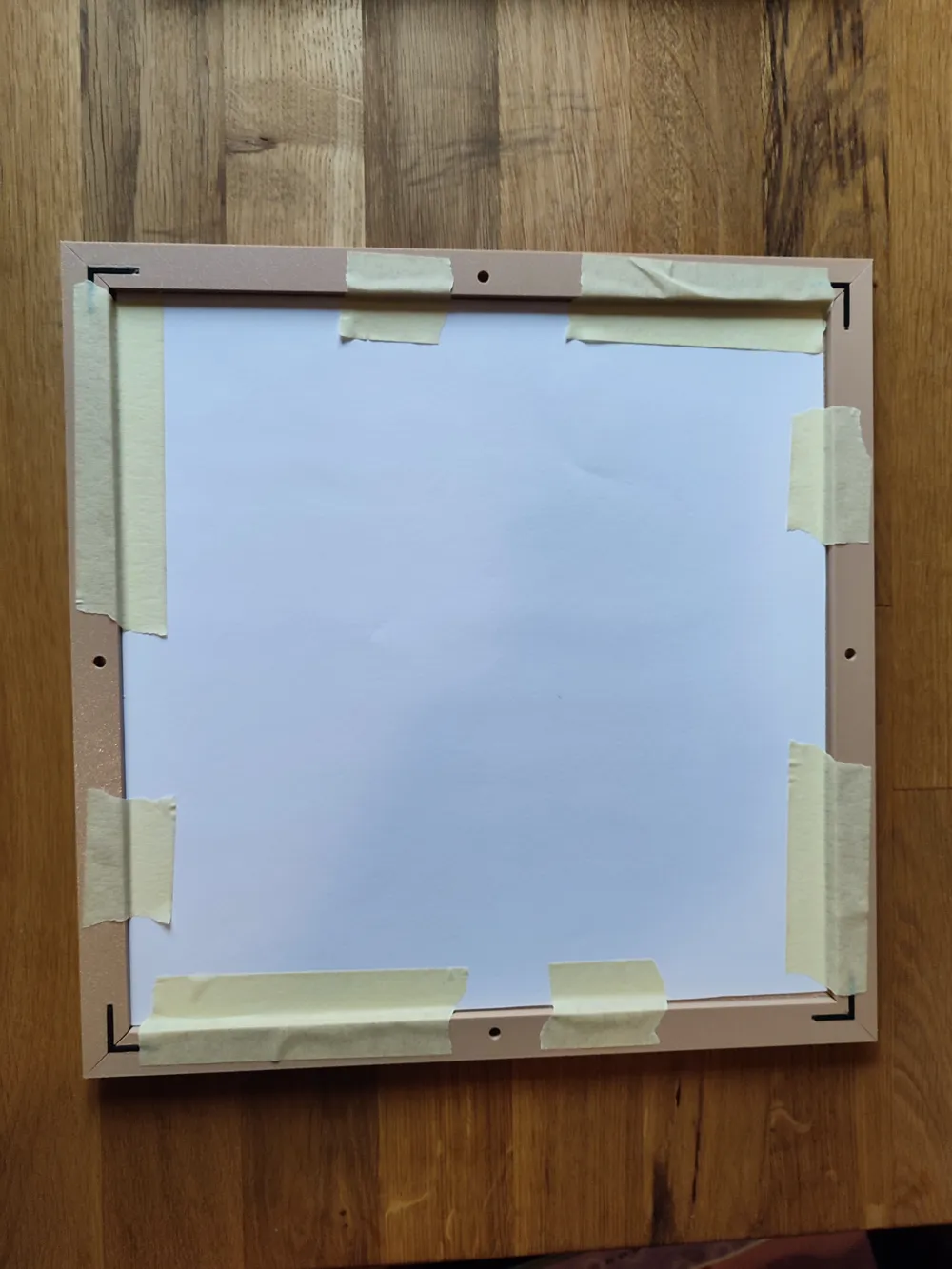
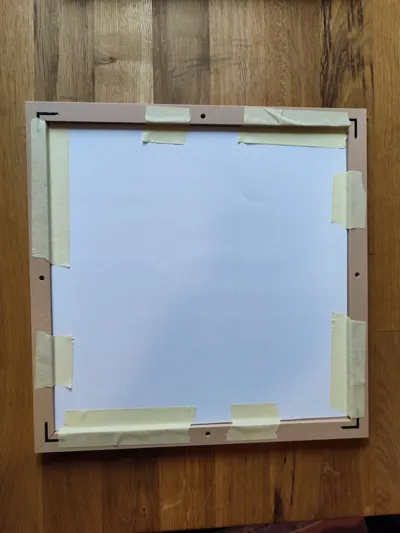
If you want a backplate you can
use some leftover material like cardboard, cut it using the PVC-Sheets as a stencil
this also works if you need to trim your picture
2. use a second PVC-Sheet as backplate
3. I simply used some painter`s tape to fixate (second last pic)
Corner Clamps (as seen in last pic: orange) can be found on Maker World, too
not a “must” but useful if scaled-up a bit in z (15mm)
https://makerworld.com/en/models/1311233-narrow-corner-clamp-set#profileId-1345549
I tested this for some days, now please, if you find ways to improve, don`t be shy…
enjoy and comment :)
If you want to create your own Frames using “Blender”
This is good instruction:
Have Fun! Be Creative! :)
License



Comment & Rating (2)