
Panasonic Q GameCube Retro GEM HDMI Mount
Print Profile(1)

Description
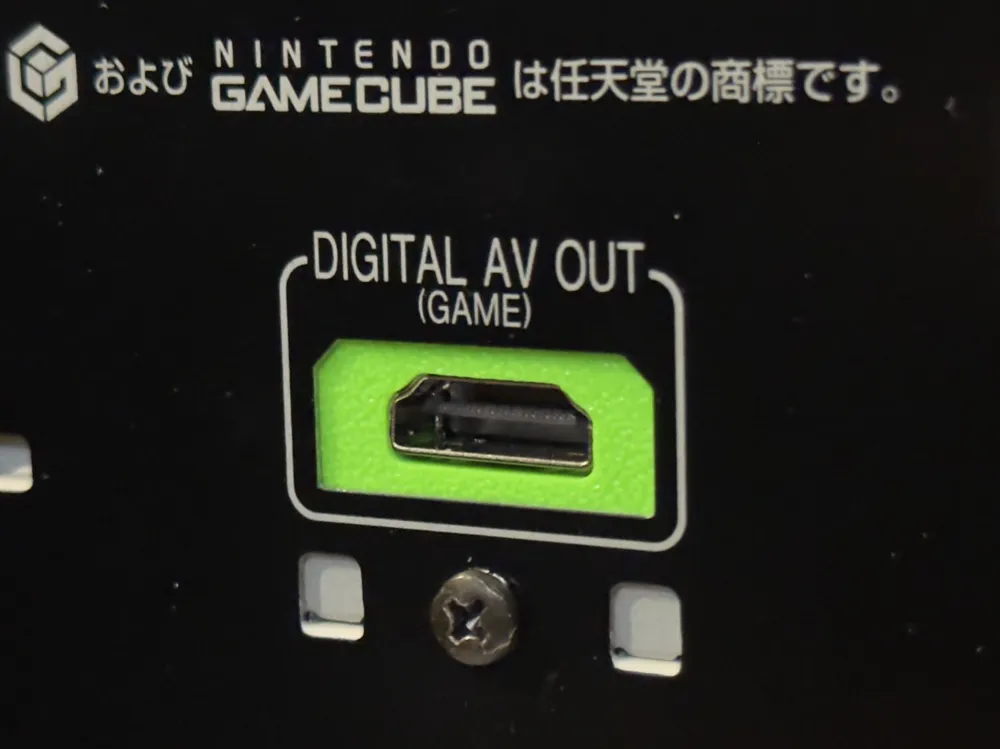
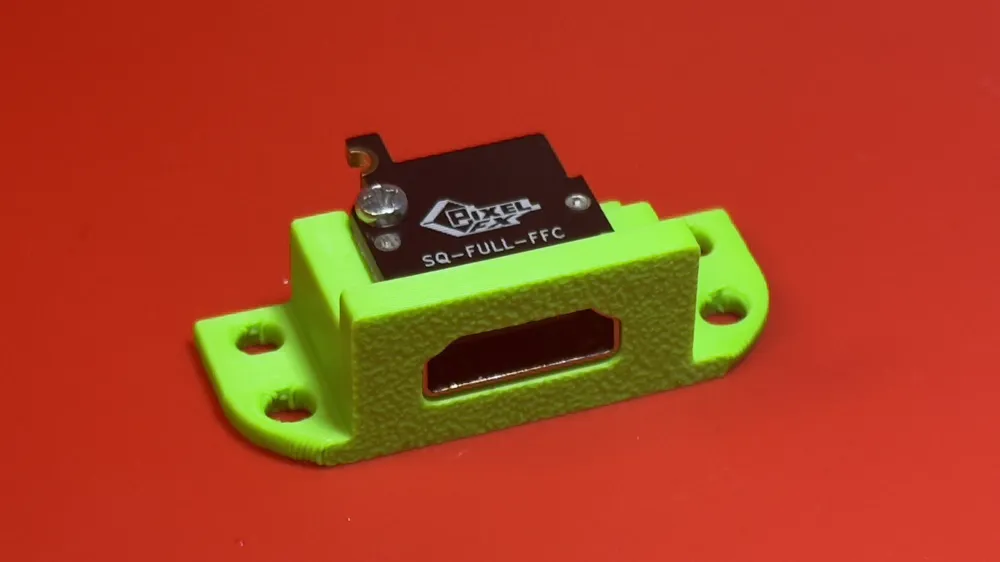
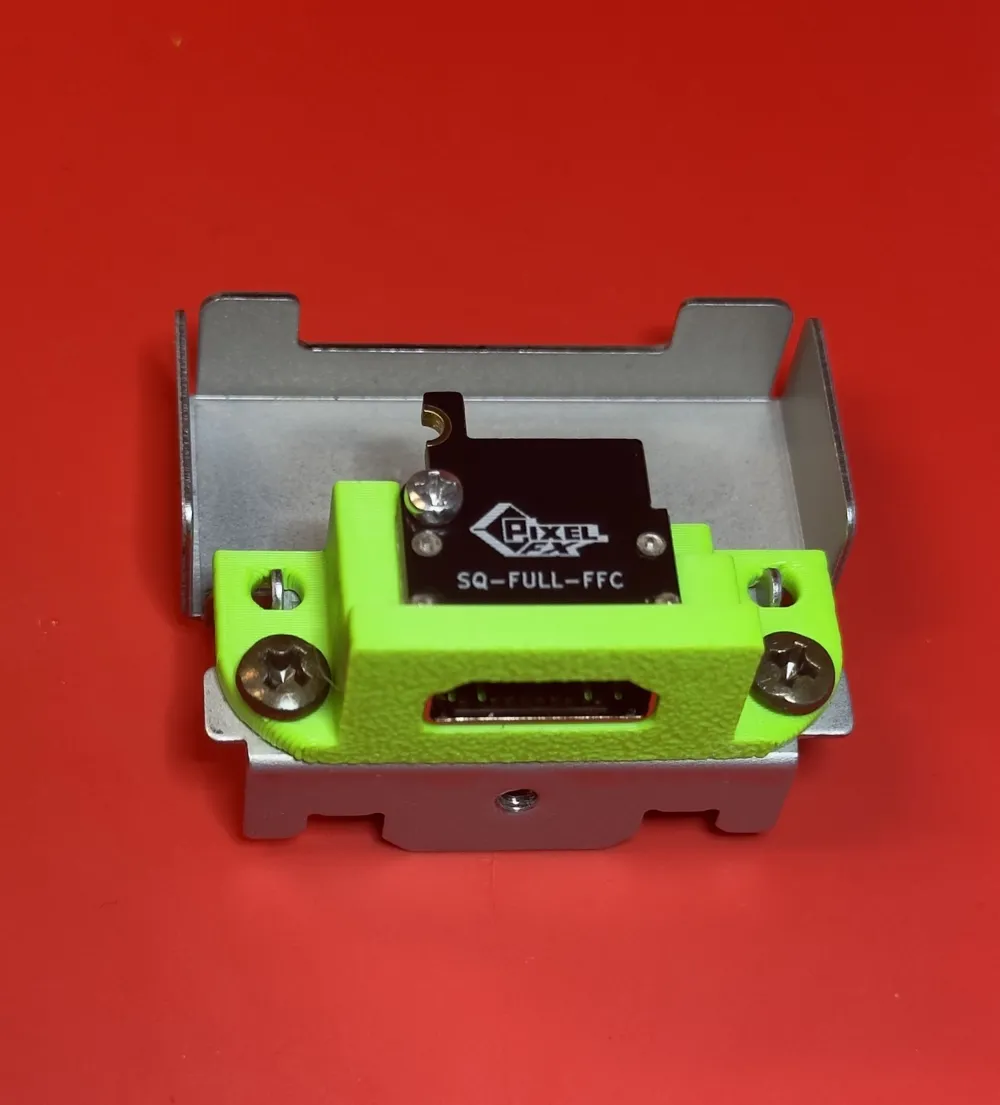
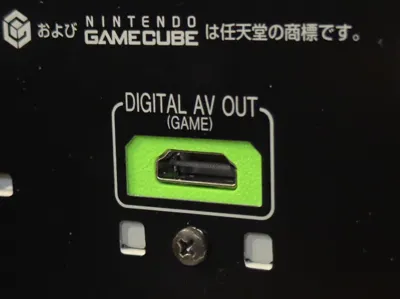
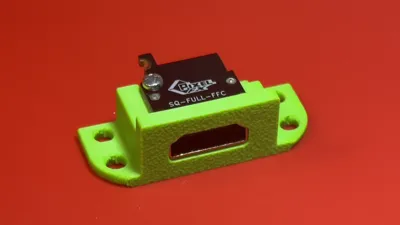
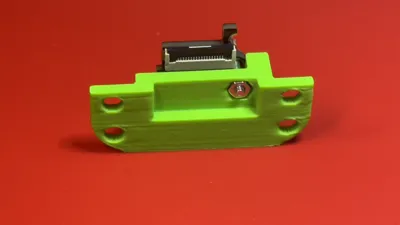
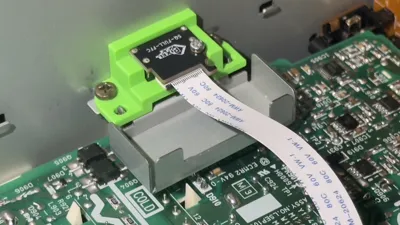
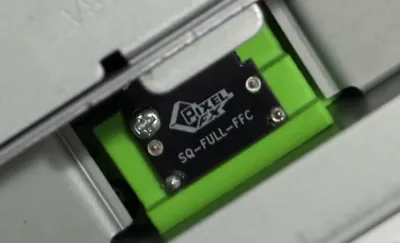
Introducing the Panasonic Q GameCube Retro GEM HDMI Mount - A remix of Pixel FX's GC Retro GEM full size HDMI mount for the Panasonic Q that fits the Digital AV Out port on the backplate.
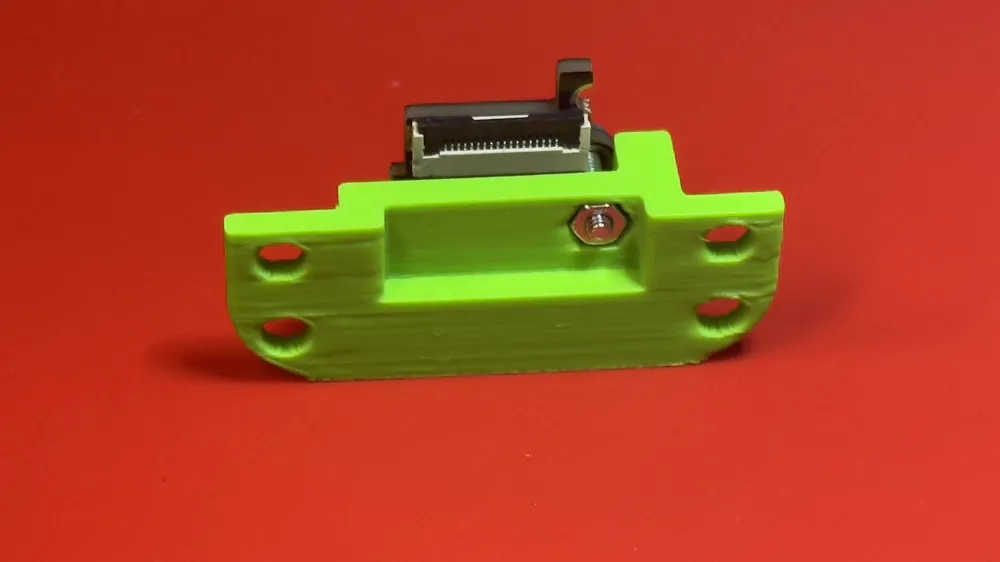
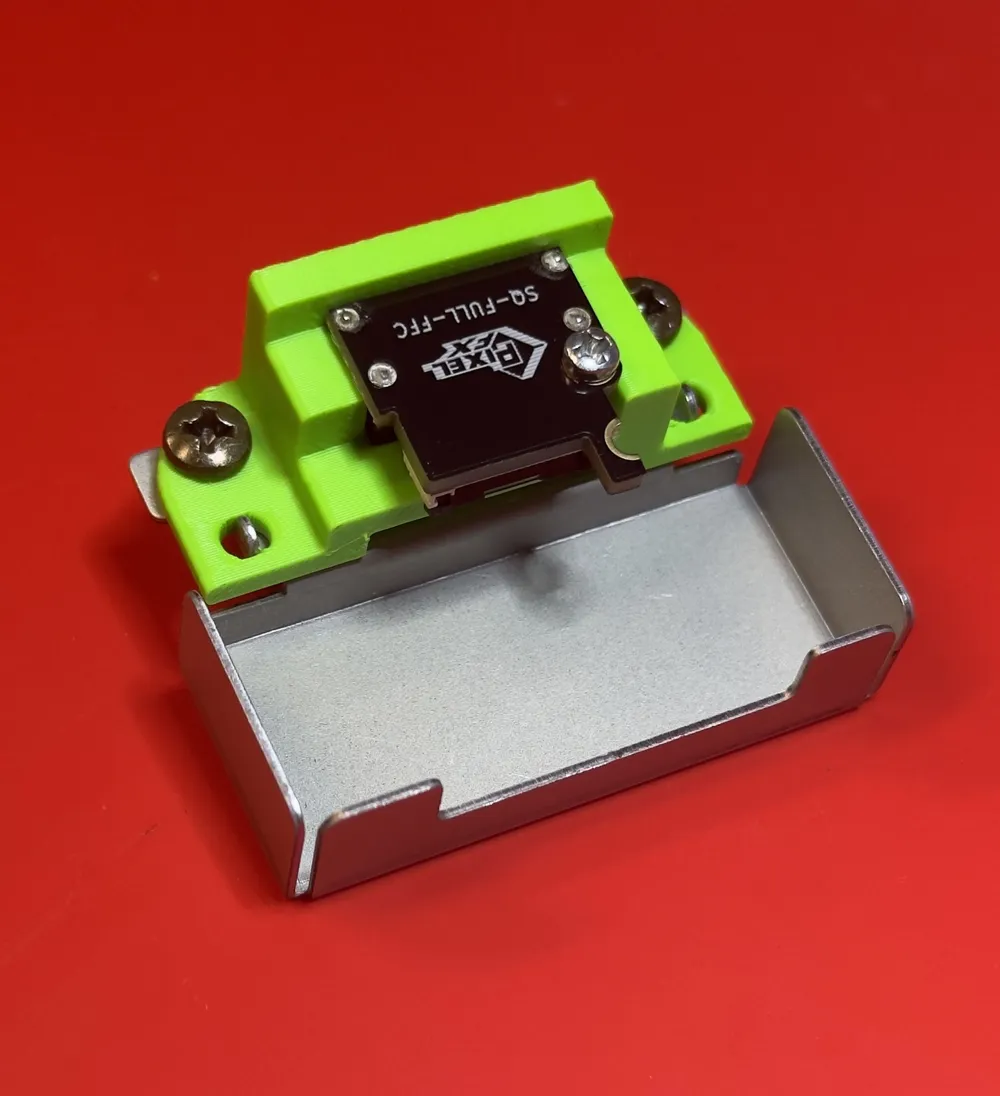
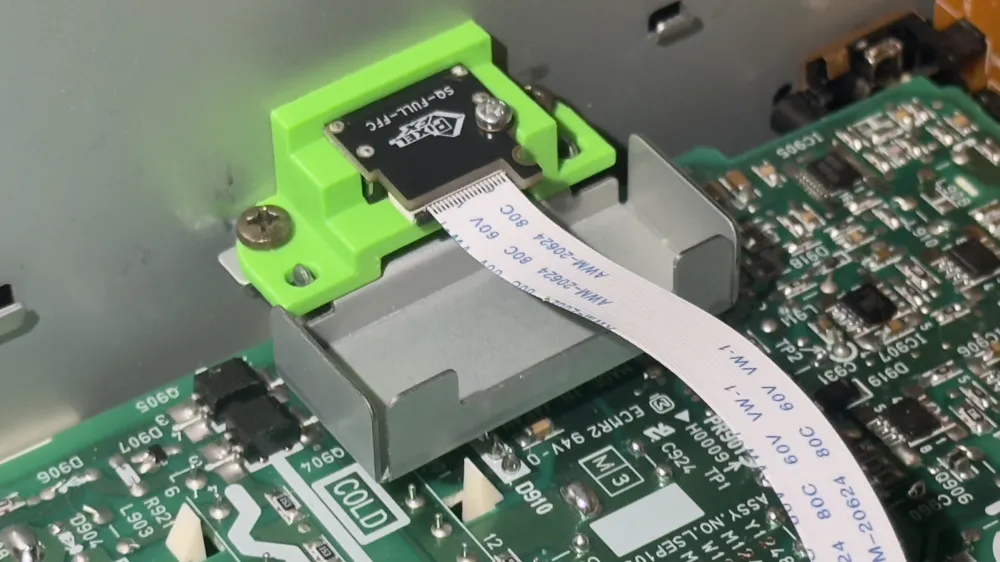
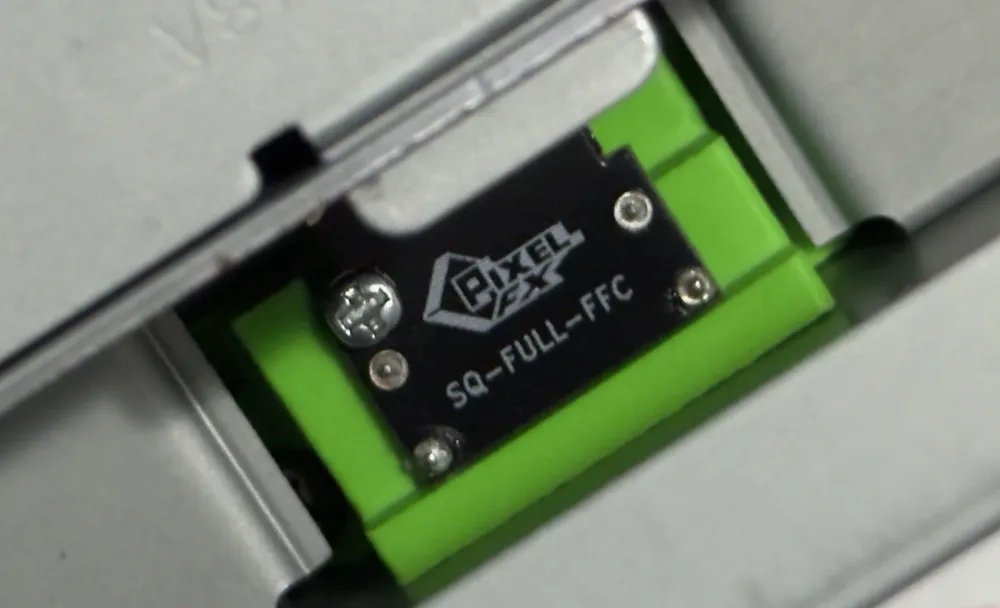
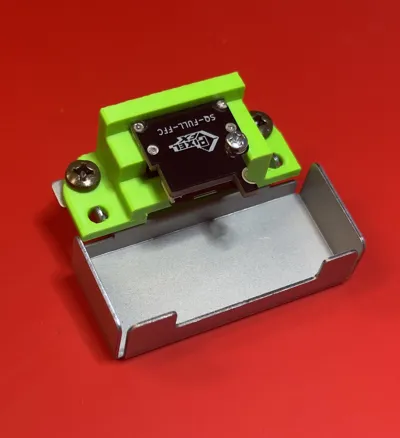
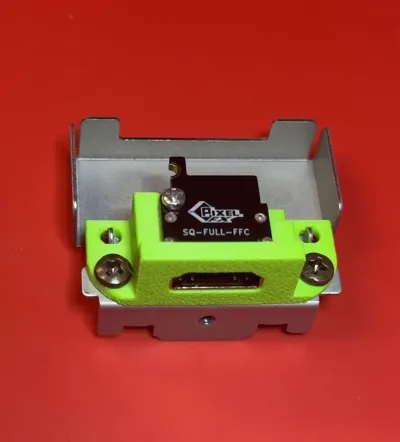
After trial and error, I settled with a solution that repurposes the Panasonic Q's metal bracket for the digital port and allows an HDMI mount that fits like a glove behind the DVD player. I also made sure this doesn't require flush cutting the bottom of the screw that locks in the Full Size HDMI Adapter Board. Tested with PLA, PETG, and ASA filaments on a Bambu Lab X1C. The 3mf and stl files are oriented face down since this allows you to leave supports disabled and provides a quick, quality print. If you change the 3mf or stl file orientation, you will need to turn on supports due to the size of the HDMI port opening.
Note: In order to use the Panasonic Q GC GEM HDMI Mount, you must first detach the original digital port from the metal bracket and then combine it with the Panasonic Q GC GEM HDMI Mount during reassembly. To reach the Panasonic Q GC GEM HDMI Mount from the Retro GEM, a 200-250mm long 18-pin 0.5mm pitch type A flexible flat cable (ffc) is required. Check the model pictures for examples and follow the instructions in Panasonic Q Retro GEM Install pdf file.
Also if you're looking for a way to position the WiFi antenna, then consider either the Panasonic Q GEM WiFi Antenna Mount or Panasonic Q All-In-One Fan Bracket with GEM antenna mount included.
Documentation (1)
This remix is based on

License



Comment & Rating (0)