
bee(r)label. manual labeler for cans and bottles
Print Profile(1)


Description
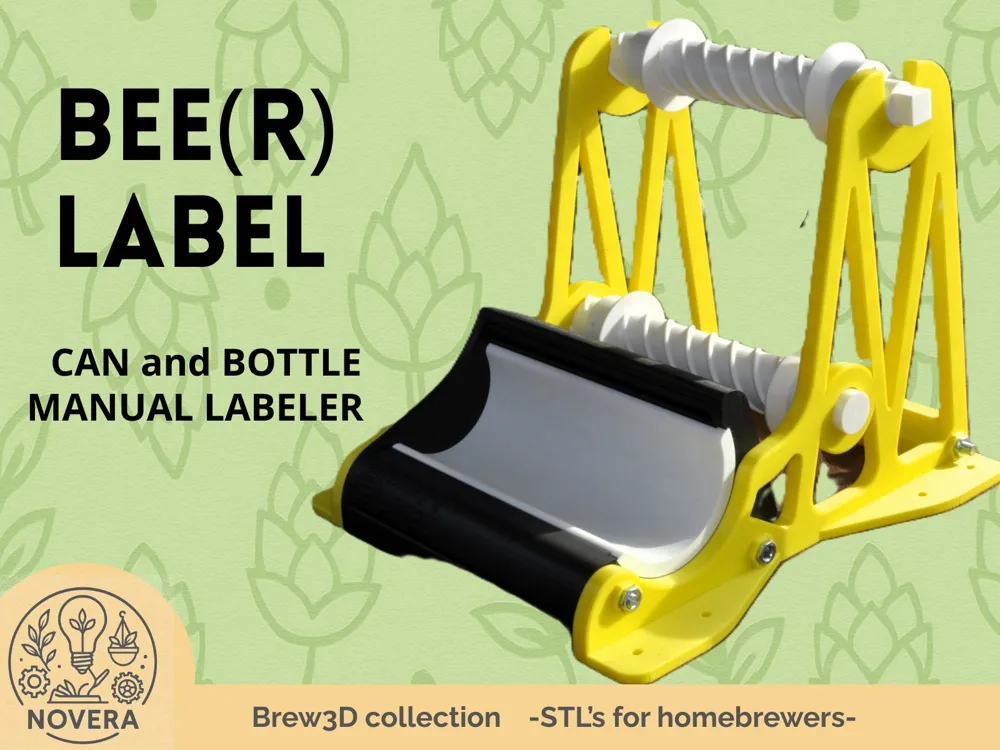
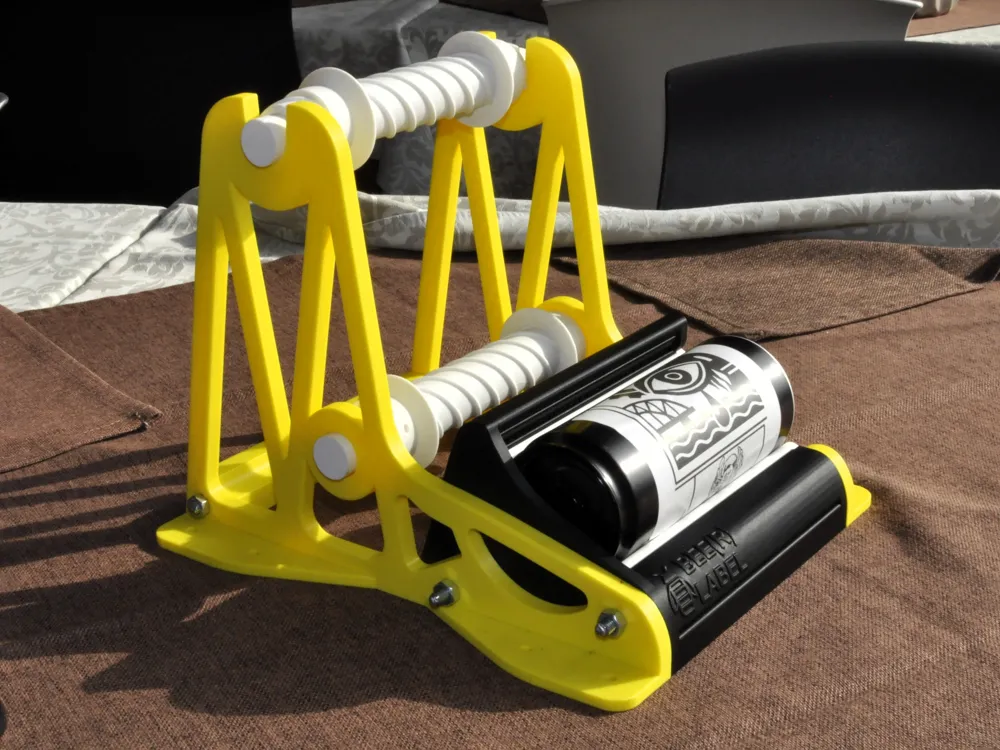
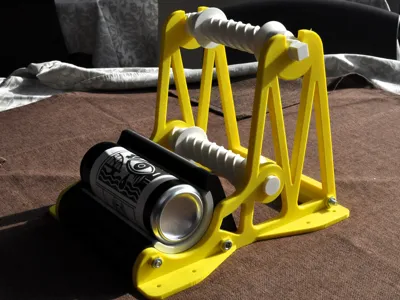
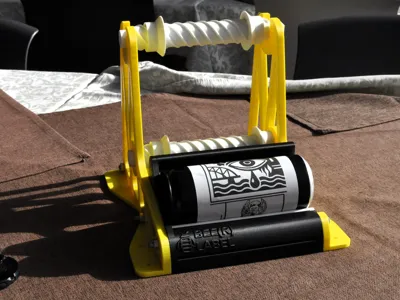
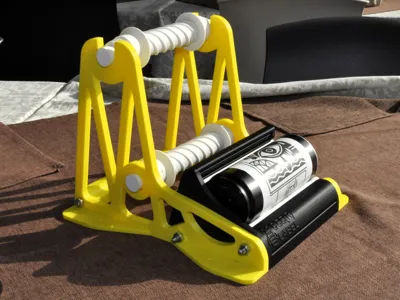
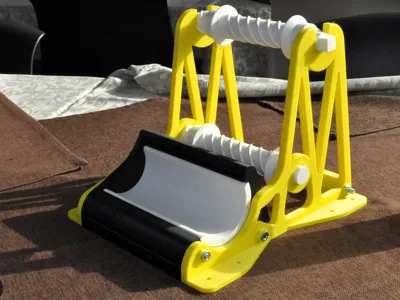
🐝 Bee(r)Label – Universal Manual Can Labeling Machine
Bee(r)Label is a compact and intuitive manual can labeling machine, designed to apply adhesive labels to cans quickly, accurately, and effortlessly.
Perfect for craft breweries, homebrewers, and small-scale producers, it combines ease of use with professional results — all in a fully 3D-printable design.
⚙️ Main Features
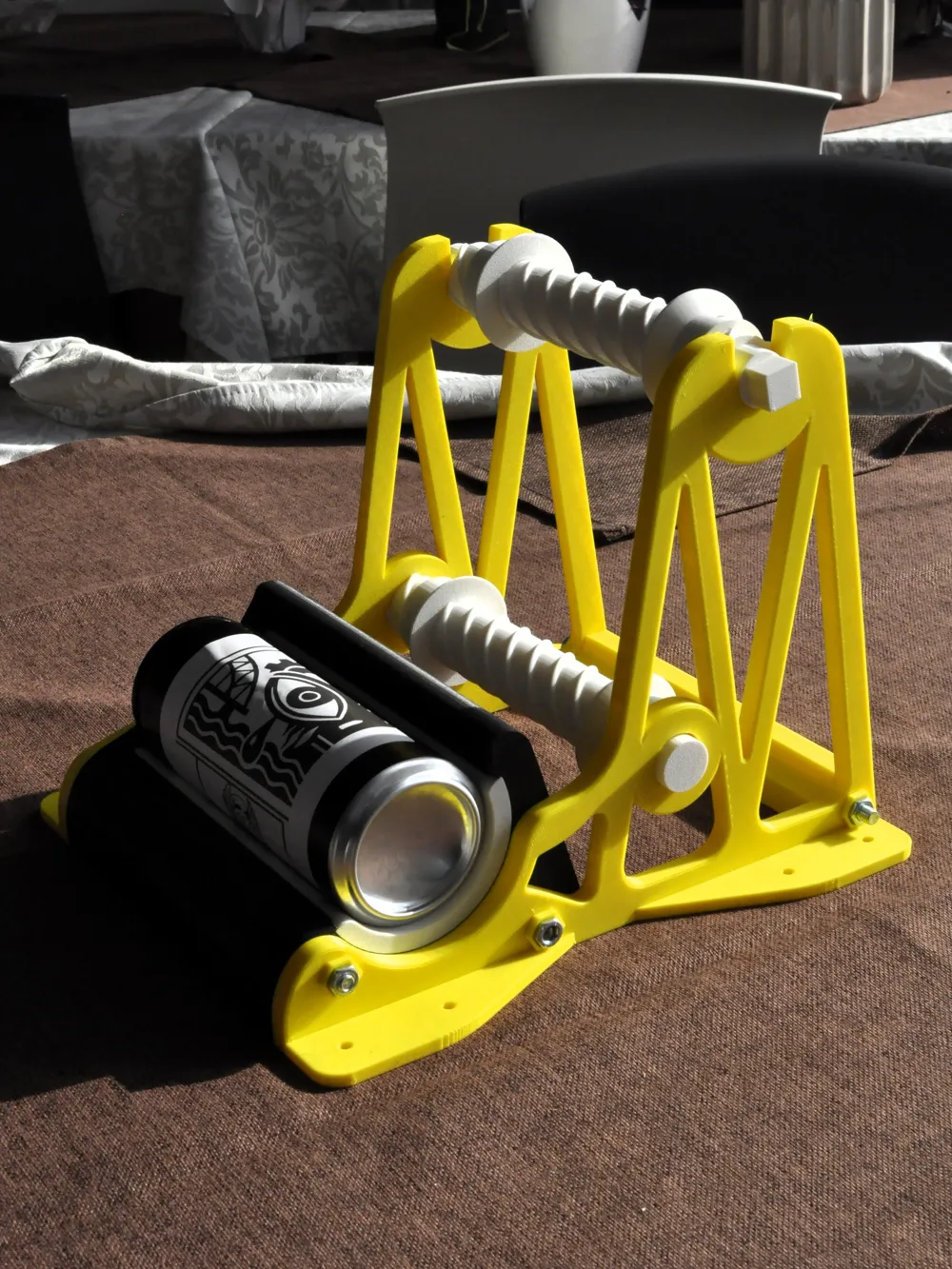
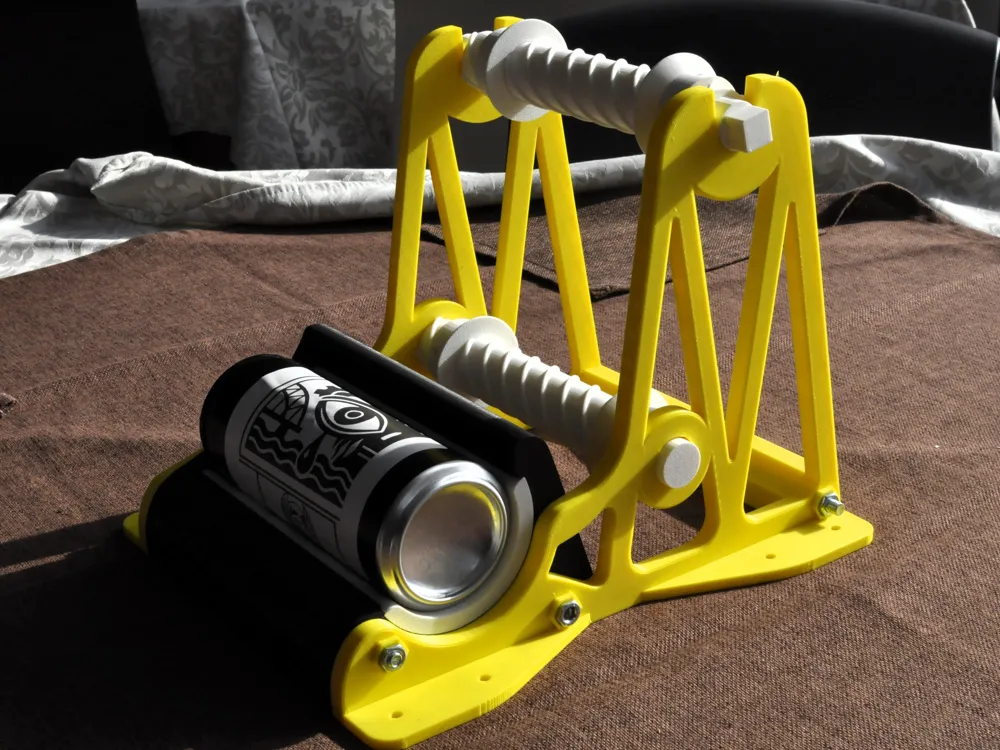
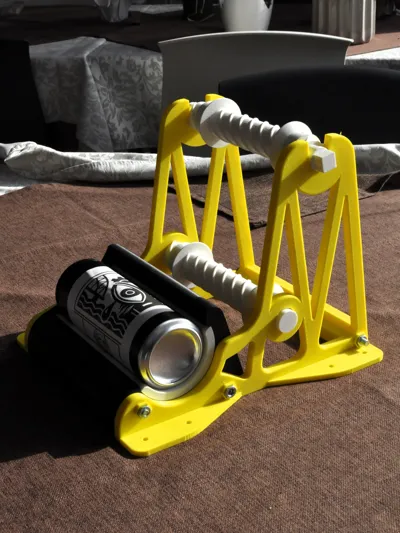
- Easy to use: simply place the can between the rollers, rotate it by hand, and the label wraps evenly and precisely.
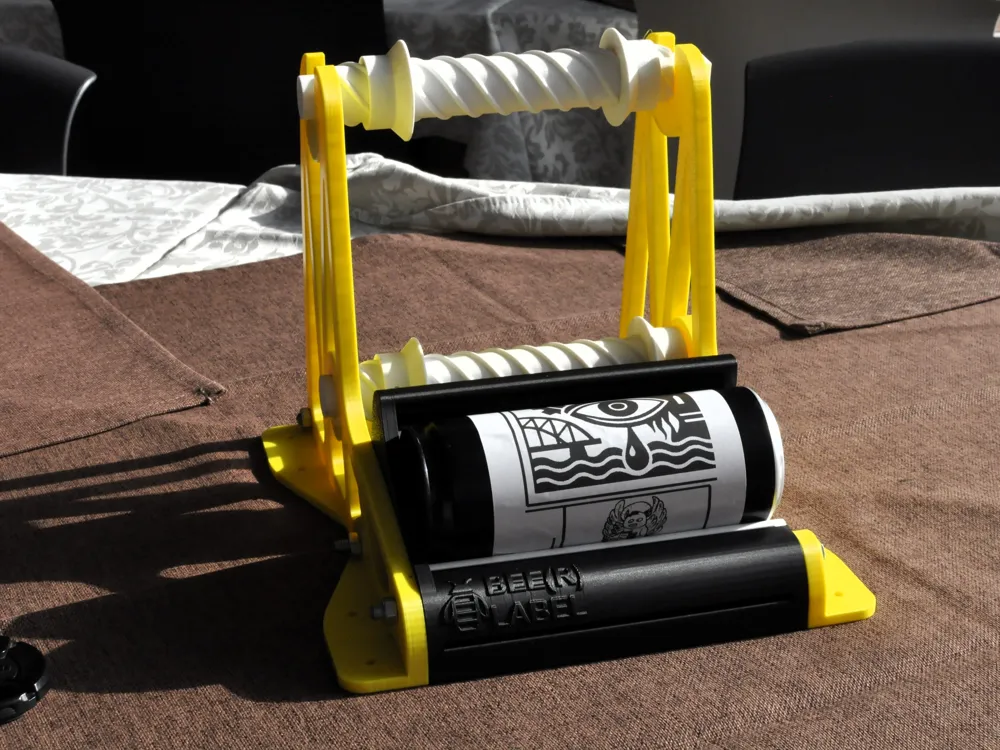
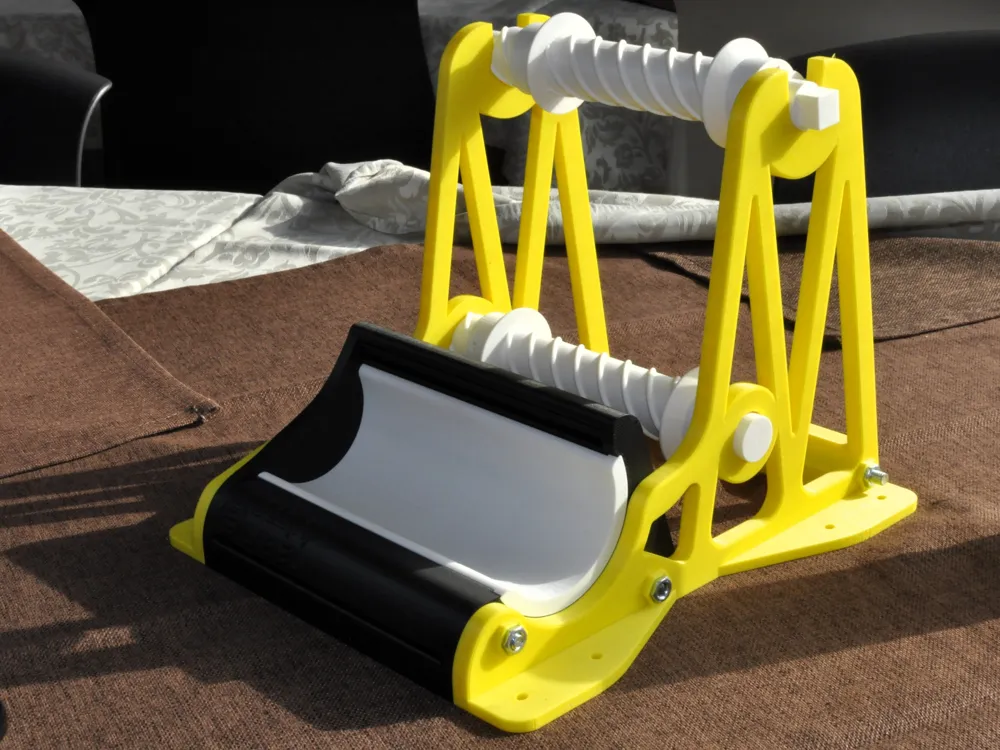
- Dual alignment roller system: two synchronized rollers ensure the label stays perfectly centered on the can throughout rotation.
- Adjustable side guides: adaptable to different label widths, featuring optional M3 screw holes to lock them in place if needed.
The guides are rigid enough to stay in position even without the screws. - Flexible operation: when using Z-folded (fanfold) labels, only the bottom roller can be used for alignment to simplify the feeding process.
- Universal compatibility: works with all aluminum can sizes, including standard 330/500 ml and sleek cans, with a dedicated adapter included in the project.
- Stable and modular design: robust, easy to print and assemble.
- No electronics required: 100% manual — full control, zero complexity.
🧩 Assembly
- Hardware required:
- 6 × M6 bolts with washers and nuts
1 × M6 threaded rod, cut into 3 sections of approximately 20 cm each
Assembling Bee(r)Label is simple and requires minimal hardware:
- Insert the three M6 threaded rods through the holes in the base and side brackets.
- Don’t forget to pass the rear reinforcement bracket through the rods as well before tightening.
- Place the lower guide roller into its dedicated mounts and secure everything using M6 nuts and washers.
- The upper roller simply rests on the side guides — it’s removable and features a handle, allowing you to roll the label tape around it for smooth application.
🍺 Why Bee(r)Label
Simple, precise, and universal — Bee(r)Label makes can labeling easy for everyone.
Whether you’re labeling beer cans, kombucha, soda, or any craft beverage, this tool delivers a clean, professional finish without the cost of industrial machines.
Perfect for makers who value craftsmanship, design, and the beauty of doing it yourself.
How to use it?
Remove the first two labels from the roll (we only need the bottom support to prepare the machine) and insert the strip into the rear slot
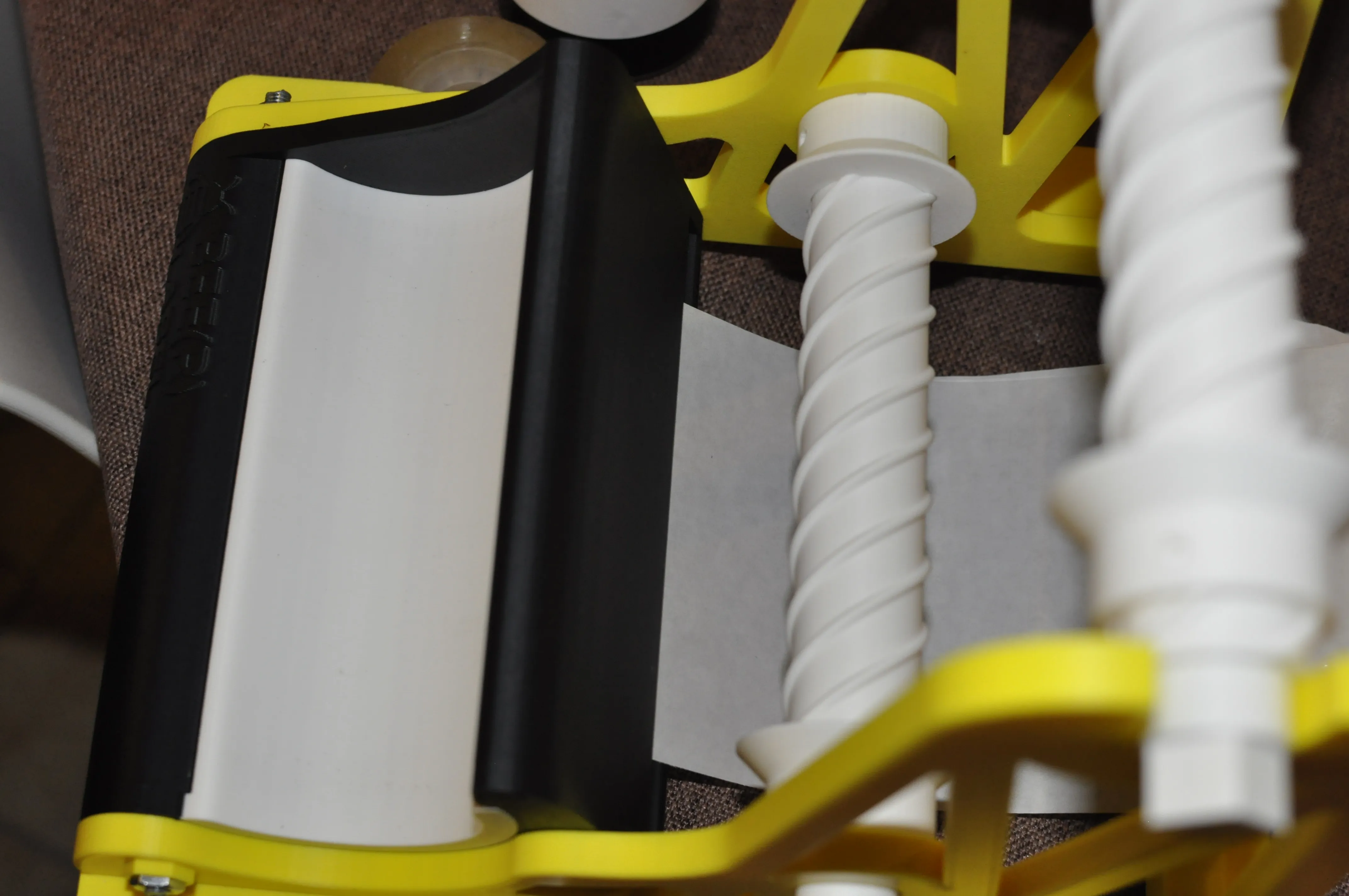
2) push the paper until it pops out of the top slot
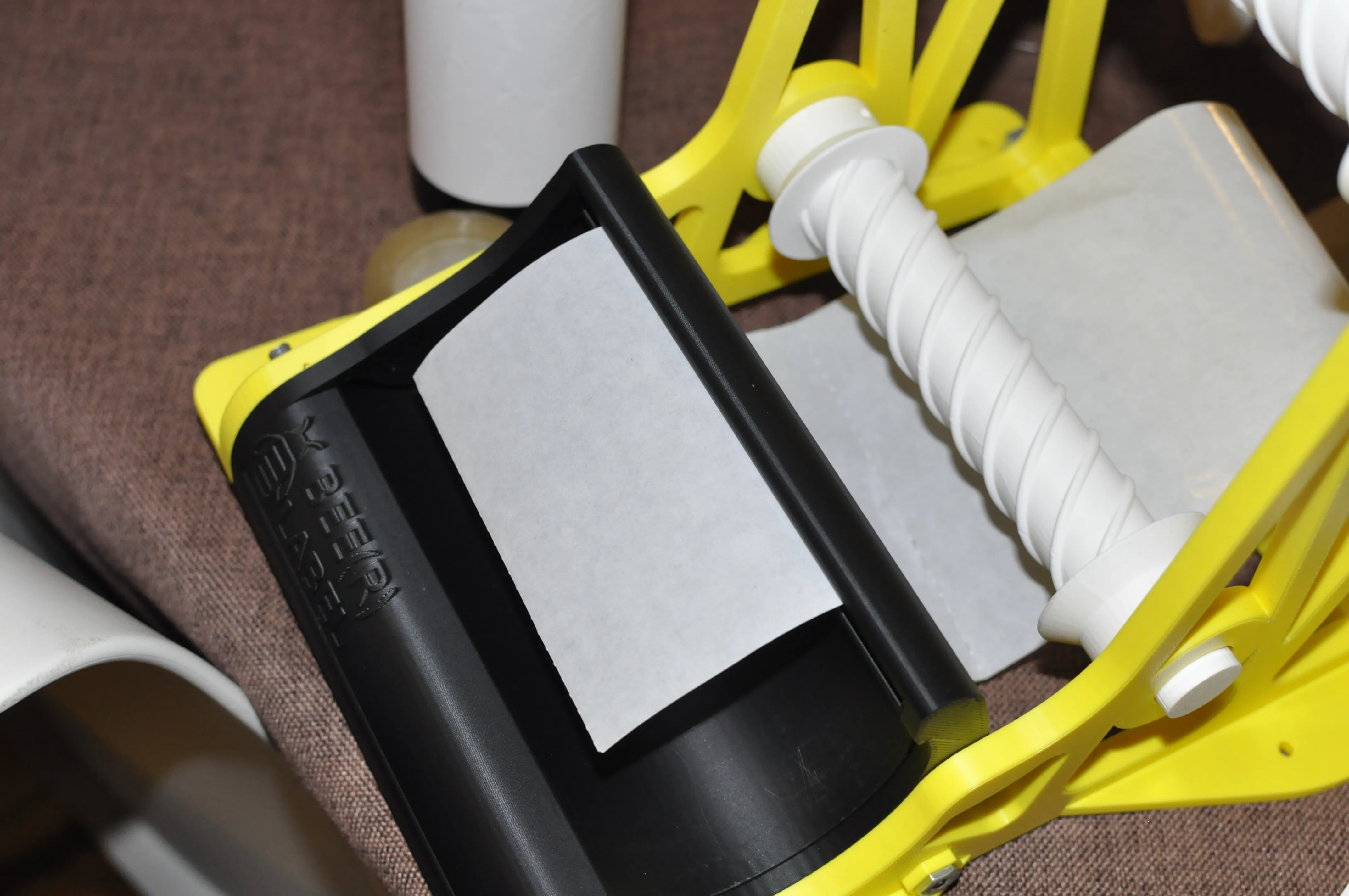
3. Insert paper into the slot below the one where the paper came out
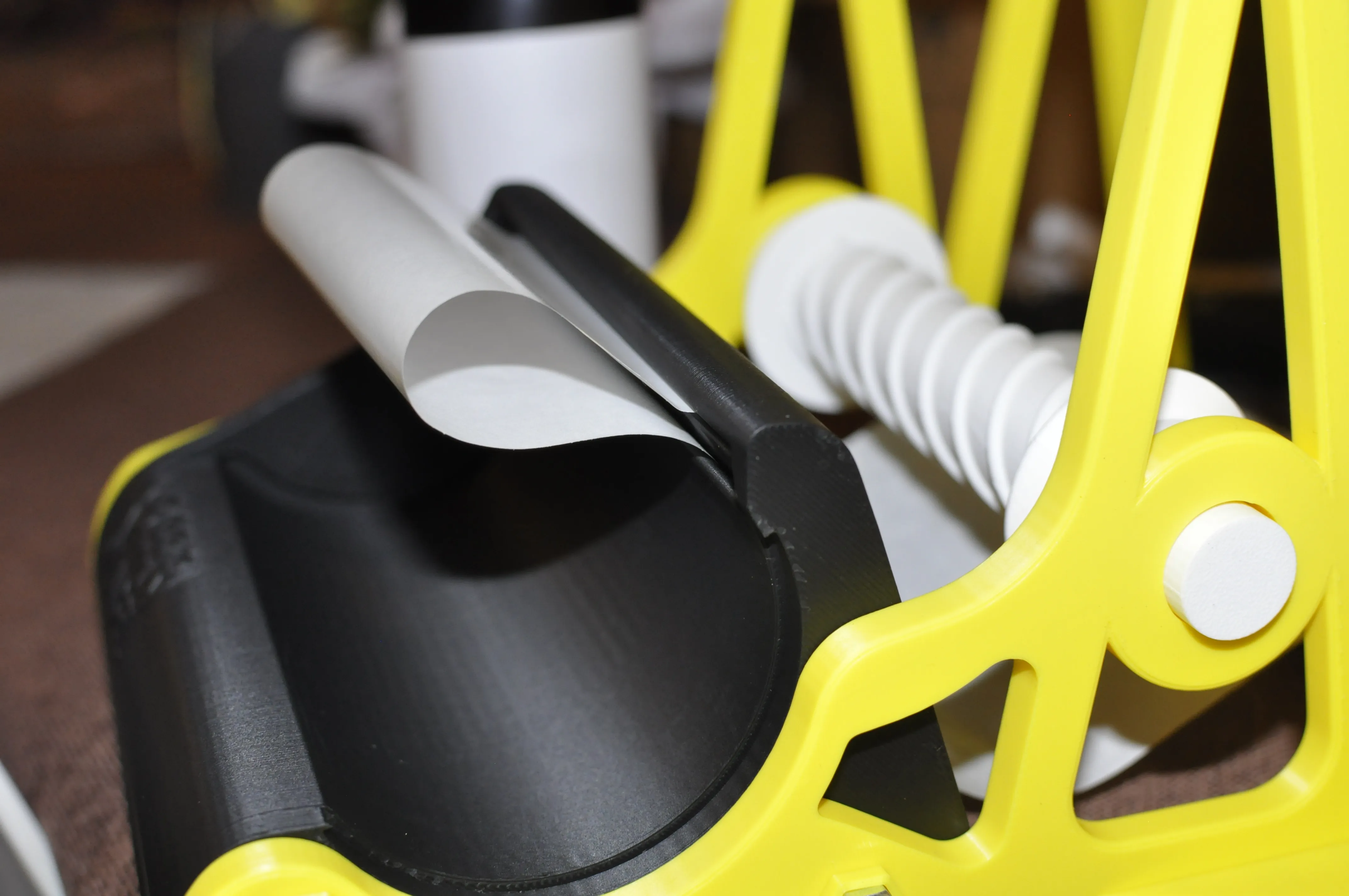
4.push the paper until it comes out of the front slot
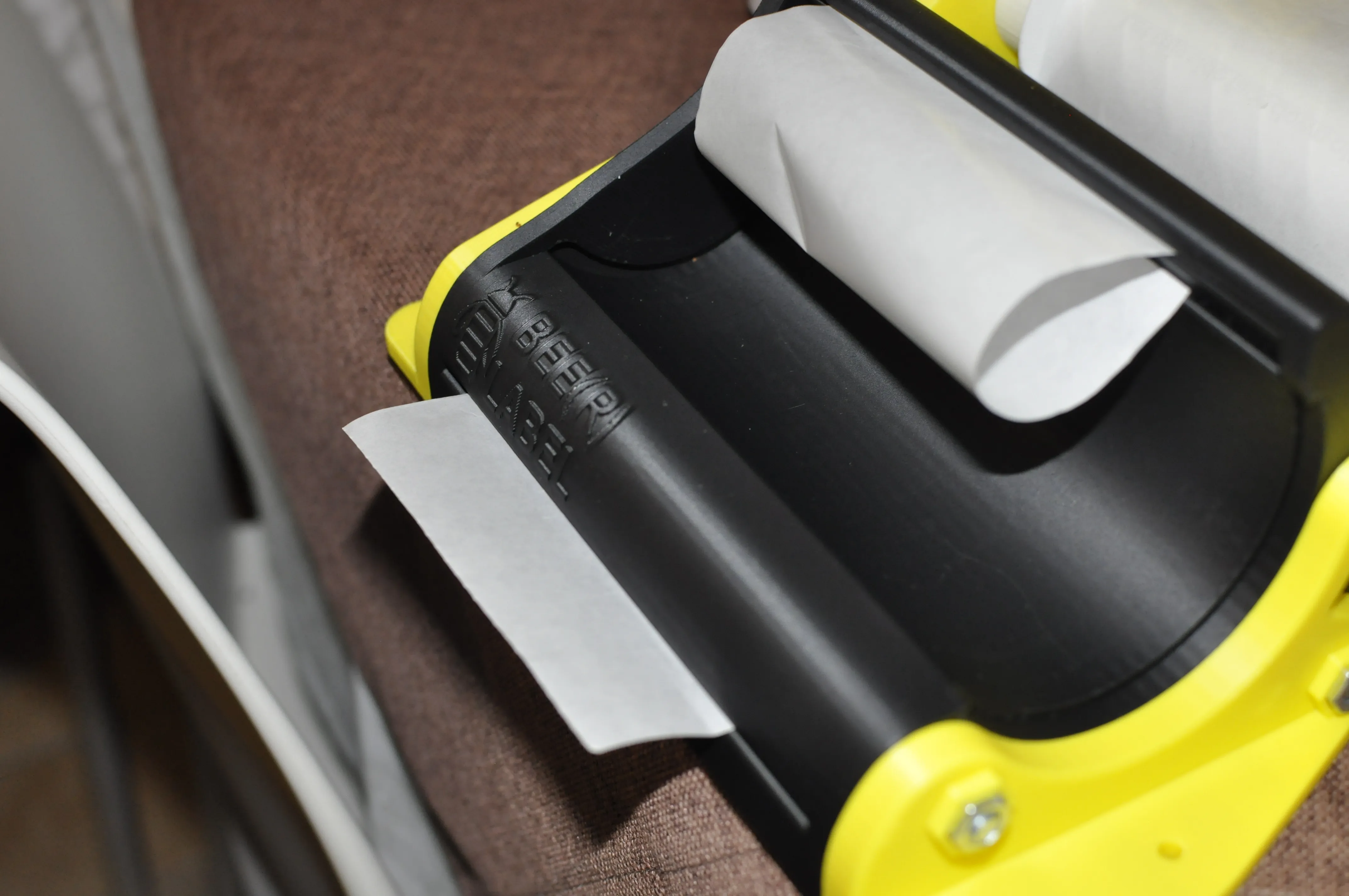
5. By pulling the paper from the front slot, the label will detach itself from the support
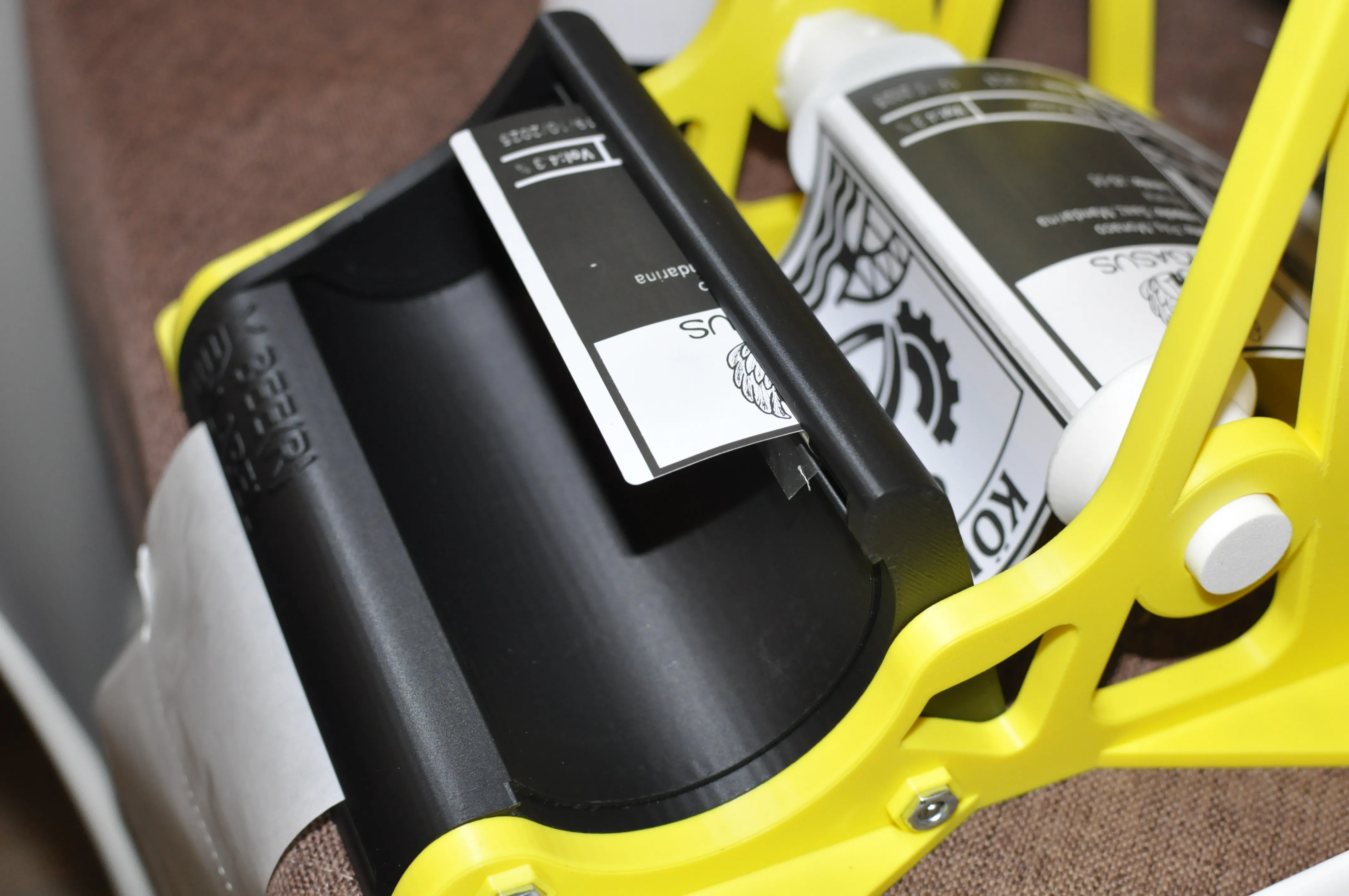
6.Align the label tape with the help of the guides and insert the can (possibly the sleek can adapter) into the slot
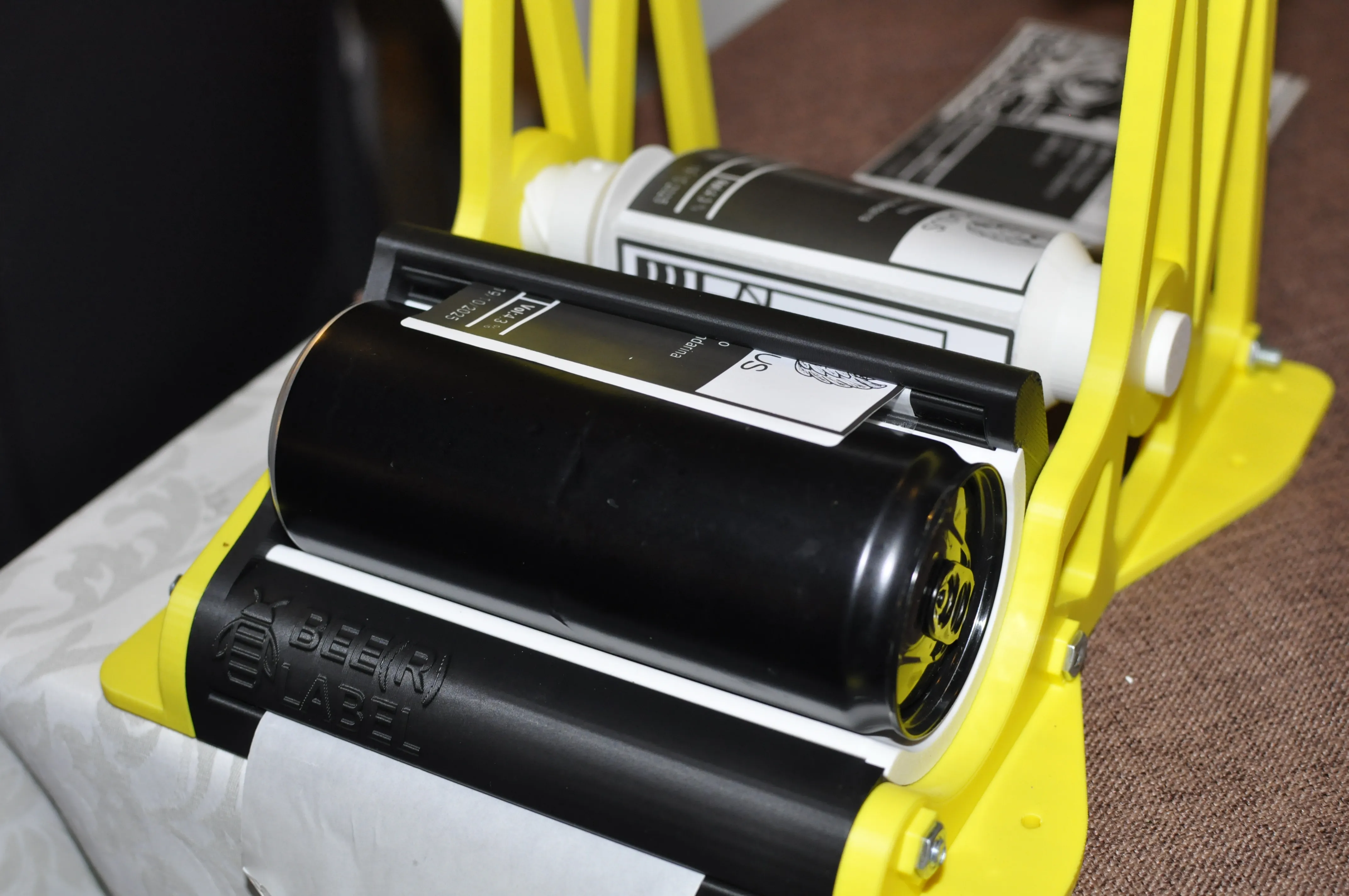
Press the newly detached label flap onto the can and pull the paper from the front slot. The can will be pushed by the label and will stick perfectly to the surface. Be careful, as the last few millimeters of the label may require manual intervention to secure them. I also tried with two types of labels. The "lighter" type was unable to push the can onto the support. In this case, you will simply need to "assist" the rotation by guiding the can into the can during rotation and simultaneously pulling the support flap that protrudes from the front.
Boost Me (for free)
A BOOST IS FREE FOR YOU AND A GREAT WAY TO SUPPORT MY CREATIONS!
License

You shall not share, sub-license, sell, rent, host, transfer, or distribute in any way the digital or 3D printed versions of this object, nor any other derivative work of this object in its digital or physical format (including - but not limited to - remixes of this object, and hosting on other digital platforms). The objects may not be used without permission in any way whatsoever in which you charge money, or collect fees.


Comment & Rating (18)