
AutoCAD shortcut keycaps for Vaydeer keyboard
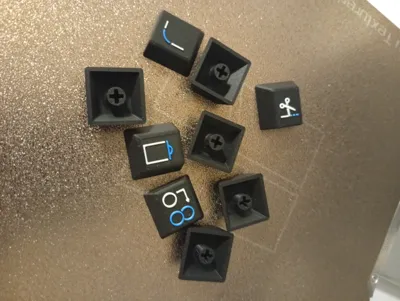
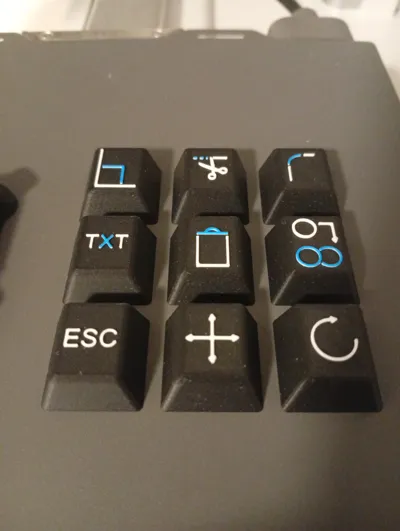
Print Profile(1)

Description
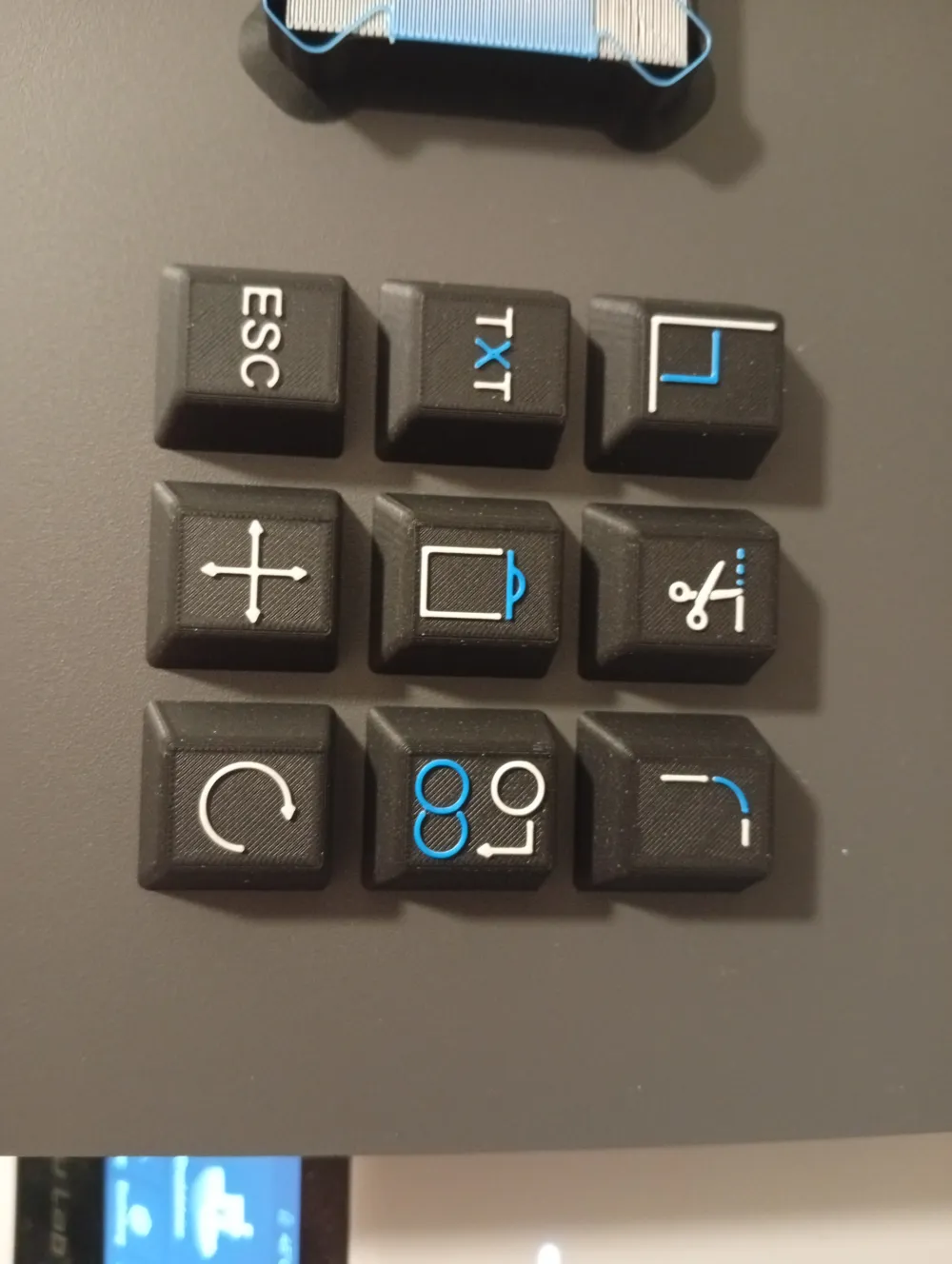
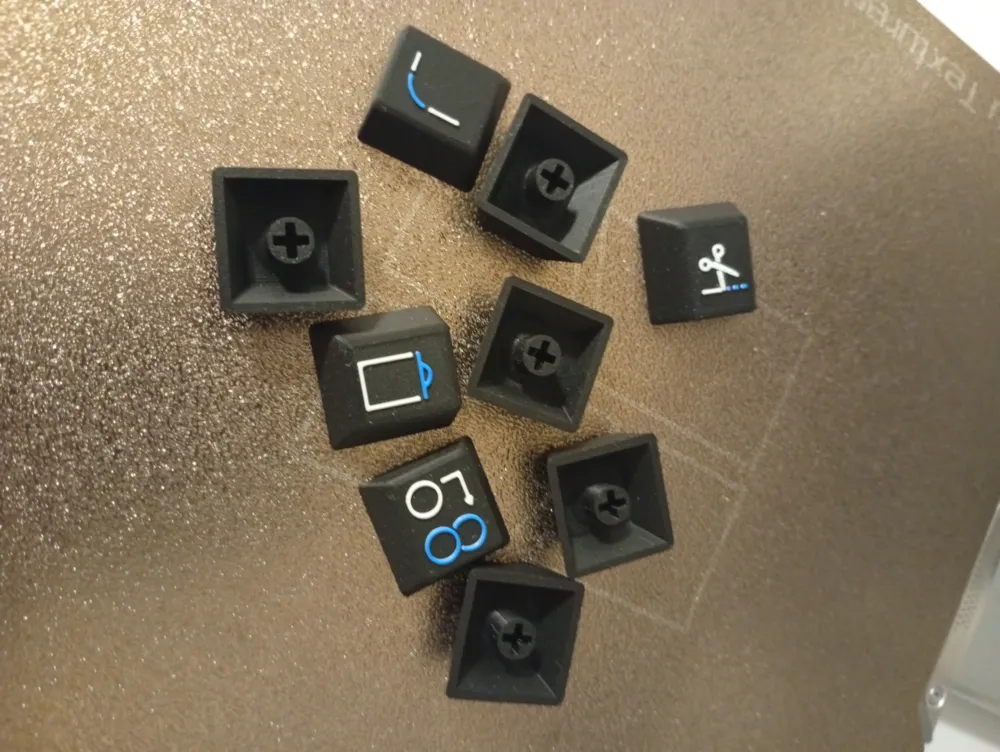
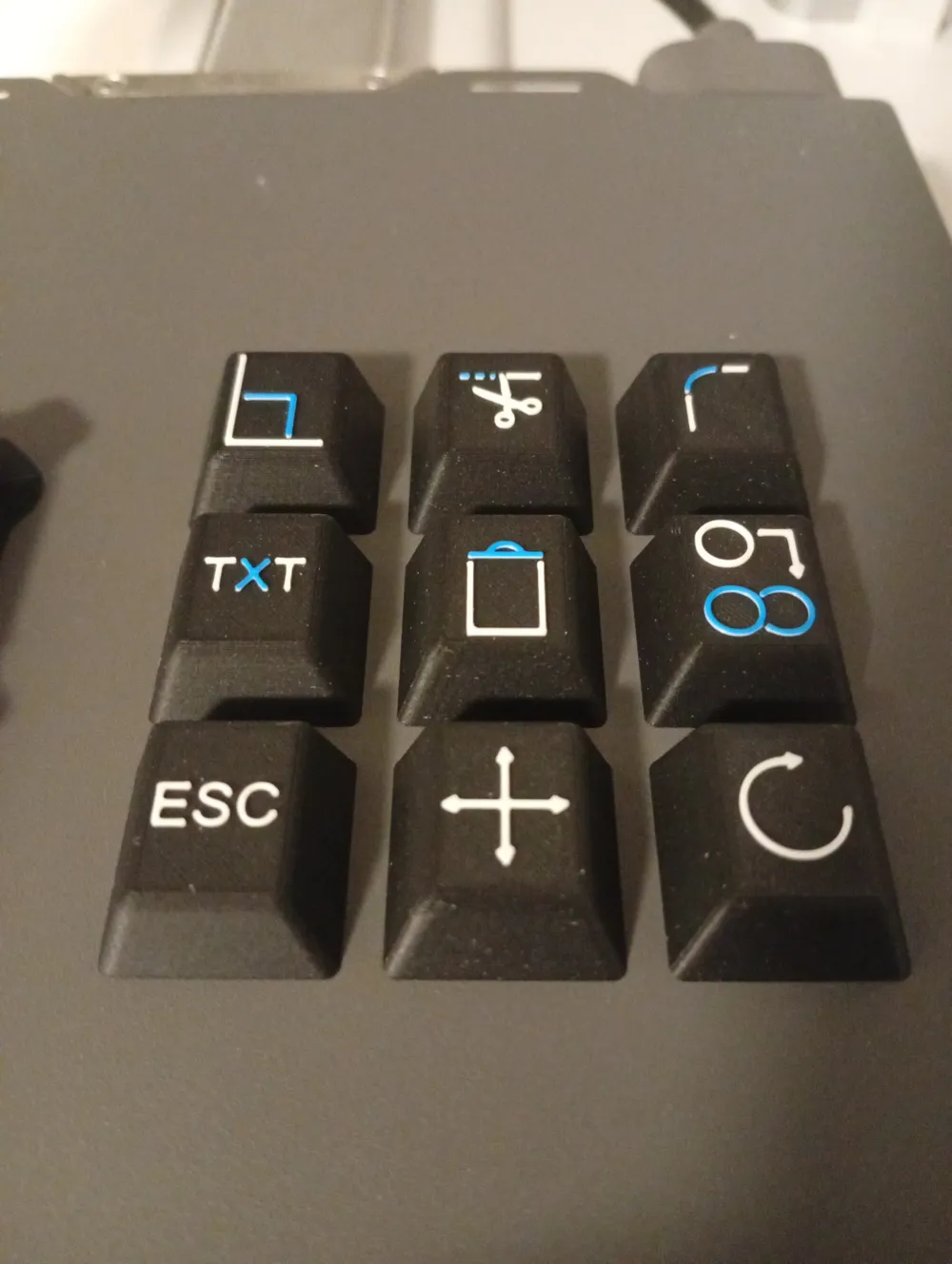
🛠️ Keycaps for AutoCAD Shortcuts – VAYDEER One-Handed Macro Keyboard
(remix by DACC designs)
🔗 Original model by DACC designs
🔗 VAYDEER keyboard product page
https://www.vaydeer.com/products/vaydeer-one-handed-macro-keyboard-9-programmable-keys
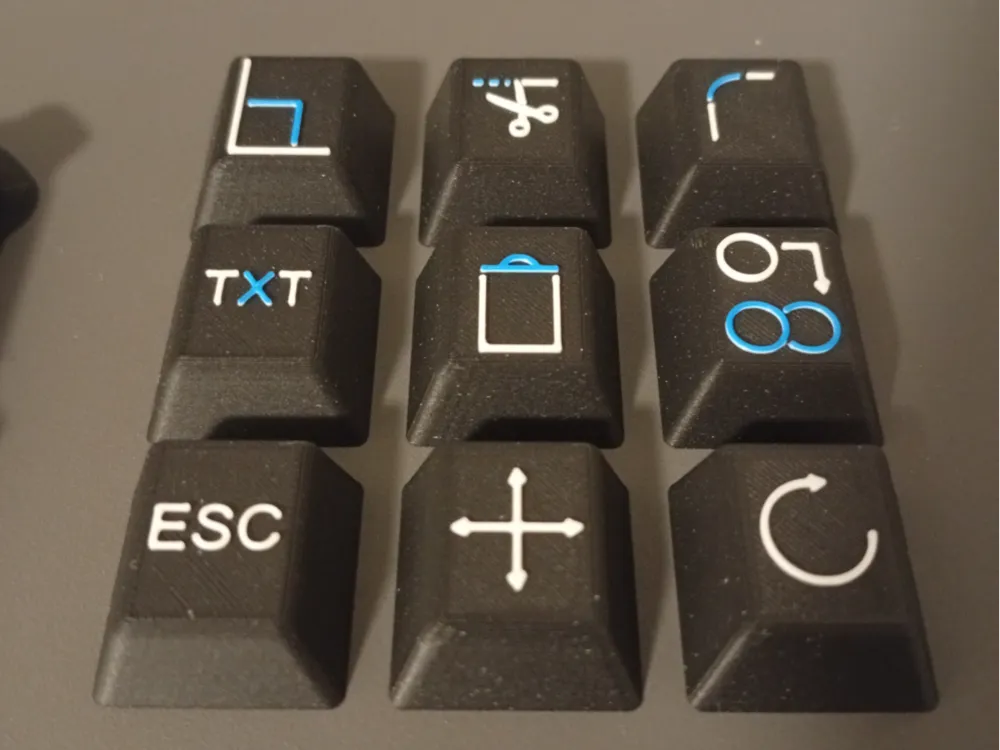
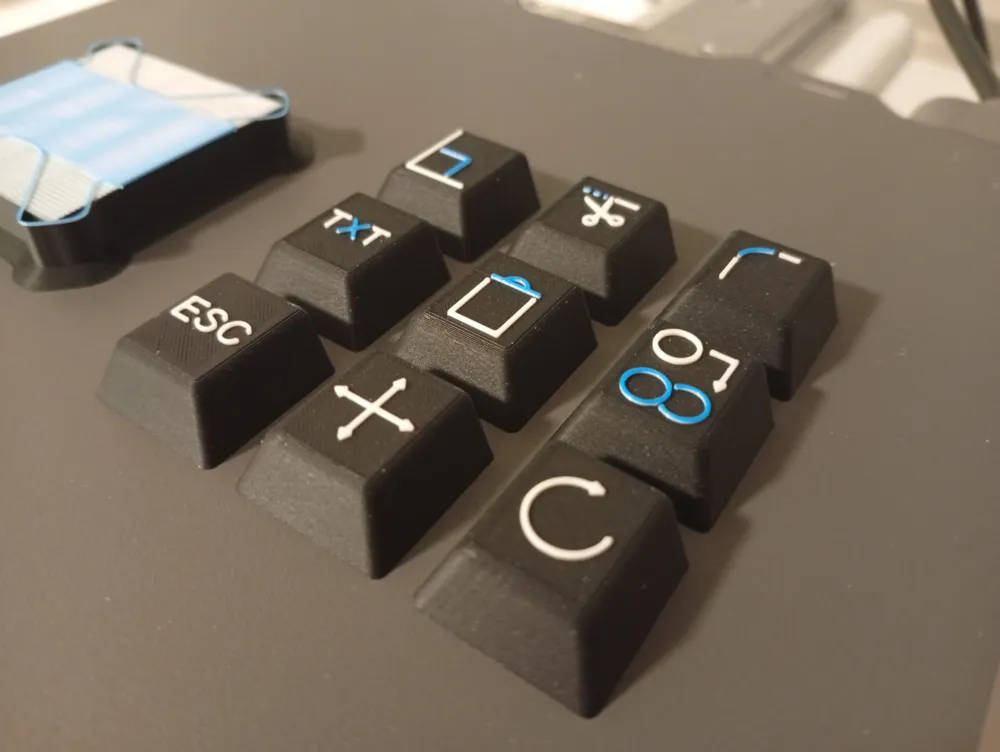
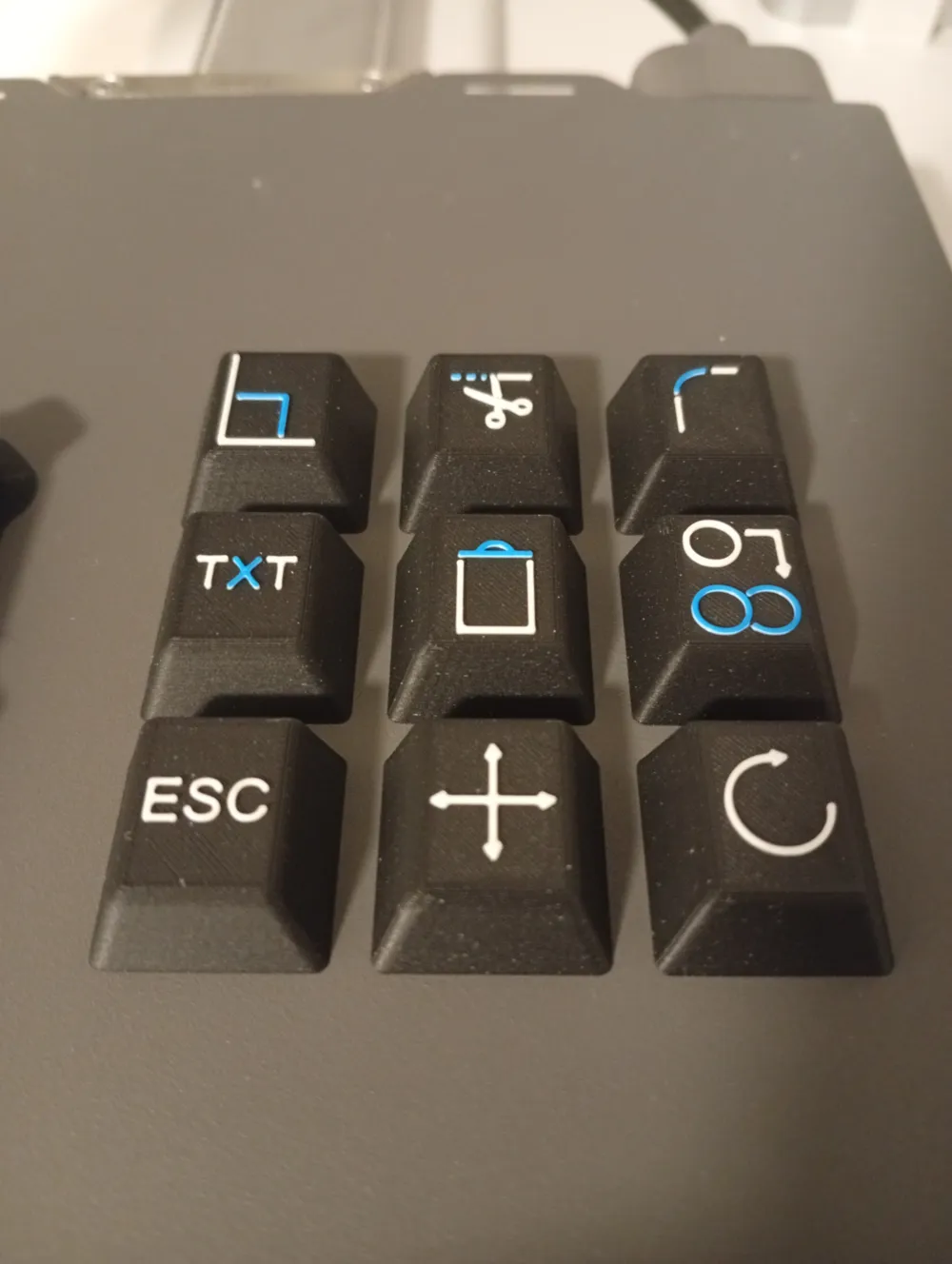
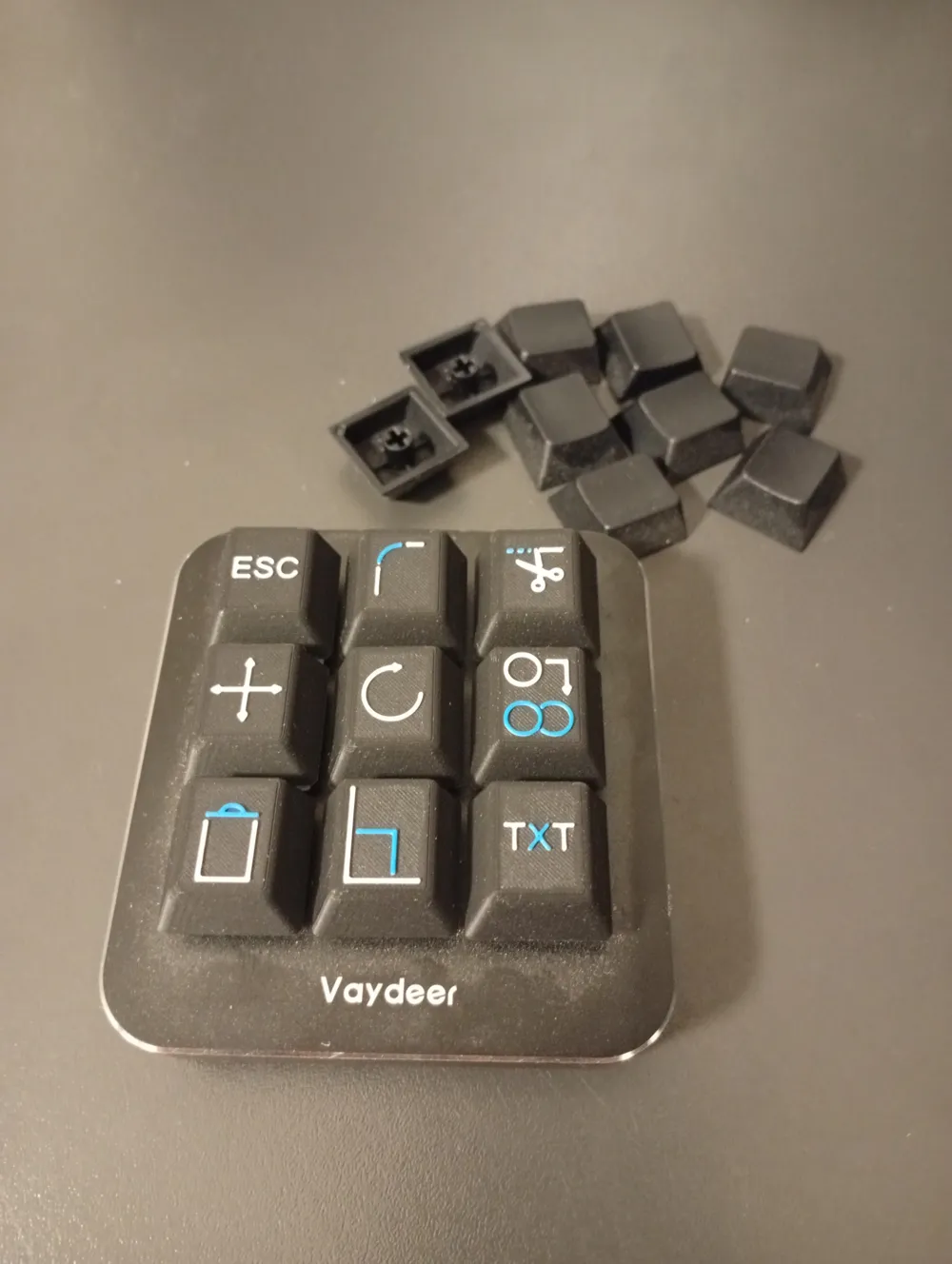
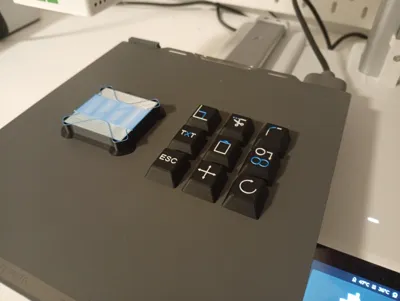
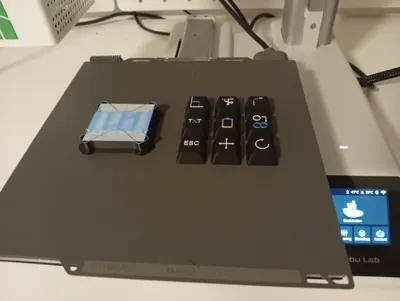
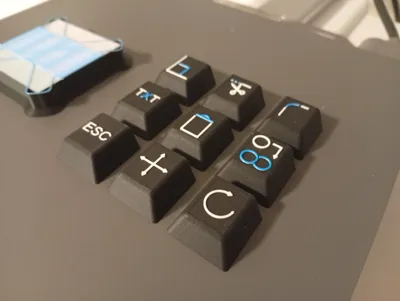
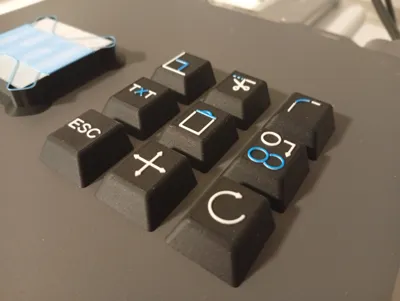
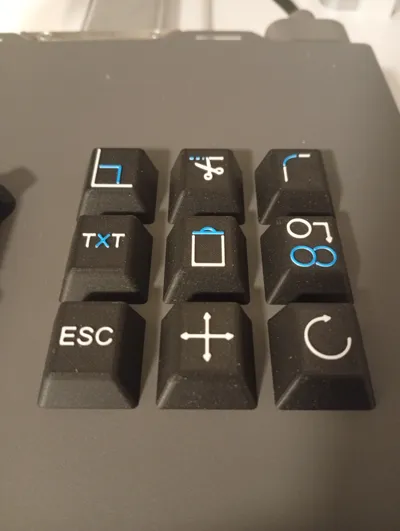
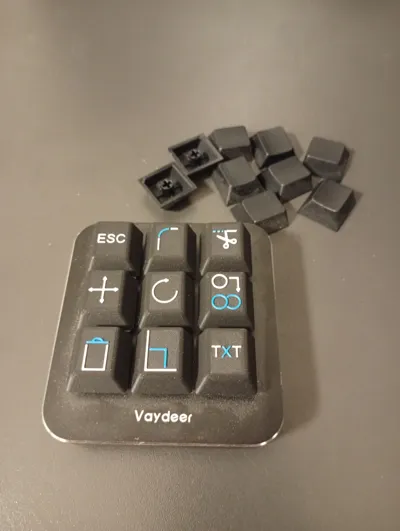
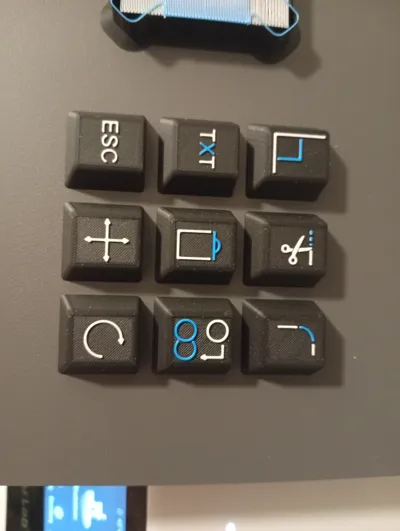
I designed these keycaps specifically for the VAYDEER One-Handed Macro Keyboard with 9 programmable keys, which I use for working with AutoCAD. The keyboard stands out for its affordable price and surprisingly good macro programming software. The model is a remix of the SketchUp keys by DACC designs – I adapted the symbols and functions to typical AutoCAD shortcuts
🎨 Print Style and Color Scheme
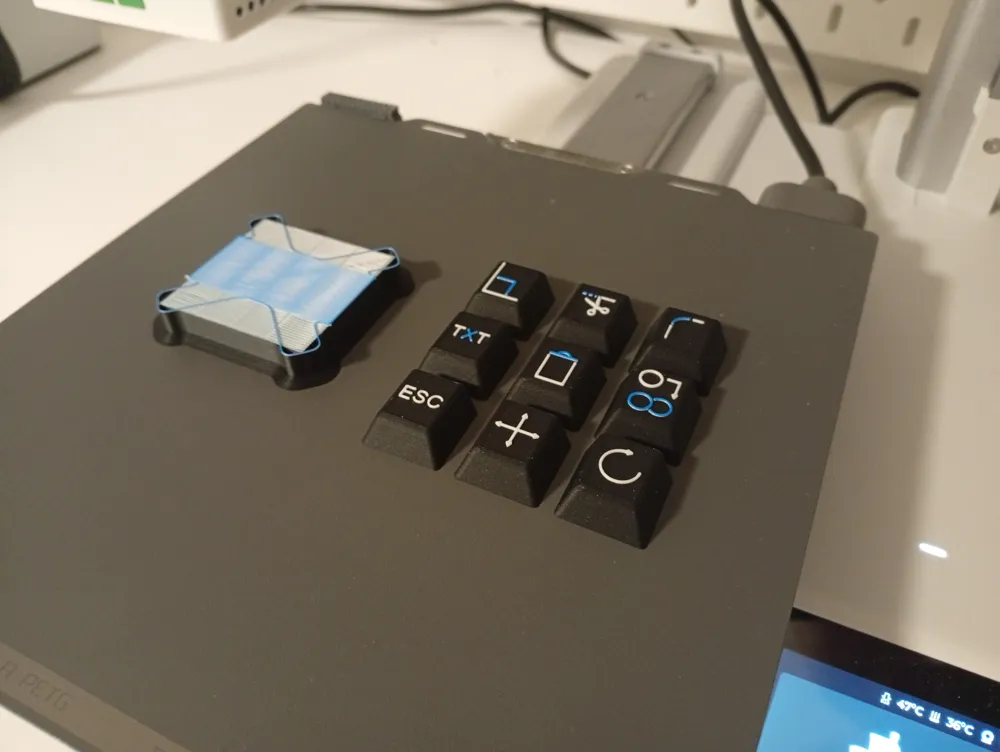
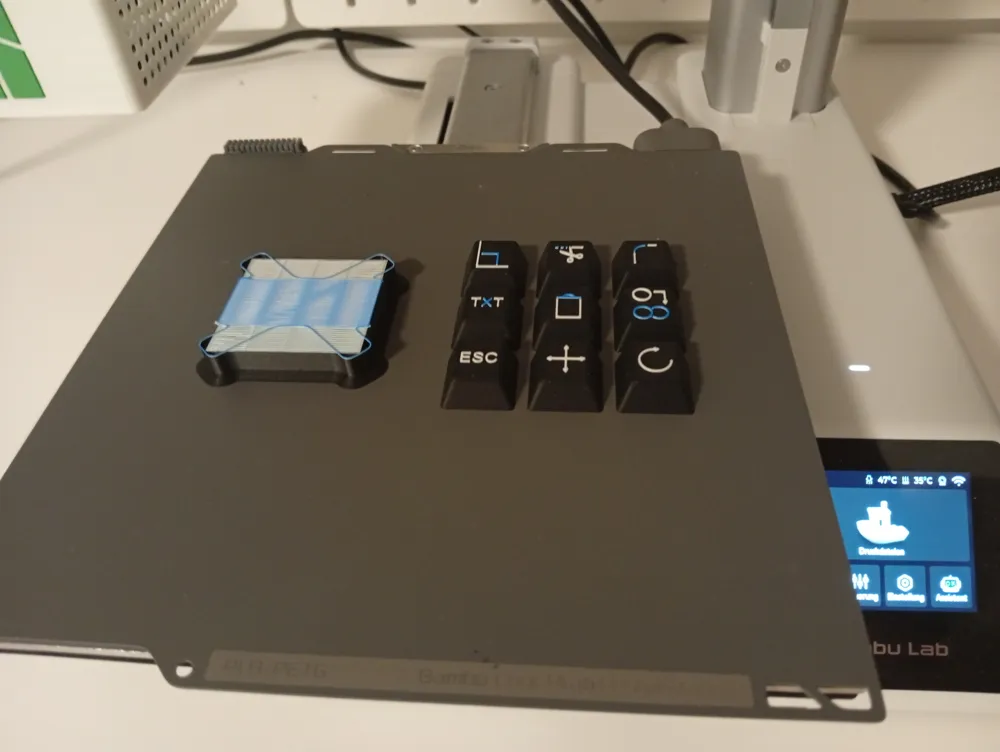
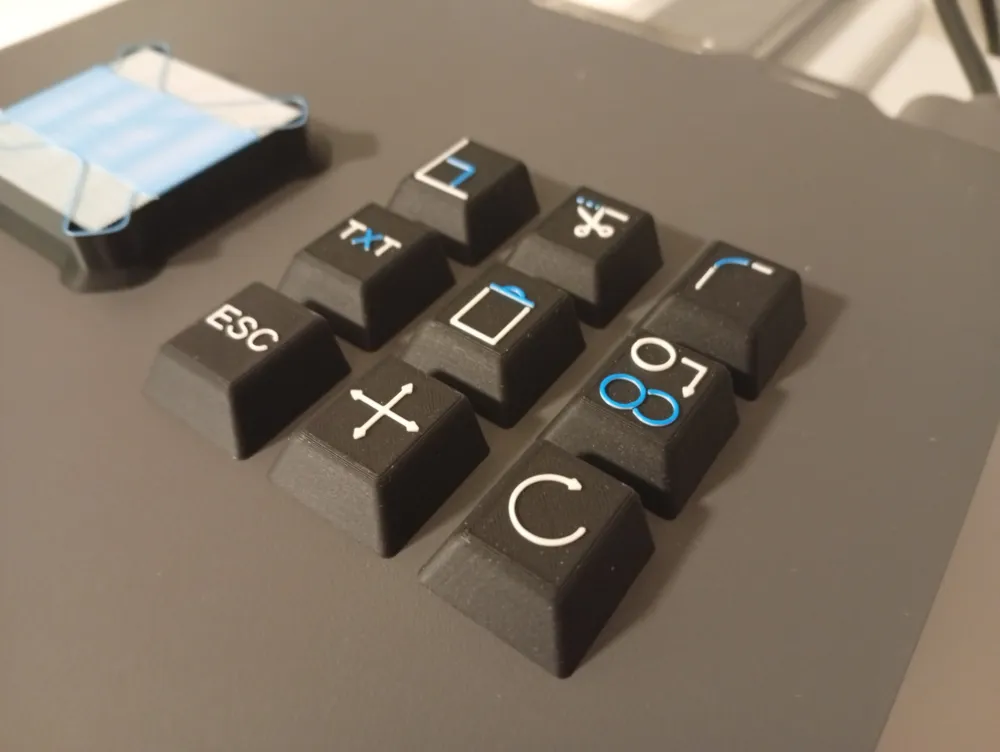
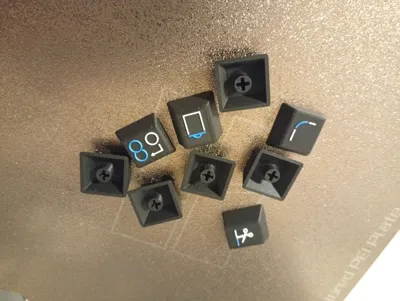
The print is three-color:
- 🖤 Keys: black
- ⚪ Symbols: white
- 🔵 Action indicators within the symbols: blue – in the style of the AutoCAD interface
A single-color print or a two-color print with a height range modifier is significantly faster and easier to implement, but it never looks as elegant and clear as the three-color version
🧱 Remix-Friendly & Expandable
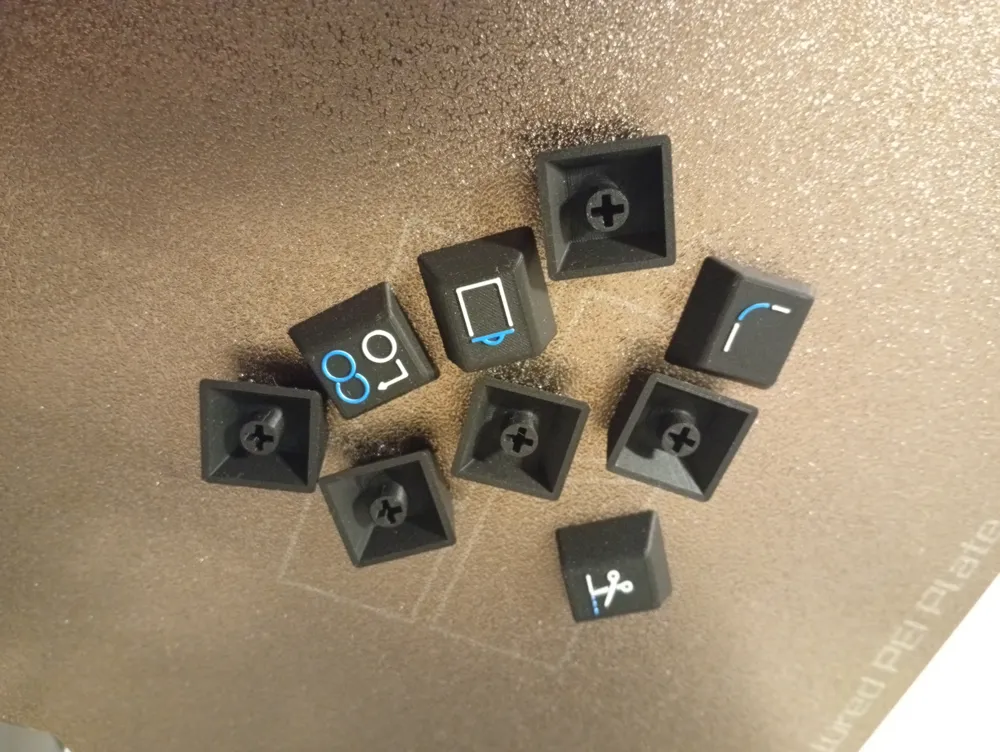
Additionally, I have included an empty key without a symbol to facilitate your own remixes or extensions
This remix is based on


License



Comment & Rating (1)