
Waveshare 7.3" display frame (Pi Zero 2 & ESP32)
Print Profile(2)


Bill of Materials




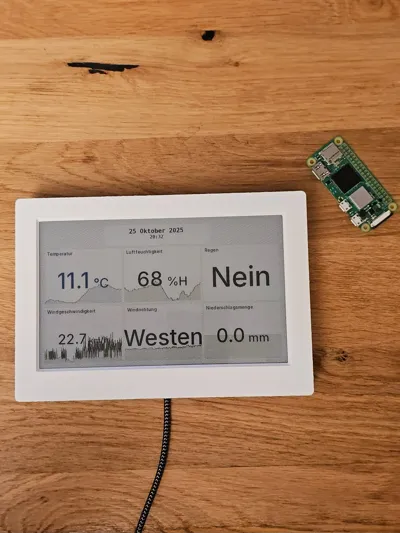
- Raspberry Pi Zero 2 W(H) x 1: You can either get the 2 W or 2 WH
- Waveshare 7.3inch E Ink Spectra 6 (E6) Full Color E-Paper Display x 1: Although the frame was designed around this display, it should be easy to adapt it to similar displays of various sizes.
Description
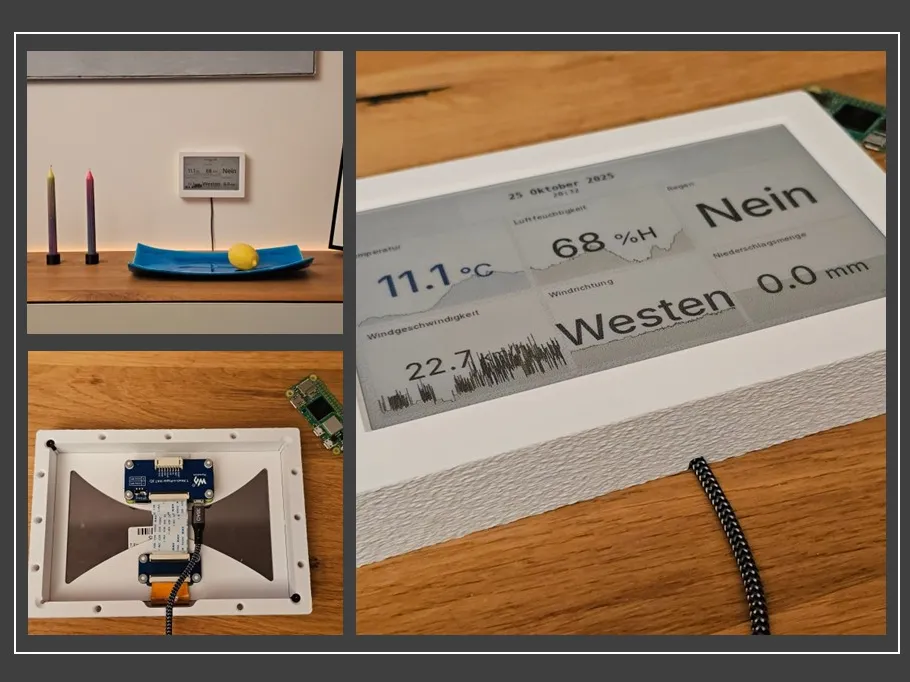
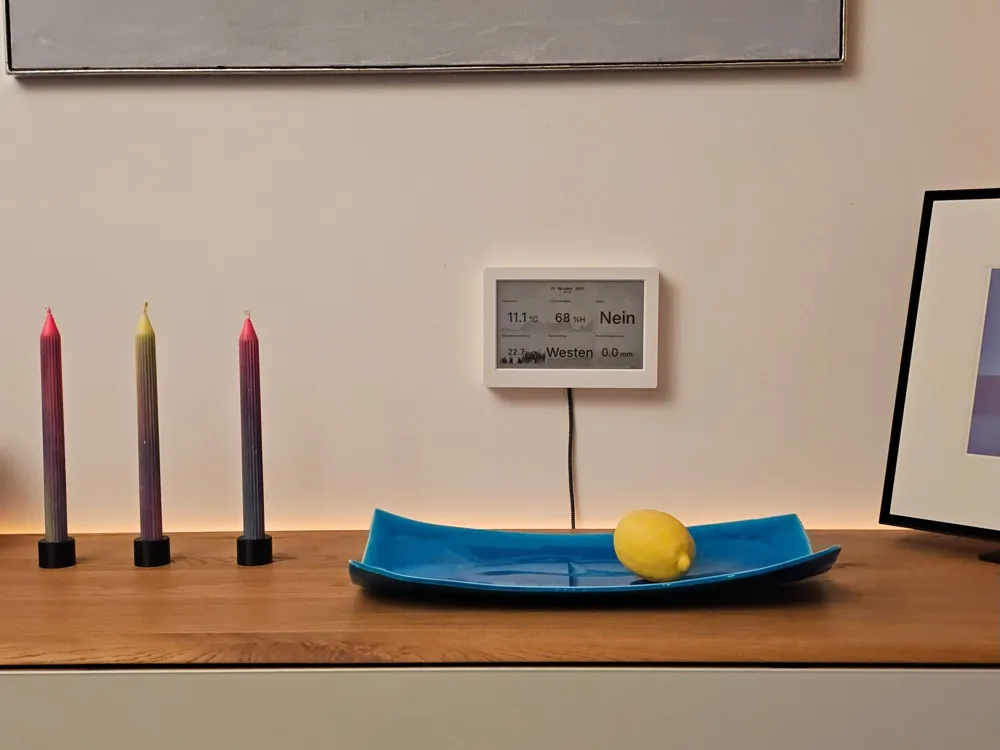
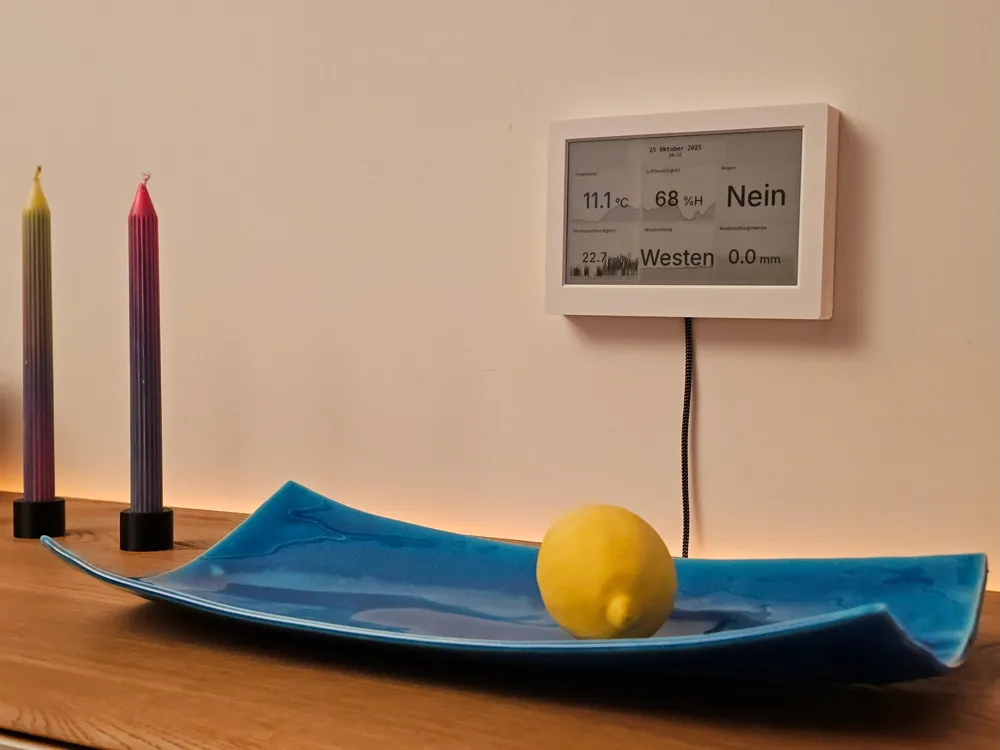
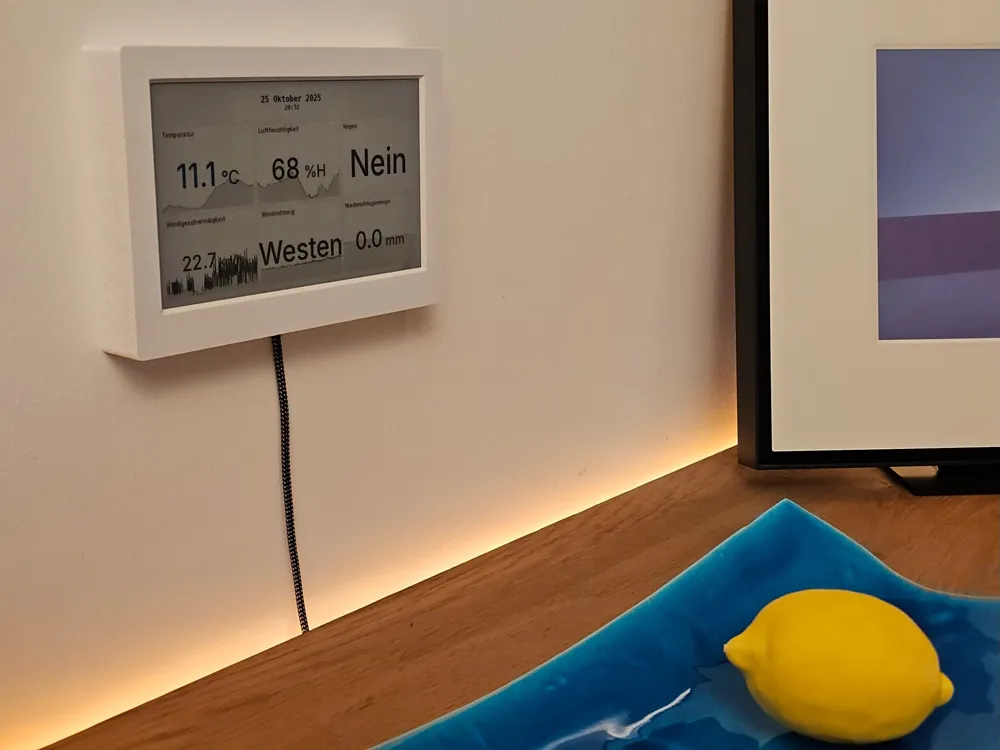
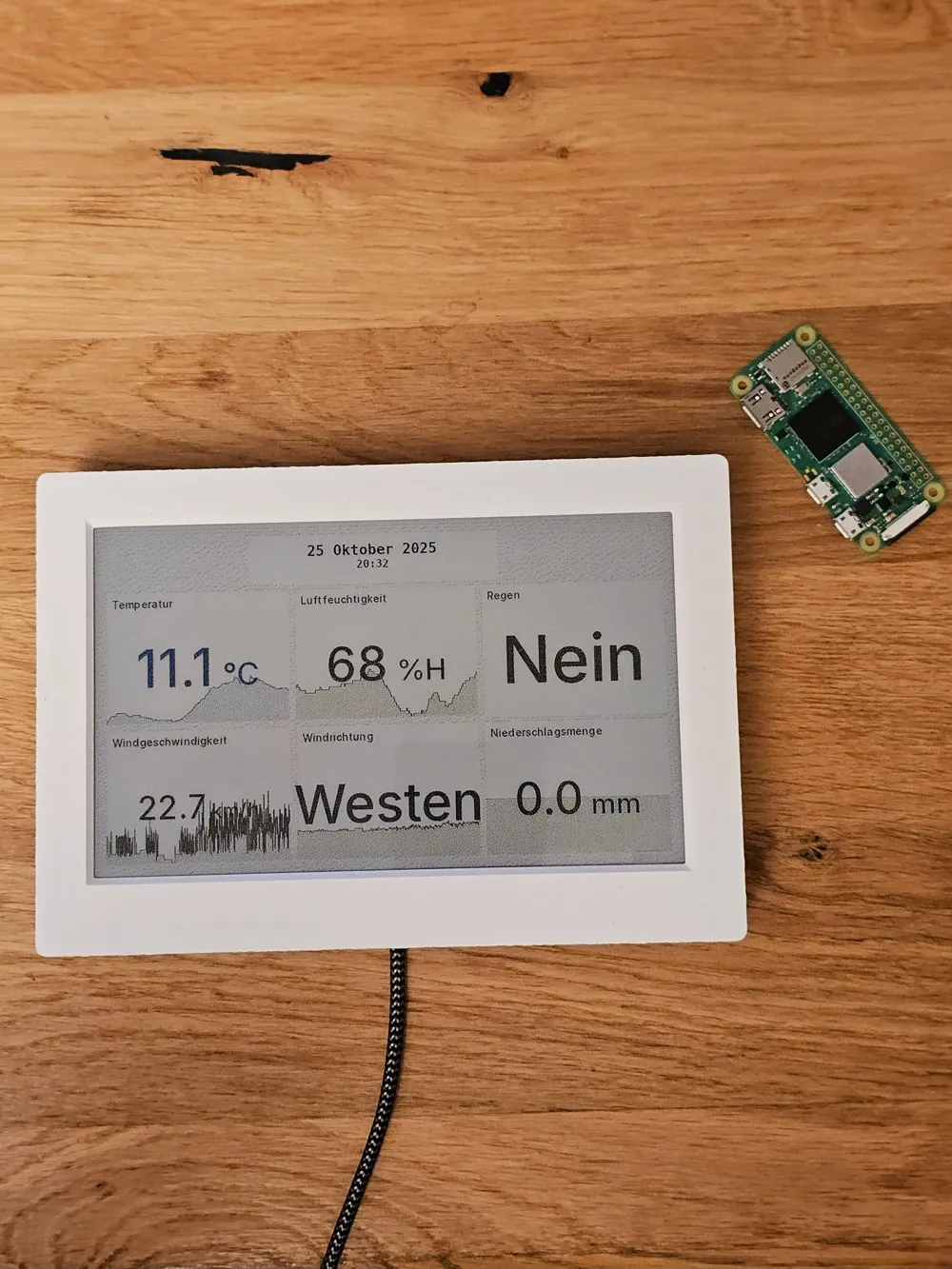
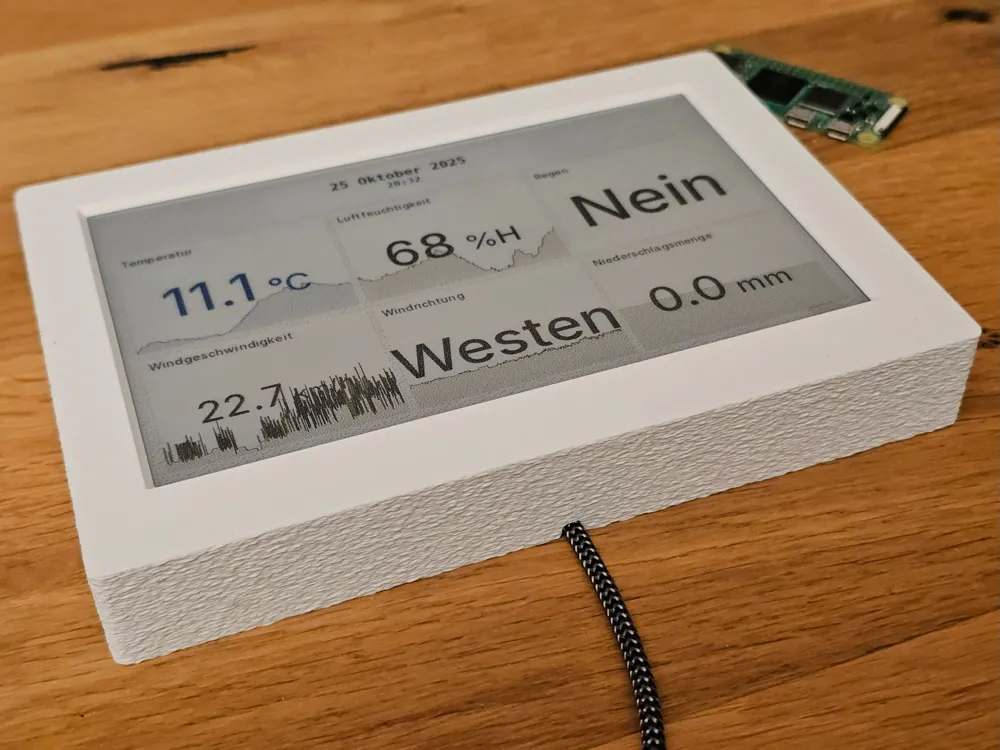
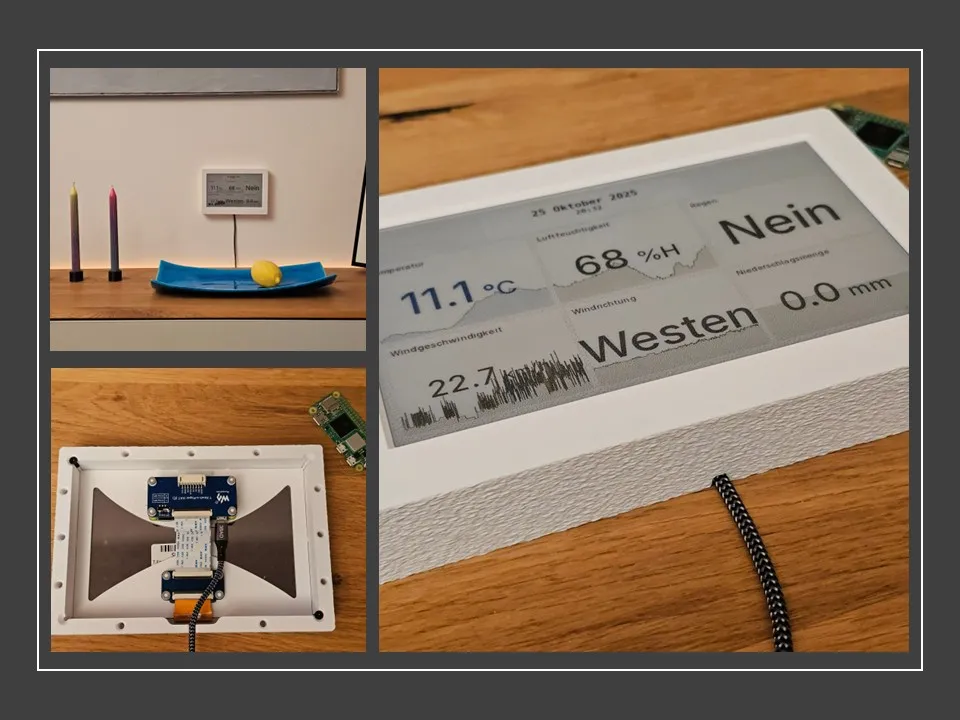
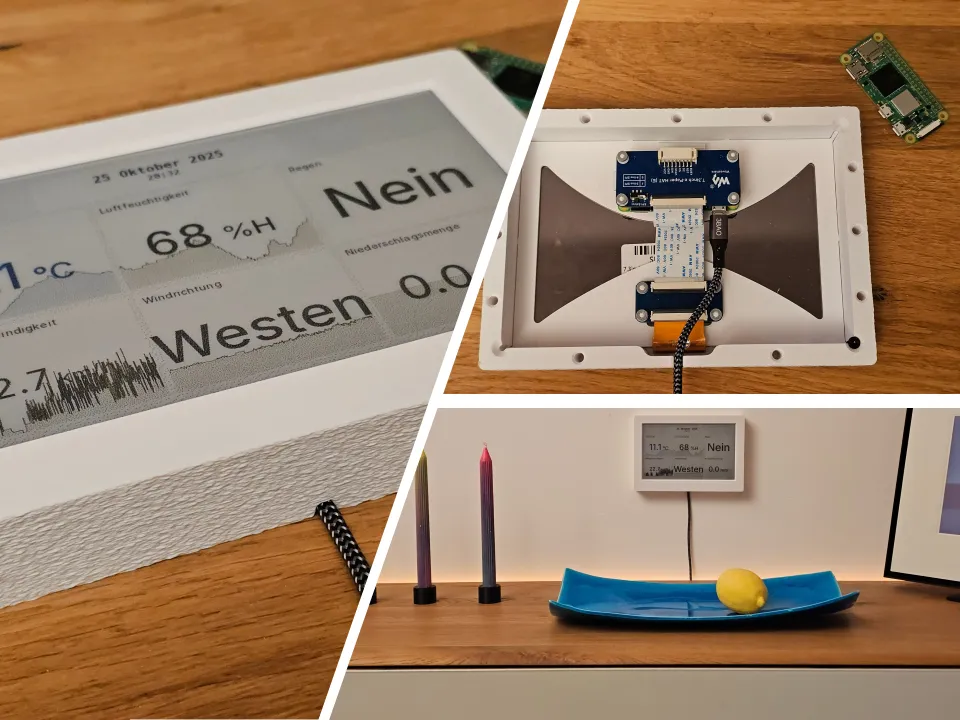
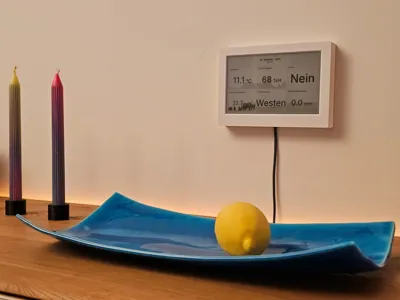
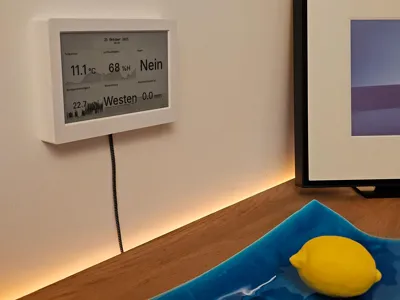
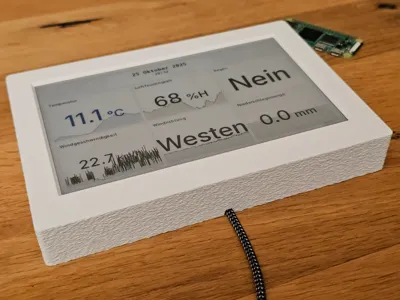
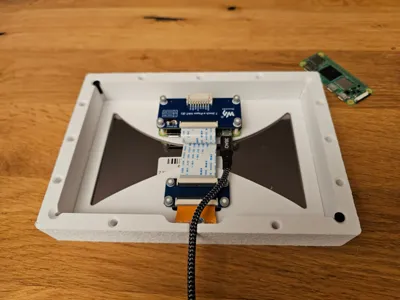
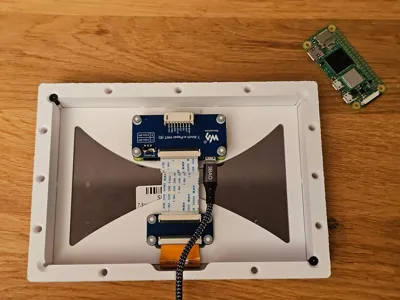
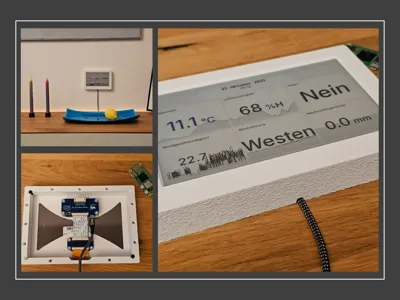
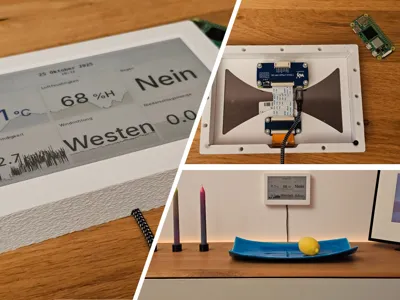
This is a display frame specifically designed for the Waveshare 7.3inch E Ink Spectra 6 (E6) Full Color E-Paper Display.
Although the frame was designed around this display, it should be easy to adapt it to similar displays of various sizes.
Feel free to adapt it for use with other displays, provided that you upload the print profiles to this project and include details of the changes made in the print profile description.
There are two versions provided in the print profile:
- Raspberry Pi Zero 2 WH:
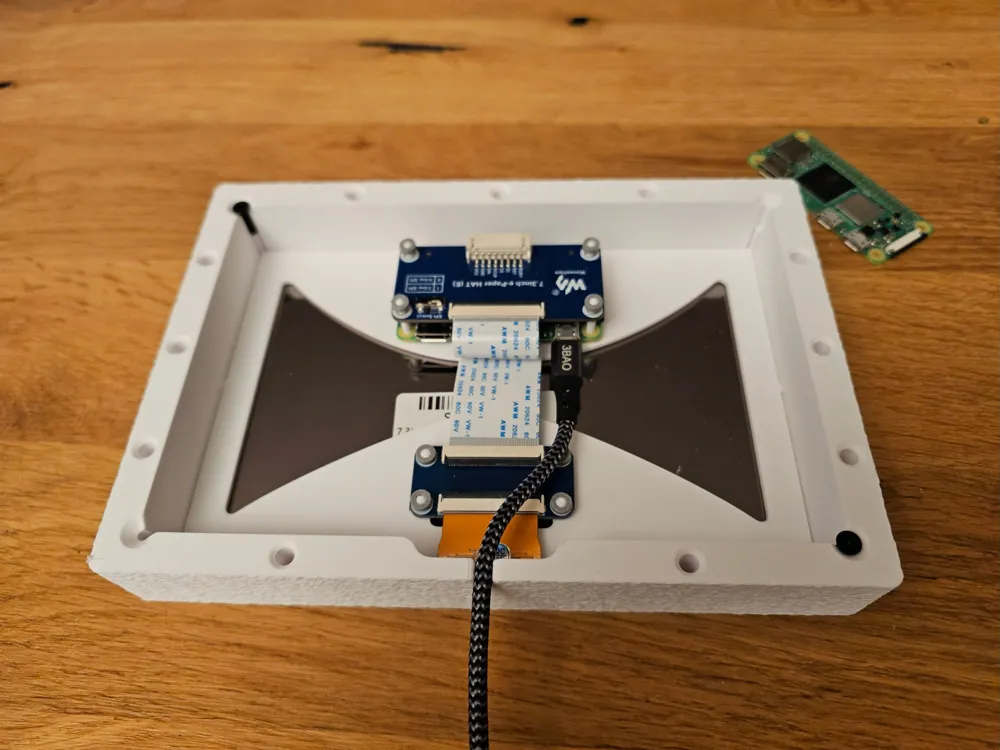
The Raspberry Pi Zero 2 WH has a pre-soldered header, meaning the frame must be deeper to provide enough room for the e-Paper Driver HAT. - Raspberry Pi Zero 2 W:
As the Raspberry Pi Zero 2 W does not come with a pre-soldered header, you can solder the header pins in place yourself, allowing the e-Paper Driver HAT to sit flush on the Pi. This allows the frame to be shallower and thus less bulky. - Raspberry Pi Zero 2 W w/o 8-Pin:
Same as 2. but with the 8-Pin connector of the ePaper HAT removed for a even sleeker look!
DO NOT USE THIS YET! IT MIGHT BE TO THIN! NOT TESTED!
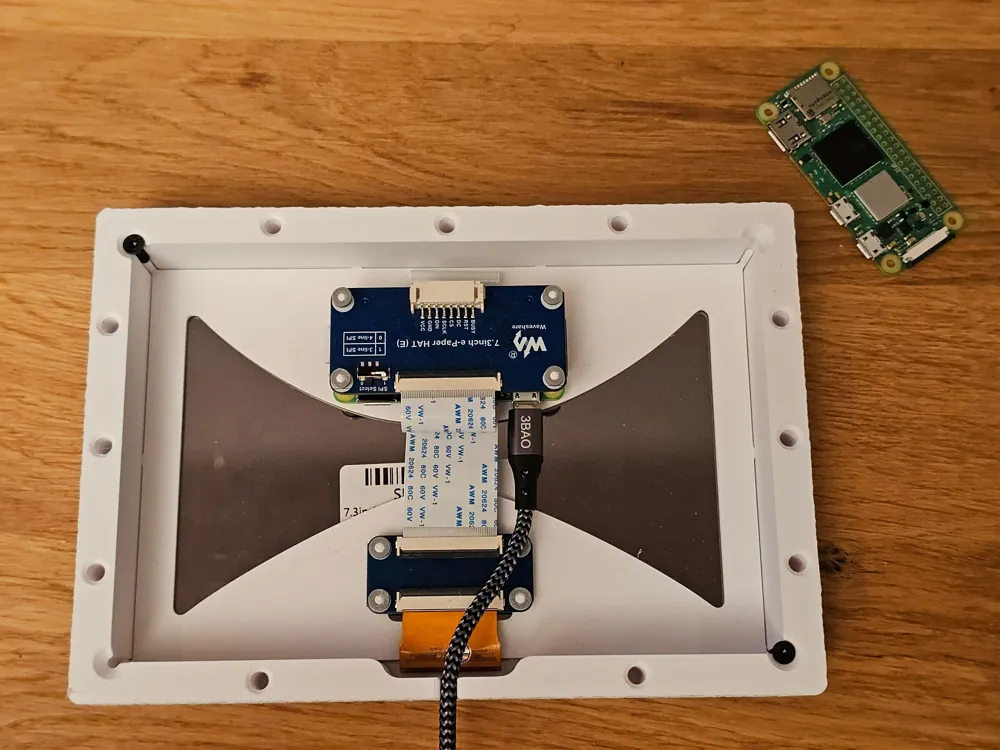
Another plate contains fasteners with tight tolerances to ensure a good friction fit around the mounting pins that hold the Pi and the ribbon cable adapter in place. These fasteners are easier to put over the mounting pins if they are printed using TPU; however, any other filament will work. Depending on the tolerances of your printer, you might have to sand down the radius of the pins a bit.
The back plate snaps into place fairly firmly. If you are still concerned, you can secure it with up to four 12 mm M3 flathead screws in the corners, but make sure you don't overtighten them! Although there is a stopper to prevent the back from putting pressure on the display, enough force can still be applied to crack it!
Another print plate contains the files for the Freenove ESP32-S3 WROOM
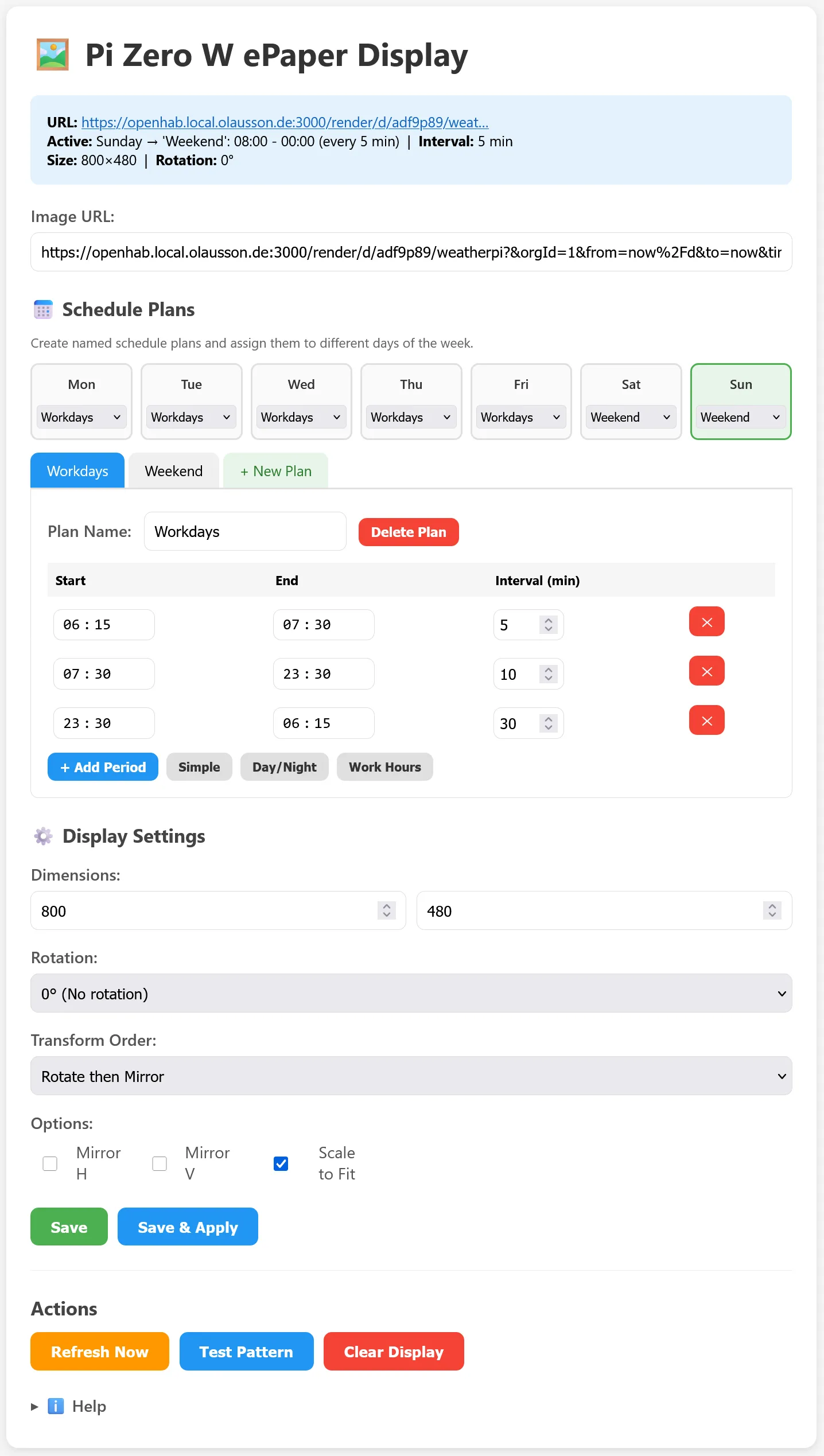
You can find a little automated tool with webserver for the Pi and the ESP32 which downloads images and show them on the ePaper here:
https://github.com/bolausson/esp32-ePaper-Display
https://github.com/bolausson/RPiZeroW-ePaper-Display
Have fun!
License

You shall not share, sub-license, sell, rent, host, transfer, or distribute in any way the digital or 3D printed versions of this object, nor any other derivative work of this object in its digital or physical format (including - but not limited to - remixes of this object, and hosting on other digital platforms). The objects may not be used without permission in any way whatsoever in which you charge money, or collect fees.


Comment & Rating (0)