
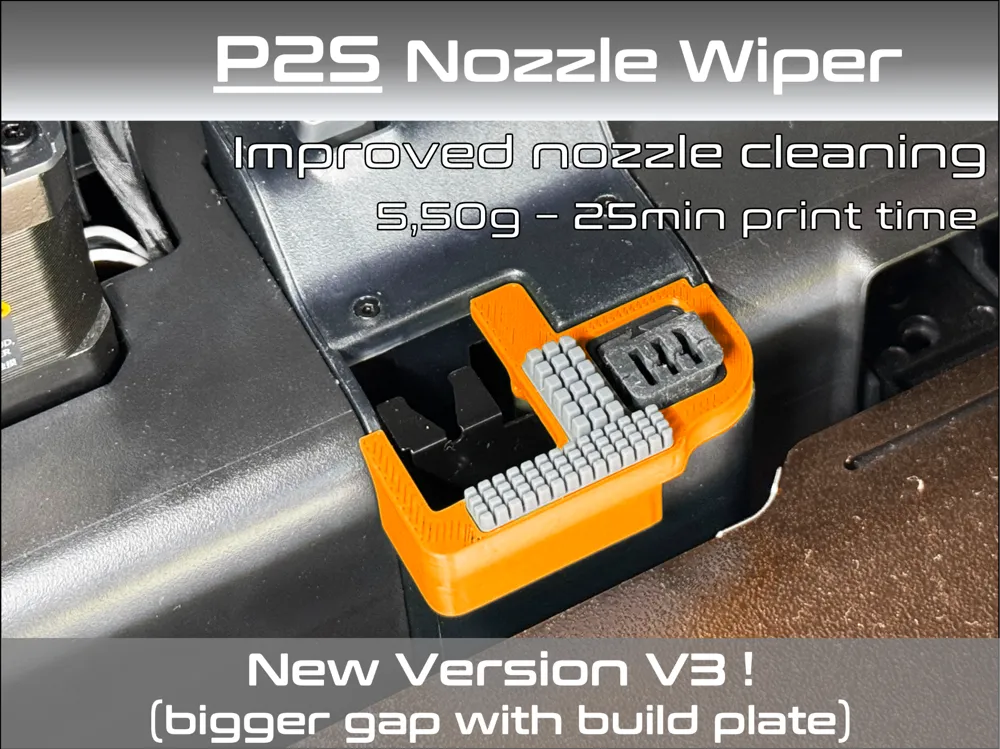
P2S Nozzle Wiper
Print Profile(4)


Bill of Materials

- Heatbed Nozzle Wiper - A1 x 1: https://eu.store.bambulab.com/fr/products/heatbed-nozzle-wiper-a1
Description
/!\_IMPORTANT_/!\ : I just discovered that some shops stole my design and are currently selling it in Aliexpress, Amazon, Temu etc…!!!
Please do not buy this part from them, it will cost you more than the filament you will use for it, and you will support the original designer by printing it from MakerWorld 😉
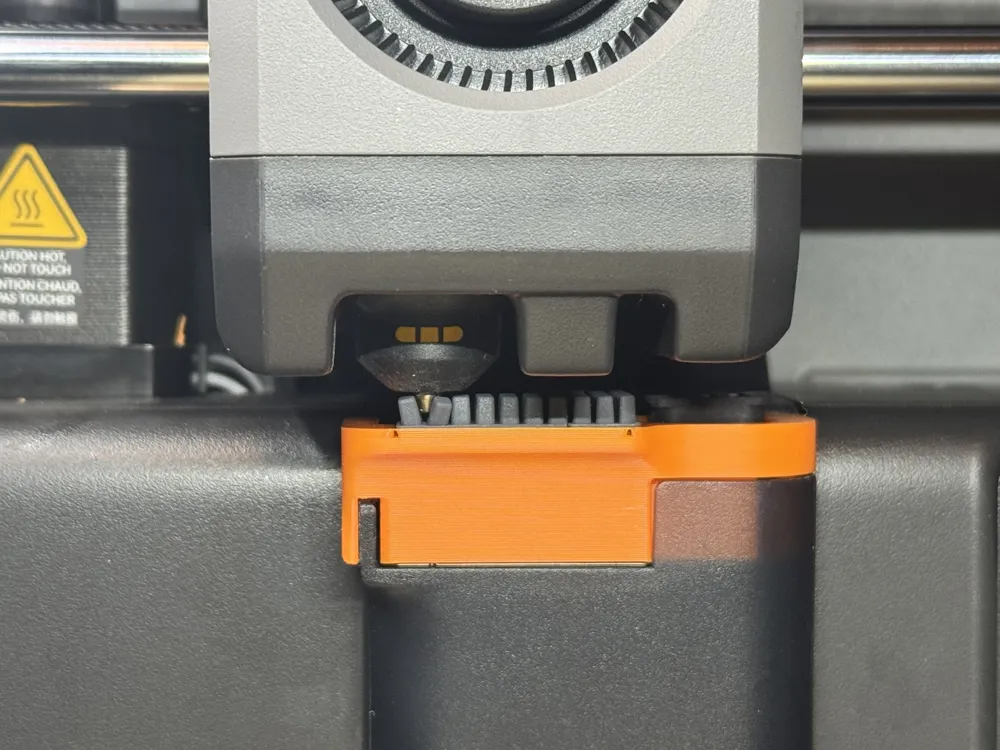
Not satisfied with your P2S nozzle not cleaning itself very well? Or sending filament strands onto the bed plate each time you start a new print? Me neither…
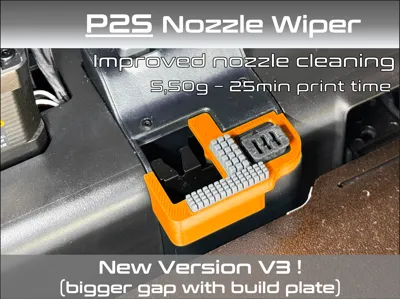
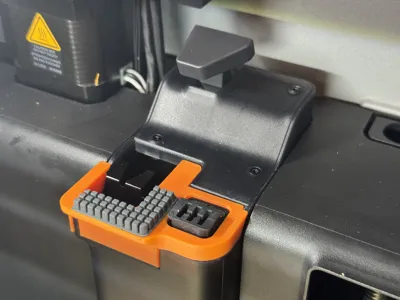
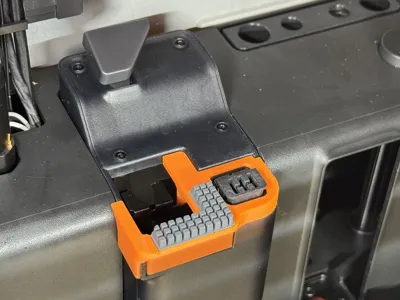
In search for a quick solution I designed this Nozzle Wiper. It is only 5.50g and 25min print time.
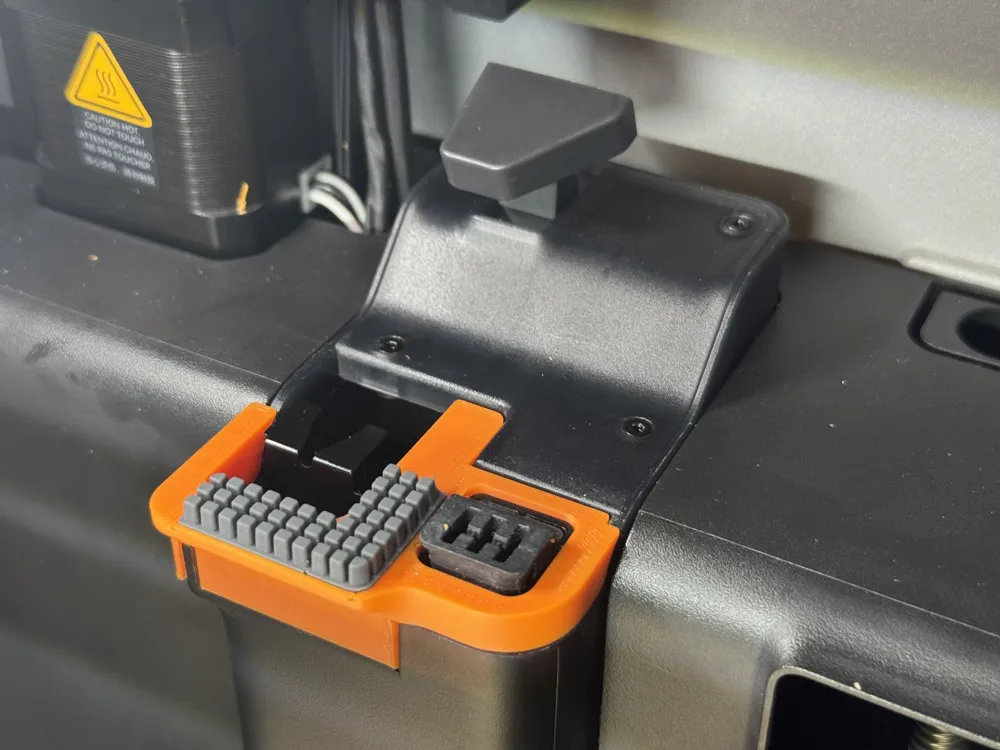
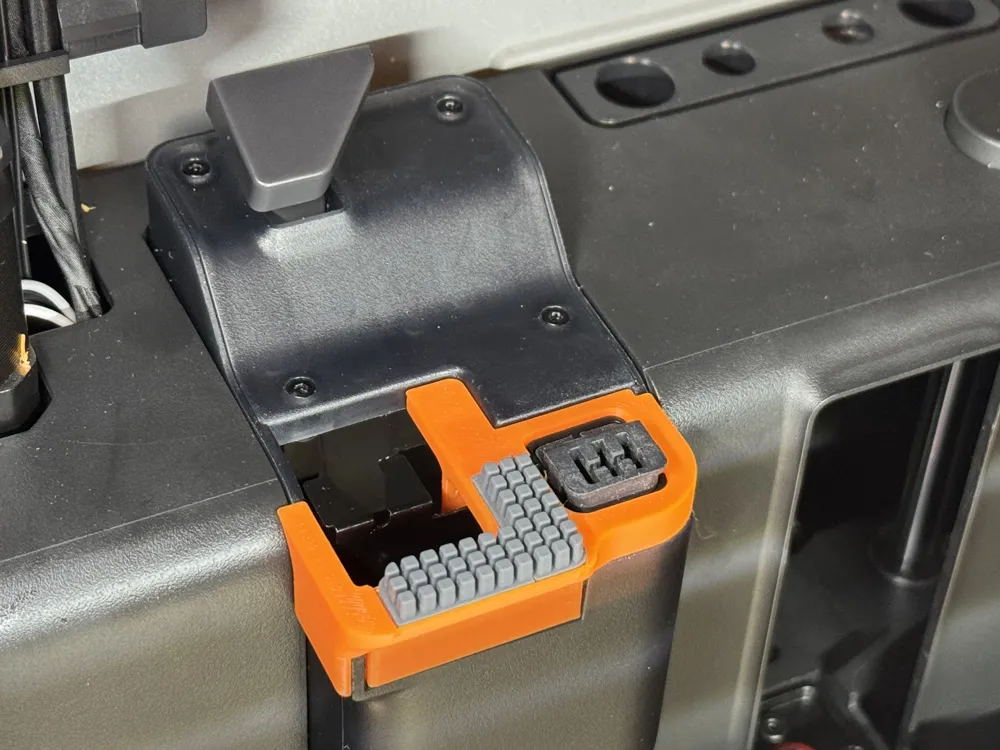
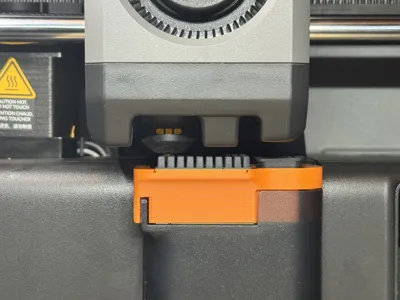
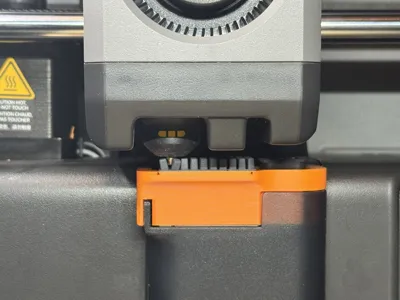
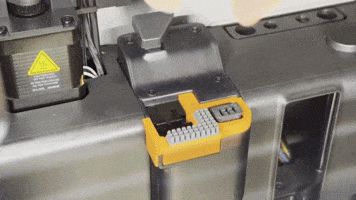
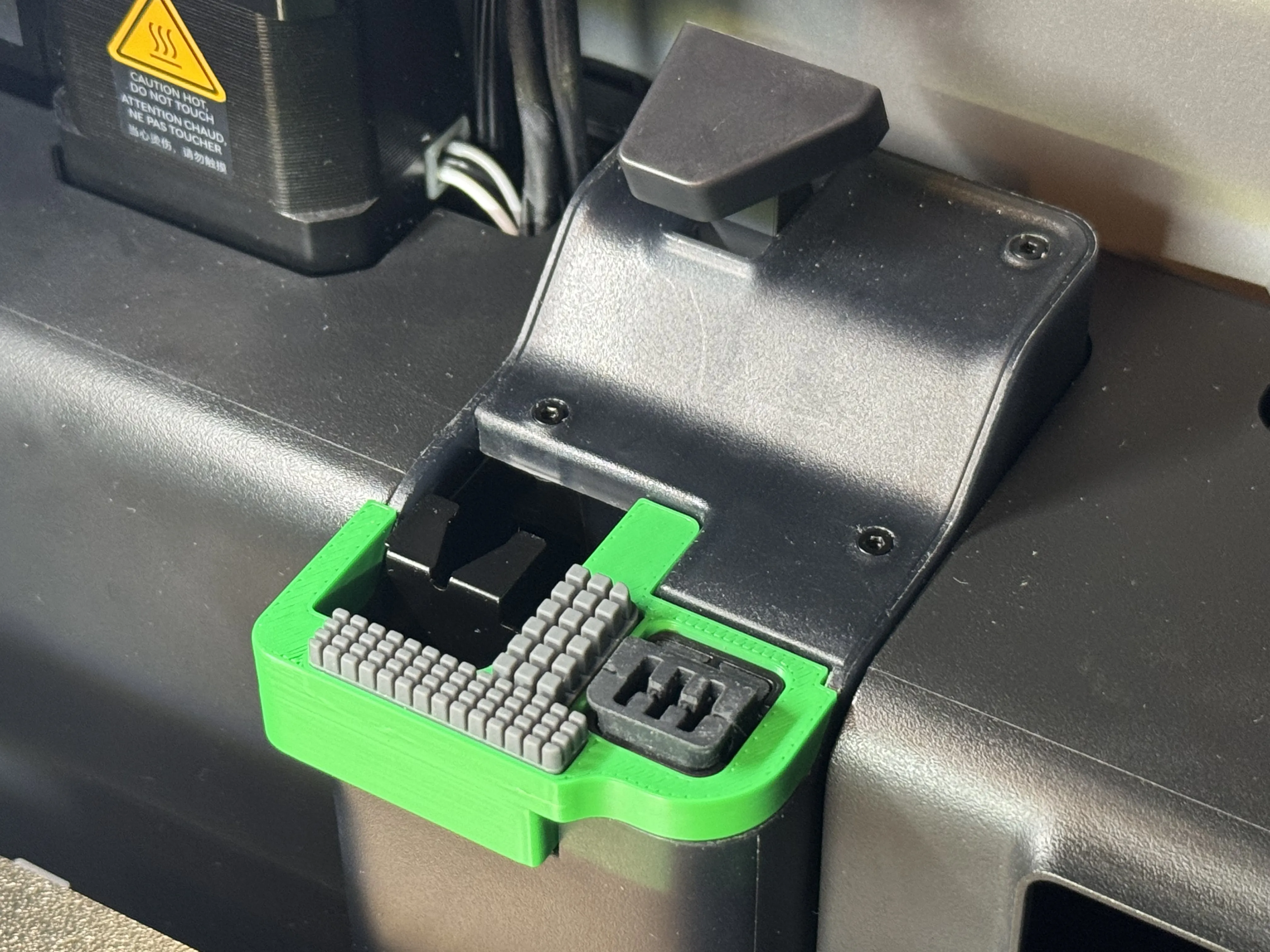
Simply add some silicone “Heatbed Nozzle Wiper” made for the A1 or A1mini printer depending the version you chose (available in Bambu Lab store or elsewhere…) to form a “L” section as shown below.
There are 3 versions :
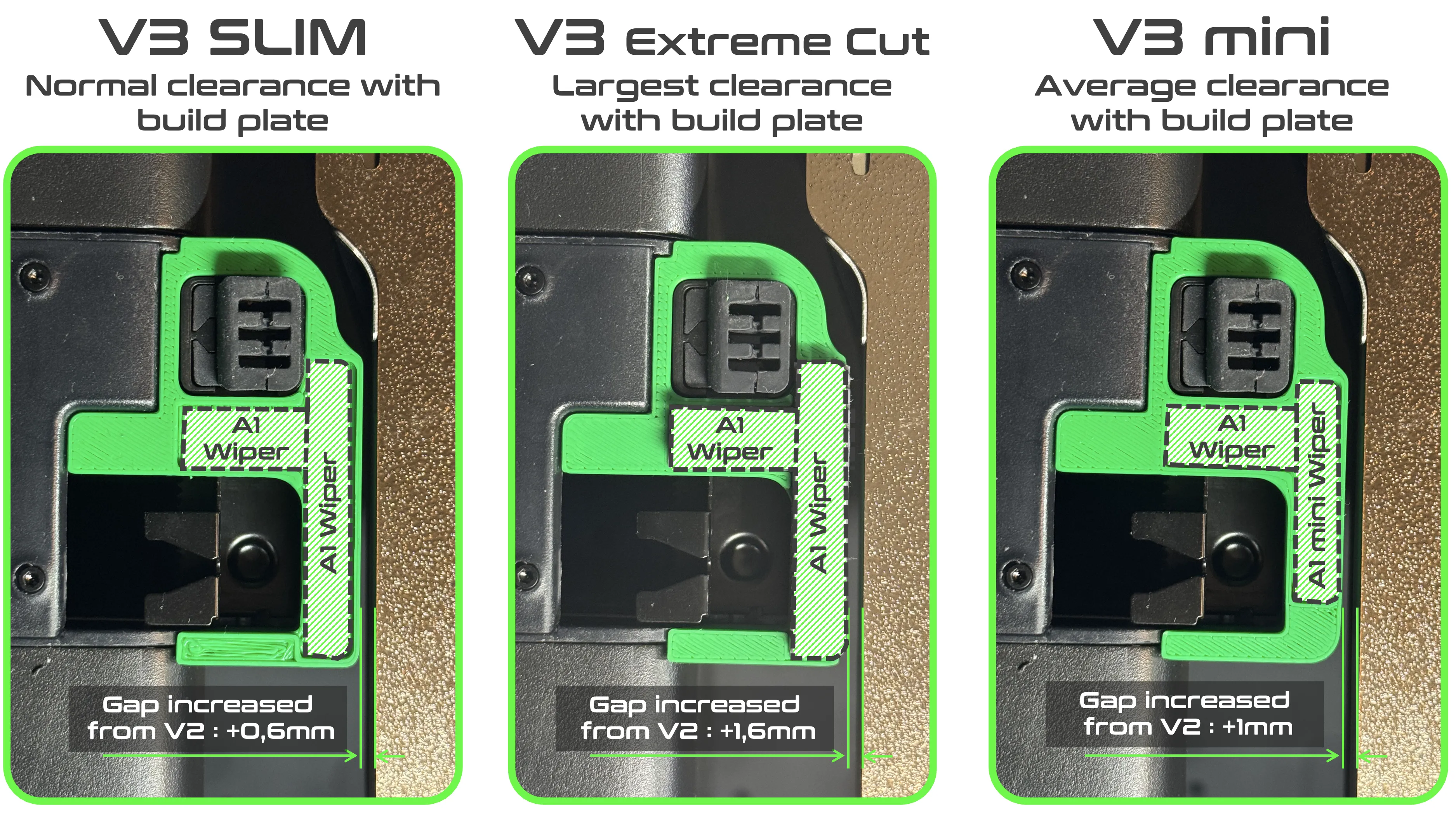
- V3 SLIM :
- This version is now the “Standard” version. The shape has been optimized to suit most applications.
- You will need to add 2x A1 silicone wiper (one of them has to be cut in half, the other one has to be trimmed on the longer side to make it narrower)❗️As the dual sided tape is often sensible to temperature, it is advised to glue the wiper (I use Loctite SuperGlue for exemple)
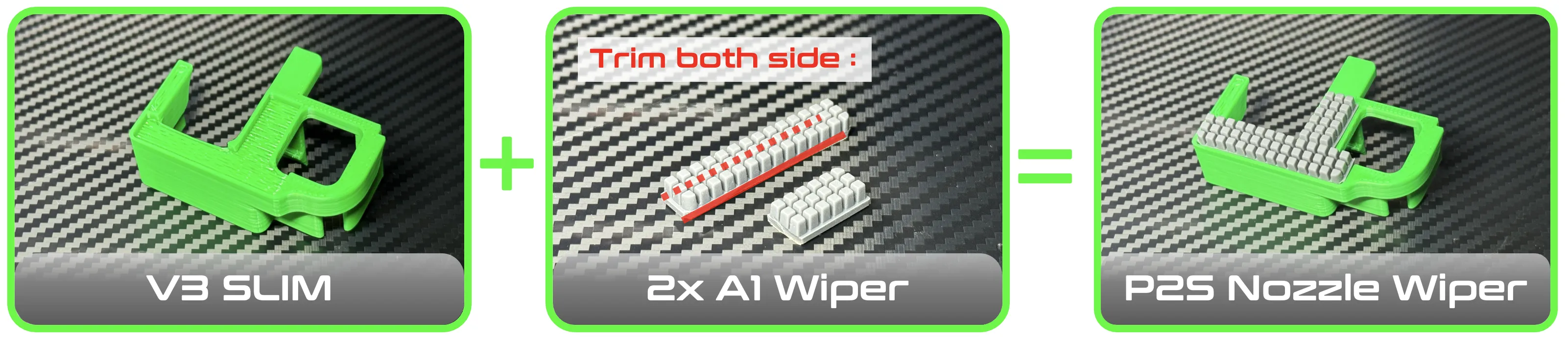
- V3 Extreme Cut :
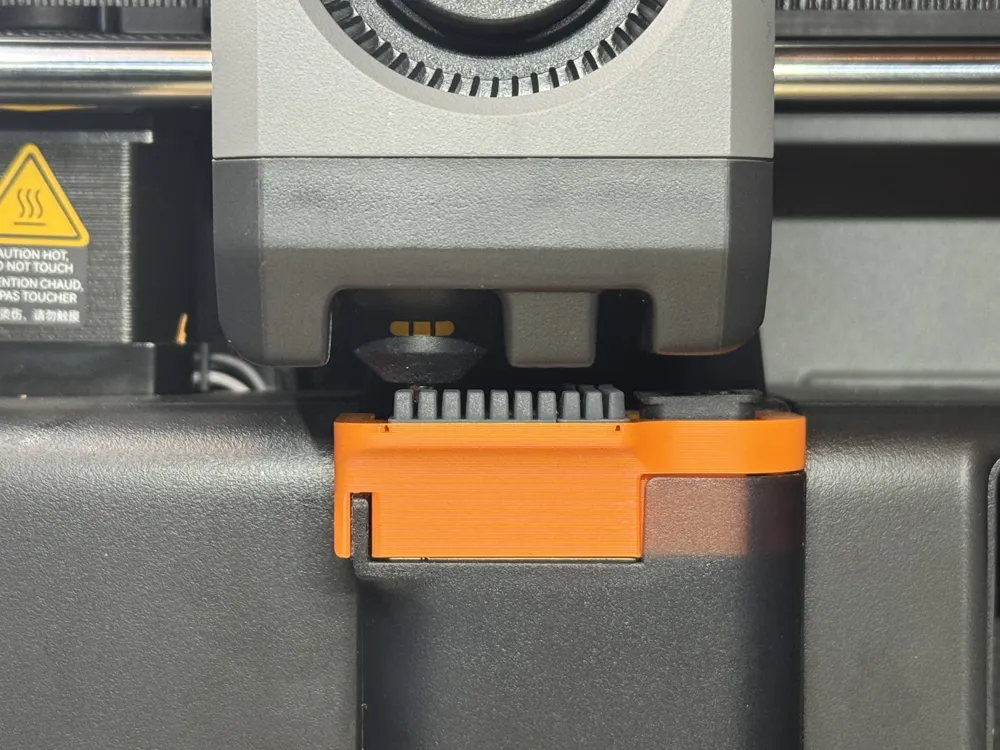
- Similar to V3 SLIM but without any border lip (to maximize clearance with build plate). To be used if you have clearance issue due to your printer manufacturing tolerances
- You will need to add 2x A1 silicone wiper (one of them has to be cut in half, the other one has to be trimmed on the longer side to make it narrower) ❗️As the dual sided tape is often sensible to temperature, it is advised to glue the wiper (I use Loctite SuperGlue for exemple)
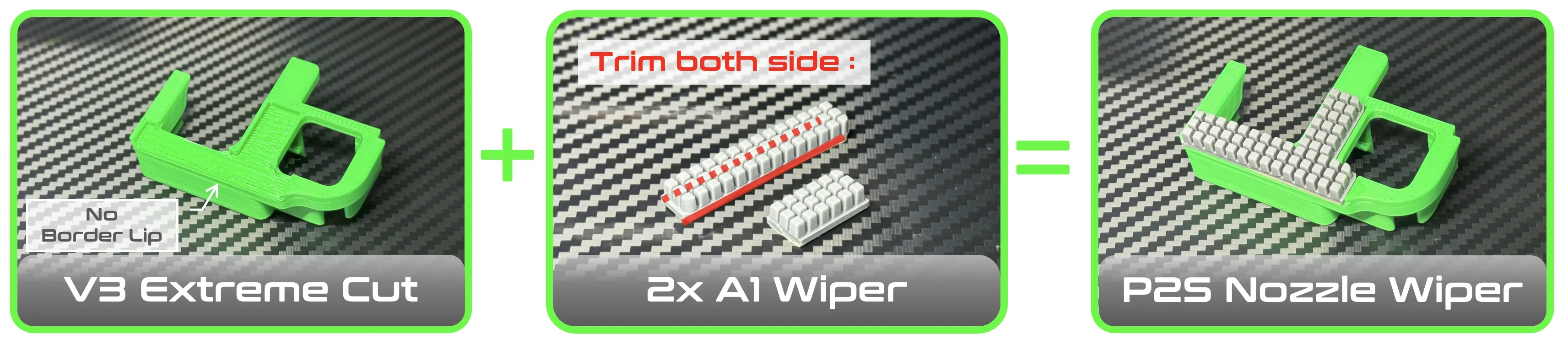
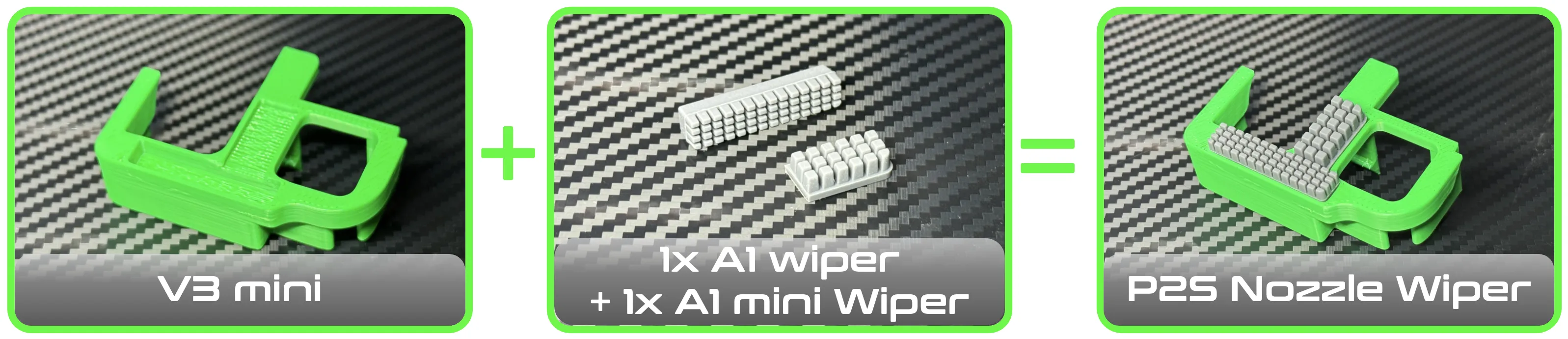
- V3 mini :
- This version is the middle ground between V3 Slim and V3 Extreme Cut.
- You will need 1x “A1” silicone wiper and 1x “A1 mini” silicone wiper❗️As the dual sided tape is often sensible to temperature, it is advised to glue the wiper (I use Loctite SuperGlue for exemple)


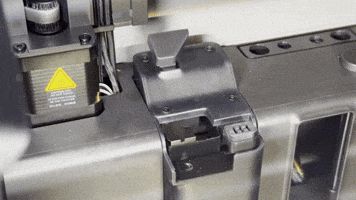
Then just slide your wiper in the purge chute, it will be hold in place by the integrated clip (version V1 is shown below, but this apply to all versions)

Removal is as easy, just un-clip it and slide it out!

I took out my complete purge chute to reverse-design this part in order to adjust the shape closely to the original parts. I hope you will like its fit and precise adaption to your printer. It will not interfere with the wipers (metallics or silicone), no need to adjust your gcode too!
There is 1 Print Profile per version which includes several plates (one plate per material) with : PETG, ABS, ASA which are the prefered material for this kind of part.
I have added a PLA profile but it is not recommended obviously (you can use it to test the fit of the part in your printer)
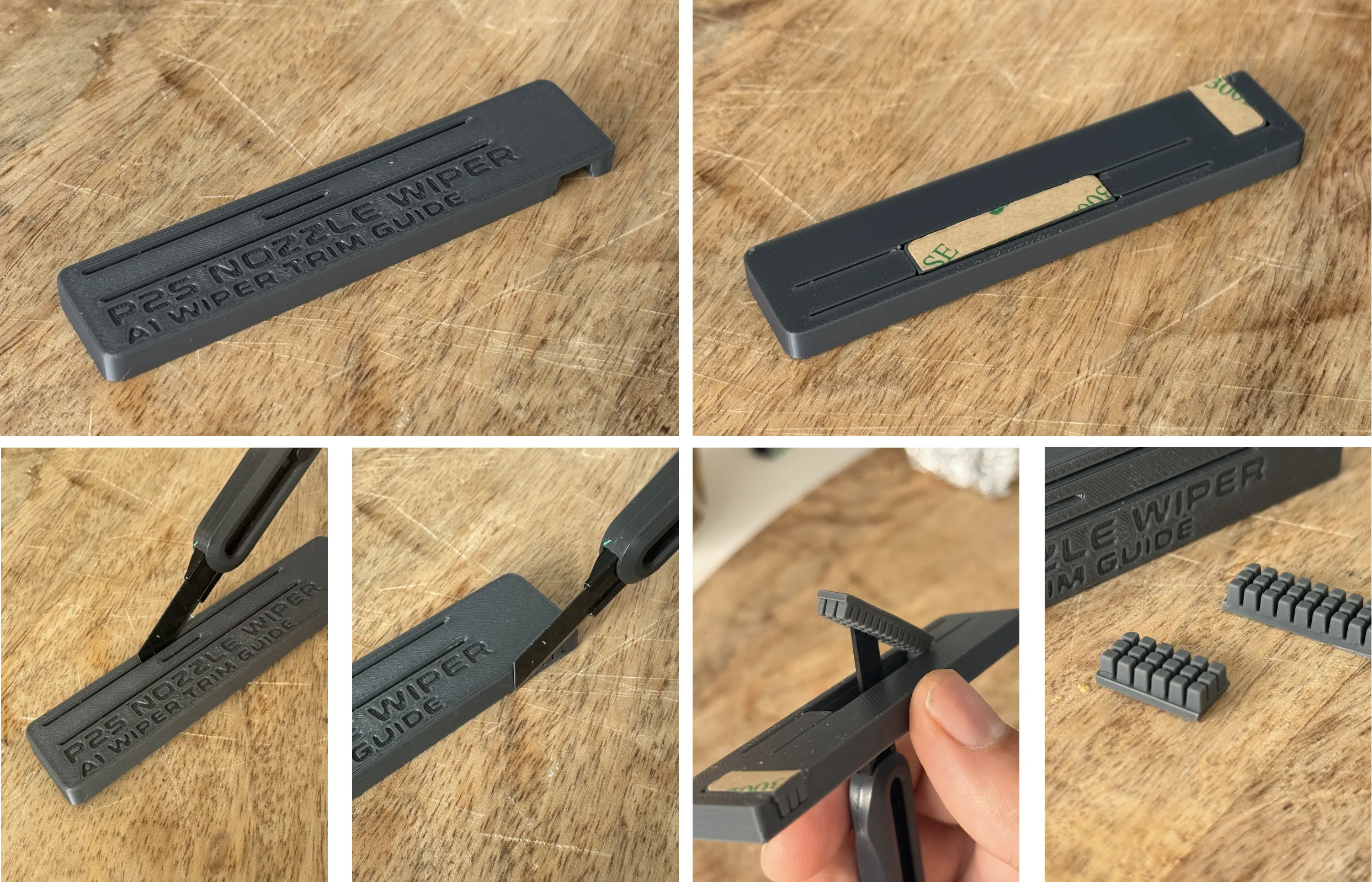
🔪 CUTTING GUIDE : I have included a print profile for a cutting guide.
It will help you make a nice cut on the side of the wiper to make it narrower, and also cut to size the smaller portion with a utility knife. There is also a hole on the center to extract the wiper after the cut :
License

You shall not share, sub-license, sell, rent, host, transfer, or distribute in any way the digital or 3D printed versions of this object, nor any other derivative work of this object in its digital or physical format (including - but not limited to - remixes of this object, and hosting on other digital platforms). The objects may not be used without permission in any way whatsoever in which you charge money, or collect fees.


Comment & Rating (1355)