
PC Case air duct for cpu fan
Print Profile(5)


Description
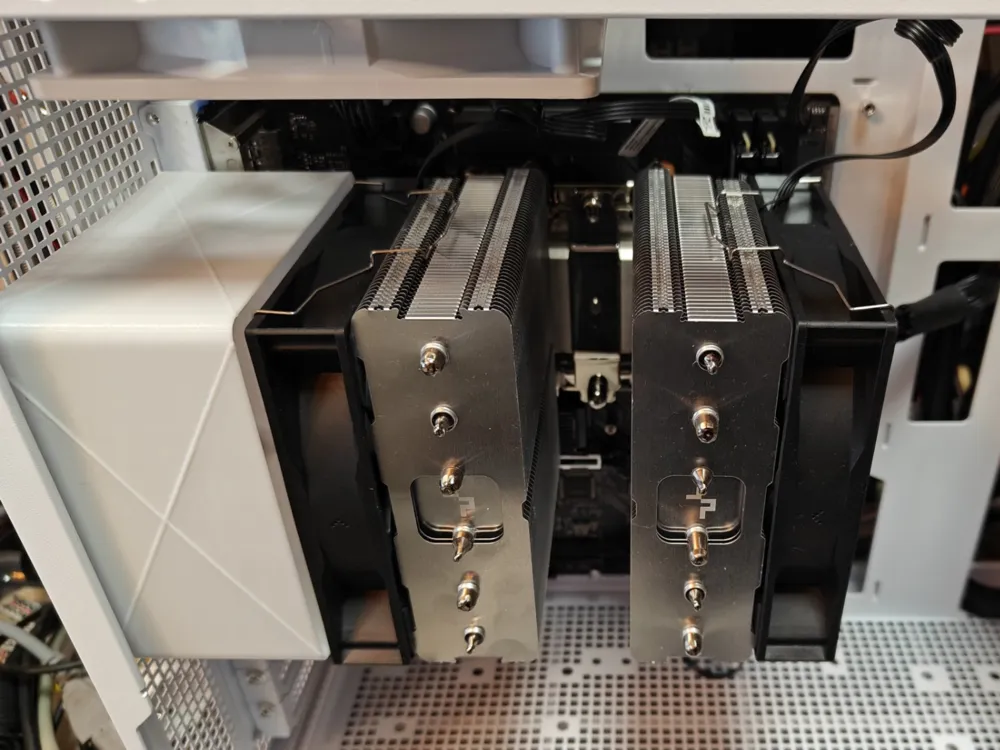
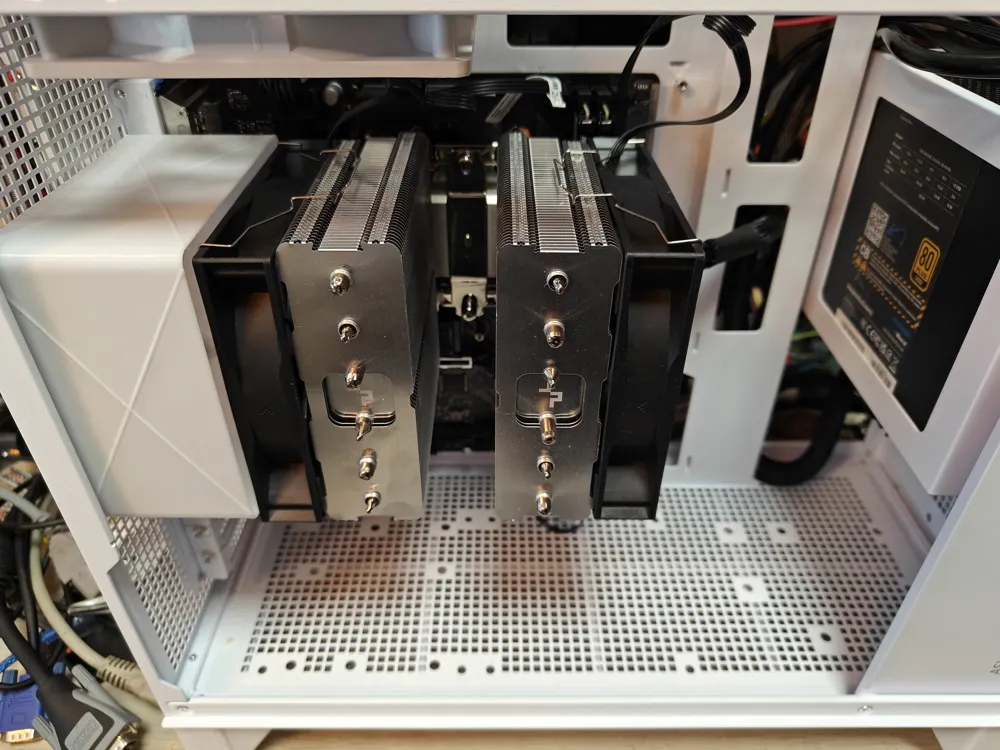
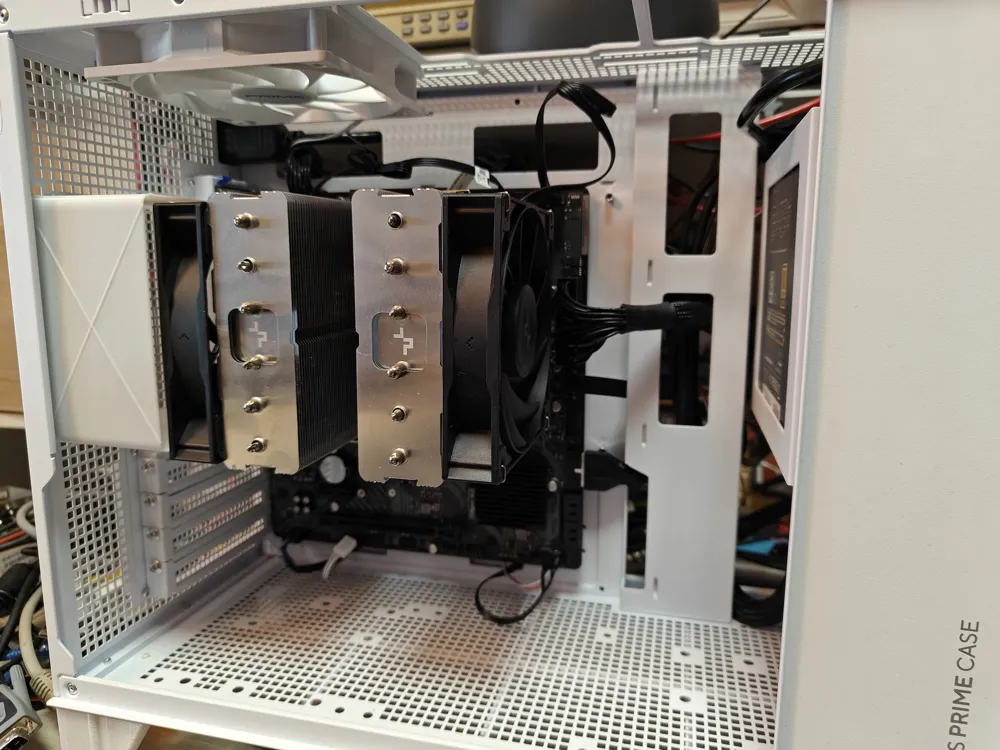
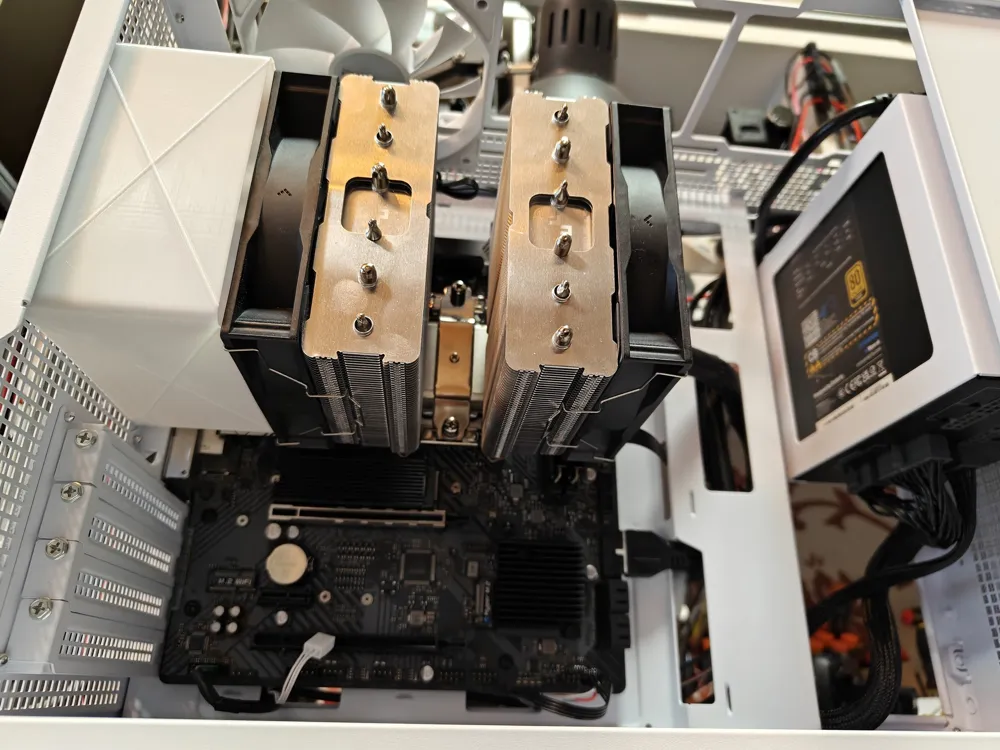
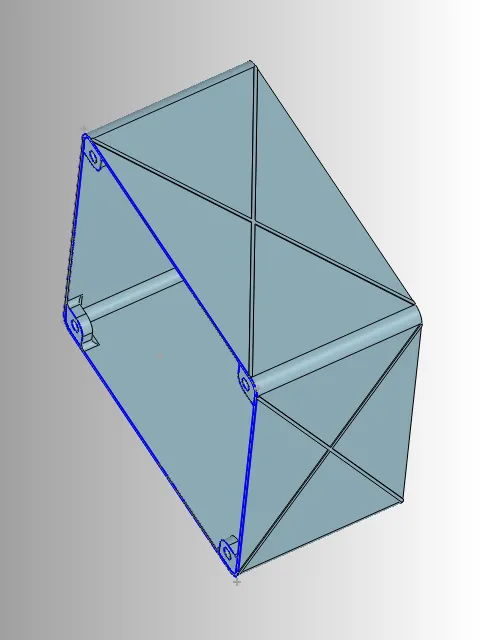
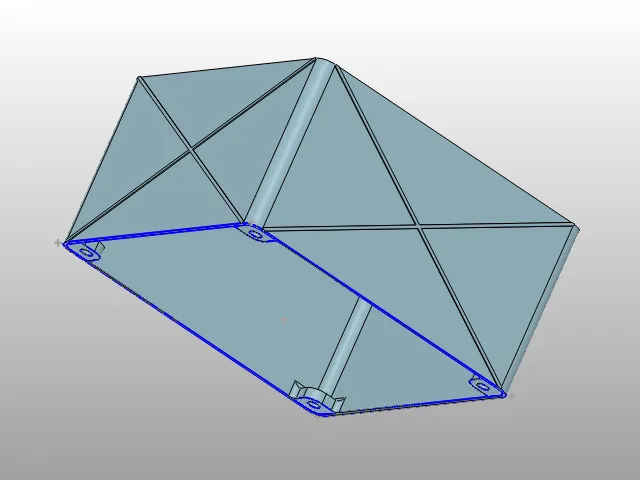
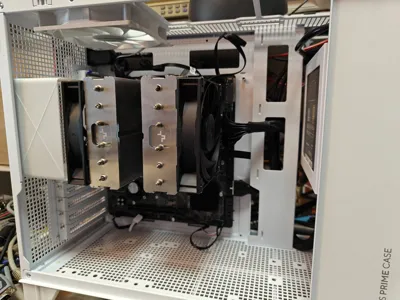
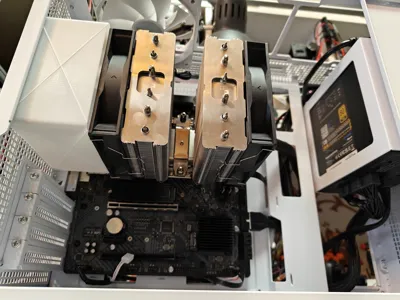
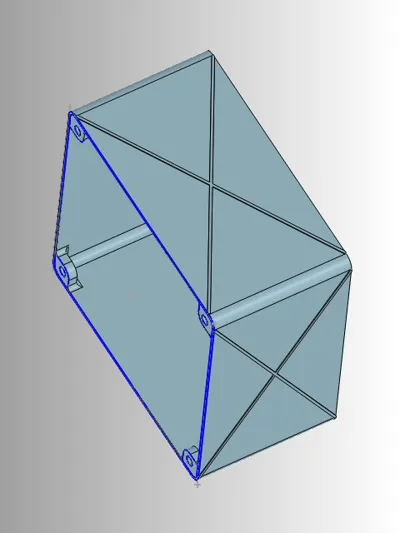
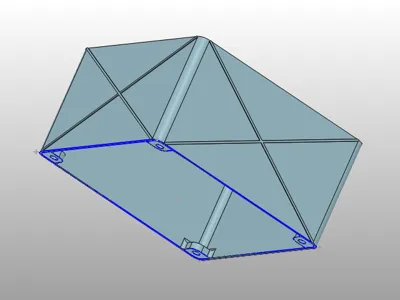
This is tunnel for supplying cold air for the CPU fan. Or to expel hot air outside the case.
Thanks to the separation of cold and warm air movement - CPU cooling works much better, than in a situation where the fan constantly mixes the air that has already been heated (in cpu cooler, and is hot from GPU) and partially circulates inside the pc case.
Whenever possible, it's better to immediately vent hot air out of the case. Or, bring in cool air from outside, instead of drawing warm air from above the graphics card. This also improves positive pressure in the case, increasing the exhaust of warm air through all grilles and vents while reducing dust accumulation.
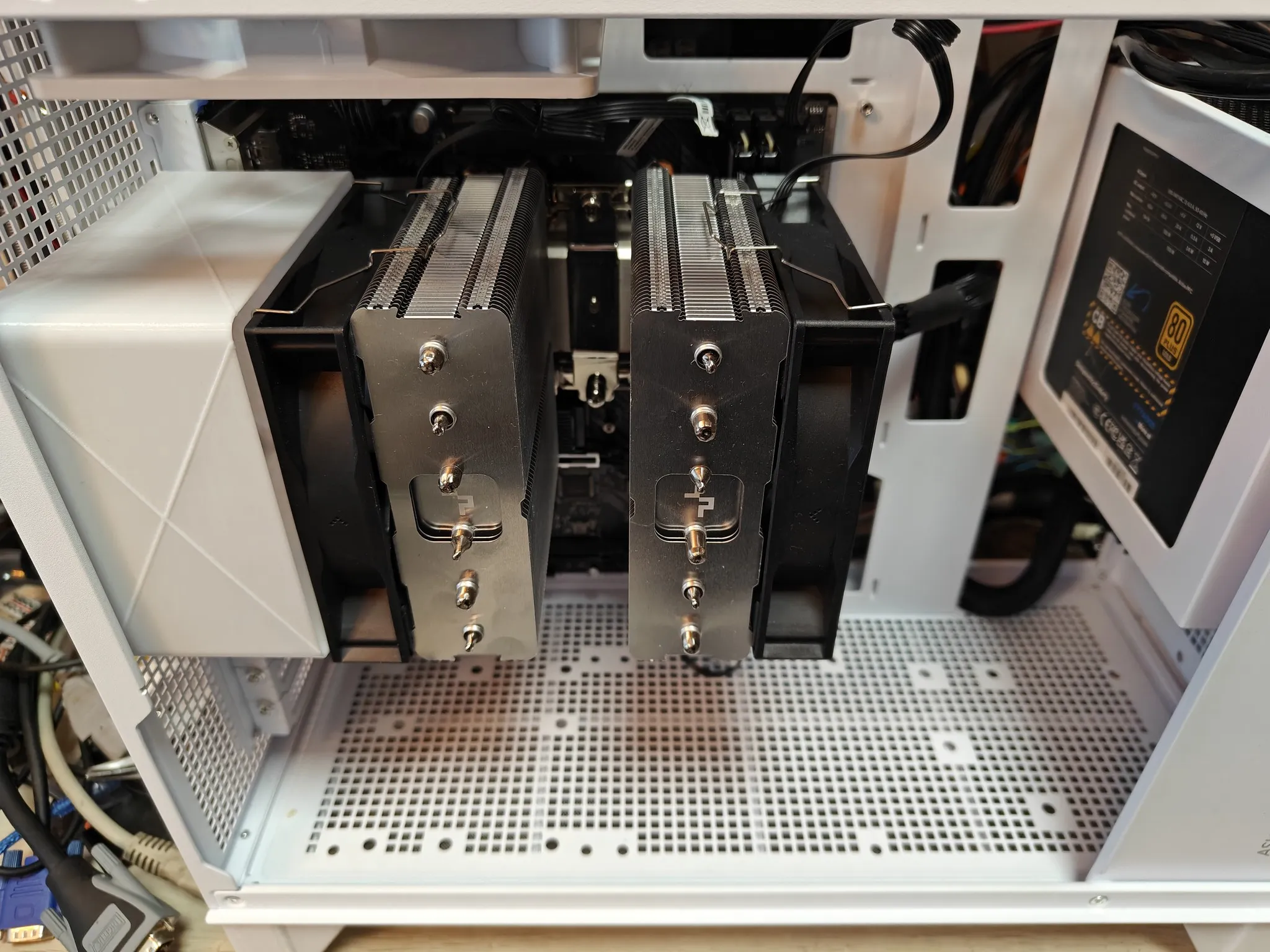
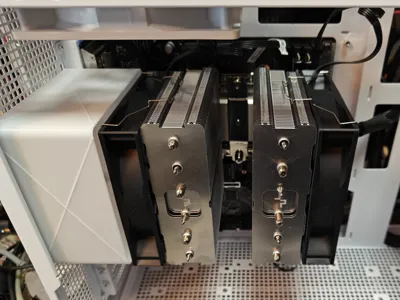
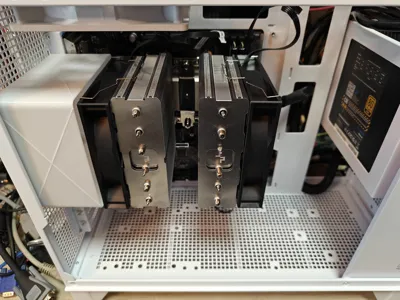
I designed it for the Asus Prime AP201 case, and the DeepCool AG620 tower cooler, but it can be used with any computer and any cooler of this type. There are many mounting options, as the mounting holes are spaced the same way as a typical 12cm fan.
Its size (using four screws on the mounting side) fits perfectly in place for 12cm fan, and most ATX/MATX cases have space for such a fan at the rear or top. This means you can mount the tunnel to the back of the PC case, almost touching the fan on the CPU heatsink with the other side. You can also screw the tunnel to the fan (whether it's a fan mounted to the PC case or a fan screwed to the CPU heatsink).
Printing is fast (1h?) and uses very little material (60g for 70mm height version), as the side walls are thin and have only X-shaped reinforcements for increased stiffness.
Since the object scales very well in height (directly in the slicer), I've included sample print profiles for versions ranging from 50 to 70mm. If you want higher or lower - you can change the size in the slicer by resize (disabling uniform scale, and editing only the Z parameter)
License



Comment & Rating (0)