Search models, users, collections, and posts

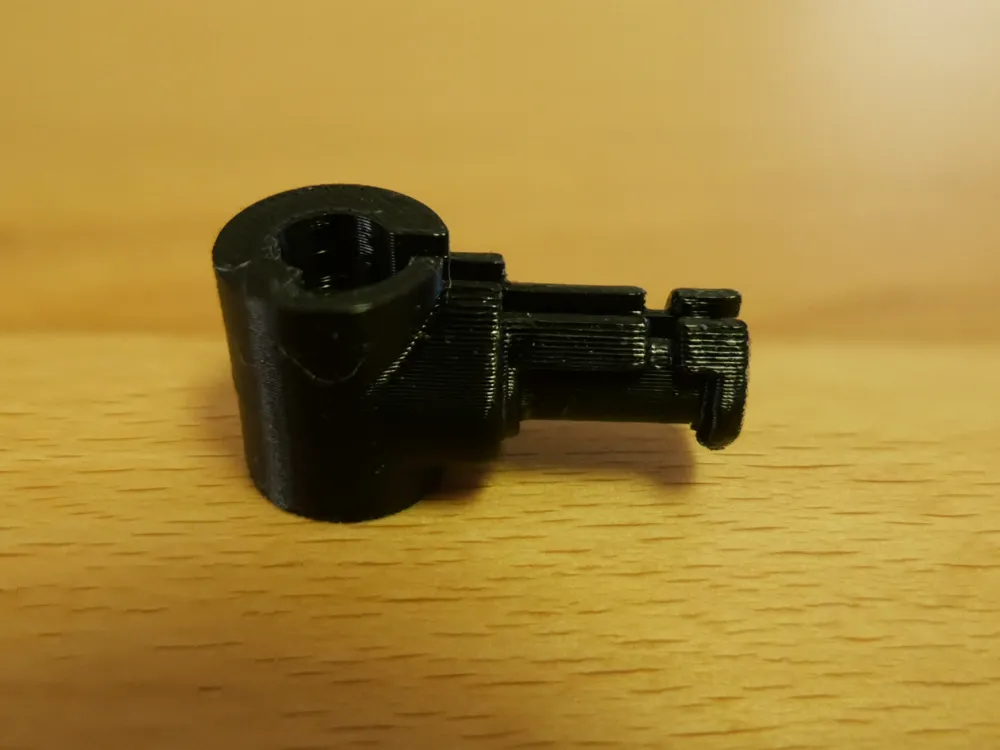
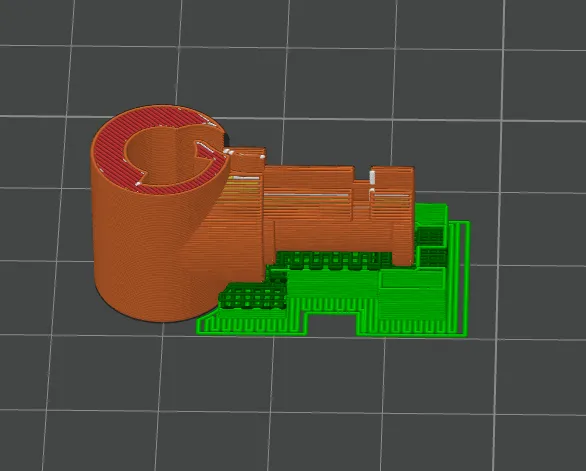
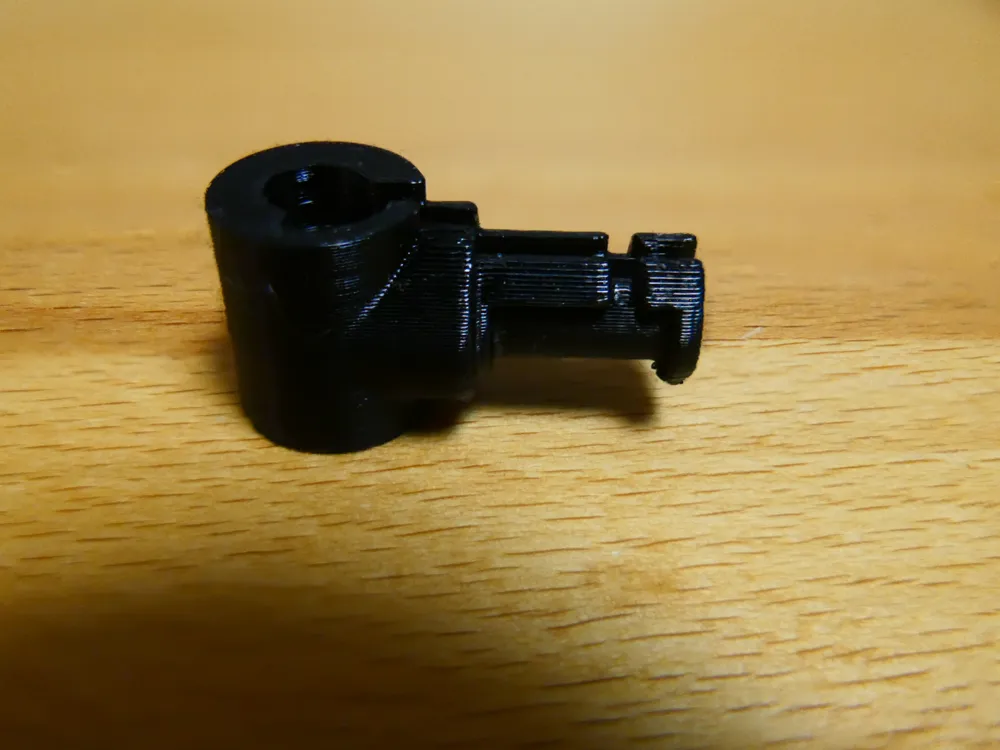
Left Hinge for OneOdio A70
IP Report
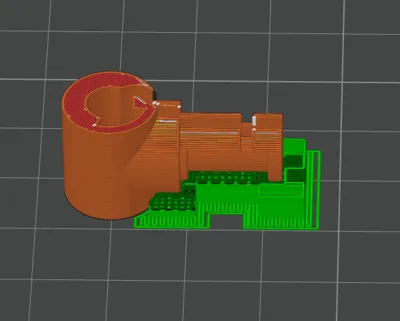
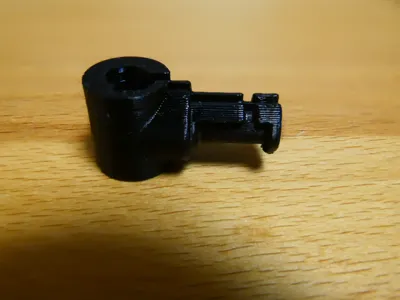
Print Profile(1)
0.2mm layer, 2 walls, 100% infill
Designer
25 min
1 plate
Open in Bambu Studio
Boost
1
0
0
0
1
0
Released
Description
This is a parametric replacement left hinge for the OneOdio A70 headphones. I modelled it from the original.
Key points / Advantages
- Designed for OneOdio A70 (left side).
- Improved fit: unlike some available remixes, this hinge preserves the original geometry needed to position the headphone at the correct angle and avoid binding or over-rotation.
- Cable-friendly: unlike the original, this reproduction includes a lateral slit for the speaker cable — no soldering required.
- Potential cross-compatibility: it may also fit other OneOdio models. If you test it on a different model please leave a comment with your findings.
- Right hinge option: the right-hand version can be created by mirroring this model in your slicer, but I haven’t tested it myself yet — feedback is very welcome if you try this.
Print recommendations
- Material: PETG recommended. PETG-CF (carbon-fiber filled PETG) is ideal for extra stiffness.
- Infill: 100% (solid) — hinge parts benefit from maximum strength and layer-to-layer bonding.
- Orientation:
➤ Print in horizontal orientation (lying flat on the hinge’s long side).
This ensures maximum layer strength across the hinge axis and prevents the part from breaking during use. - Layer height / nozzle: 0.2 mm layer height works well; use fine perimeters for smooth fit.
- Post-processing: gentle deburring of the slit and pin bores may be needed for smooth movement.
How I made it
- I reconstructed the hinge directly from the original broken part using FreeCAD 1.0.2, measuring key dimensions and rebuilding the functional geometry parametrically to preserve correct fit and range of motion. The design includes one intentional change — a lateral slit for the speaker cable — to avoid any soldering. I tested fit and movement on the original yoke and iterated the model until the hinge seated and rotated correctly.
Removal of the broken hinge — step-by-step
Warning: work slowly and carefully to avoid damaging the speaker cable or other components.
- Carefully pry the rear cover of the headphone yoke (the fork that holds the earcup) off — a thin pick or guitar plectrum works well.
- Unscrew the two screws that secure the metal clamp.
- Slide the metal clamp downwards and remove it.
- Press out the two silver side pins that hold the hinge in place.
- Loosen the top of the hinge by removing the plastic cover secured by four screws on the lower part of the headband.
- Tricky part: the broken hinge will usually still be attached to the speaker cable. Carefully cut the plastic of the broken hinge away from the cable using side cutters, slowly and gently — do not pull on the cable or cut the wires.
- Keep all small parts (screws, clamp, pins) for reassembly.
Reassembly (using the printed hinge)
- Reassemble in reverse order: press the printed hinge onto the upper bracket, insert the silver side pins, slide and secure the metal clamp, and finally replace the rear cover. Check rotation and cable routing; the lateral cable slit in this design lets you route the cable in without soldering.
Notes & disclaimer
- Not an original manufacturer part. This is an independent reconstruction meant as a user-replaceable spare. Use at your own risk.
- If you test this hinge on other OneOdio models or try a mirrored (right-side) version, please leave feedback so I can update the description.
Licensed under CC BY 4.0 (Attribution required).
Boost Me (for free)
Please Boost Me
License

This user content is licensed under a
Creative Commons Attribution


Comment & Rating (0)