Search models, users, collections, and posts

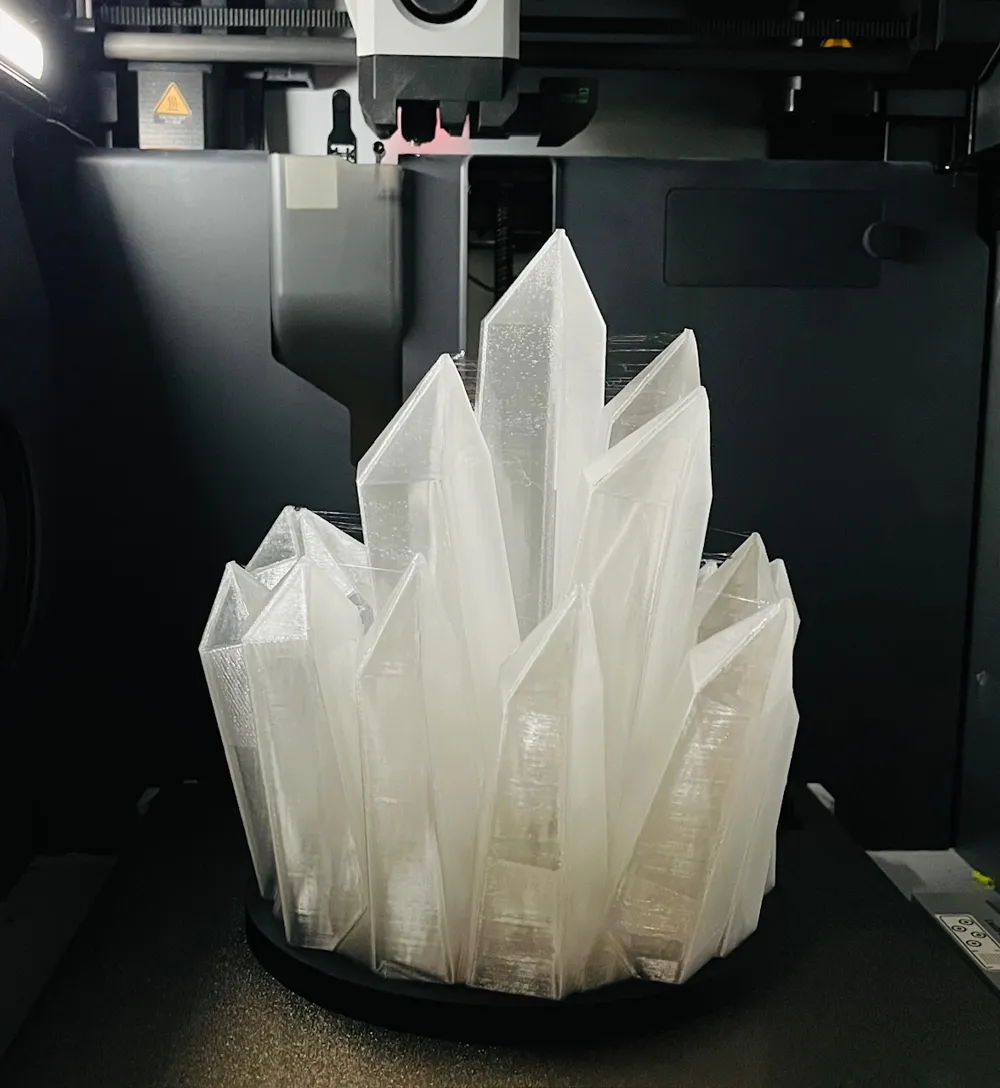
Crystal Cluster Lamp
IP Report

Print Profile(3)

All
X1 Carbon
X2D
P1S
P1P
X1
P2S
A1
H2C
X1E
H2D
H2D Pro
H2S
A2L

80% Scaled, 0.2mm layer, 2 walls, 15% infill
Designer
7.5 h
2 plates
4.0(3)

Original: 0.2mm layer, 2 walls, 15% infill, tree supports
Designer
9.6 h
2 plates
5.0(1)

0.2mm layer, 2 walls, 15% infill
3.1 h
1 plate

Open in Bambu Studio
Boost
125
389
25
6
152
55
Released 

Description

Boost Me (for free)

Please boost me if you can!  It helps support me making more models, both for my family and for the community.

Most of my models, including this one, are released under CC BY-SA 4.0, allowing free use and remix by other creators.

Thank you so much, and I hope you enjoy my works!

About

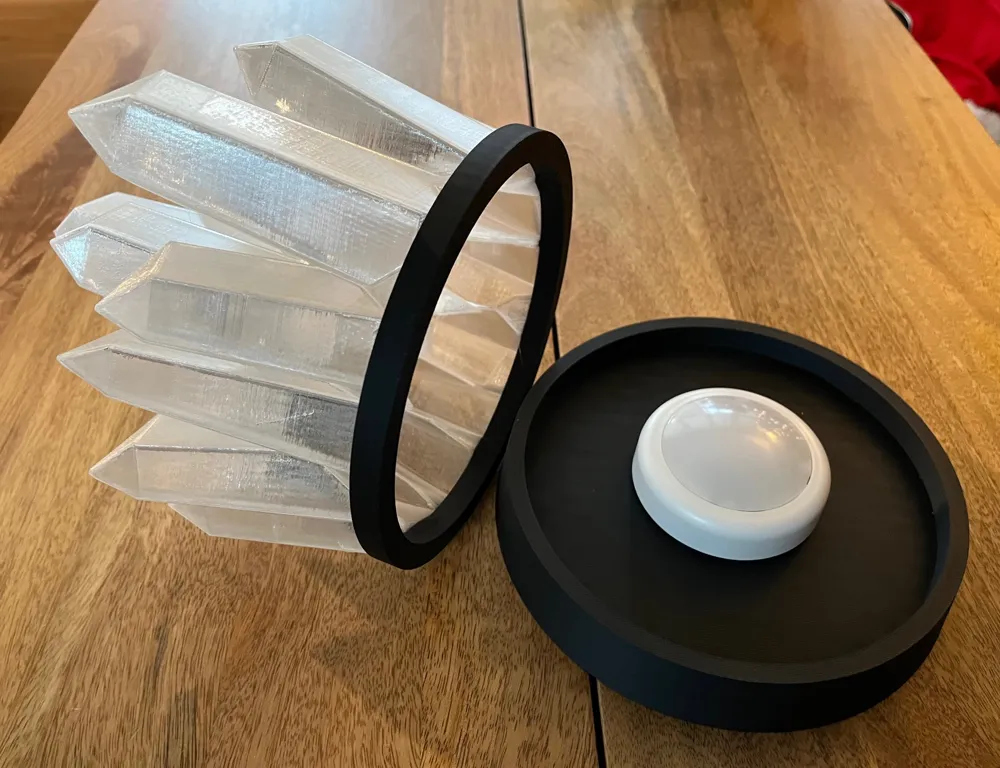
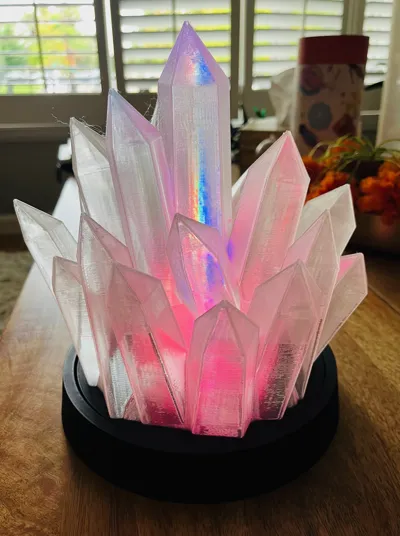
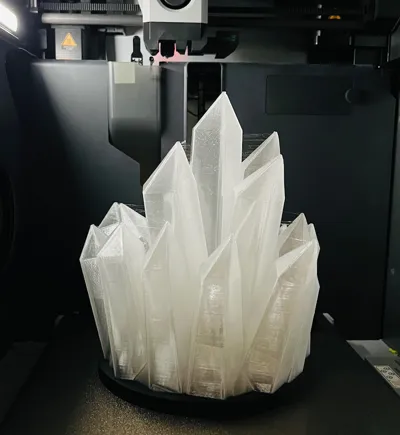
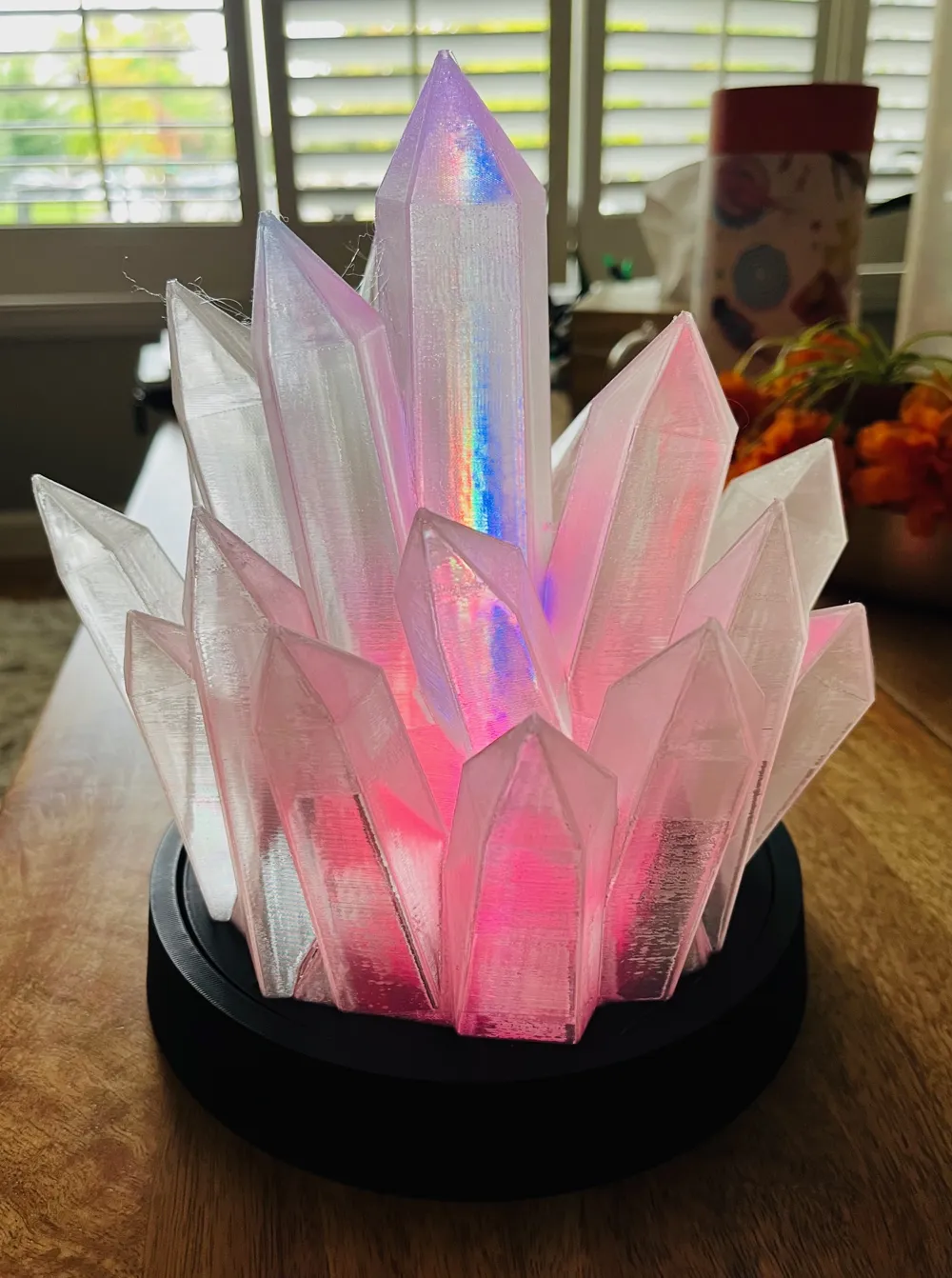
This is a lamp of a crystal cluster.  While I recommend transparent filament, it also looks great in white filament and glow in the dark filament.  You'll need to add light inside that uses a battery.

Print Instructions

Base does not need supports.  Crystals do need supports, and I recommend tree supports.

Timelapse Video


Connect with Me

I'm excited to share my 3D designs with the community, and I'd love to see your prints!  If you share them on Instagram, please consider tagging me, so I can celebrate your amazing prints!

Instagram: @OriginalClassicAdam

YouTube: @OriginalClassicAdam


Friendly Reminder and Disclaimer

These models are provided as-is, so please take care when using them and adapt as needed. Please use common sense and caution when printing or assembling.  I cannot make any guarantees about their performance or safety.  By downloading or using these files, you accept responsibility for any outcomes.


Boost Me (for free)

Thanks for being here — a small boost goes a long way and means a lot to me.

Comment & Rating (25)

(0/1000)

Pinned by Designer
Print Profile
Original: 0.2mm layer, 2 walls, 15% infill, tree supports
Easy print - worked out beautifully.
The profile uploader has replied
profile
1
Reply
Great pics! Thank you for sharing.
0
Reply
Hi, What filament did you use and what light to make it the way it shows up?
The designer has replied
0
Reply
I used a transparent/clear filament. The light from the picture is three LED's that were red, green, and blue. I also found the lighting from using an electric candle that flickered to be pleasant.
0
Reply
Replying to @ClassicAdam :
Do you have the links to the stuff you used?
0
Reply
Replying to @kendorama :
This is the filament I used: https://www.amazon.com/dp/B07ZNG4L9P Unfortunately, I'm not sure where I got the light, as it was a really old one I just had laying around. I don't see the exact same thing available anywhere, however, I also tried something like this and got similar results to the picture: https://www.amazon.com/BLS-Changing-Lighting-Wireless-Operated/dp/B0FNR2MNCJ/
0
Reply
Print Profile
80% Scaled, 0.2mm layer, 2 walls, 15% infill
Strength Issue:broke away causing spaghetti
The profile uploader has replied
0
Reply
I've had a lot of success with this print profile. Can you provide more details on your print? 3D printer, filament type, filament drying, etc? Does this happen with every print you've attempted of the model? A side photo showing the layers might help too. It's not clear from the top photo where or how the print failed. Can you elaborate on the "strength issue"? Might be able to provide some more feedback with more details.
0
Reply
Boosted
I tried printing at 50% with Sunlu transparent filament and it failed. I'm new to printing so not sure if I need to slow down the speed for transparent or what may be going wrong. I have the A1 Bambu.
The designer has replied
0
Reply
Hey friend! I also printed with Sunlu brand transparent filament. If you're slicing the models yourself in Bambu Lab Studio, you may wish to try the print profile instead. The print profile has all the configurations already done for you.
0
Reply
Boosted
Replying to @ClassicAdam :
Yes! I was trying to size it down 50% I ended up printing it from the app as is and it turned out AMAZING. How would I be able to print at various sizes?
0
Reply
Replying to @shemadd :
Hello again friend! I didn't take scaling smaller into account when I modeled this. However, I've had some reports from others telling me they successfully printed the model scaled down to 75% and 65%. If you scale it down, I'm pretty sure you'll need to enable "Detect thin wall" in Bambu Studio / Orca. I had some trouble scaling it to 50% myself, but I was pretty comfortable and confident with the results I got when I scaled to 80%. I've added another print profile to print that smaller version. Thanks for the comments and feedback!
1
Reply
@ClassicAdam could you please also upload the print profile for the crystals? I can only see the profile for the base
The designer has replied
Show original
1
Reply
Hey friend! I've added a print profile. If the print works well for you, please leave me a comment letting me know how it goes. Thank you for your interest!
0
Reply
Replying to @ClassicAdam :
Hey, thank you! it worked well. here is the result and I absolutely love it!
1
Reply
Print Profile
80% Scaled, 0.2mm layer, 2 walls, 15% infill
0
Reply
Print Profile
80% Scaled, 0.2mm layer, 2 walls, 15% infill
0
Reply
No more