Search models, users, collections, and posts

Peugeot Keychain (1975-1998 Logo / 80s Style)
IP Report
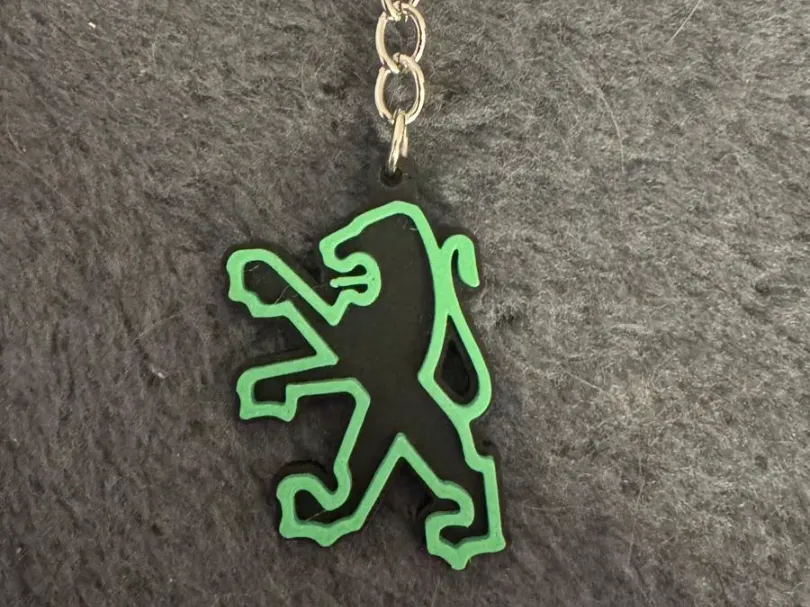
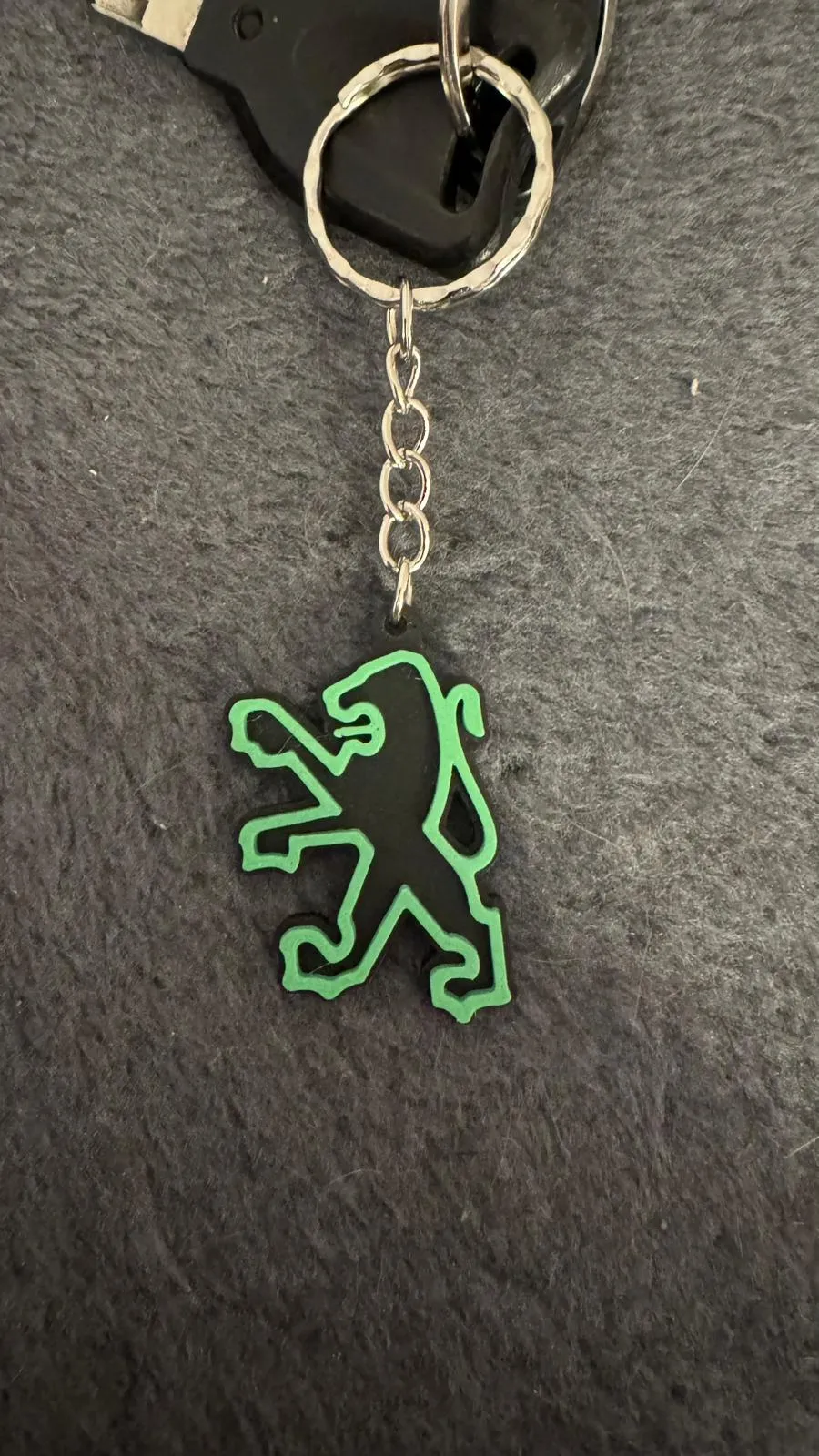
This model is created by Image to Keychain
Make Your Model
Print Profile(1)

0.2mm layer, 2 walls, 15% infill
Designer
20 min
1 plate
Open in Bambu Studio
Boost
12
16
1
0
27
15
Released
Bill of Materials
Maker's Supply Kits and Parts
Select all

Description
Content has been automatically translated.
The classic from your youth! 3D keychain of the iconic 80s and 90s Peugeot logo.
This design recreates the Peugeot emblem used from the 1970s to the 1990s. It is a robust piece, ideal for nostalgic people and lovers of classic models like the Peugeot 205, 405, or 306.
Key Printing Features:
- Material Efficiency: Only ONE Filament Change! The geometry is optimized so that only one color transition is required to achieve the two tones (the background and the lion's outline).
- Ideal for AMS (P1S Combo): With the AMS, filament change is automatic, clean, and fast, with no unnecessary material waste.
- Historic Logo (1975-1998): Instantly recognizable design, covering a golden era of the brand.
Essential Instructions for Color Assignment (Bambu Studio):
To ensure the AMS performs a single color change efficiently:
- Load and Prepare: Open the STL file in Bambu Studio.
- Background Assignment (Filament 1): Assign Filament 1 (e.g. Black) to the entire model (the complete keychain base).
- Logo Assignment (Filament 2): Paint!
- Use the "Paint" tool by height or surface.
- Assign Filament 2 (e.g. Silver or your chosen color) only to the top layer that forms the lion's outline.
- Result: The slicer will segment the print to use Filament 1 for the base and then change only once to Filament 2 to complete the figure.
Notice for users without AMS: If you print without the AMS system, use the "Add Pause" function in Bambu Studio to manually change the filament at the correct layer.
Suggested Material: PLA or PETG.
Download, assign the two colors with a single change, print, and show off this Peugeot classic!
License

This user content is licensed under a
Creative Commons Attribution-Noncommercial-Share Alike


Comment & Rating (1)