Search models, users, collections, and posts

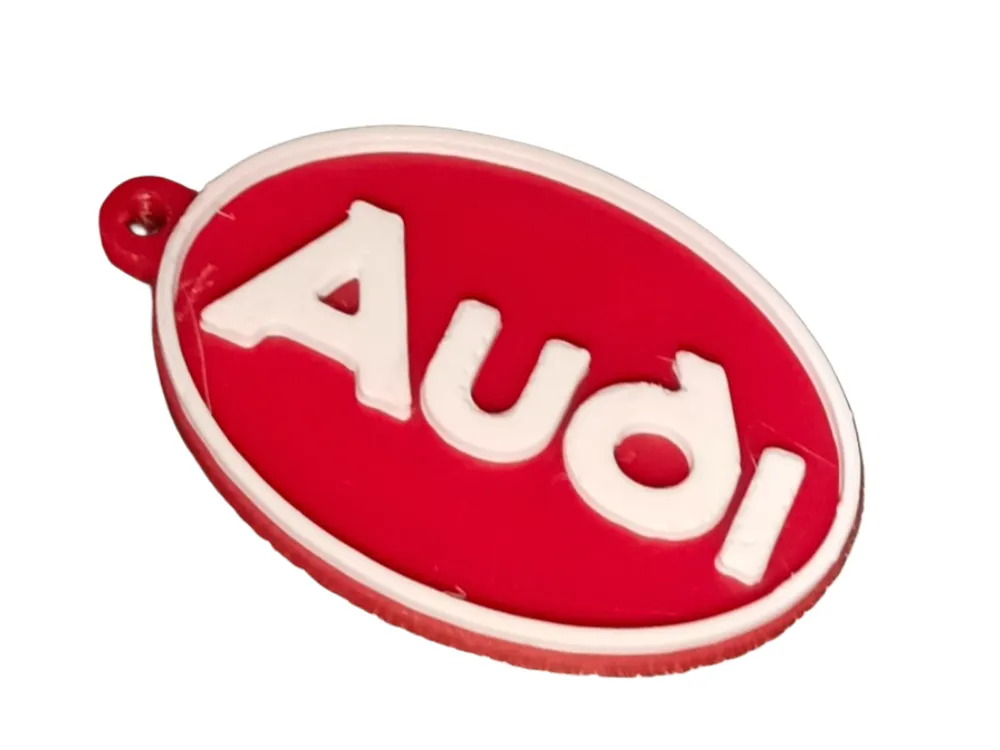
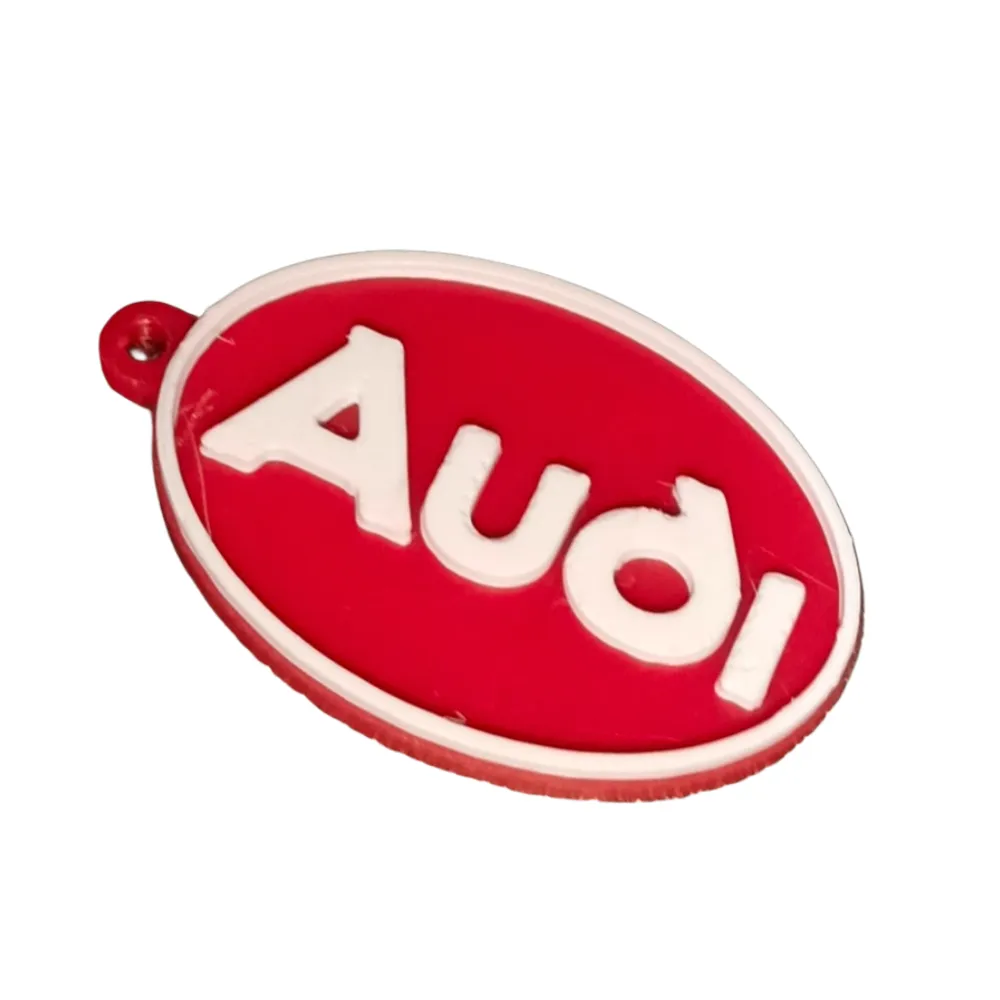
Audi retro vintage keychain
IP Report
This model is created by Image to Keychain
Make Your Model
Print Profile(1)

0.2mm layer, 2 walls, 15% infill
Designer
18 min
1 plate
Open in Bambu Studio
Boost
1
3
0
0
8
3
Released
Bill of Materials
Maker's Supply Kits and Parts
Select all

Description
Content has been automatically translated.
Bring the vintage Audi style to your keys with easy multicolor printing!
This is a 3D Printed keychain based on the iconic classic Audi oval logo. It's the perfect project for any brand enthusiast who wants a two-color piece with maximum convenience.
Key Printing Features:
- Optimized for Bambu Lab AMS: The design is configured for fully automatic color transition using the Bambu Lab Automatic Material System (AMS) (compatible with P1S Combo, X1C, etc.).
- Hassle-Free Printing: Simply assign the background color and text color in Bambu Studio (or MakerWorld settings) and let the AMS manage the filament change.
- High-Quality Result: You will achieve a keychain with a clean finish and vibrant color contrast, replicating the retro look of the emblem.
- Functional Keychain: Includes a top hole for easily adding a keyring.
Essential Instructions for P1S + AMS Users:
- Load into the Slicer: Open the STL file in Bambu Studio.
- Paint (Optional, if the file is not multicolor): If the STL file is monochrome, use the "Paint" or "Objects" function in Bambu Studio to assign Color 1 (Background) and Color 2 (Letters and Border). If the file already contains color information, simply verify the assignment.
- Assign Filaments: Ensure that the desired colors (e.g., Red and White) are loaded into the AMS slots and correctly assigned in the slicer.
- Print: The AMS will automatically manage the change at the correct layer.
Note for users without AMS: If you print without the AMS system, please refer to our guide in the comments or printing instructions to perform a manual "Pause" at the color change layer.
Suggested Material: PLA or PETG.
Download, print, and show off this Audi classic on your keys!
License

This user content is licensed under a
Creative Commons Attribution-Noncommercial-Share Alike


Comment & Rating (0)