
Spectrum of Emotions – 6/7 Contempt
Print Profile(2)
![[100mm, 150mm] 0.2mm layer, 2 walls, 5% infill](https://makerworld.bblmw.com/makerworld/model/US25fedcf999fc0c/448200184/instance/2025-10-22_7296f6cbbe4f58.jpg?x-oss-process=image%2Fresize%2Cw_100%2Fformat%2Cwebp)
![[200mm] 0.2mm layer, 2 walls, 5% infill](https://makerworld.bblmw.com/makerworld/model/US25fedcf999fc0c/448203324/instance/2025-10-22_c83d2740259aa.jpg?x-oss-process=image%2Fresize%2Cw_100%2Fformat%2Cwebp)



Description
Boost Me (for free)
Boost = fuel for the next design! If you’ve enjoyed my work, hit Boost and be part of the creative streak. Also, tap Follow to catch the next drop.
Membership
You can sell physical prints of this model as long as you subscribe to my Commercial License Membership.
Spectrum of Emotions – 6/7 Contempt
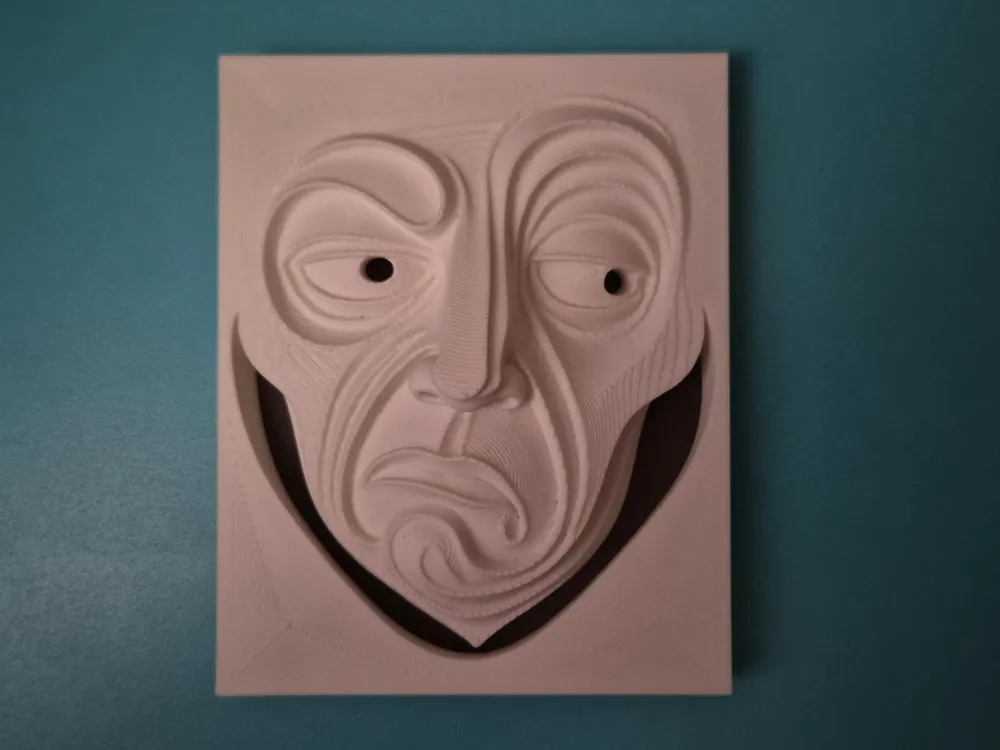
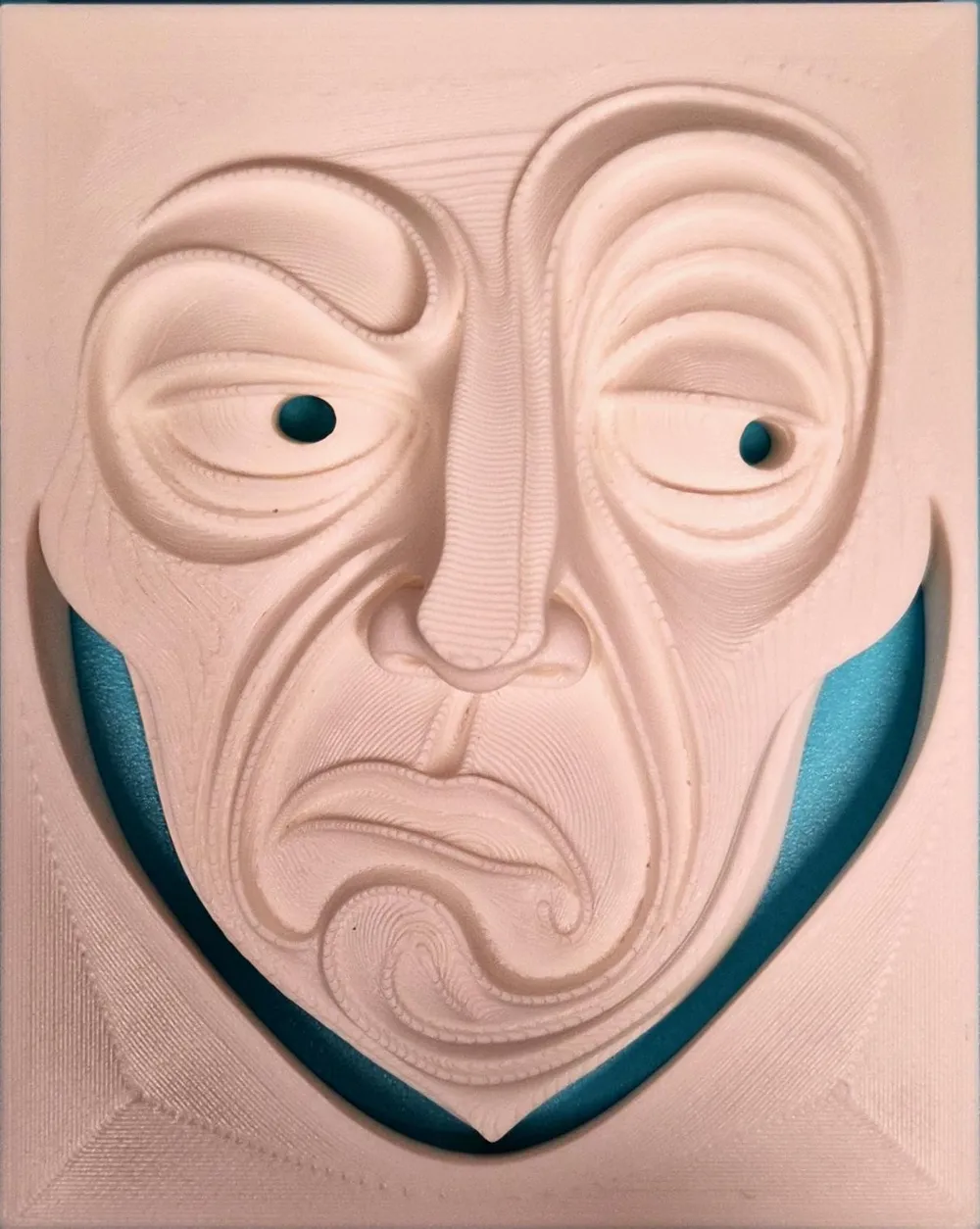
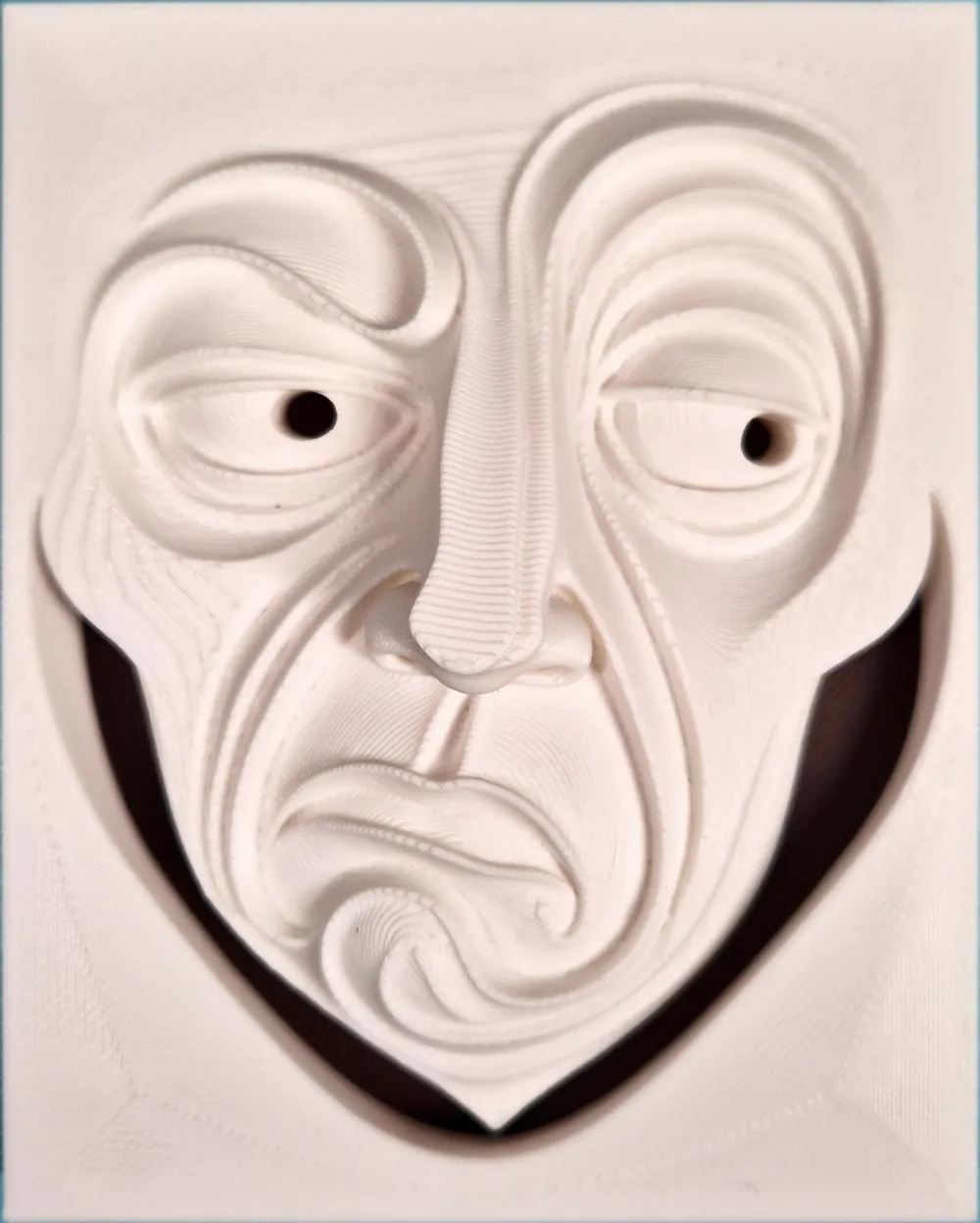
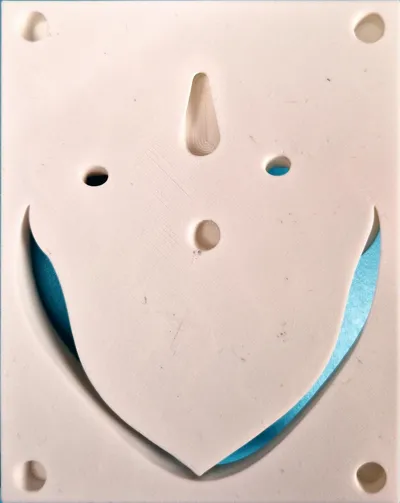
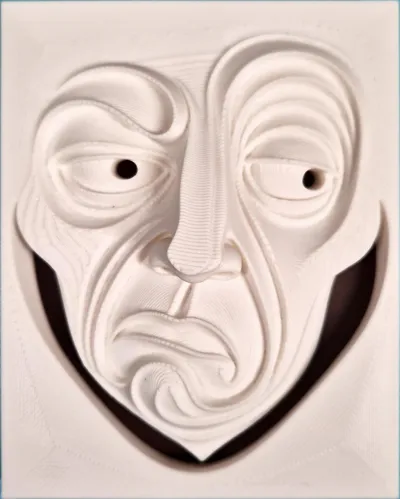
Contempt is the sixth release in the Spectrum of Emotions series. The relief captures the signature cues: one-sided smirk/sneer, slight eye narrowing, and clear asymmetry… translated into bold, flowing layers.
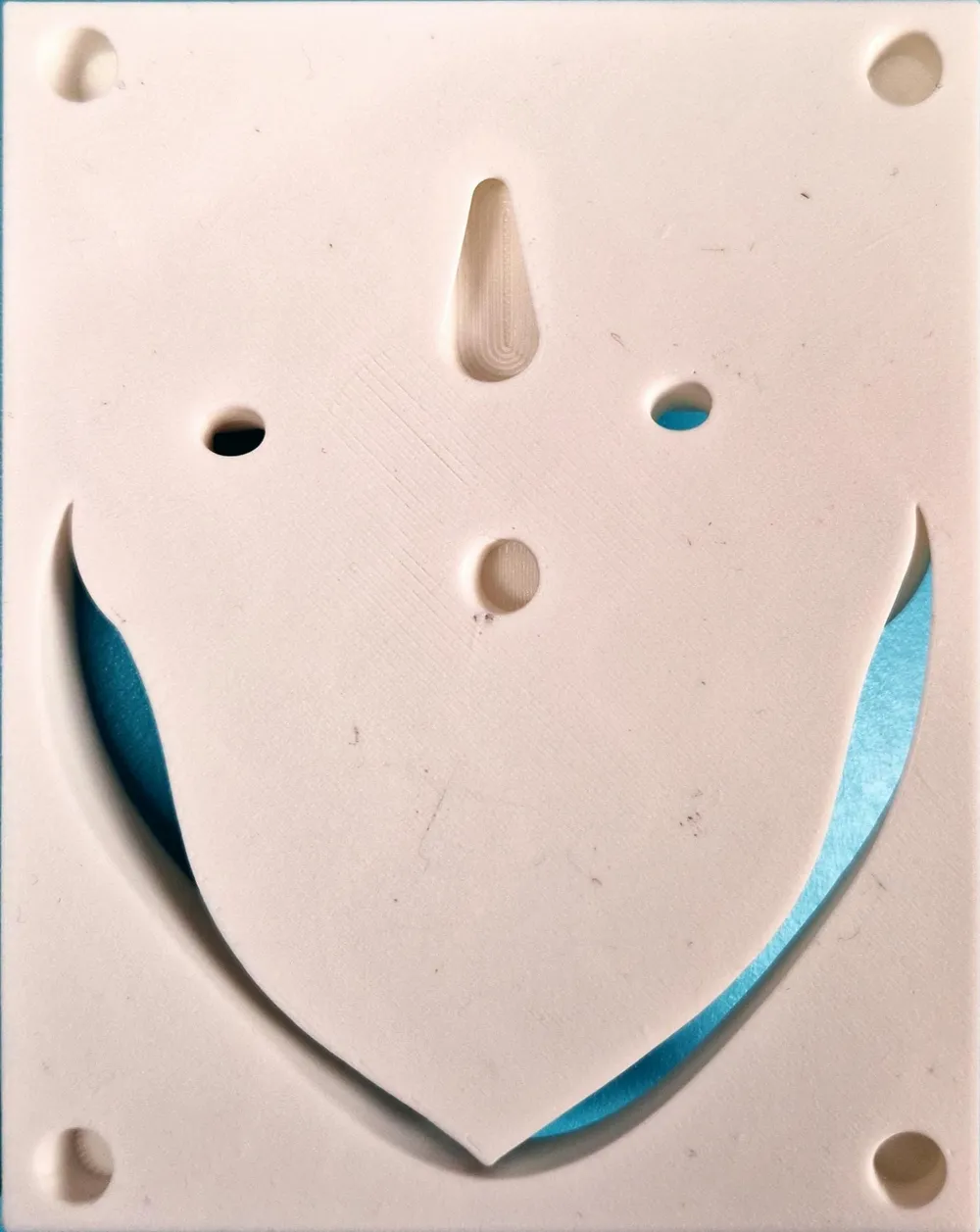
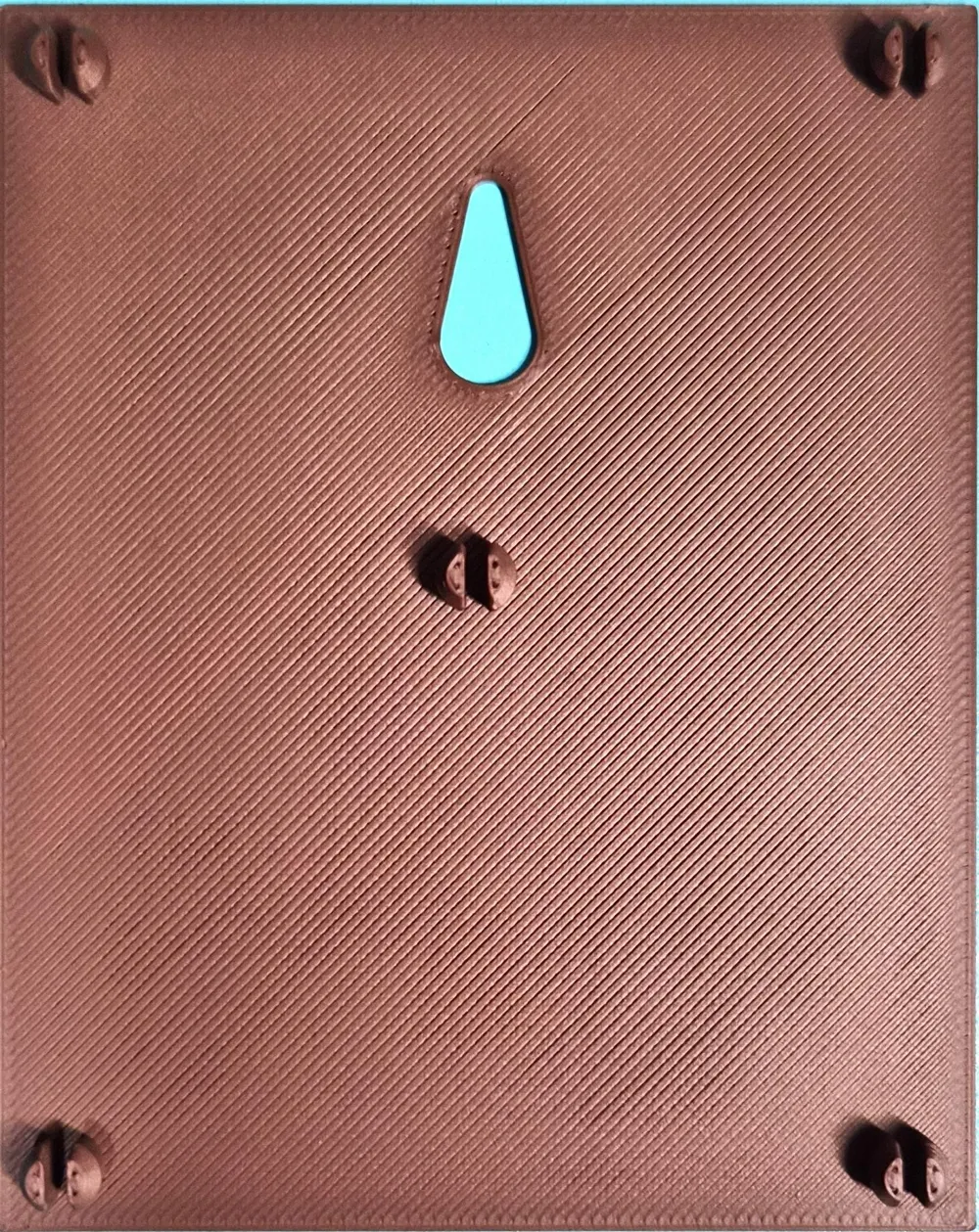
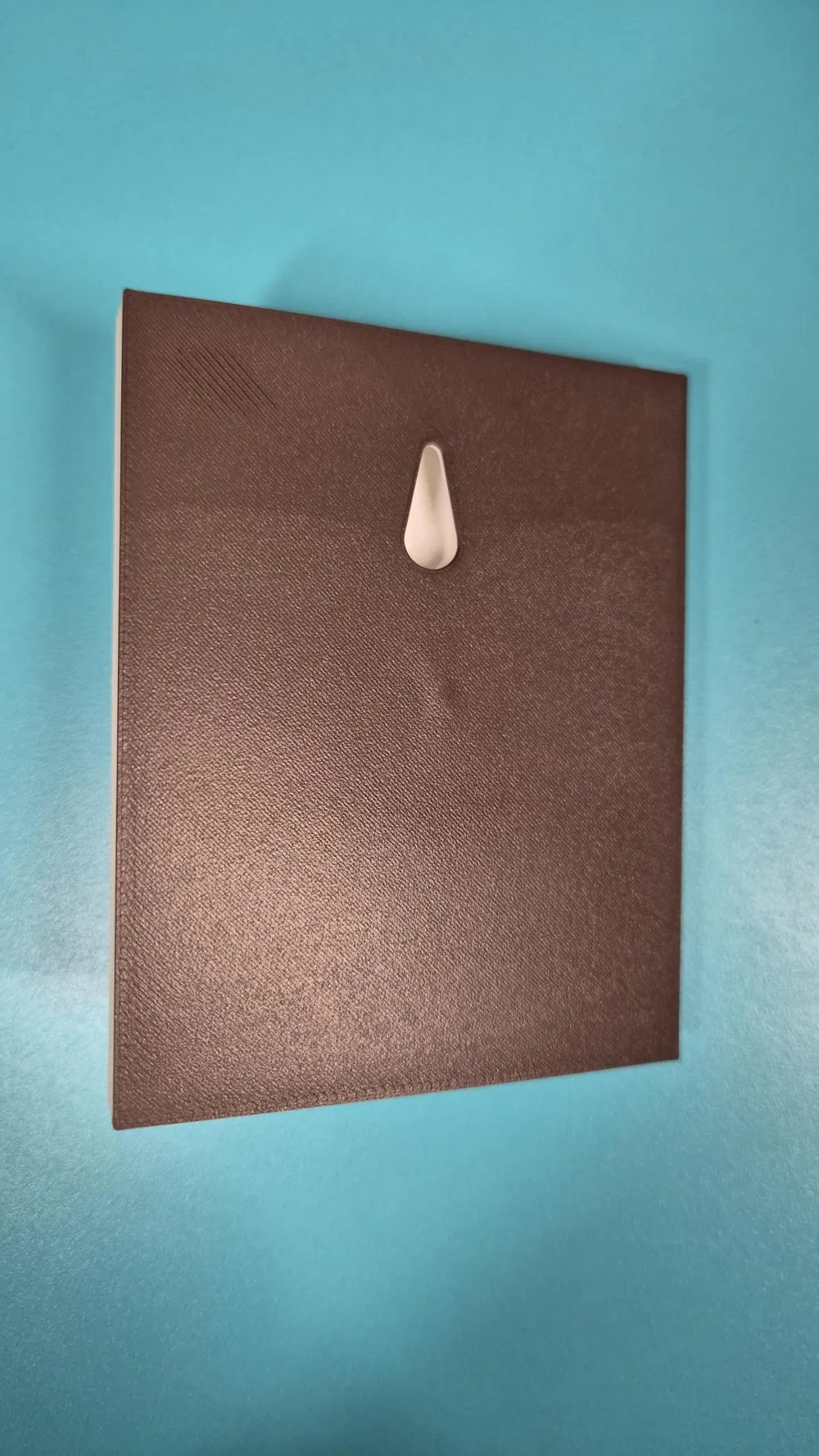
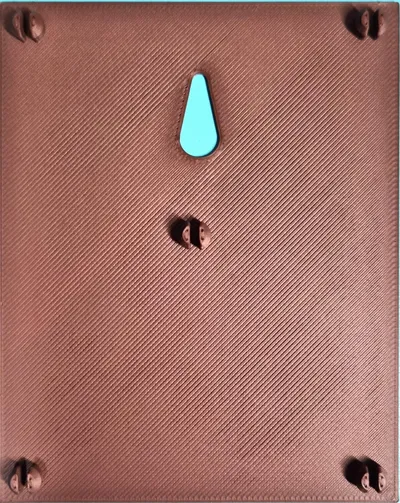
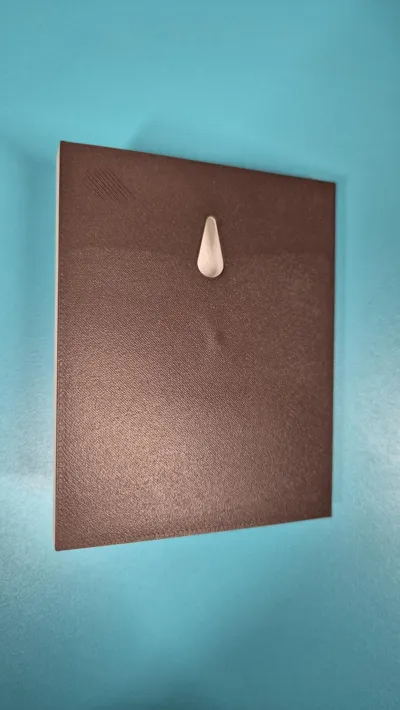
- Backplate options: print with the snap-on backplate for a framed finish, or without to let your wall color show through the cutouts. Backplate can be any color for custom contrast.
- Universal keyhole: same position across all pieces; works with or without the backplate for easy, consistent hanging.
- Three sizes included: 100 mm, 150 mm, 200 mm.
- Two-color printing: separate face and background parts so you can choose your palette.
Print profiles included
100 mm, 150 mm, 200 mm
0.20 mm layer height
5% gyroid (with infill combination)
Top surface pattern: concentric
Supports: disabled
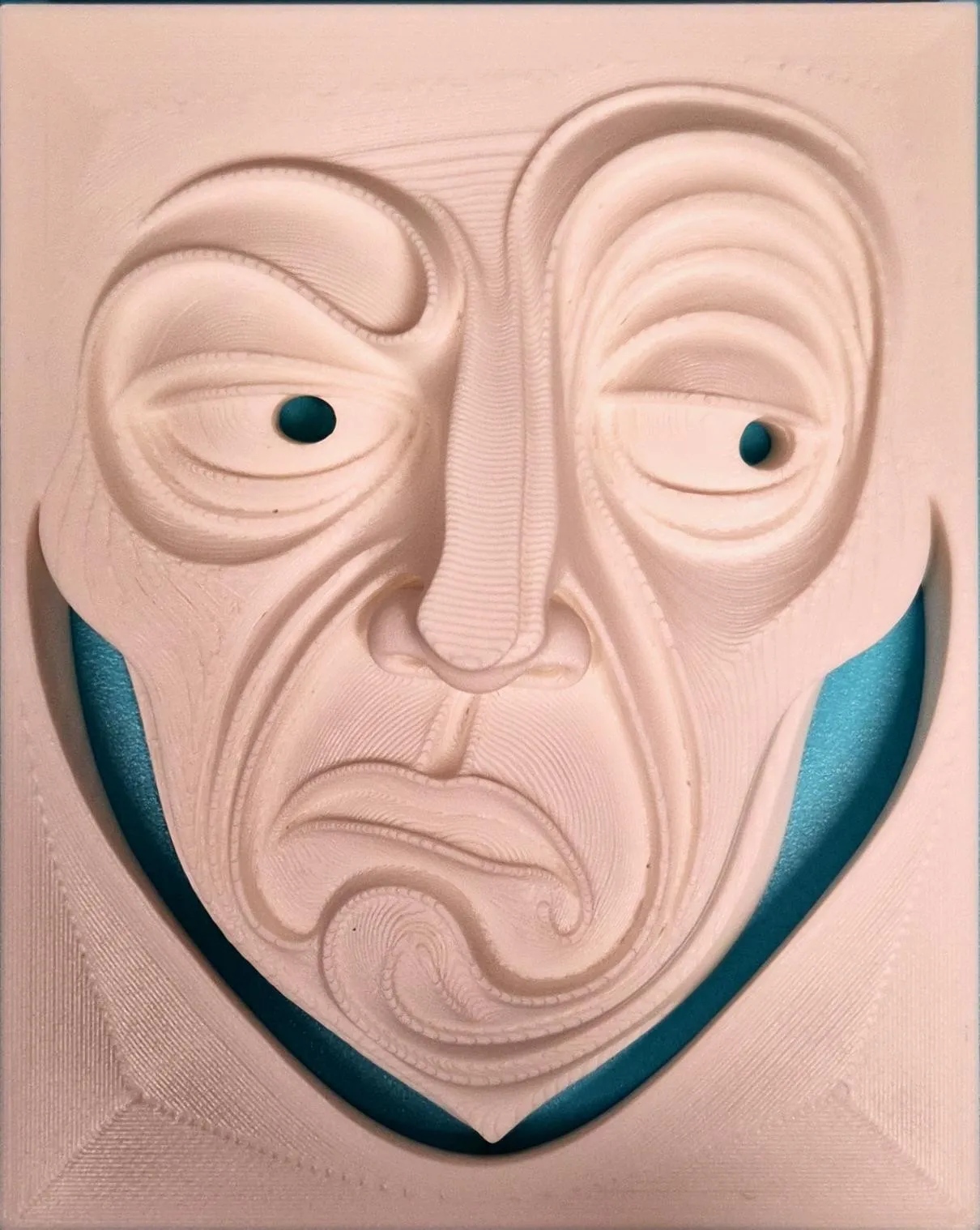
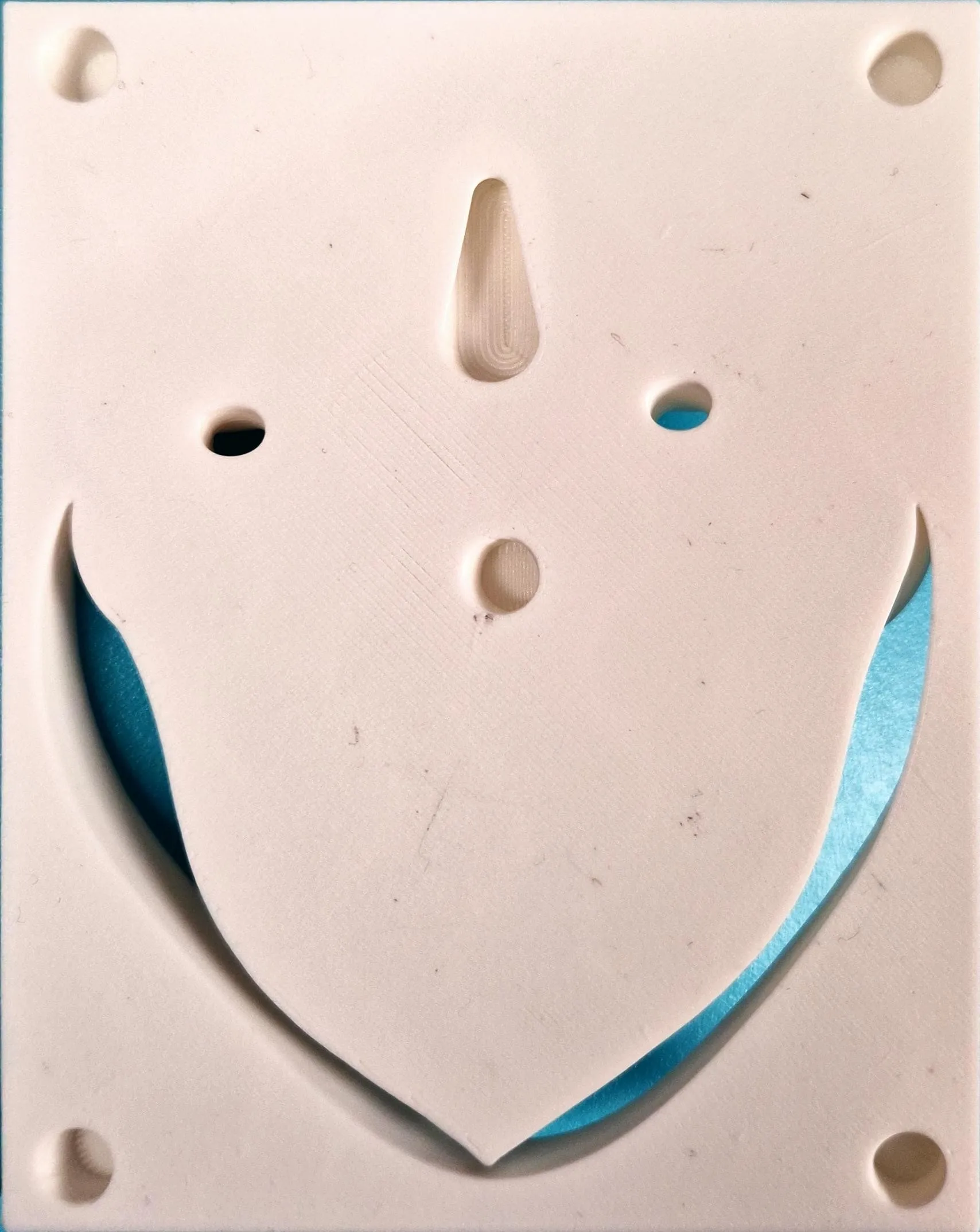
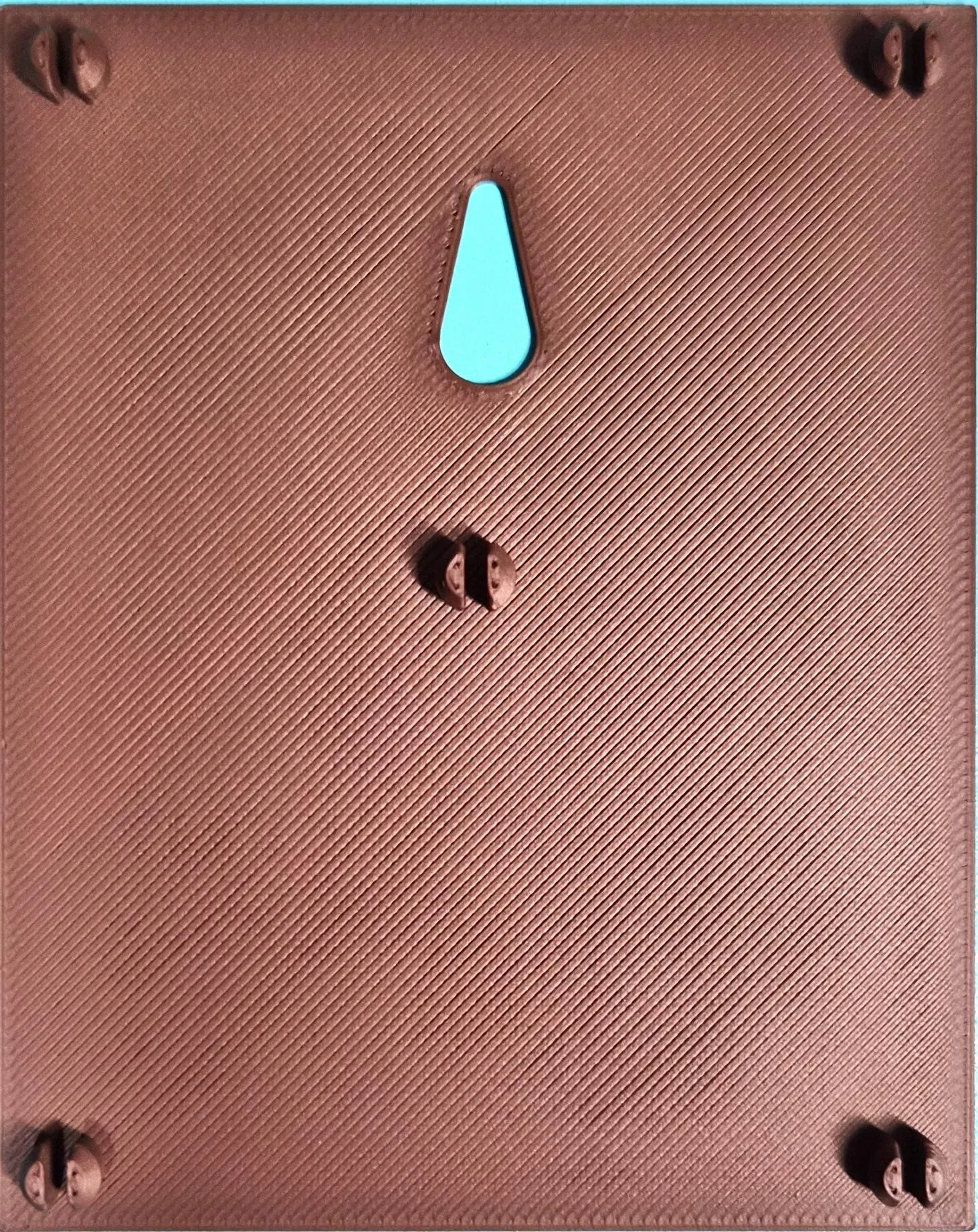
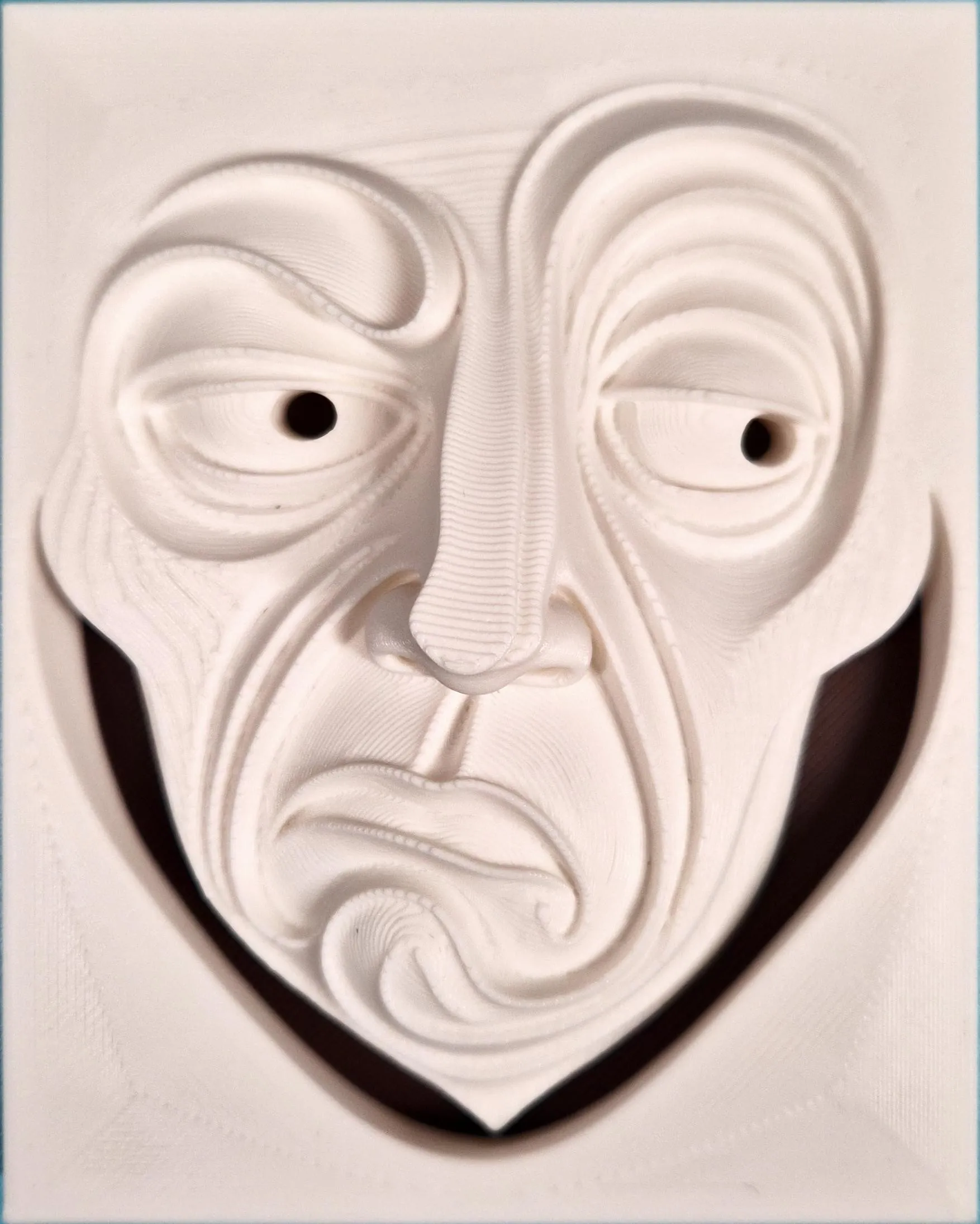
Key Printing Tips:
- Disable “Strength → Detect Thin Wall” → gives smoother, cleaner surfaces on detailed parts.
- Always check the slicing preview in Bambu Studio before starting the print.
- Support removal trick: Cut supports into small chunks first, then gently loosen → they usually pop off cleanly without damage.
- Some plates use lots of supports, if so → for reliable prints use these filament settings:
- Filament Overrides
- Z Hop When Retract: 0.6 mm
- Z Hop Type: Spiral
- Travel Distance Threshold: 1 mm
- ✅ Enable Retract When Changing Layer
- Also, disable these settings in Bambu Studio if Variable Layer height is used:
- Supports
- ❌ Disable Independent Support Layer Height
- Others
- ❌ Disable Reduce Infill Retraction
- I’ve found that a 0.15 mm top Z distance works best when printing with variable layer height.
- Supports
- Filament Overrides
Happy printing! Can't wait to see photos of your prints! If you're scaling, experimenting or encounter any issues, let me know → your input helps the next iteration. Please share your feedback for any rating below ⭐⭐⭐⭐⭐ so we can work on improving, thank you!
Boost Me (for free)
Boost / like / collect / follow if it made your day! 🚀
Membership
Now that you’ve printed this model, are you happy with the results? If so, why not sell it? With a subscription to my Commercial License Membership, you’re free to do so.
License

You shall not share, sub-license, sell, rent, host, transfer, or distribute in any way the digital or 3D printed versions of this object, nor any other derivative work of this object in its digital or physical format (including - but not limited to - remixes of this object, and hosting on other digital platforms). The objects may not be used without permission in any way whatsoever in which you charge money, or collect fees.


Comment & Rating (0)