
Fully 3D-Printed Compact Utility Cutter
Print Profile(5)


Description
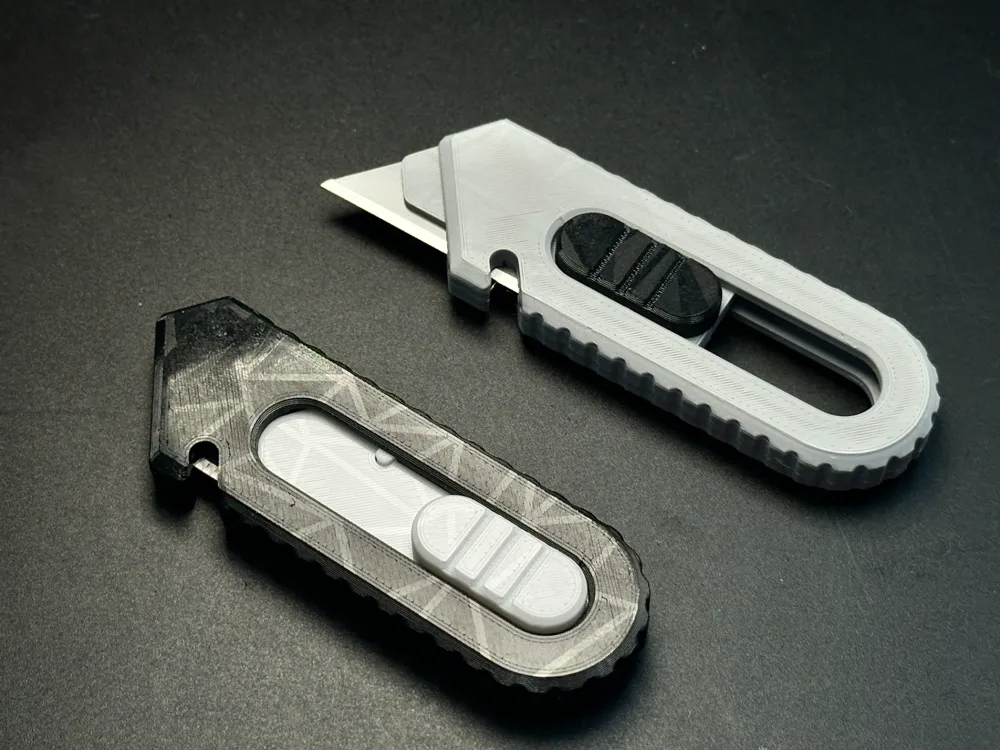
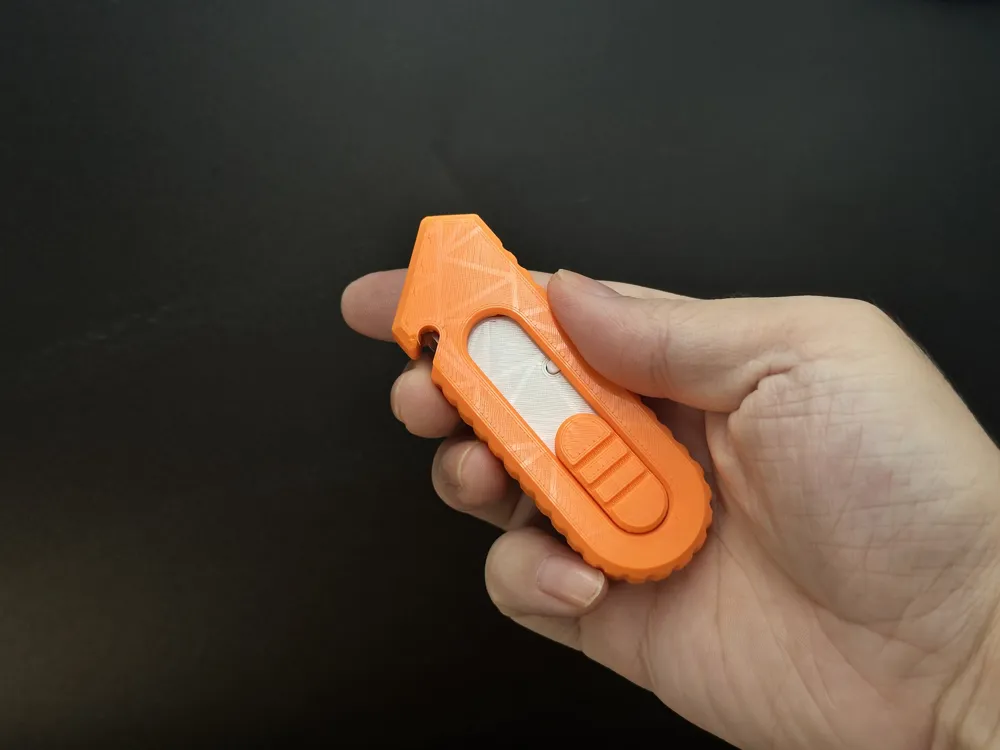
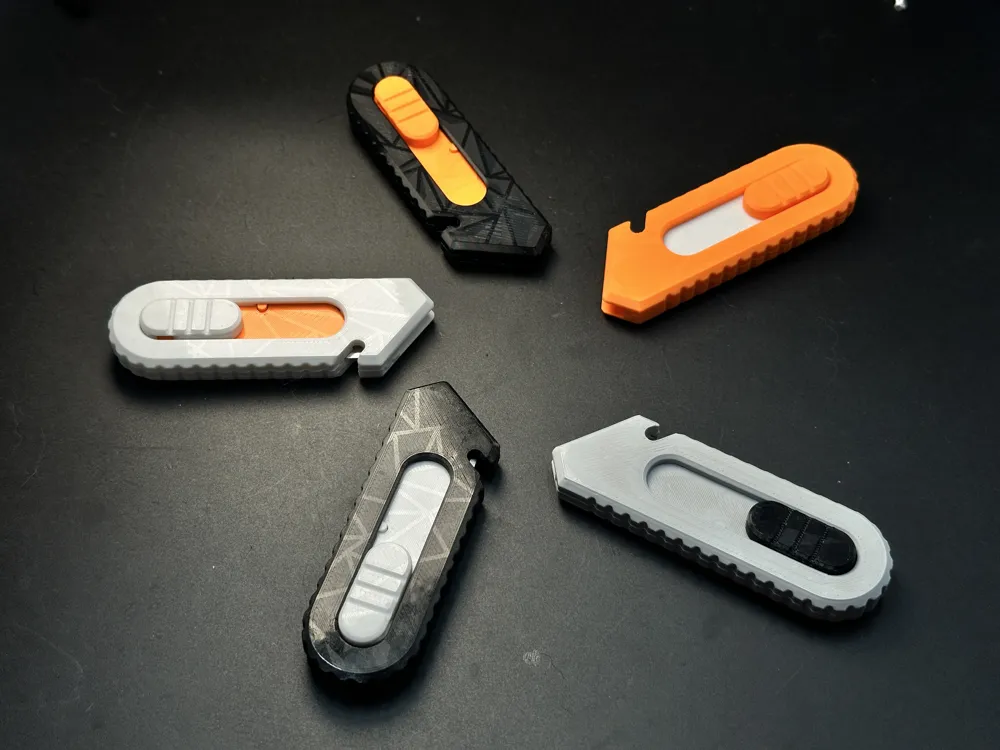
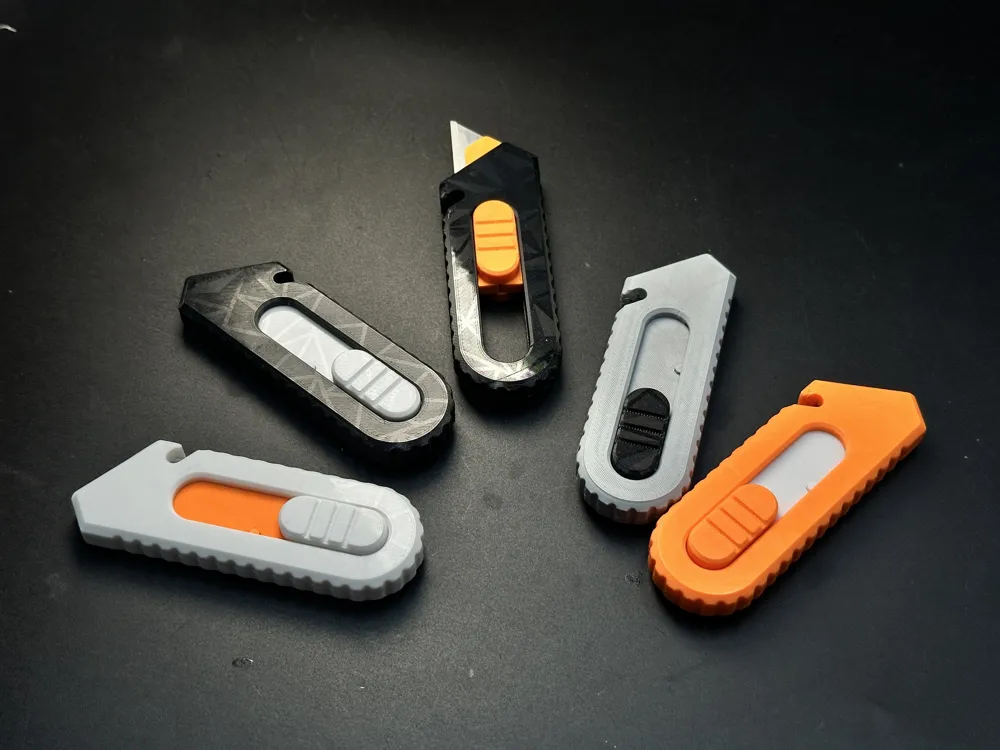
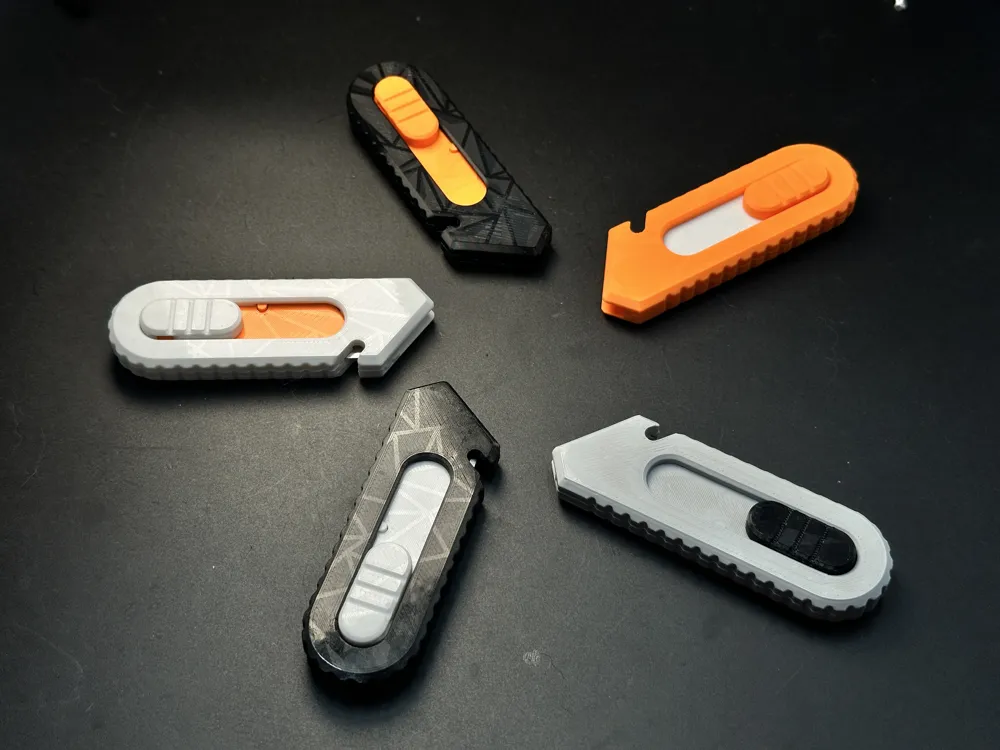
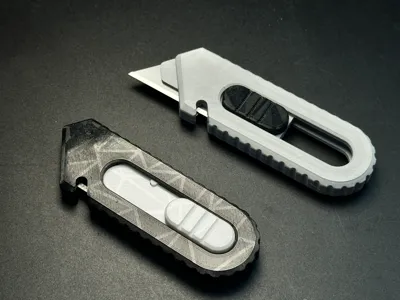
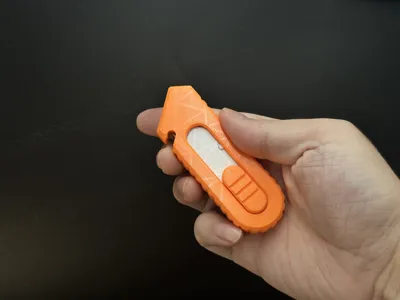
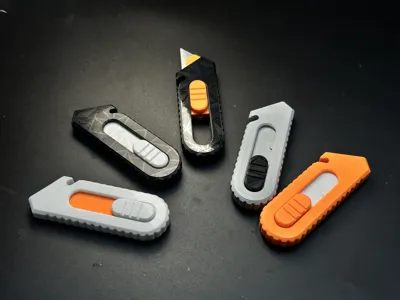
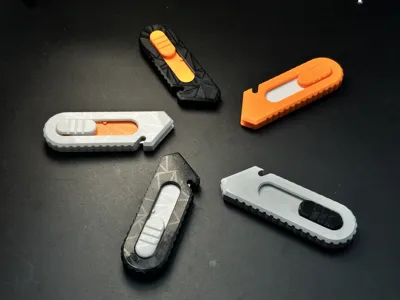
This is a fully 3D-printed utility knife, compact and ambidextrous.
When pushing the blade ejection button, you’ll feel clear tactile "click" feedback with consistent resistance.
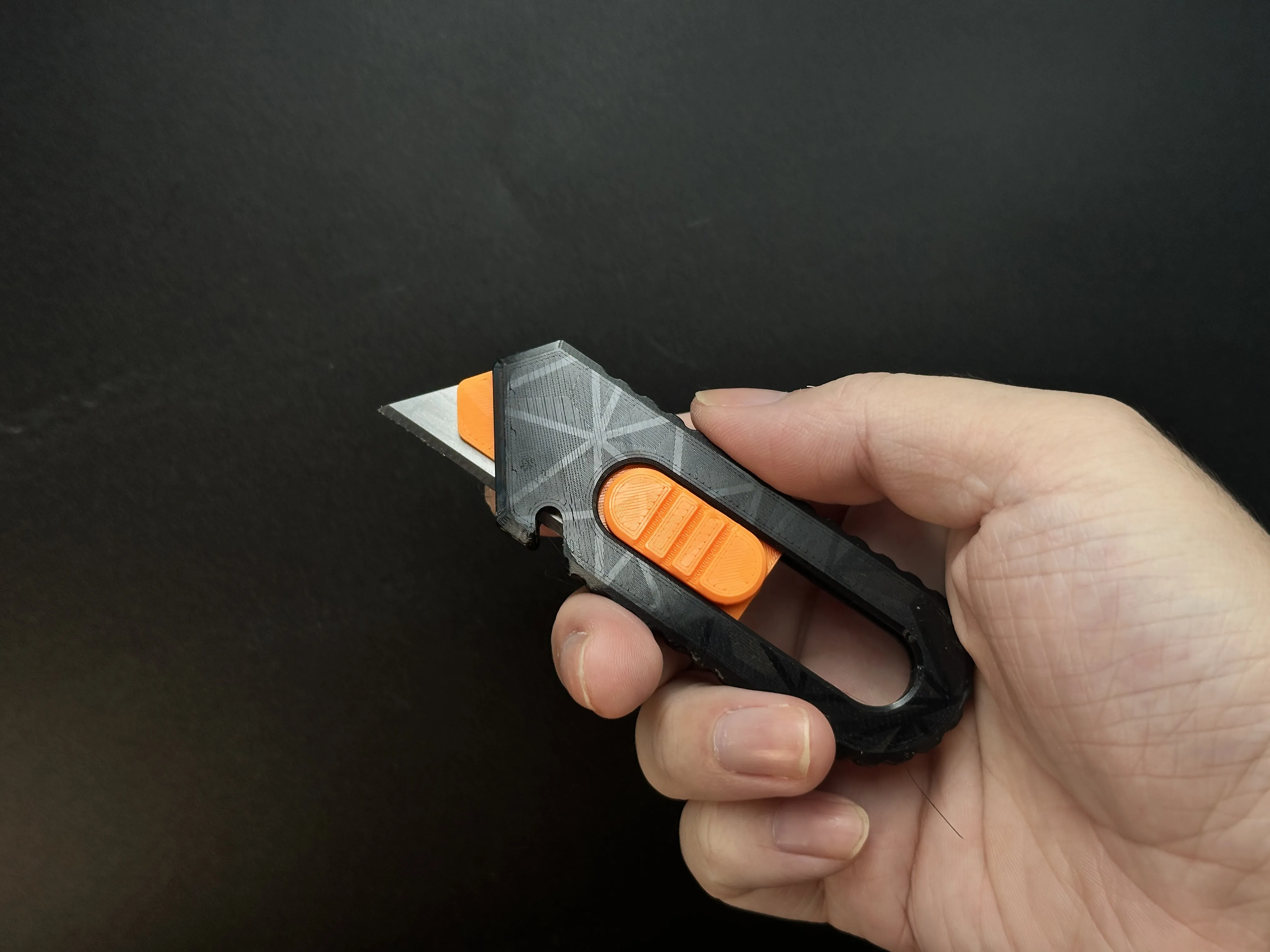
This utility knife is designed based on the Stanley utility knife blade, with a length of 62mm.
No supports needed for printing. No tools, additional hardware, or glue required for assembly. All parts lock securely via interlocking structures.
The blade chassis in this project is a completely new design—I’m extremely satisfied with it and can’t wait to share it with everyone.
Special Note:The external design is inspired by the project from @janberrrydesign. Yesterday morning, I came across their beautifully designed utility knife [Link], printed it immediately, and was deeply impressed. With their permission, I created my own version, drawing inspiration from their exterior design. However, every component in this project is newly designed, with a different internal structure. In my version, I placed special emphasis on the blade holder mechanism.If you're a design enthusiast or knife lover, I highly recommend printing both their model and mine. By comparing them closely, you’ll notice how we approached the same challenge with different solutions. To me, this is fascinating—it’s like witnessing different designers tackle the same problem in unique ways. I truly enjoy this kind of creative dialogue—it’s inspiring. I hope you’ll also find joy in exploring these design nuances.
Update: An additional 3MF file has been added for download. This is a low-resistance component. If the material you are using has a slightly higher shrinkage rate, which may cause excessive resistance, you can replace the original part with this one.
Assembly Tutorial
1.Show all parts.
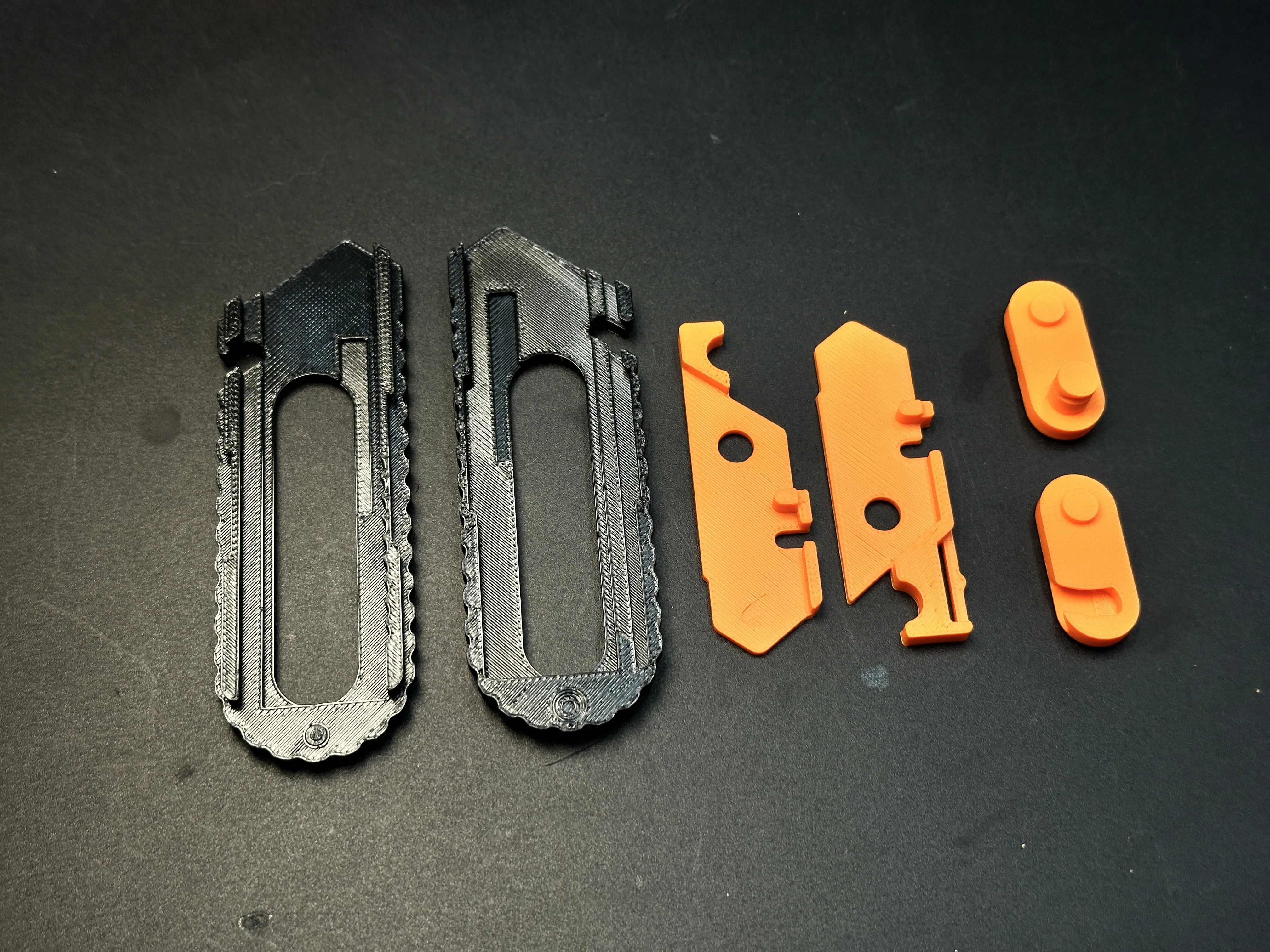
2.Interlock the two blade holder pieces.
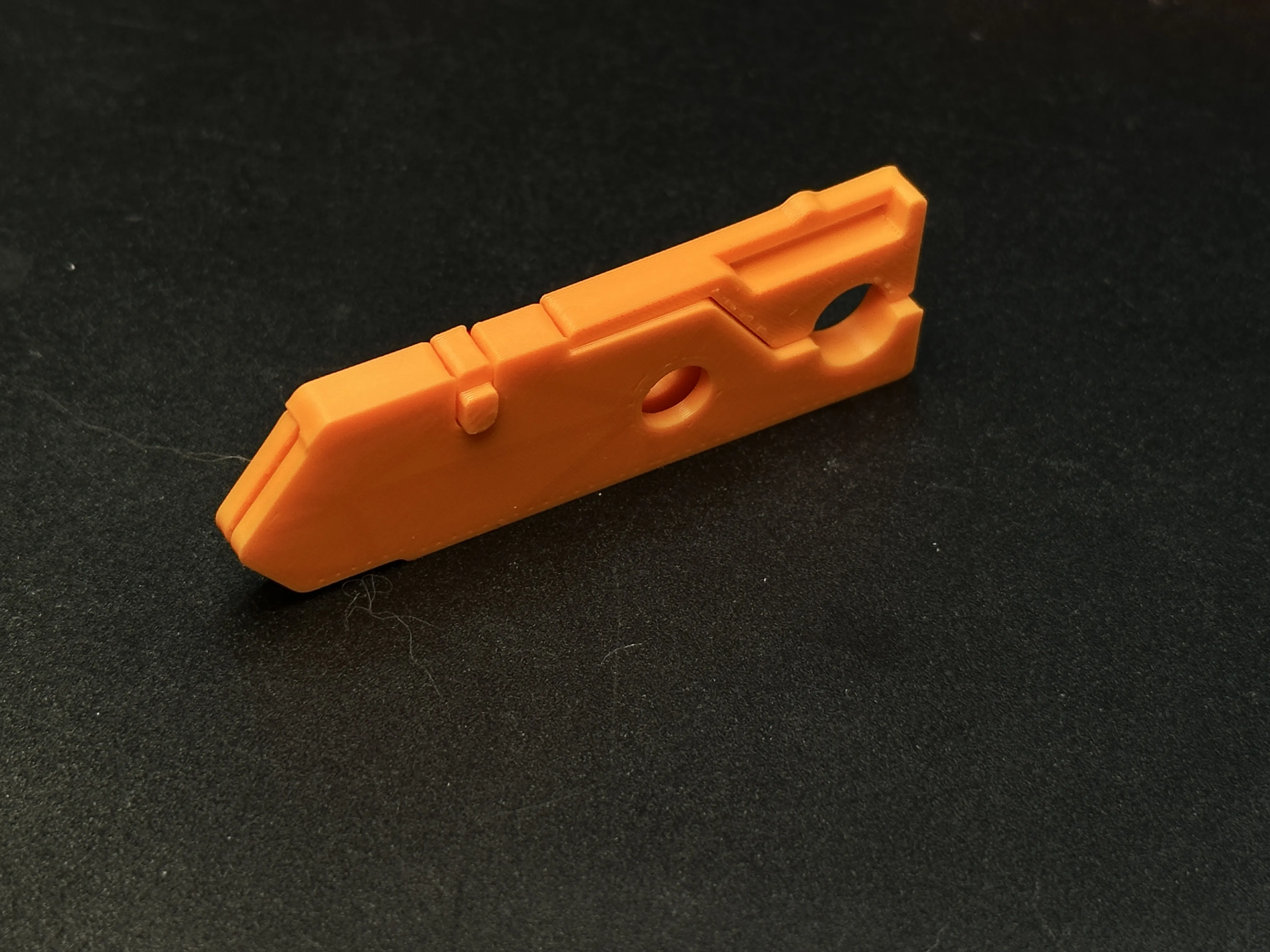
3.Insert one button into the blade holder.
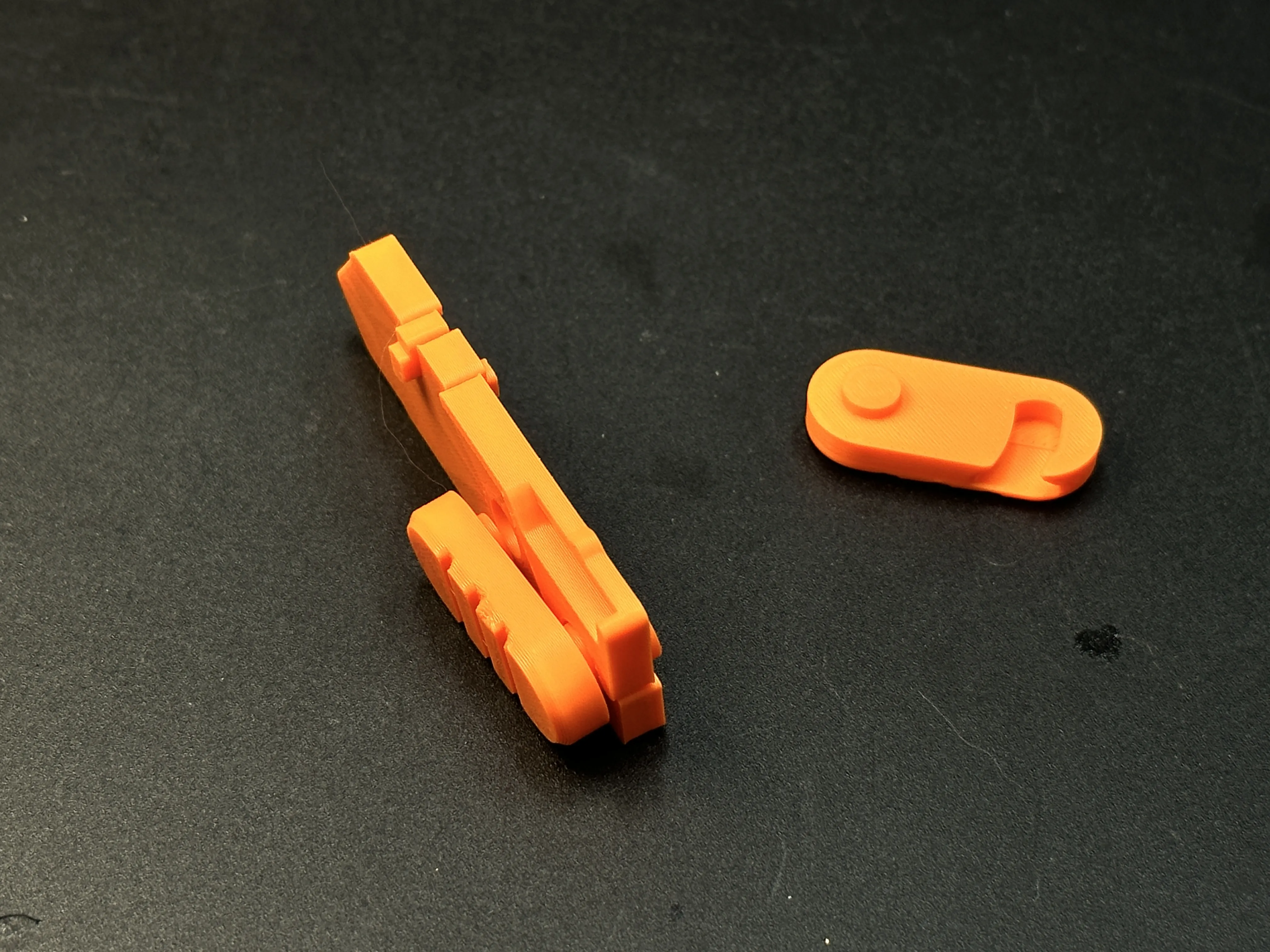
4.Insert one end of the other button into the holder, then rotate it so both buttons lock together.
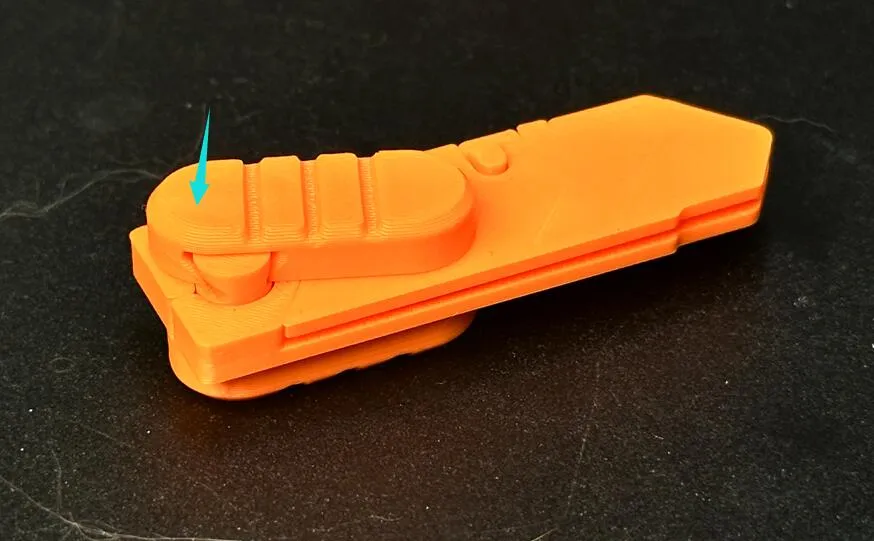
5.Press the two protrusions on the top of the blade holder to open the middle gap, then insert the blade.
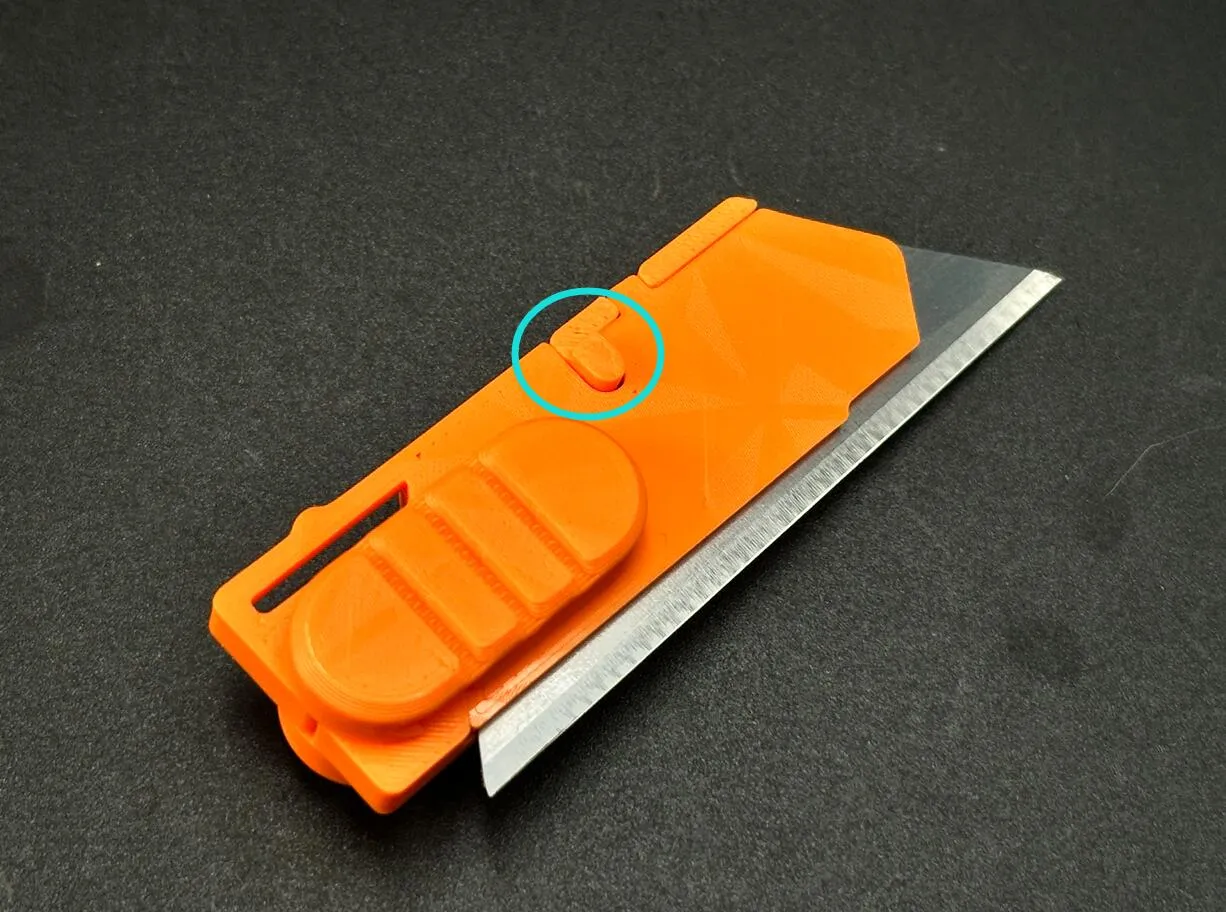
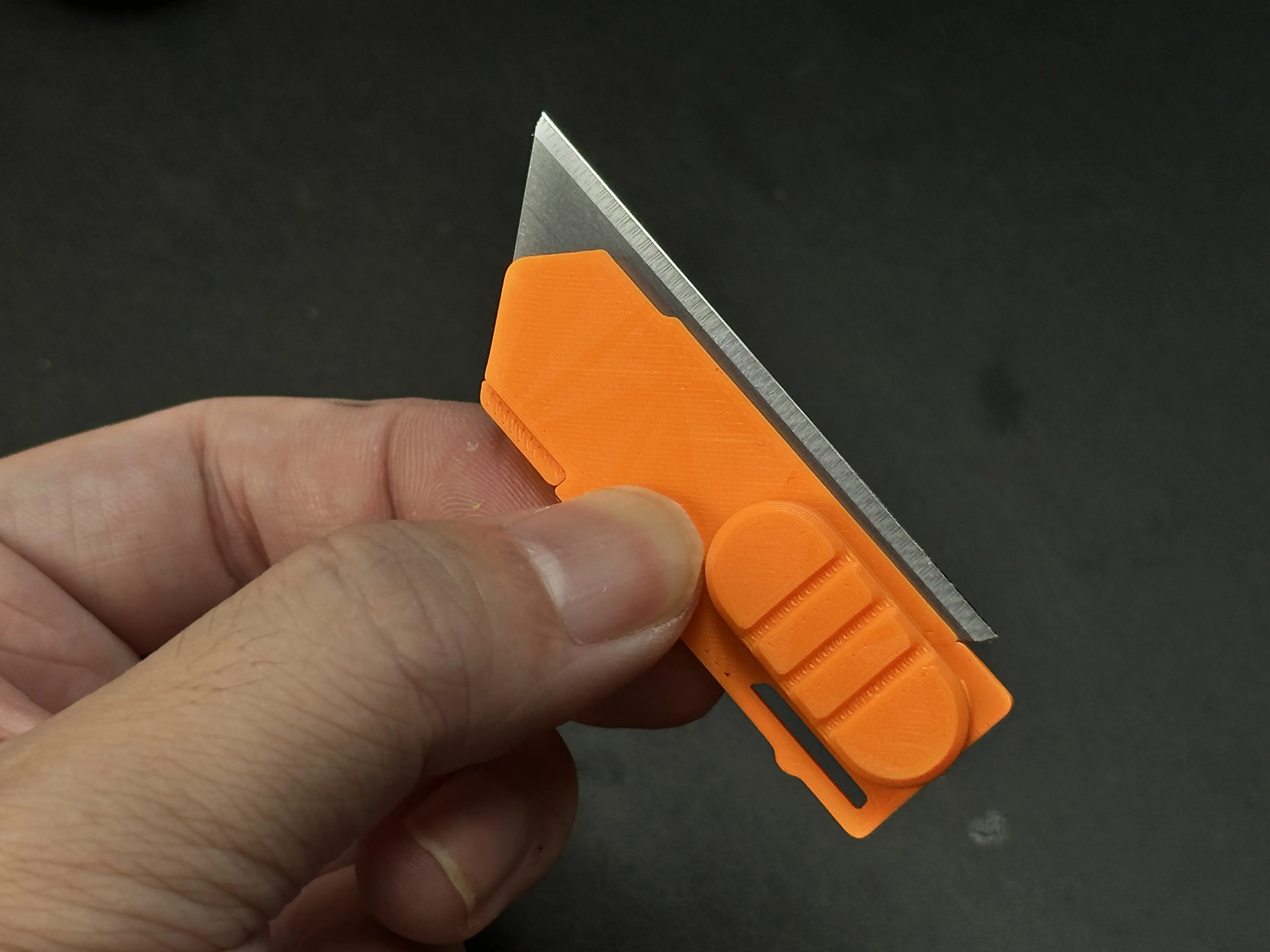
6.Place the blade holder into the right-side shell, ensuring it sits firmly against the far-right position.
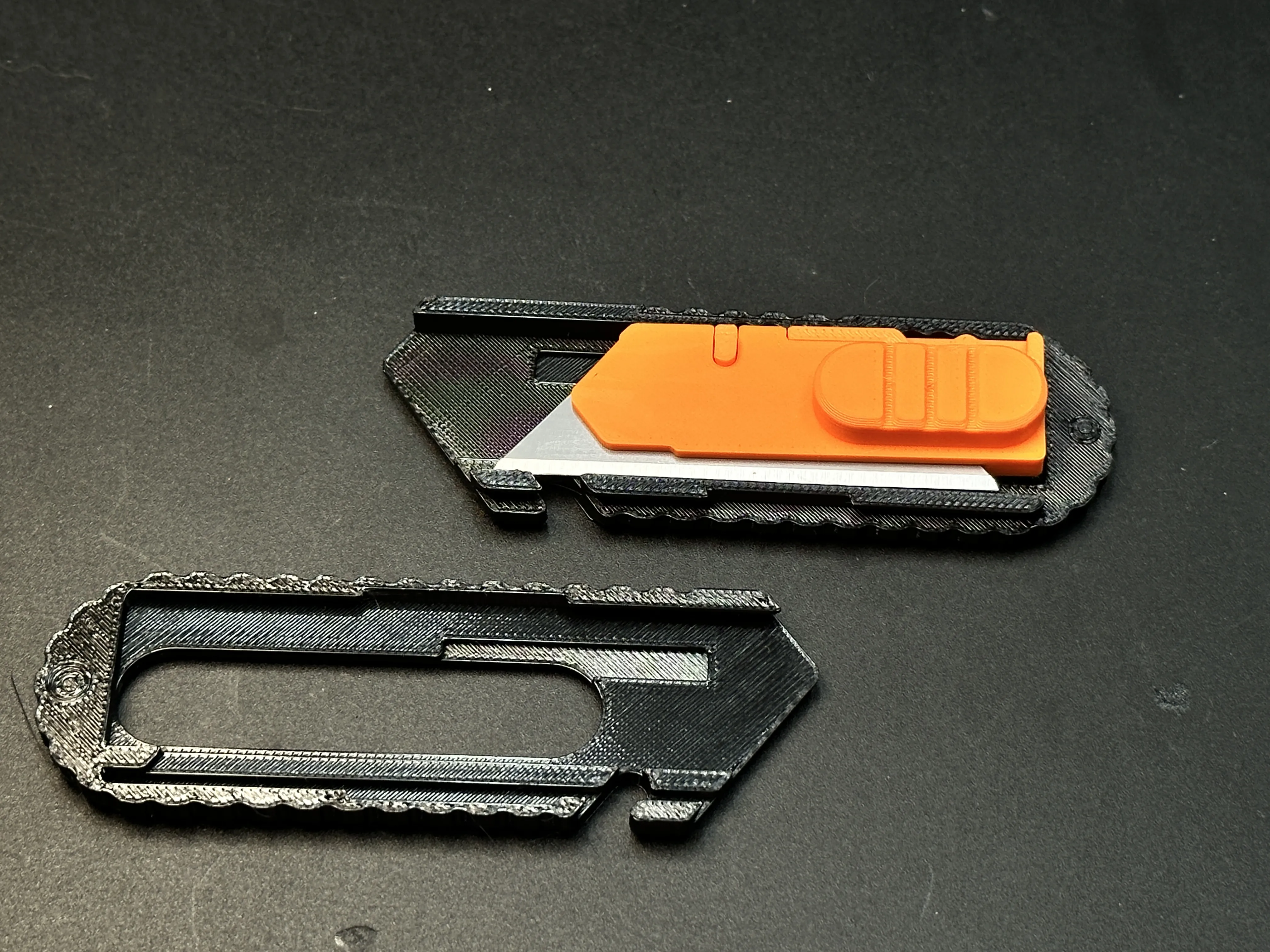
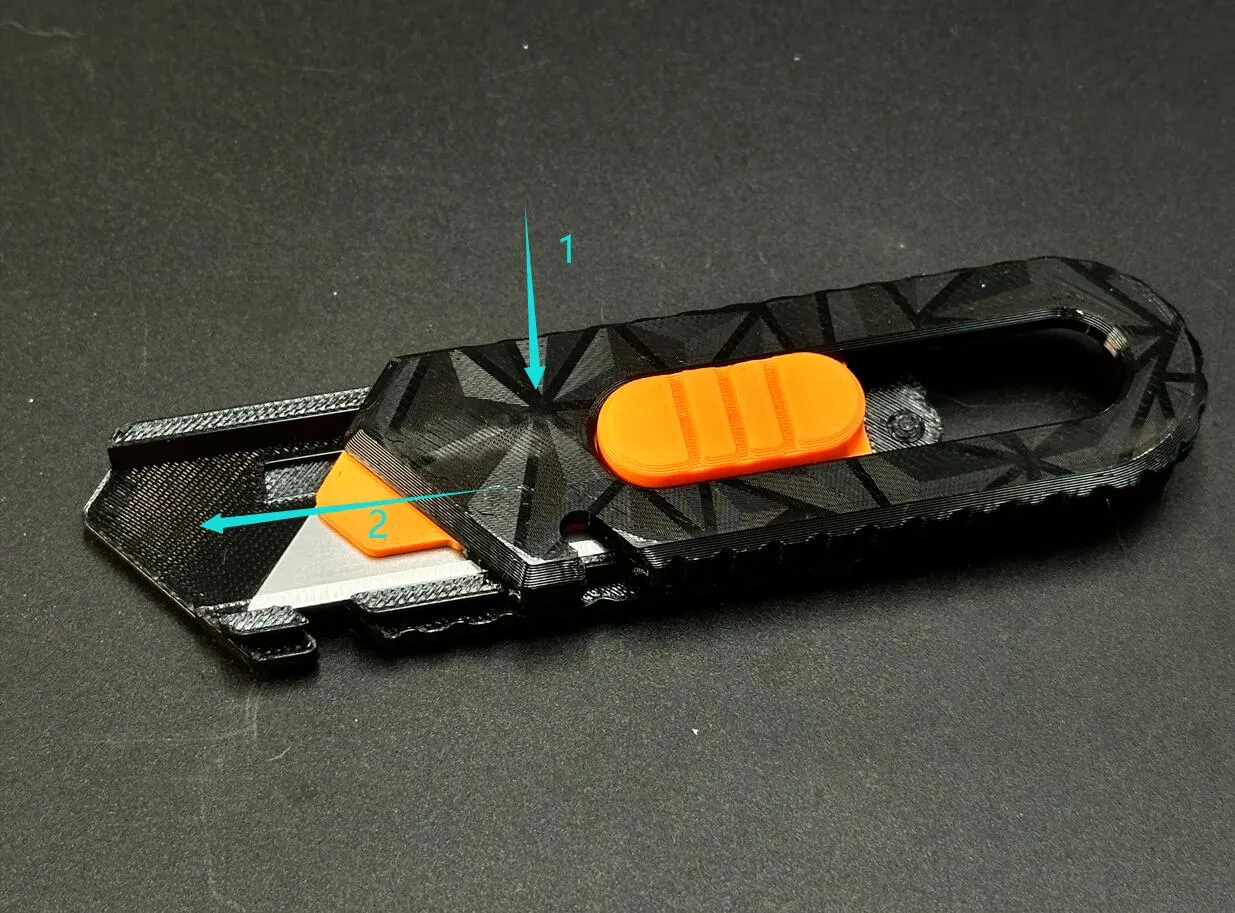
7.Join the left shell to the right shell. This is a two-step process—refer to the diagram below.
Special thanks to @janberrrydesign for their generous sharing.
The strength of 3D-printed knives cannot be guaranteed and they are suitable only for light-duty tasks, such as cutting paper or opening Amazon packages. Unless otherwise specified, all of my knife designs are intended for light-duty use only.
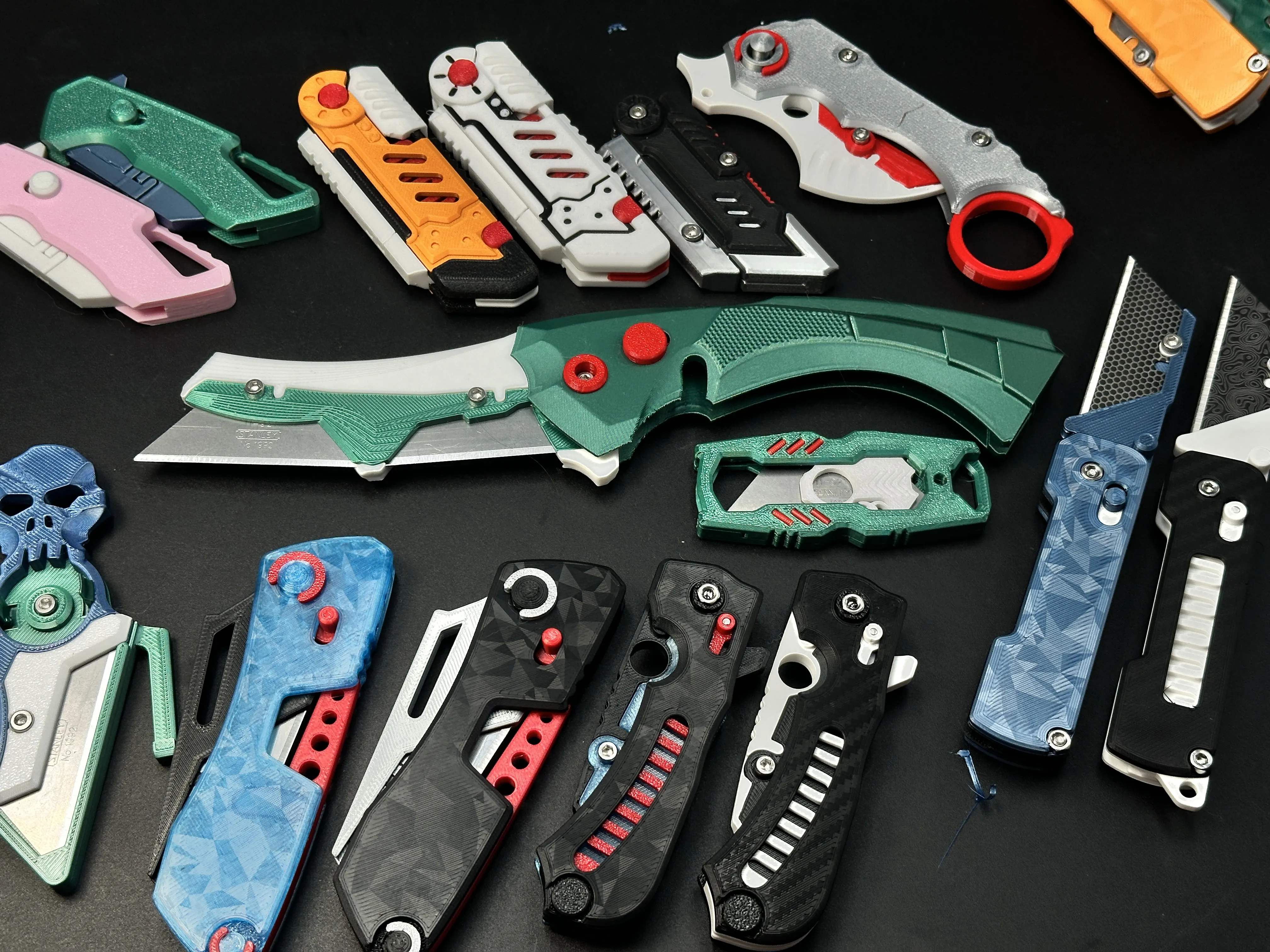
My similar projects, click on the picture
Membership
License

You shall not share, sub-license, sell, rent, host, transfer, or distribute in any way the digital or 3D printed versions of this object, nor any other derivative work of this object in its digital or physical format (including - but not limited to - remixes of this object, and hosting on other digital platforms). The objects may not be used without permission in any way whatsoever in which you charge money, or collect fees.


Comment & Rating (265)