
Panda Branch Plus - P1S Mount More Clearance
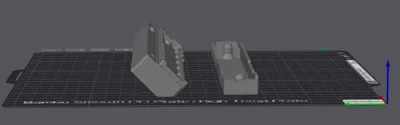
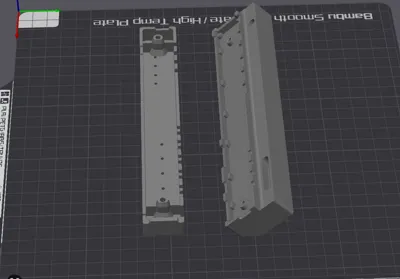
Print Profile(1)

Bill of Materials
Description
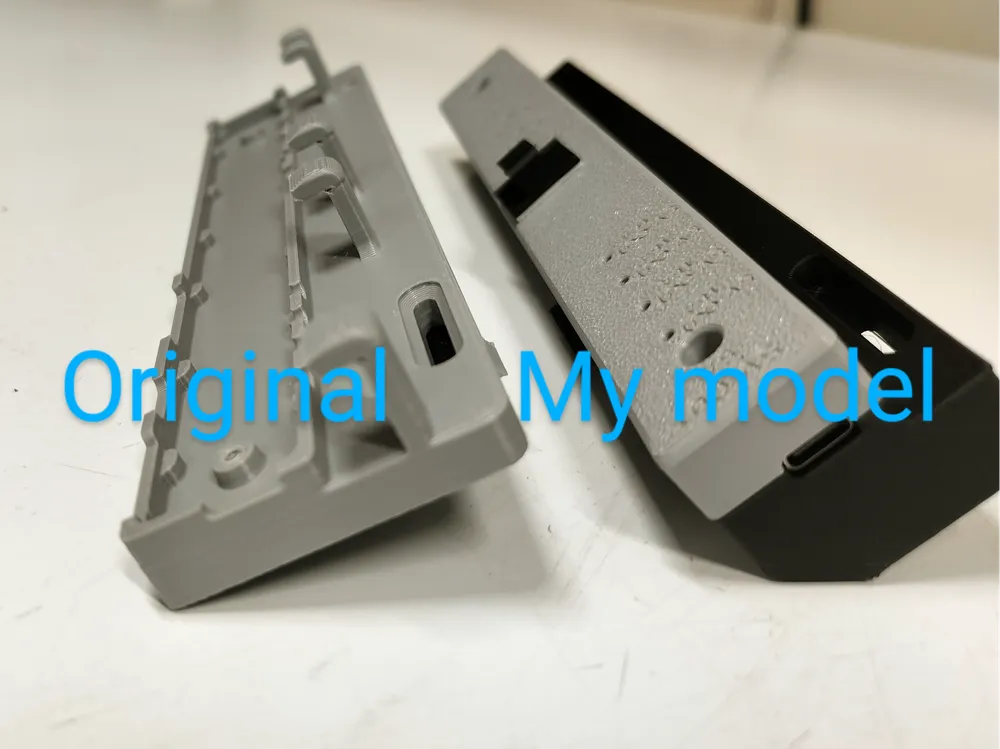
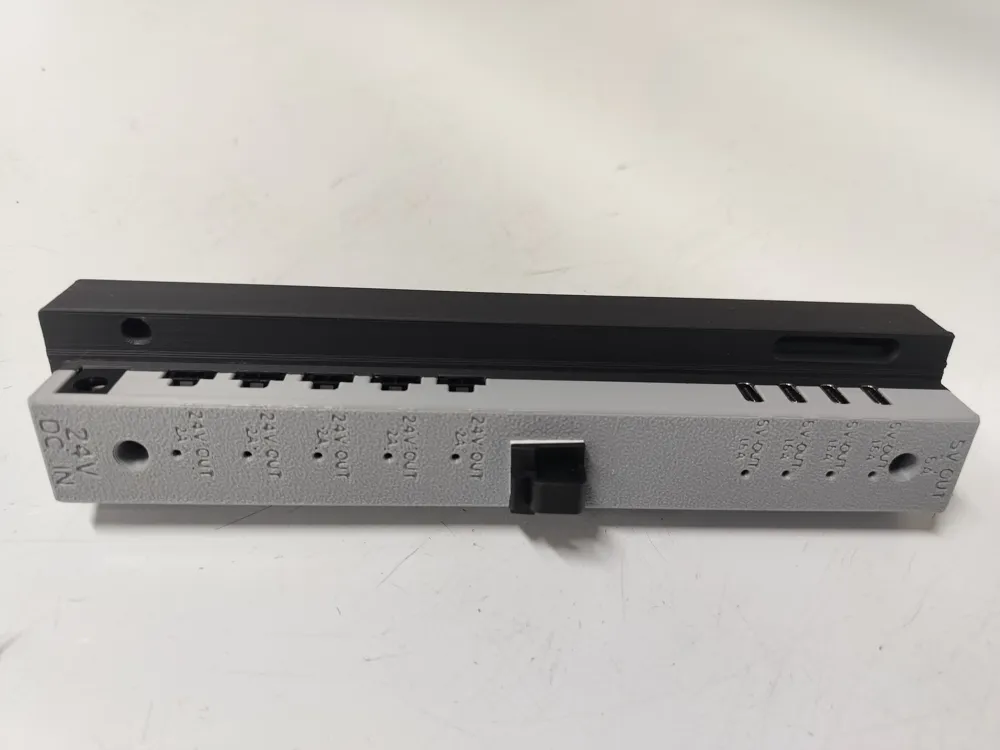
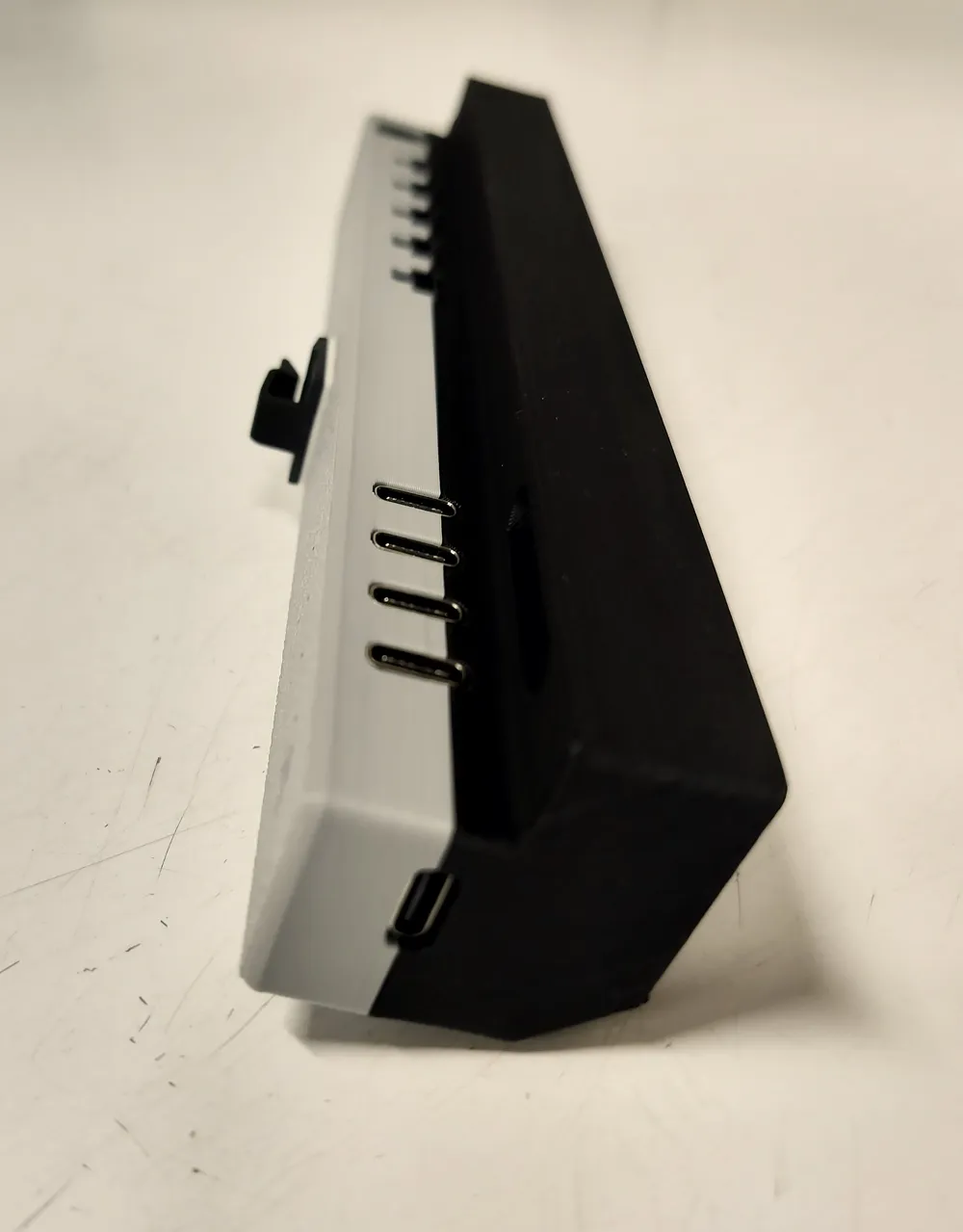
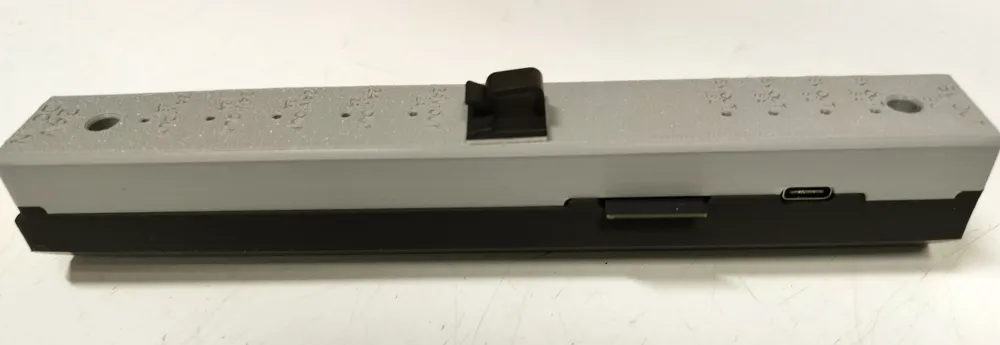
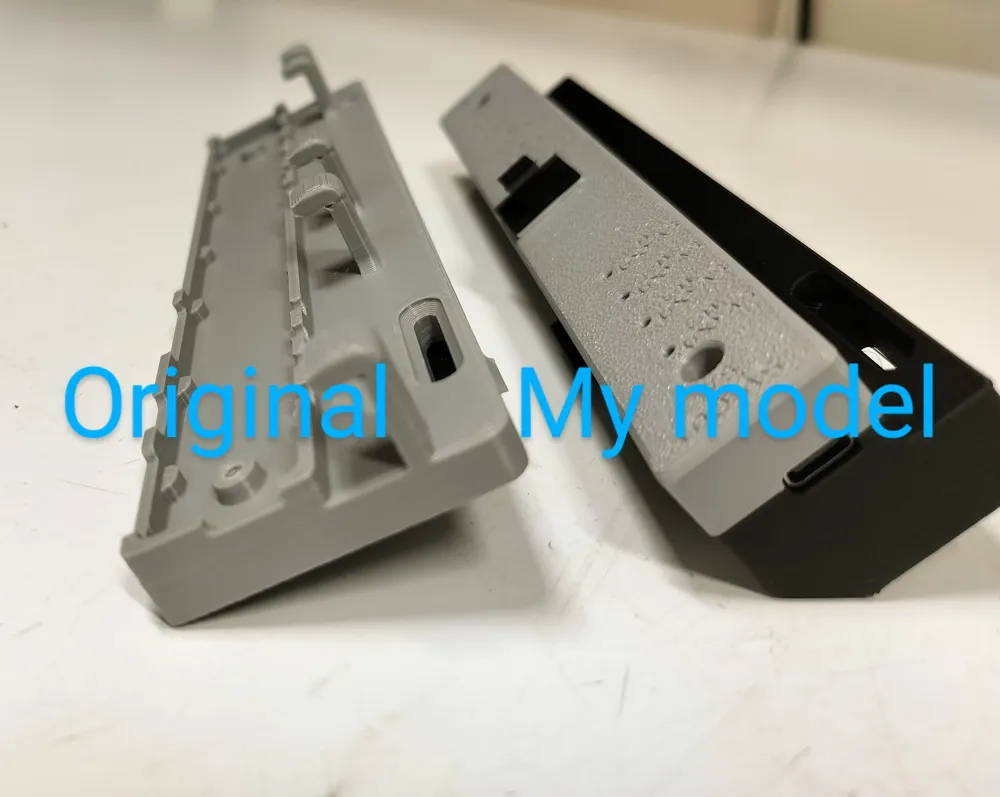
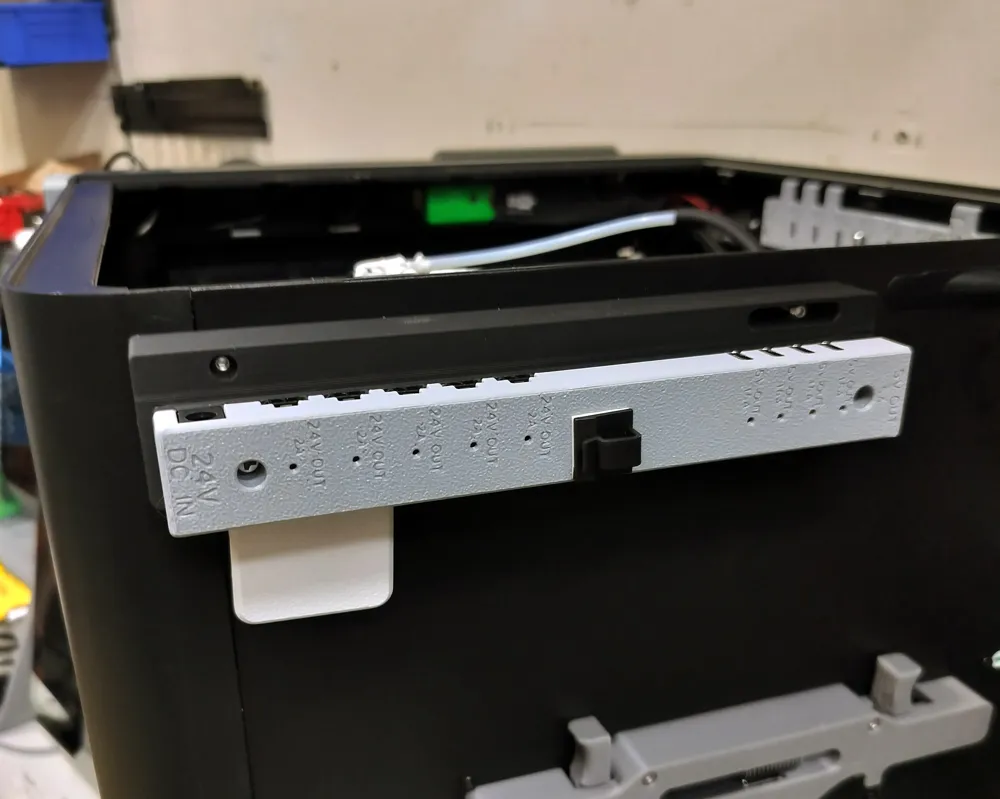
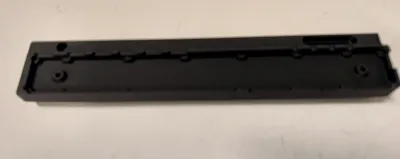
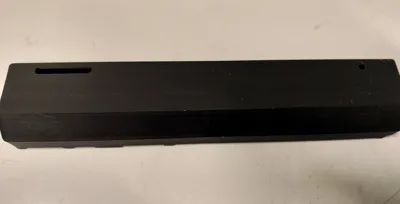
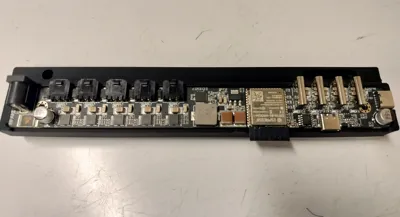
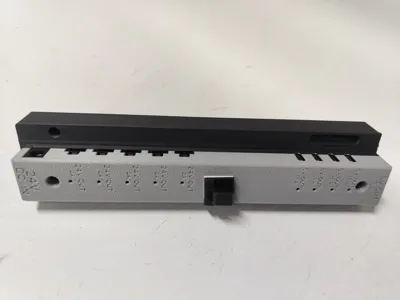
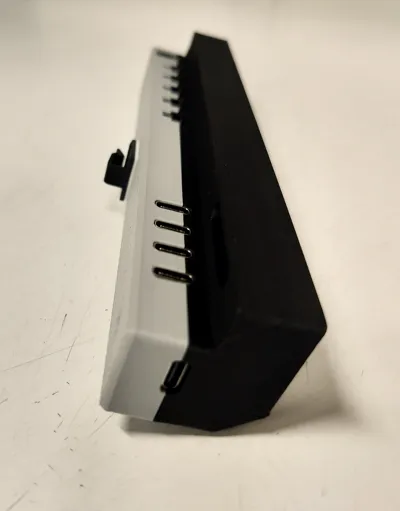
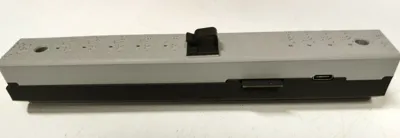
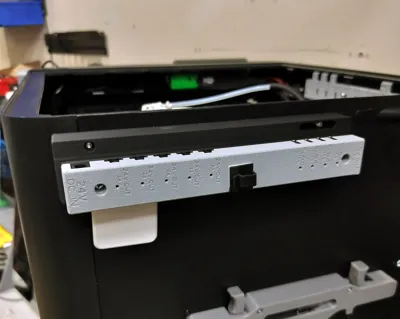
Panda Branch Plus Compact Mount (Remix) - NO SUPPORTS
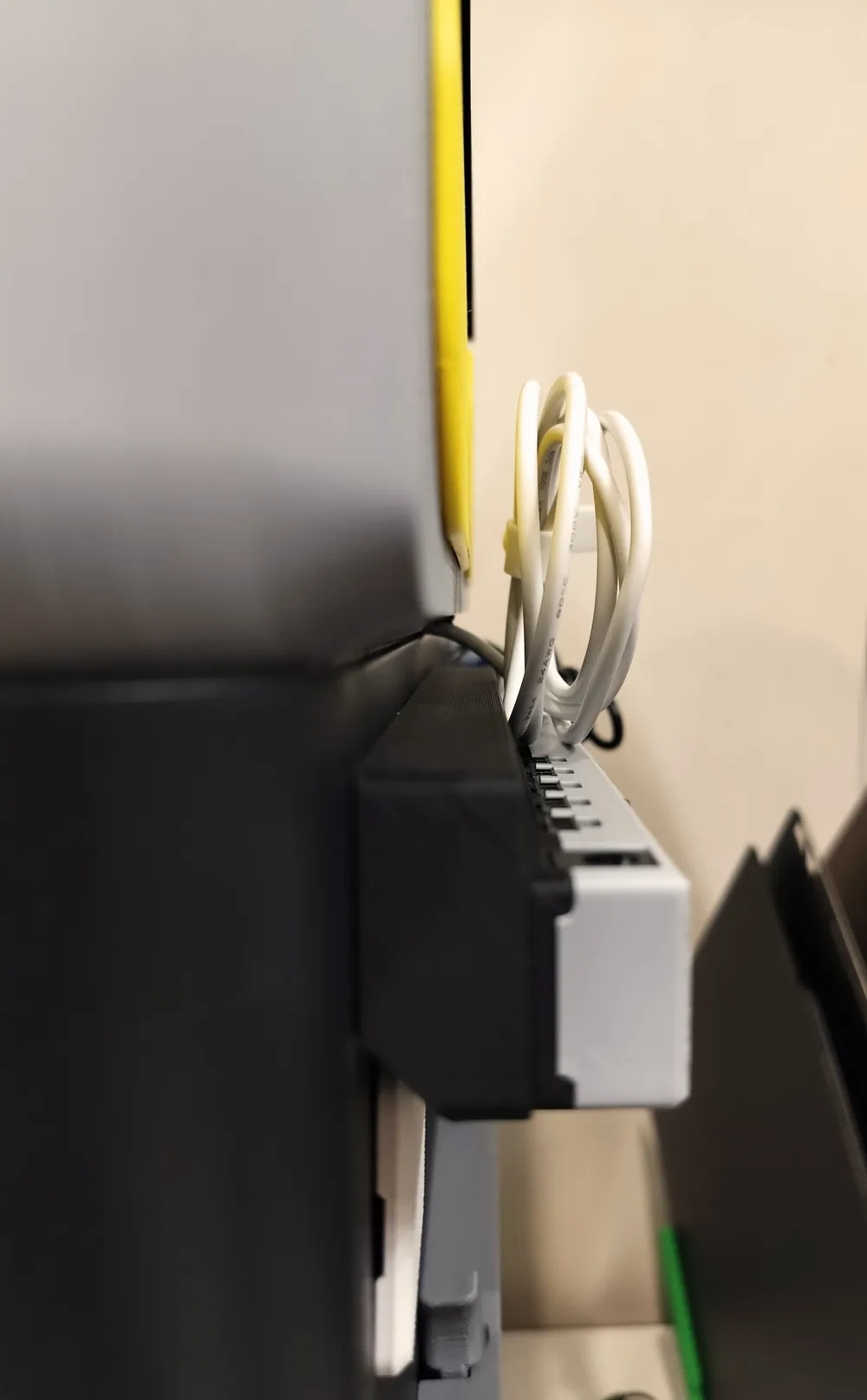
*The black cable guide on the front part is a stick on piece and NOT part of the model*
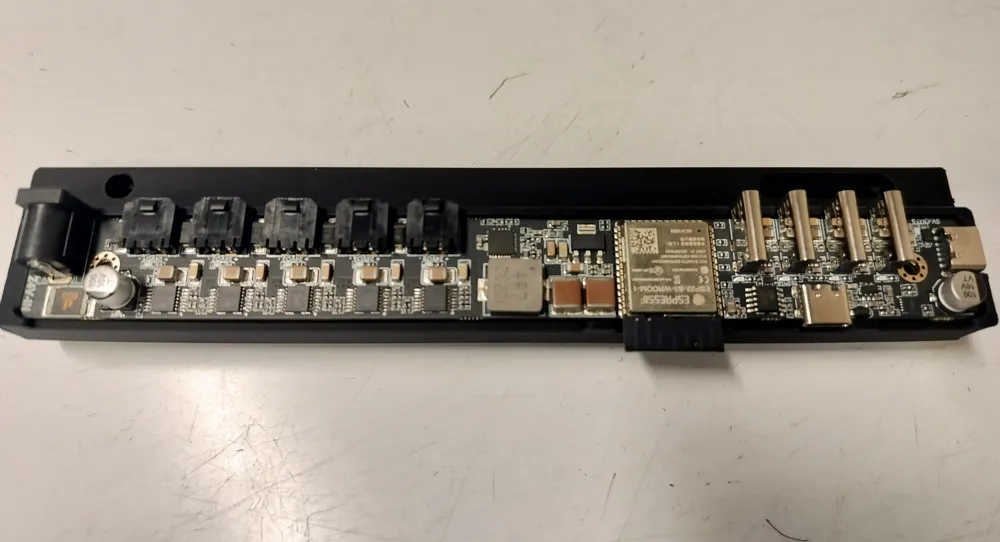
Well…..I stepped into the Panda-Verse and picked up a Panda Branch Plus and Panda Hub Plus to tidy up the power plugs behind my printer. The setup is awesome—tons of USB-C ports inside and out, which gives me plenty of flexibility for add-ons and mods on my faithful P1S workhorse.
Problem 1:
The stock BTT mount for the P/X series blocks the belt tensioners if you install it on the back of the printer. I run monthly maintenance (belt checks included), so that placement was a dealbreaker.
Problem 2:
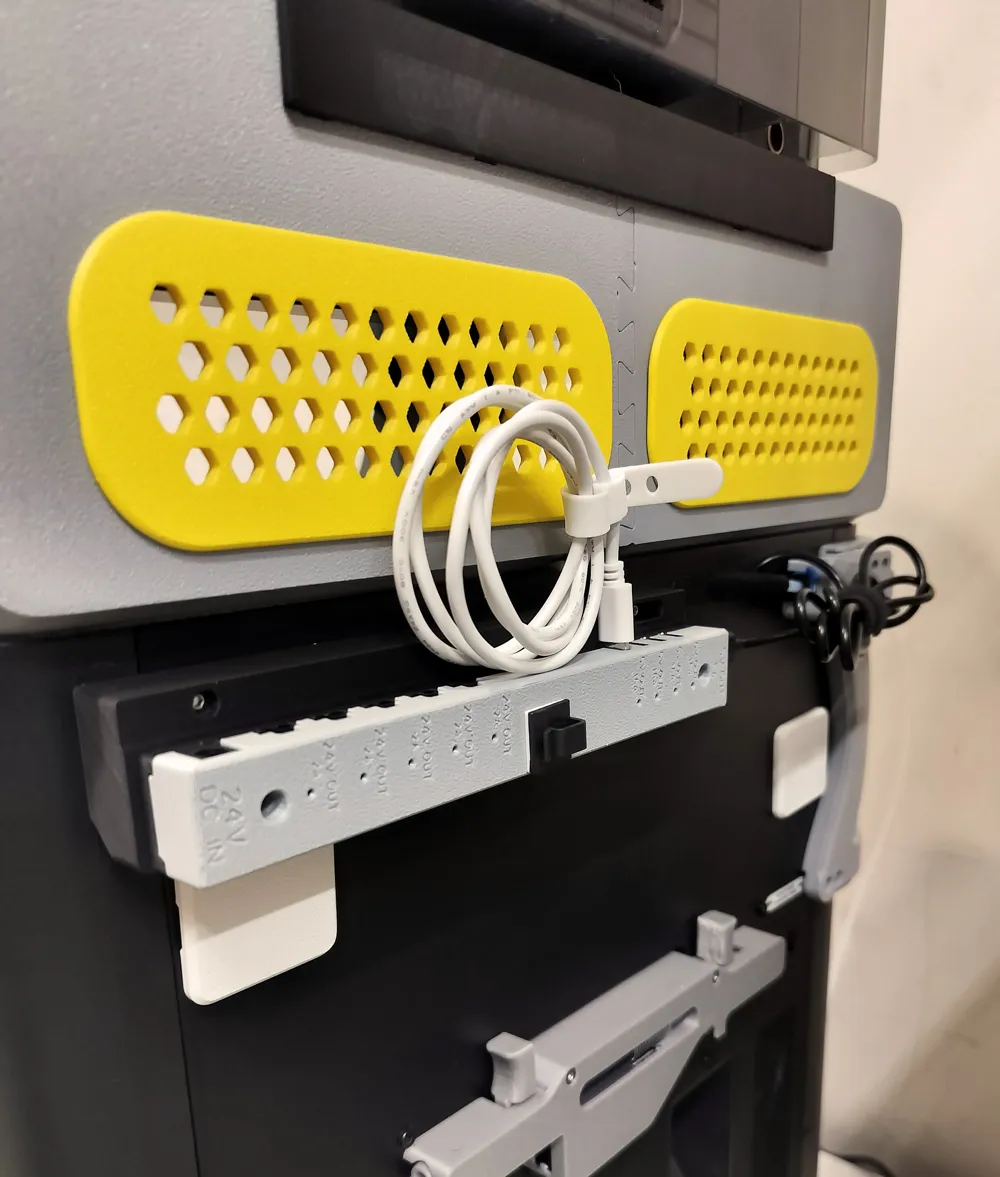
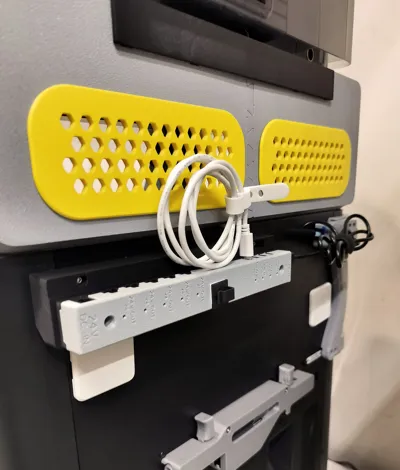
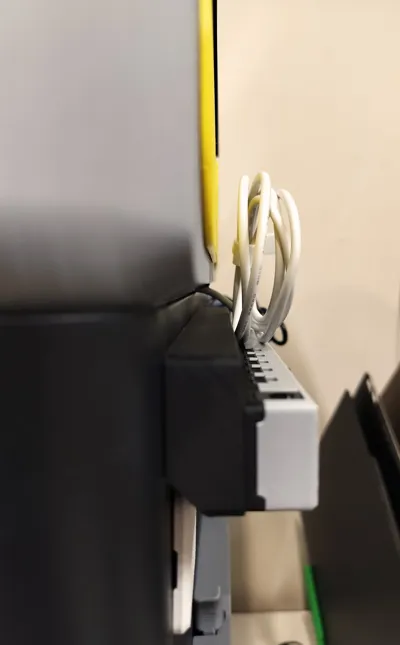
With the plugs oriented straight up, they pressed hard against my V2 riser—not ideal for cable longevity or accessibility.
Problem 3 (minor):
Mounting it anywhere but the back didn’t fit my layout or what I wanted to connect to the Panda Branch Plus.
The Fix
I jumped into SolidWorks and designed a more compact, support-free mount that solves all three problems. My goals:
- No supports required during printing.
- Proper clearance for cables and belt tensioners.
- Real-world usability for vertical USB-C plugs (the stock cable hooks didn’t work well for stiff vertical cables).
I printed mine in two colors:
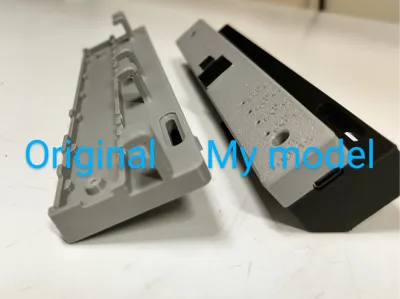
- Front piece in Gray PLA (used up the last of a spool).
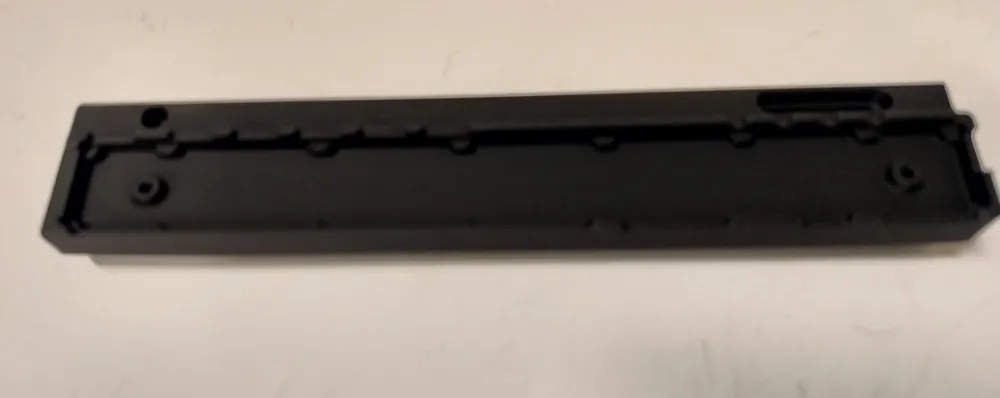
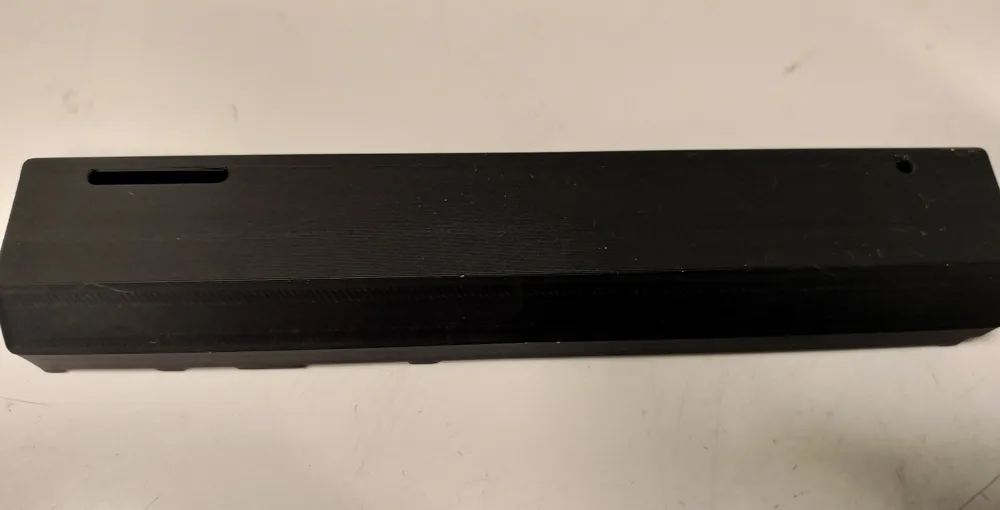
- Back plate in Matte Black Polymaker HTPLA—which has become my go-to filament.
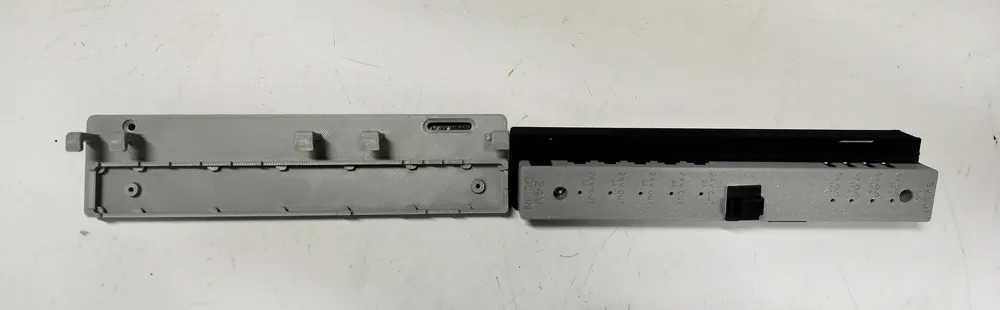
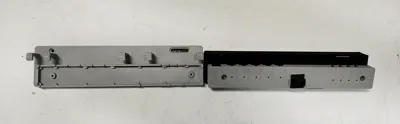
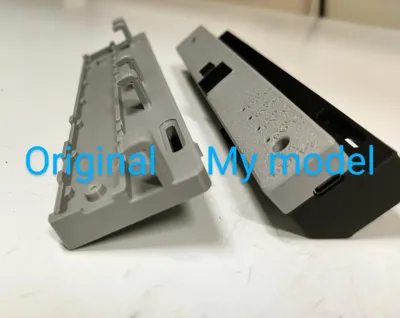
This remix keeps the original front mount piece from the BTT design (unaltered) and adds my redesigned back plate.
Print Details
- Should work just fine with PETG, PCTG, HTPLA, PLA, ASA* (*I fine-tune all my ASA, especially for shrinkage)
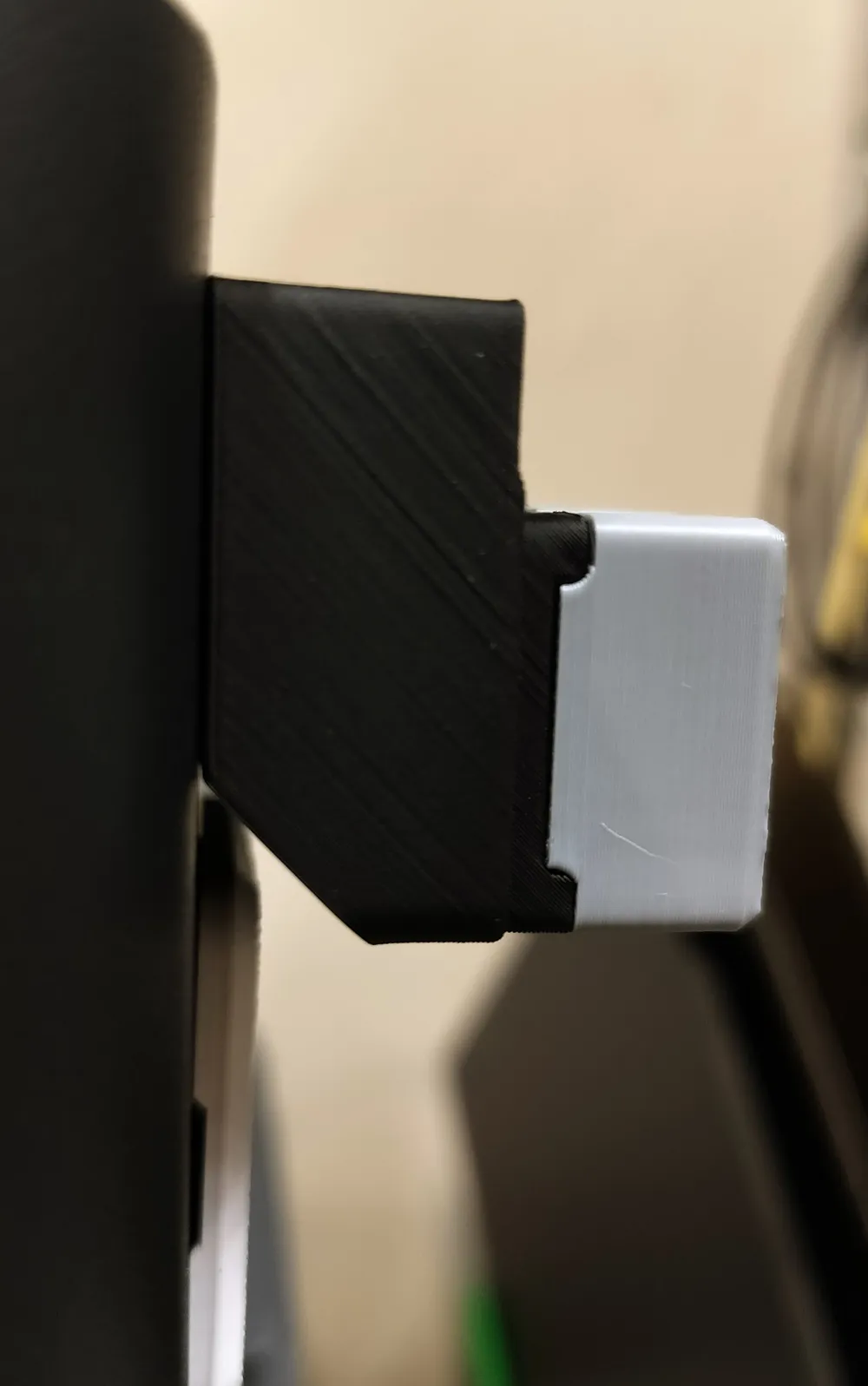
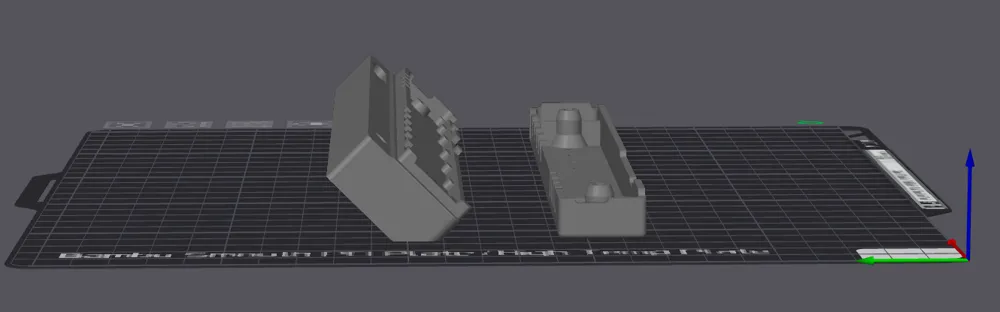
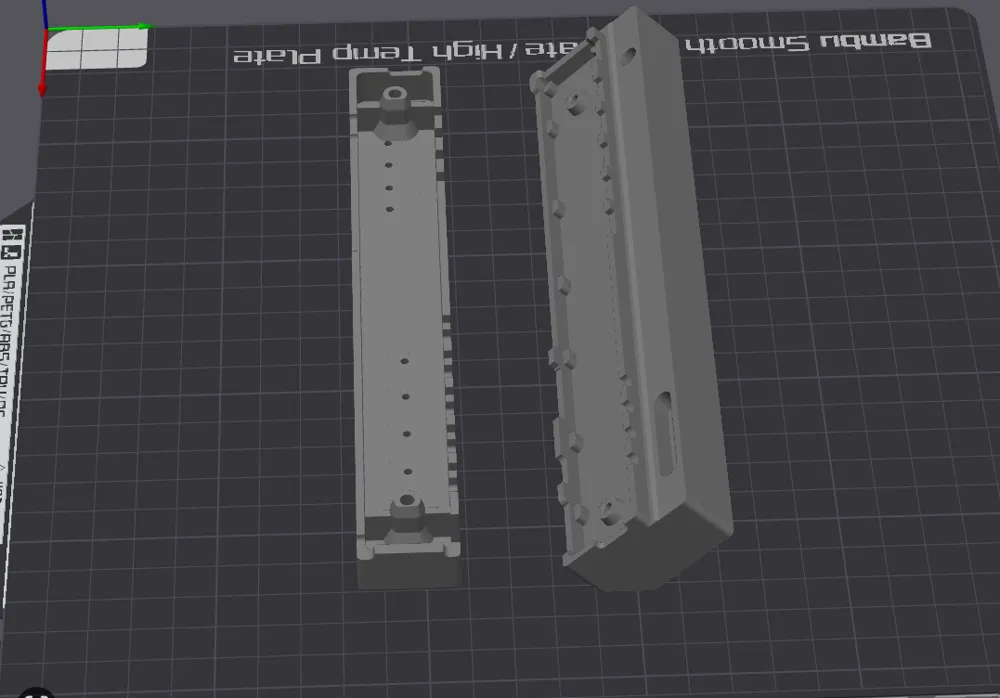
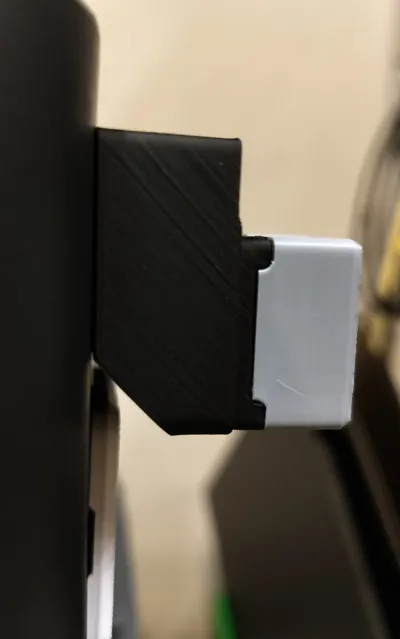
- Includes a 45° clearance flat so the back prints cleanly without supports.
- Printed twice successfully with the same orientation shown in the photos—change it at your own risk and you will need supports if you do.
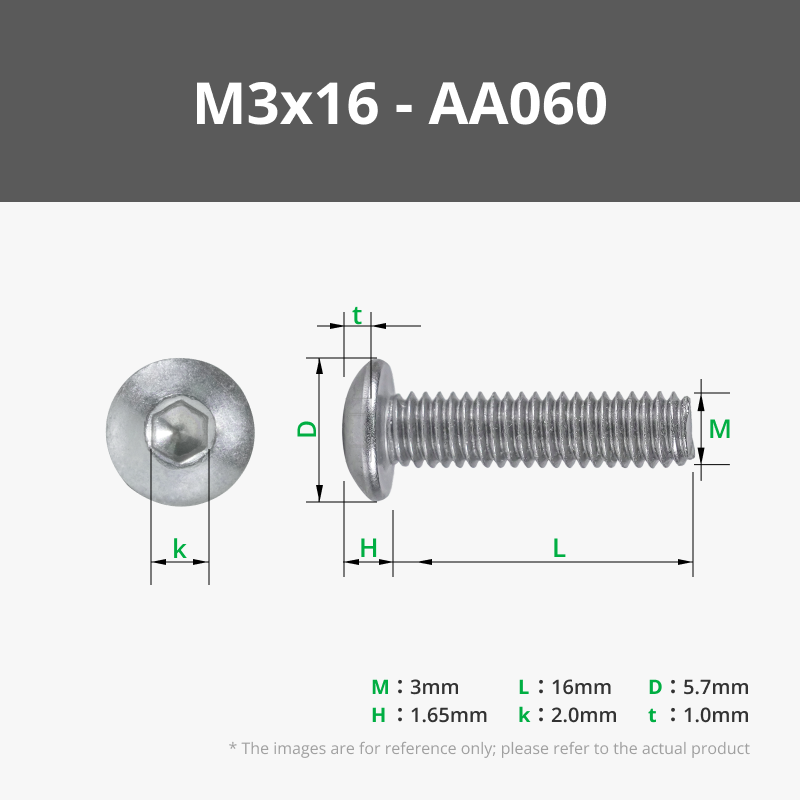
- Tight tolerance on the M3 button-head screw holes (5.525 mm). If your filament shrinks more than expected, the counterbore may be tight, and you may need to sand a bit. As designed, it's snug
You’ll need:
- The KM3×14 self-tapping screws that come with the Panda Branch Plus.
- M3 × 16 mm or 14 mm button-head screws to secure the back plate. (FYI the counterbore is 5mm deep)
Community Note
If you run into issues printing or mounting it, reach out—I’ve had great luck with my own prints and am happy to help troubleshoot.
Boost Me (for free)
If you liked this and want me to put out more functional models, boost me. I am old and just getting started in this space, I could use the motivation :)
This remix is based on

License

You shall not share, sub-license, sell, rent, host, transfer, or distribute in any way the digital or 3D printed versions of this object, nor any other derivative work of this object in its digital or physical format (including - but not limited to - remixes of this object, and hosting on other digital platforms). The objects may not be used without permission in any way whatsoever in which you charge money, or collect fees.


Comment & Rating (20)