
Eyeball Clicker
Print Profile(1)



Description
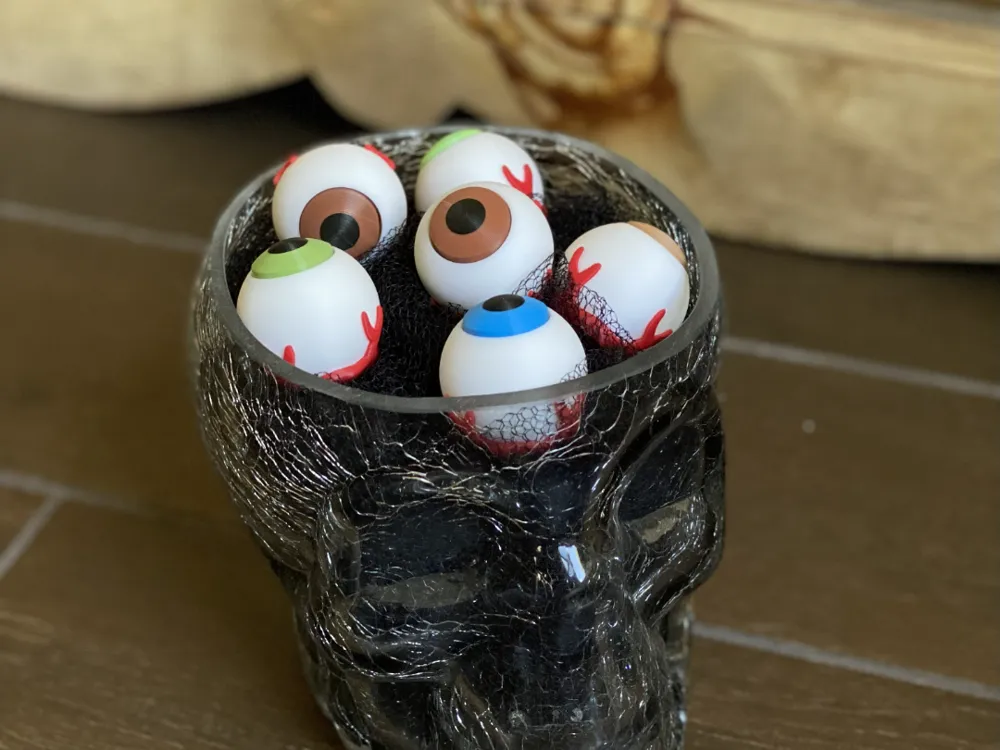
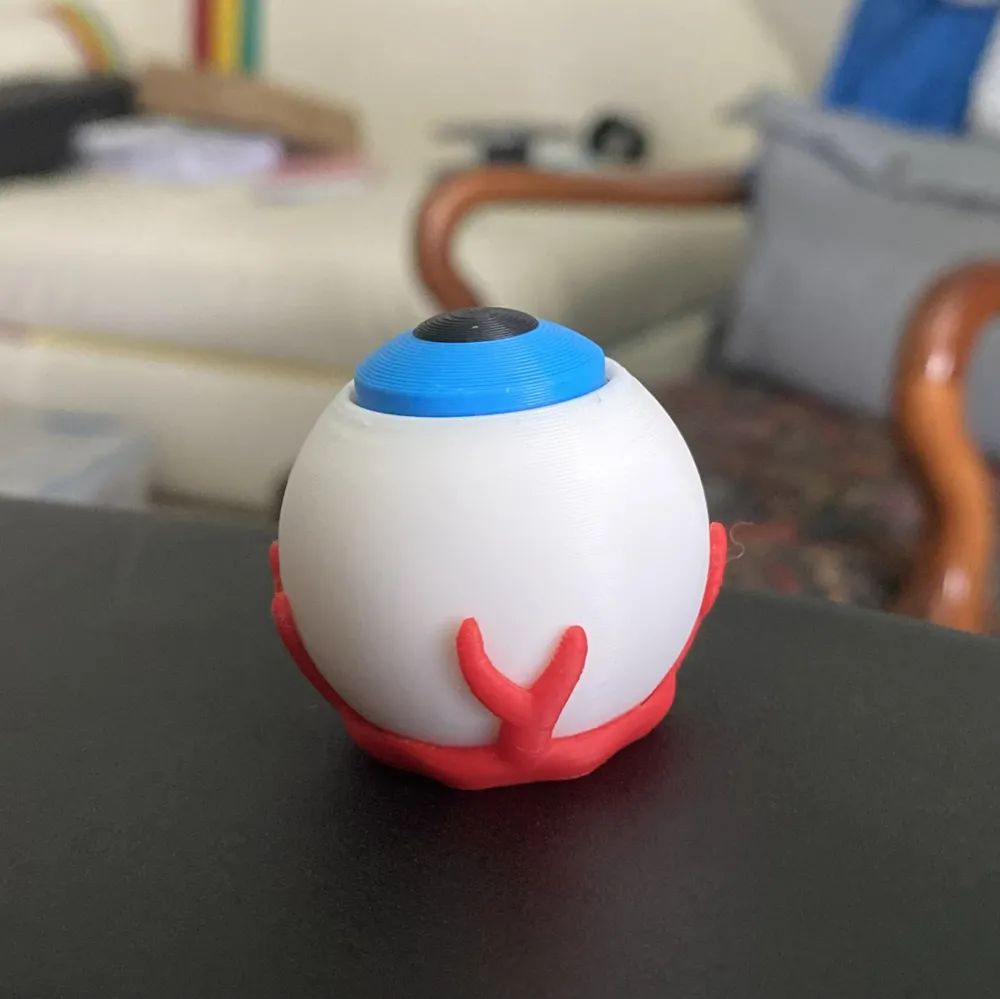
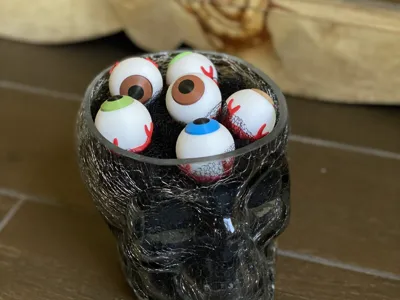
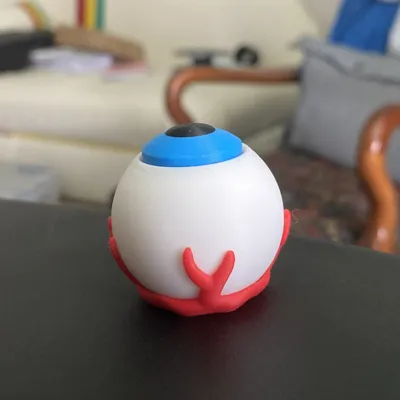
Set the spooky mood with an eyeball fidget toy! See the rest of my tappers here: https://makerworld.com/en/collections/2399213-keyboard-switch-tappers-by-val
PARTS:
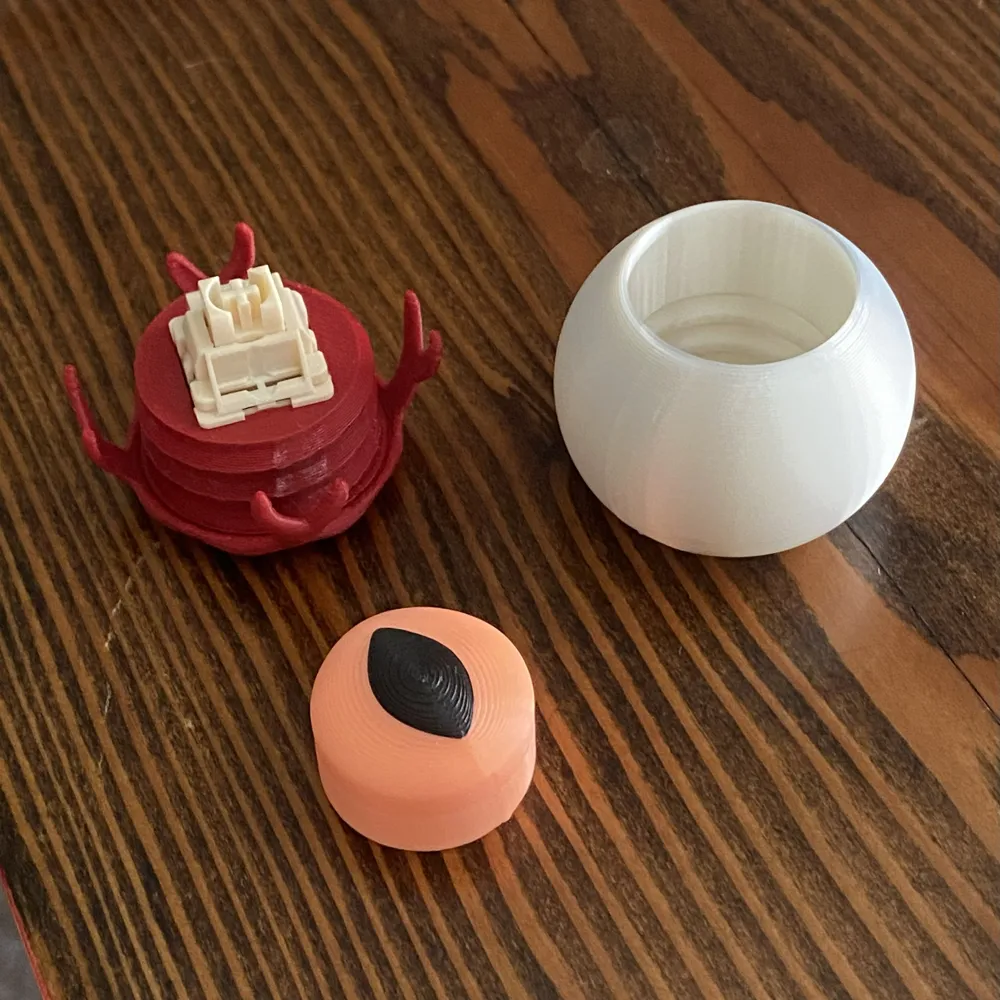
You will need a mechanical keyboard switch (Box switches seem to work best, but any cherry style switch will do), or you can print one of these springs (but it will not click): https://makerworld.com/en/models/1408387-spring-for-keyboard-switch-fidgets#profileId-1461672
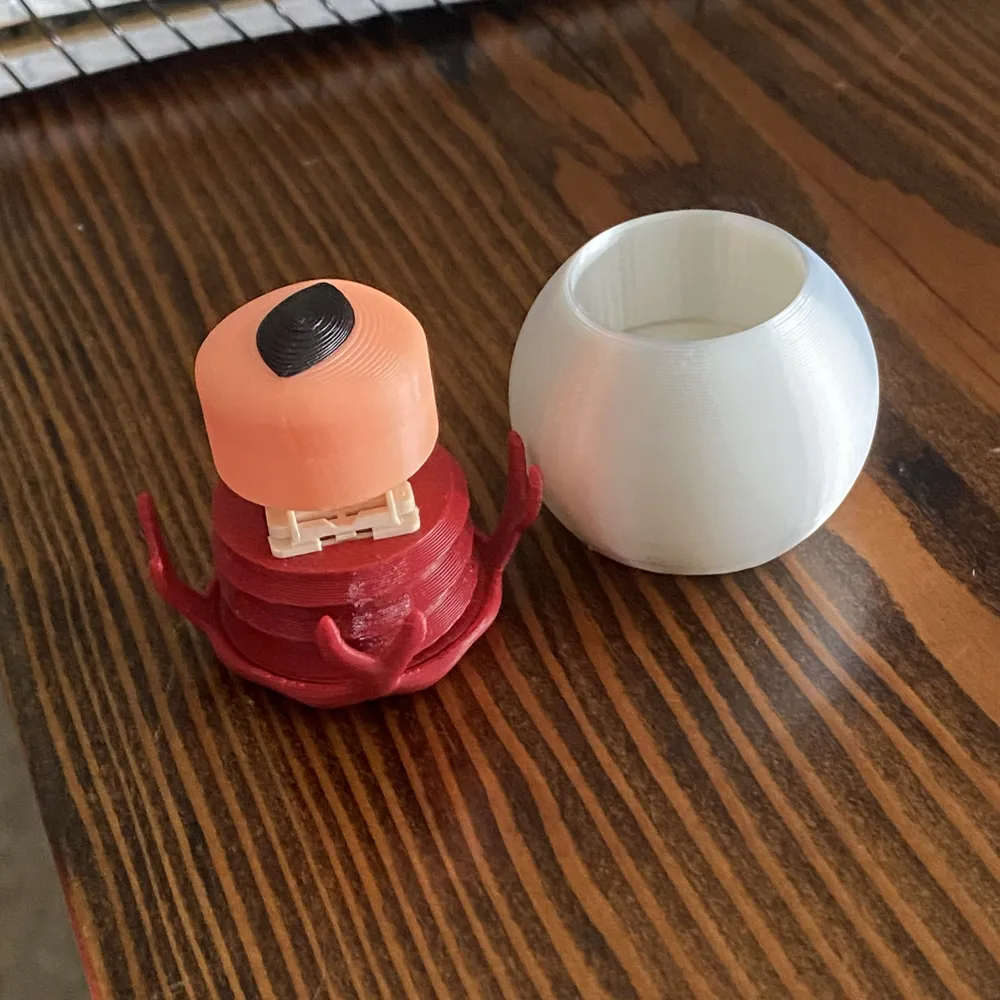
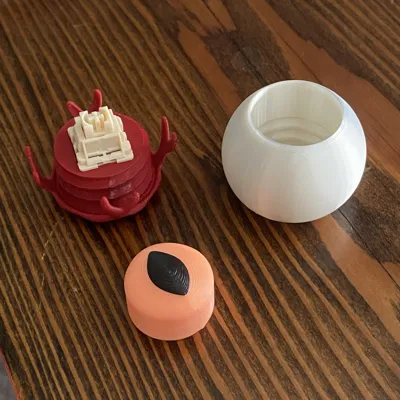
There are three printed parts - the white/sclera, the veins, and one iris (choose the human or cat pupil shape).
ASSEMBLY:
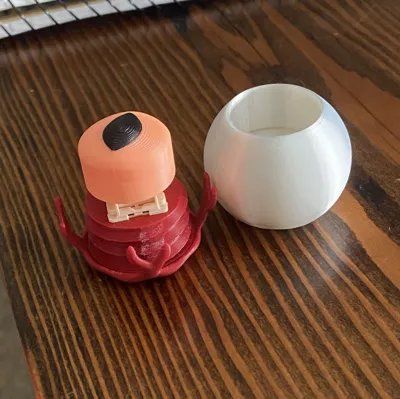
No glue required! Place the keyboard switch in the cavity of the veins, then push the iris onto the stem of the switch.* Line up the threads of the white and red parts and screw them together.
*if using printed spring, start by assembling the spring and iris, then push the spring into the veins.
PRINT SETTINGS:
Please be sure you clean and level the bed for this print! The tolerance on the switch stem is very tight, but I have tested it in many filaments and with different types of switches. The color change for the pupil is done by a layer height modifier. If you do not have an AMS, insert a pause where you want to switch to black.
Happy tapping =]
License



Comment & Rating (15)