
TempTowers all materials (automatic)
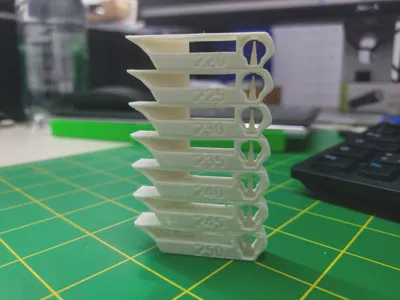
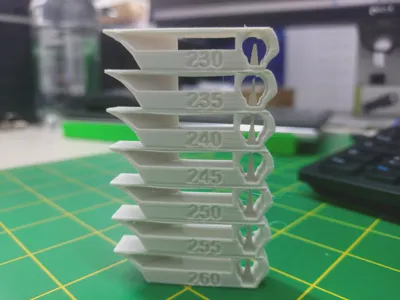
Print Profile(1)

Description
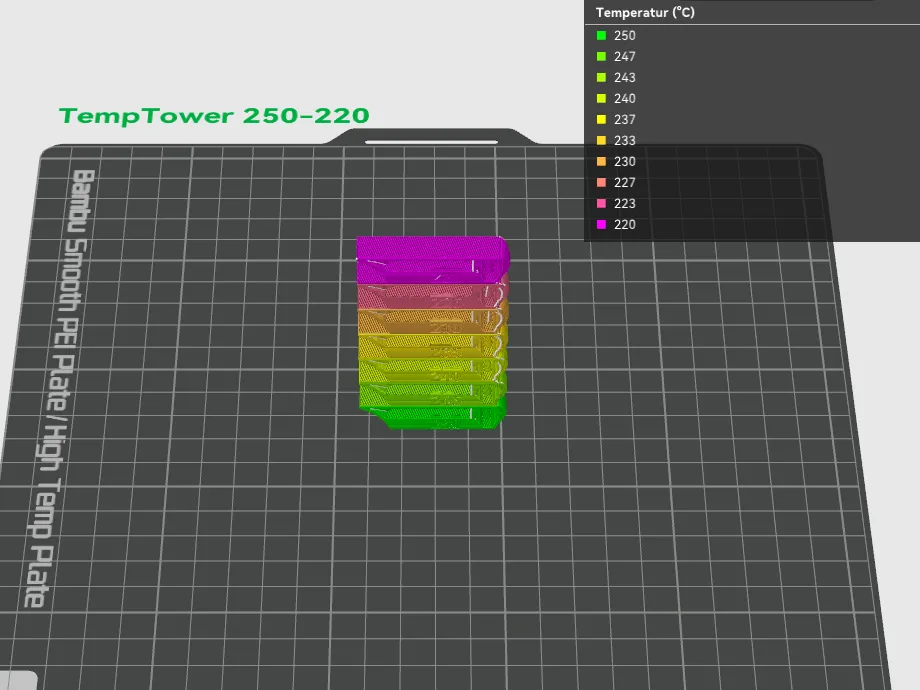
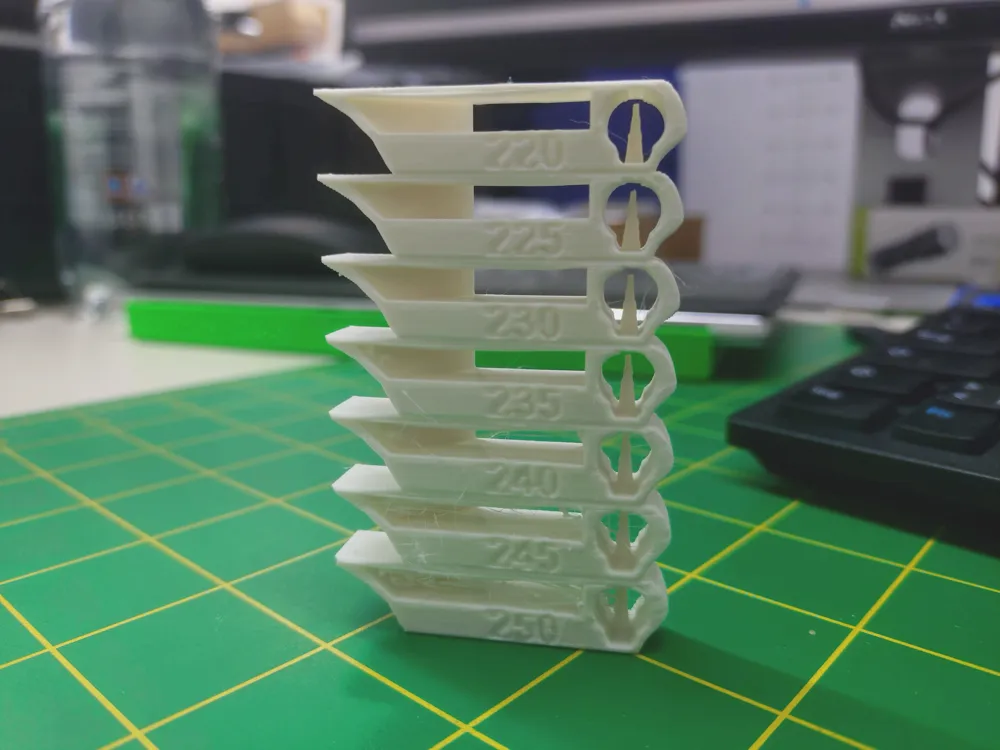
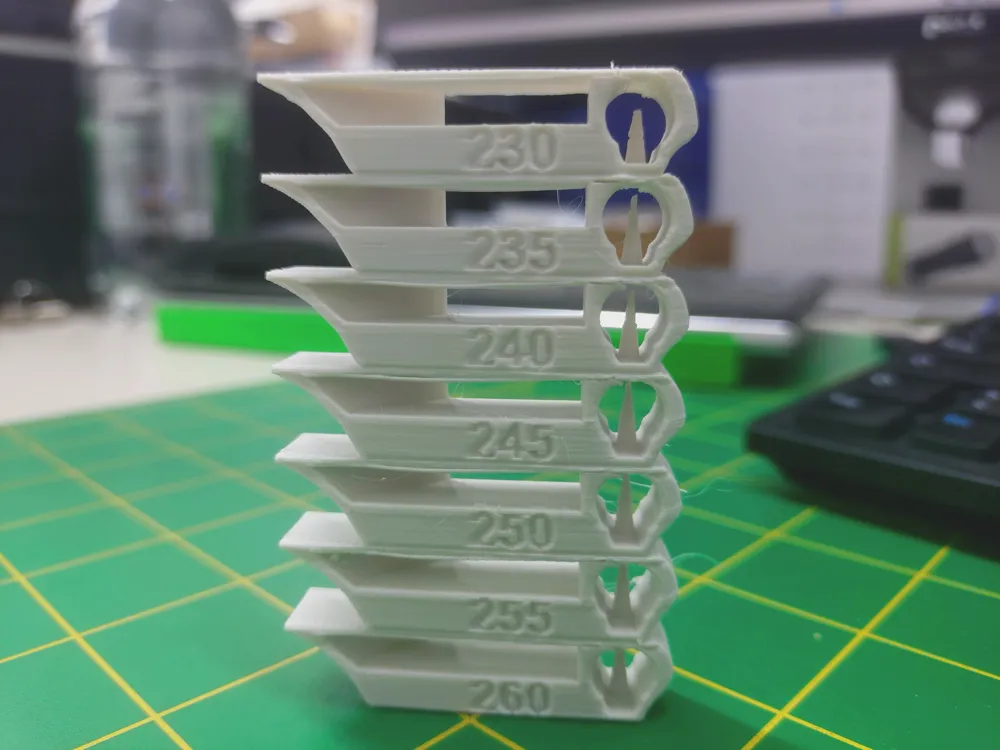
Since the printing temperature of many filaments can deviate by up to 10 degrees from the manufacturer's specification, I created these temp towers and saved them as a project to always find the right temperature as quickly as possible.
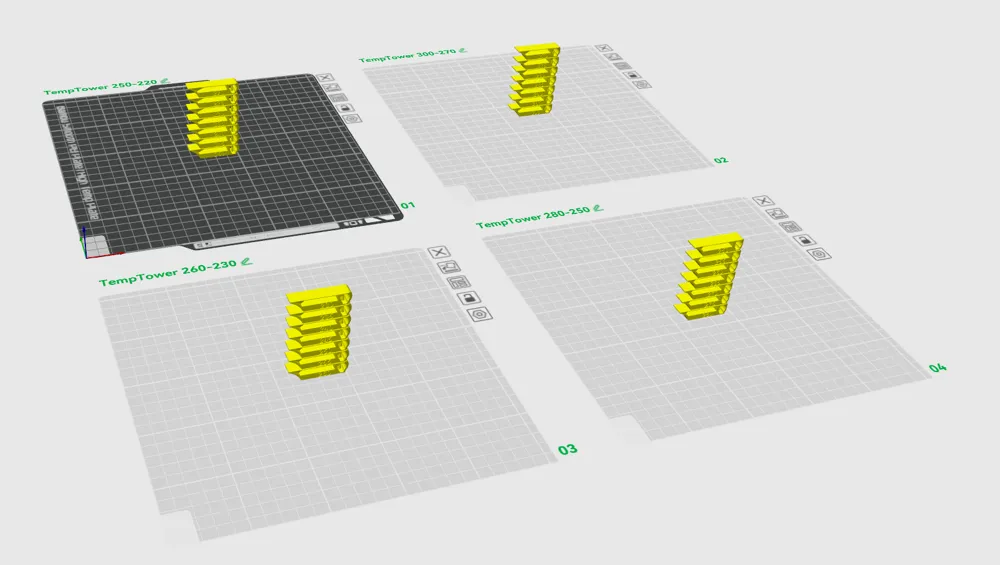
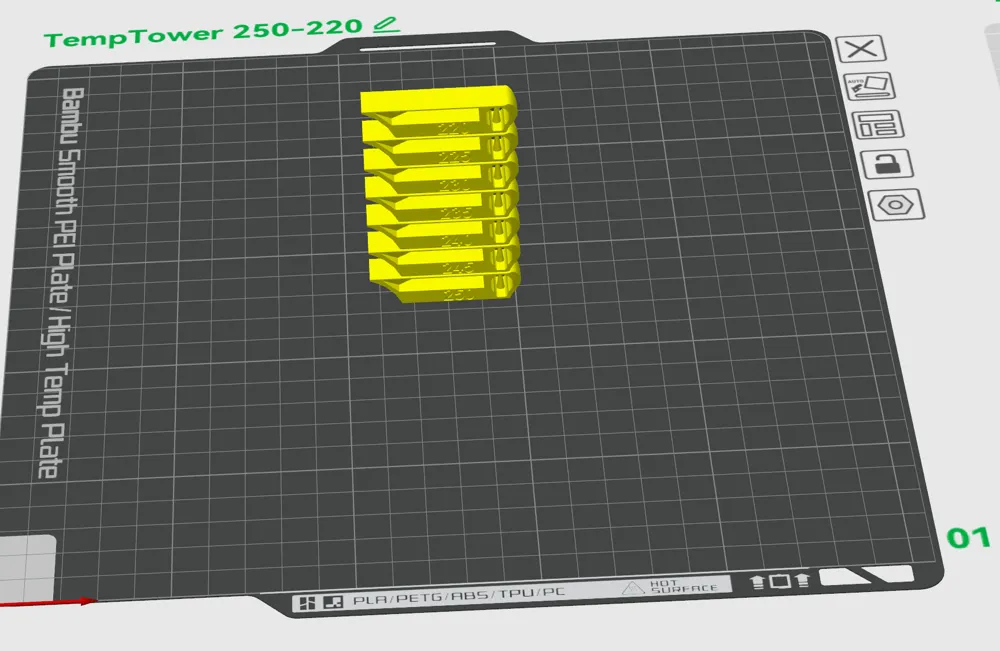
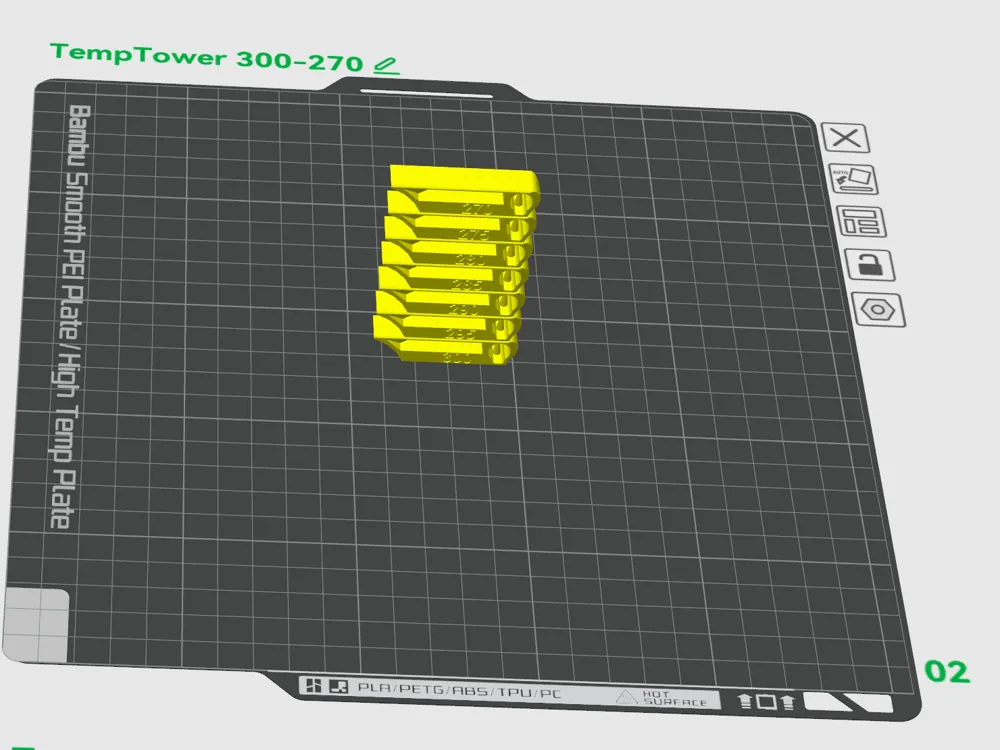
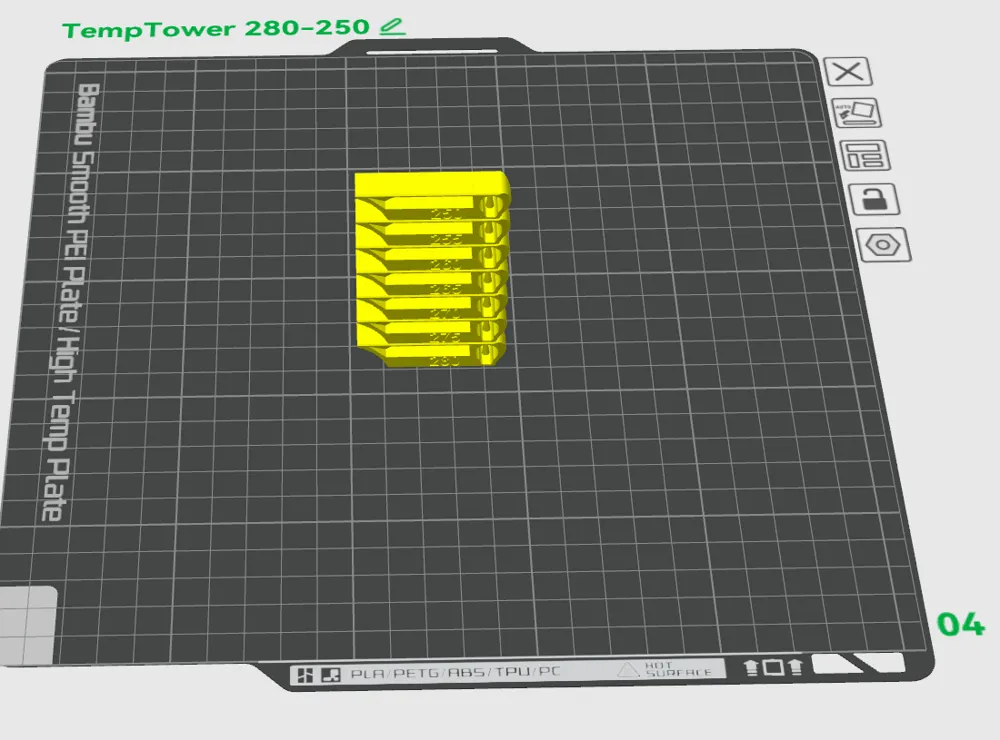
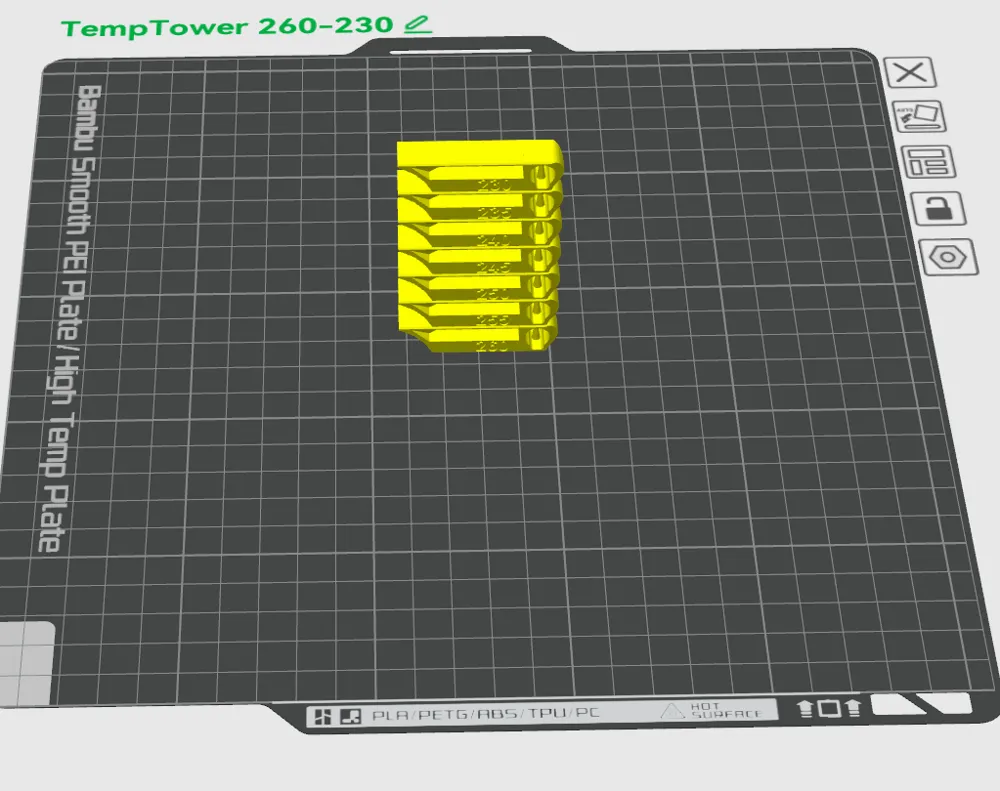
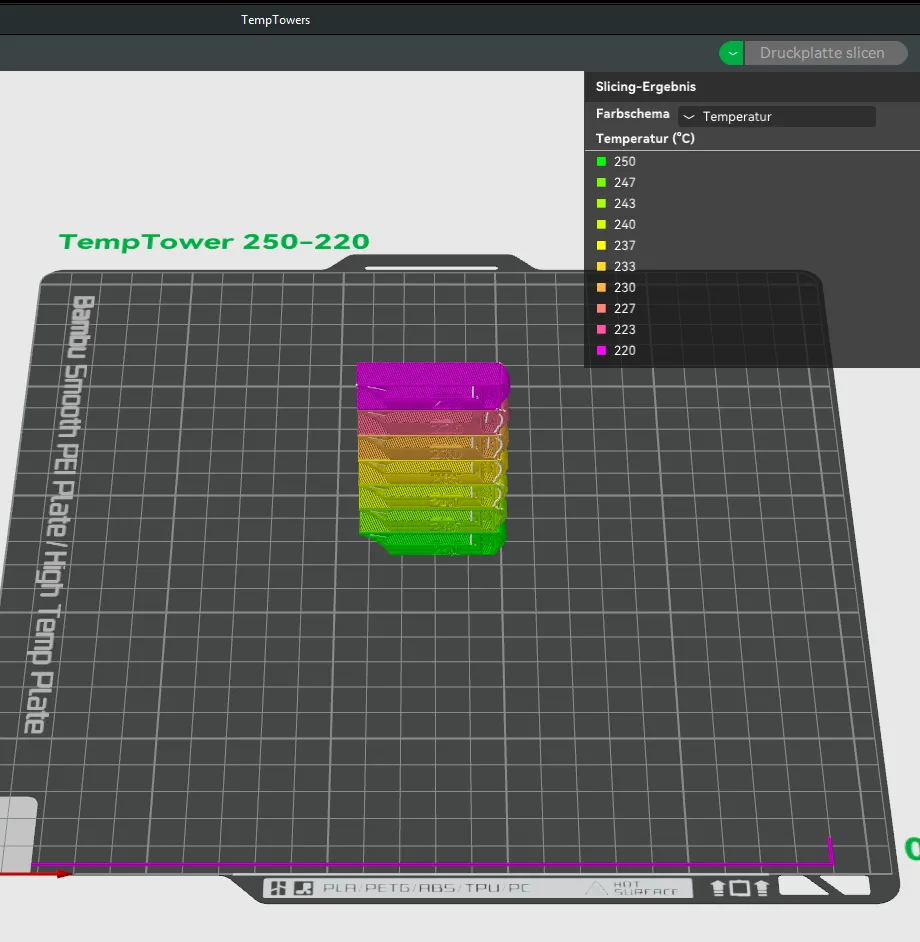
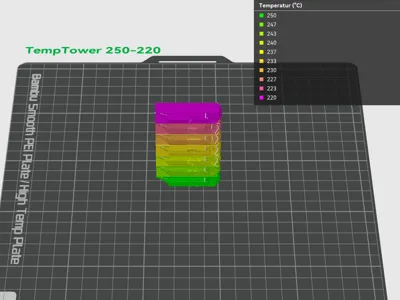
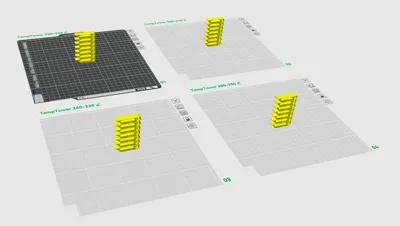
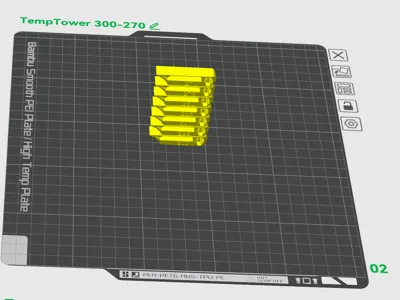
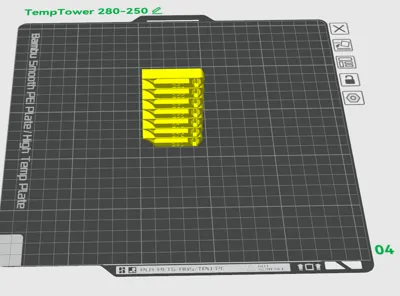
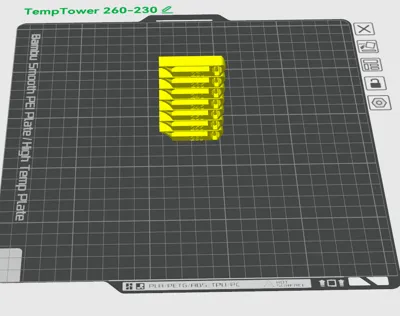
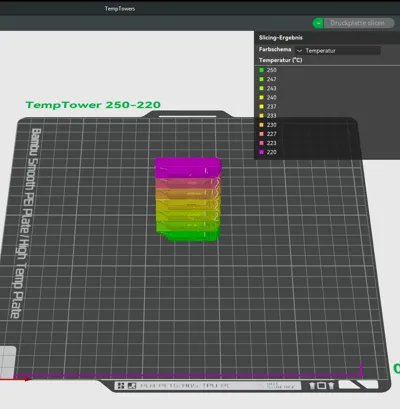
There are four plates with four different towers that determine a temperature range between 300-220 degrees.
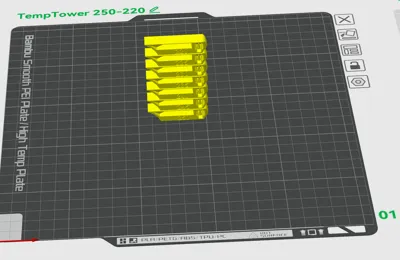
Simply open as a project, select the respective plate with the desired temperature window, and print with the desired material.
Since it's easy to forget to set the temperature for the first layer of the tower, I immediately entered the appropriate temperature in layer 1, so you don't have to worry about anything except choosing the correct slot (material) and starting.
Depending on the material, you need to adjust the print bed temperature.
For your information
The base body is not from me; I found it on Thingiverse at some point and reworked it a bit because the STL was faulty and always printed poorly.
Have fun determining the temperature.
License



Comment & Rating (18)