
0.4 Nozzle: Smallest Printable Text in Perfection
Print Profile(1)

Description
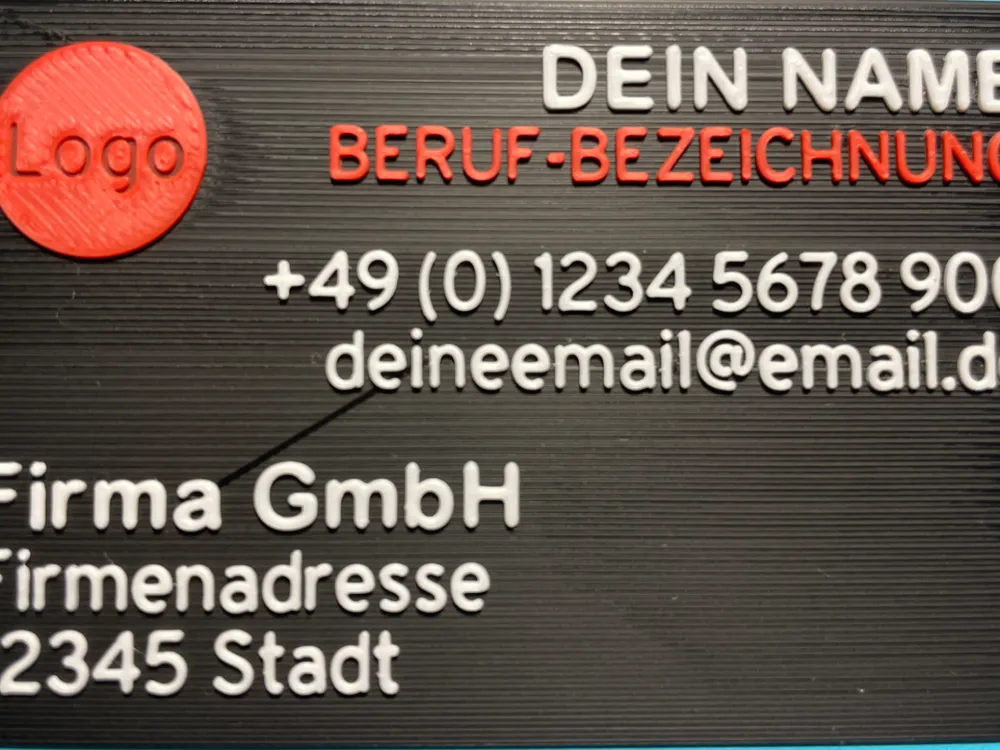
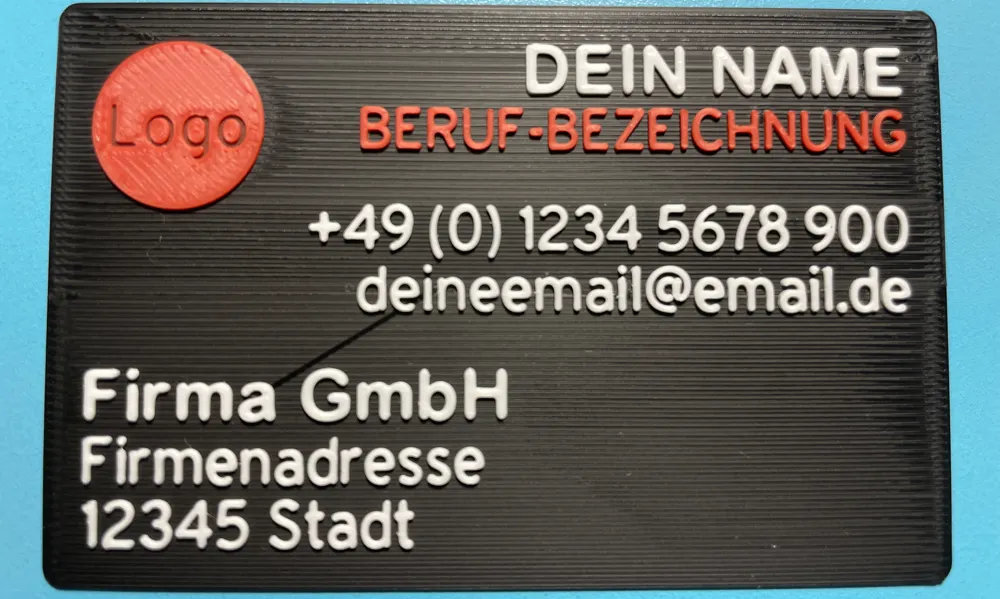
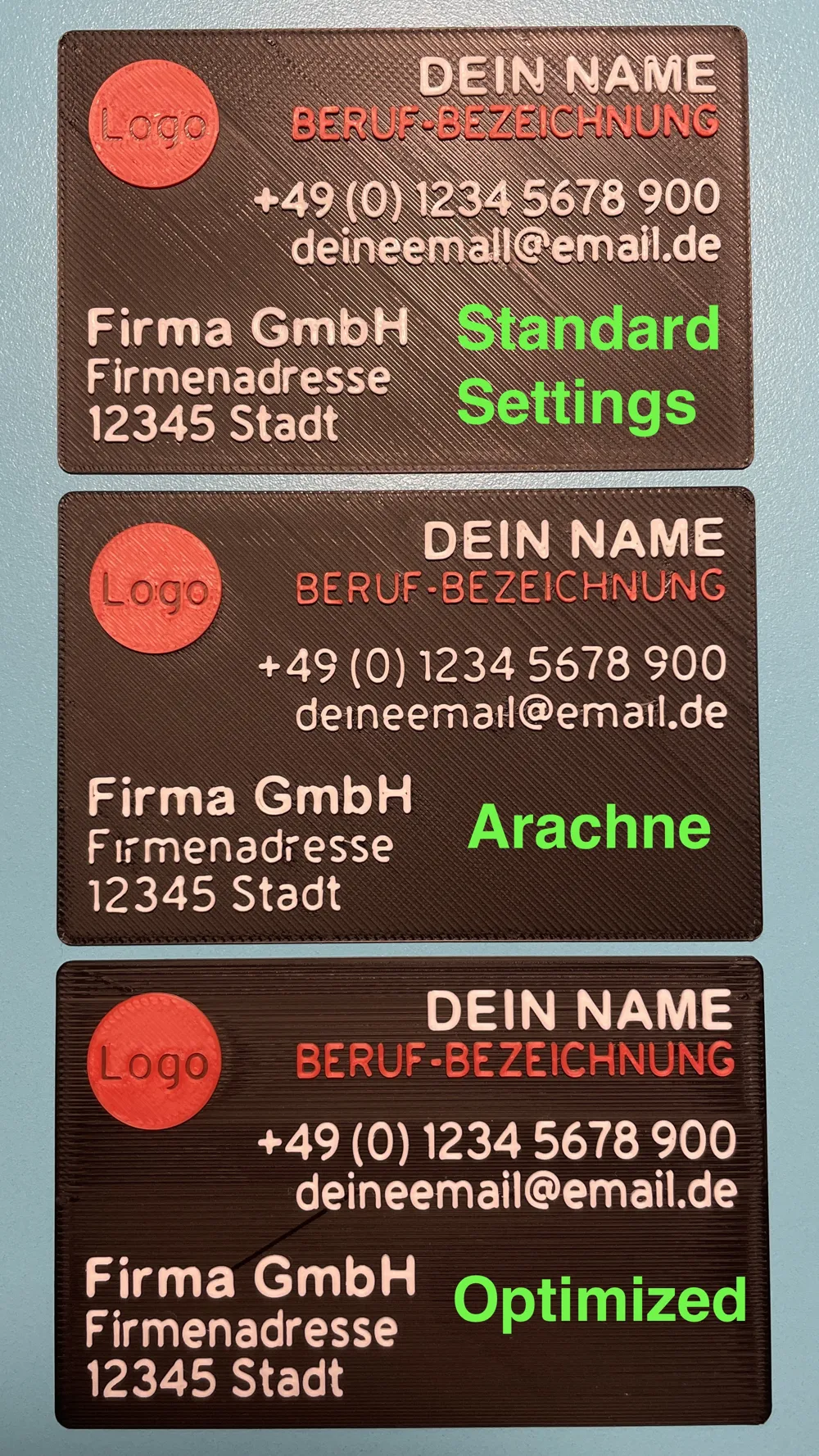
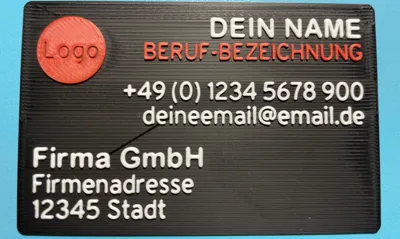
Perfectly readable text with a standard 0.4mm nozzle!
This print profile has been specifically optimized for printing small texts, ideal for business cards, name tags, labels, and other projects with fine lettering.
⚠️Important note for perfect results ⚠️
!!!ABSOLUTELY NECESSARY TO READ THE ENTIRE TEXT AND OBSERVE ALL INSTRUCTIONS!!!
- It is important that the filament is calibrated. For a perfect result, I recommend calibrating the filament at the lowest temperature specified by the manufacturer, as printing is done at low speeds.
- CLEAN NOZZLE - For such fine prints, a clean nozzle is very important!
What makes this profile special:
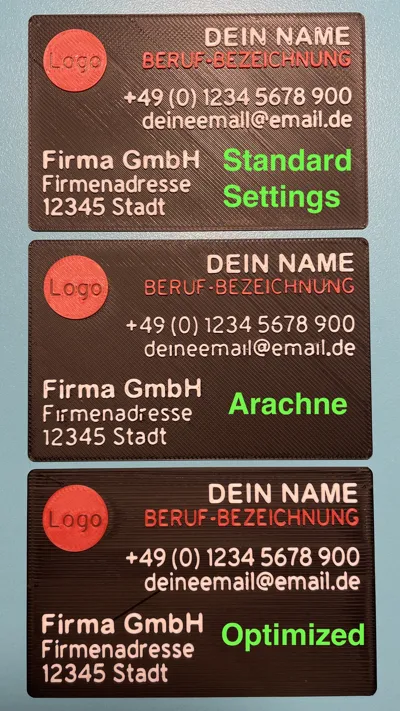
• Fine-tuning for razor-sharp texts despite a 0.4mm nozzle
• The profile and the 4 text objects (Bold Text, Normal Text, CAPSLOCK and Numbers) are optimized to achieve the smallest yet perfect results with a 0.4mm nozzle
• Optimized speed, acceleration, and manual settings – no Arachne mode
• Tested for maximum readability at small font sizes
• With 4 different example text objects (Bold, Normal, CAPSLOCK, Numbers) for customization
!!! This profile is optimized to print the included text objects with all settings in the best quality. After extensive testing, these have proven to be the smallest possible fonts that can still be printed in perfect quality with a 0.4mm nozzle.
If you change the font size, text spacing, font, or other settings in the profile that I have made, you will not get the same results !!!
The following two fonts will be used and must be installed before opening the profile in Bambu Studio:
- Arial Rounded MT Bold
- Overpass
Important for perfect results:
- It is important that the filament is calibrated. For a perfect result, I recommend calibrating the filament at the lowest temperature specified by the manufacturer, as printing is done at low speeds.
- CLEAN NOZZLE - For such fine prints, a clean nozzle is very important!
!!! Only works in Bambu Studio, not in Bambu Handy !!!
How to use the profile:
1. Open the file in Bambu Studio
2. Import your own object onto which you want to place the text, on a new build plate
3. Use one of the 4 example text objects (Bold, Normal, CAPSLOCK or Numbers), and simply change the text
4. Now simply position the text on your object on the other print plate – all settings are already perfectly configured
IMPORTANT:
If you want to place the text on your object, you must merge them first. Then your main object will adopt the object settings from the text. Therefore, you must then reset the line width and speed values in the object settings of your main object to standard.
Here are the settings you need to reset to standard for your main object. Here with the corresponding values from the 0.12mm High Quality @BBL X1C profile that I used.
Line Width
Outer Wall 0.42mm
Inner Wall 0.45mm
Speed
Outer Wall 60 mm/s
Inner Wall 150 mm/s
Infill 180 mm/s
Inner Solid Infill 180 mm/s
Top/Bottom Surfaces 150 mm/s
Gap Fill 230 mm/s
Top/Bottom Pattern: Monotonic Line
Save yourself endless experiments with print settings. All parameters have been optimized through extensive testing to achieve professional text results with a standard nozzle.
License

You shall not share, sub-license, sell, rent, host, transfer, or distribute in any way the digital or 3D printed versions of this object, nor any other derivative work of this object in its digital or physical format (including - but not limited to - remixes of this object, and hosting on other digital platforms). The objects may not be used without permission in any way whatsoever in which you charge money, or collect fees.


Comment & Rating (83)