
Print Profile(1)
Bill of Materials
- Glue for glue gun x 1:
Description
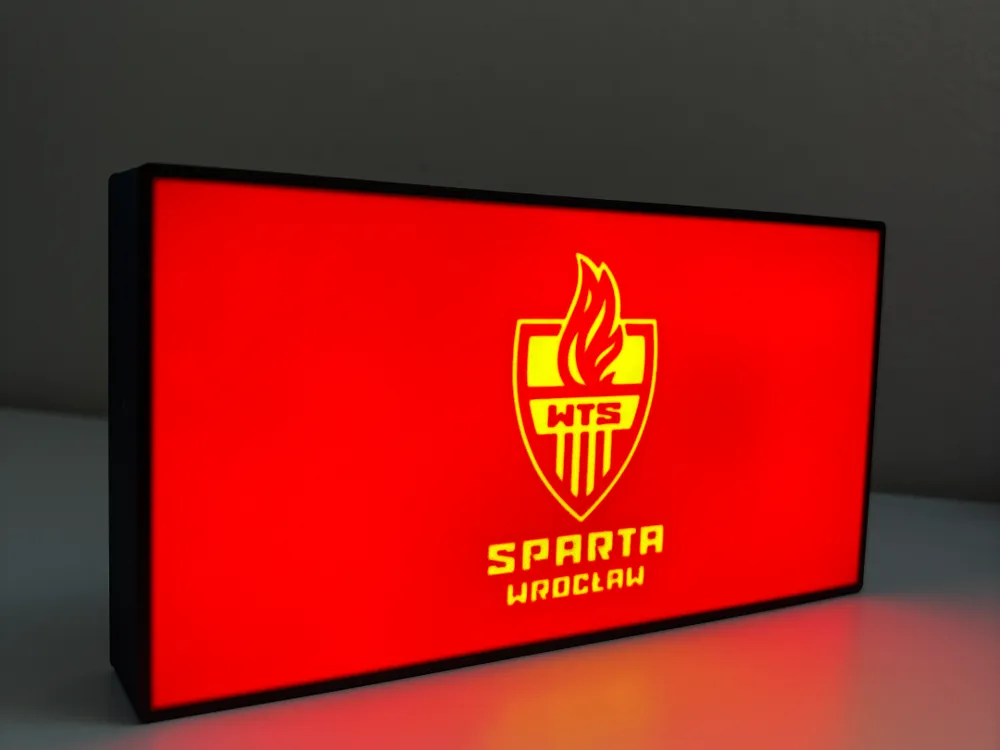
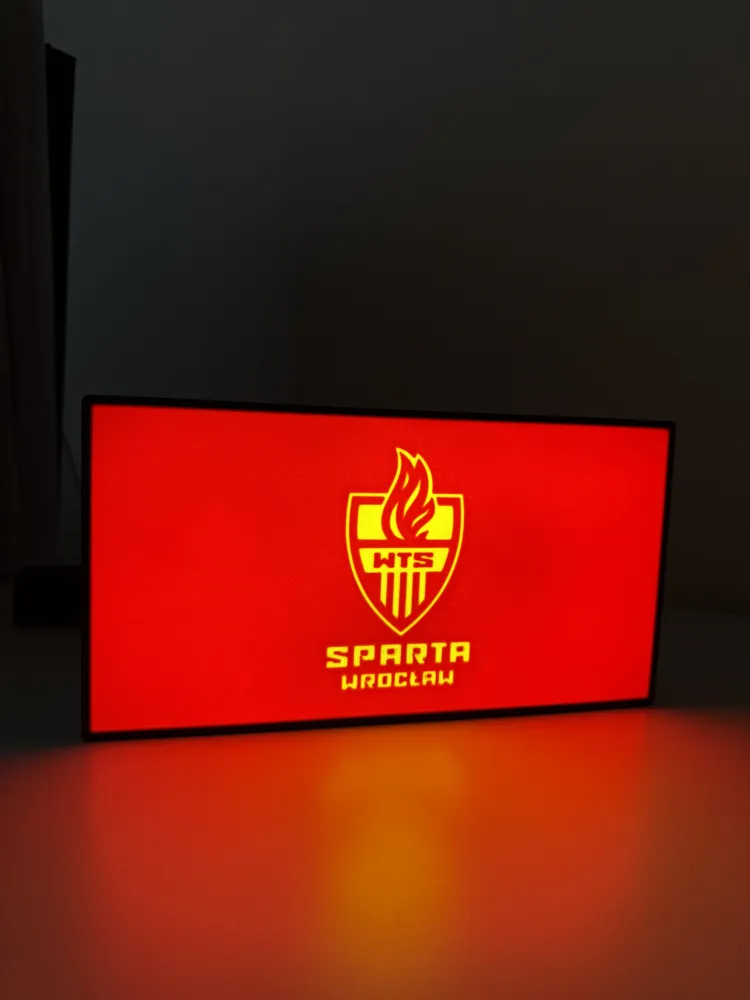
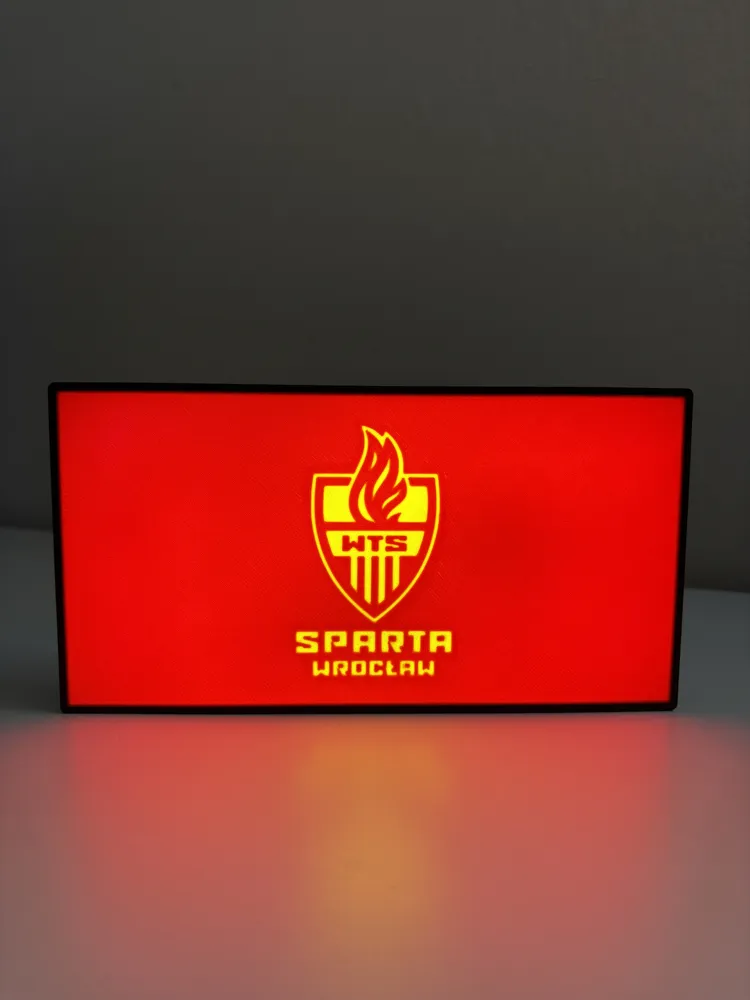
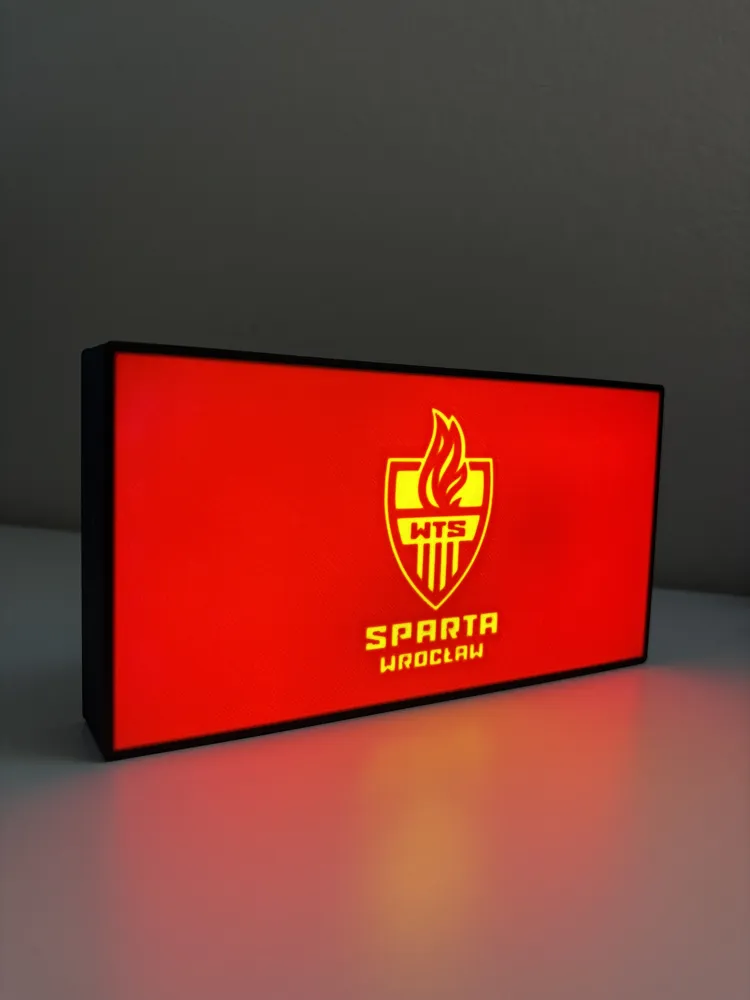
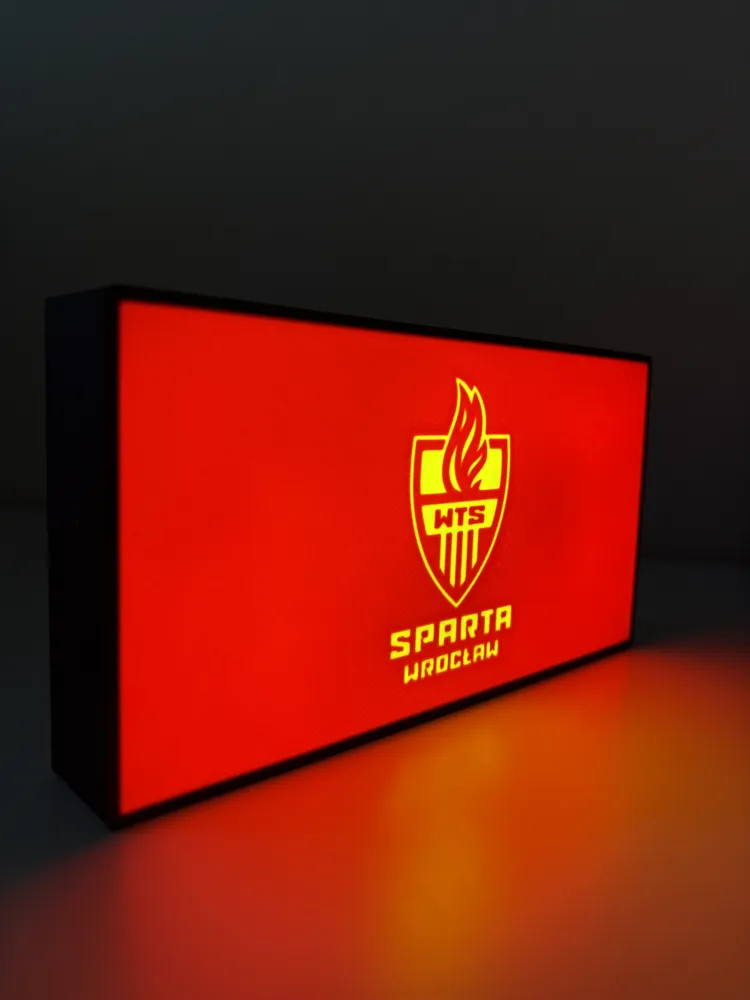
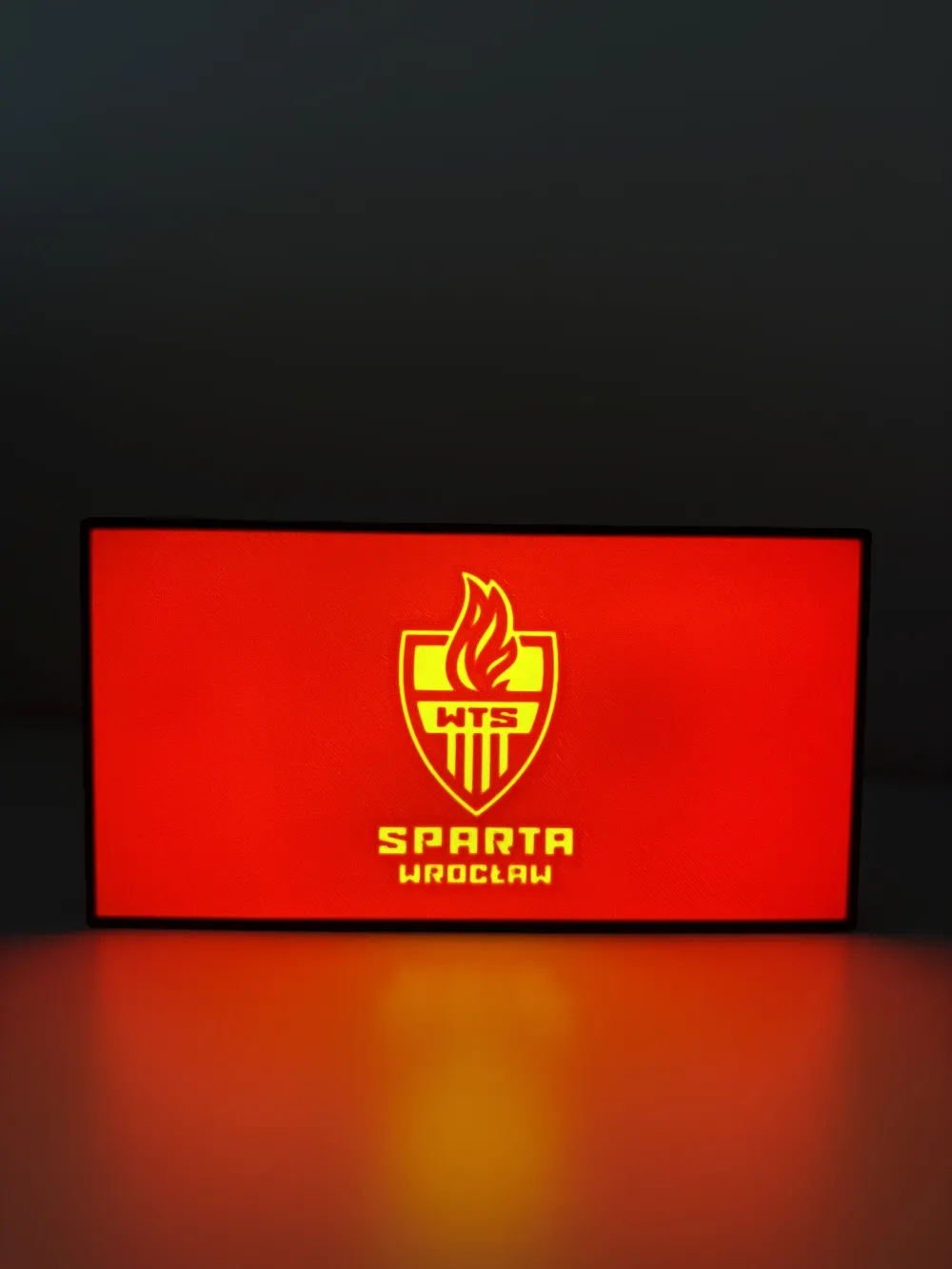
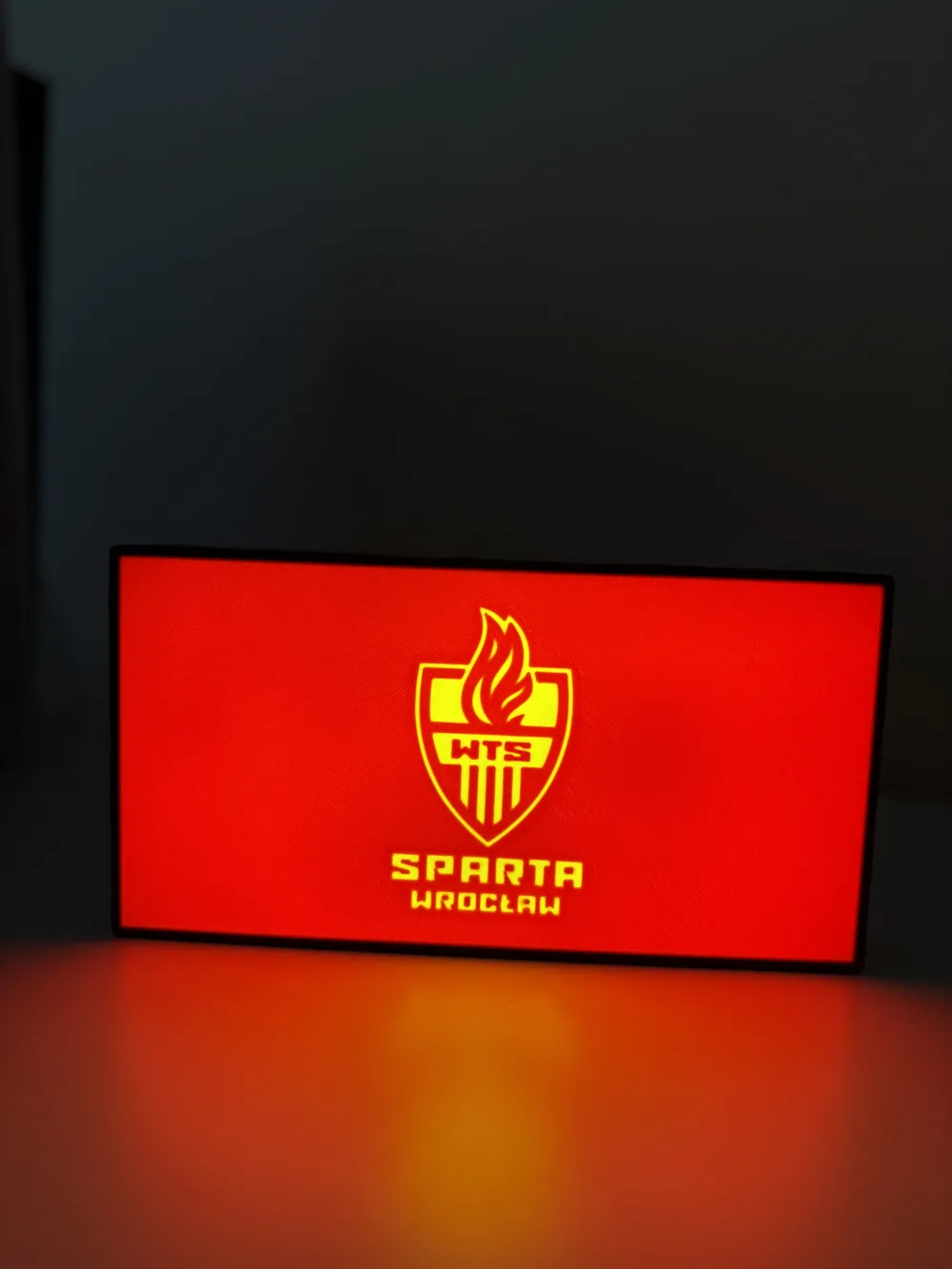
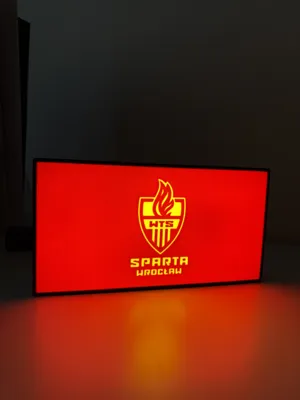
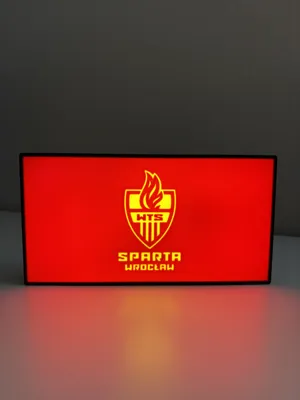
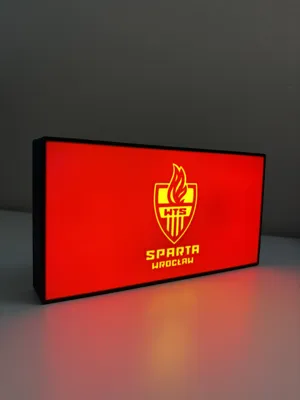
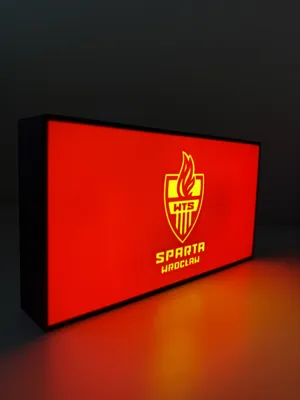
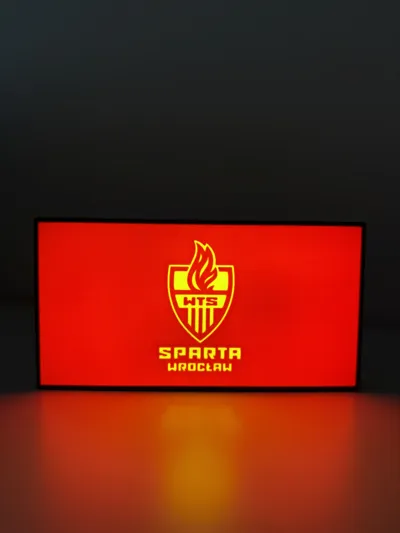
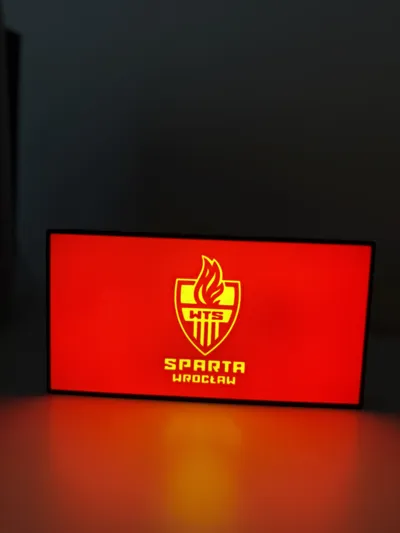
Lightbox for everybody who is fan of Sparta Wroclaw.
Materials and tools:
- glue gun
- aluminum tape
- led strip (here is the one I use): simple 1m white led USB
- soldering iron (optional)
RECOMMENDATIONS
- use a textured PEI sheet
- remove purge line at the beginning of the print!
- use the print profile, it has quite a few setting changes that help achieve the best results
- make a hole for the USB strip wherever you like it best with a soldering iron, drill or in the slicer
- use the aluminum tape on the inside of the backplate to help with light diffusion
- glue the LED's the further away from the colored design possible; placing them too close ruins the diffusion and the individual LED's become visible
Bambu Studio Settings:
I always recommend using the print profile I provided since it has settings with which I've been able to get the best results.
If you choose not to here are the main slicer settings I recommend:
- preferences (ctrl + P) → activate developer settings → Quality →Advanced → First Layer Flow Ratio: 1.04 to 1.08
- Quality → Wall generator → Arachne
- Quality → Wall transitioning threshold angle → 50º
- Strength → Advanced → Infill/wall overlap → 20% to 25%
- Quality → Advanced → Avoid crossing walls
- Increasing retraction / reducing temperature can help reducing wisps
- Order color printing from lightest to darkest color
Models are fanart and are shared as artistic tributes, you may not sell, share, or profit from them.
For commercial use please contact me.
Materials and tools:
- glue gun
- aluminum tape
- led strip: simple 1m white led USB
- soldering iron (optional)
RECOMMENDATIONS
- use a textured PEI sheet
- use the print profile, it has quite a few setting changes that help achieve the best results
Bambu Studio Settings:
I always recommend using the print profile I provided since it has settings with which I've been able to get the best results.
If you choose not to here are the main slicer settings I recommend:
- preferences (ctrl + P) → activate developer settings → Quality →Advanced → First Layer Flow Ratio: 1.04 to 1.08
- Quality → Wall generator → Arachne
- Quality → Wall transitioning threshold angle → 50º
- Strength → Advanced → Infill/wall overlap → 20% to 25%
- Quality → Advanced → Avoid crossing walls
- Increasing retraction / reducing temperature can help reducing wisps
- Order color printing from lightest to darkest color
License



Comment & Rating (3)