Search models, users, collections, and posts

Whiskey glass barrel for six Glencairn glasses

IP Report

Print Profile(1)

All
P1S
H2D Pro
X1 Carbon
X1
P1P
H2S
H2D
X1E
A1
P2S
H2C
X2D
A2L

0.2mm layer, 6 walls, 25% infill
Designer
47.8 h
14 plates
5.0(1)

Open in Bambu Studio
Boost
55
183
20
6
79
16
Released 

Description

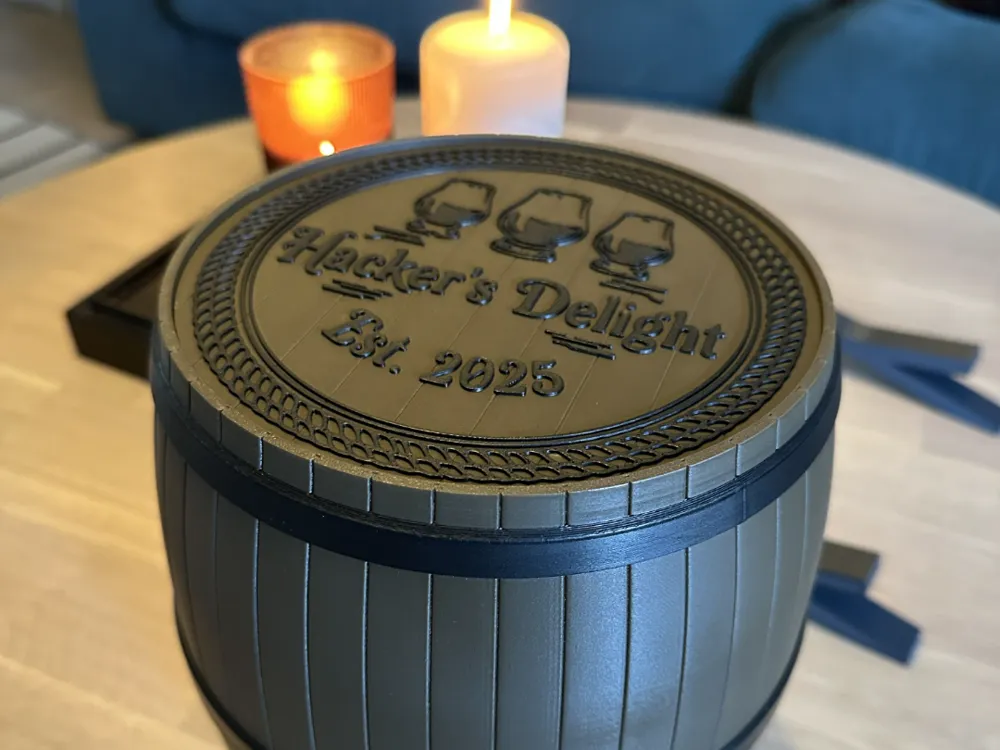
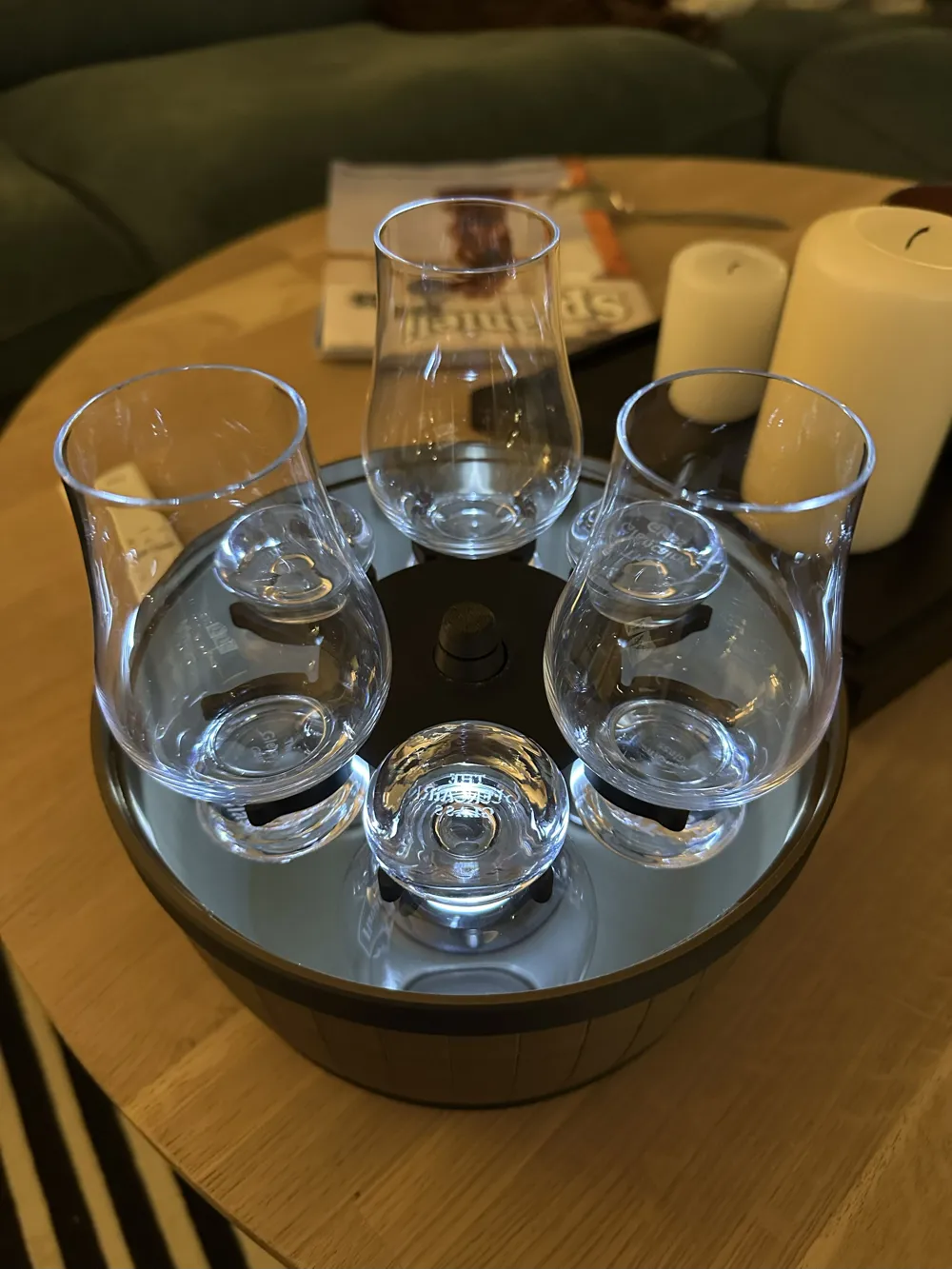
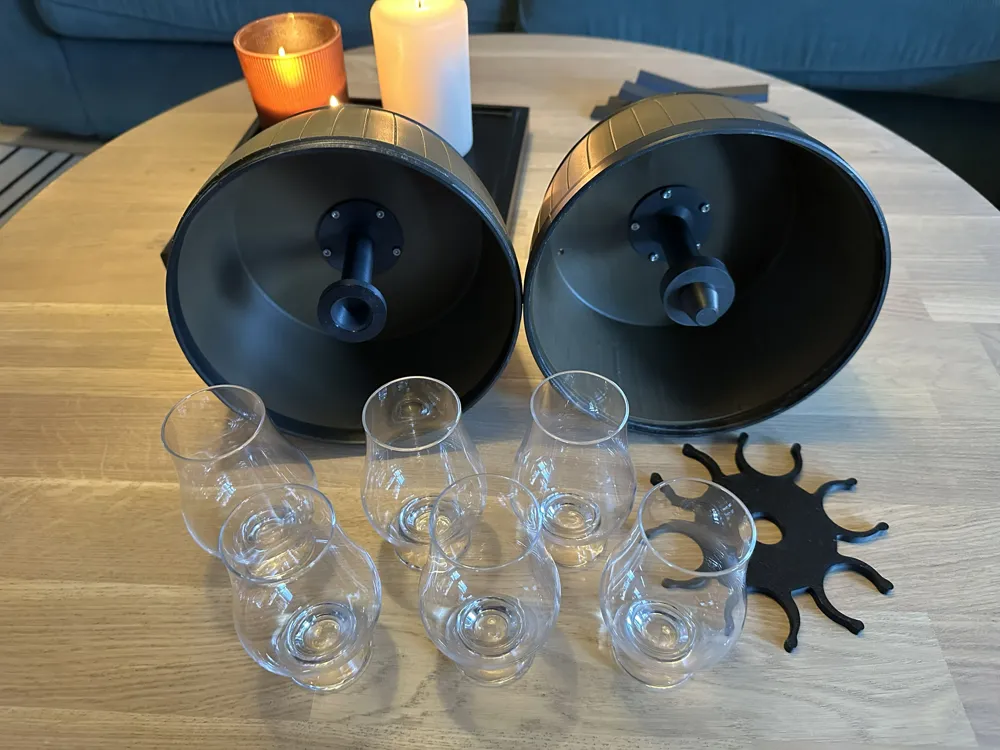
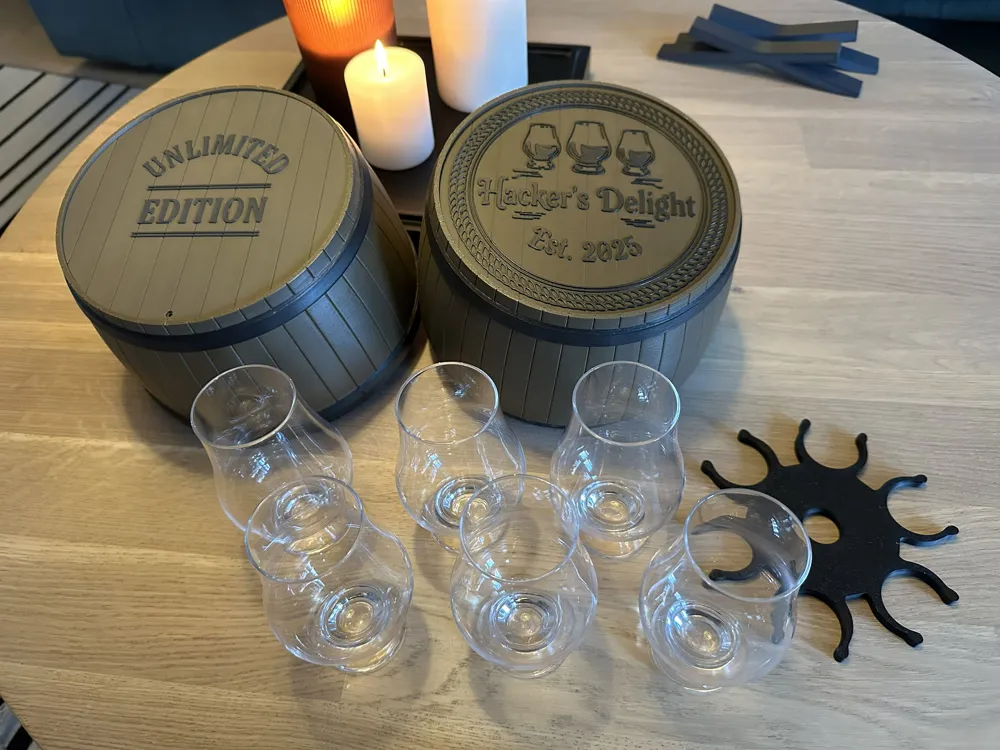
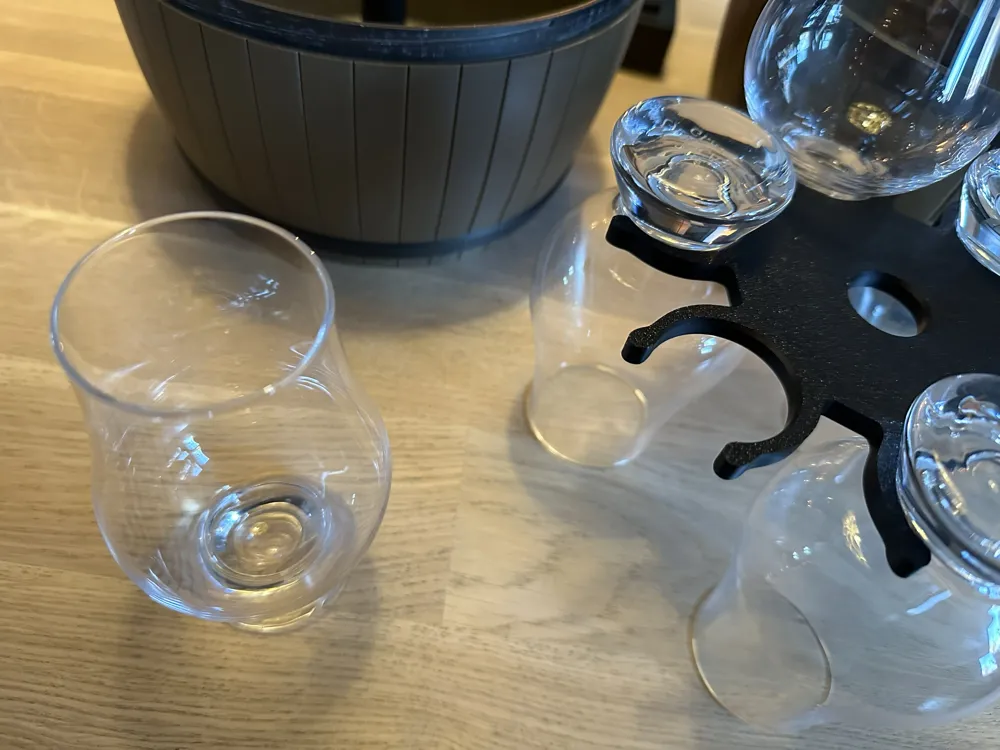
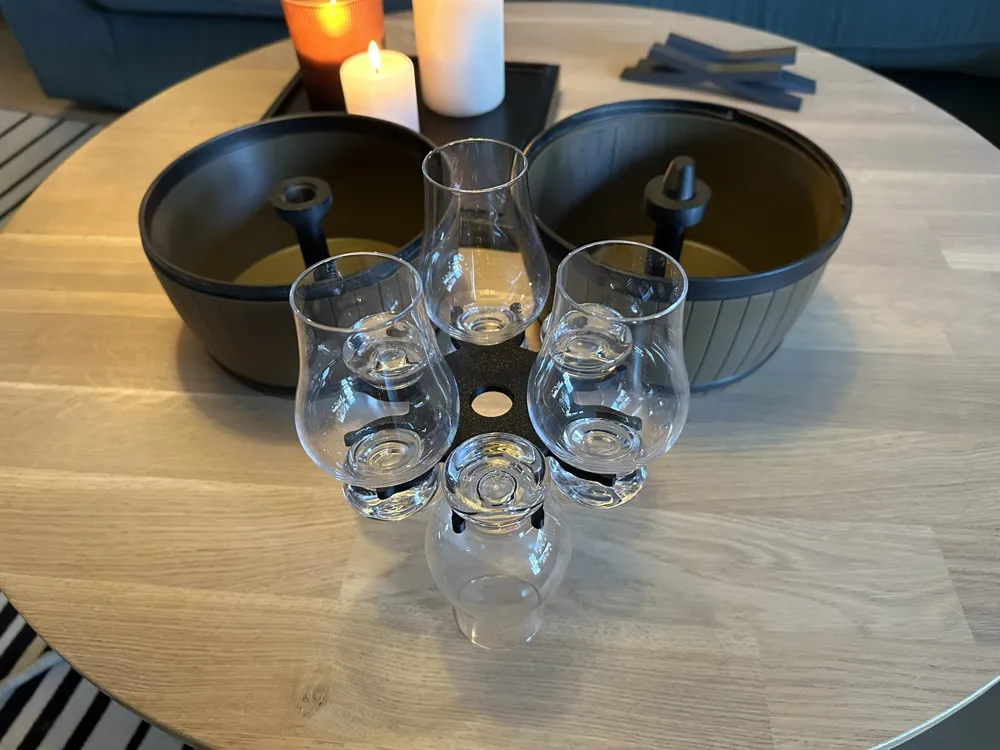
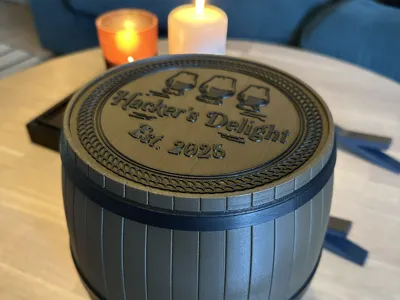
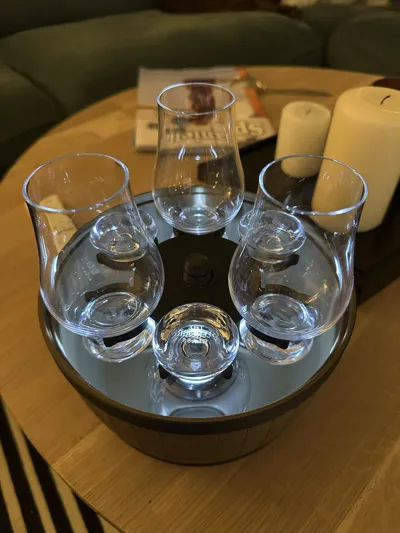
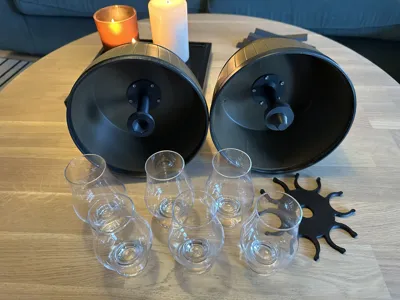
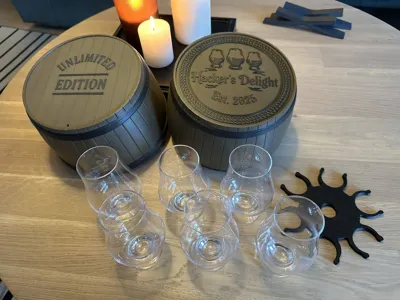
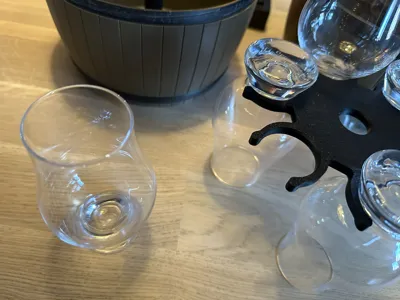
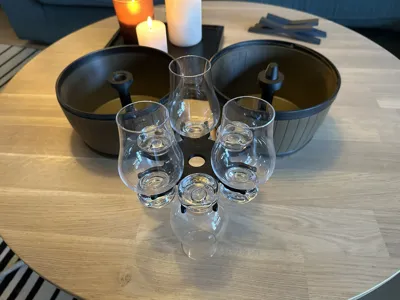
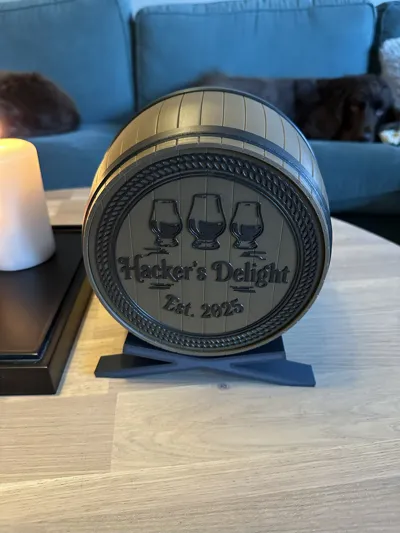
This stylish barrel holds six Glencairn whiskey glasses for those moments where you find yourself with five friends, or preferably six different types of whiskey. The glasses store securely in a holder, that floats in the middle of the barrel keeping your glasses clean and safe. The barrel consists of two parts connected with a simple five-start thread, allowing for easy access and secure closure without fiddling with complicated threads.

The middle stem that holds the glasses has three options: 

  • A simple support stem with no extra features, can be printed minimal effort
  • A rotating stem that uses a 8x22x7mm ball bearing to help your glasses rotate beautifully when the barrel is open
  • A LED-powered light module that lights up when the barrel is opened using a normally-closed push button

The middle stem fixes in place with five 5mm tall heat-set inserts for 3mm screws and 3mm machine screws, ten are needed in total. Optionally you can glue the stem in place using cyanoacrylate glue (superglue).


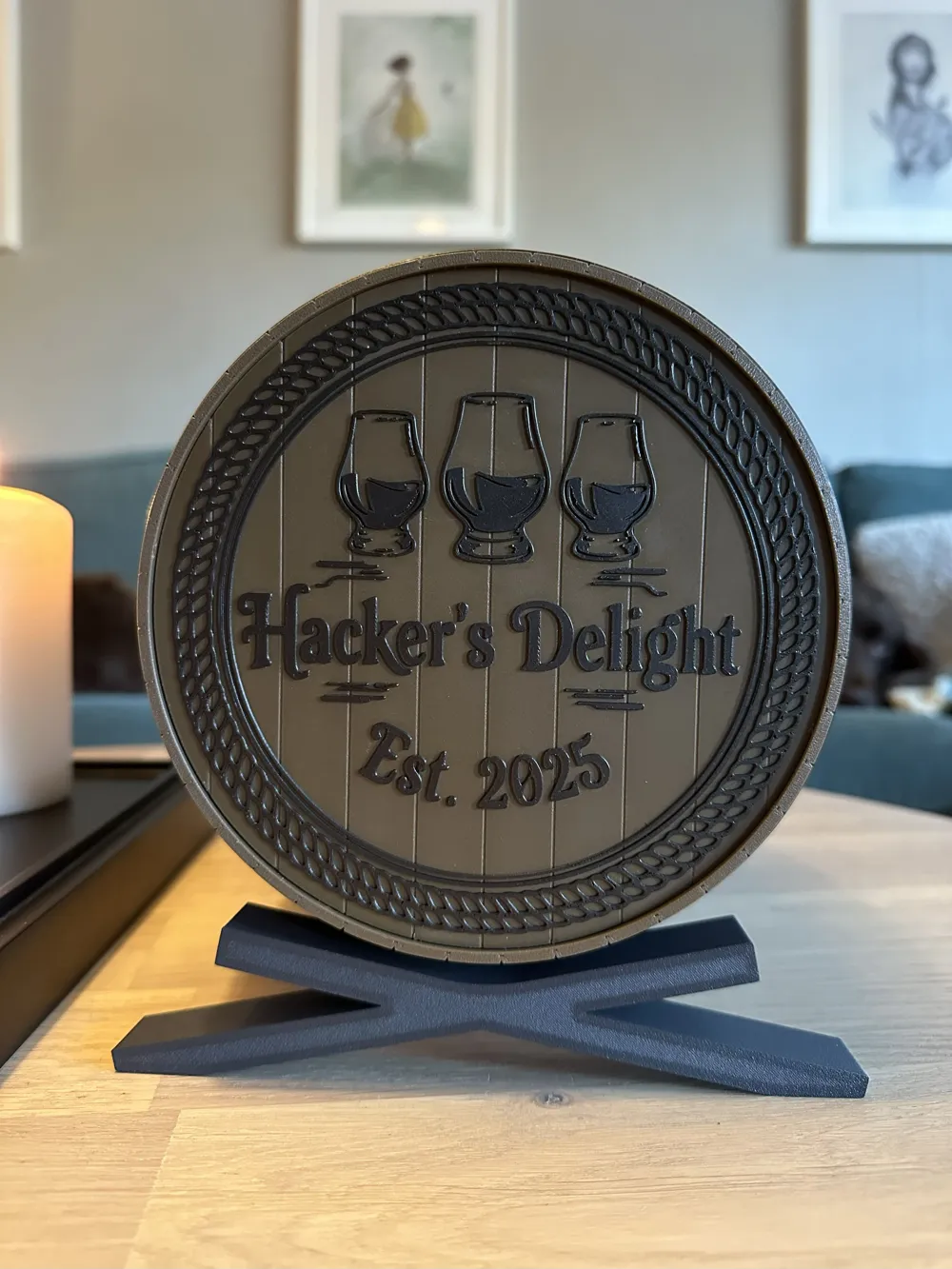
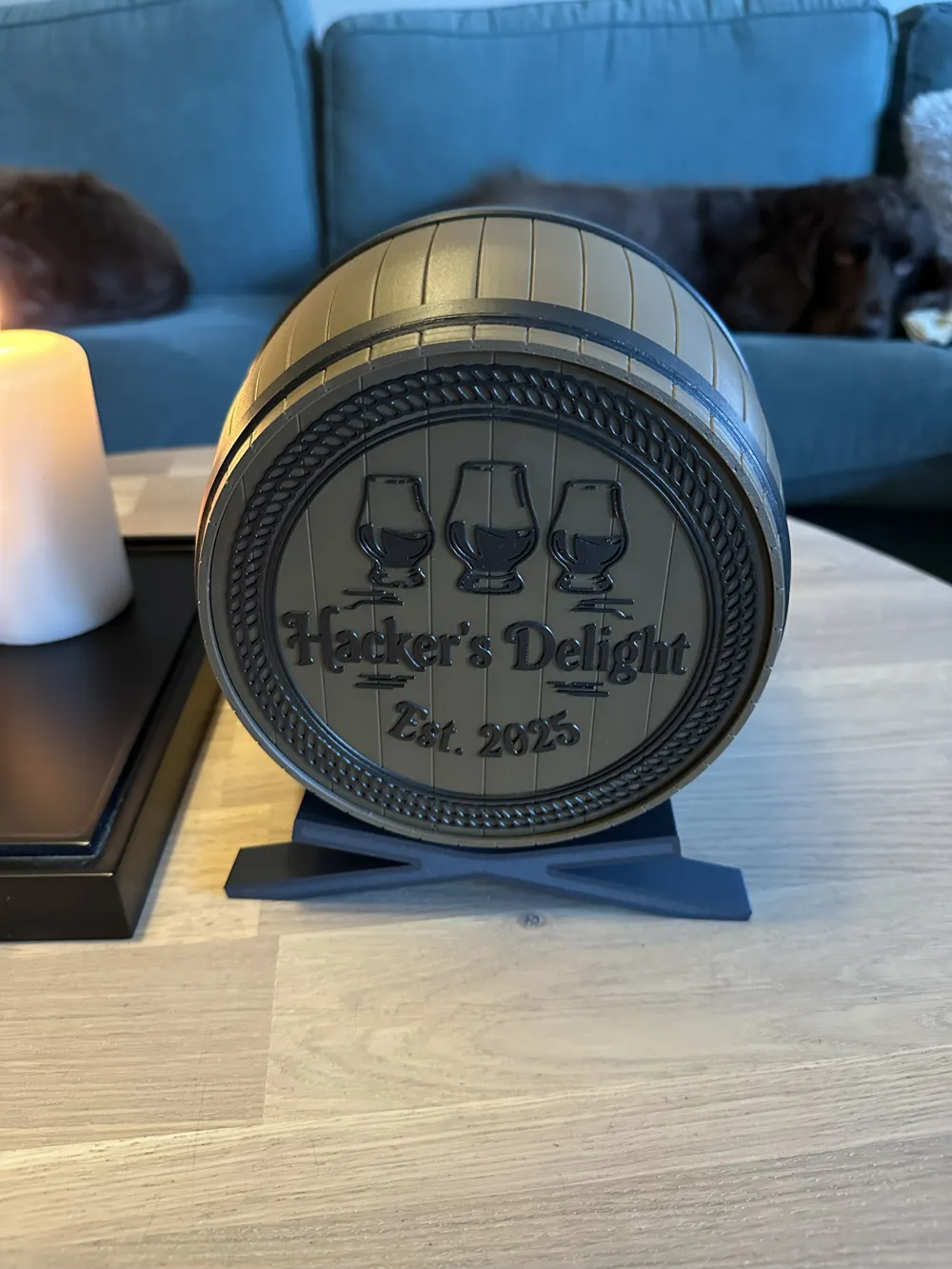
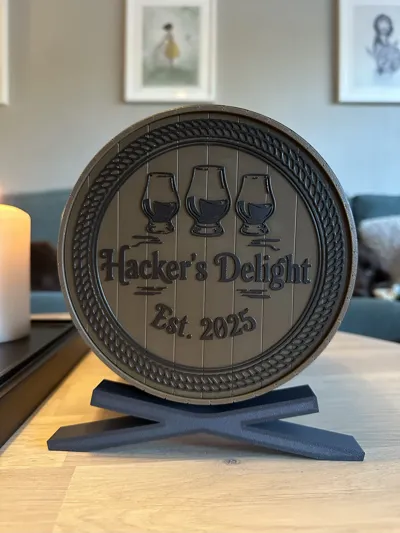
Included are two simple barrel stands allowing for displaying your barrel on a shelf where your guests can marvel at the wonders of modern FDM printing, until you pull it off the shelf and have everyone bask at the glorious light of the 5mm LED.

All additional hardware is optional, you can print a fully functioning glass holder without any soldering. Heat-set inserts are recommended over gluing the parts in place. Hardware needed is listed in the assembly guide.


Documentation (1)

Assembly Guide (1)
Barrel instructions.pdf

Comment & Rating (20)

(0/1000)

Running an X1C with Elegoo PLA on the barrel. There seems to be an issue with the initial layer in the Gcode when the filament is too high above the support structure on the inside and cools down too quickly. I had to turn off my aux fan to make it work, sorta. 3 failed attempts and I've given up trying to print it again via direct import. I have downloaded each individual file and am going to try again redoing supports.
(Edited)
The designer has replied
0
Reply
sorry, meant to post a reply but posted a comment instead. Please see my comment on this issue!
0
Reply
Replying to @Ana5000 :
I figured it out. If you go into the settings for the filament cooling and turn off the part cooling fan until layer 22 and the aux fan, it will print WAY cleaner and not mess up.
0
Reply
Replying to @user_370192814 :
For reference, this is the third attempt in blue. I had parts fan on and AUX fan on. It cooled way too fast, causing my print head to run into it, not great. I am currently printing without either until layer 22 and it looks clean. I will report in with an update.
0
Reply
Hi, the first layer on the support grid will end up looking wavy and ugly, but it will be covered by the end plate so it’s there only for structural support. Printing such a large area on a support will not produce an aesthetically pleasing surface, that’s why a separate piece is included to cover it. Once the part is done, print the plate with graphics, apply glue on the barrel end and push the plate on. If it’s the bottom, make sure to align the air holes correctly - the bottom plate is a tighter fit than the top!
(Edited)
The designer has replied
0
Reply
so to summarize: it’s not a failure, it’s a feature and it’s been taken into account in the overall design!
0
Reply
Is there an easy way to modify the text on the end pieces?
The designer has replied
0
Reply
Yes, you can edit it in the slicer.
0
Reply
Replying to @Ana5000 :
Not really- there's no option to change text.
0
Reply
Replying to @user_702907798 :
No, but there's the option to remove the graphic, it's an SVG image, you have to replace it with your own. Unfortunately the text itself is not editable as it's rendered as an image.
0
Reply
Boosted
Print Profile
0.2mm layer, 6 walls, 25% infill
This is by far the best model I printed for my bar. Great work!
The profile uploader has replied
profile
1
Reply
Thank you, happy to hear you’re enjoying it!
0
Reply
Thank you!
The designer has replied
1
Reply
You're welcome!
0
Reply
what colors did you use for this?
The designer has replied
0
Reply
Black PLA Metal and Bambu Wood PLA, I can't remember which one it was but one of the darker tones - they are very close to each other.
0
Reply
Just finished this print. As a beginner i would have liked to see blank ends without the logo on it as I don't yet know how to modify, but im very satisfied with this glen carrrier
The designer has replied
0
Reply
Happy to hear you got good results anyway! This might not be a very beginner-friendly print to begin with, but generally it's good to know that you can modify the 3mf files in the slicer after download, and even add your own logos if you want by replacing the SVG file.
0
Reply
No more
