
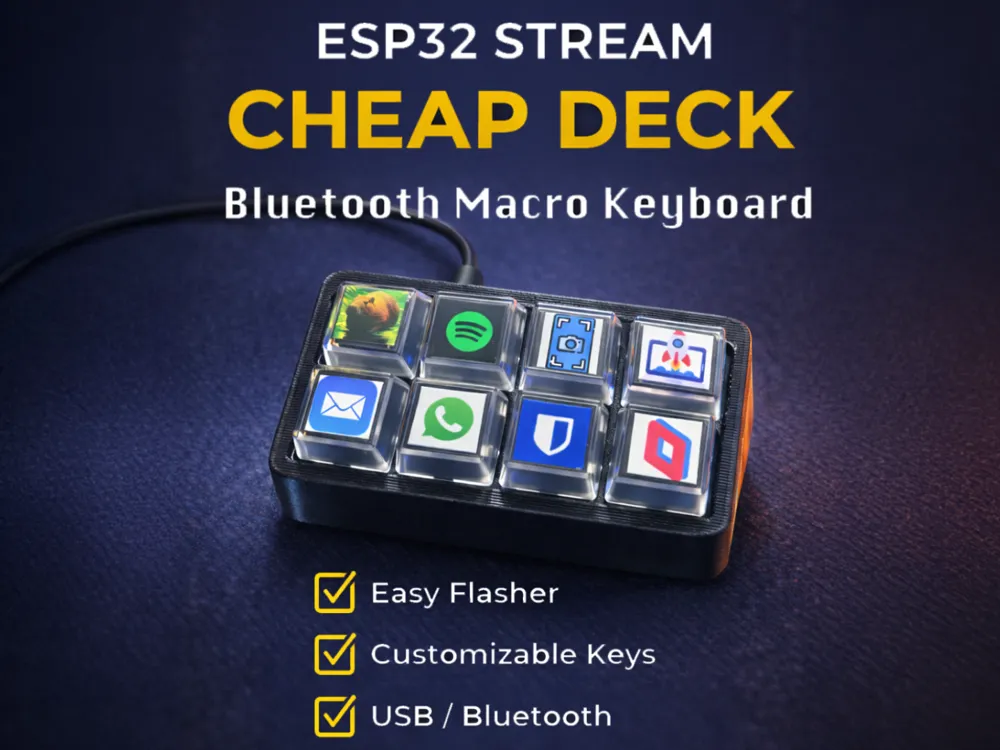
ESP32 Stream Cheap Deck - BLE / USB Macro Keyboard
Print Profile(4)




Description
Boost Me (for free)
Like this ESP32 Macro Keyboard - Boost!

UPDATES:
7 Feb 20206 - C3 and S3 Board Clips Redesigned for extra strength
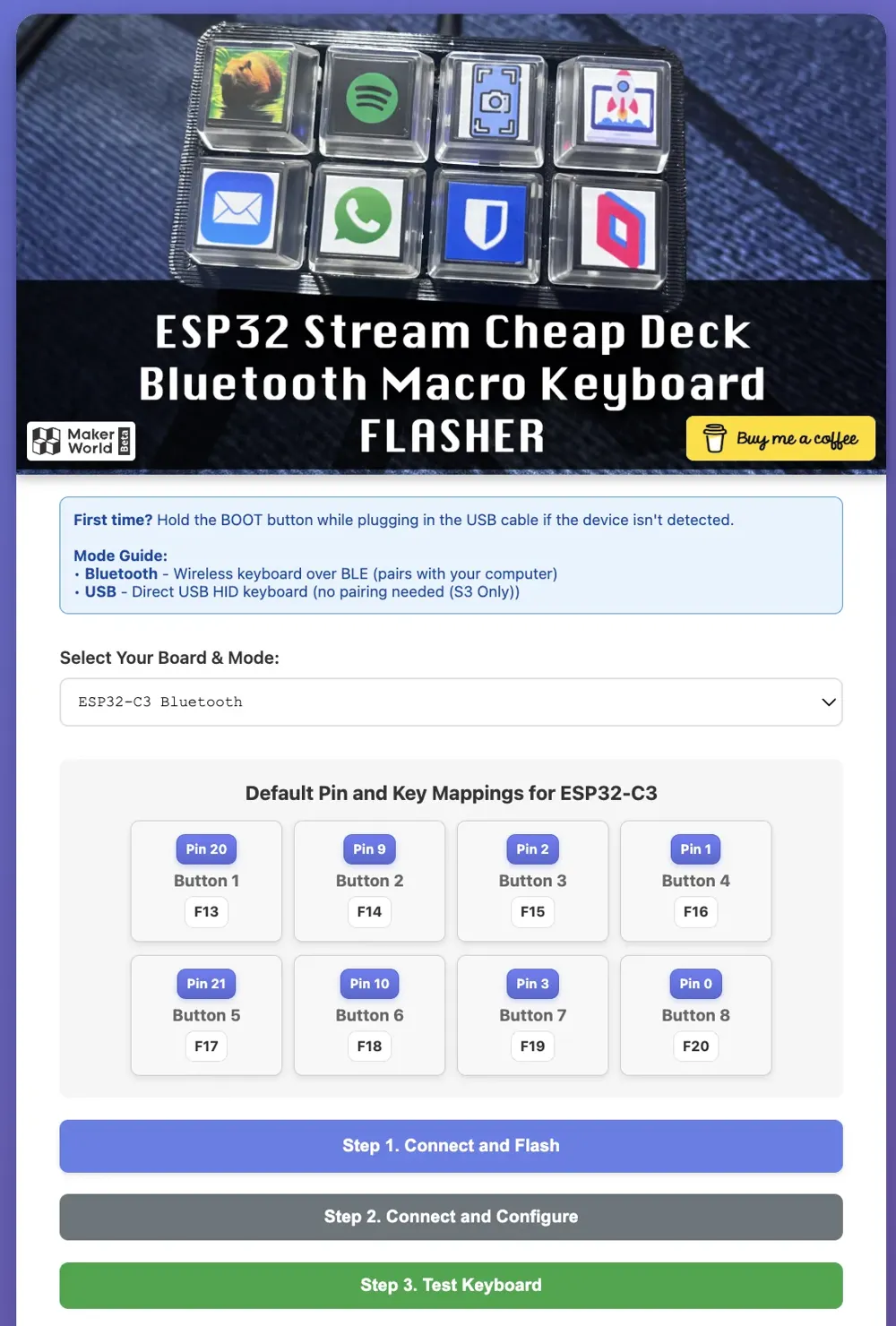
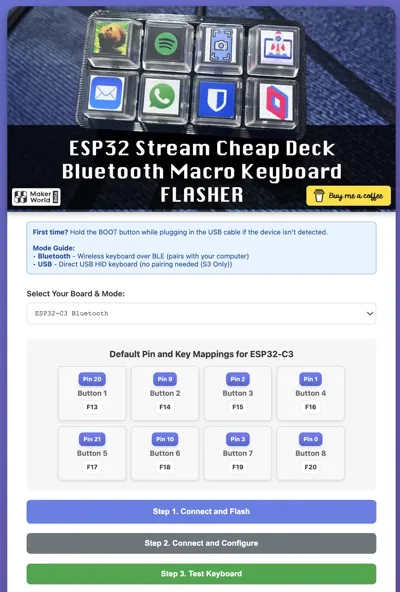
31 Oct 2025 - S3 BLE and USB Support Added + Configurable Key Mapping added to Flasher >> ESP32 Stream Cheap Deck Bluetooth Macro Keyboard FLASHER
30 Oct 2025 - Added Simple GUI Flasher >> ESP32 Stream Cheap Deck Bluetooth Macro Keyboard FLASHER
19 Oct 2025 - Added S3 Print Profiles (S3 is slightly longer than C3) - S3 Bluetooth + USB HID Code coming soon!
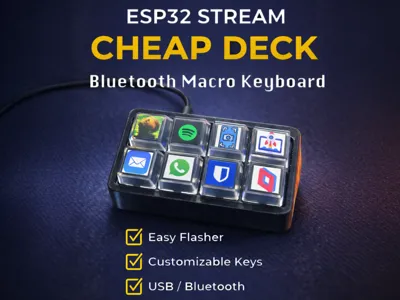
ESP32 Stream Cheap Deck - BLUETOOTH / USB Macro Keyboard

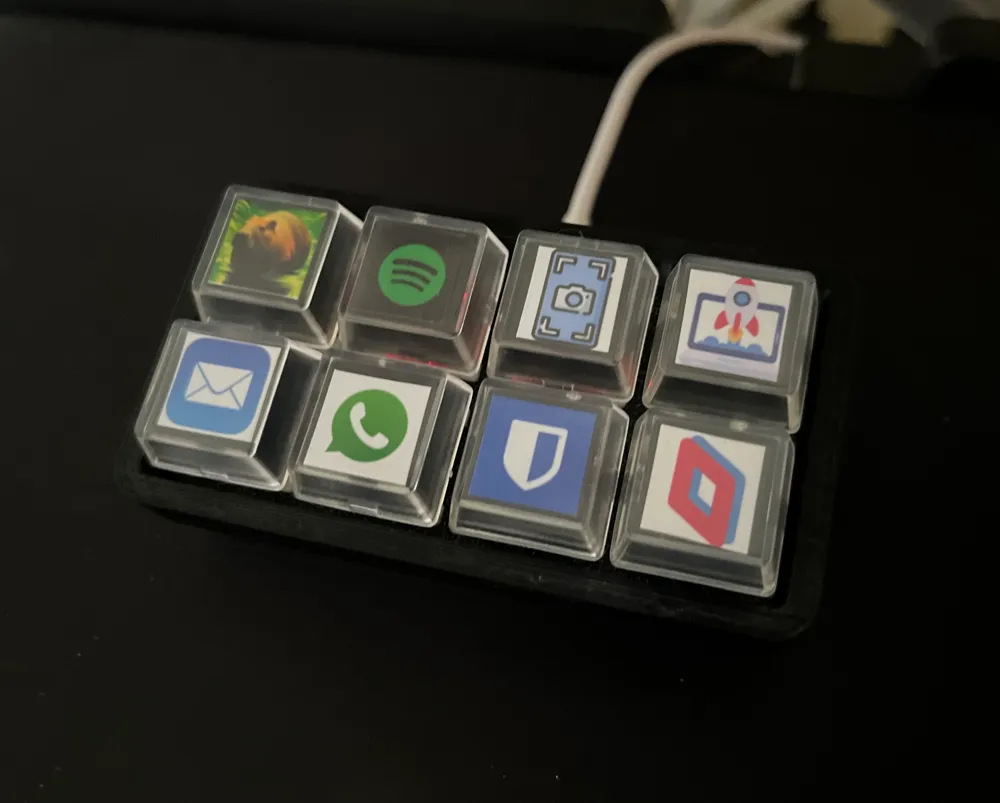
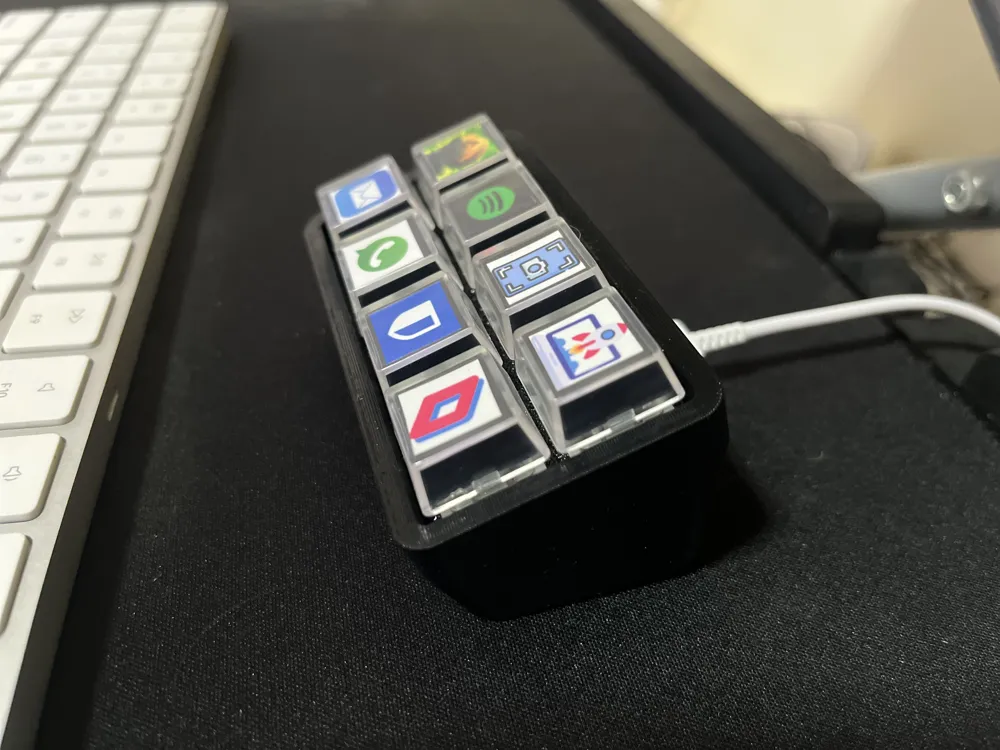
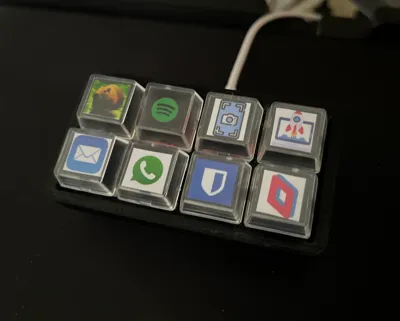
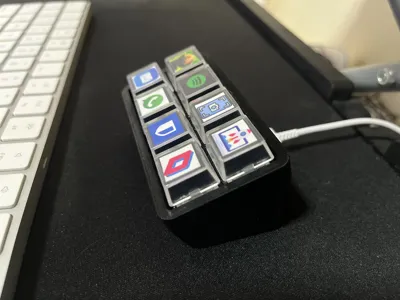
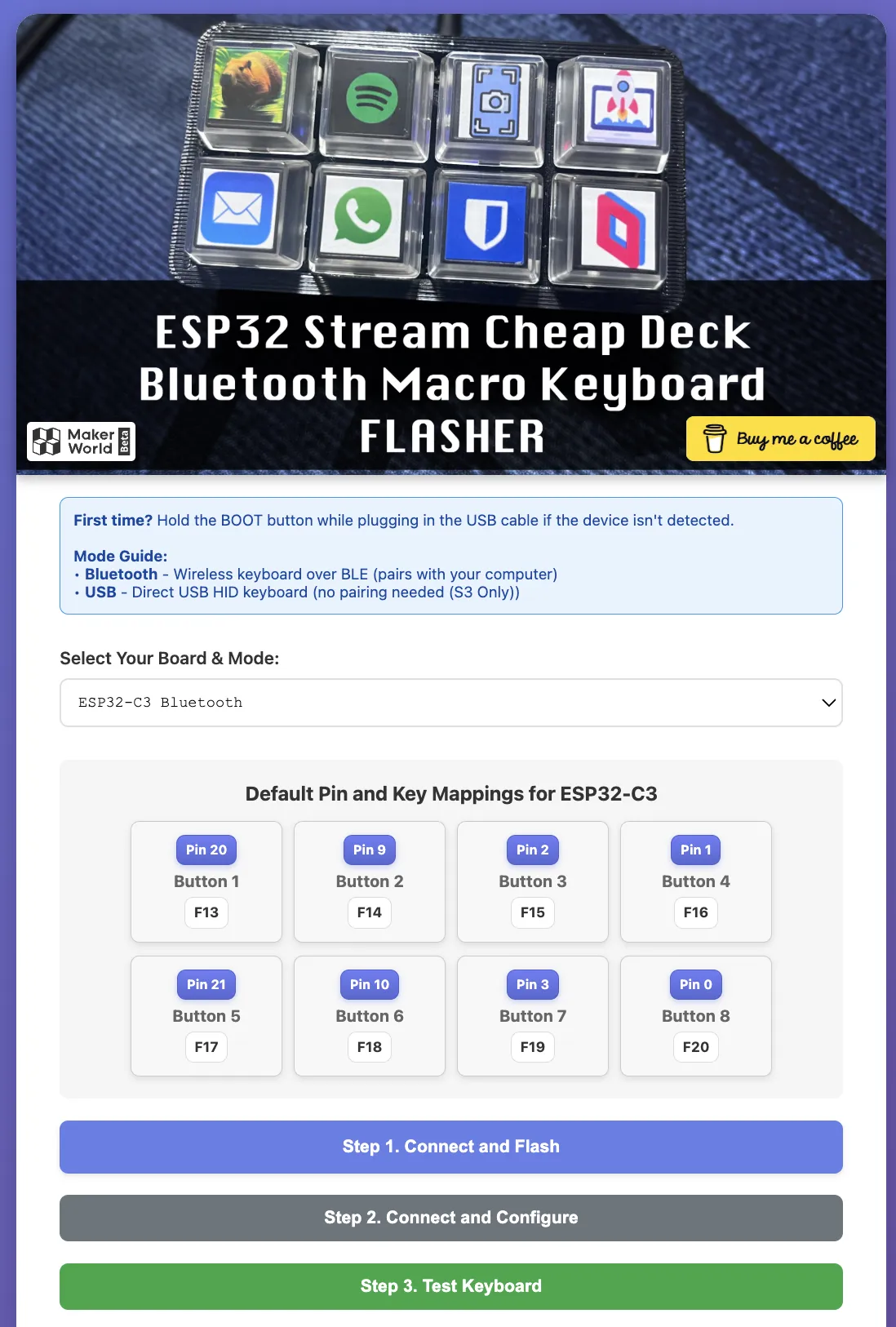
This is a Simple ESP32 Stream Check Deck Mini Macro Keyboard set up to work as a Bluetooth / USB Keyboard. Once connected by default it will send these keys - you can change the keys or mapped keys in the the Flasher as needed.
Button 1 = F13
Button 2 = F14
Button 3 = F15
Button 4 = F16
Button 5 = F17
Button 6 = F18
Button 7 = F19
Button 8 = F20
You can then set up Macros on your Mac to Listen for these keys and run what ever you want.
Simple GUI FLASHER for ESP32 Stream Cheap Deck Bluetooth Macro Keyboard: https://dieskim.github.io/esp32_stream_cheap_deck_mini_macro_keyboard/
Parts Required:
| ESP32 Supermini | C3 (Bluetooth Keyboard) | Amazon | Aliexpress |
| S3 (Bluetooth / USB Keyboard) | Amazon | Aliexpress | |
| 8 x Keyboard Switches | Amazon | Aliexpress | |
| 8 x Transparent Keycaps | Amazon | Aliexpress | |
| Some wire - Jumper Wires | 26 AWG Wire | Amazon | Aliexpress |
How to Assemble:
- Print the Body and Face
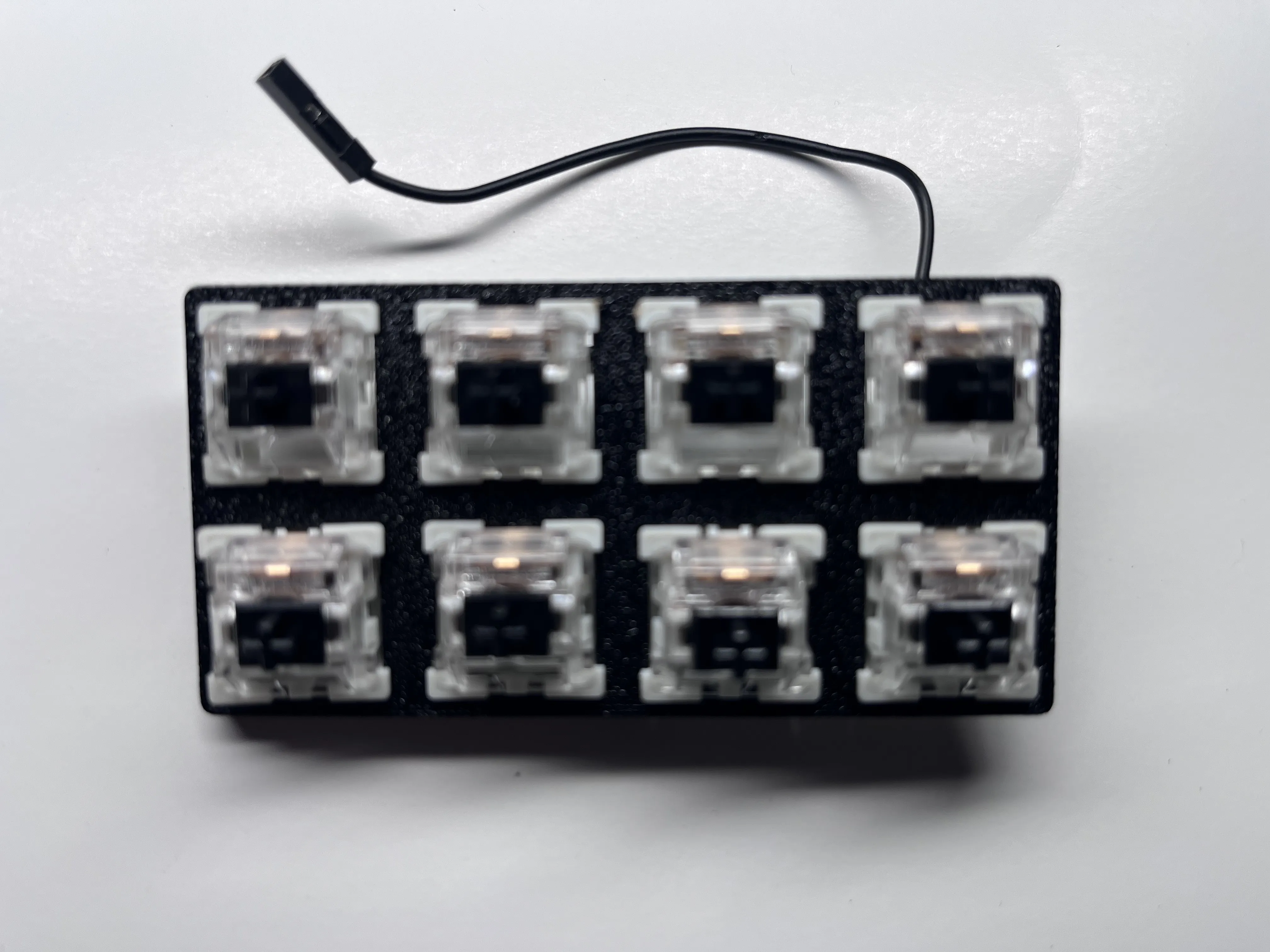
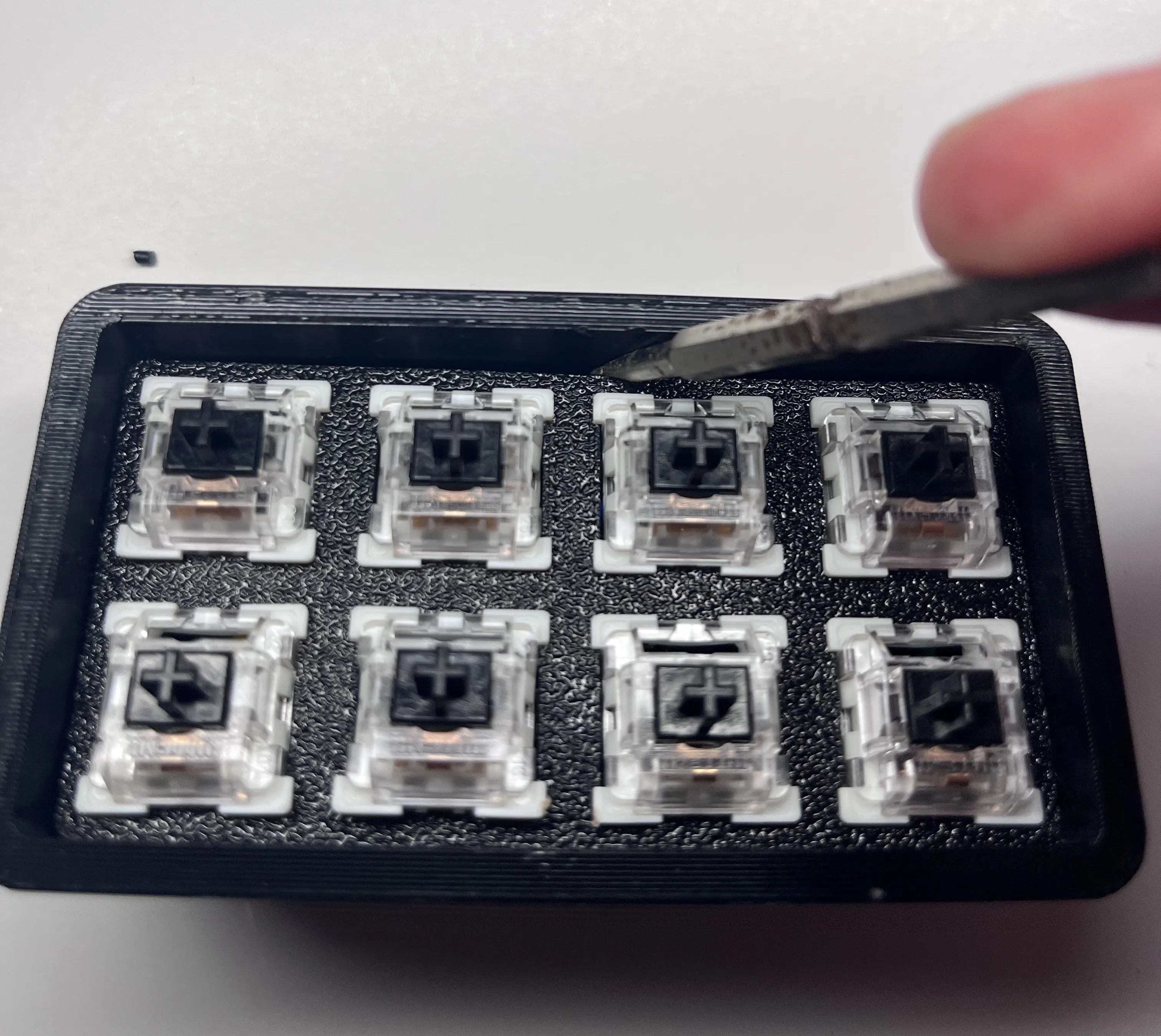
Place all Keyboard Switches in to Face Plate
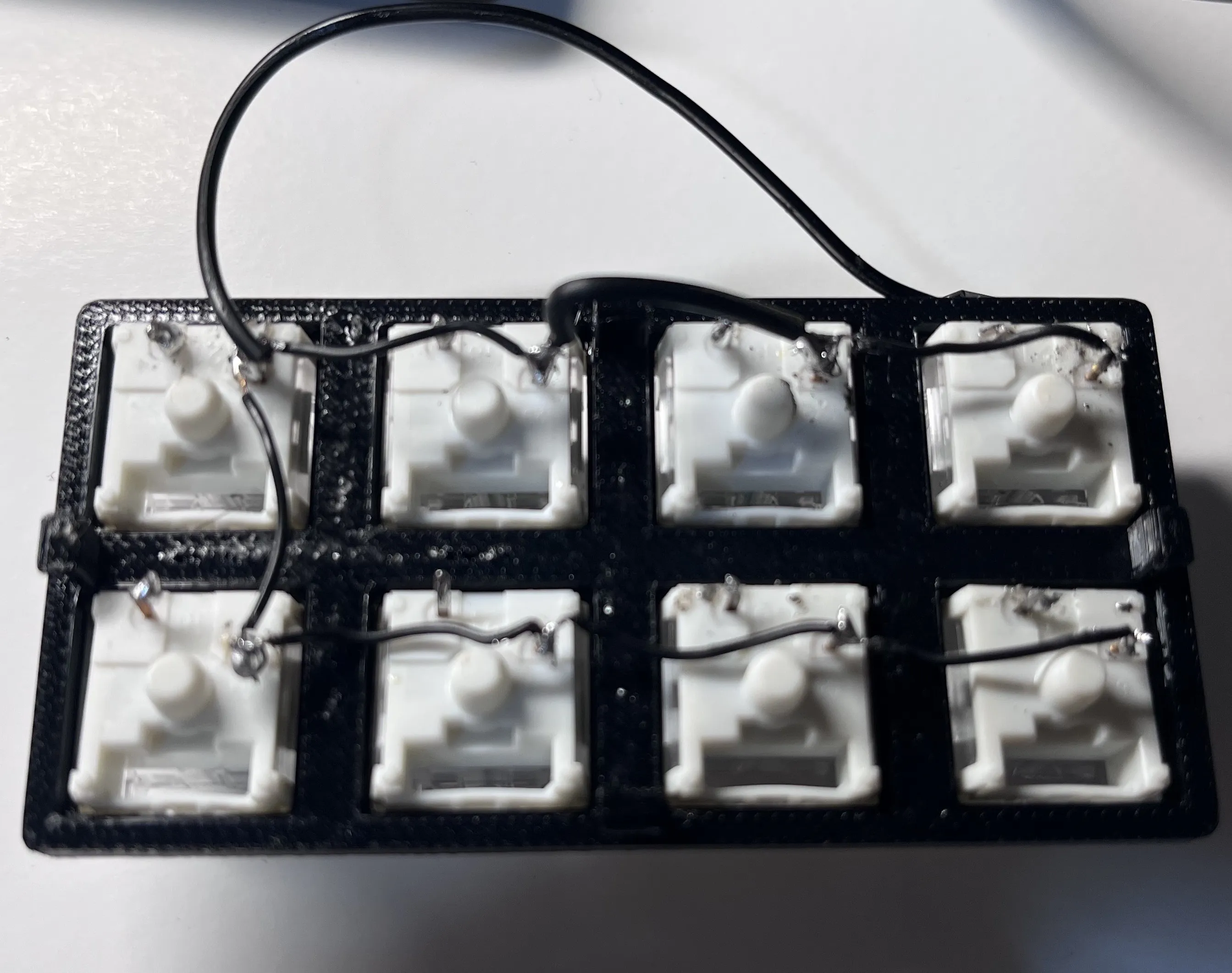
Solder Ground Cables to Switches together as shown (Black wires)
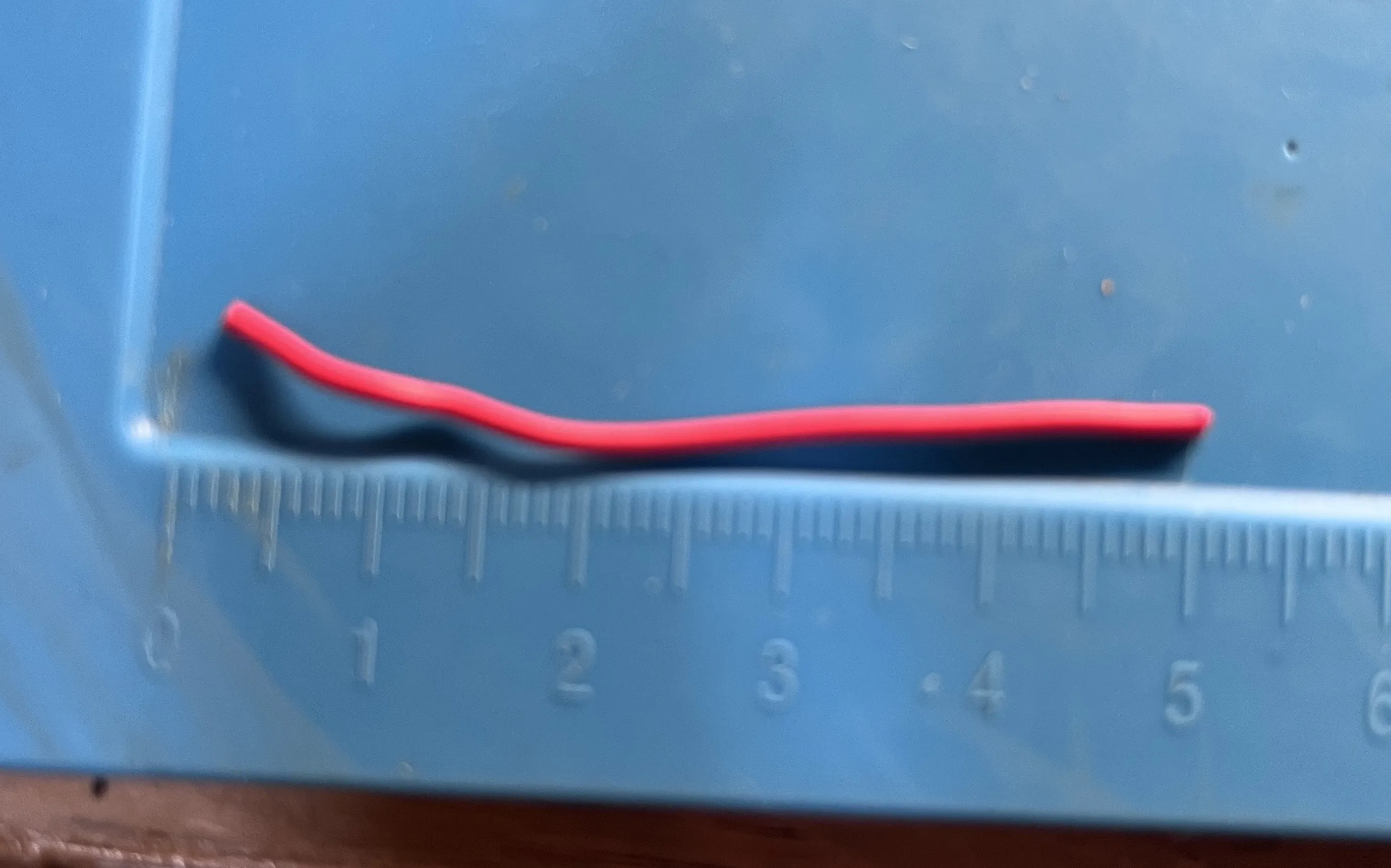
Cut 8x 5cm pieces of wire (different colors)
Solder 1 wire to every switch
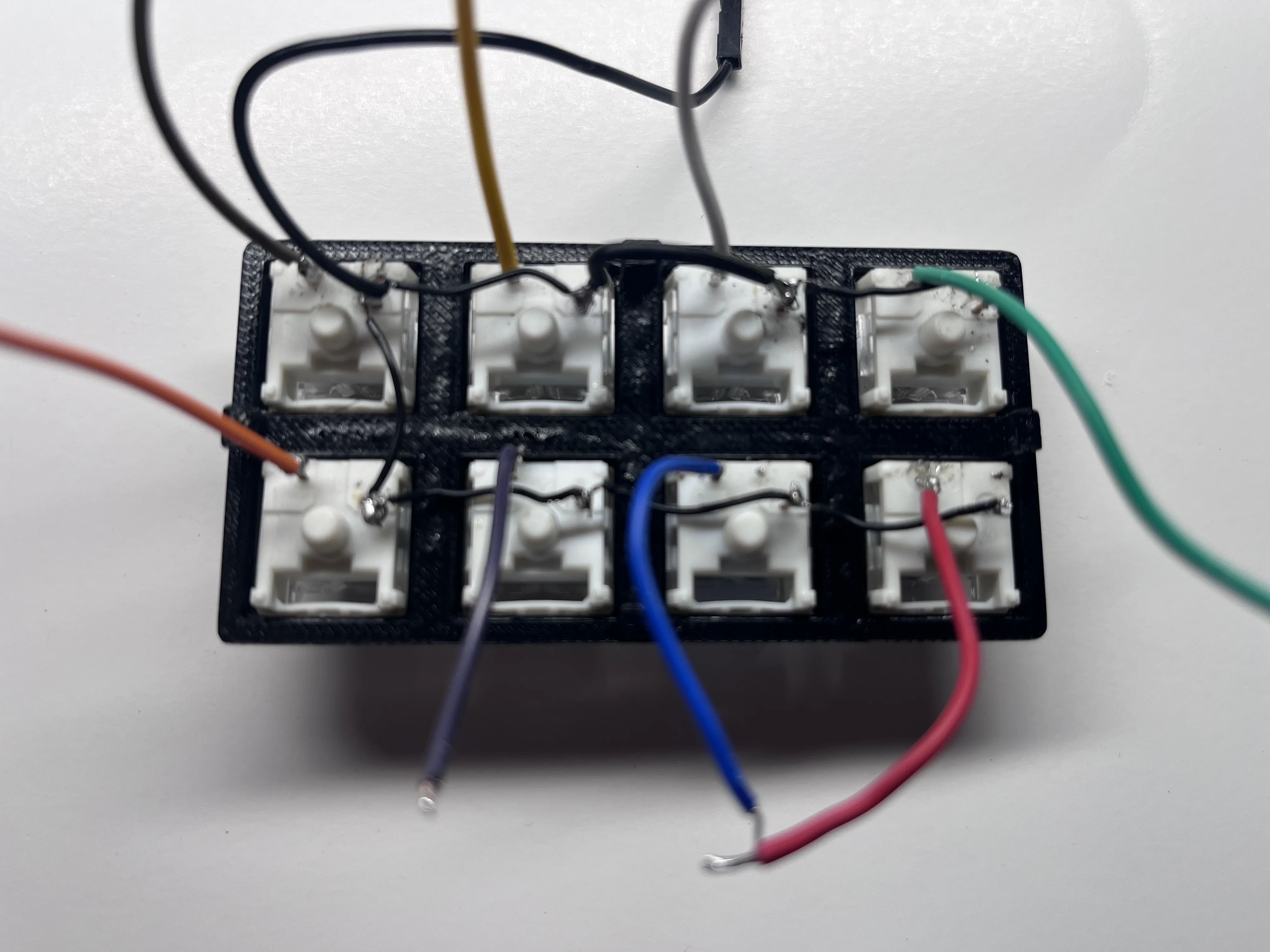
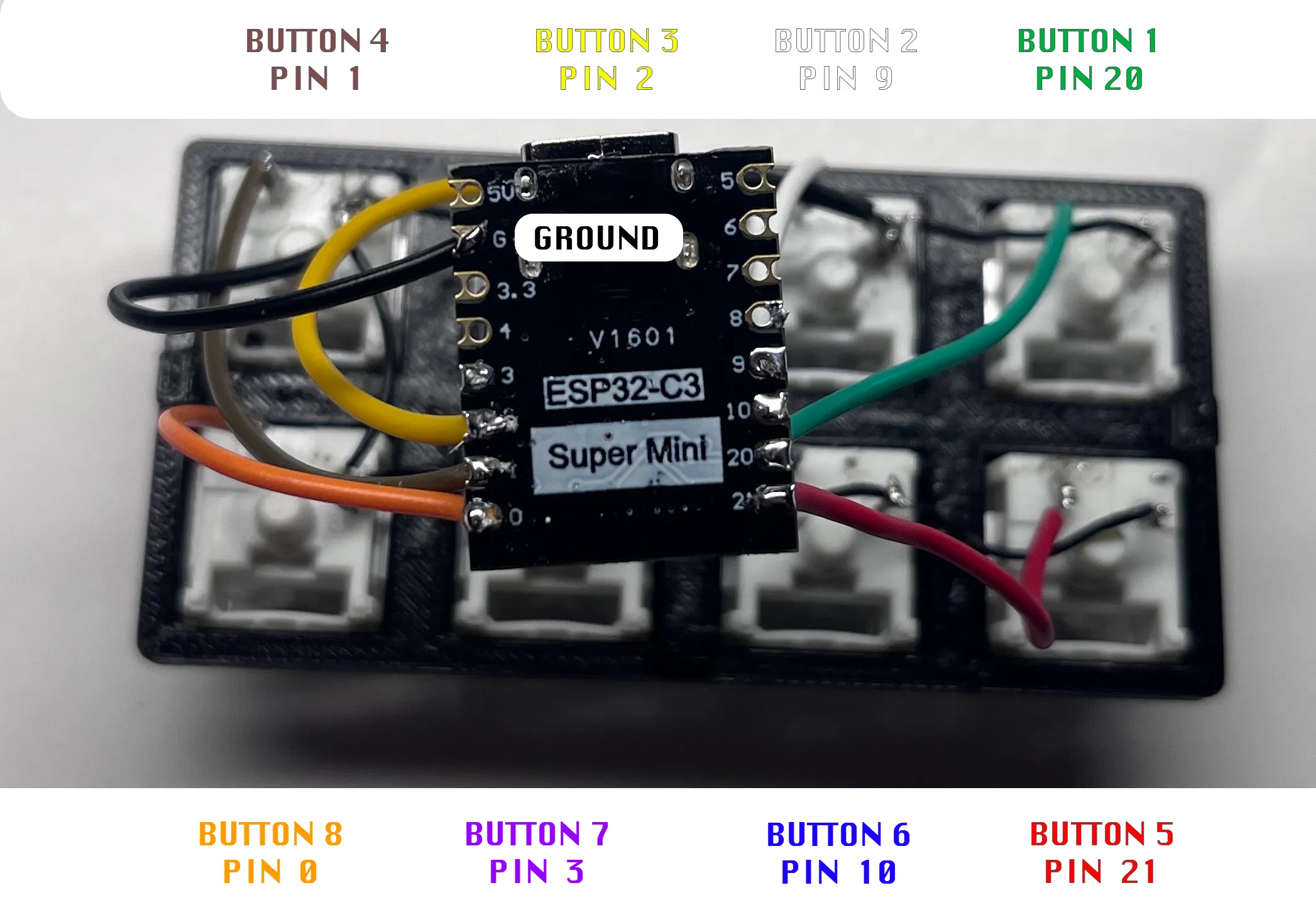
Solder GROUND + COLORED WIRES from Kyes to ESP32 C3 - Match Buttons with Pins as in Image
ESP32 C3 PIN CONNECTION LAYOUT:
ESP32 S3 PIN CONNECTION LAYOUT: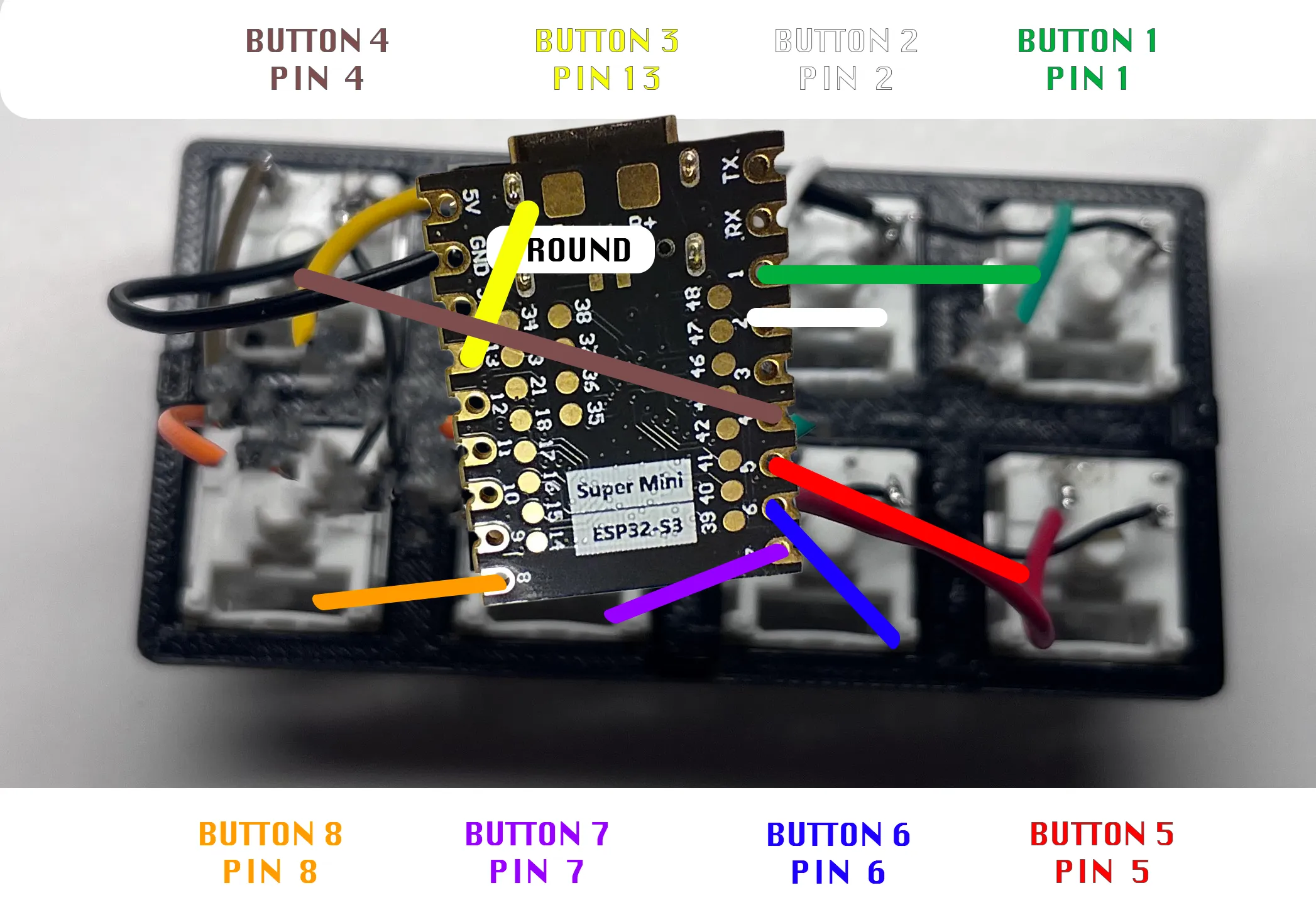
Connect ESP32 C3 via USB C and Flash using the GUI FLASHER: https://github.com/dieskim/esp32_stream_cheap_deck_mini_macro_keyboard.git
Connect to Super Keys via your Mac Bluetooth - Confirm all buttons work and send to your Mac
Push ESP32 in to Base
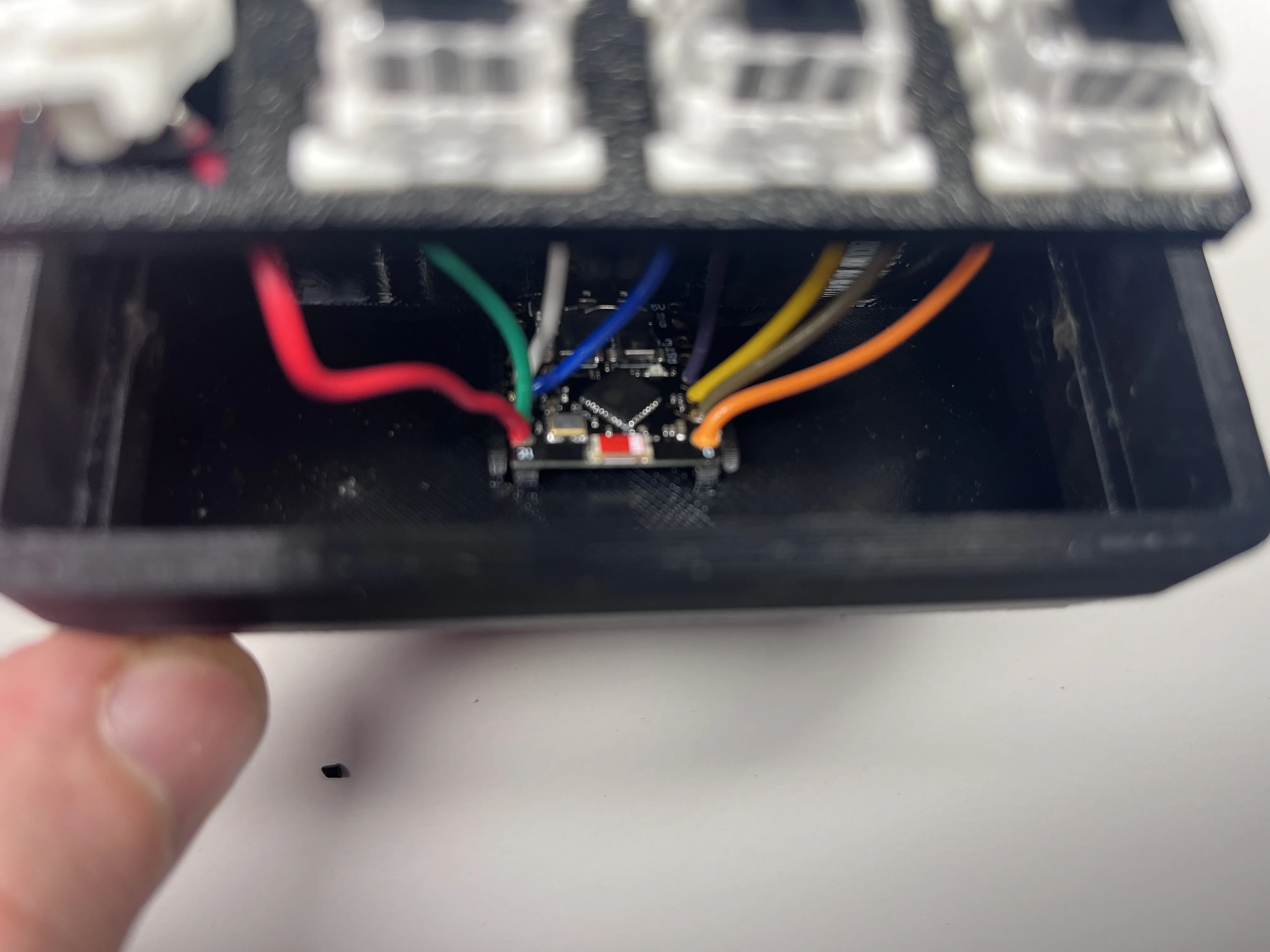
Push Face in to Base - pry open the long ends a bit to help
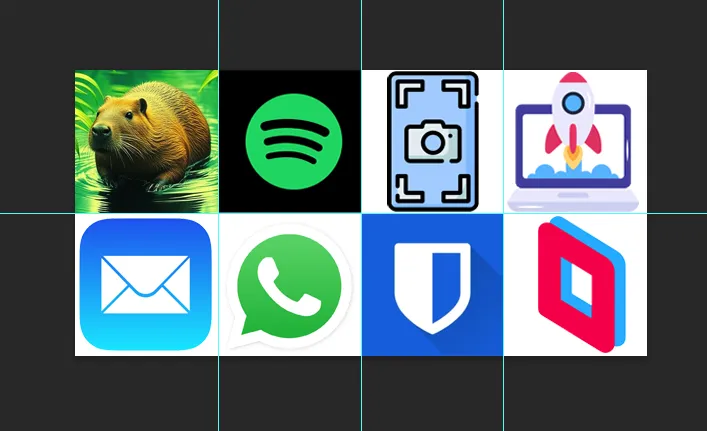
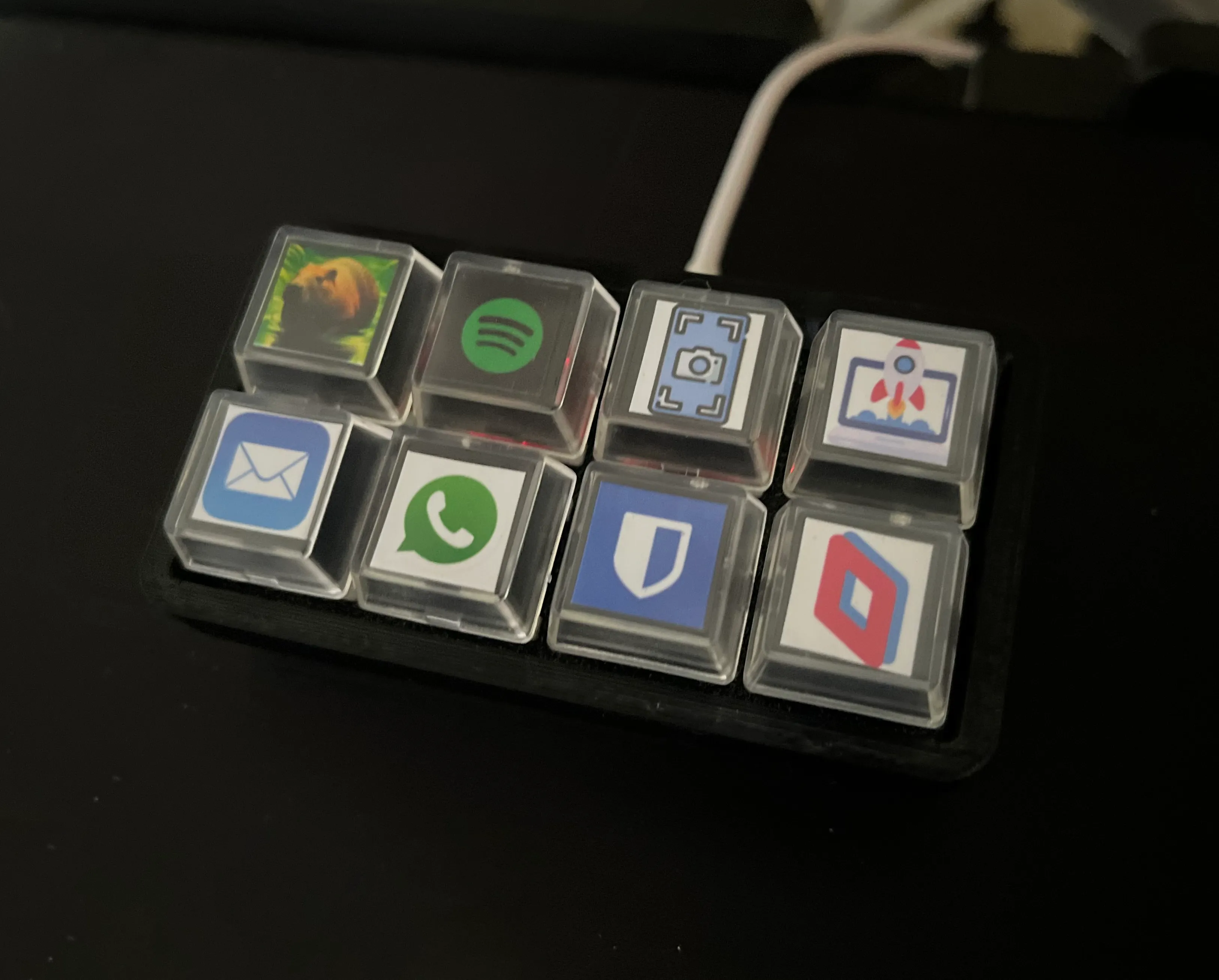
Download, Edit, Print, Cut and Installed the Attached “ESP32 Stream Cheap Deck Buttone Template.psd.zip” in Documentation
To Remove ESP32 Board simply push a small flat head screw driver in the hole next to the locking clip and push towards the board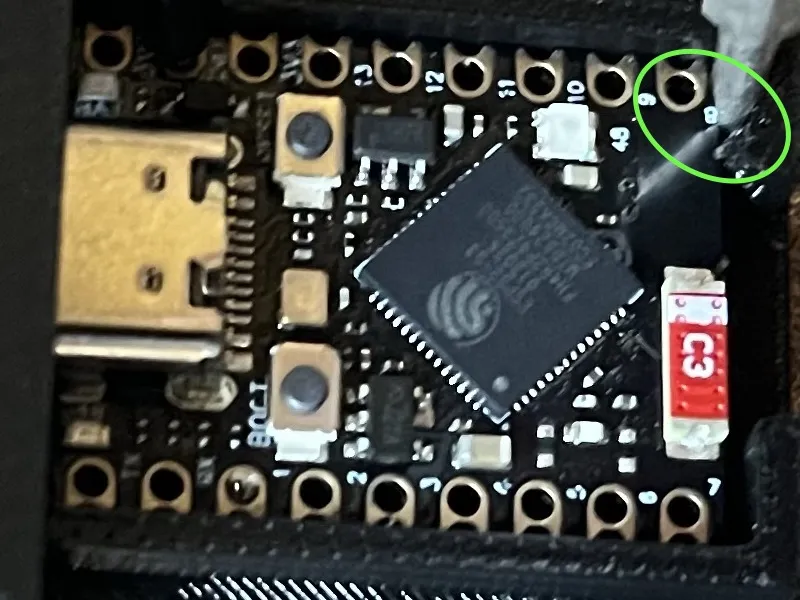
Design inspired (complete redesign) by Stream Cheap (Mini Macro Keyboard)
**As an Amazon Associate and Aliexpress Affiliate I earn from qualifying purchases.
Documentation (1)
License

You shall not share, sub-license, sell, rent, host, transfer, or distribute in any way the digital or 3D printed versions of this object, nor any other derivative work of this object in its digital or physical format (including - but not limited to - remixes of this object, and hosting on other digital platforms). The objects may not be used without permission in any way whatsoever in which you charge money, or collect fees.


Comment & Rating (145)