Search models, users, collections, and posts

Battleship (No AMS Required)
Print Profile(2)

All
A1 mini
P1S
A1
X2D
X1E
P1P
H2D
H2S
H2D Pro
P2S
X1 Carbon
X1
H2C
A2L

manual color change 0.16mm layer, 2 walls, 10% infill
Designer
7.1 h
5 plates
5.0(1)

AMS 0.16mm layer, 2 walls, 10% infill
Designer
7.6 h
5 plates

Open in Bambu Studio
Boost
95
221
8
4
181
73
Released 

Bill of Materials

Bambu Filaments
Select all
Red (10200) / Filament with spool / 1kg
Black (10101) / Filament with spool / 1kg
Silver (10102) / Refill / 1kg
Gold (13405) / Filament with spool / 1 kg

Description

Content has been automatically translated.
Show original

Boost Me (for free)

Boosts keep me going

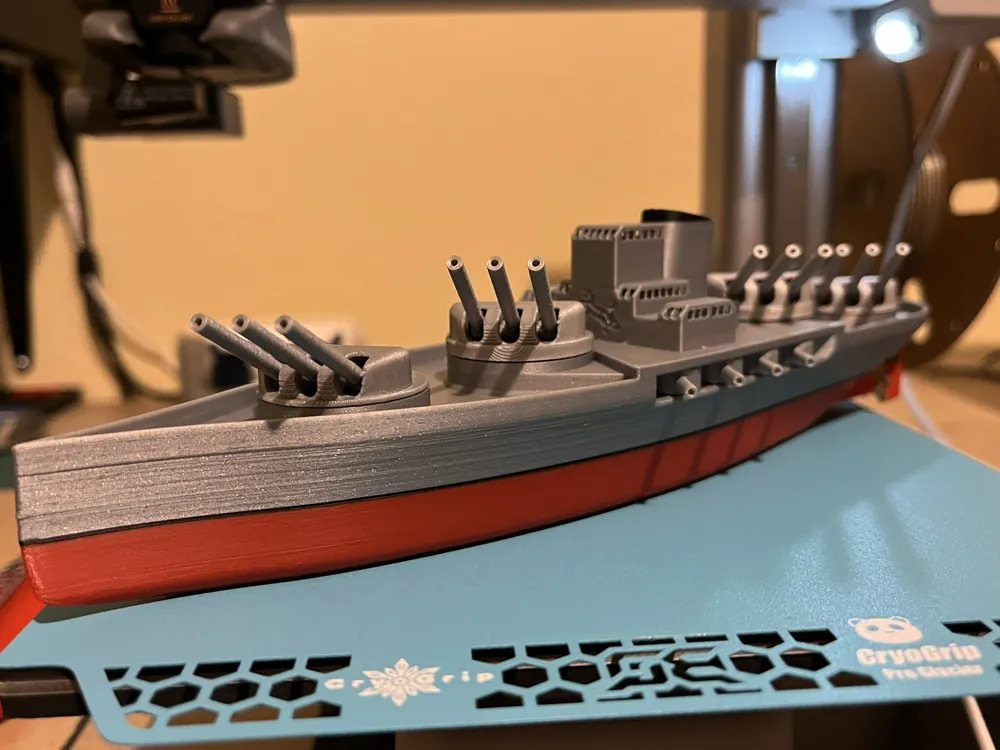
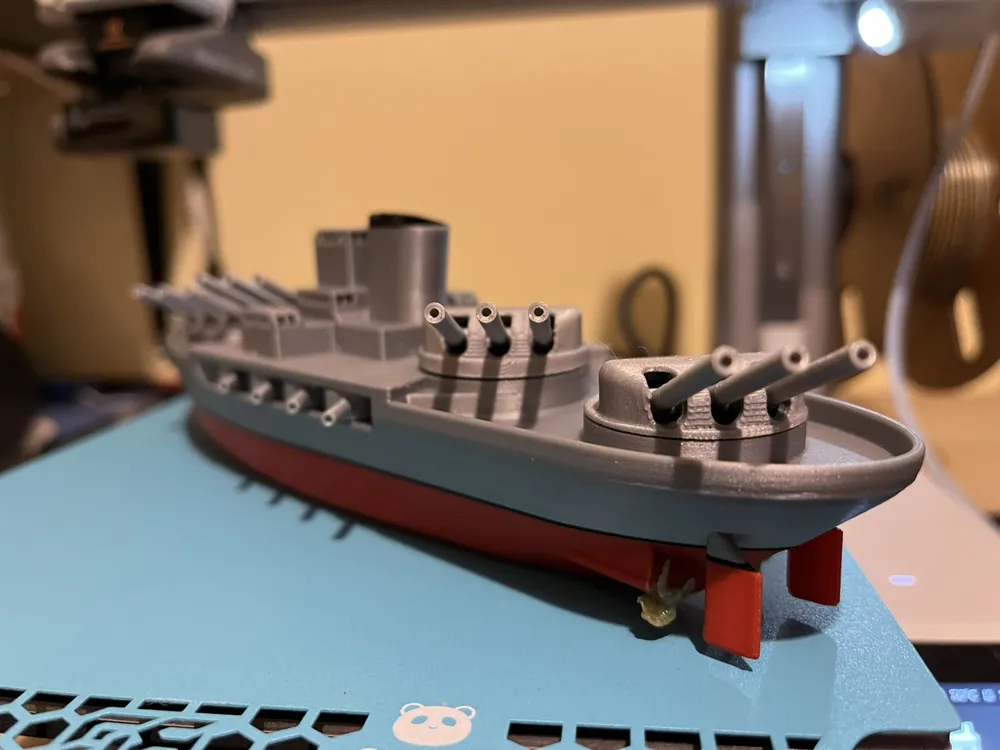
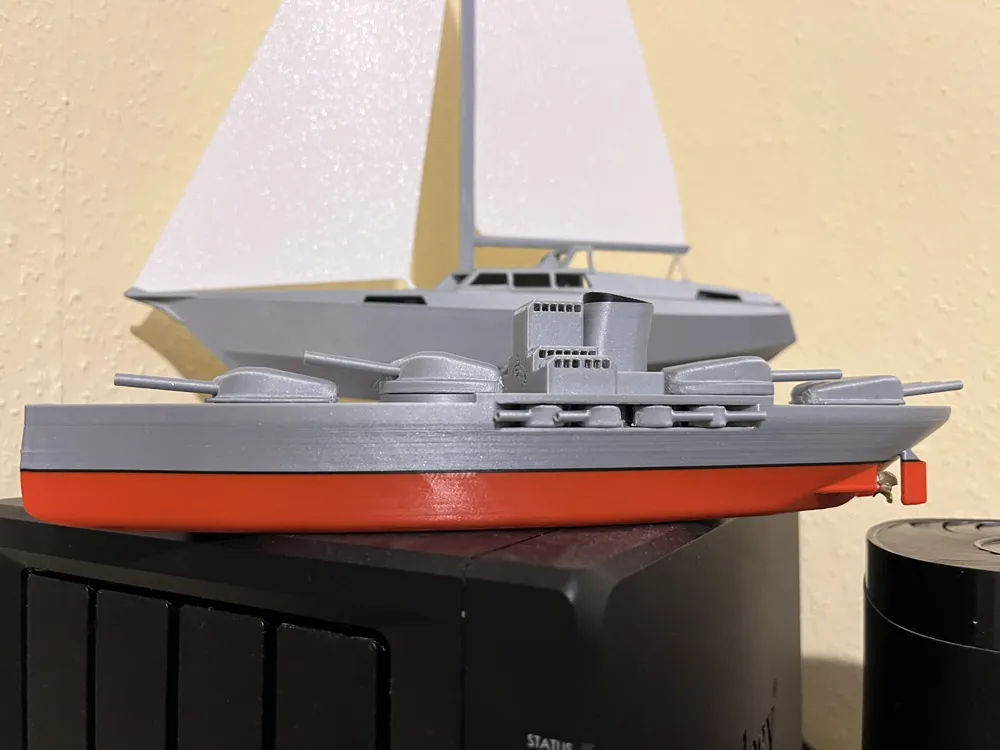
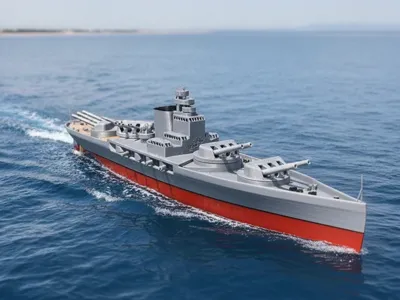
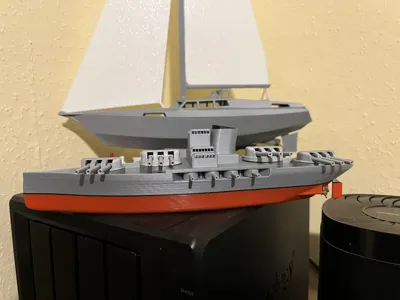
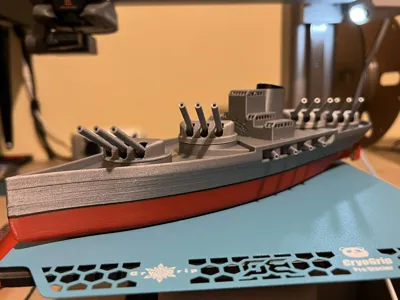
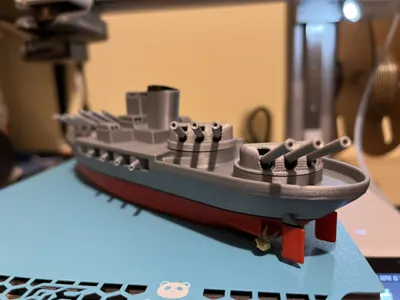
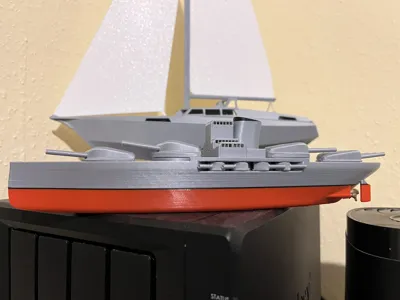
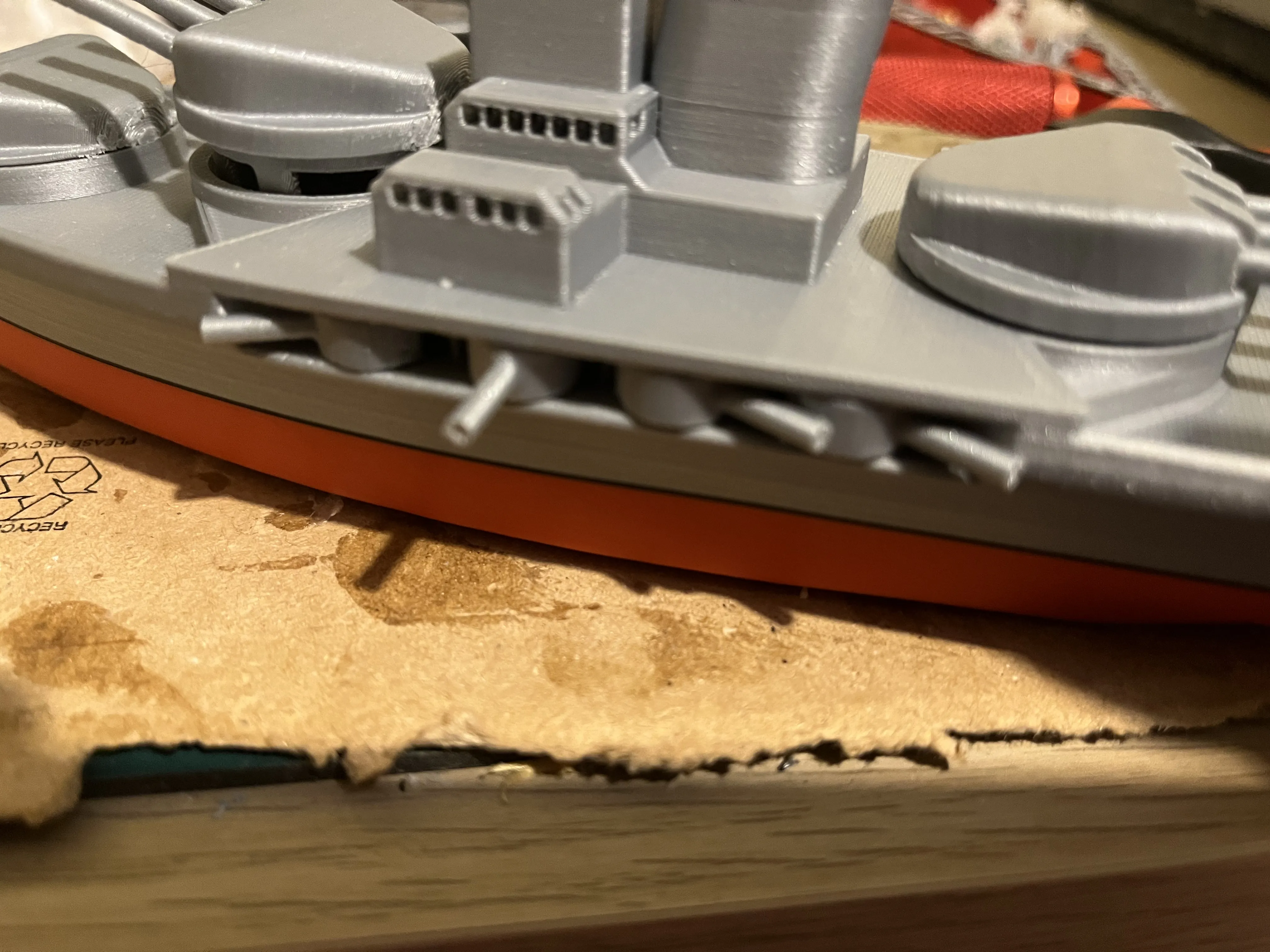
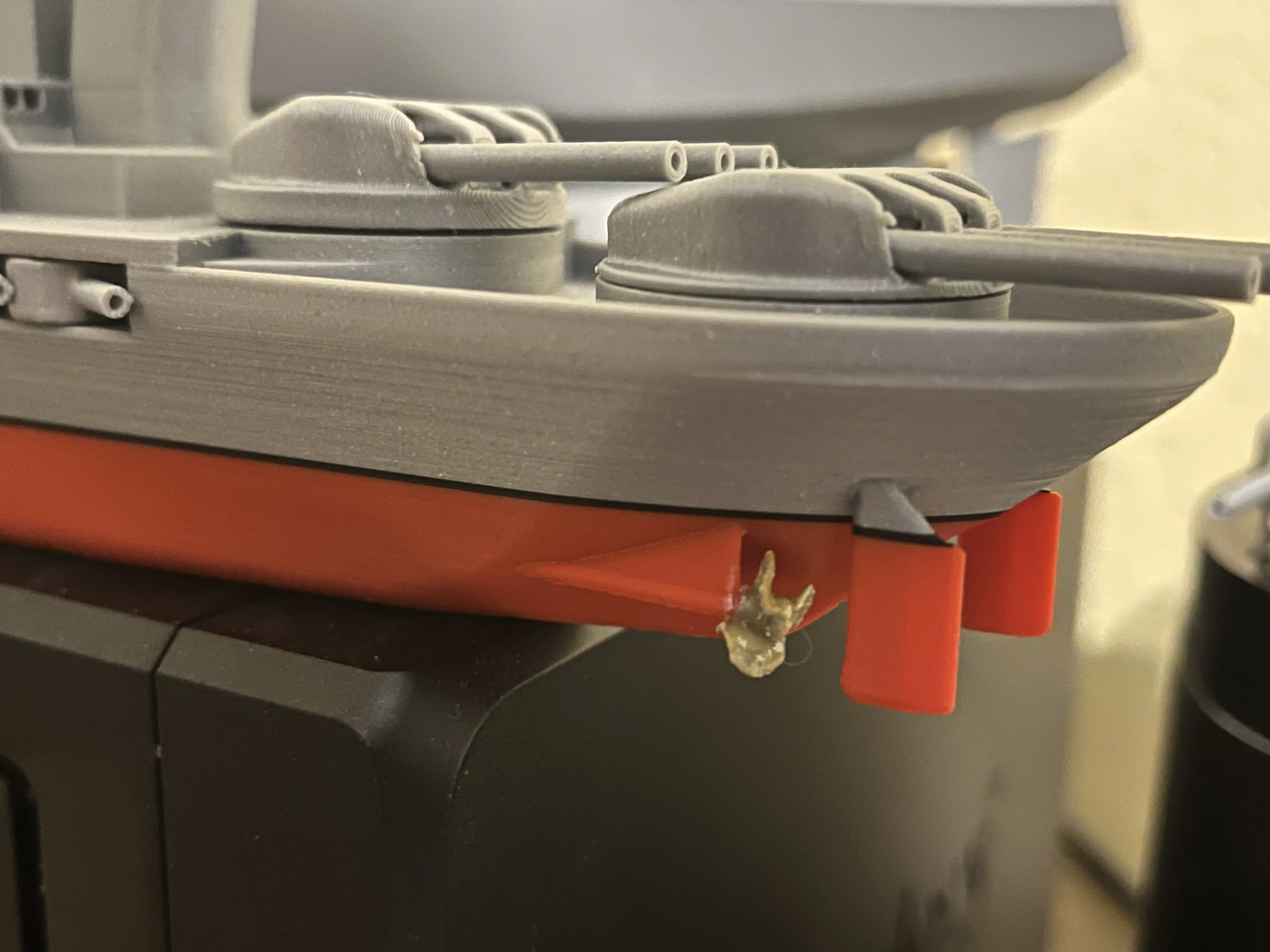
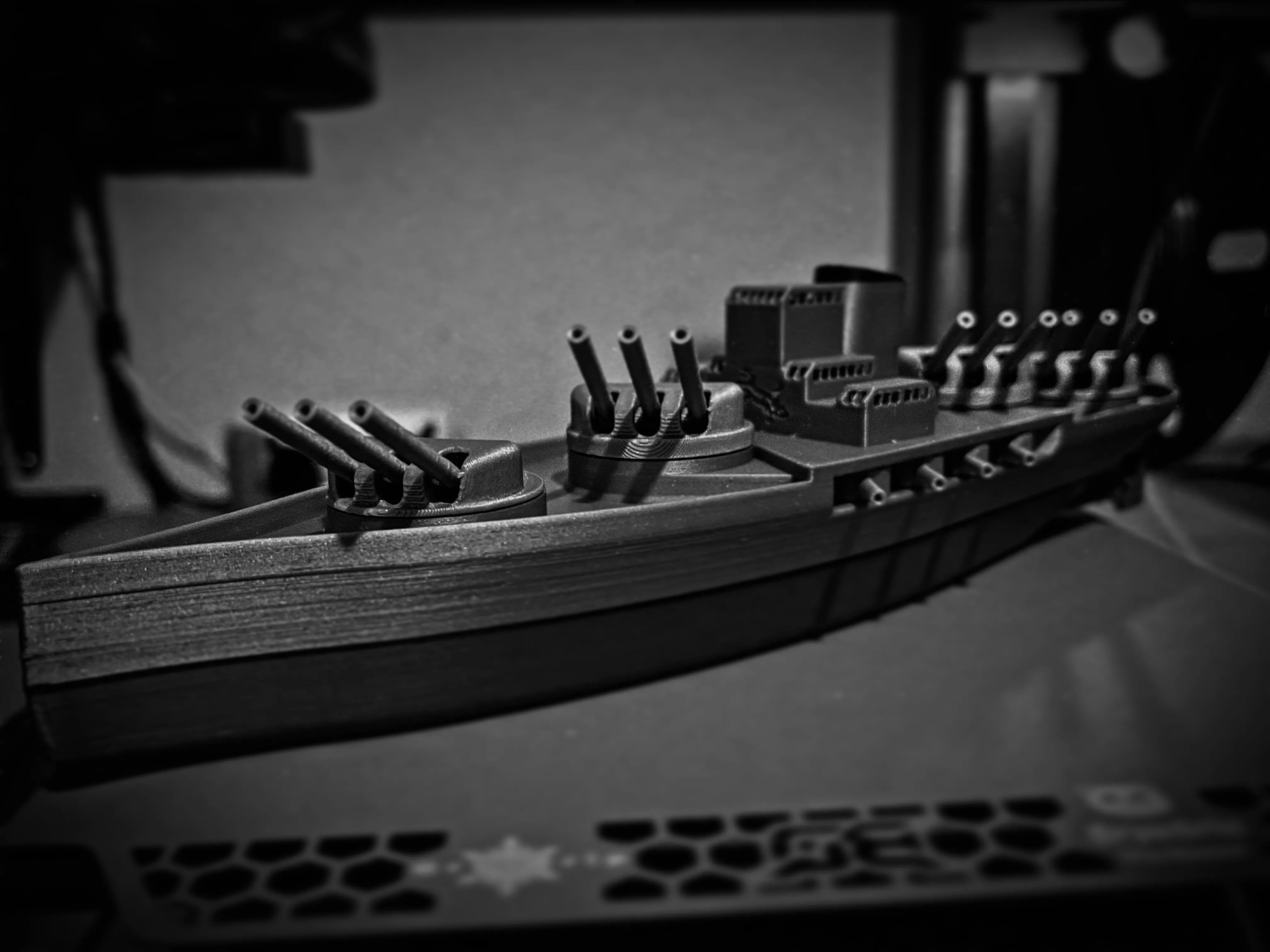
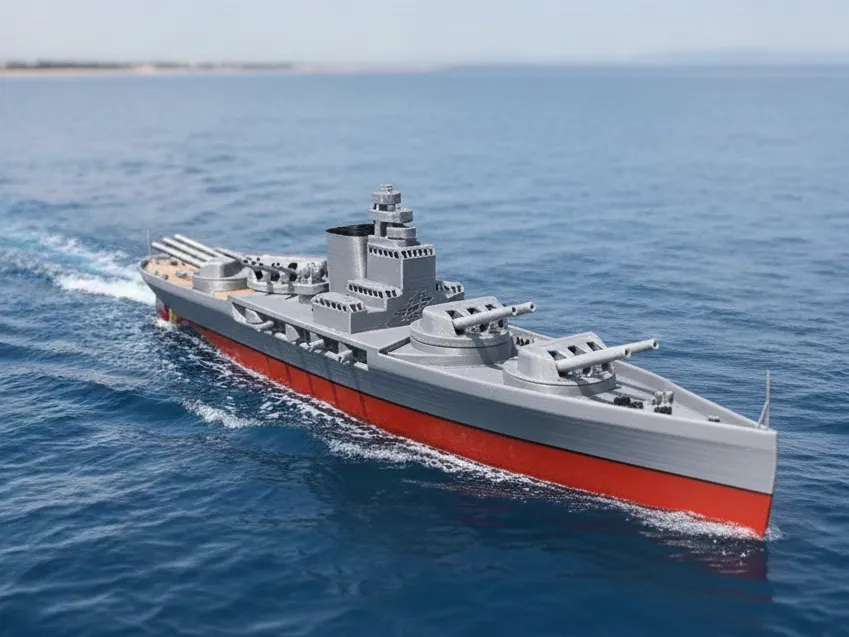
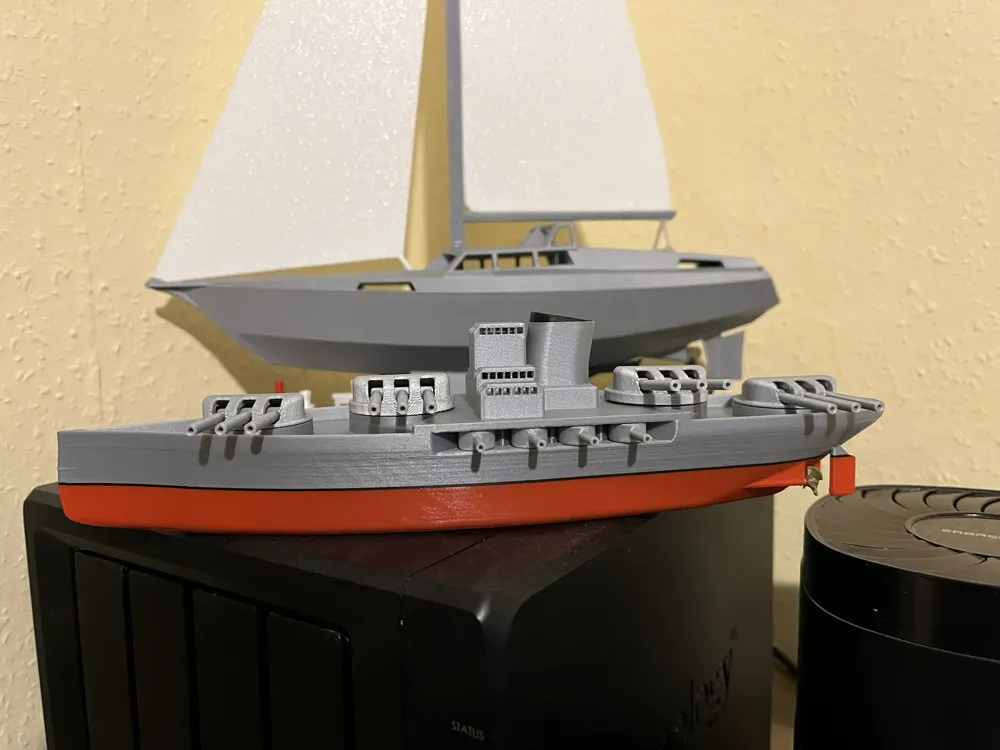
This is a fictional battleship in a mix of World War 1 and World War 2 styles

  • The model can be printed on an A1 mini
  • It can be printed without AMS the pauses for color changes are set in the profile
  • All cannons are movable
  • Nothing needs to be glued except for the propellers

The sailboat in the background is available here and here my newest sailboat


Assembly is also very simple


  • Clean everything


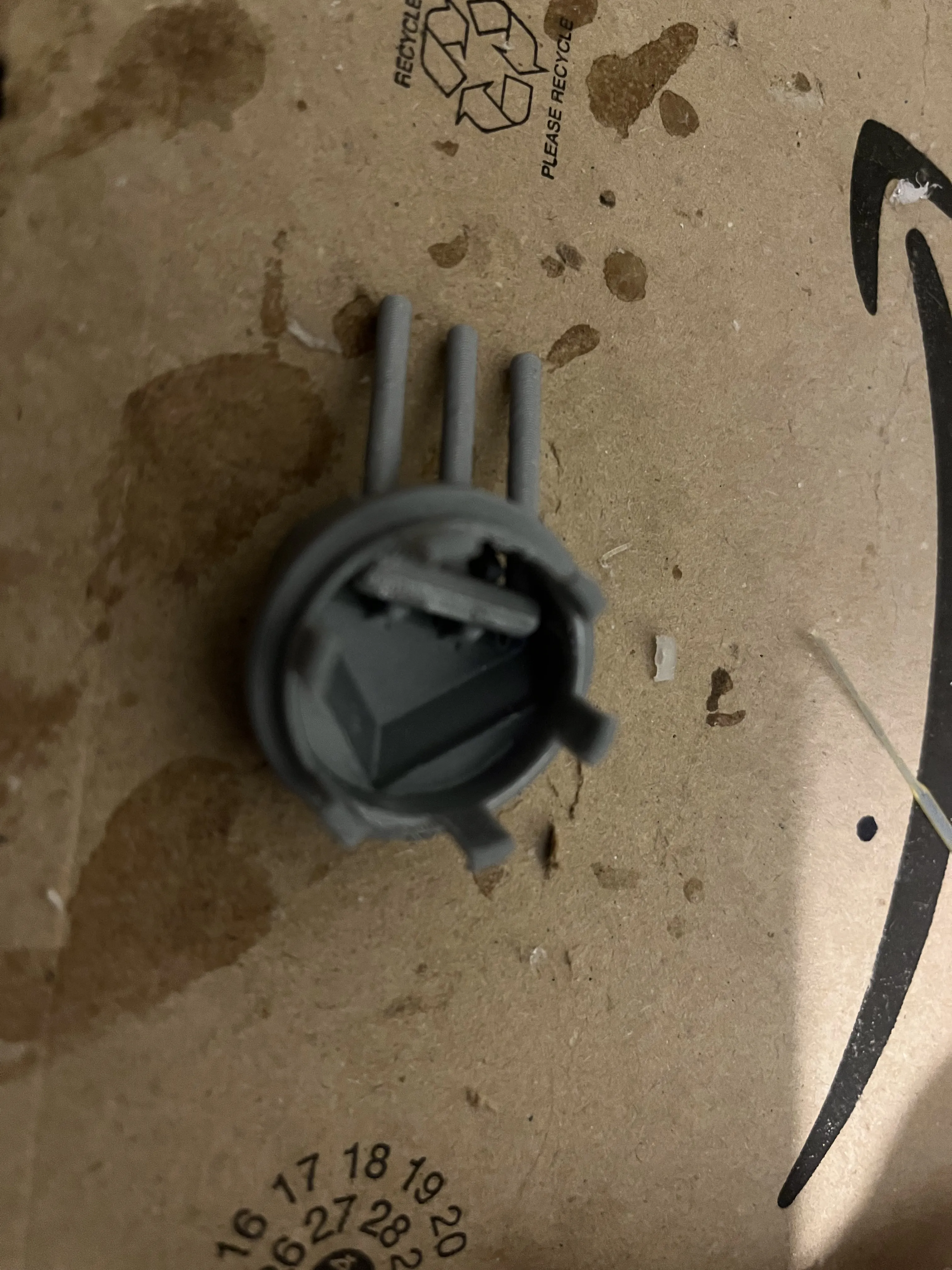
  • Clip the cannons together
  • Insert the turrets, those with the thin edge belong to the front and back (1 and 4) and those with the thicker edge in the middle (2 and 3)
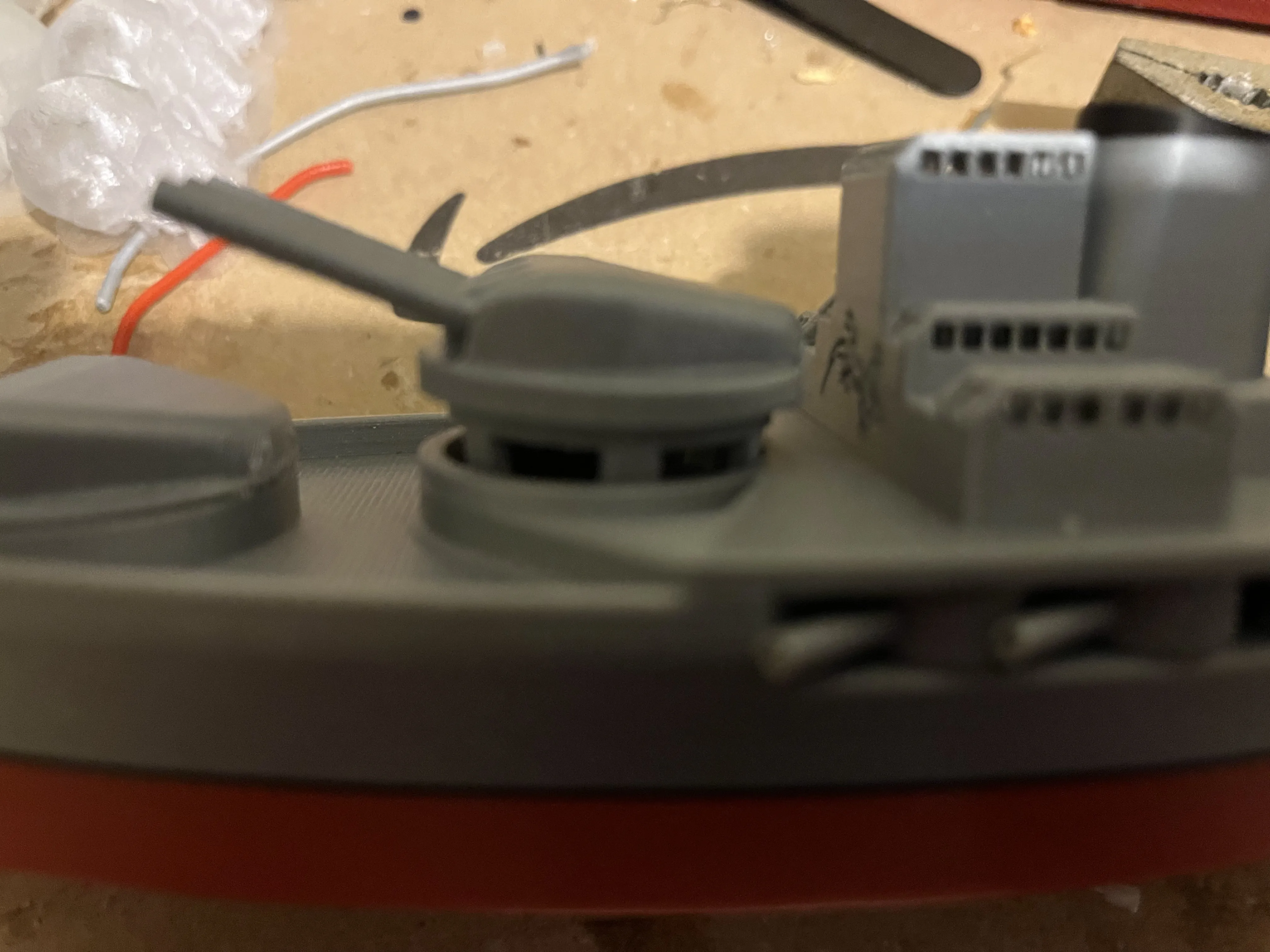
  • Clip in the side cannons
  • Glue on the propellers
  • Finished

Comment & Rating (8)

(0/1000)

Really awesome file. Great design, kids loved putting together. Stern turret well could be a bit deeper.
The designer has replied
designer
1
Reply
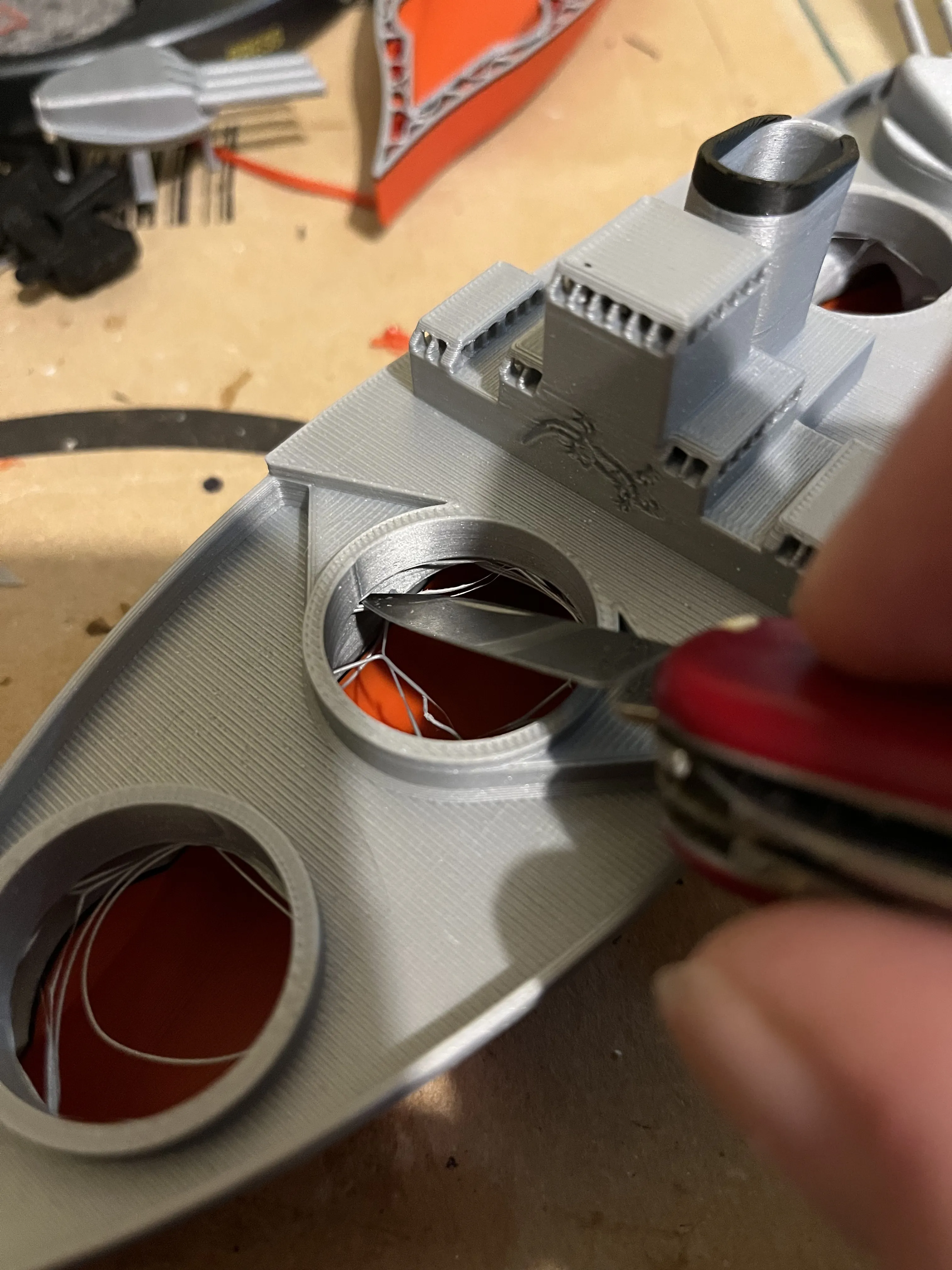
You've installed the main turrets in the wrong order. The ones with the slightly taller, thicker rims belong in the middle (2 and 3). You can pry them out with a knife or the bed scraper and swap them, then it should fit better
(Edited)
Show original
0
Reply
The 3mf and STL files do not include a boat that is two colors, they only have a boat with one single color. How can we get the two color boat?
The designer has replied
0
Reply
I have inserted the pauses for the color changes. For example, you start with red, at the first pause you switch to black, then to gray/silver, and at the last one back to black. This way you can also print in color without an AMS
(Edited)
Show original
0
Reply
I have uploaded another AMS version for everyone who doesn't know how to manually change colors
Show original
0
Reply
Replying to @majoho :
Got it, thank you! Sorry, we are new at this.
0
Reply
SOOOOOO GOOOD
designer
1
Reply
Print Profile
manual color change 0.16mm layer, 2 walls, 10% infill
profile
1
Reply
No more

License

This user content is licensed under the MakerWorld Exclusive License.

You may create derivative works based on this object, provided that all such derivative works are published exclusively on the MakerWorld platform and include proper attribution to the original creator. You may not share, upload, host, distribute, or publish this object—or any derivative work of this object—on any other digital platform, marketplace, or distribution channel. Commercial use of this object and any derivative works is strictly prohibited. This includes, but is not limited to, selling, renting, sublicensing, or using the object in any context in which you receive monetary compensation or other financial benefits.