
Print Profile(1)

Description

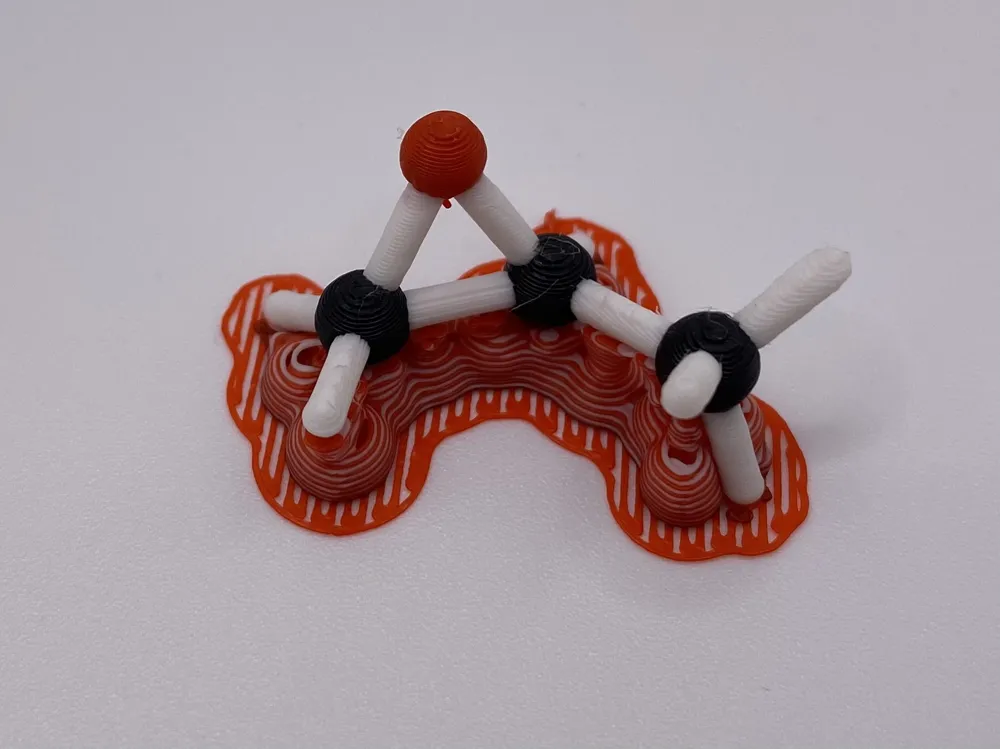
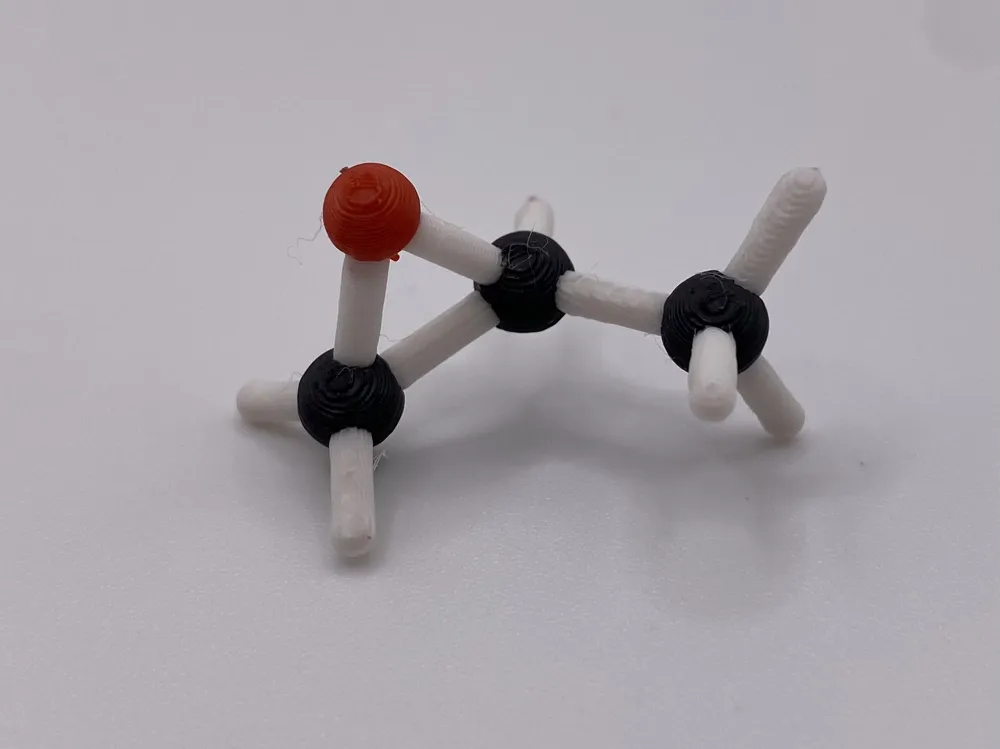
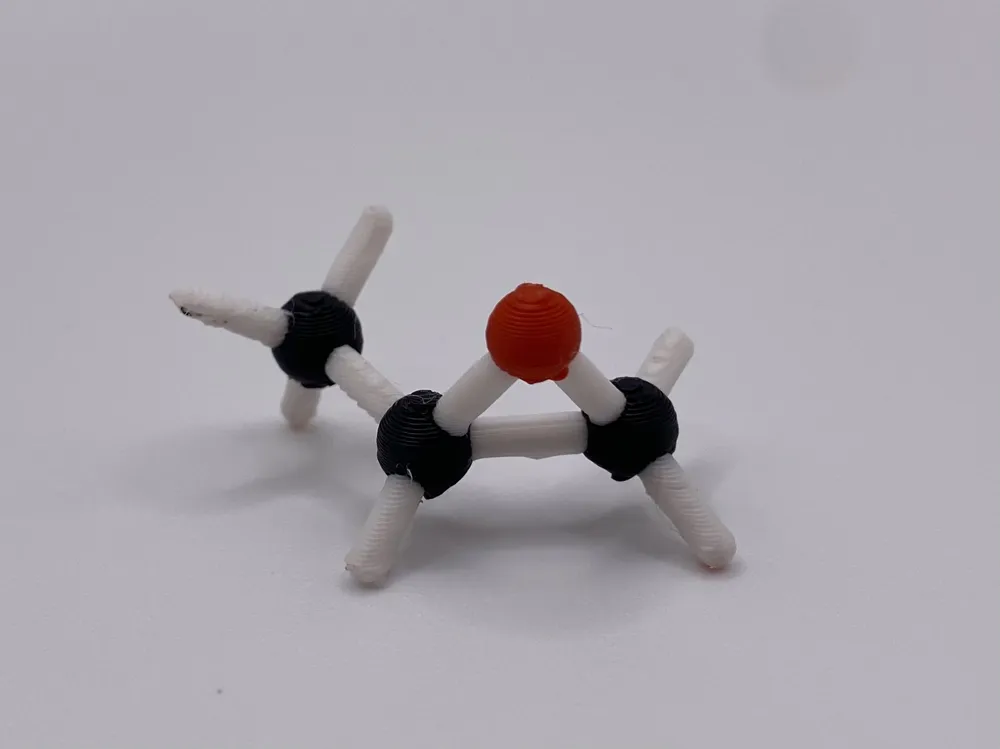
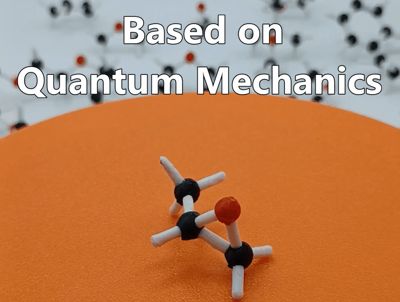
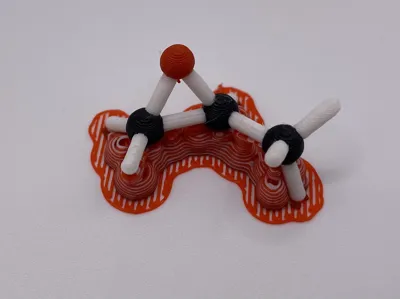
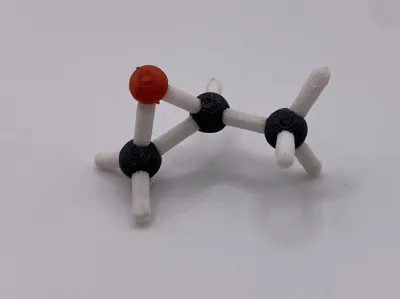
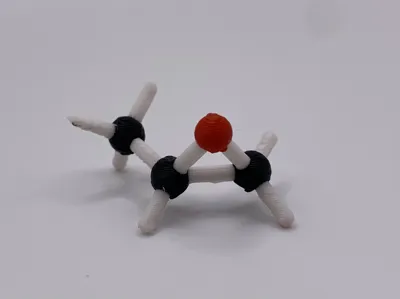
Propylene oxide is a highly reactive and volatile liquid, second only to ethylene oxide in importance as an industrial epoxide. Its primary application, consuming about two-thirds of its global production, is as a feedstock for manufacturing polyether polyols. These polyols are essential building blocks for creating versatile polyurethane materials, which are used to make everything from flexible foams for furniture and car seats to rigid insulation foams. Another significant use is its conversion to propylene glycols, which serve as solvents, antifreeze, and components in unsaturated polyester resins.
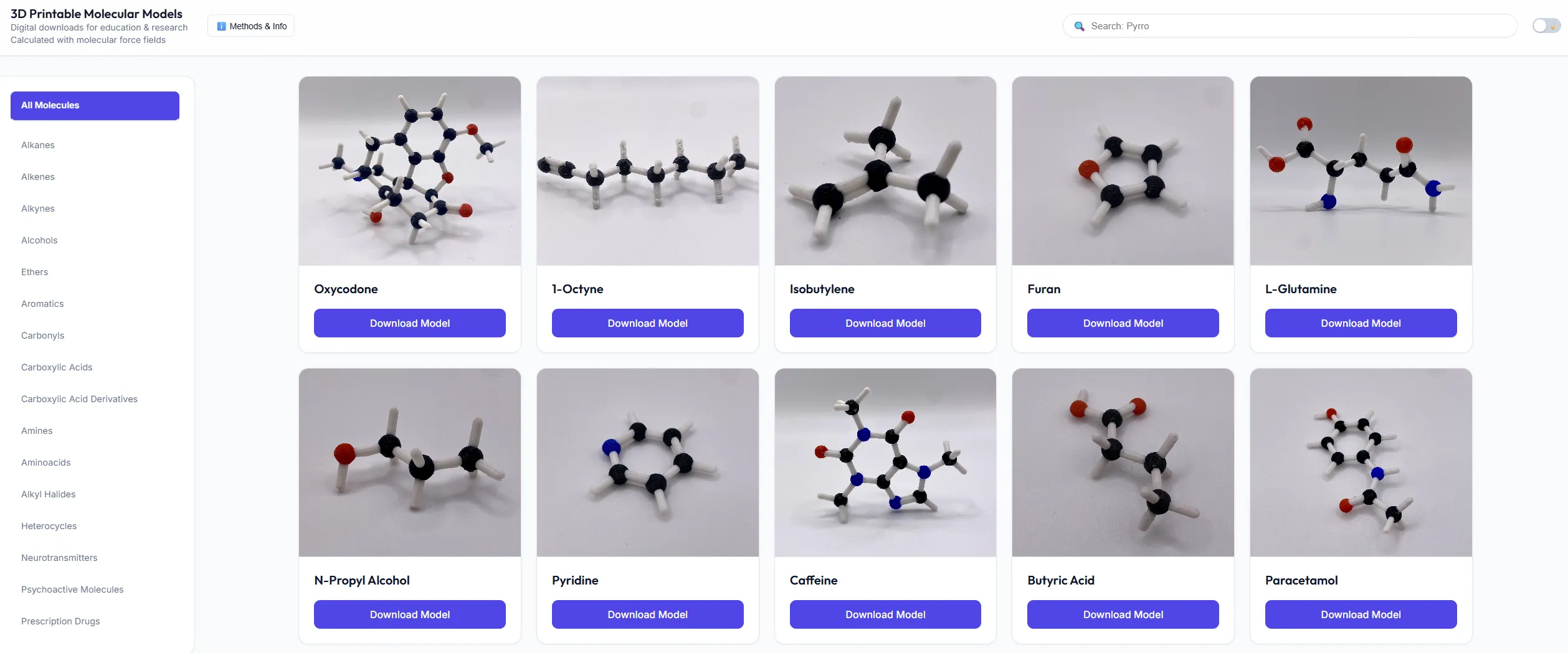
Explore searchable catalogue of hundreds of molecules, including details on how models were generated.
Notes
- If you happen to break something, use superglue to fix it. It will make the broken part even stronger.
- I decided to go with the ball-and-stick type, as it is easiest to color, is rigid, and looks awesome.
- The model represents the major resonance contributor.
- I oriented the model for optimal strength/waste/time compromise, but if you decide to reorient it, try to avoid placing bonds along the Z-axis, as they will be very easy to break.
- Supports removable without too much worry of damaging model if you are careful with scalpel and do of paper-sanding afterwards.
- You can use PETG as support material (don't forget to set the heatbed to 70 °C!) and PLA for the model itself (the support then come off much easier). For extra swag, use PLA support filament or PVA as supports.
- Recommended colorization is based on the Corey–Pauling–Koltun (CPK) palette (Figure 1). To quickly change colors, use the settings depicted in Figure 2.
Alternatively, if you want to save filament and time, print the model in full-white and paint it with a permanent marker.
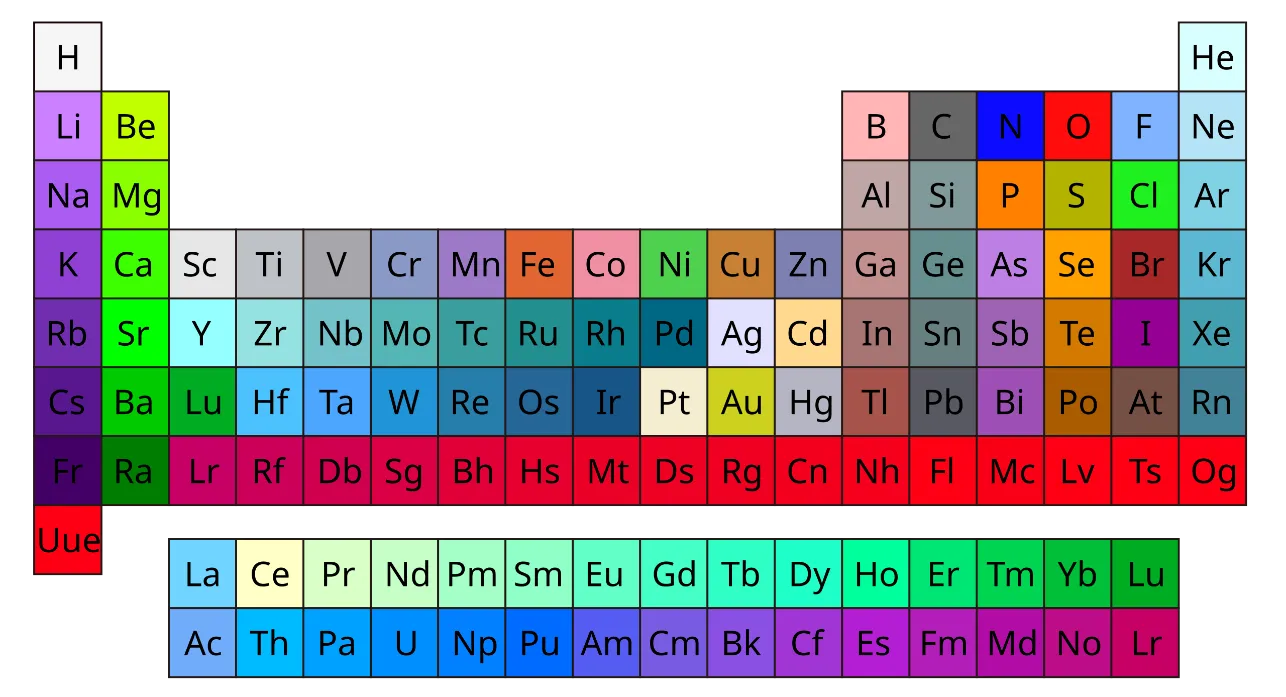
Figure 1. Recommended palette based on CPK coloring.
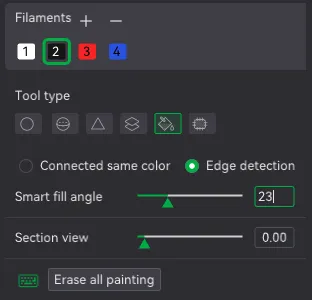
Figure 2. Setting to quickly color atoms with one click.
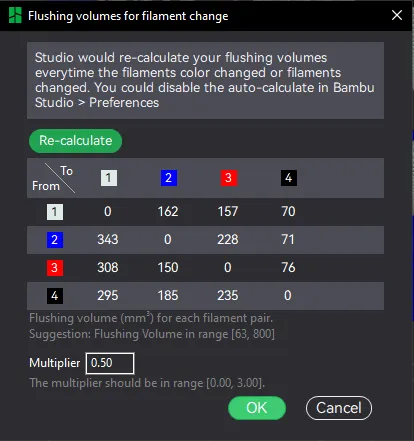
Figure 3. Filament flushing page.
Happy printing!
License

You shall not share, sub-license, sell, rent, host, transfer, or distribute in any way the digital or 3D printed versions of this object, nor any other derivative work of this object in its digital or physical format (including - but not limited to - remixes of this object, and hosting on other digital platforms). The objects may not be used without permission in any way whatsoever in which you charge money, or collect fees.


Comment & Rating (0)