
SIM Race PRO - Wheel and Additional Modules
Print Profile(7)


Bill of Materials





Description
SIM Race PRO - Wheel and Additional Modules
*** Update 15/12/2025 (see below) ***
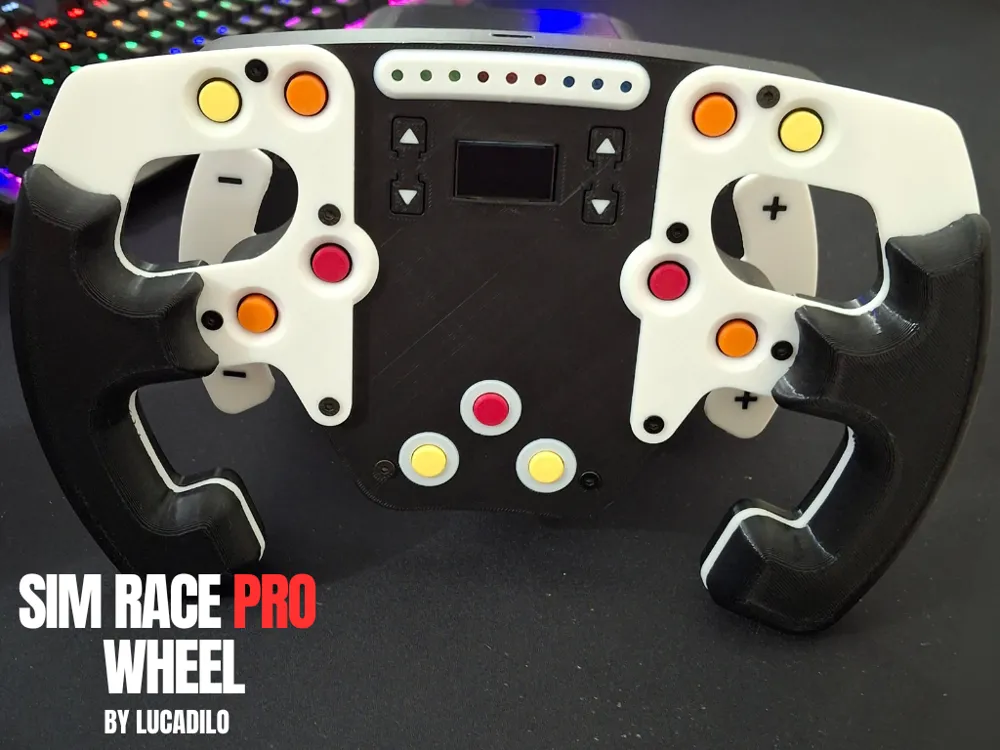
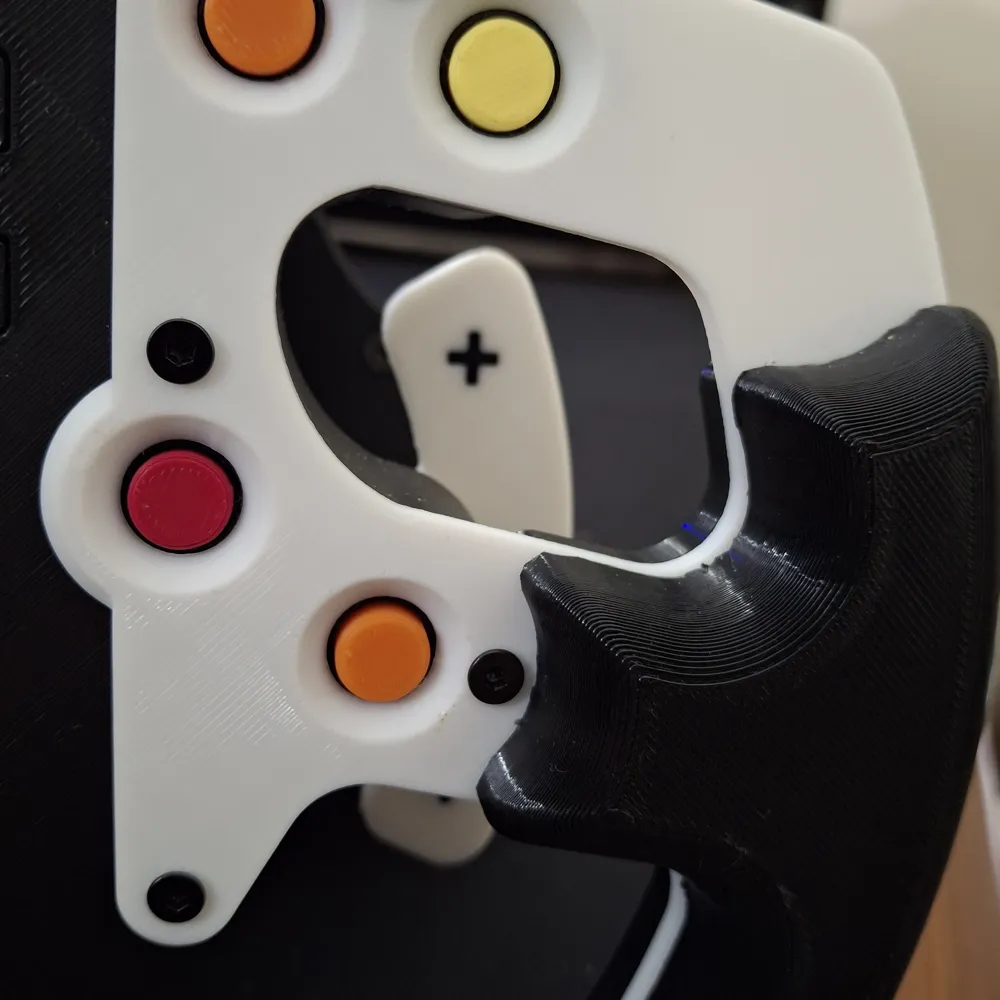
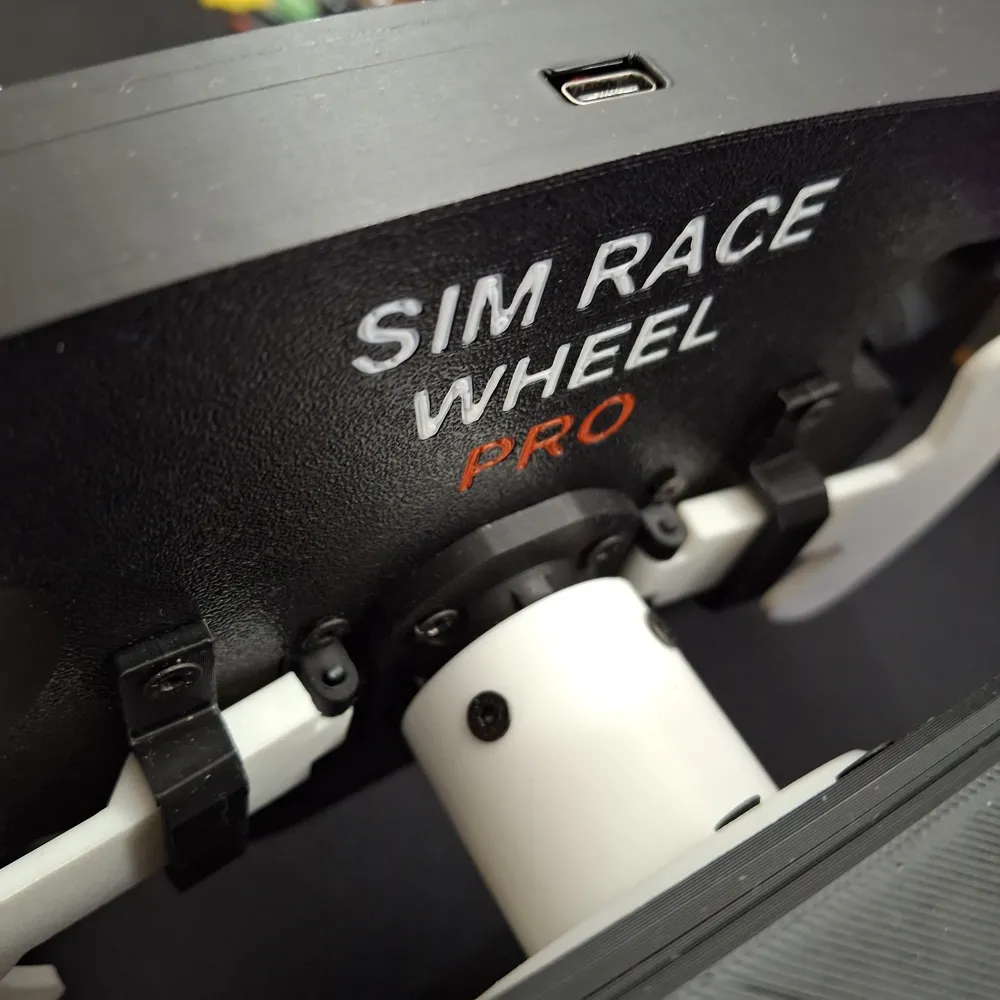
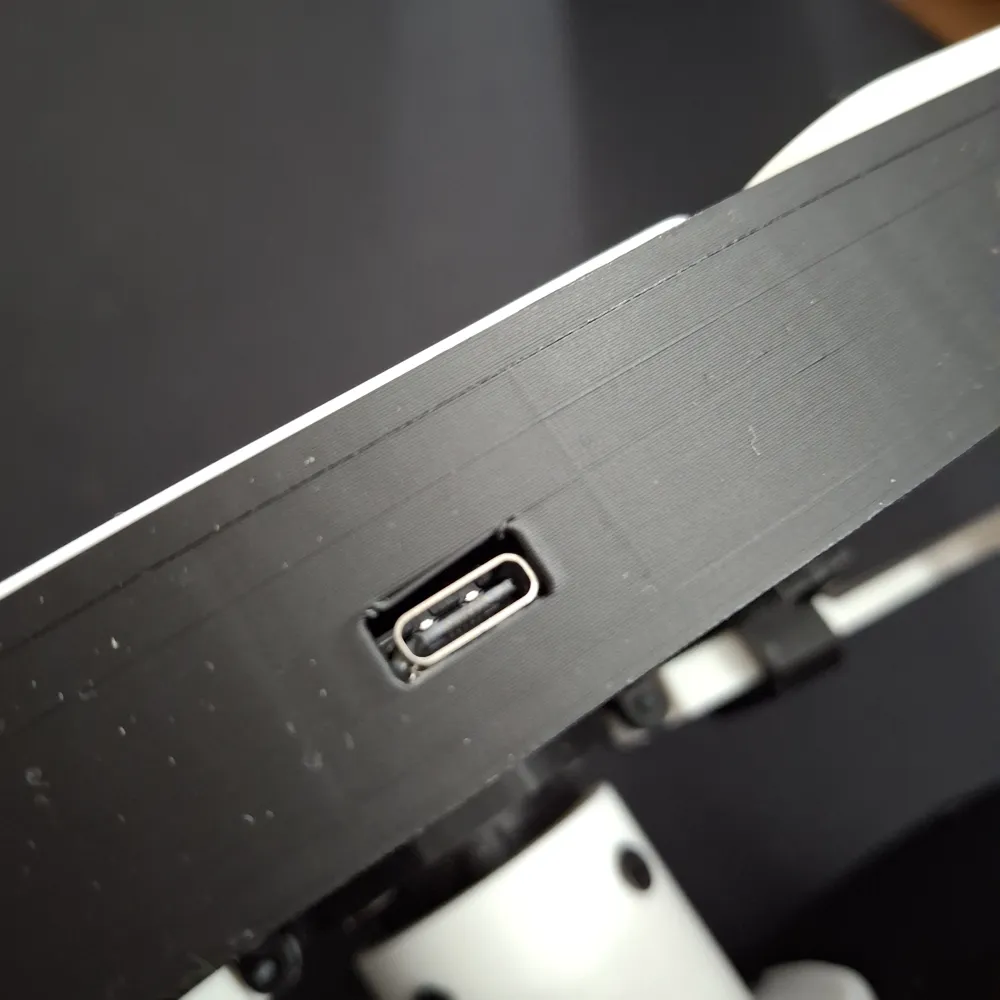
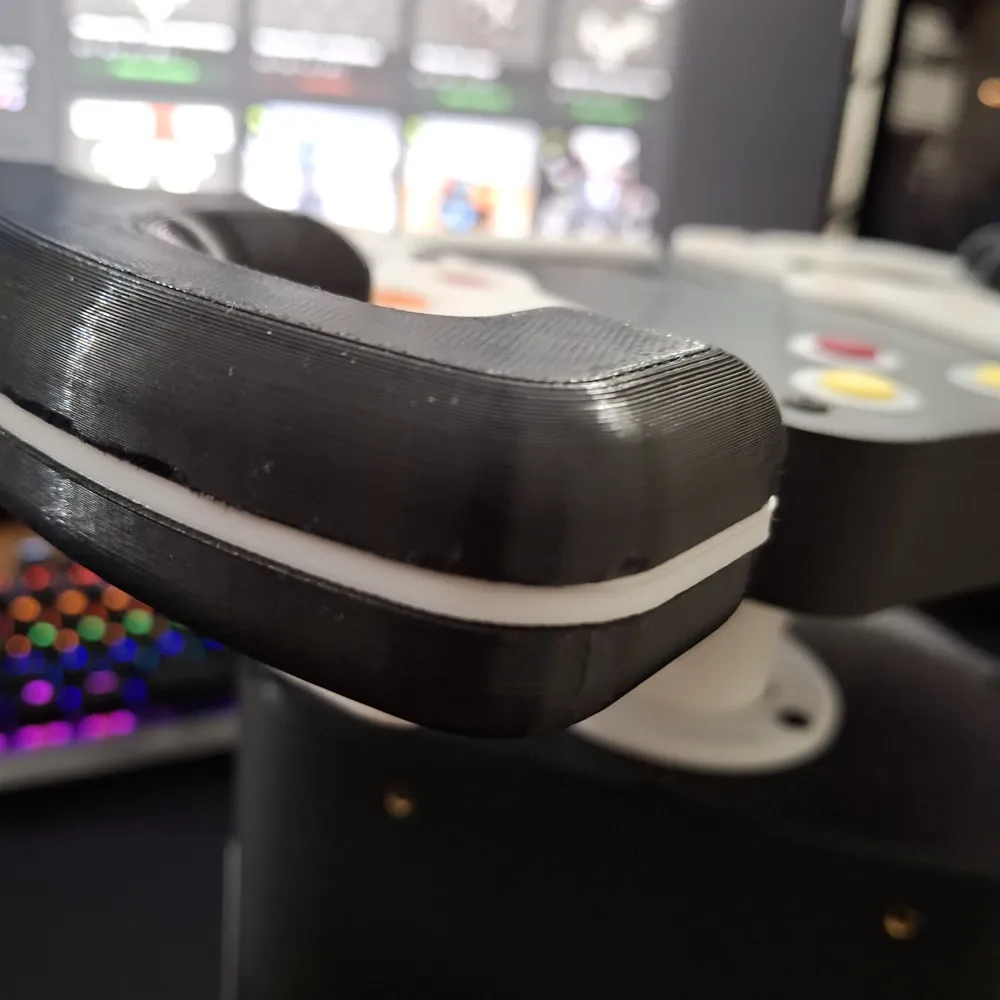
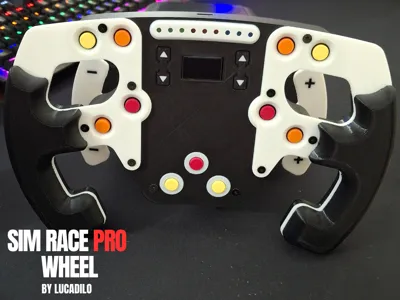
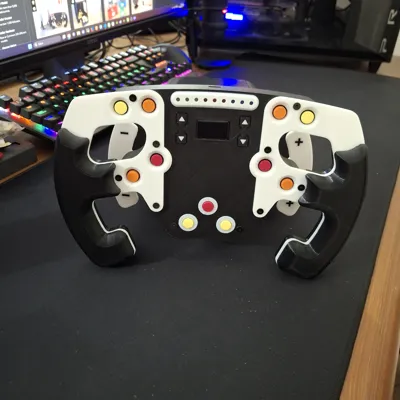
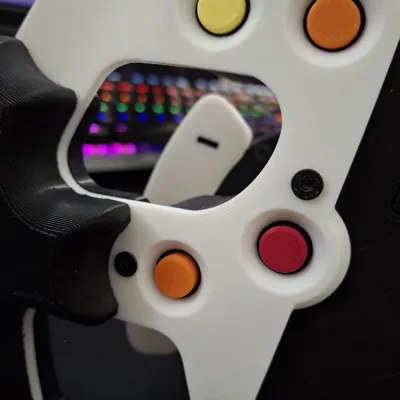
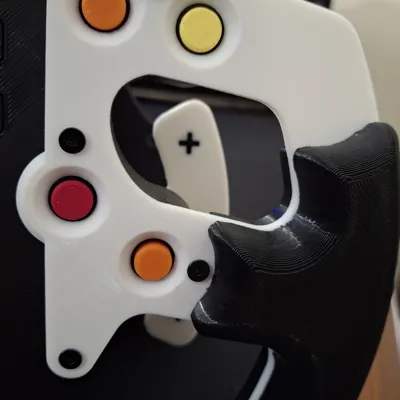
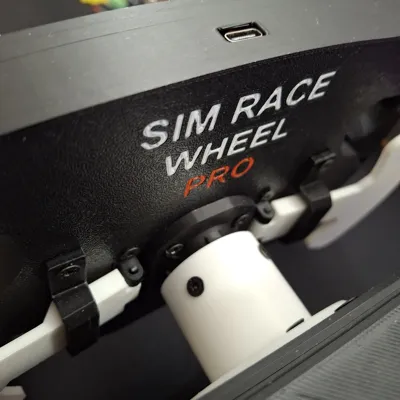
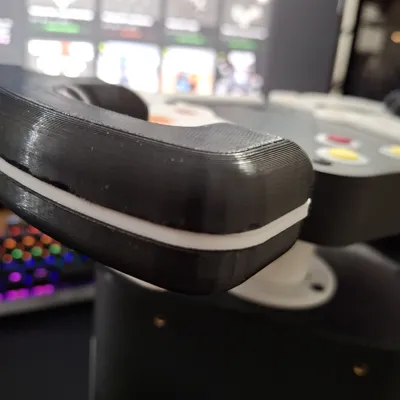
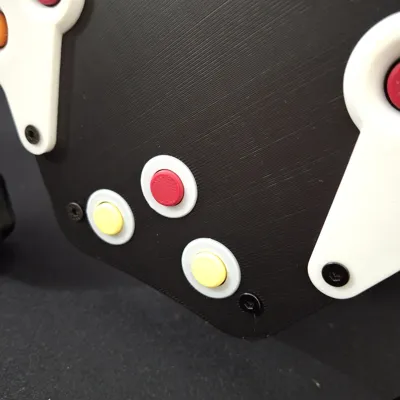
The SIM Race PRO is a modular driving sim with a force feedback system that lets you enjoy your favorite racing games.
Start at the level you want and then update your SIM Race PRO later.
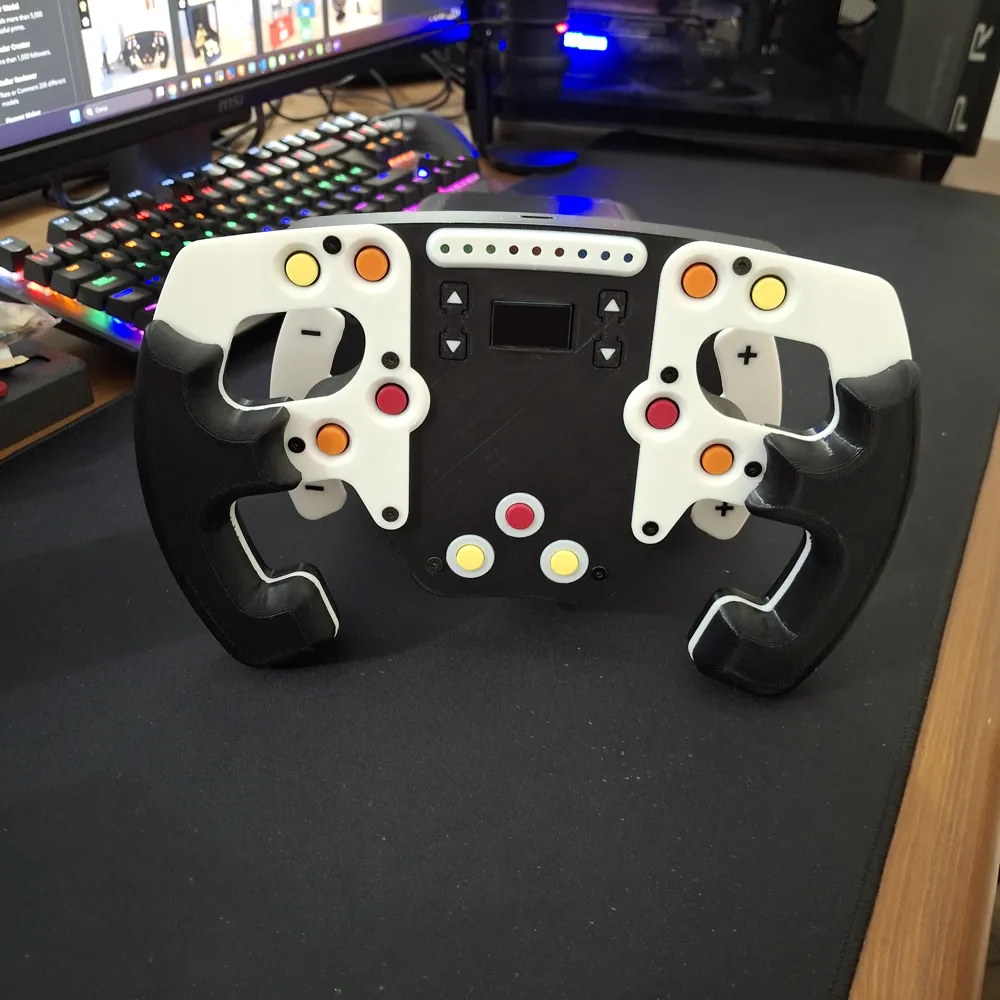
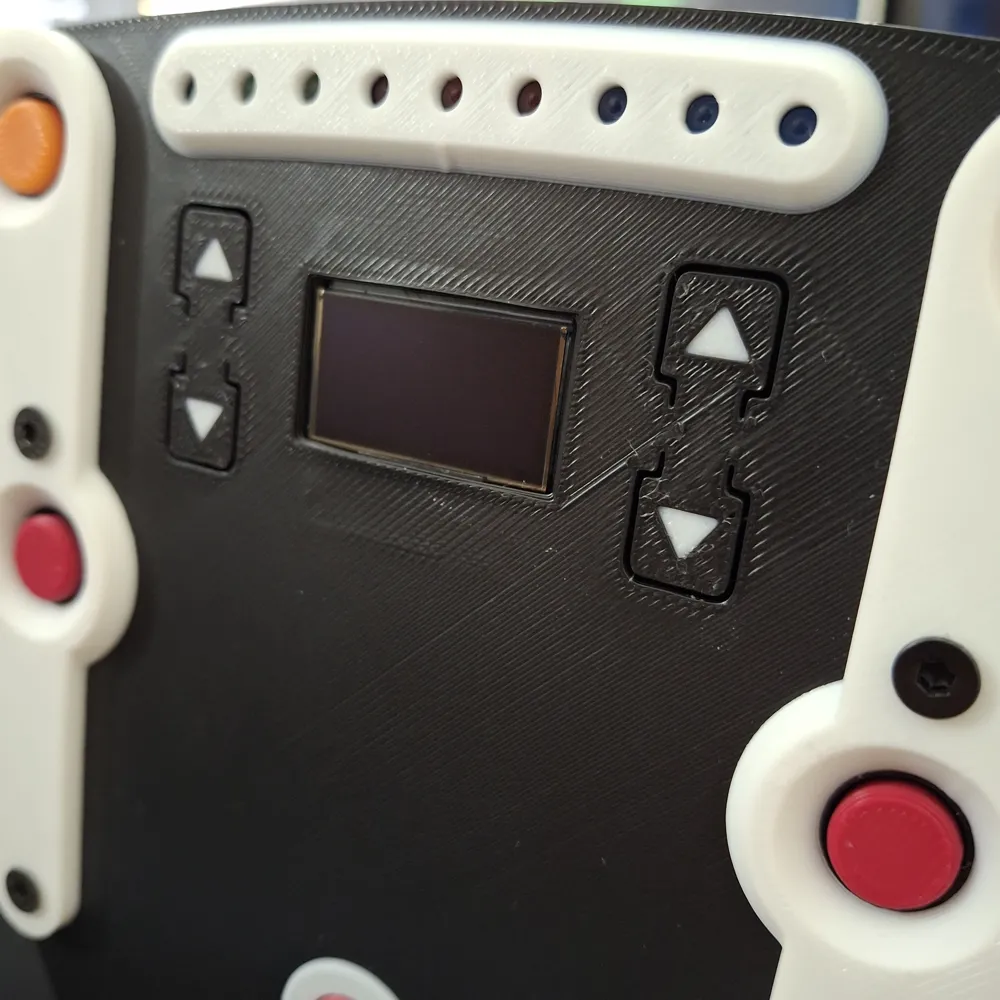
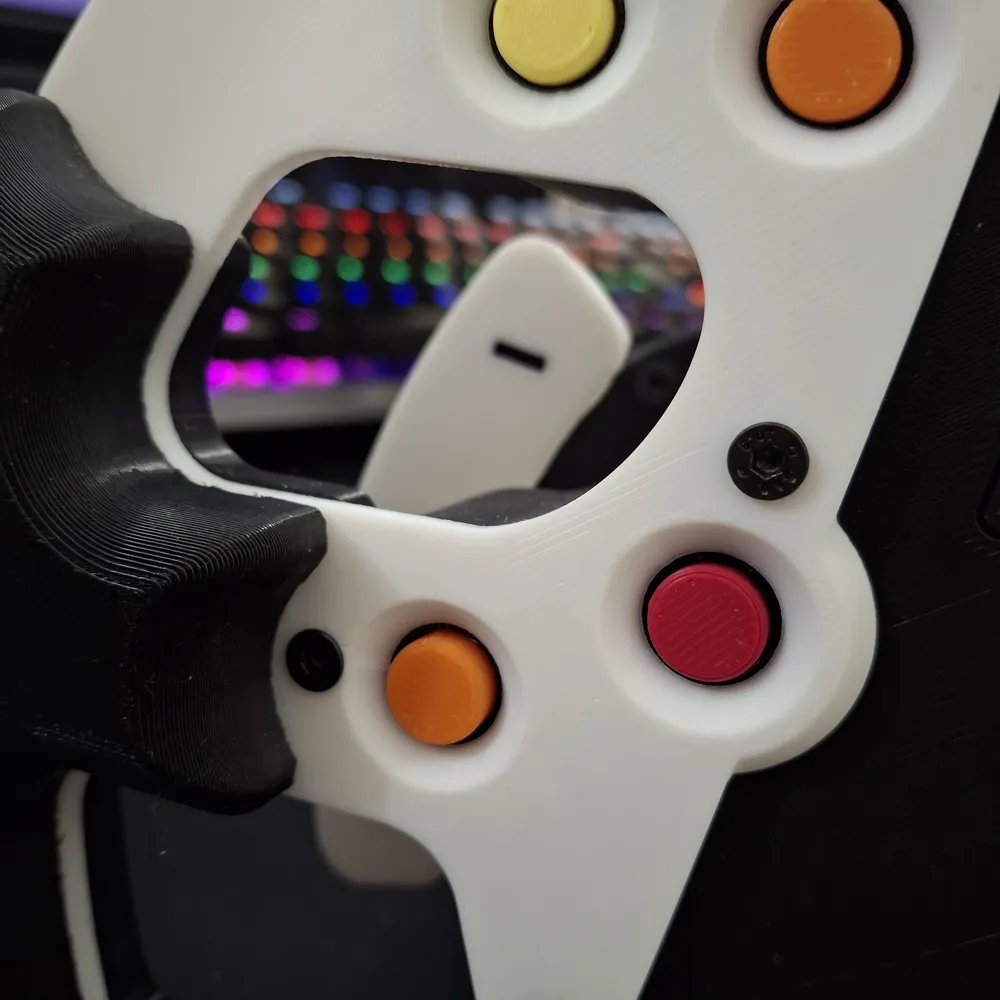
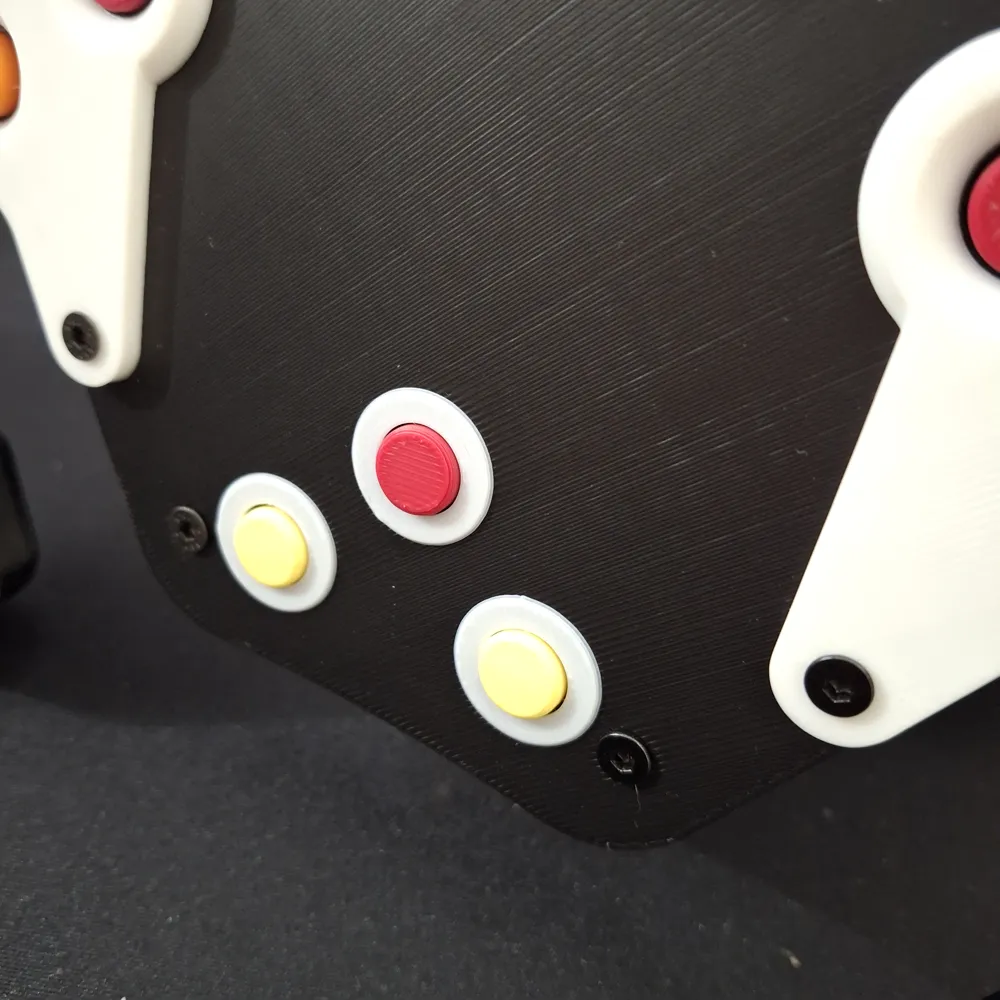
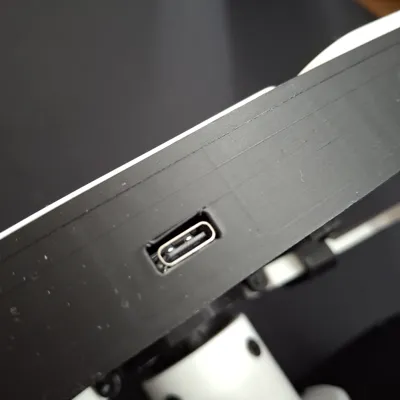
In this model, you will find all the files you need to build the SIM Race PRO wheel. You can build it in the standard version or in the PCB version. There are two separate tutorials, and the difference between the two versions is only in the wheel_box (which obviously has supports for all components in the version without PCB and instead has supports for the PCB only).
Assembly Guide
To build the SIM Race PRO Wheel, you can follow the videos tutorials below. If you need help, I can assist you on my official Discord channel.
For the pin diagram and the general electrical diagram follow the schematics in the shared drive dir.
BOM for purchasing components + Electrical diagrams
You will find the list of necessary components and electrical diagrams in an update for backers only on the crowdfunding campaign page in the updates section.
Software Tutorial
In the following link, you will find all the scripts you need to run your SIM Race PRO. You can find a short tutorial in the readme file or watch the following video for all the necessary steps.
Additional Modules
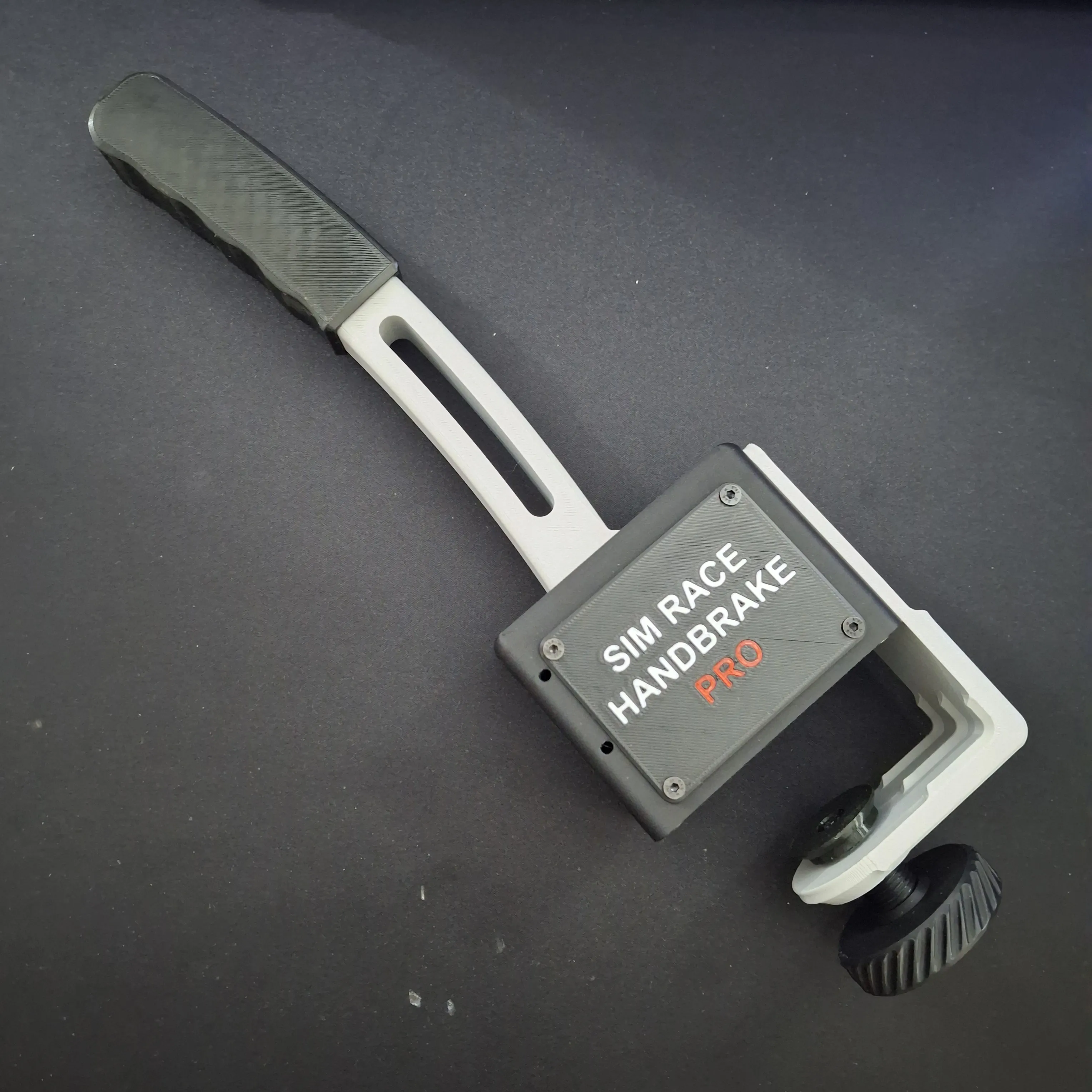
On this page, you will also find all the wheel box pcb version, the additional handbrake and manual transmission modules. You can find the files in the print profiles section. You can find the video tutorials in the next section.
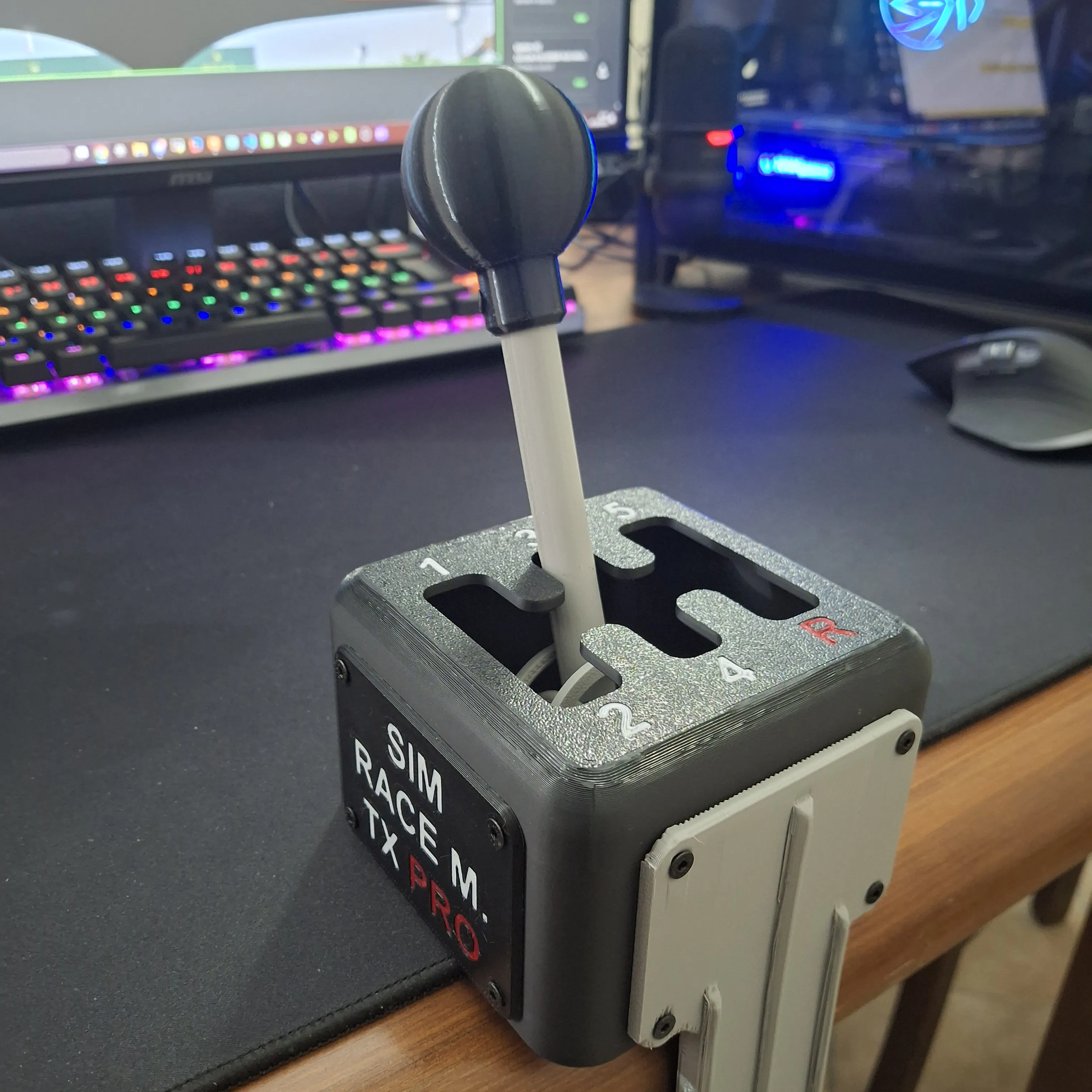
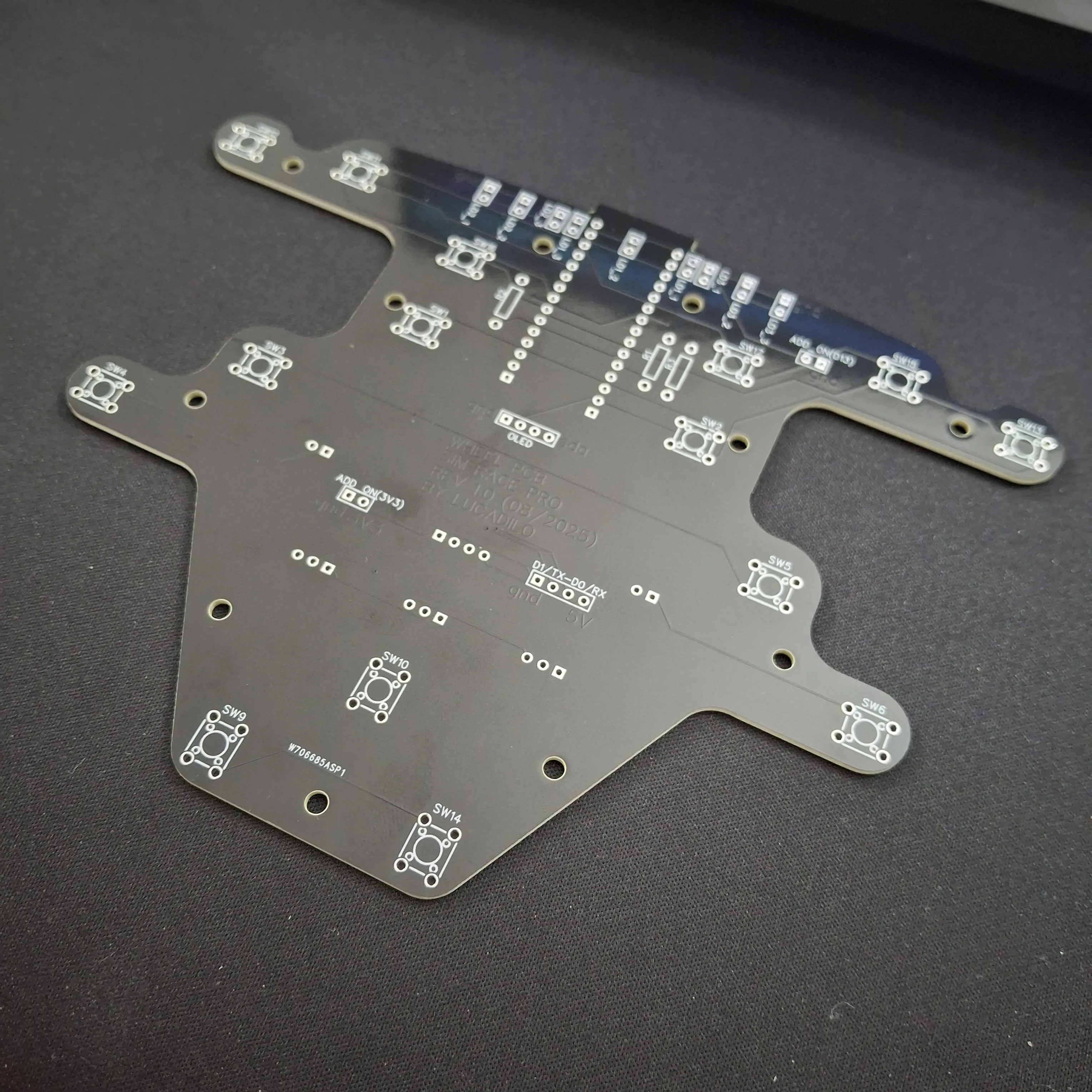
Additional Modules Assembly Guide
Below you can find the tutorial for the wheel_pcb assembly, in the drive shared directory (link in the update for backers only) you'll find all the schematics for the elettronics.
All the files for order the PCB are in the shared drive dir.
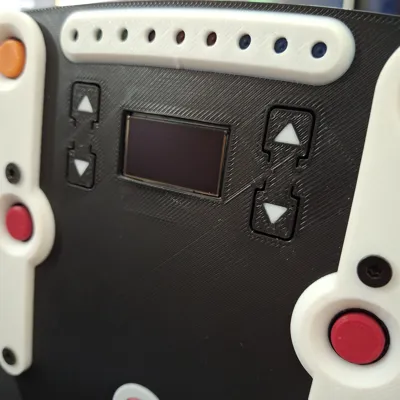
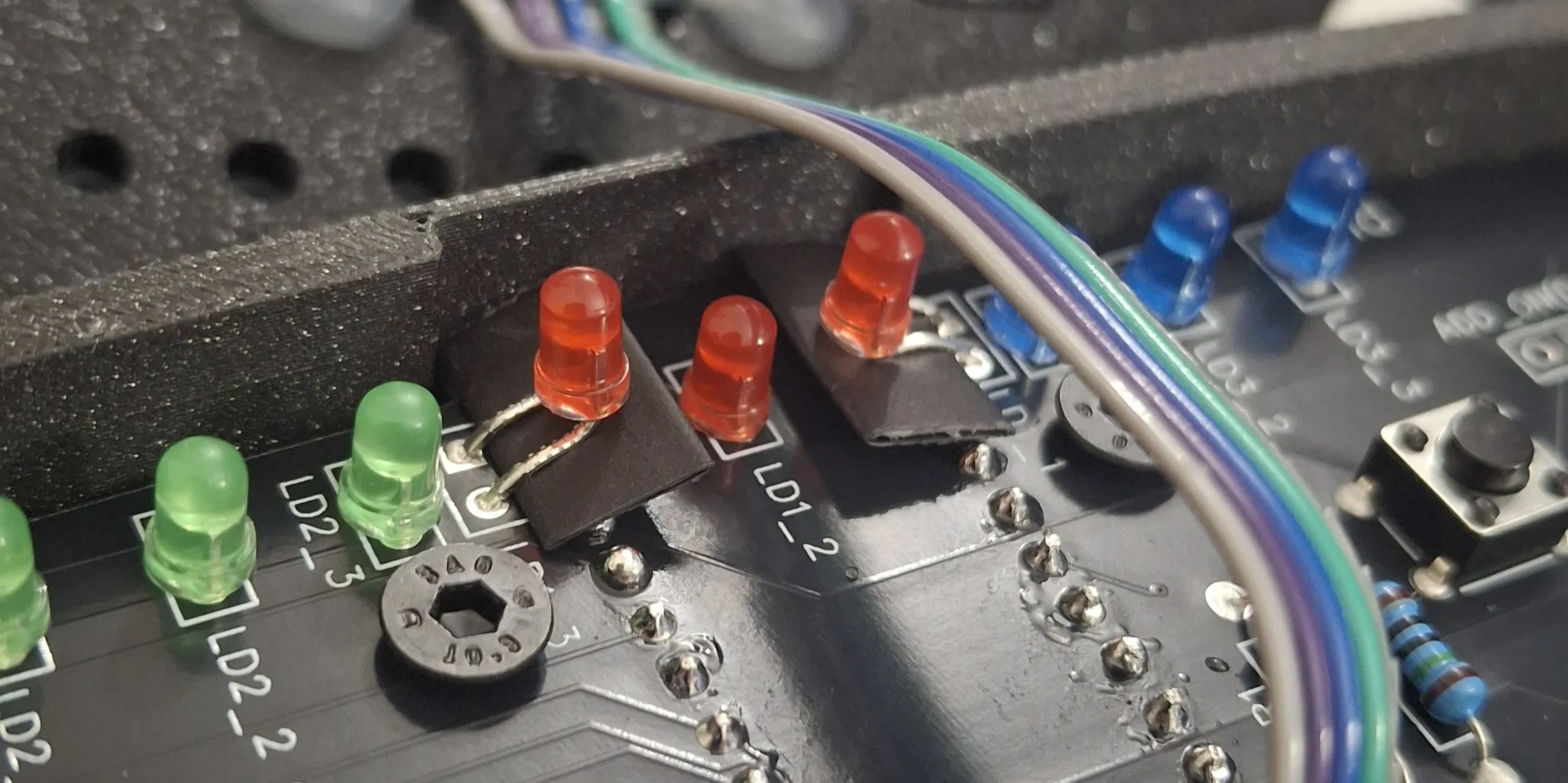
Tip on assembling the Custom Wheel PCB: you will need to insert a small piece of electrical tape or even a piece of heat-shrink tubing between the pins of the two central LEDs and the Arduino pins to prevent them from touching.
Below the Handbrake Module Assembly video. Note that the handbrake is binded with the keyboard spacebar.
Below the Manual Trasmission Module Assembly video. Note that the gear are binded with the keyboard number 1…6.
Conclusion
I hope you like this project. Let me know what you think in the comments and any suggestions and/or improvements are welcome 🚀✌️
Updates
*** Update 03/11/2025 ***
- I have finally added the Gerber files to the shared directory so you can order your own custom wheel PCB. If you don't know how to order it, watch the PCB assembly video tutorial, where I show you how to do it at the beginning.
- I have added an IMPORTANT tip for assembling the custom wheel PCB. You can find it below the PCB assembly video.
*** Update 13/12/2025 ***
- Version v2.0.0 of the software has been released
*** Update 15/12/2025 ***
- Added Software Video Tutorial…finally 😂🚀
License

You shall not share, sub-license, sell, rent, host, transfer, or distribute in any way the digital or 3D printed versions of this object, nor any other derivative work of this object in its digital or physical format (including - but not limited to - remixes of this object, and hosting on other digital platforms). The objects may not be used without permission in any way whatsoever in which you charge money, or collect fees.


Comment & Rating (72)