
Allen Key Handle – Pause & Insert Print
Print Profile(1)


Description
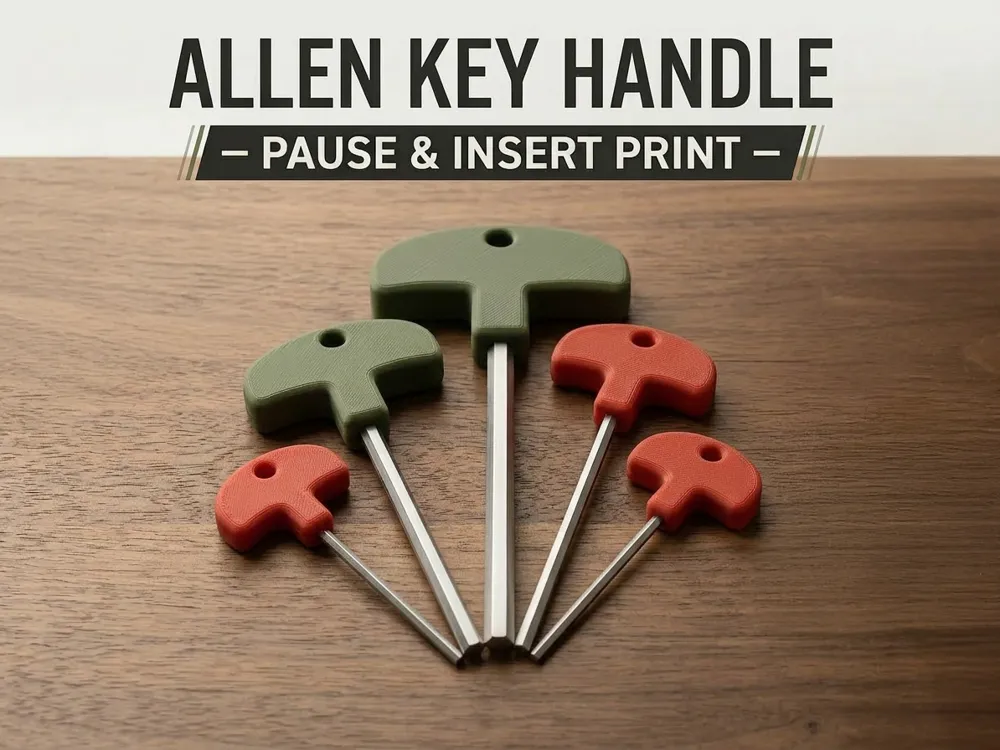
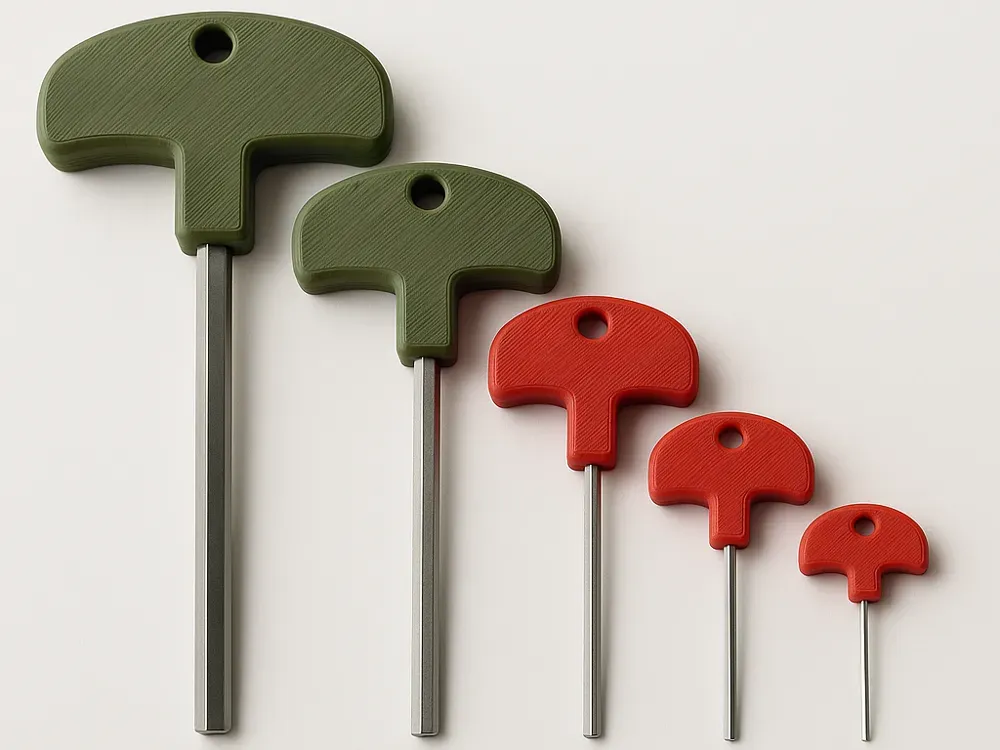
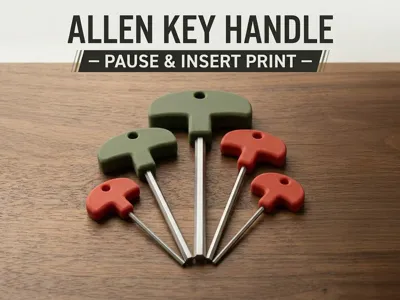
Allen Key Handle – Pause & Insert Print
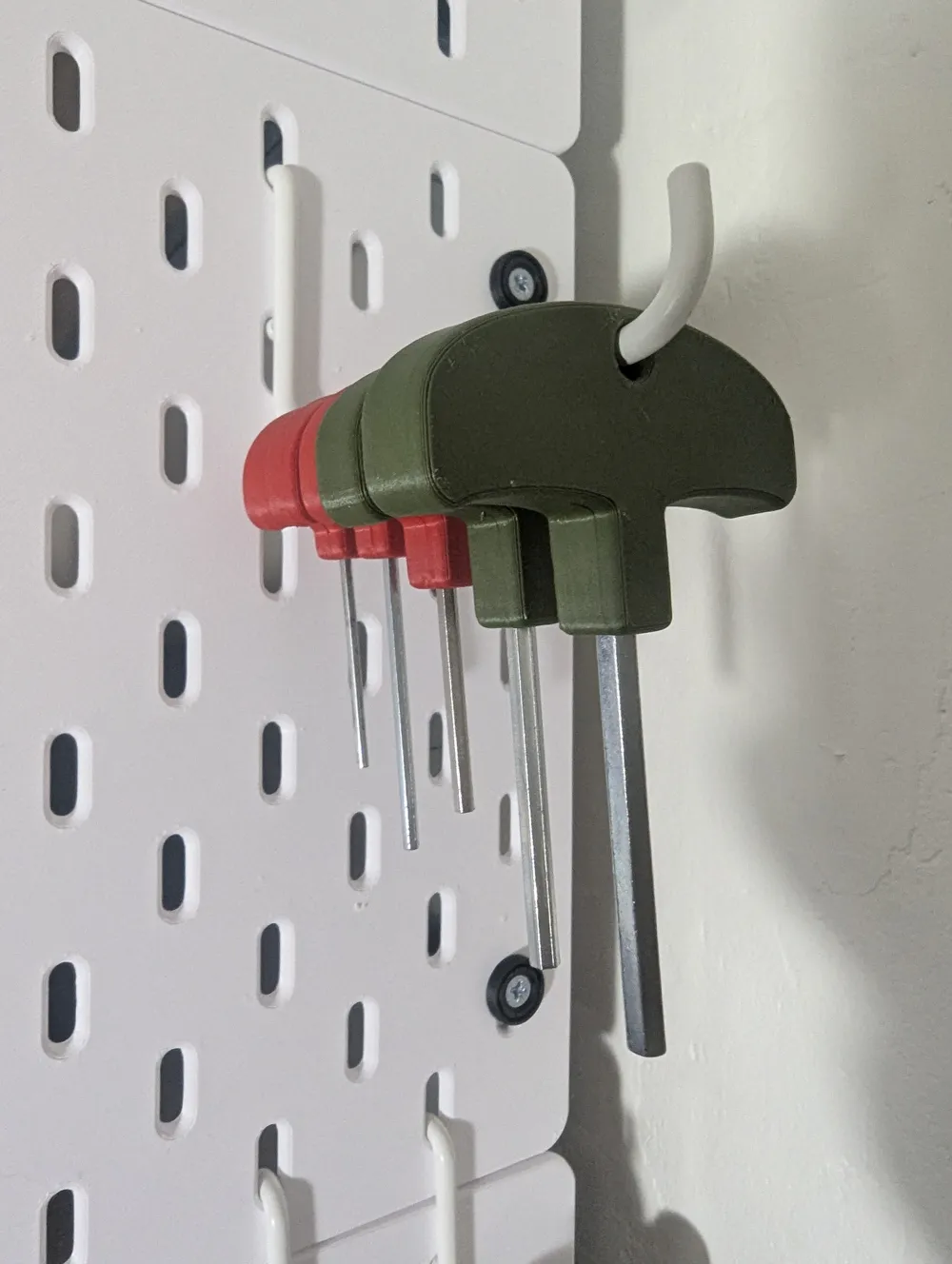
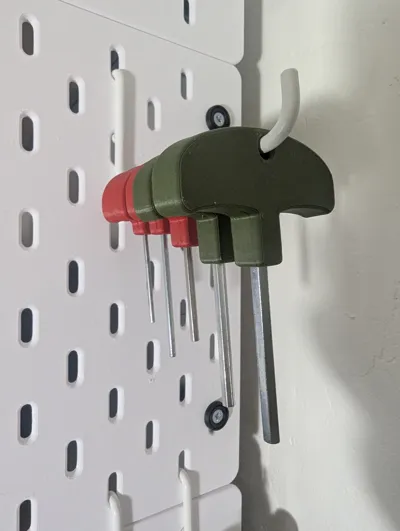
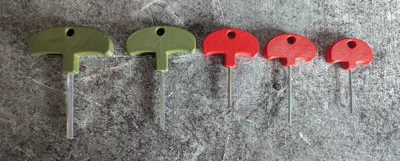
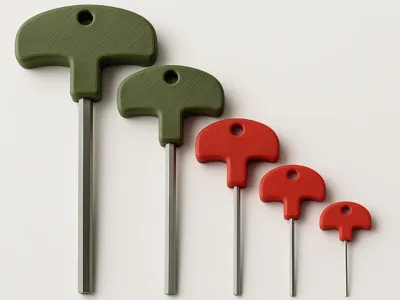
If you're like me, you probably have a drawer full of small hex keys collected over time — never very convenient to use.
I wanted to give them a second life by making them comfortable and easy to handle.
The idea is simple:
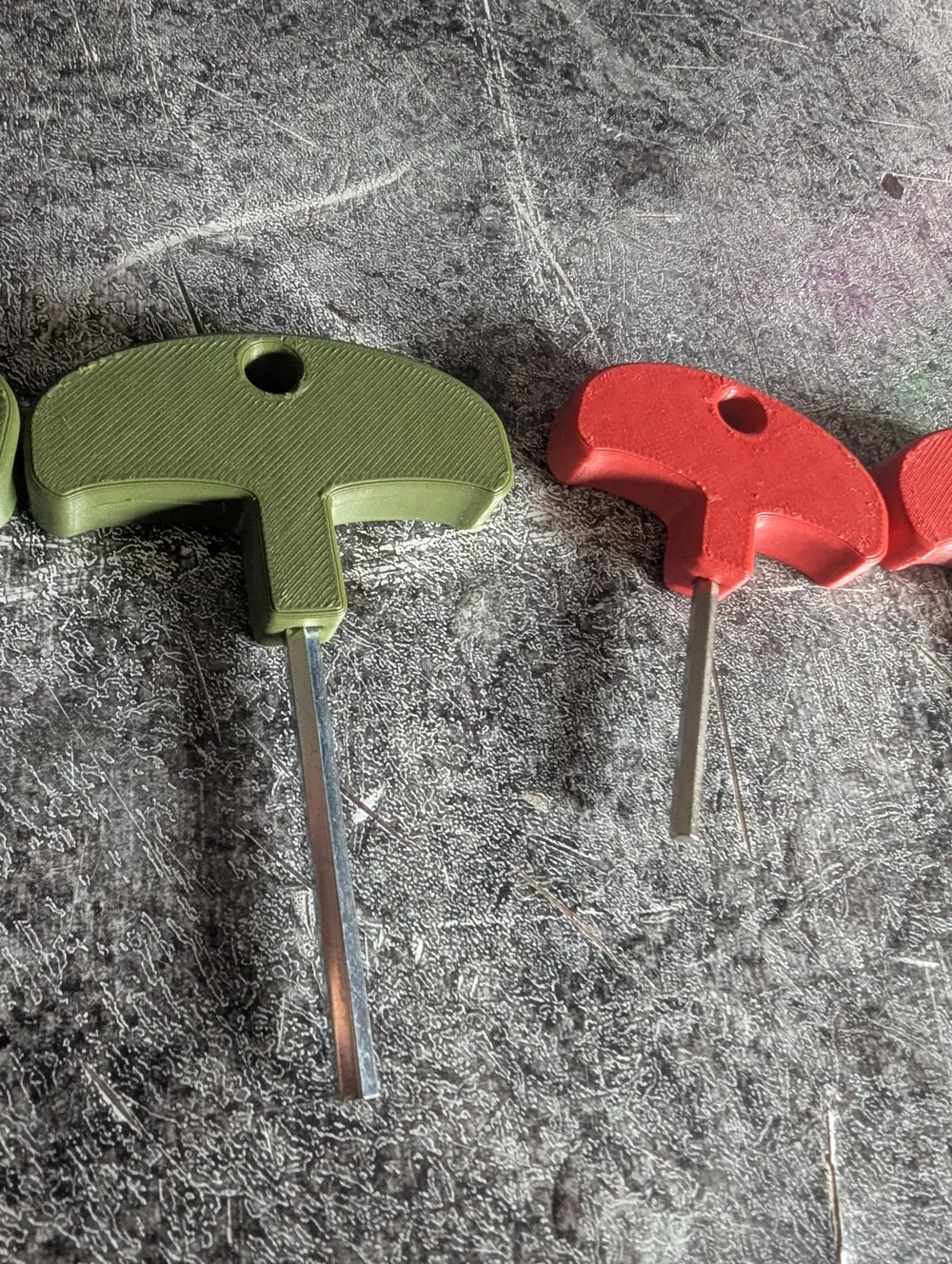
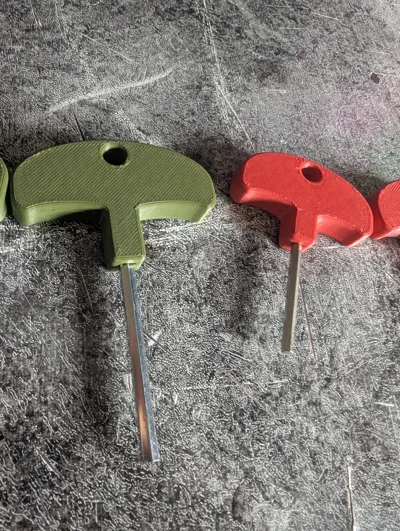
The key is inserted directly into the part mid-print.
The printer pauses at the right layer, you place the key into its slot, and then the print resumes to seal it inside the handle.
Advantages:
- Very low filament consumption with a design optimized to minimize waste.
- Strong result without any glue or screws.
- Works with any FDM printer that supports mid-print pauses.
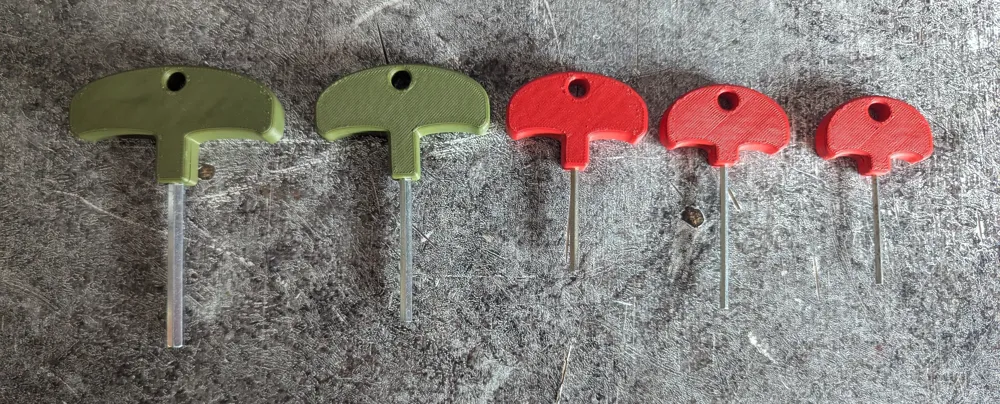
Available sizes:
2 mm, 2.5 mm, 3 mm, 4 mm, and 5 mm.
To choose the right one, simply measure the distance between two opposite faces of your hex key — that value corresponds to the model size you should print.
Printing Tips
- Make sure the key is inserted flat and all the way down into the slot during the print pause.
- Check that the key is perfectly vertical — you can use the corner of a table as a guide, and adjust it with pliers if necessary.
- The model was tested with a 0.4 mm nozzle. It should work with other nozzle sizes as well, but this hasn’t been tested yet.
License

You may create derivative works based on this object, provided that all such derivative works are published exclusively on the MakerWorld platform and include proper attribution to the original creator. You may not share, upload, host, distribute, or publish this object—or any derivative work of this object—on any other digital platform, marketplace, or distribution channel. Commercial use of this object and any derivative works is strictly prohibited. This includes, but is not limited to, selling, renting, sublicensing, or using the object in any context in which you receive monetary compensation or other financial benefits.


Comment & Rating (5)