







Print Profile(1)

Description
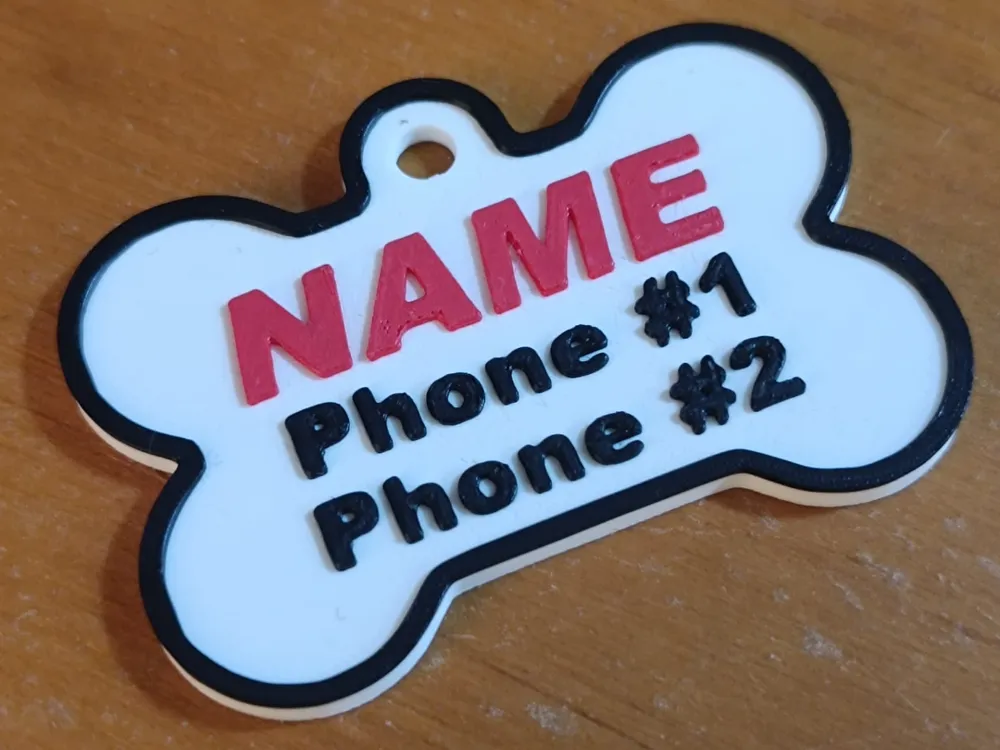
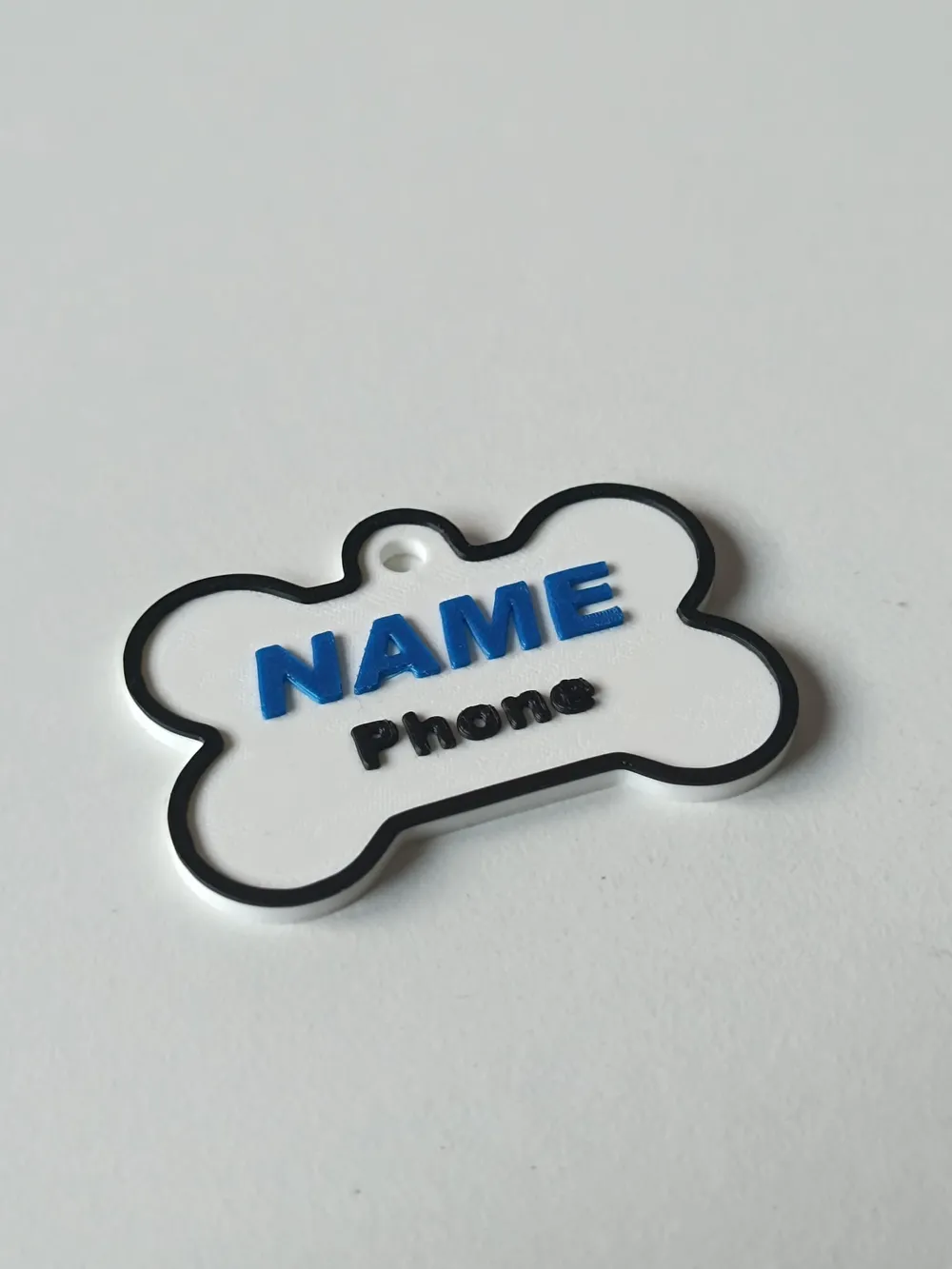
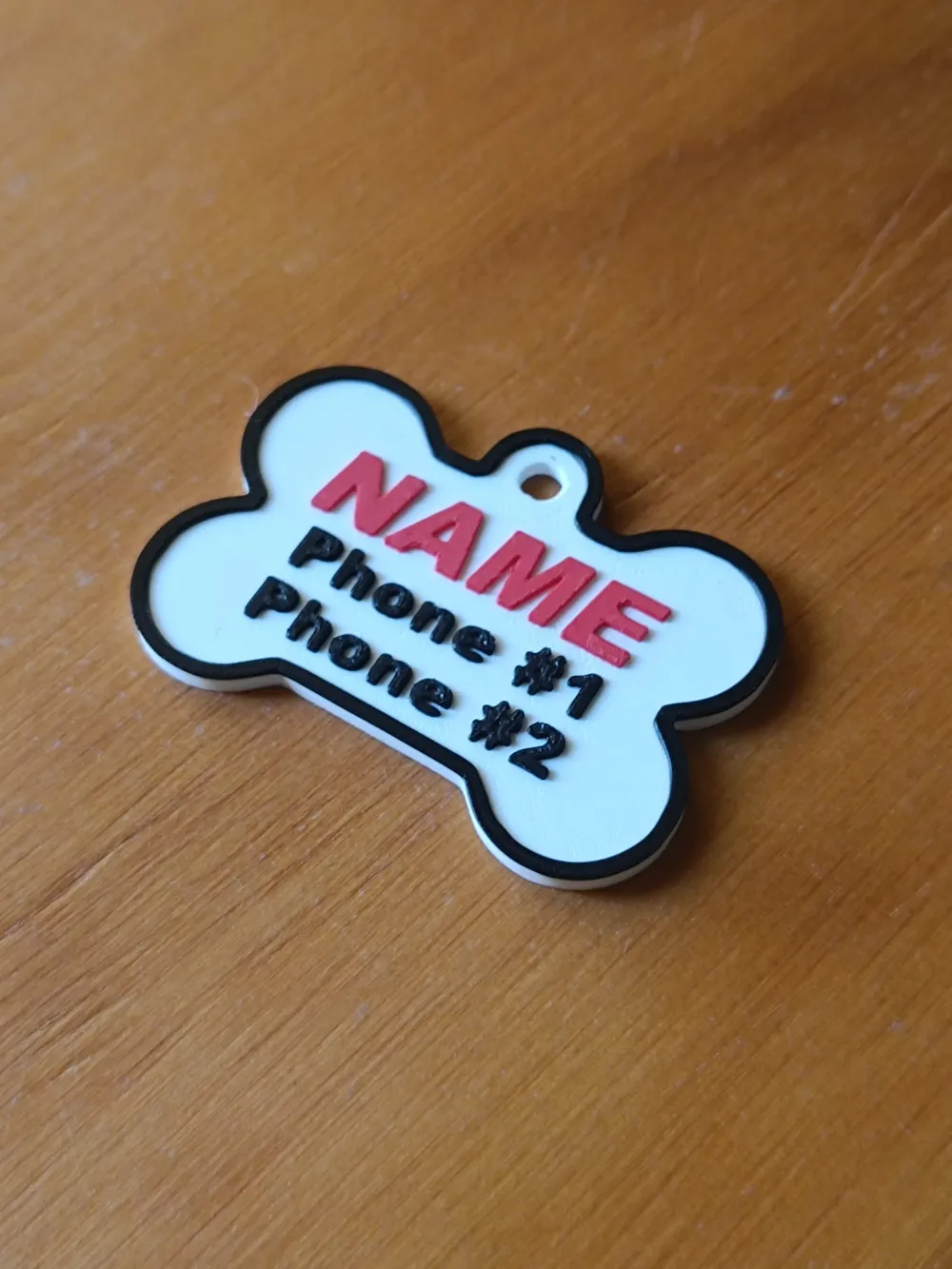
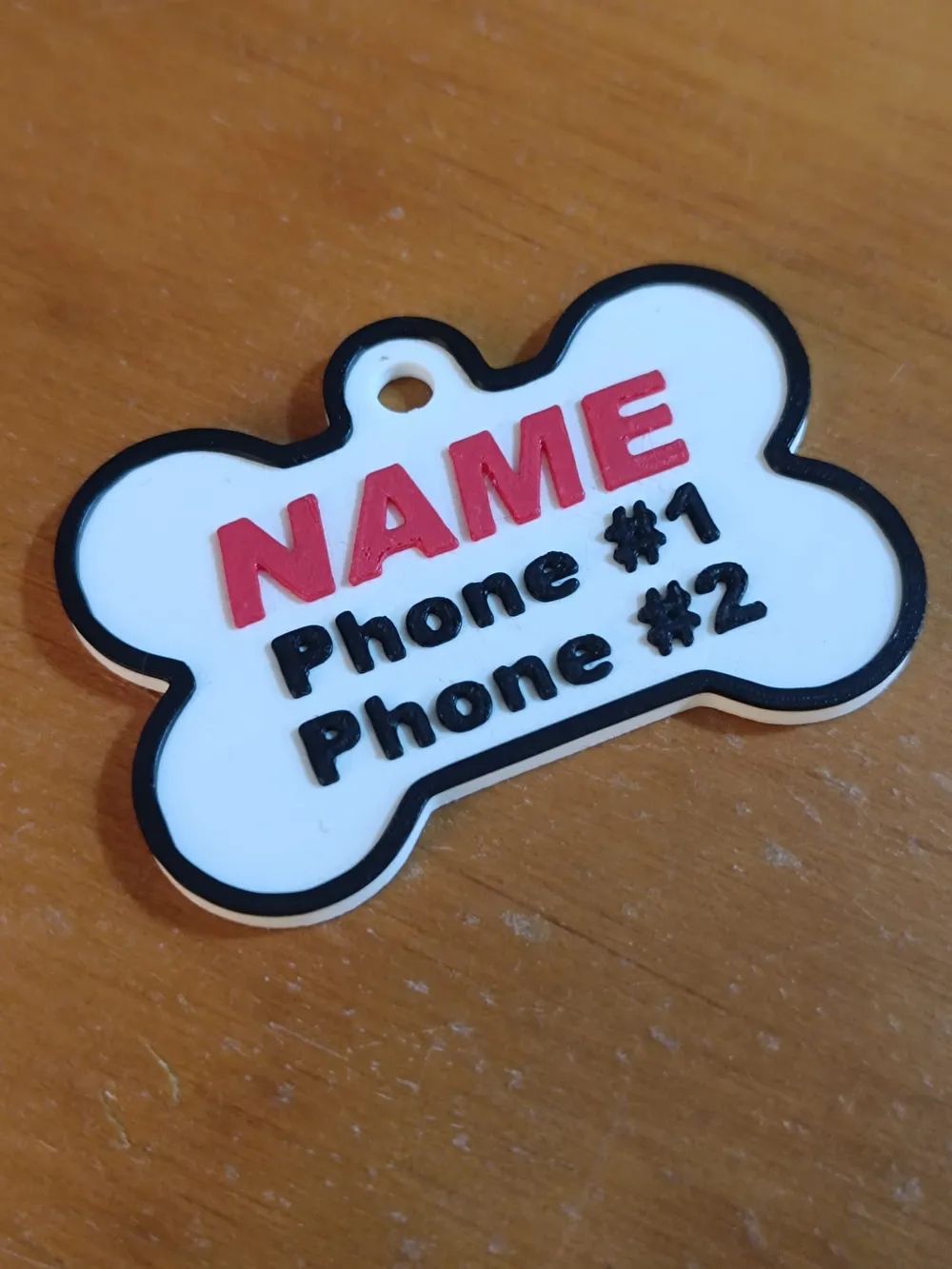
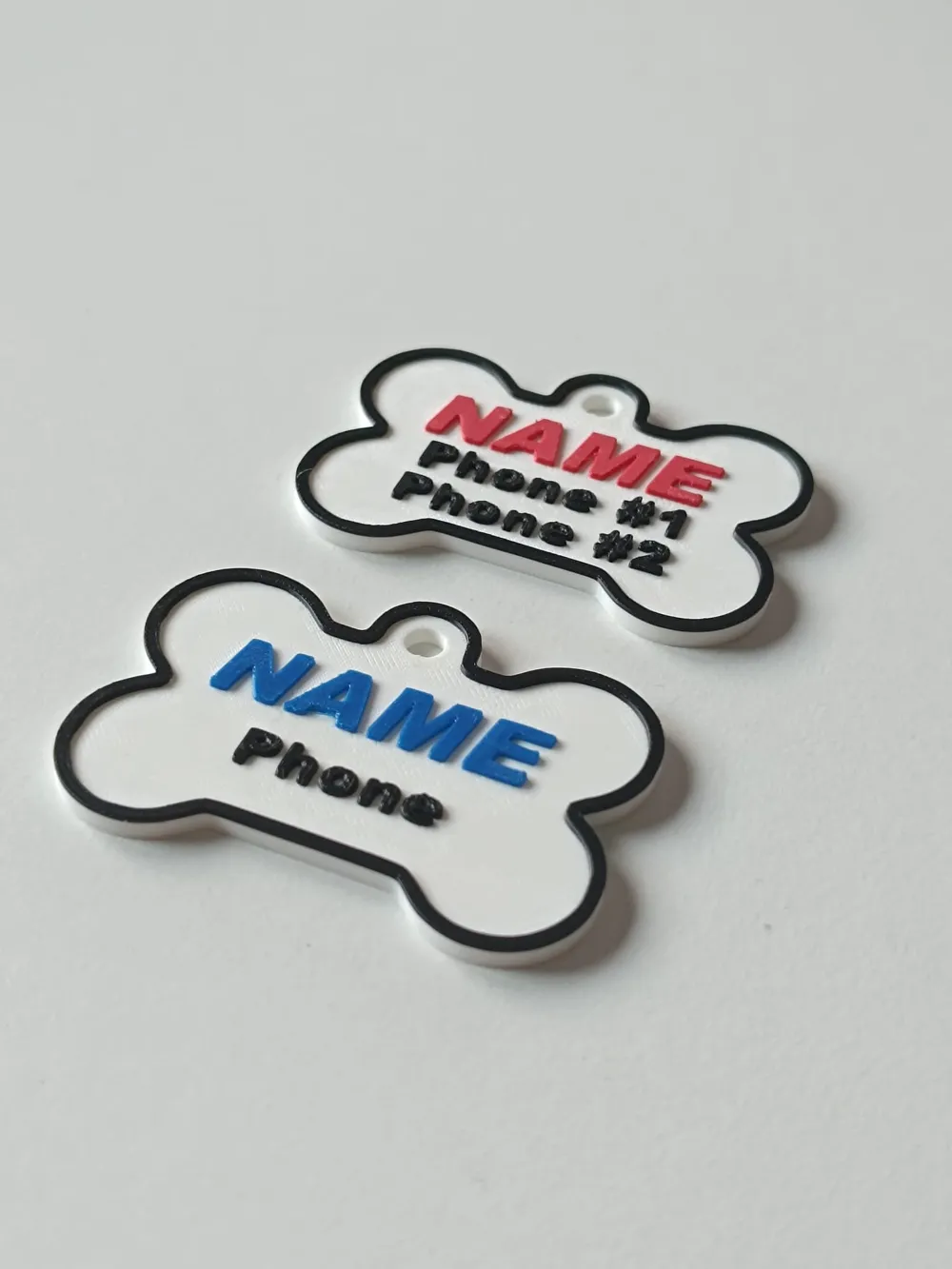
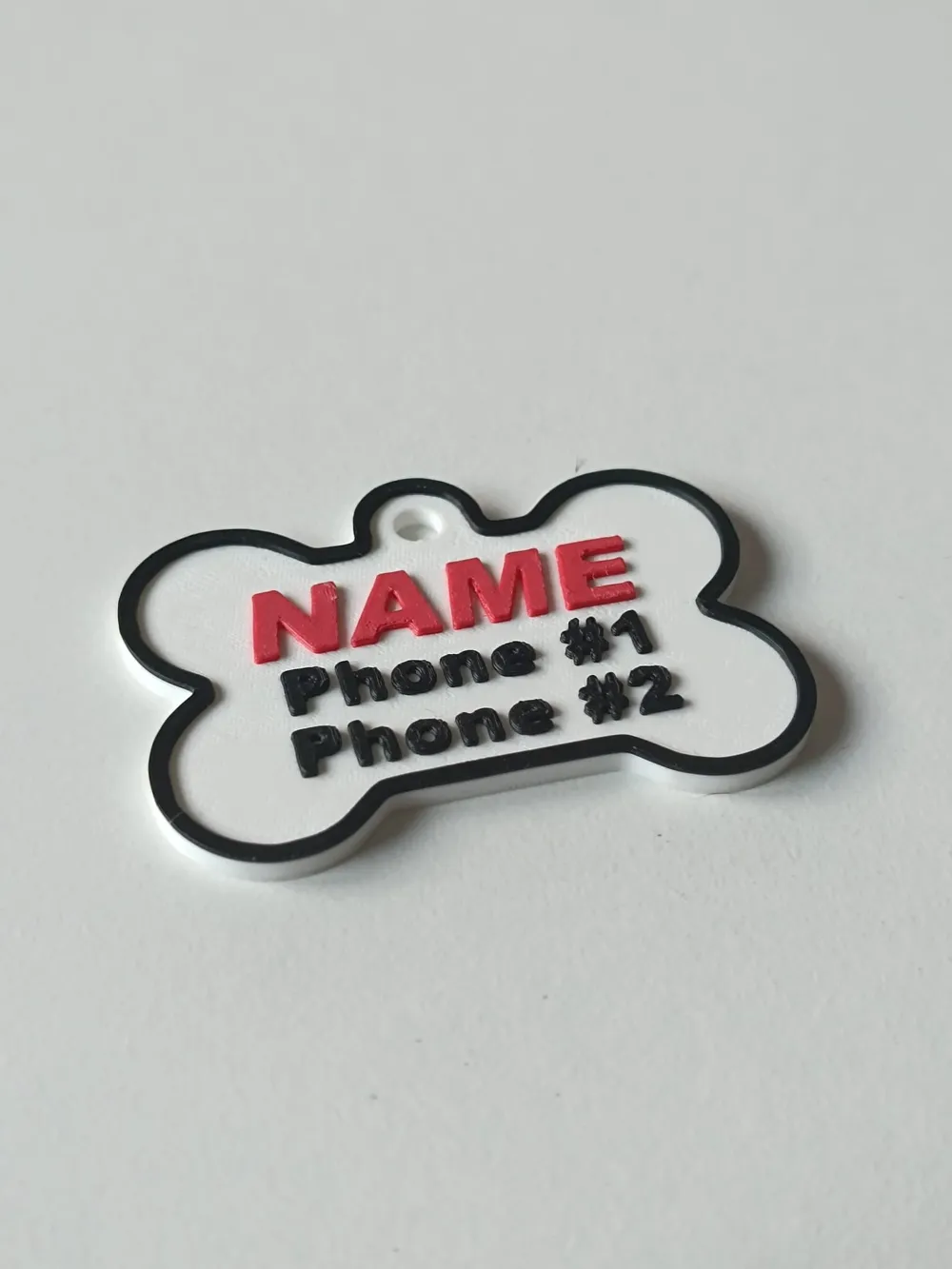
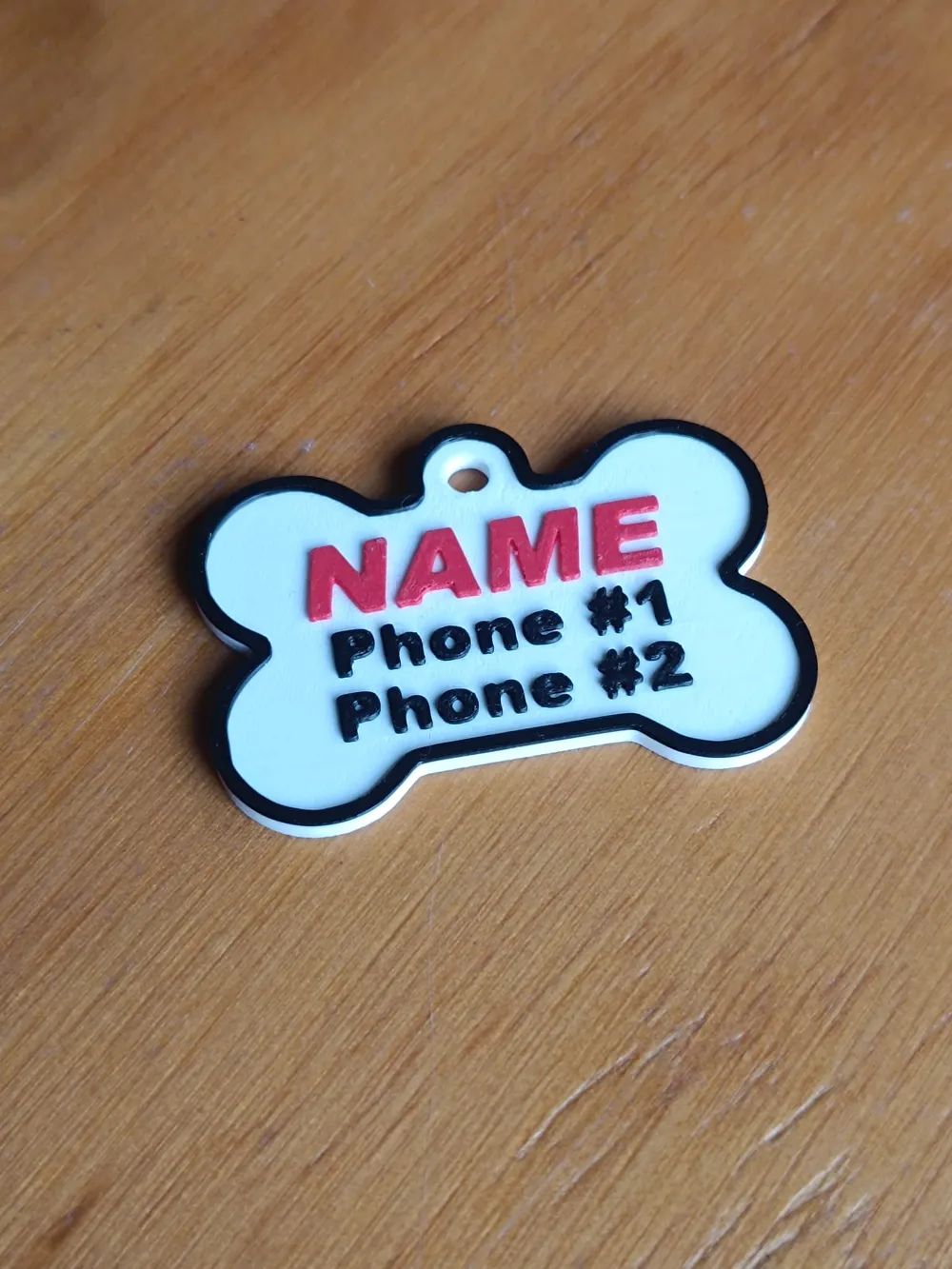
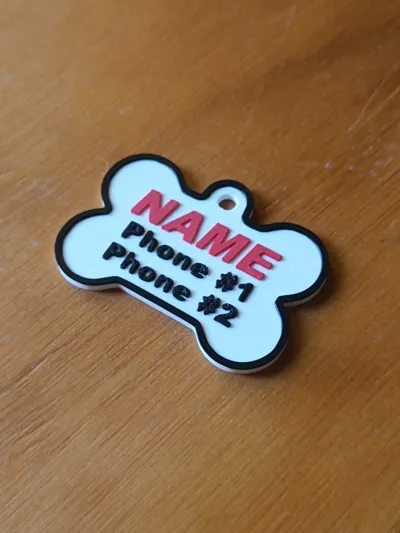
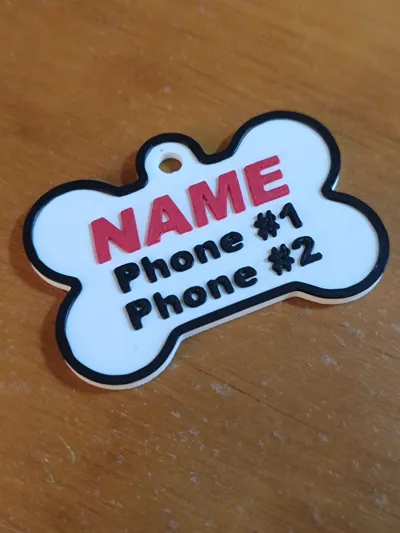
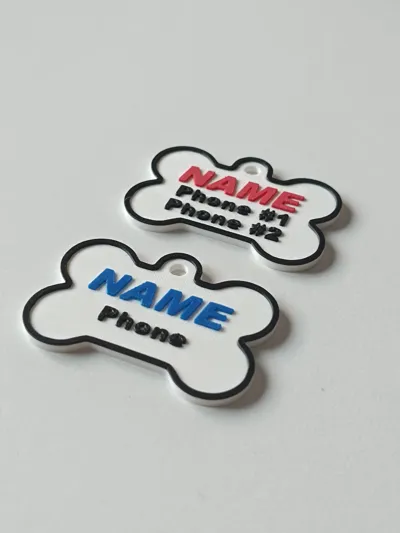
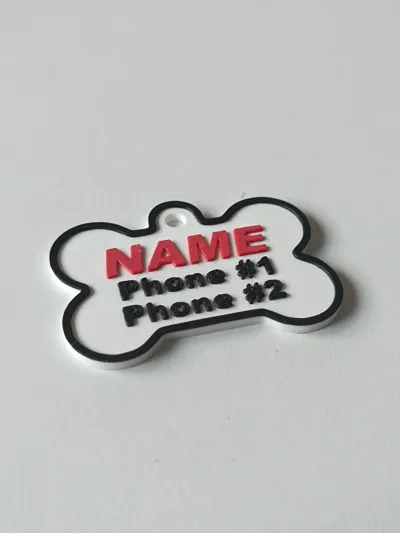
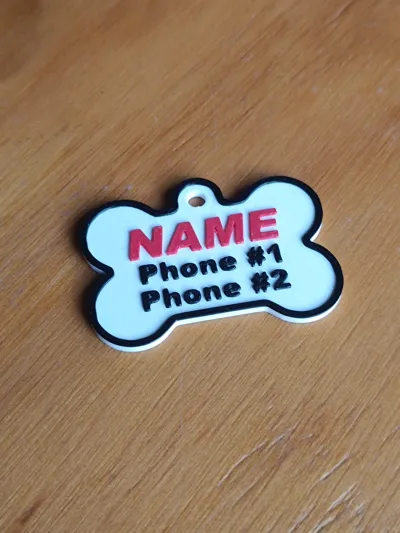
A fully editable ID tag in Bambu Studio, perfect for personalizing with your pet's name and your phone number.
You can easily modify the text, font, size, thickness, position, and colors according to your preferences or the filament you use.
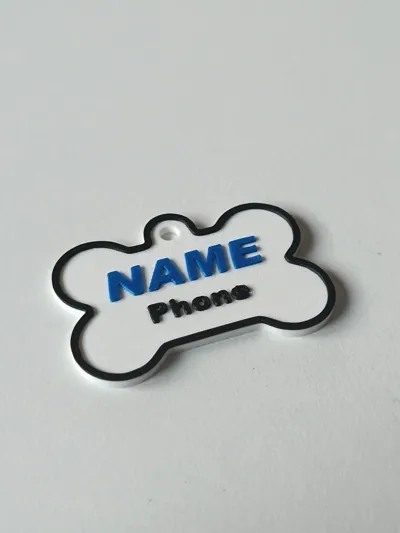
- Version 1: Includes one phone number.
- Version 2: Allows for two phone numbers (perfect if you want to add an additional contact).
*** Instructions for editing the model in Bambu Studio ***
Step 1 | Download and open the model
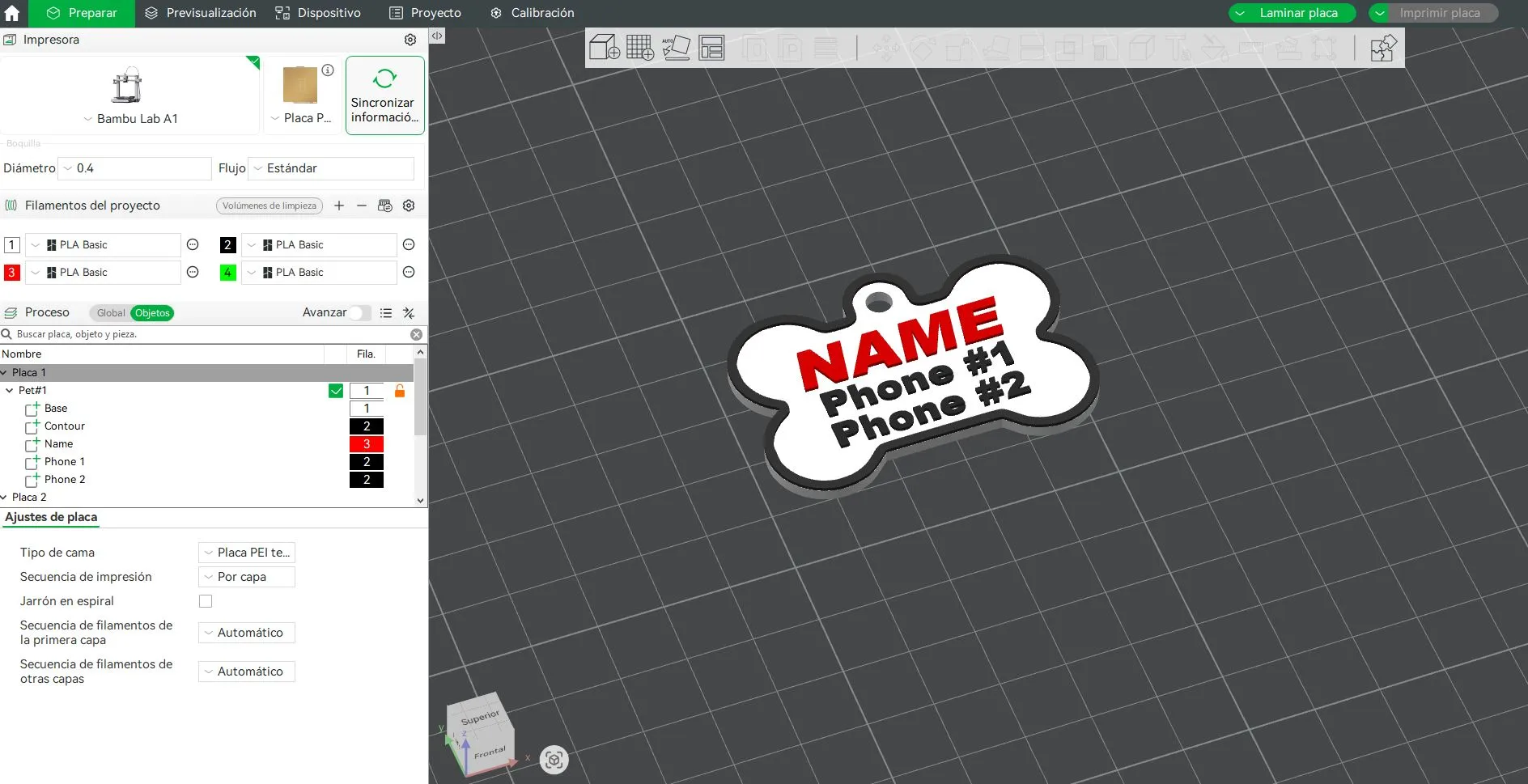
Download the model file and import it into Bambu Studio.
Once opened, you will see all design components ready for editing.
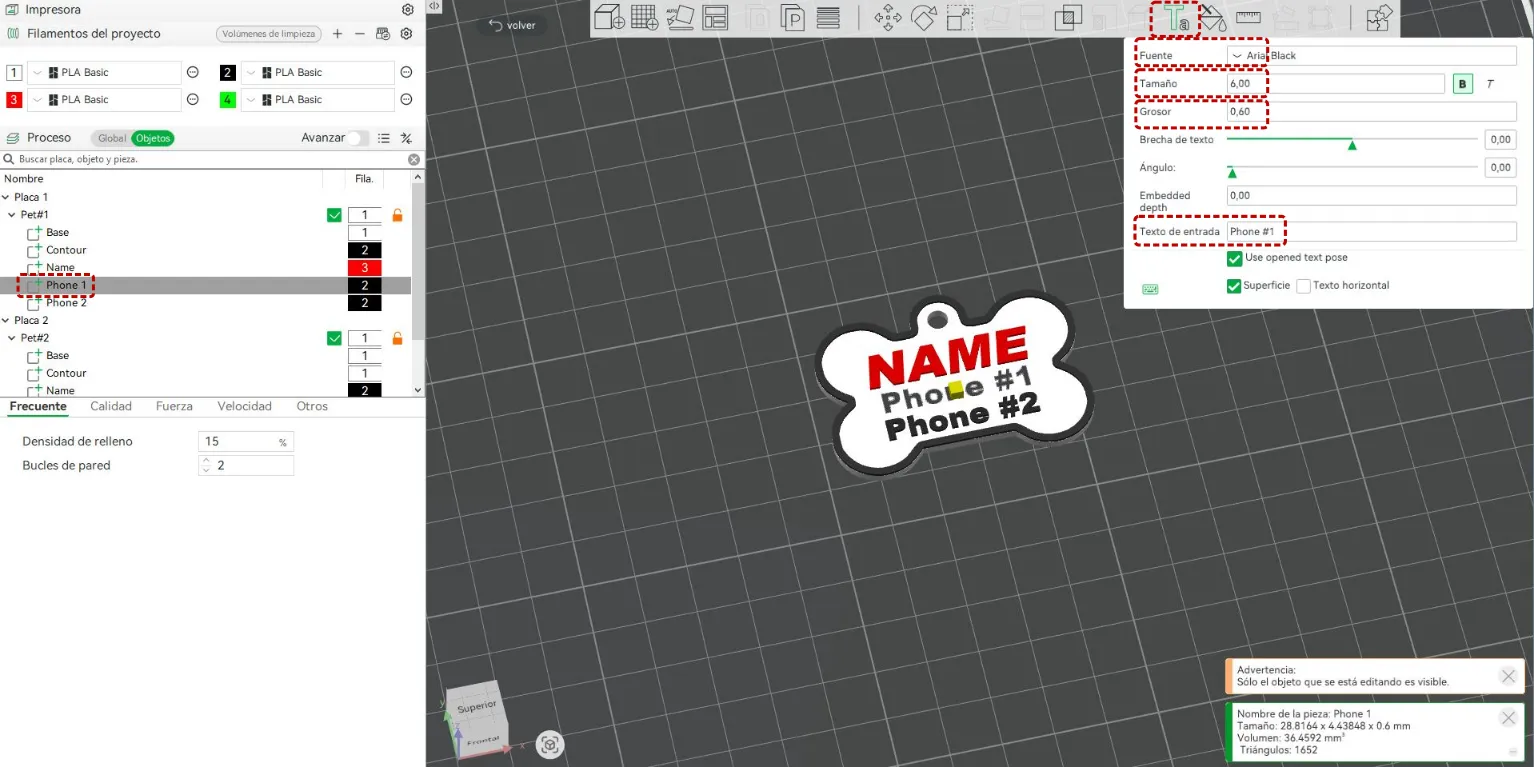
Step 2 | Edit the text
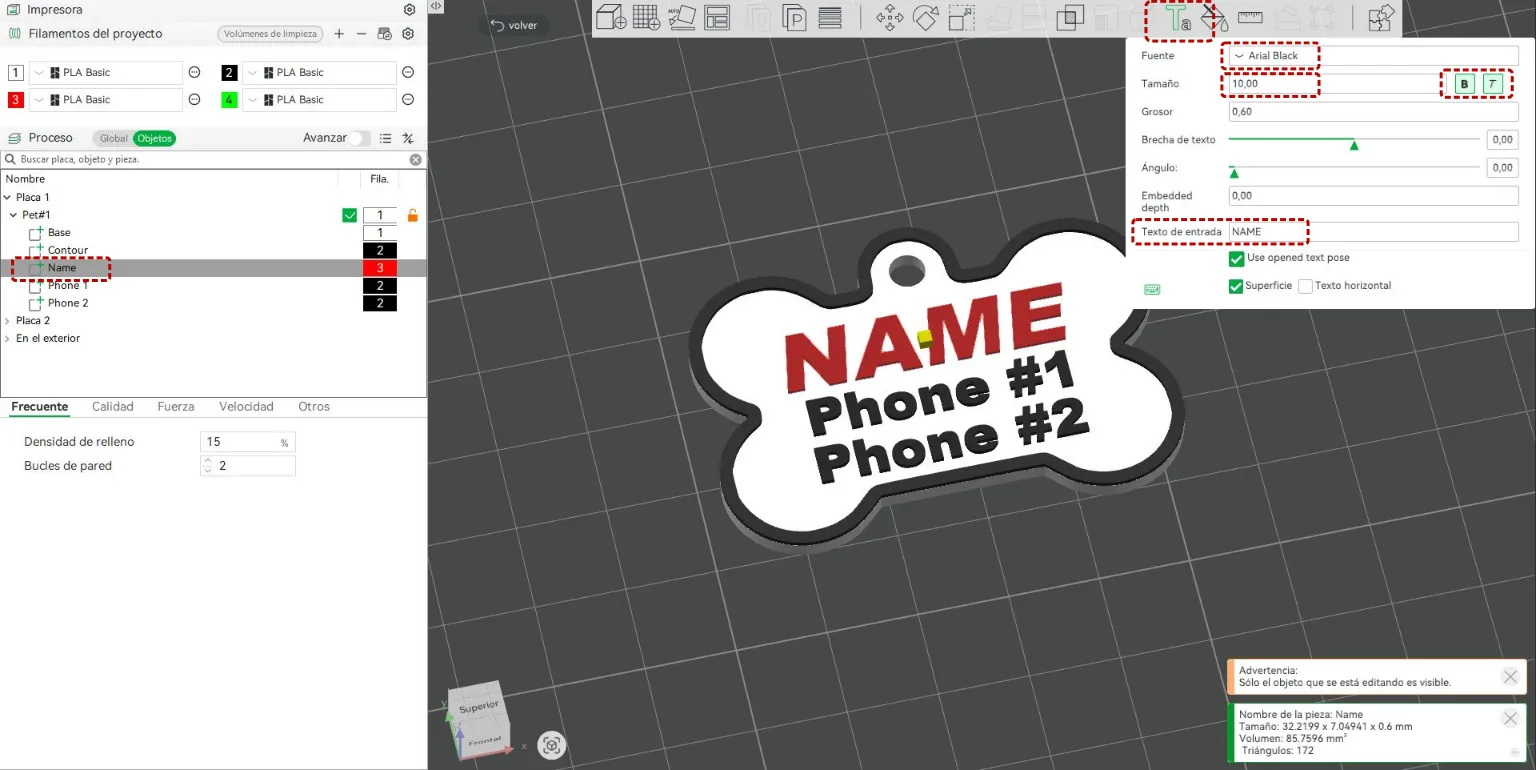
- Click on the name or text you want to modify.
- In the dropdown menu, select “Text Shape”.
- An edit box will appear where you can:
- Change the text content.
- Adjust the font, size, and thickness according to your needs.
Step 3 | Move the text
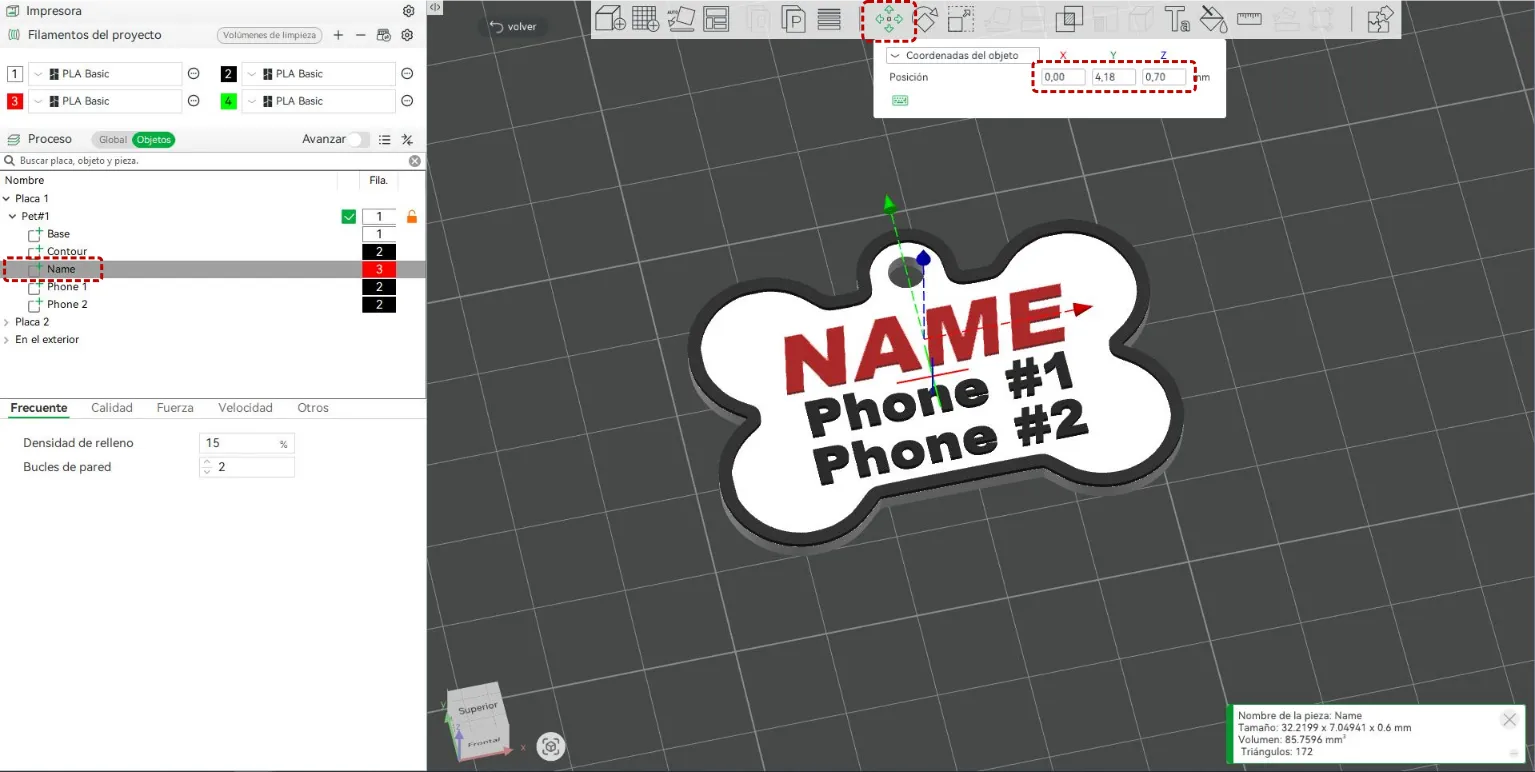
If you need to adjust the text's position:
- Select the text you want to move.
- Open the “Move” tab.
- Change its location until you achieve the desired position.
Step 4 | Edit the phone numbers
- Select the “Phone 1” component to modify the first contact number.
- If you wish to add a second number, repeat the process with the “Phone 2” component.
Step 5 | Change the colors
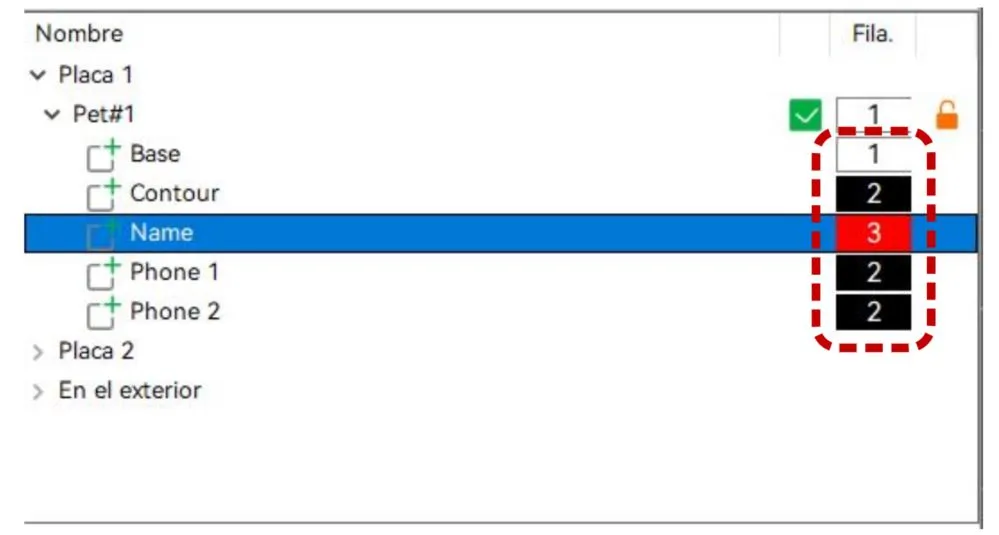
You can customize the colors of each component:
- Click on the color of the element you wish to change.
- Bambu Studio will show as many options as you have loaded filaments available.
- Select the desired color for each part of the model.
License

You shall not share, sub-license, sell, rent, host, transfer, or distribute in any way the digital or 3D printed versions of this object, nor any other derivative work of this object in its digital or physical format (including - but not limited to - remixes of this object, and hosting on other digital platforms). The objects may not be used without permission in any way whatsoever in which you charge money, or collect fees.


Comment & Rating (13)