
Print Profile(2)


Description
Boost Me (for free)
If you like the design, do me a solid and boost me! It costs you nothing and it makes us both feel good! That and I really appreciate it.
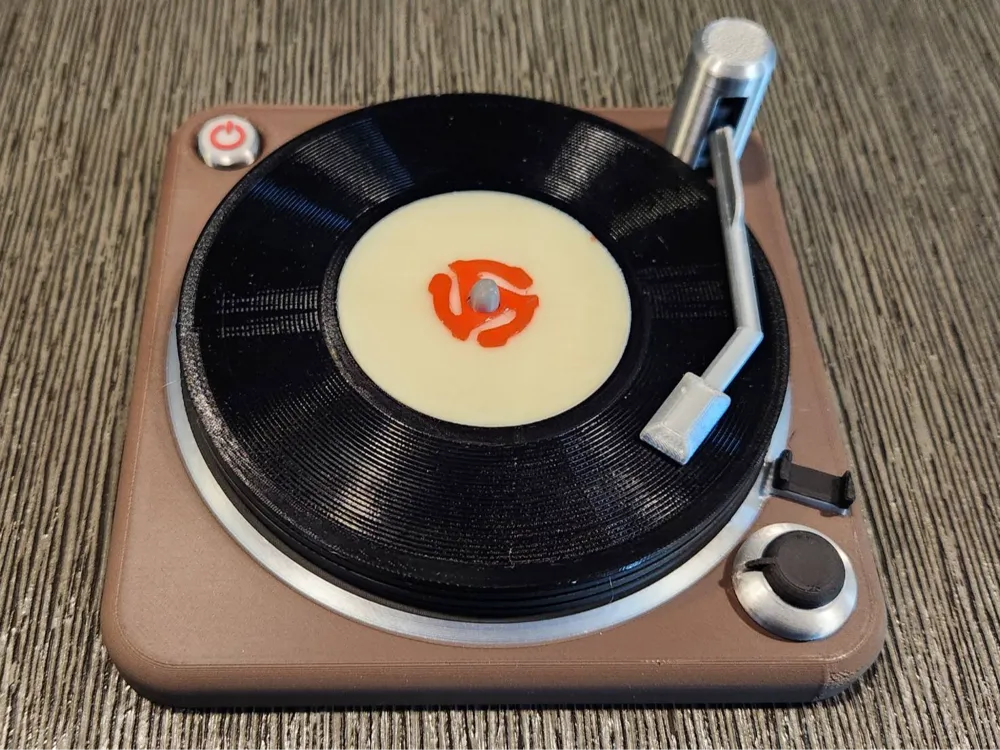
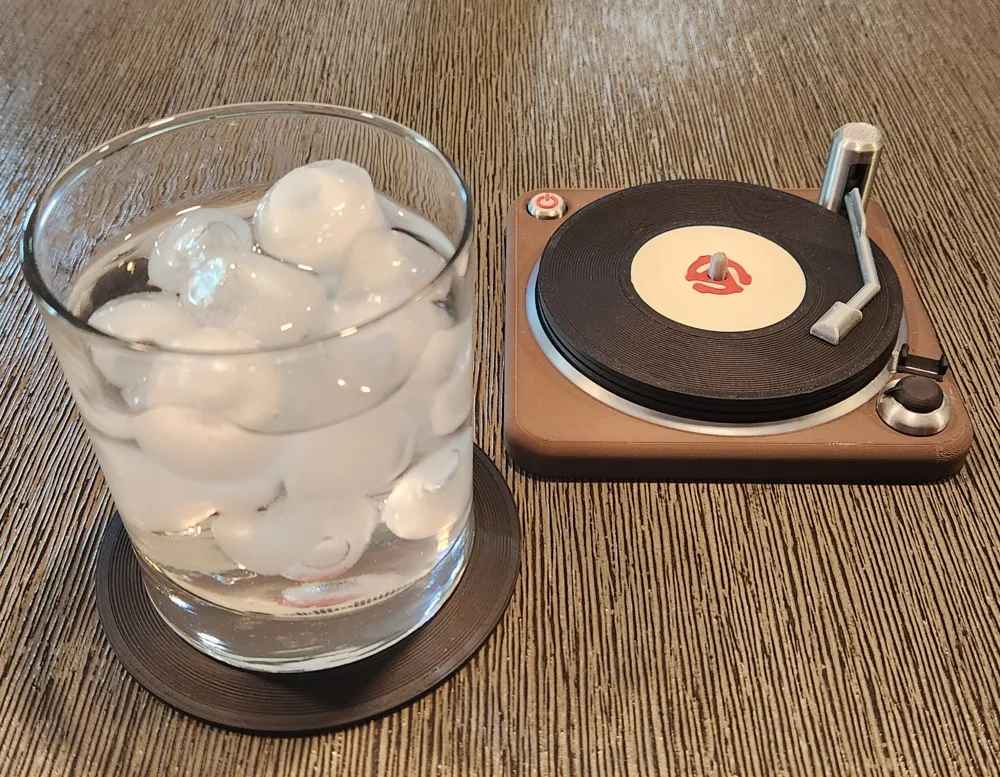
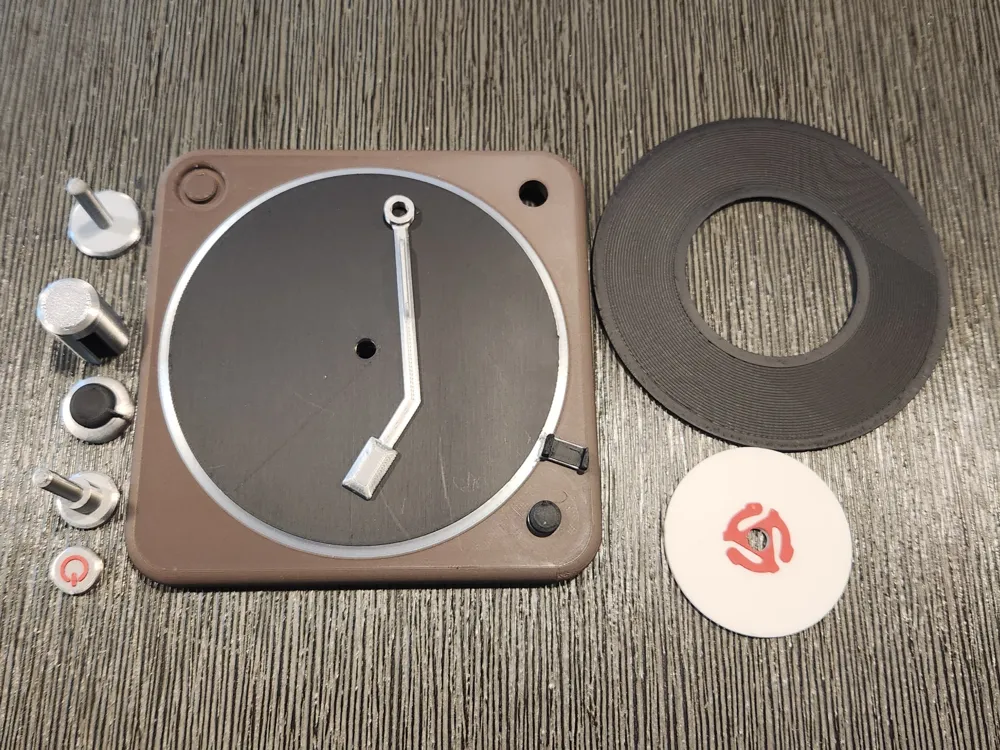
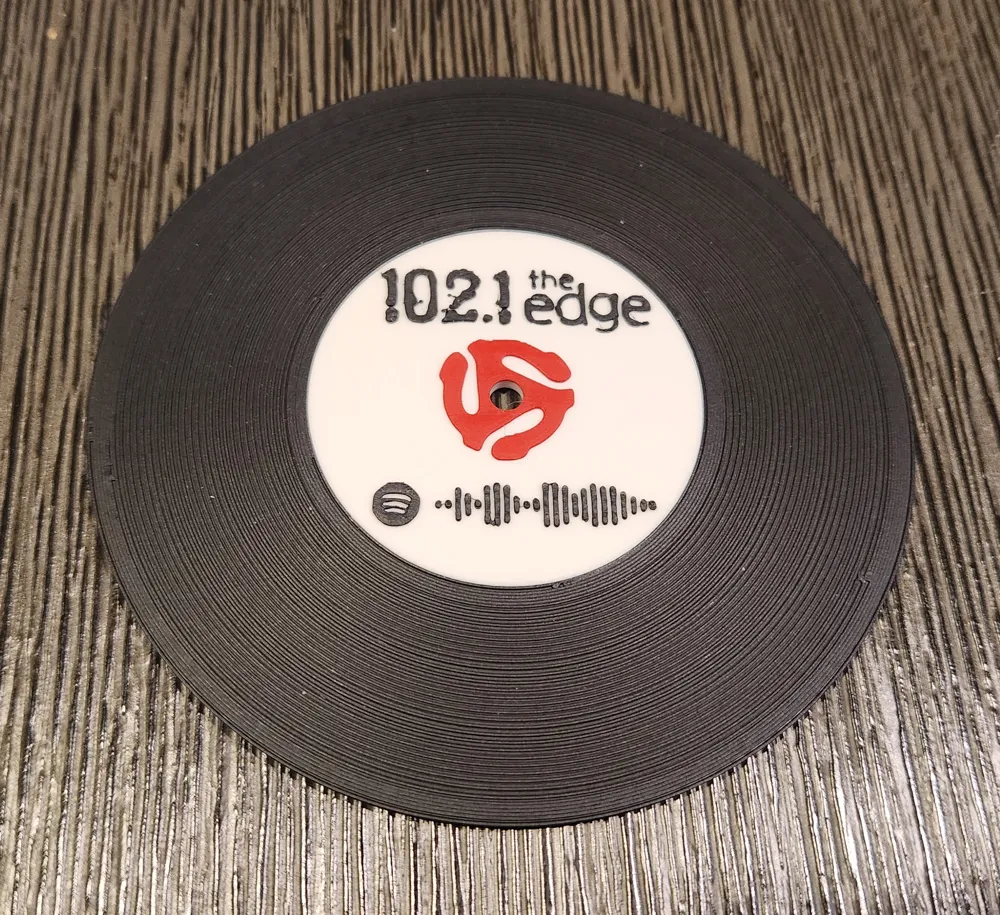
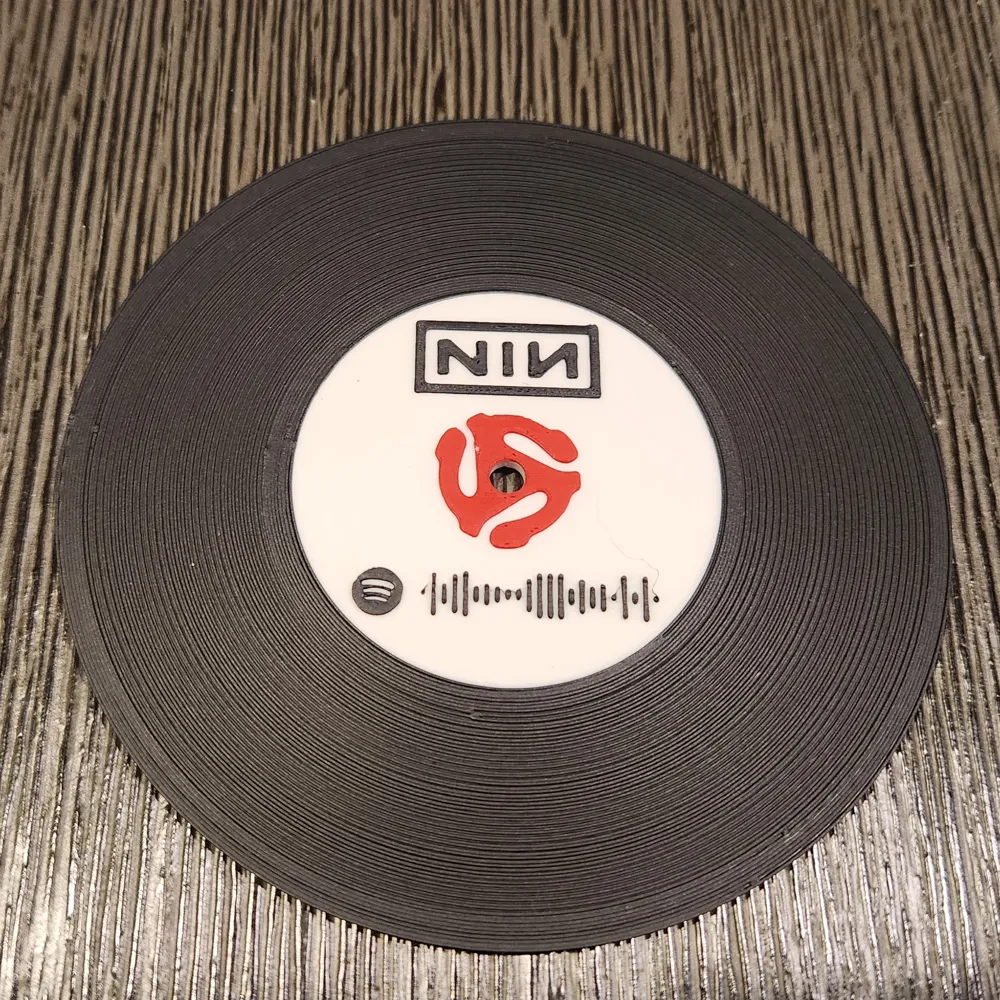
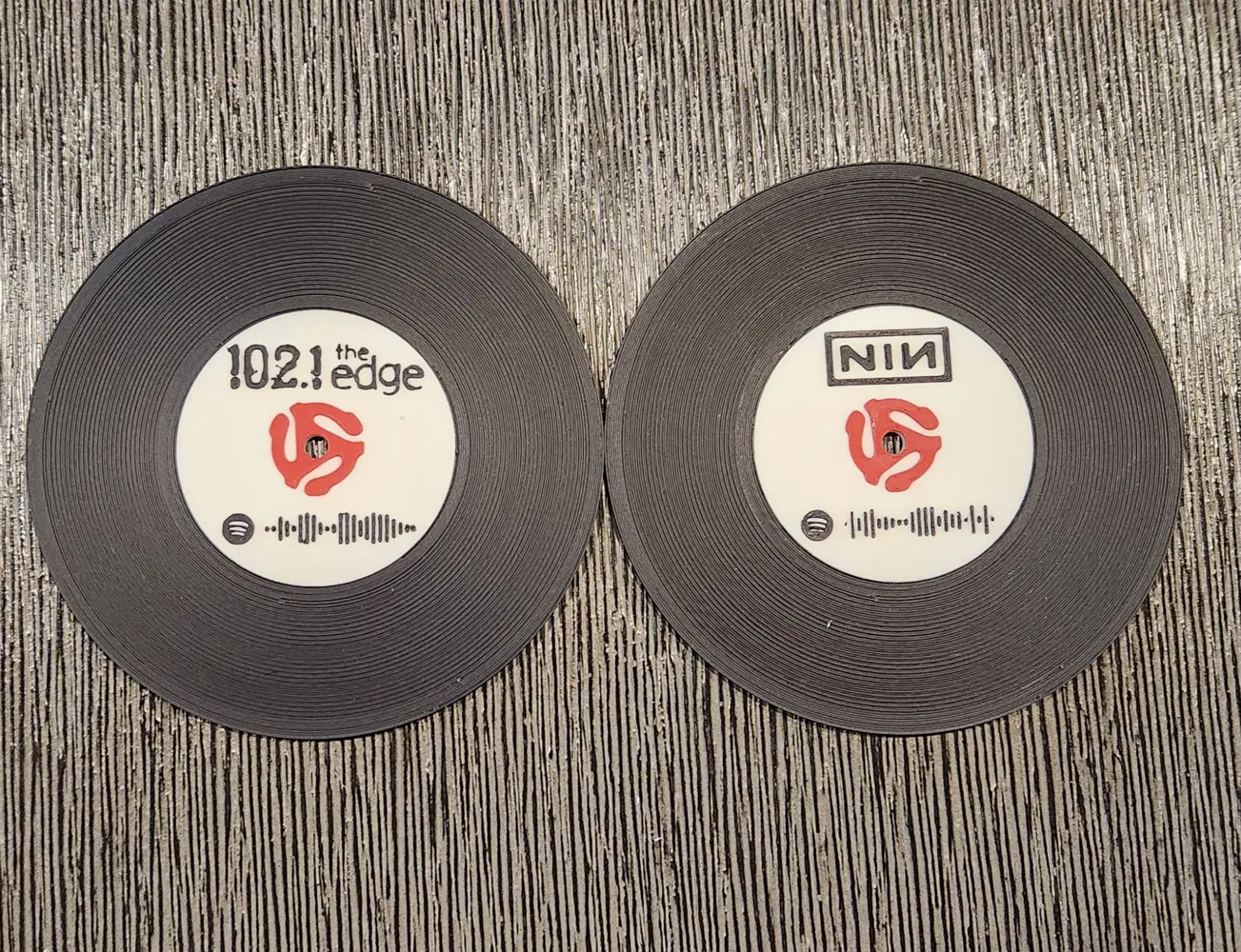
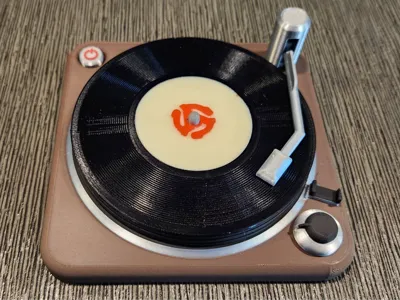
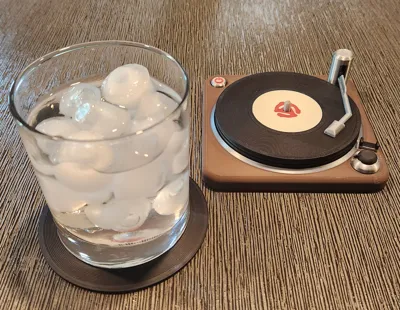
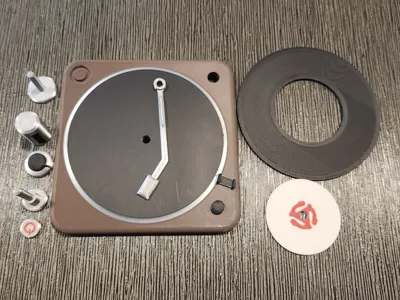
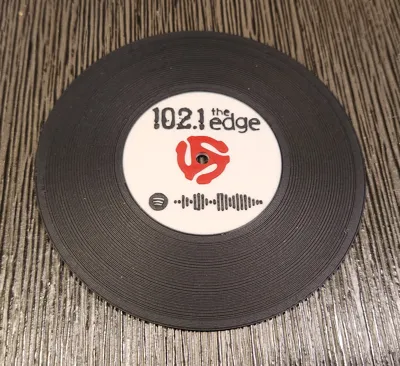
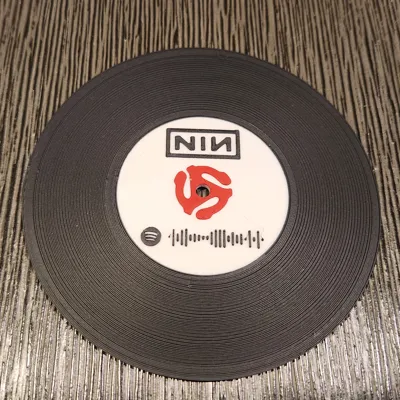
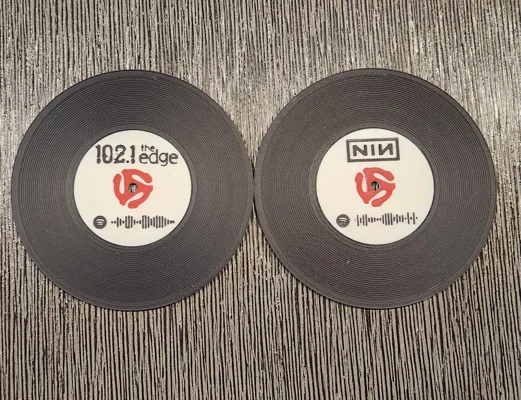
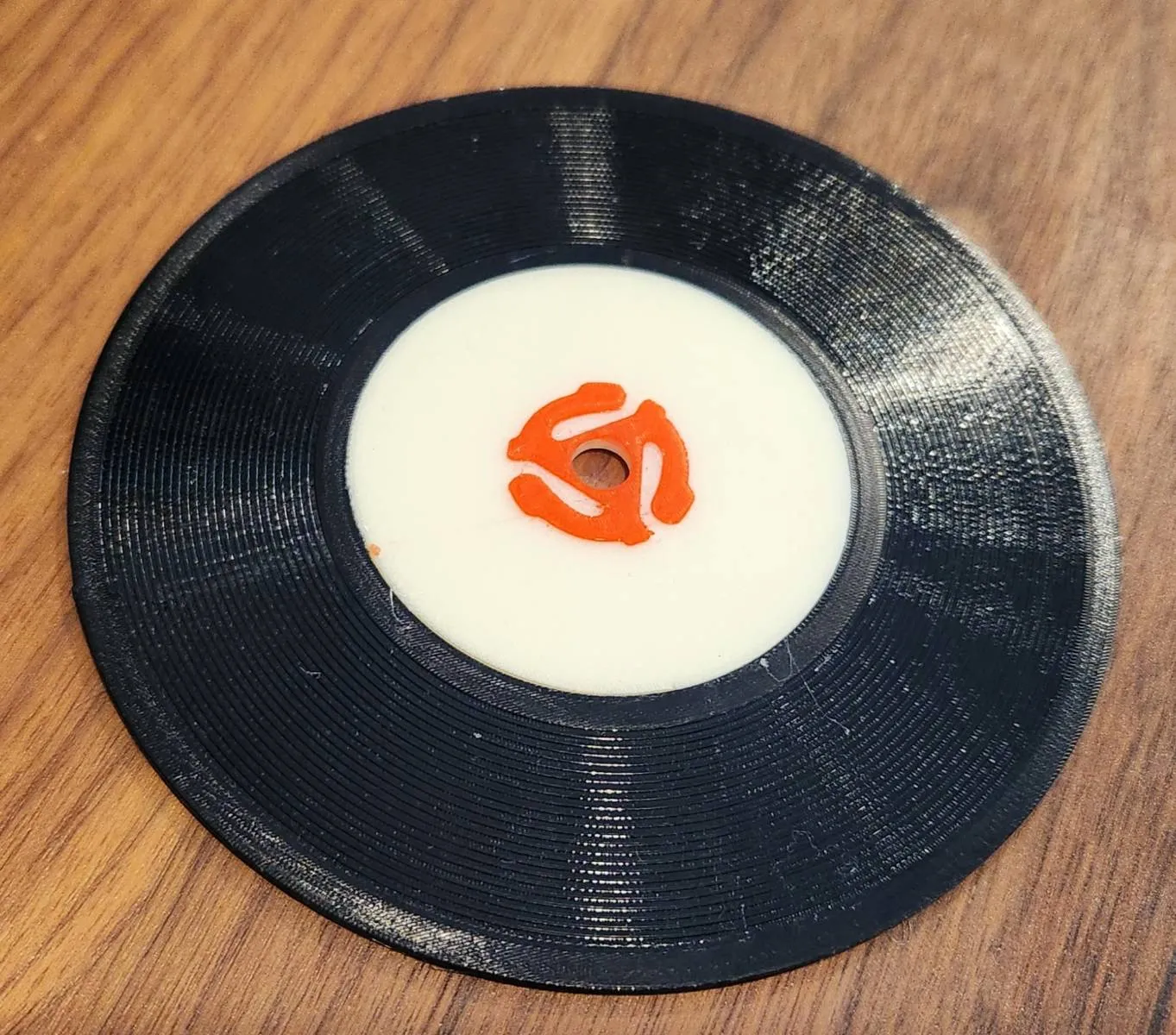
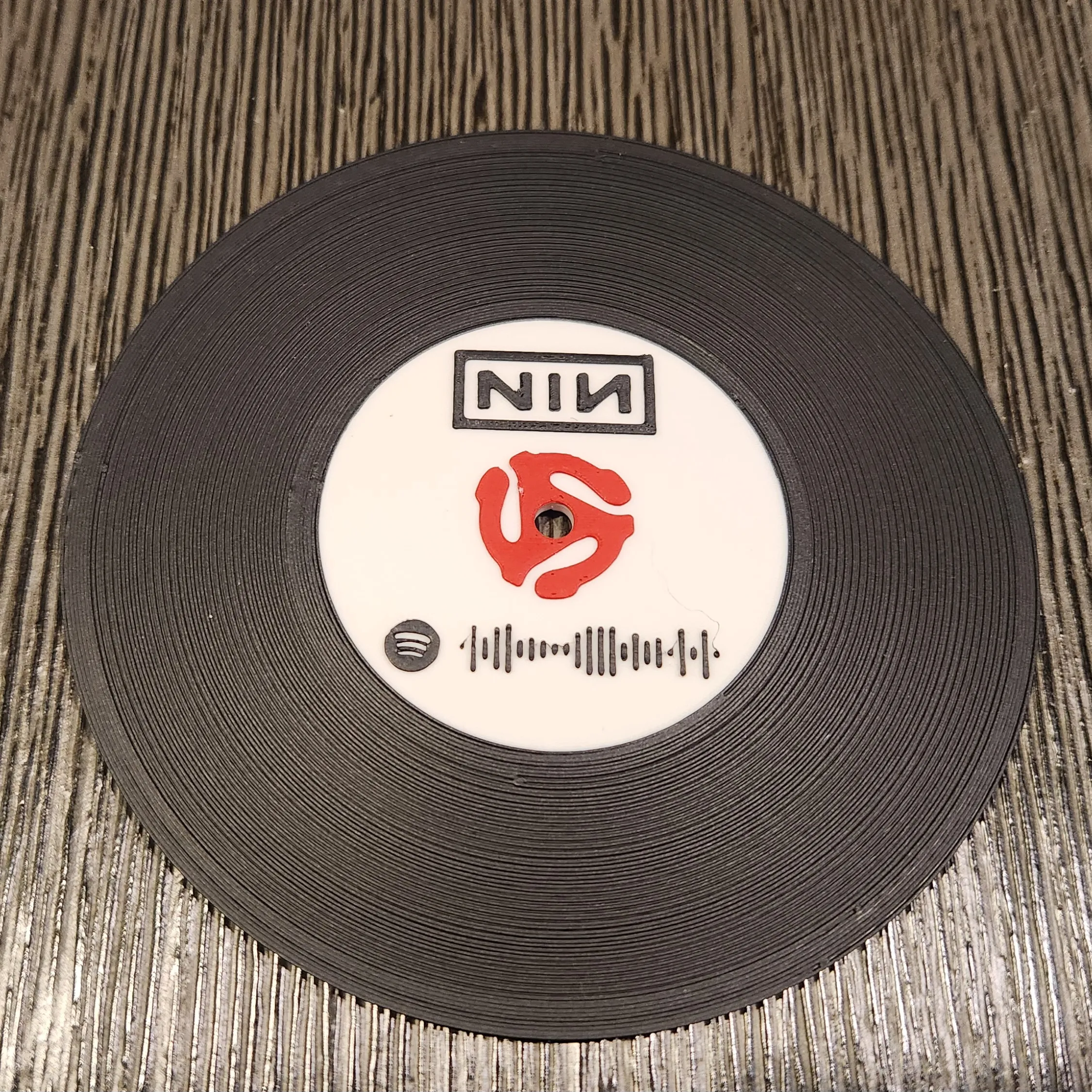
These realistic, fast printing drink coasters with Spotify codes and a turntable holder make a great gift (or for yourself) for those vinyl enthusiatest in your life. While not a unique idea, I wanted to create a model that was completely compression fitted to avoid gluing and make parts 100% replaceable if they should happen to break without the need to reprint the entire model. I also wanted to add Spotify codes and simple band logos to the record label for quick and easy playlists while enjoying a beverage alone or with friends and family. A1-Mini and non-AMS friendly with colour changes achieved by adding a colour changes at layer levels making it a LOT easier for those who don't have an AMS, also resulting in a lot less waste.
The grooves in the record coaster are not only asthetic, they're also functional prevent a glass with a wet bottom to stick to the coaster. The turnable can hold 4 - 6 coasters. Two different sized centre pins are included so you can choose how many coasters you want to print and have the end result look like a polished and well thought out project.
Use MakerWorld's “Make My Sign” to quickly and easily make custom label inserts (instructions for adding a custom Spotify code to the centre label are further down).
** NEW **
I added a profile for TPU Coasters. Flexible, durable, non-slip and their gloss makes the coaster look even more like an LP or 45. The filament profile was fine tuned and object settings customized and should be good for most generic TPUs but feel free modify as you need for specific filaments you may have.

Assembly:





Adding a Spotify Code to the label:
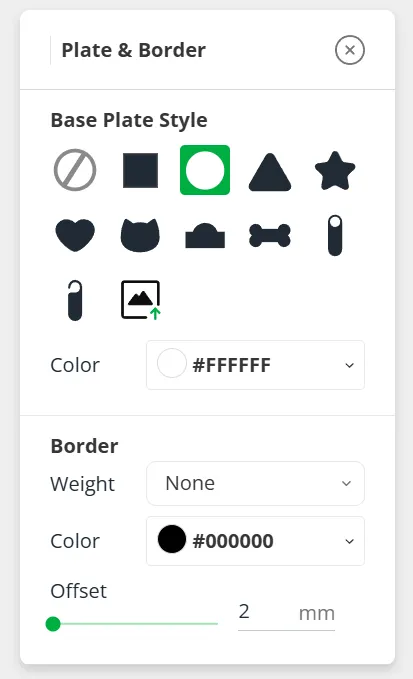
In MakerWorld's Make My Sign create a new project. Make the Base Plate Style a circle. It's up to you the colour you want to use but make sure you print the disc and Spotify code in contrasting colours so Spotify can easily pick up the code when scanned.
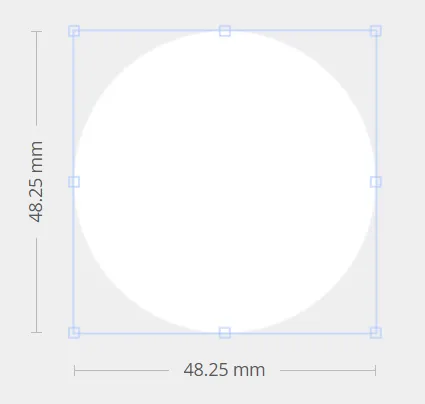
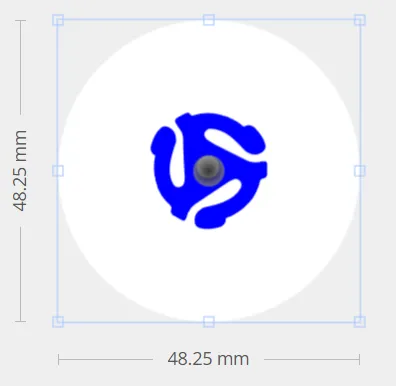
Make the disc 48.25mm in diameter.
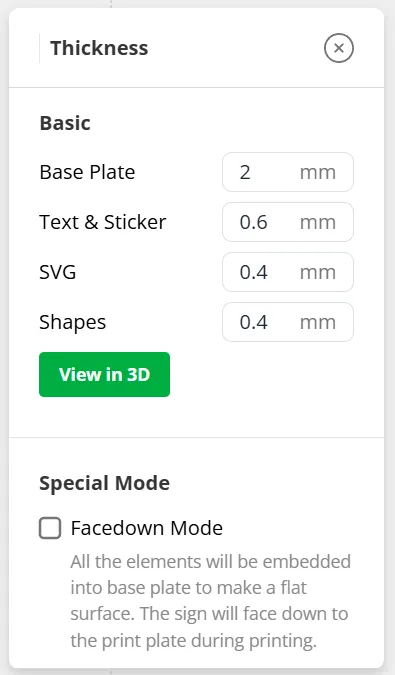
Click on Thickness and set the Base Plate to 2mm. I don't recomment downloading or printing this in Facedown Mode as any small issues with printing the Spotify Code can cause it to become unusable.
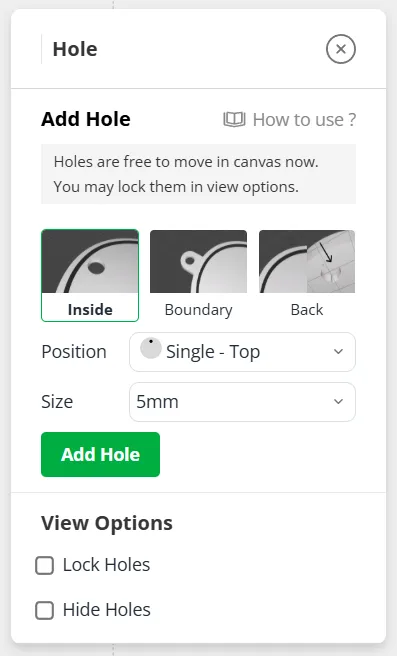
Add a 5mm hole and center it on the disc.
OPTIONAL If you want the 45 Adapter printed on the lable, find a royalty free SVG file online (or message me and I'll send you the one I have), add it to the disc (resize and centre it).

Find whatever Spotify playlist you want to add a code for and copy the link.
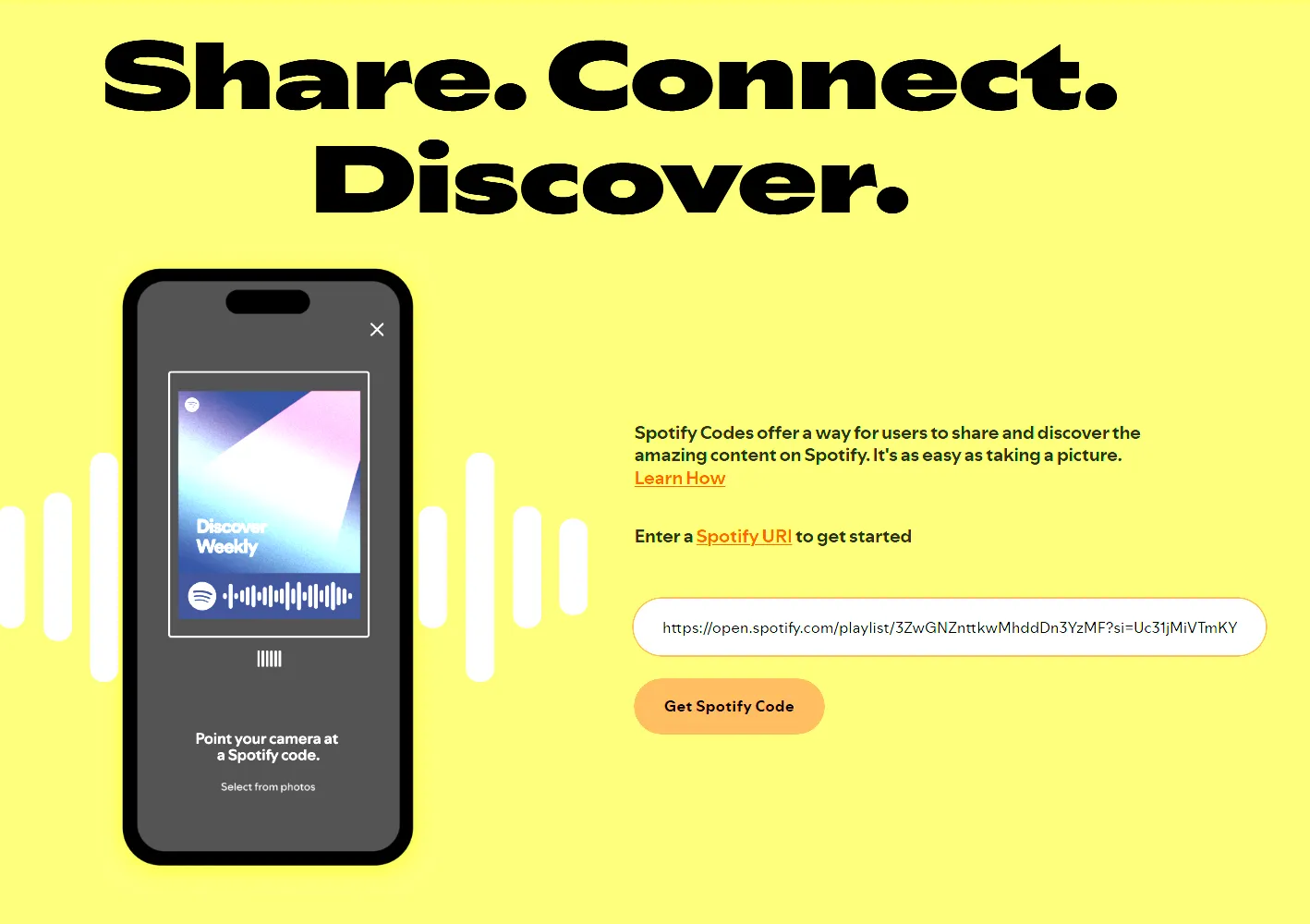
Go to the Spotify Codes website, paste the link in the provided space, click on Get Spotify Code and then click on “Continue” to accept the Acknowledgements.
Set Background Color to #FFFFFF, the Bar Color to Black and the Format to SVG. Click Download.
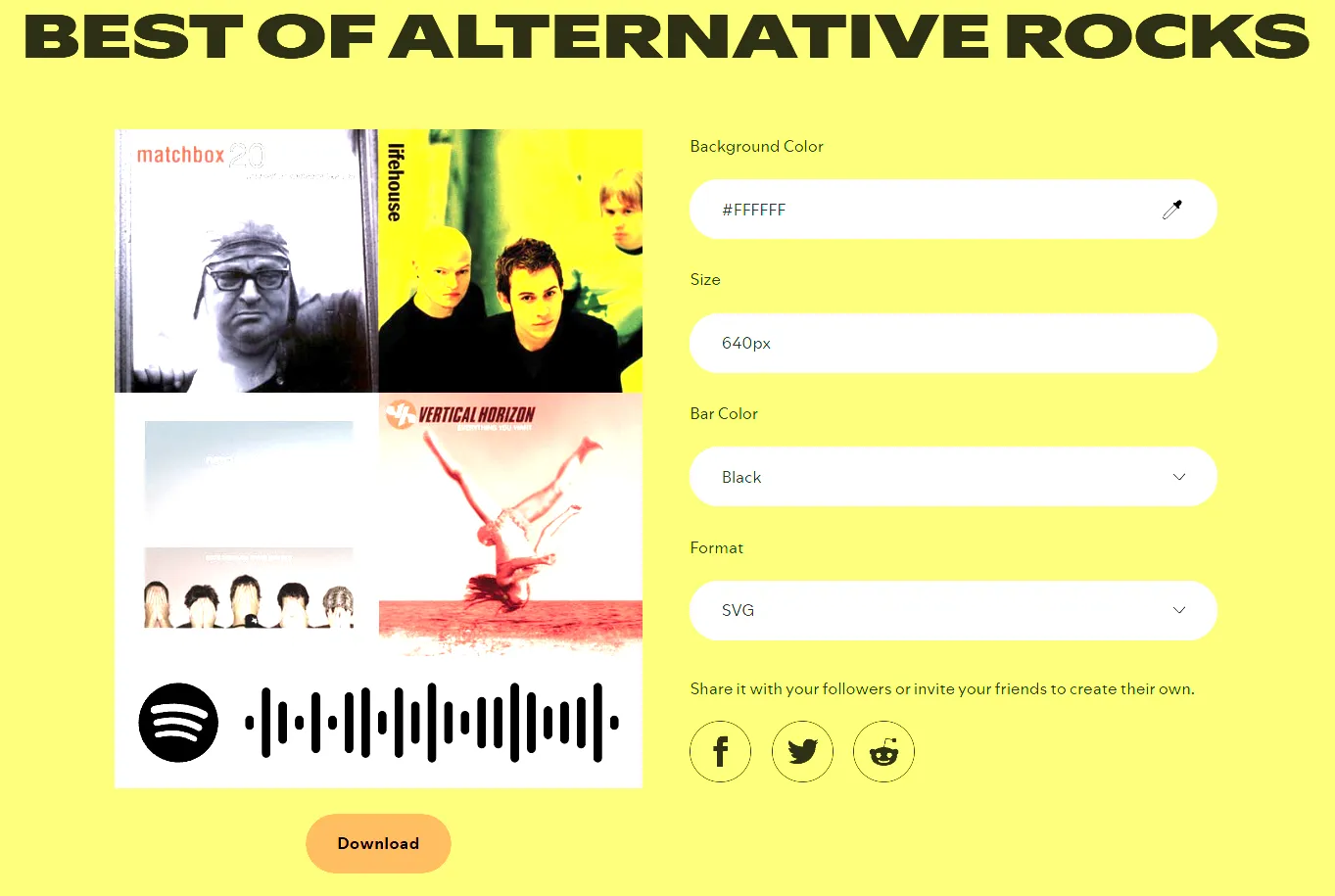
Open the downloaded SVG in your editor of choice (I use the free software Inkscape), remove the background and save the file.
Import the SVG of the Spotify Code into My My Sign, resize and place it in the location you want on the disc.
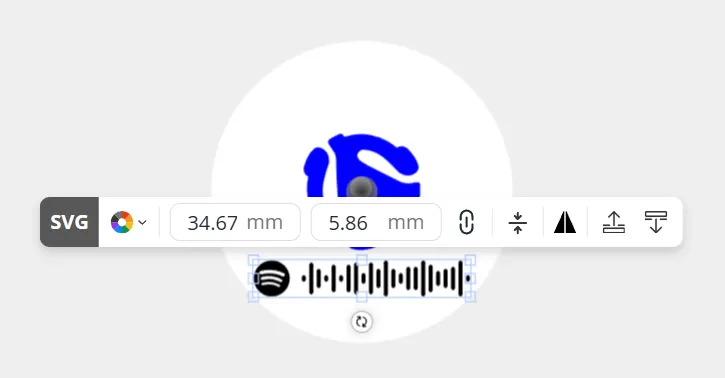
Download the 3MF file and print! You can also add a band or genre logo to the disc following the same process but I recommend having something fairly simple and using block text as images with thinner lines may not print well.
License

You shall not share, sub-license, sell, rent, host, transfer, or distribute in any way the digital or 3D printed versions of this object, nor any other derivative work of this object in its digital or physical format (including - but not limited to - remixes of this object, and hosting on other digital platforms). The objects may not be used without permission in any way whatsoever in which you charge money, or collect fees.


Comment & Rating (14)