
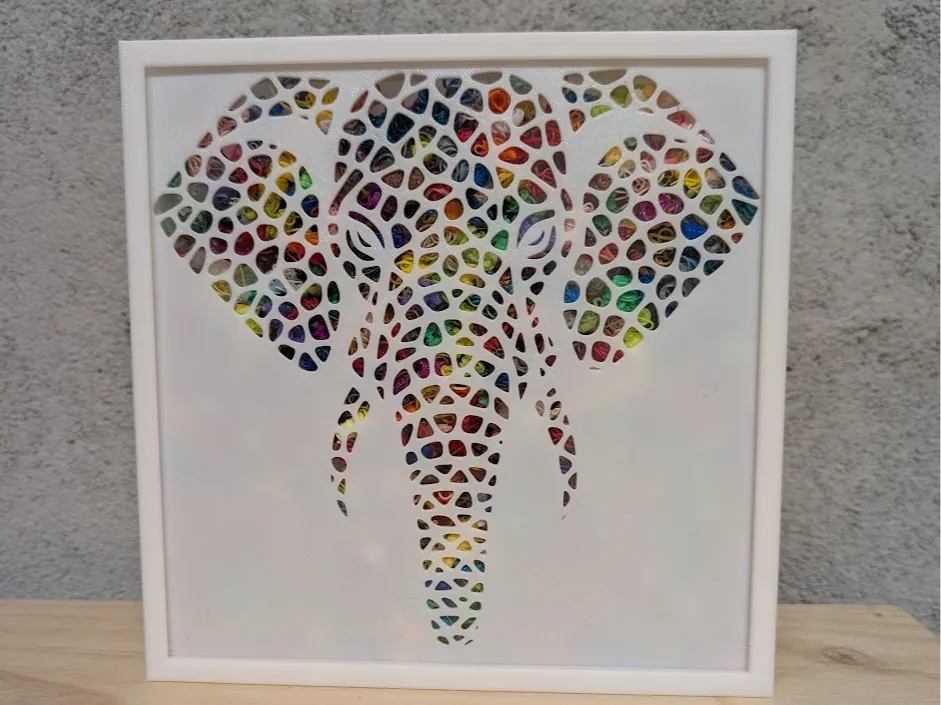
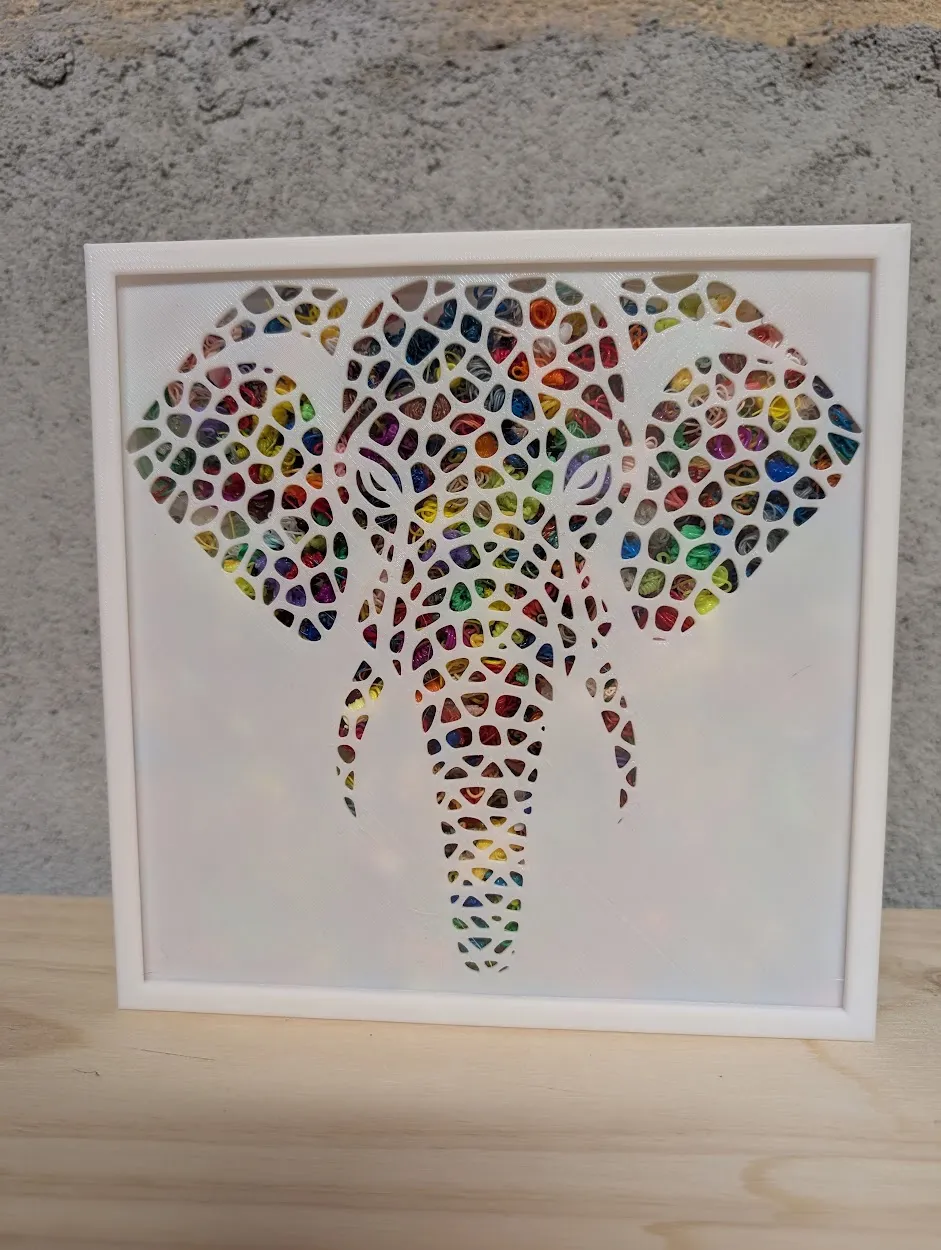
Voronoi Elephant Stencil for purge box
Print Profile(2)


Description
Boost Me (for free)
🙌 Thank you for visiting my creative universe! Every boost you send me is more than just a click: it's a real spotlight on my work, and a huge source of motivation to continue creating unique lamps, decorations, and objects. ✨ If you like what I do, a boost helps me to: -Gain visibility on MakerWorld -Create even more original models -Offer exclusive content to members 💡 A boost is simple yet super powerful support. 💖
Membership
✨ Welcome to my creative workshop! I design original, decorative, and customizable 3D Printed lamps. Whether you're a fan of geek, retro, design, or artistic decor, you'll find something here to illuminate your space differently
🔒 Important: The majority of models I offer are based on licenses or brands belonging to their original creators. They are therefore intended for strictly personal and non-commercial use.
🍻 Want to use a model for commercial purposes
I simply ask for a small gesture for the time invested in modeling
💬 Buy me a virtual beer (€2.50 where I live!)
You can do it via PayPal right here ⬇️
🙏 Thank you for respecting the work, and for your support
https://www.paypal.me/clairenteau
📝 Description
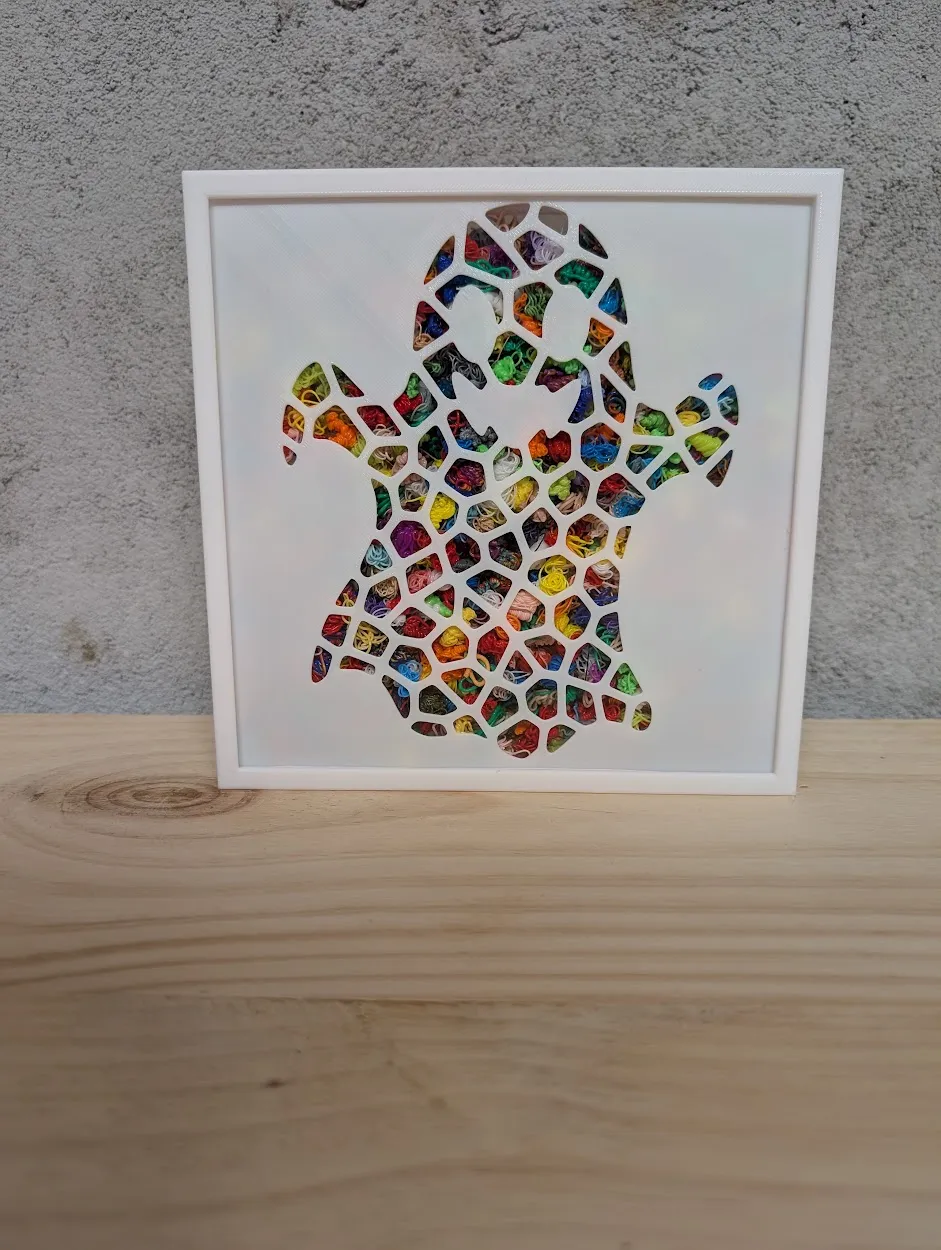
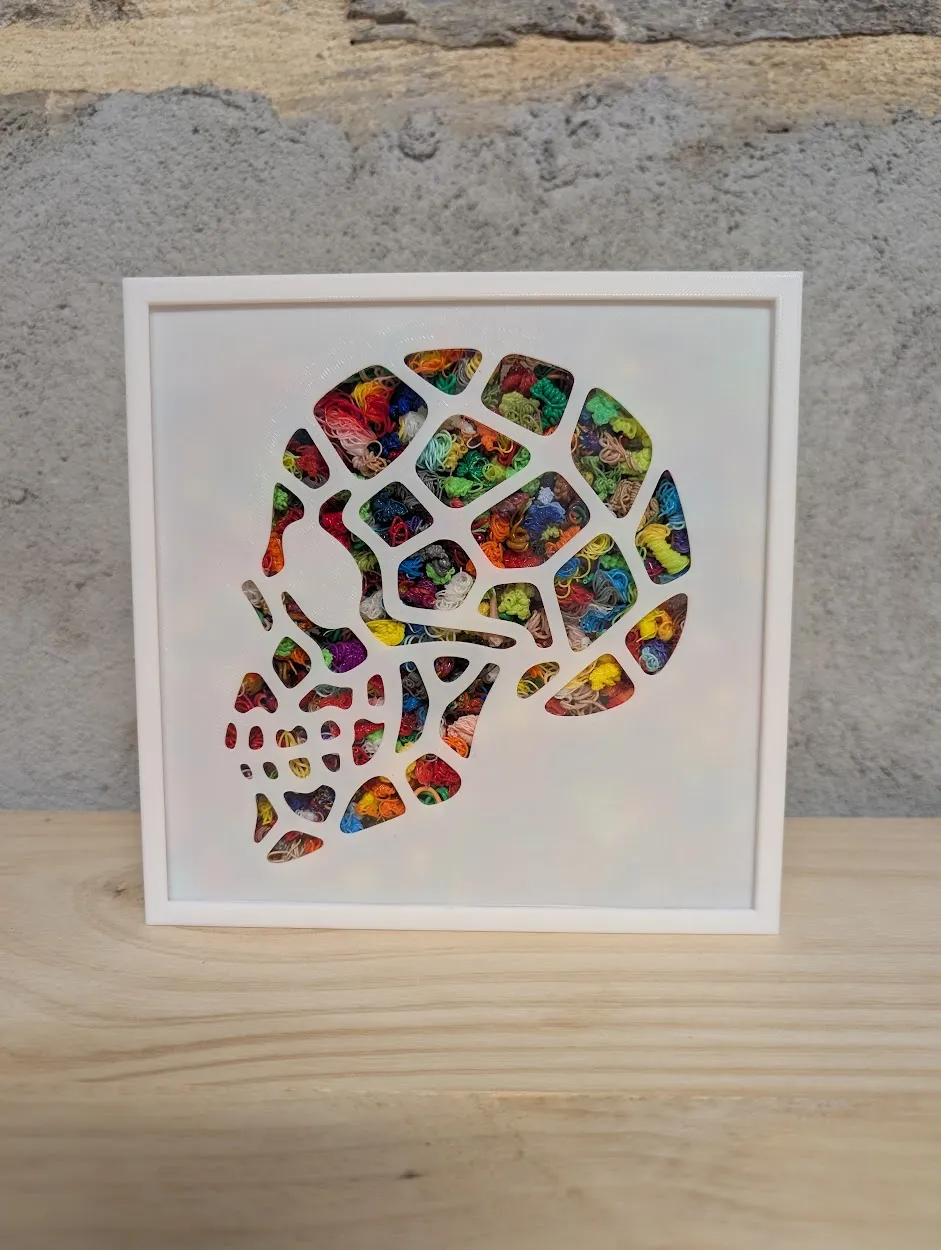
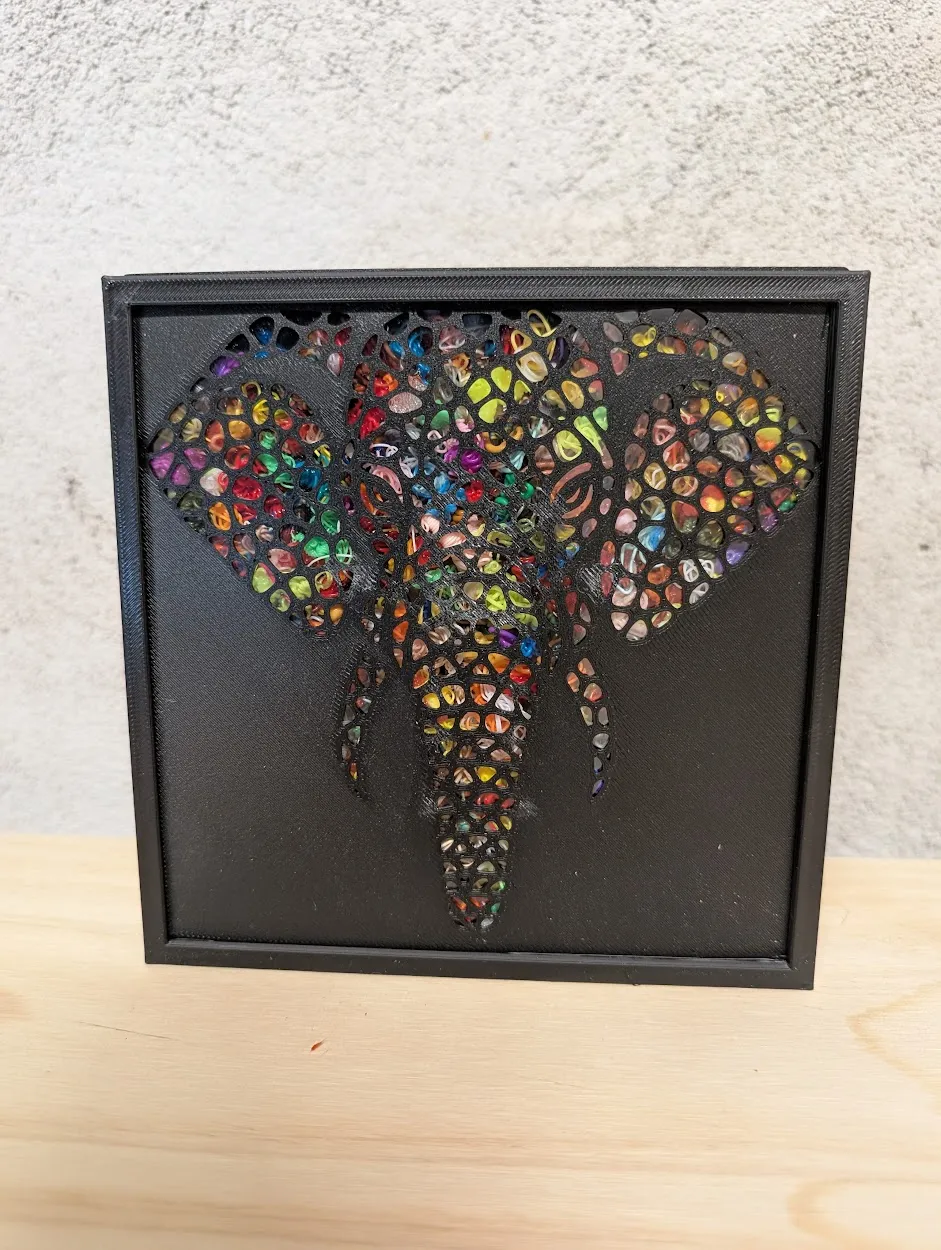
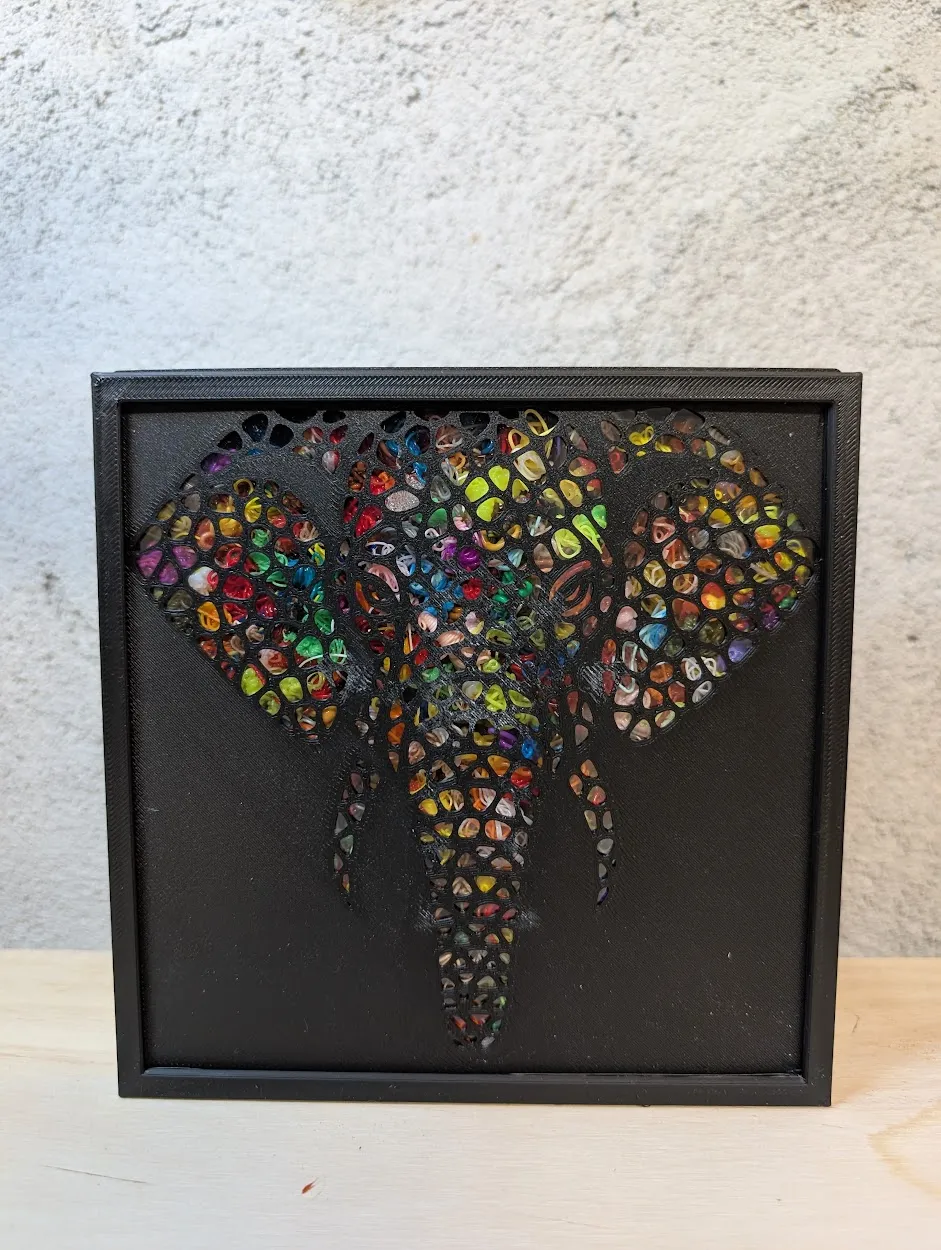
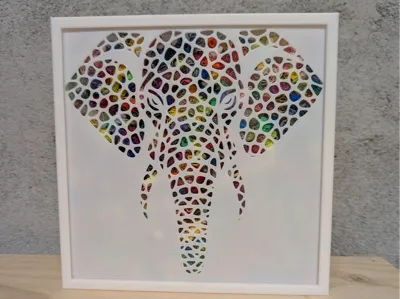
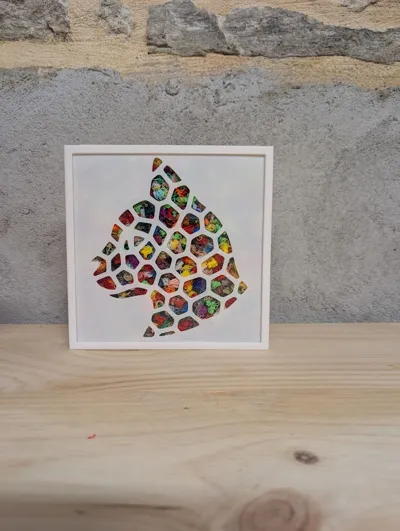
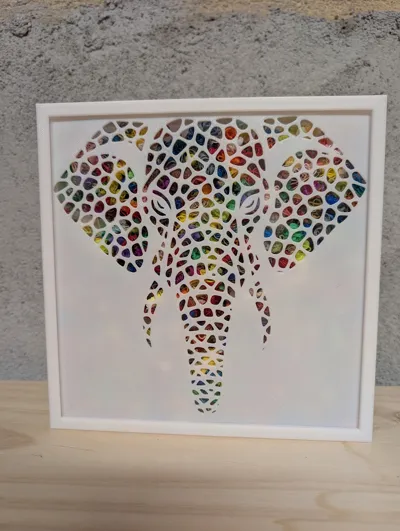
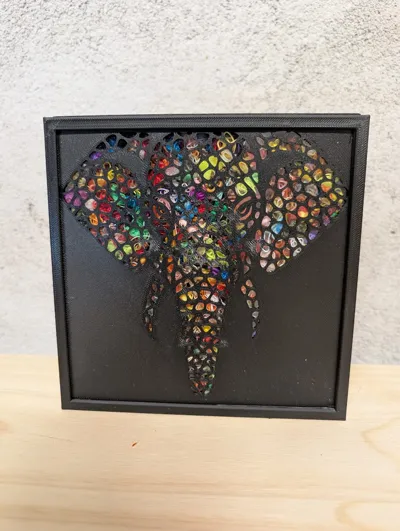
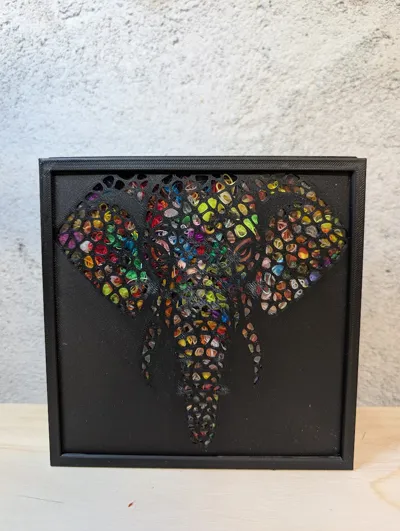
Imposing and full of wisdom, this Voronoi-style elephant will add a majestic touch to your recycling frame 🩶.
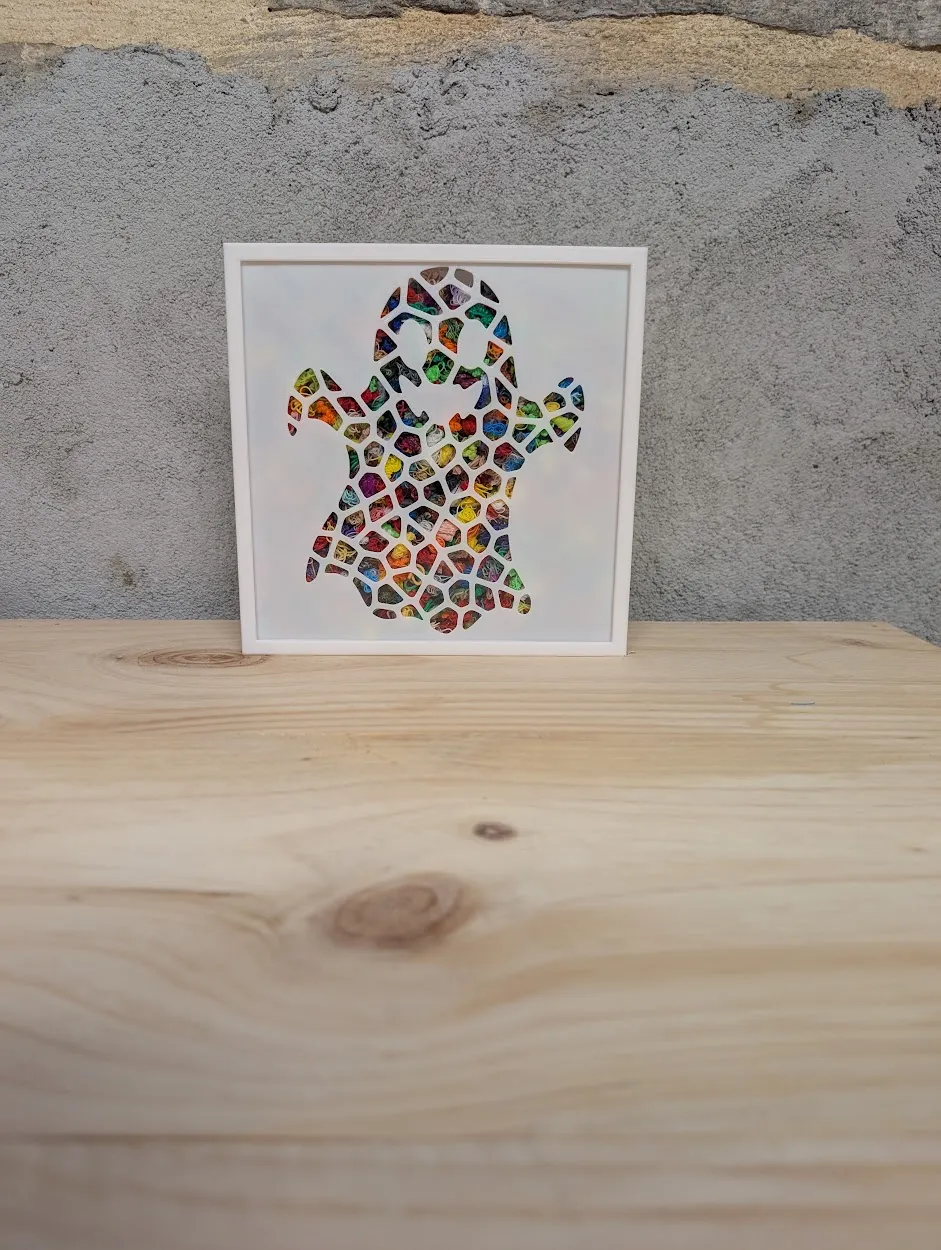
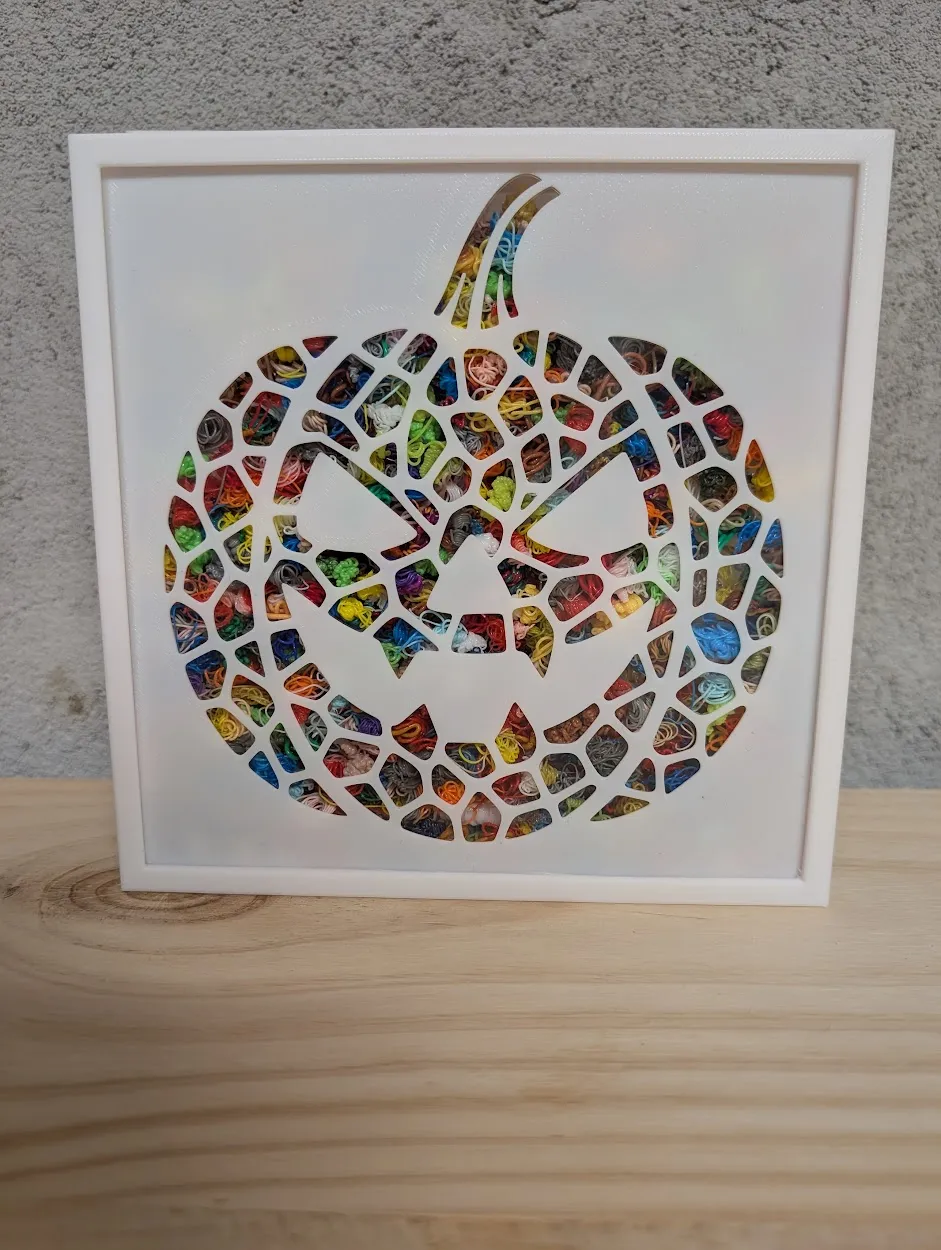
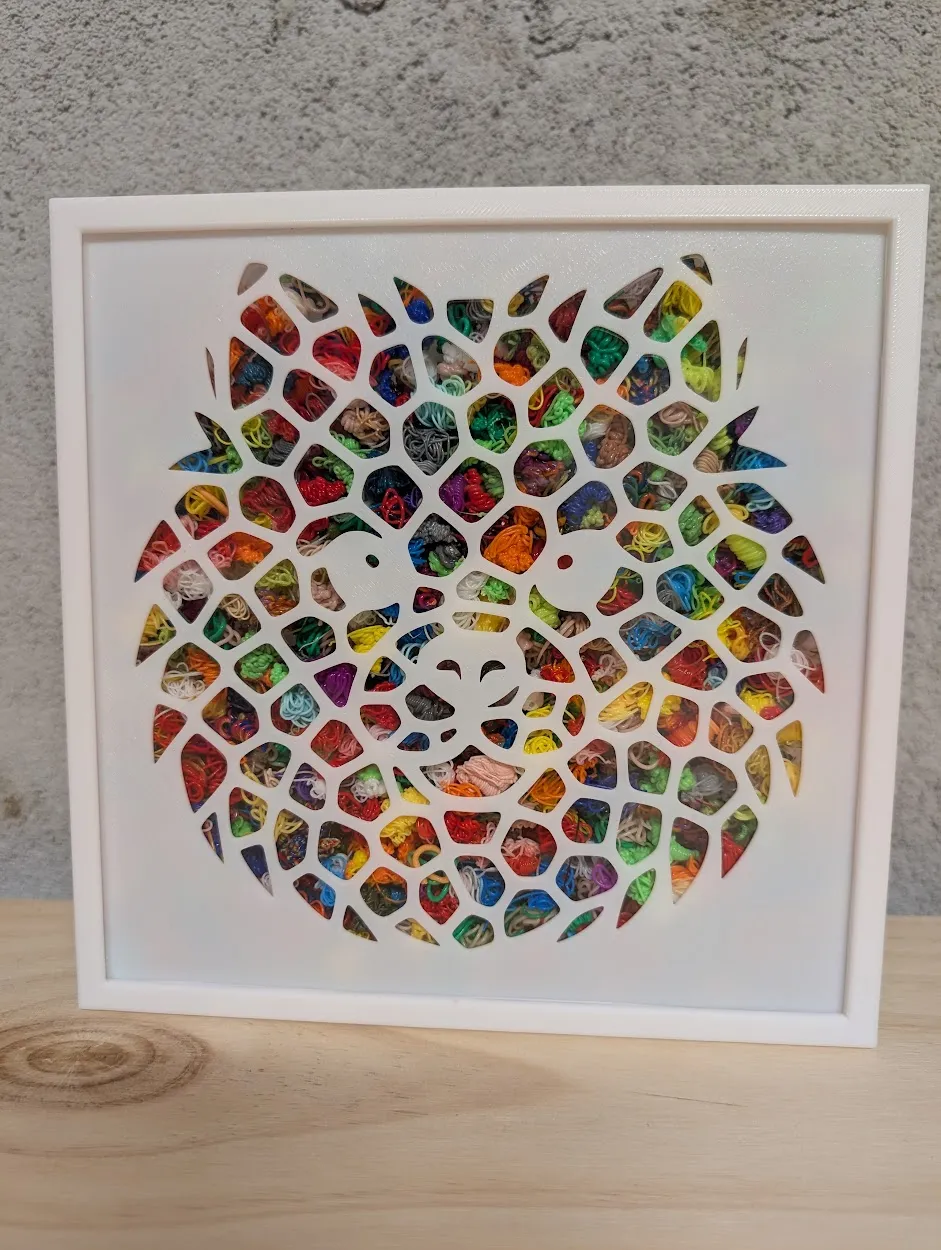
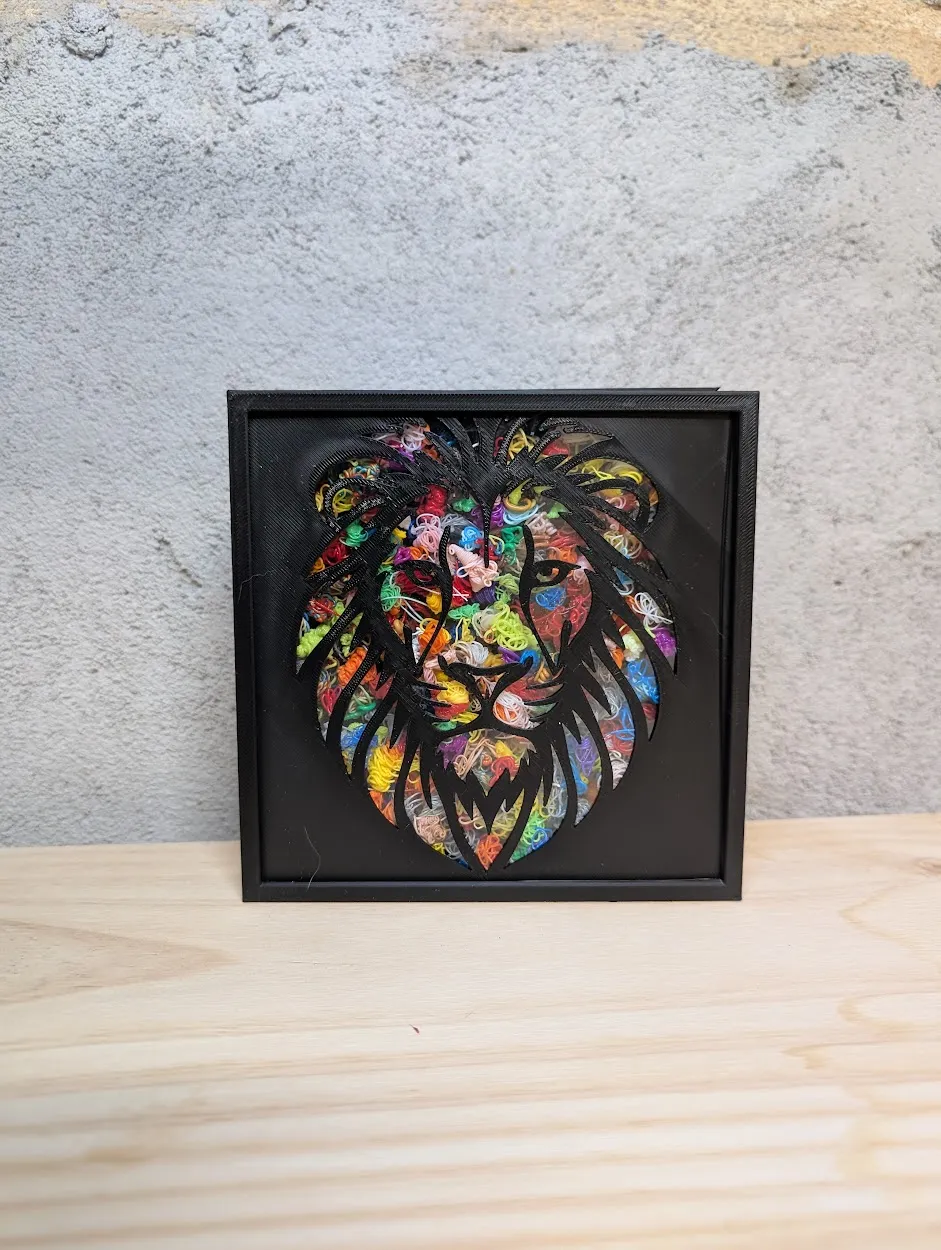
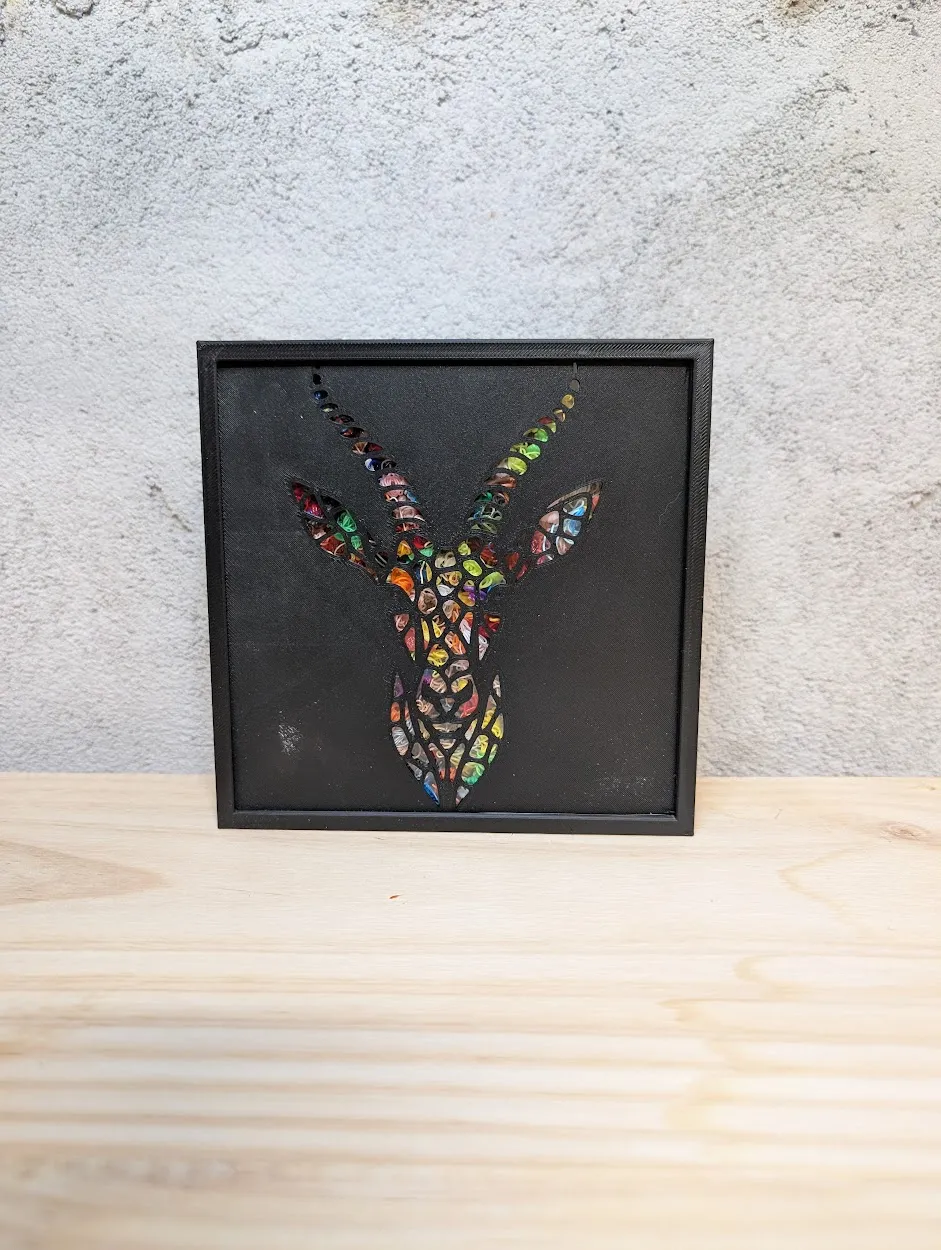
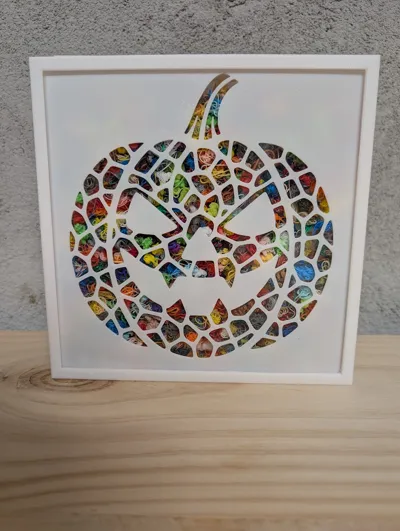
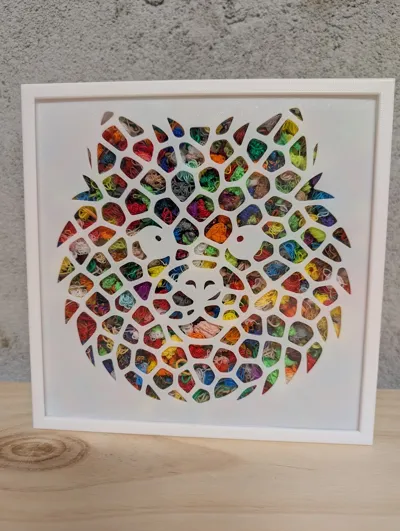
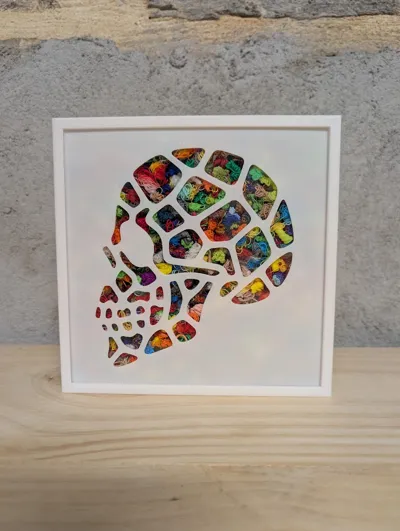
Designed to integrate perfectly with the Filament Purge poops box, it transforms your Filament Purge remains into a truly colorful and unique work of art 🌈.
👉 This model is designed to integrate directly into the Filament Purge poops box/frame.
👉 Filament Purge Poops Recycling Box / Frame by lmcreation56 MakerWorld: Download Free 3D Models
Installation instructions are included in the model.
For optimal rendering, favor "poops" in bright and varied tones — the contrast effect is particularly striking on light or dark backgrounds 🎨.
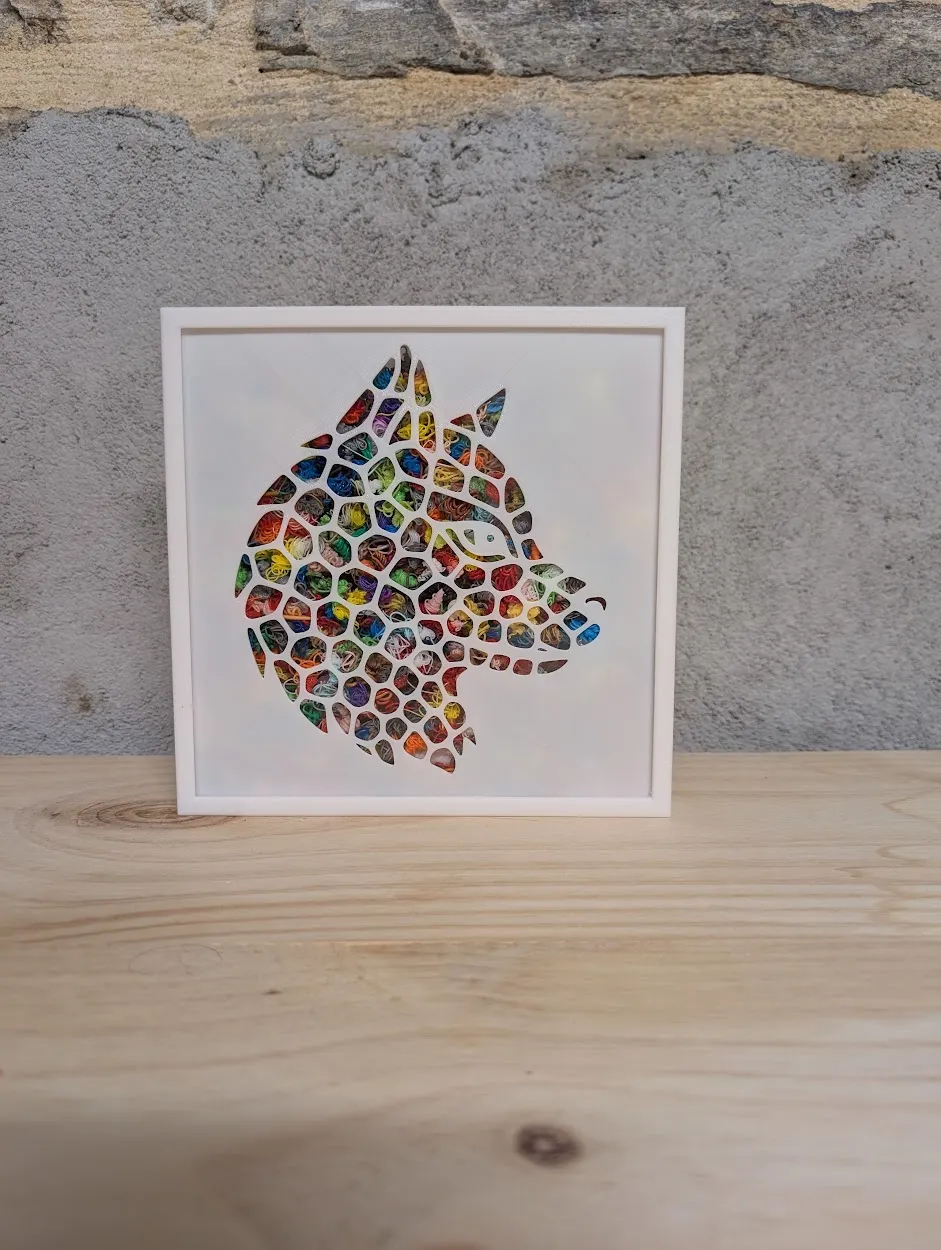
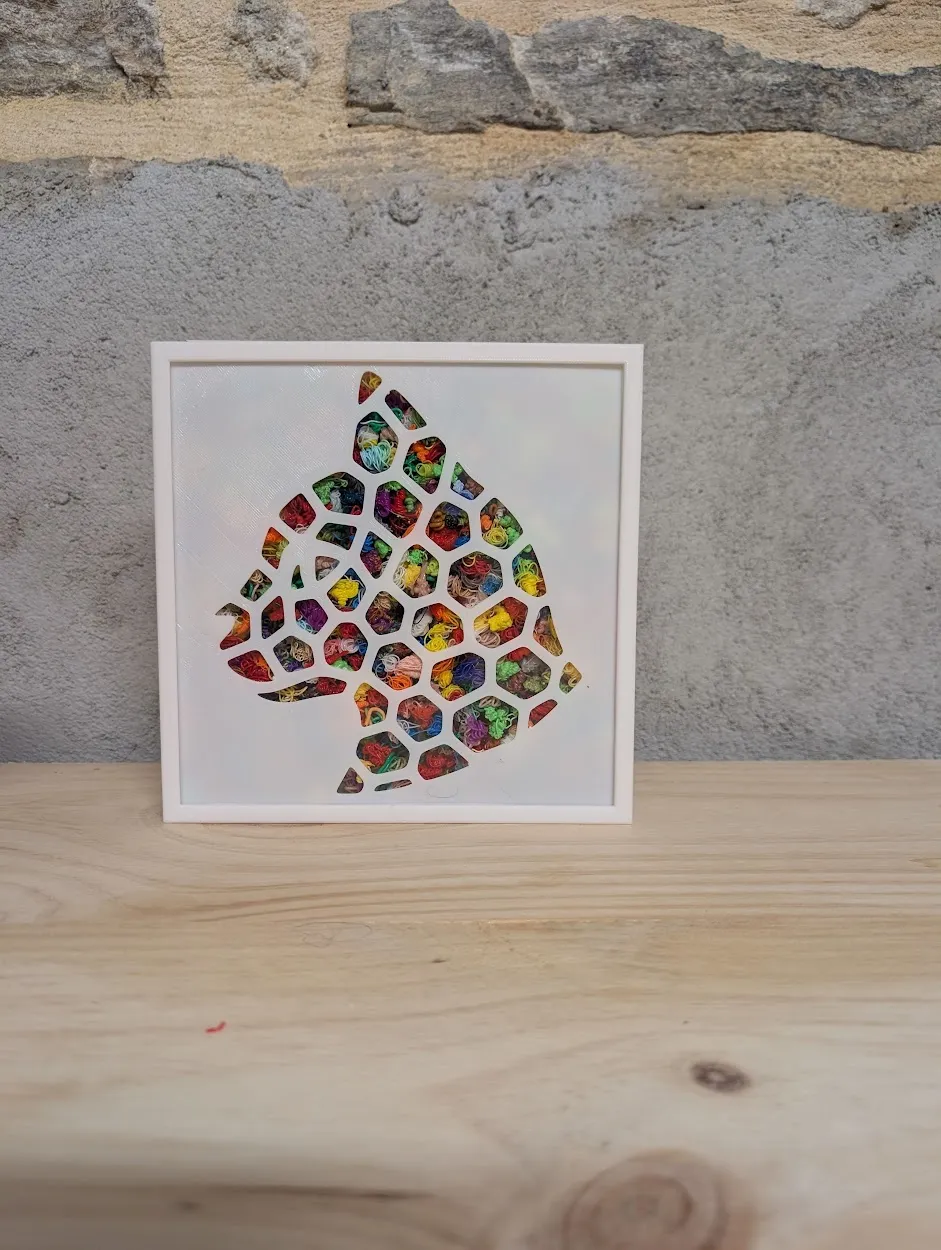
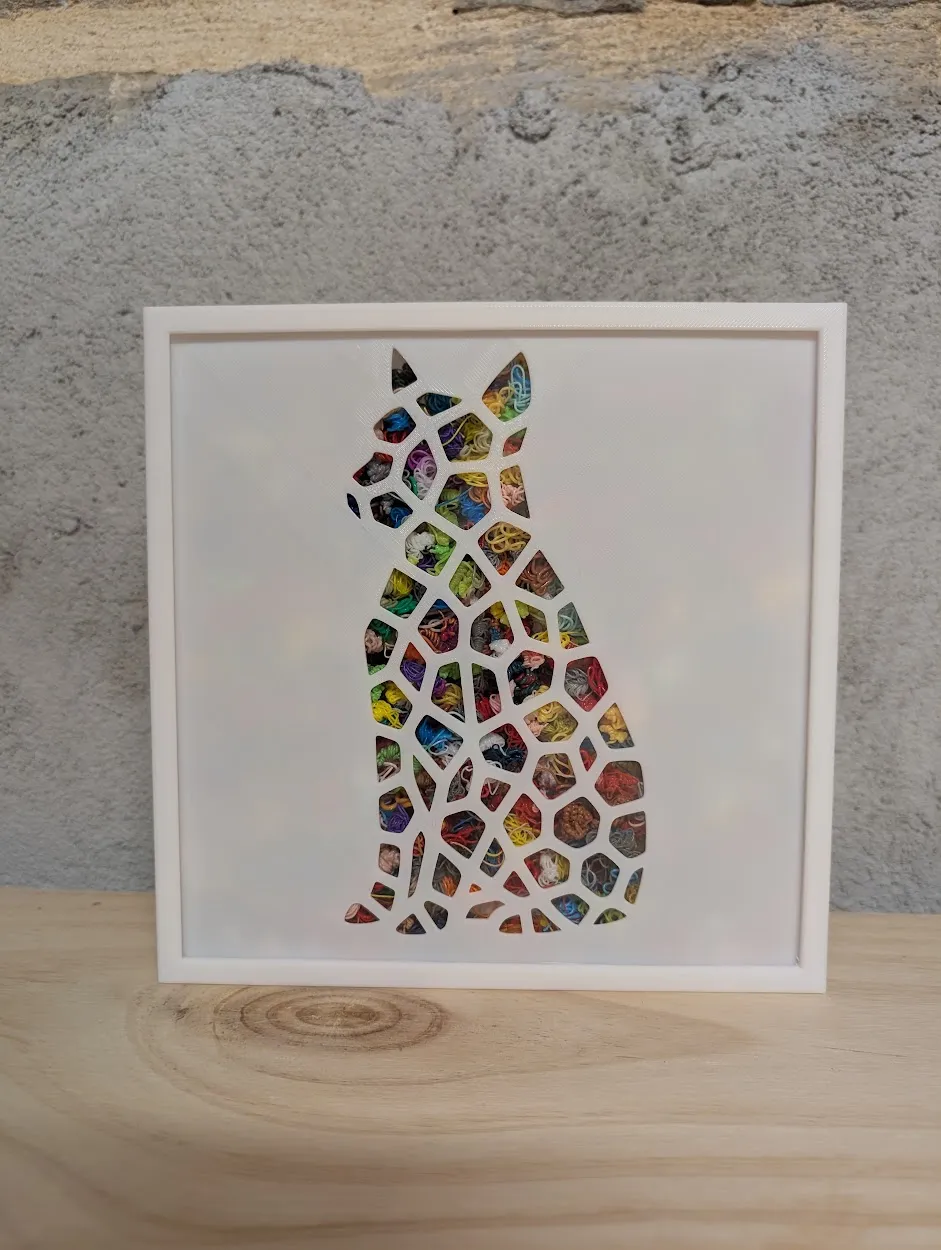
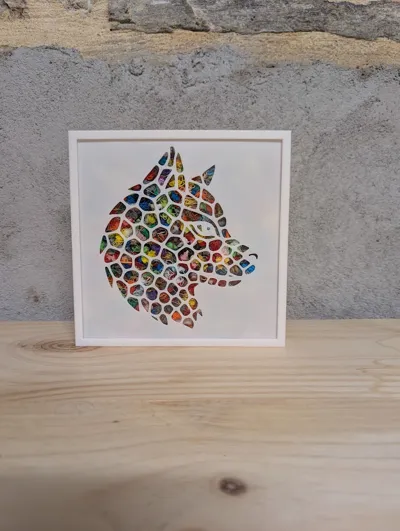
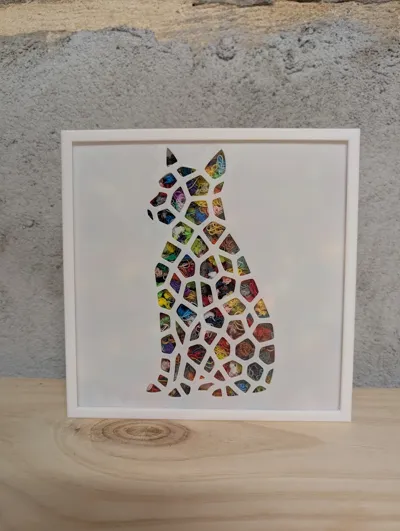
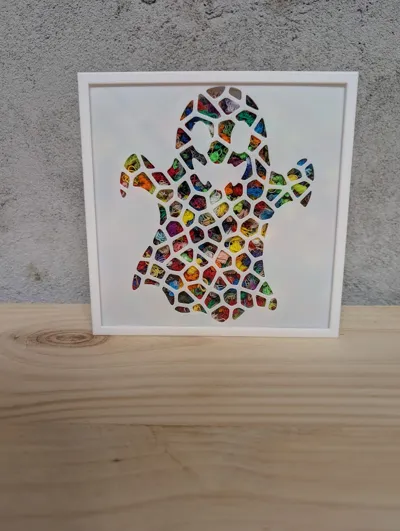
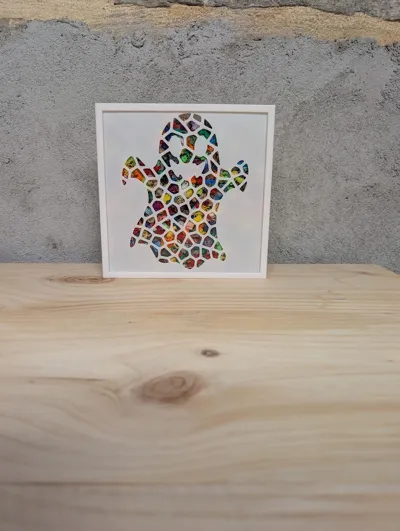
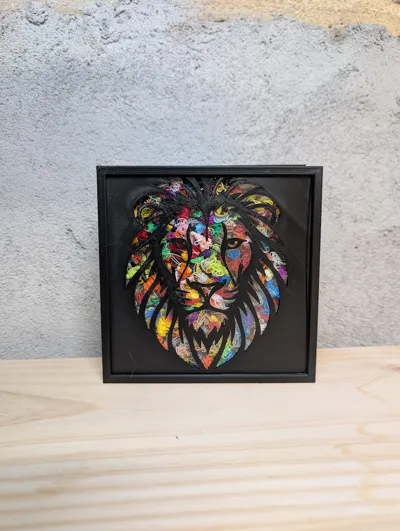
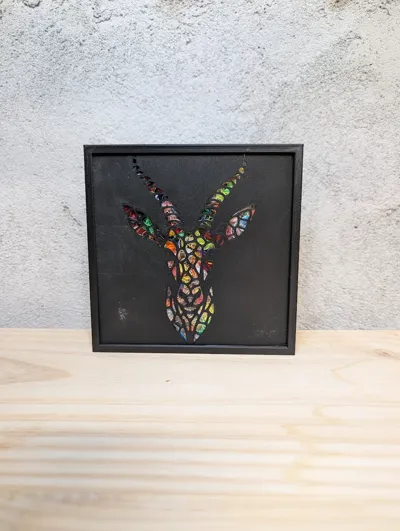
🧩 Other matching stencils are available
- BambuLab logo,
- Heads of wolf, leopard, bulldog, dog, cat, spider, pumpkin, ghost, antelope… and more
🛠️ Tips for perfect 3D printing adhesion
Thoroughly clean your build plate before each print. Grease residues, dust, or fingerprints can impair adhesion and cause detachment.
Check the build plate calibration: a well-leveled build plate ensures a uniform and well-adhered first layer.
Use an appropriate adhesion surface: depending on your material, apply a thin layer of glue stick, an adhesive spray, or a specific tape (e.g., Kapton, BuildTak).
Set the build plate temperature correctly to promote adhesion according to the material used (PLA, ABS, PETG, etc.).
Reduce the first layer print speed: a slower speed allows for better filament adhesion to the build plate.
Plan for a "skirt" or "brim" in your slicer to stabilize the first layer and limit warping.
License

You shall not share, sub-license, sell, rent, host, transfer, or distribute in any way the digital or 3D printed versions of this object, nor any other derivative work of this object in its digital or physical format (including - but not limited to - remixes of this object, and hosting on other digital platforms). The objects may not be used without permission in any way whatsoever in which you charge money, or collect fees.


Comment & Rating (20)