Search models, users, collections, and posts

Anno 1800: The Board Game - 3D Tokens
IP Report
Print Profile(1)

0.4 nozzle, 0.08mm layer, 2 walls, 15% infill
Designer
24.6 h
6 plates
Open in Bambu Studio
Boost
7
46
1
0
24
9
Released
Description
Description
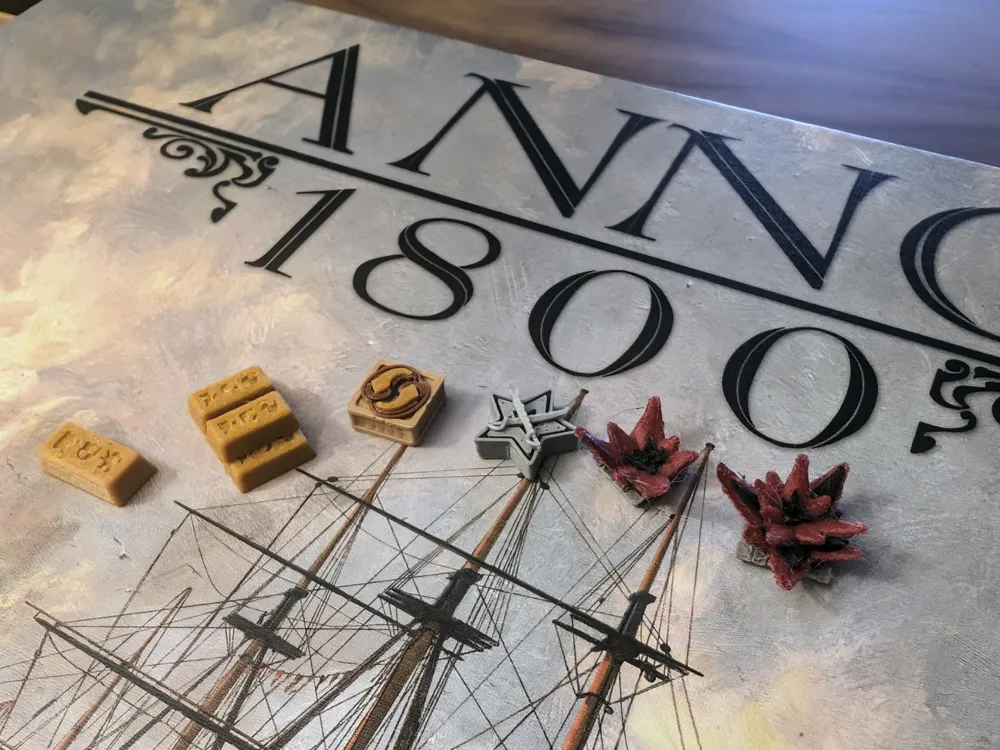
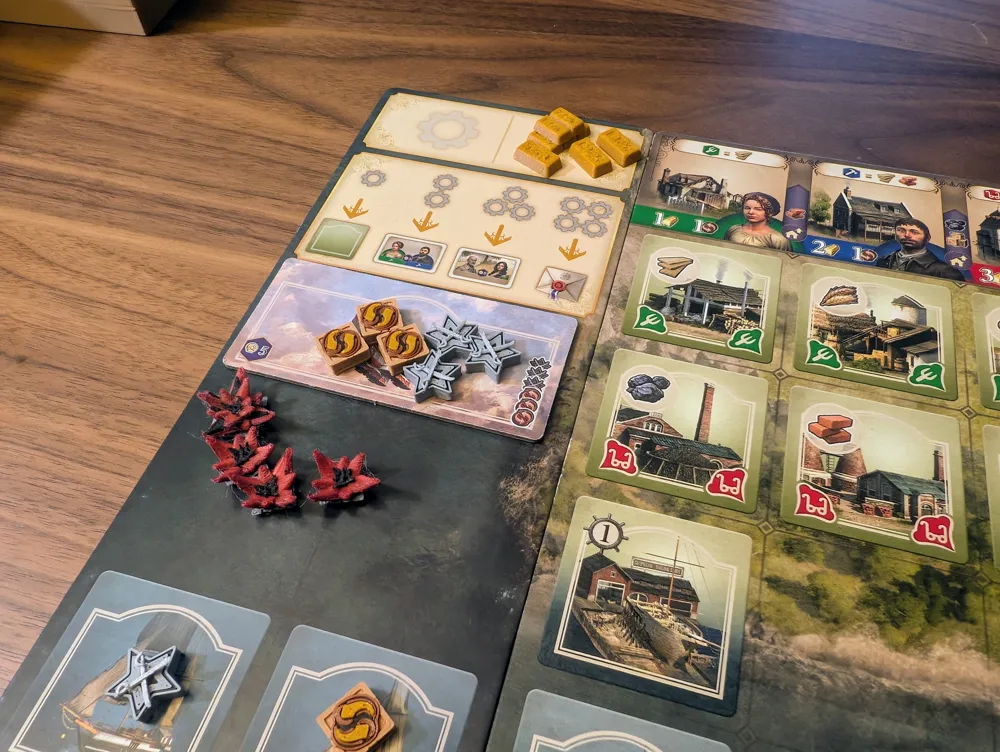
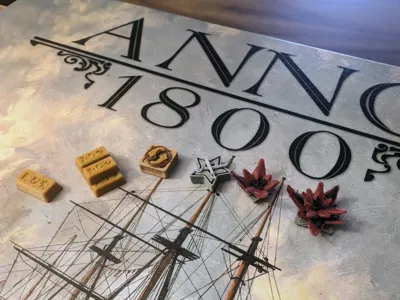
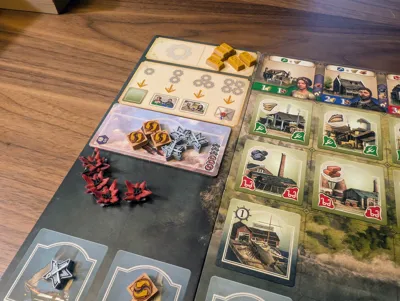
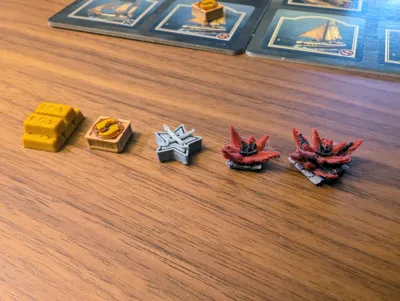
3D tokens upgrades for Anno 1800: The Boardgame (KOSMOS, English edition) + Anno 1800: Die Erweiterung (KOSMOS). They are not realistic, but simply meant to be 3D renders of the token's iconography, with some enhancements for added personality.
Features
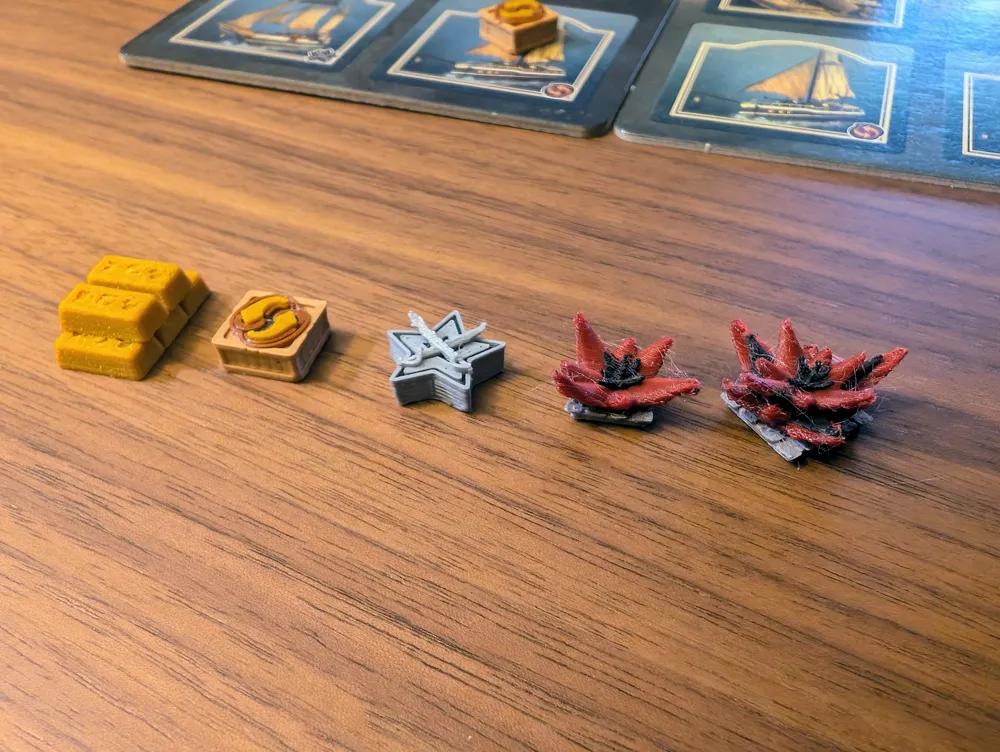
- Coat of arms detailing (similar to the game) for the golden bars
- Wooden crate base for trade tokes (inspired by @BenV model on Printables)
- Angled swords for exploration markers
- Cobblestone-like base for unrest tokens
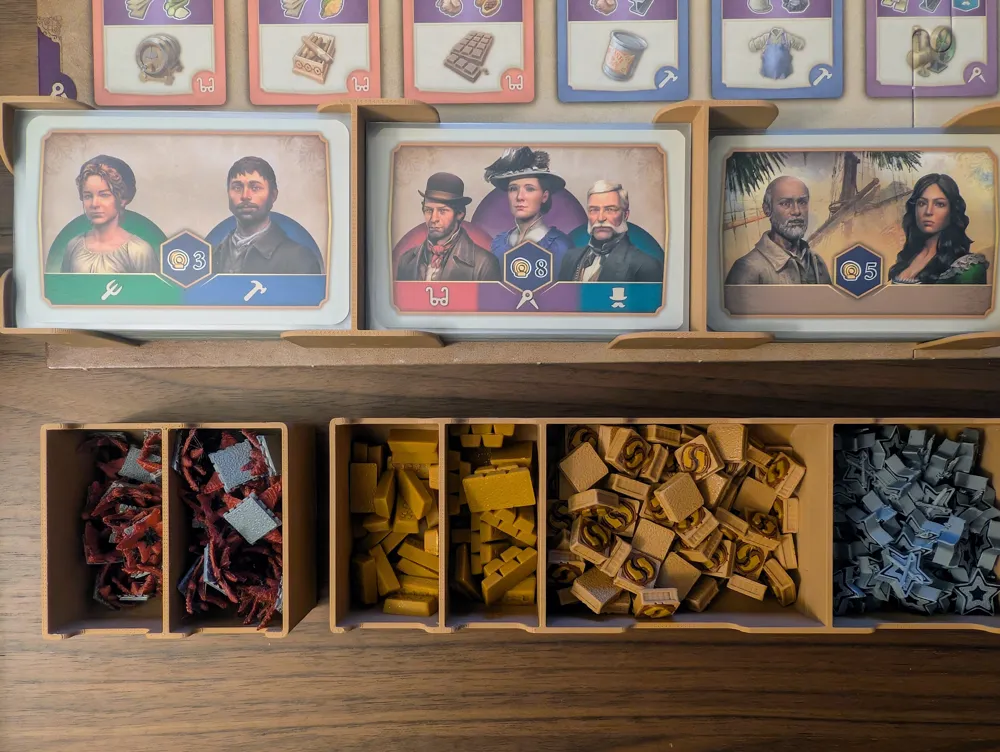
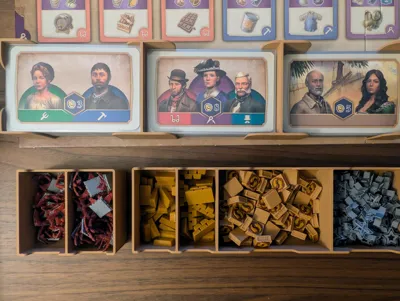
- Compatible with my Anno 1800 organizer design*
*Based on one-to-one cardboard token to 3D token quantities. Original tokens can be bagged and spread trough the insert open spaces.
Notes
Printing and Slicing
- Dry your filament before printing, principally silk or other special filaments.
- Except for the gold bars, each token is a multipart model. The only reason for that is coloring, as painting for this design would be extremely unpractical. If you download the STL files, the root folder contains merged models with the multipart versions organized by sub folders.
- If downloading the 3MF, the parts are already painted and arranged, but everything has been merged for practical reasons (variable height and brim removal). A non-merged copy of each model marked non-printable can be found on the bottom-right corner of each plate. For non-AMS printing, just change the filament color of the merged models.
- Due to its complex geometry and tendency to warping near the active layer, the Unrest tokens are spread across two plates. It saves some hours in case of failure, which usually takes the form of a couple of token getting knocked out of place.
- The last plate is an alternative option that combines the 1and 5 value Unrest tokens. Print this one instead to save on purging and total print time. However, I strongly recommend using some print plate glue in this case.
- The included profile have “Avoid Crossing” turned on. It makes slicing very slow and increase print time a little (maybe like 2-5%), but reduces chances of failure, principally with the Unrest tokens
- Use the 0.4mm nozzle profile for faster print time and composite filament (like metal or galaxy PLA). Planning on uploading a 0.2mm nozzle profile soon, after I replace the one that I clogged trying to force metal PLA trough it.
Materials Used
- Panchroma Matte PLA (Wood Brown, Fossil Grey, Charcoal Black)
- Elegoo PLA (White)
- Panchroma Metallic PLA (Gold, Bronze, Silver)
- Panchoma Starlight PLA (Mars)
License

This user content is licensed under a Standard Digital File License.
You shall not share, sub-license, sell, rent, host, transfer, or distribute in any way the digital or 3D printed versions of this object, nor any other derivative work of this object in its digital or physical format (including - but not limited to - remixes of this object, and hosting on other digital platforms). The objects may not be used without permission in any way whatsoever in which you charge money, or collect fees.


Comment & Rating (1)