Search models, users, collections, and posts

Knife Sharpening Angle Guide Plate (15°–30°)
IP Report
Print Profile(1)

0.08mm layer, 2 walls, 15% infill
Designer
7.9 h
1 plate
Open in Bambu Studio
Boost
37
159
4
2
281
197
Released
Description
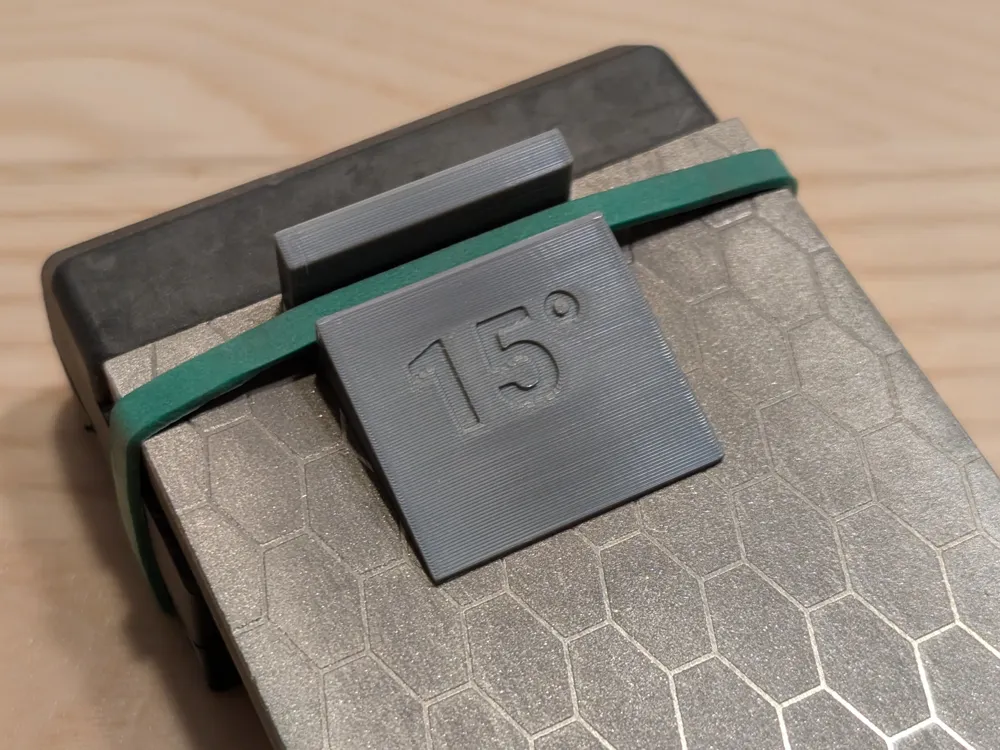
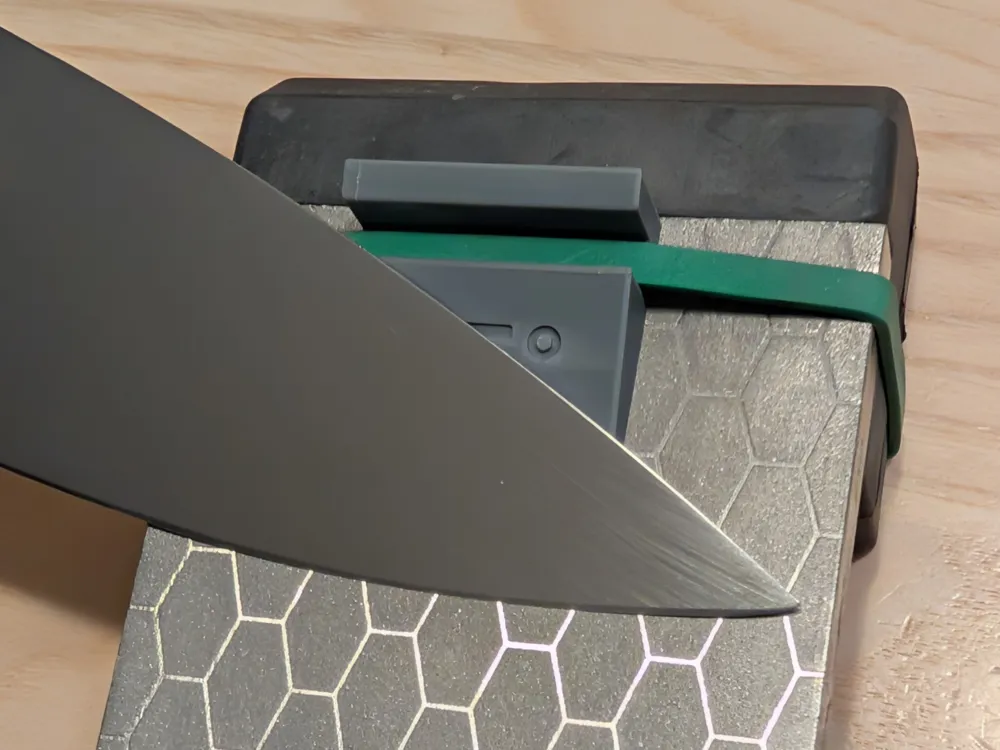
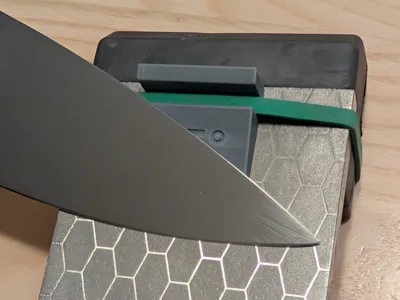
This model includes 16 knife sharpening angle guides ranging from 15° to 30°, all arranged on a single printable plate.
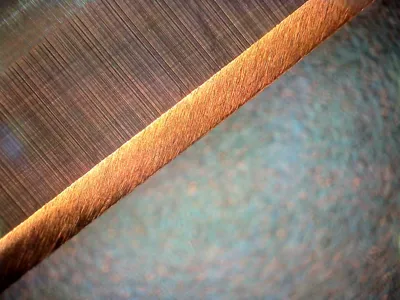
Each guide helps you maintain a consistent angle between your knife blade and the sharpening stone for precise, repeatable results.
You can print the full plate, or simply delete the guides you don’t need in your slicer to save time and filament.
The FreeCAD (.FCStd) source file is included.
Because of the way FreeCAD handles fonts, you’ll need to update the font file location after opening the project.
You can do this by selecting:
Body → Pocket → ShapeString → Data window → Font File
Once that’s done:
- Open the VarSet to set your preferred angle and dimensions.
- Select the Body in the model tree.
- Export your customized guide as a STEP or STL file.
This lets you easily create guides for any sharpening angle or size you prefer.
License

This user content is licensed under a
Creative Commons Attribution-Noncommercial-Share Alike


Comment & Rating (4)