
Print Profile(1)

Description
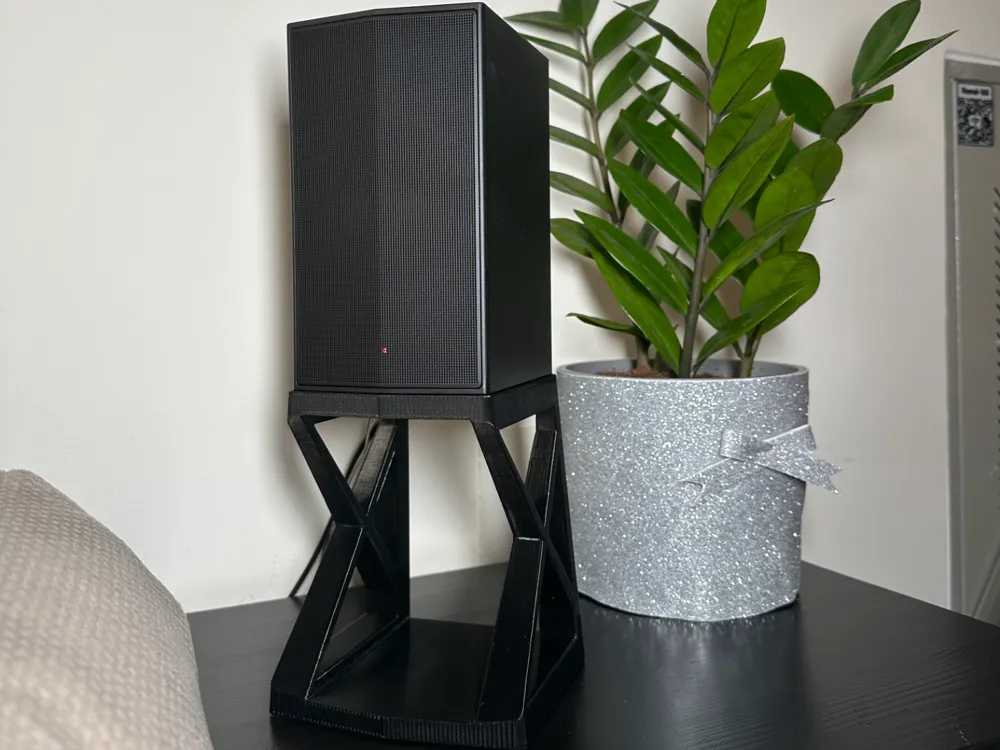
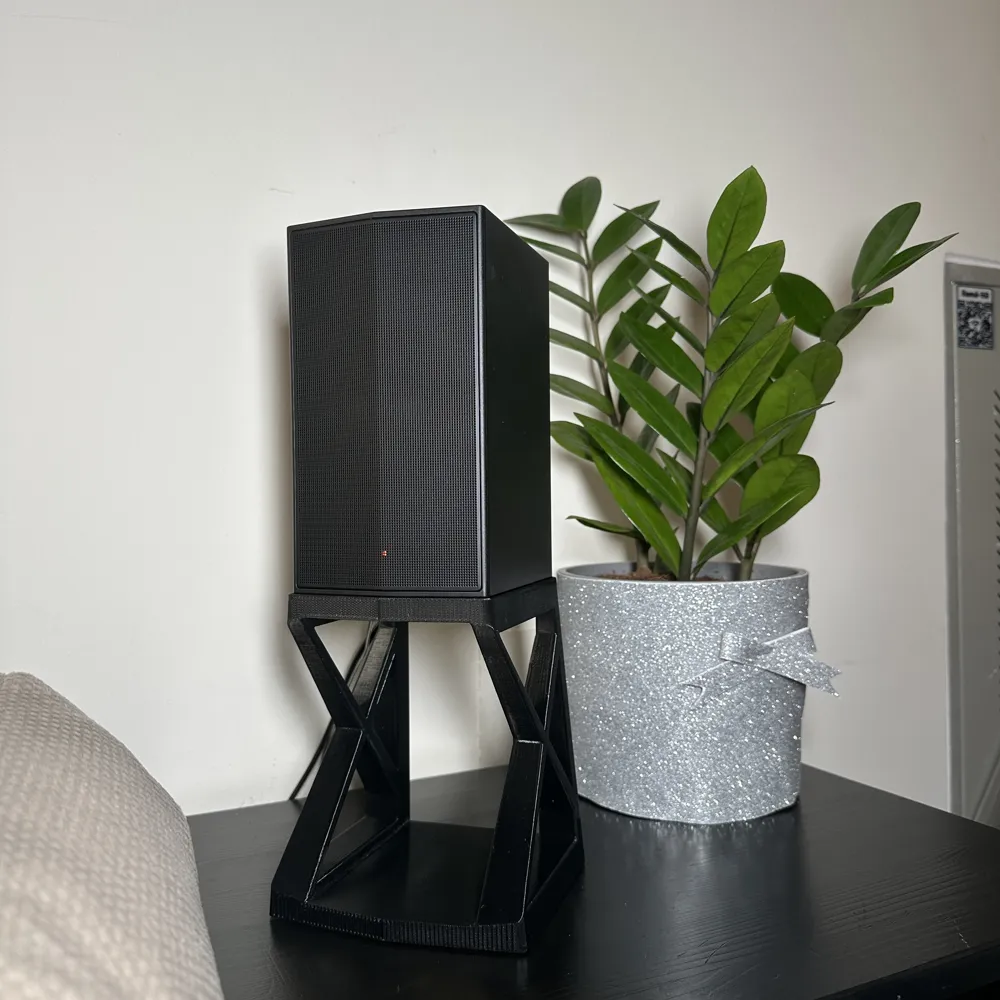
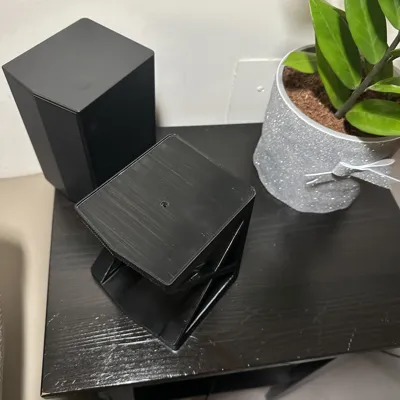
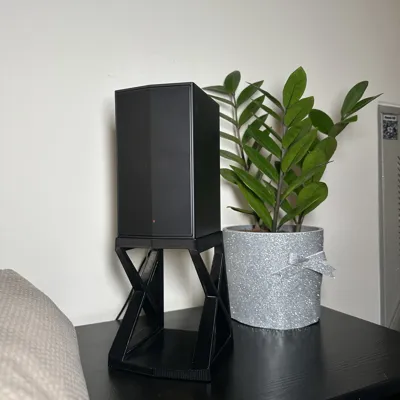
🧱 Speaker Stand / Riser – Print & Assembly Instructions
Model: LG SPT8-SPK / LG S65TR soundbar
Printer: Creality K1
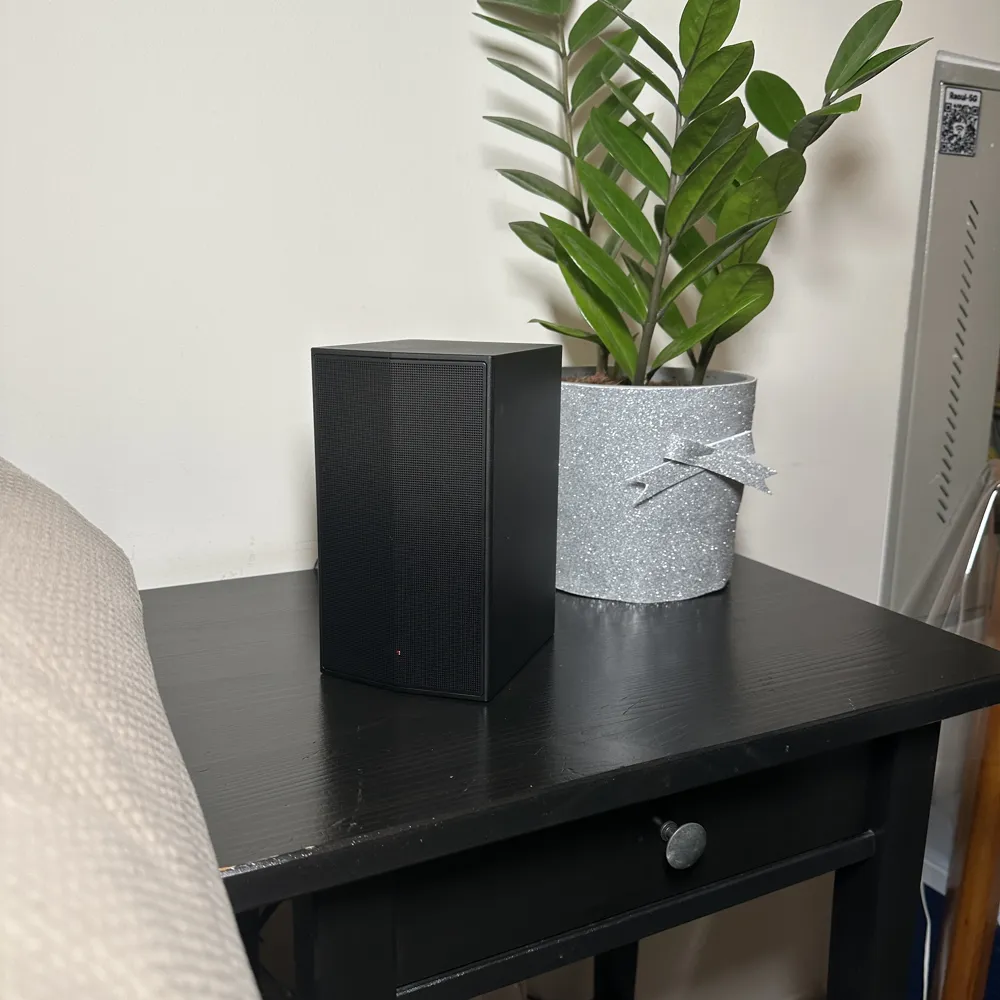
Purpose: Raise speaker above obstructions (sofa, furniture, etc.) to align sound at ear level.
⸻
🔧 Materials & Temperatures
Component Material Nozzle Temp Bed Temp Cooling Notes
Main Stand PLA 230 °C 55 °C 100 % after layer 2 Easy to print, good surface finish
(Optional) Main Stand PETG 245 °C 80 °C 40–50 % Higher heat and impact resistance
Feet TPU 235 °C 55 °C 50 % Flexible, vibration-absorbing
⸻
⚙️ Print Settings
• Layer Height: 0.2 mm
• Walls: 3
• Top Layers: 4
• Bottom Layers: 4
• Infill Type: Grid
• Infill Density: 15 %
• Seam Alignment: Rear or Random
• Brim: 4–6 mm (recommended for PETG)
• Z-hop: 0.2 mm enabled
• Ironing: Optional for smooth top surface
⸻
🧭 Orientation
• Print rear down on the bed.
• No supports required unless overhangs > 60°.
• Tested on bed size: 220 × 215 mm (K1 with CFS kit).
⸻
• Optional: place thin foam pad between screw head and speaker base to prevent marks.
⸻
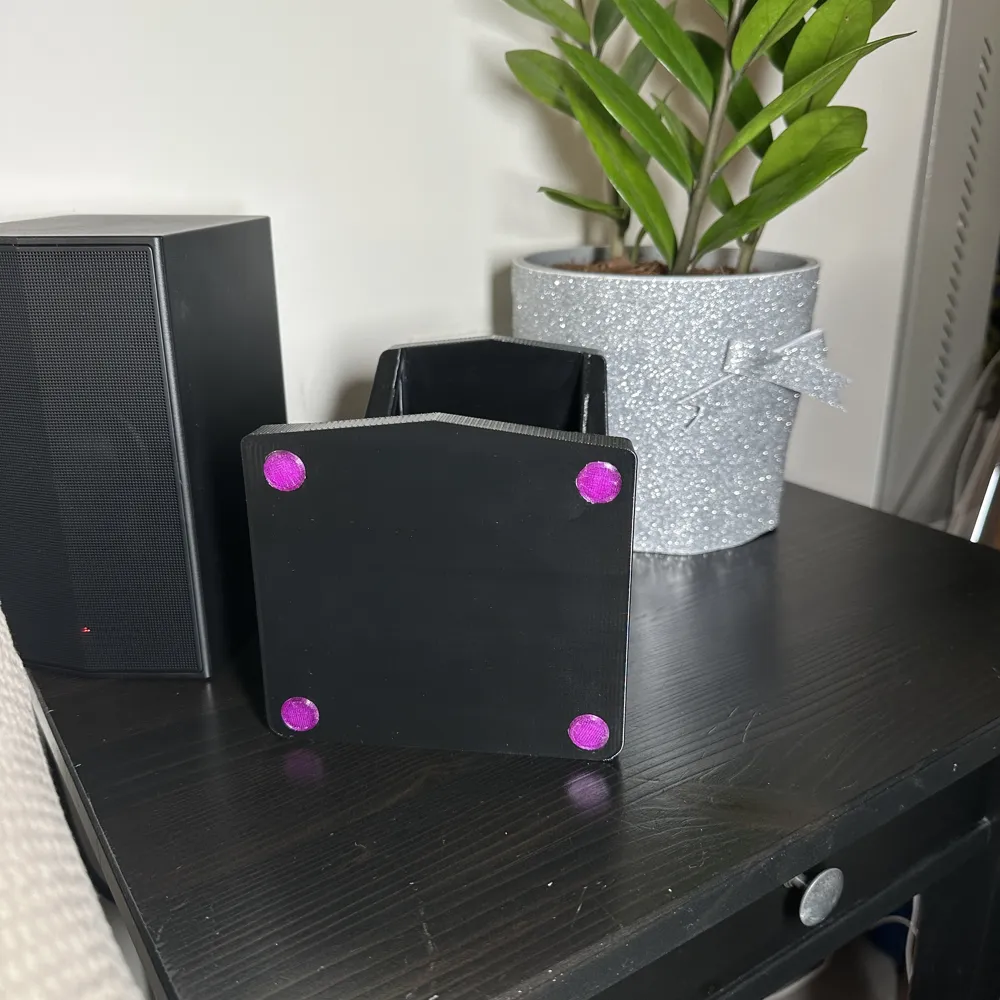
🦶 TPU Feet
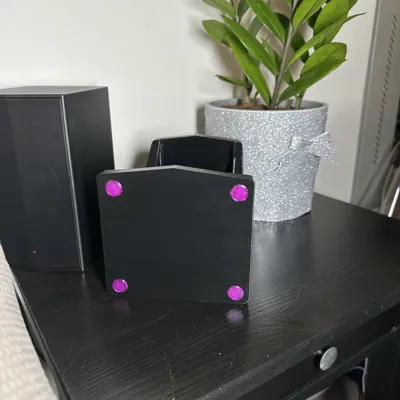
• Print 4 pcs (100 % infill).
• Clean riser bottom surface with isopropyl alcohol.
• Fix each foot with thin double-sided adhesive tape.
• Press firmly for a few seconds for good bond.
⸻
🔩 Speaker Mount Fixture
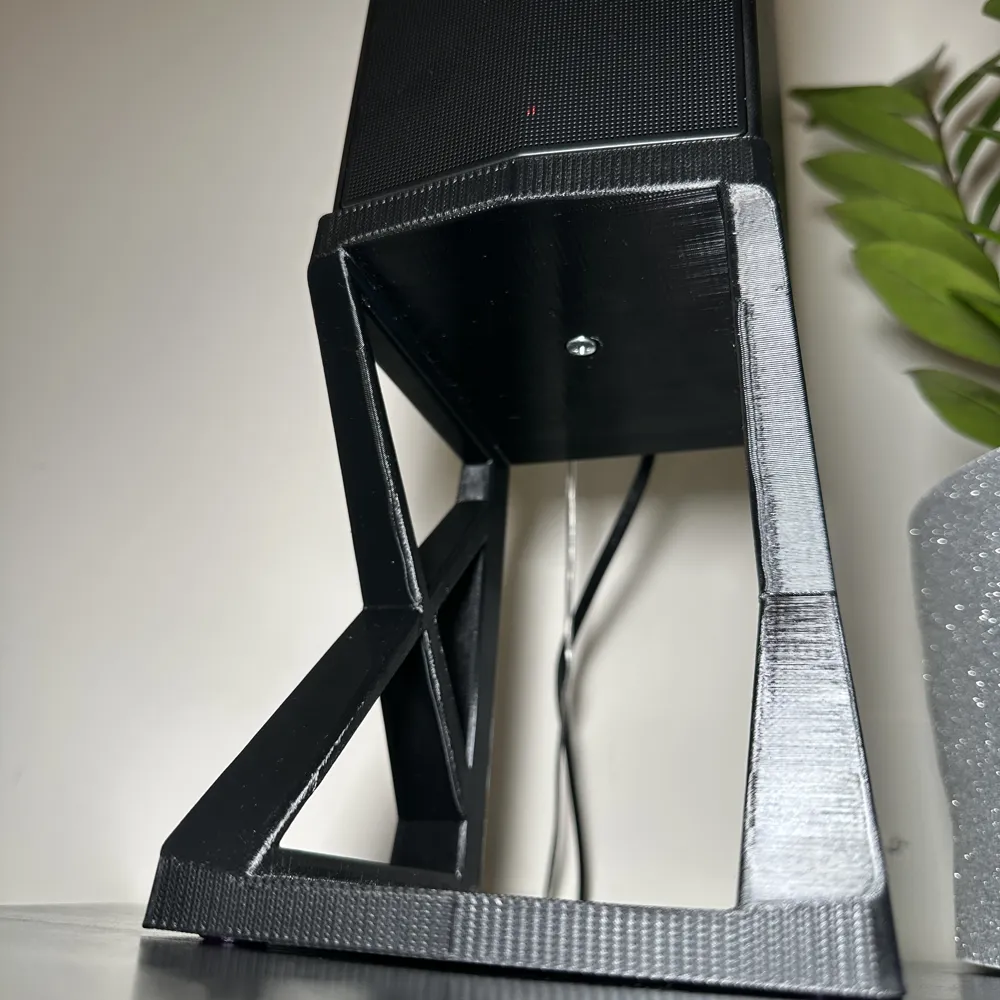
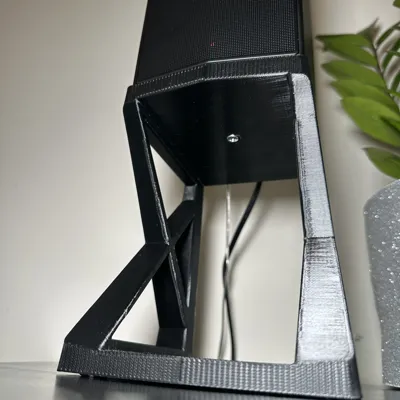
• Screw: 1 × M4 × 16 mm PH2 pan head (DIN 7985)
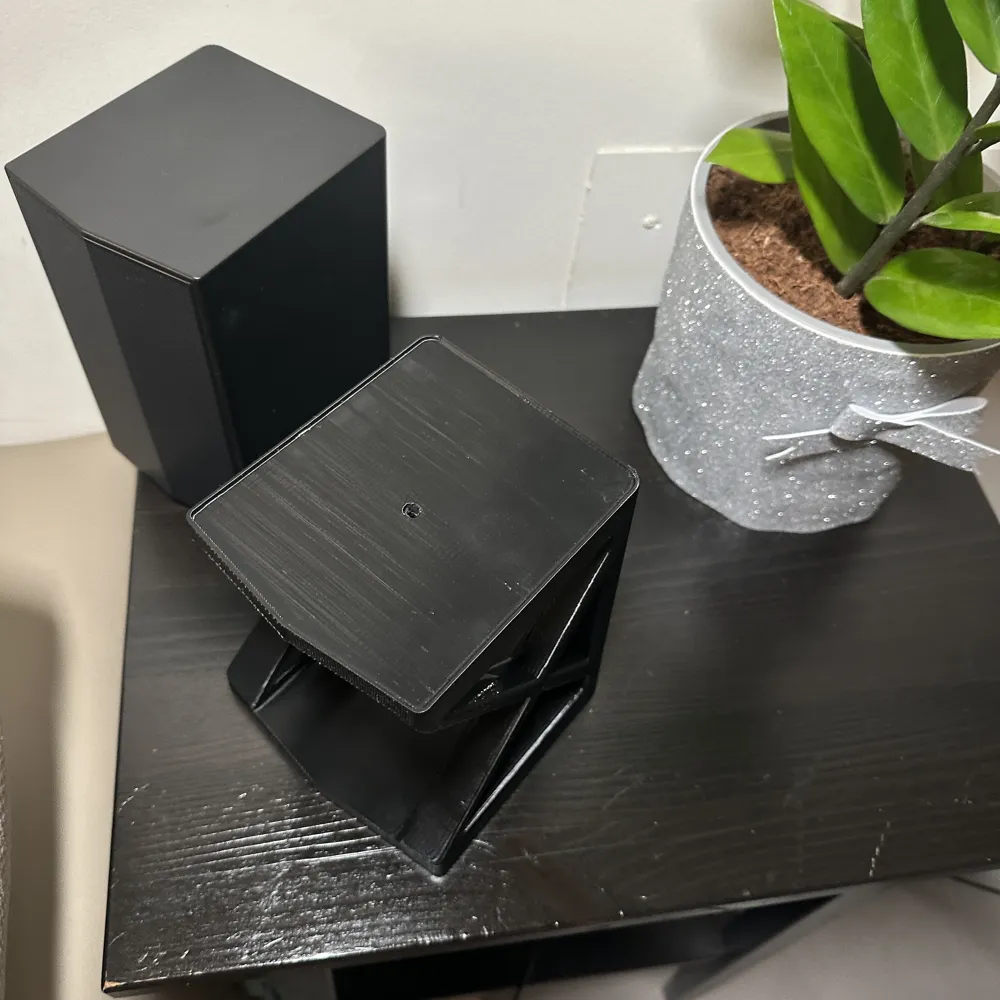
• Hole: 4.2 mm pilot hole in riser (top center) — no heat insert.
• Assembly Steps:
1. Align the speaker’s bottom mount with the riser’s center hole.
2. Insert the M4 screw through the riser into the speaker’s threaded insert or socket.
3. Tighten gently until snug — do not overtighten, to avoid stripping plastic threads.
⸻
✅ Final Tips
• Let part cool before removal to avoid warping.
• For PETG, flex the plate slightly to release.
• Ensure speaker is stable and cables have clearance.
• Optional: add a small TPU or felt washer under the screw head to reduce vibration noise.
License



Comment & Rating (0)