
Inky Impression 13.3 Frame
Print Profile(1)

Description
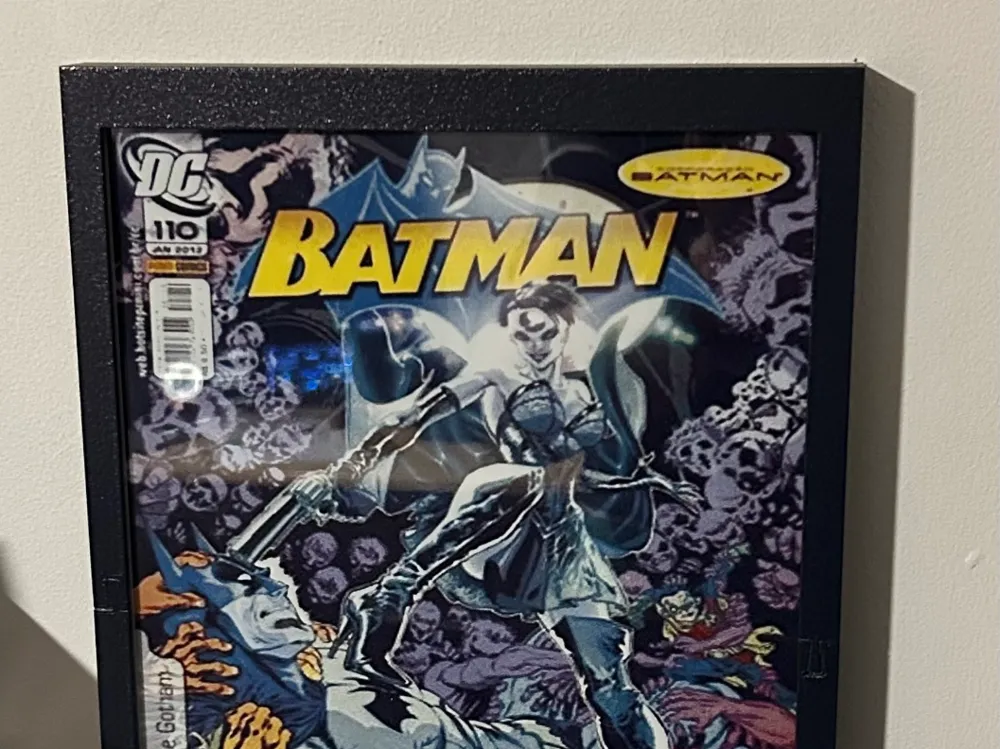
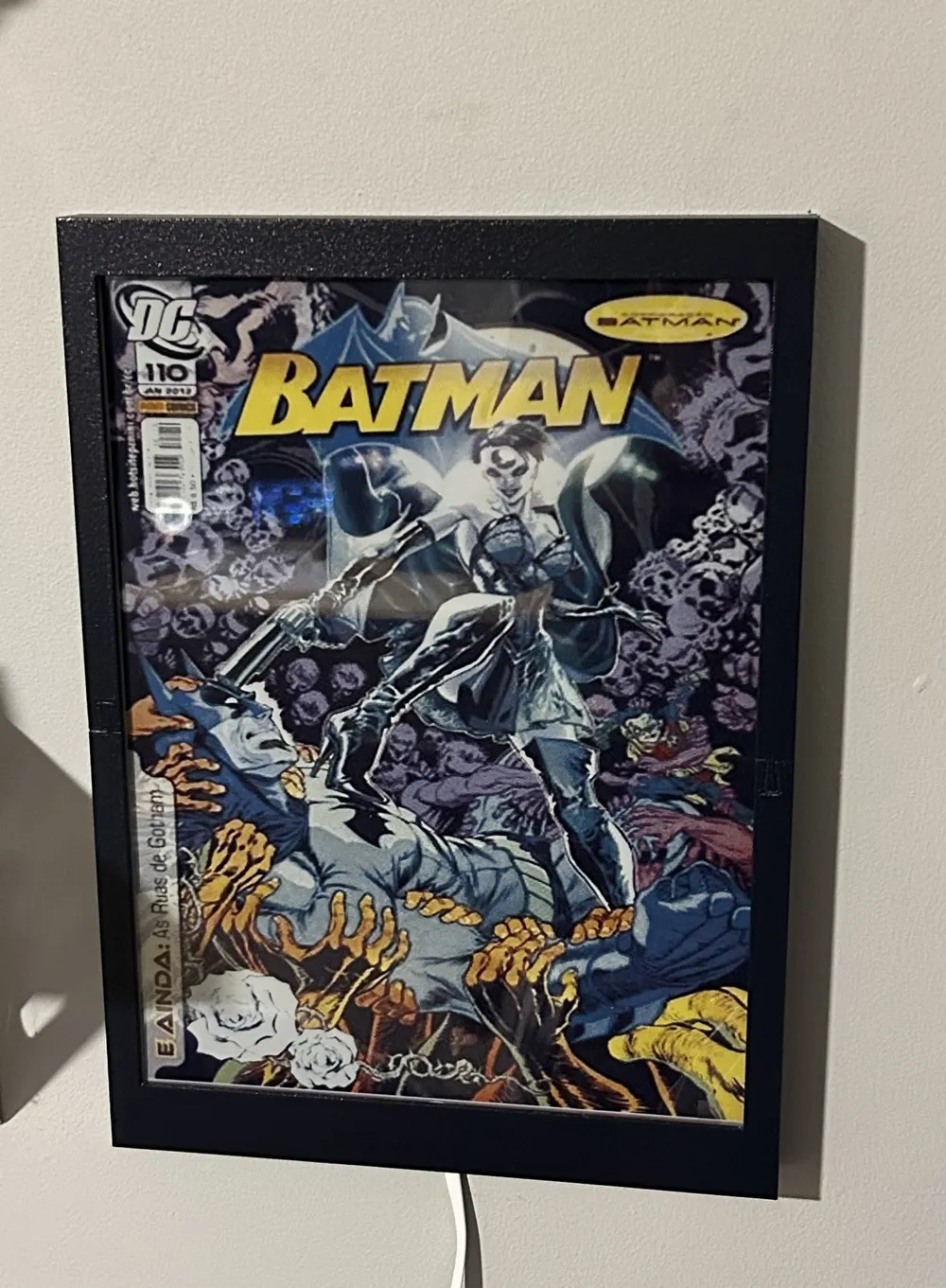
Wall mount frame for the Inky Impression 13.3" e-ink display.
Sold here
Features:
- Portrait and Landscape mounting
- Hidden Screws
- Multi Part, printable on X1,P1,A1
Additional Hardware:
- 4x M2 Screws (10mm-15mm long)
- Pi Zero 2 W (With header fitted)
- Inky Impression 13.3" display
Important Notes:
Caution Do not overtighten the M2 screws when installing the display, you may damage the Inky Screen or PCB. They only need to be finger tight. I have enlarged the holes slightly so they are more likey to strip than damage your inky display.
Only compatible with RPI PI Zero 2 W, not a full size Raspberry Pi. Install the Pi Zero without the standoffs supplied in the Inky Kit, This keeps the frame as thin as possible.
The screen is upside down in Landscape mode (easily corrected in your code on the Pi) this is intentional as I didn't like how close the wall mounting slot was to the Pi when it was the right way round, creating a risk that the screw in the keyhole could short it out. If you want it the “right” way round then leave a comment and I'll post an alternate version
Currently there is no provision for the switches on the frame, I'm not using them and wanted to keep it clean looking by not exposing them.
Assemble the two parts of the bezel on a flat surface or in a vice by pressing the two dovetail joints together, they are intentionally a tight fit, but delicate due to the thin frame.
Dowel joints on the frame body should be glued, but the Inky will also hold the frame together once installed.
License



Comment & Rating (1)