
Pikachu hueforge

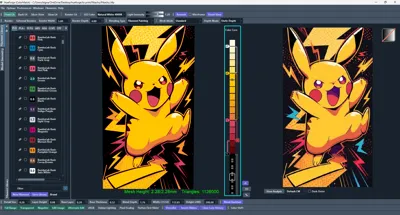
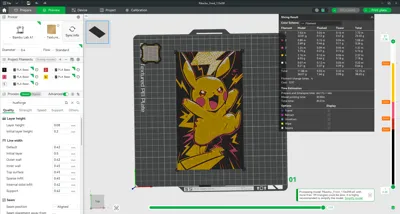

Print Profile(1)

Description
Boost Me (for free)
feel free to boost me. I have no reason why you should, just if you feel like it or if you like the model.
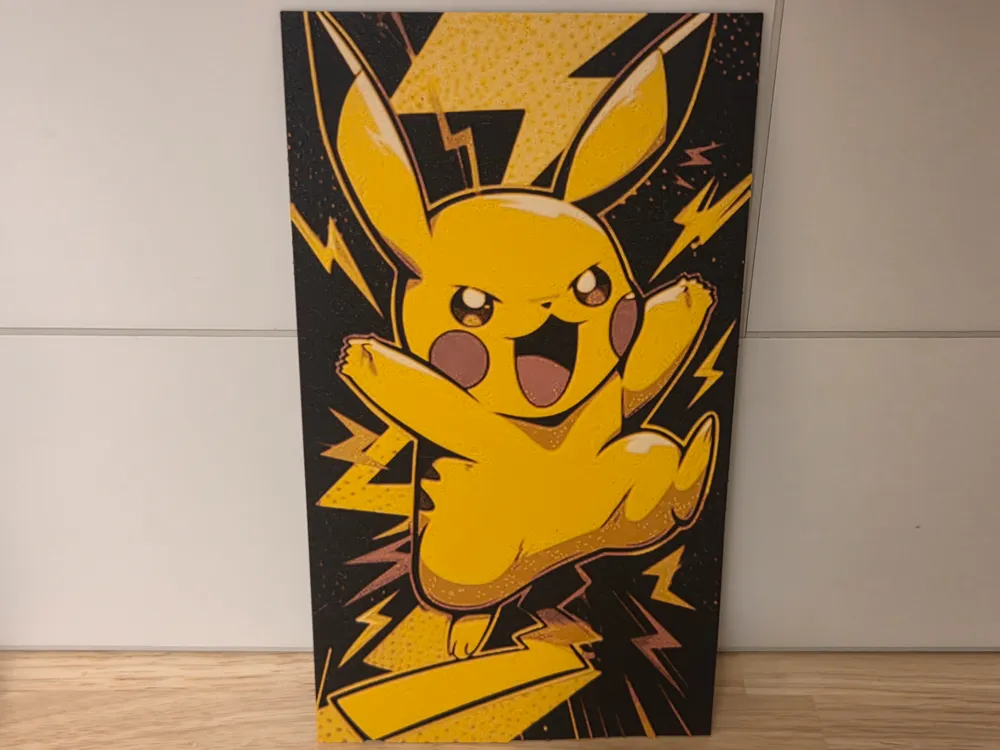
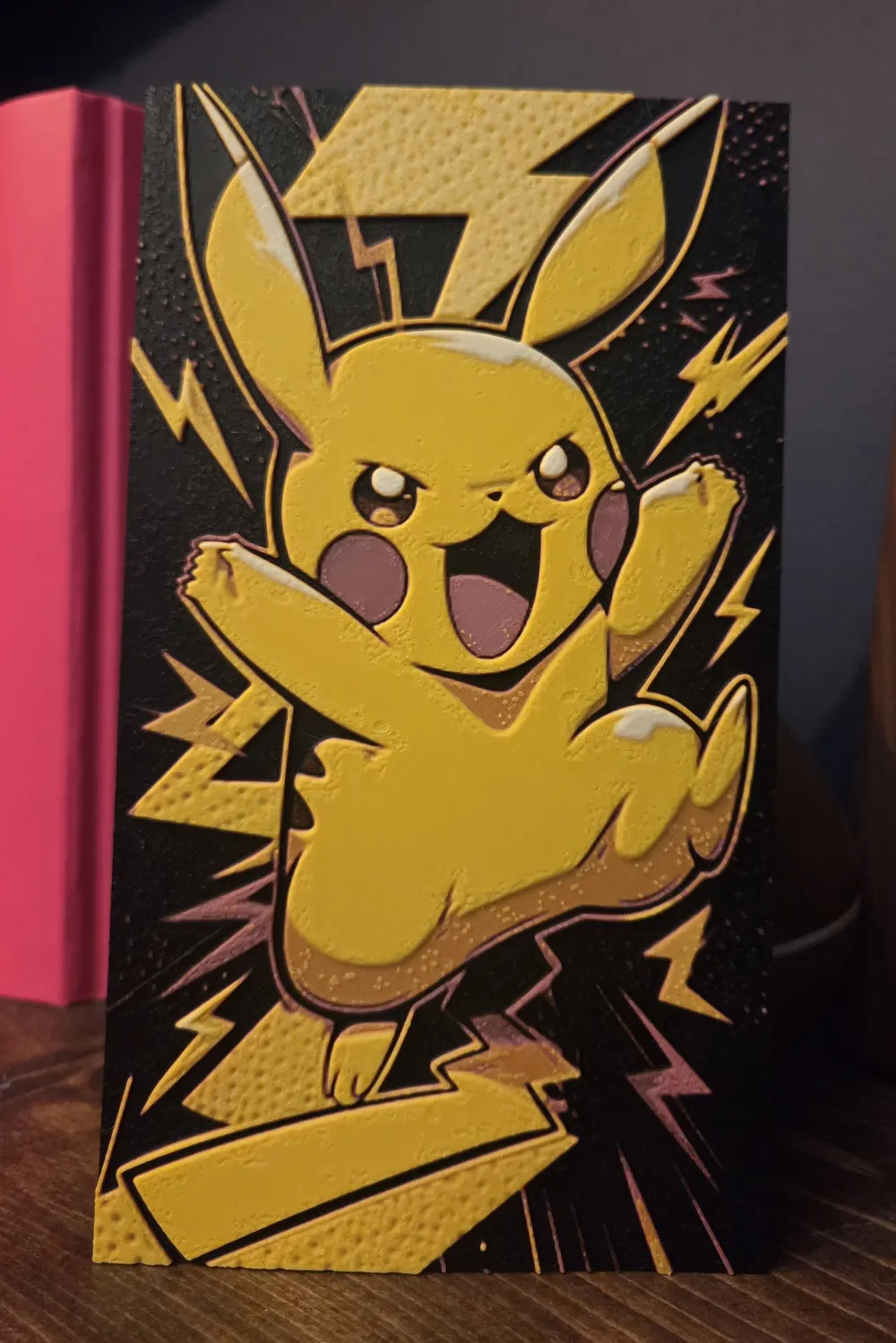
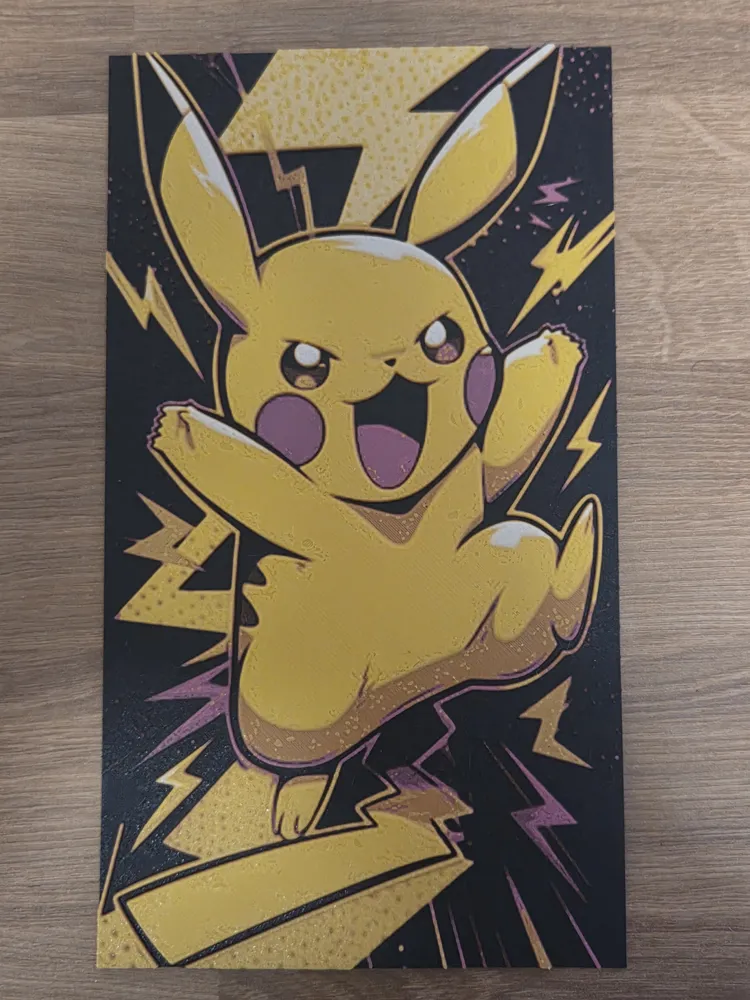
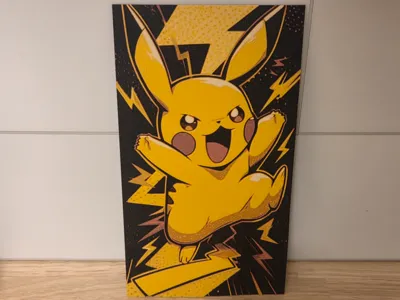
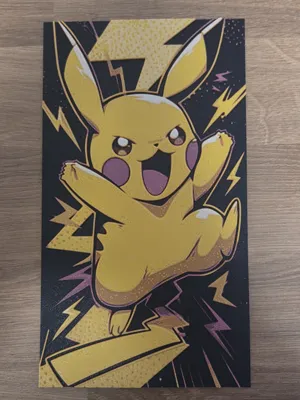
Pikachu hueforge-Pokemon 5 colors
Printing Instructions
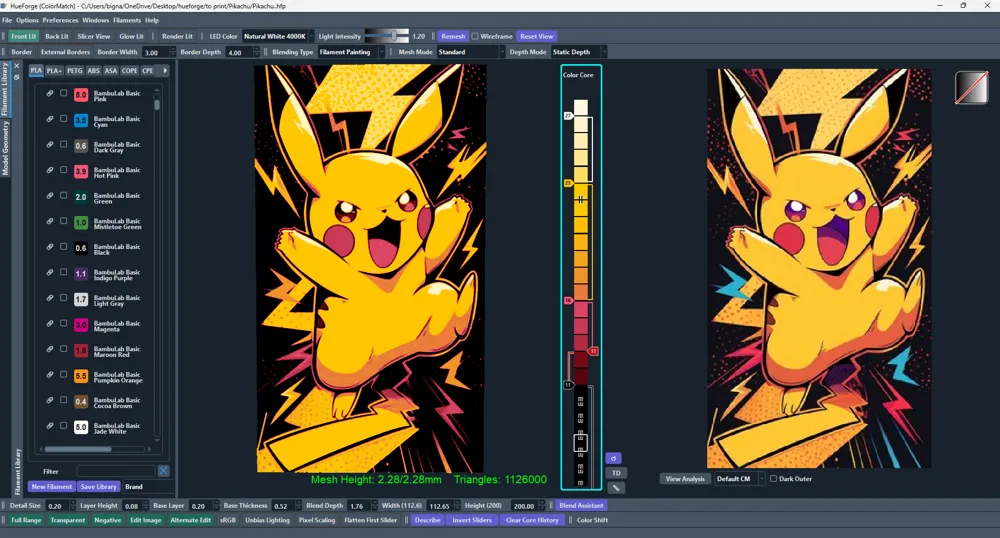
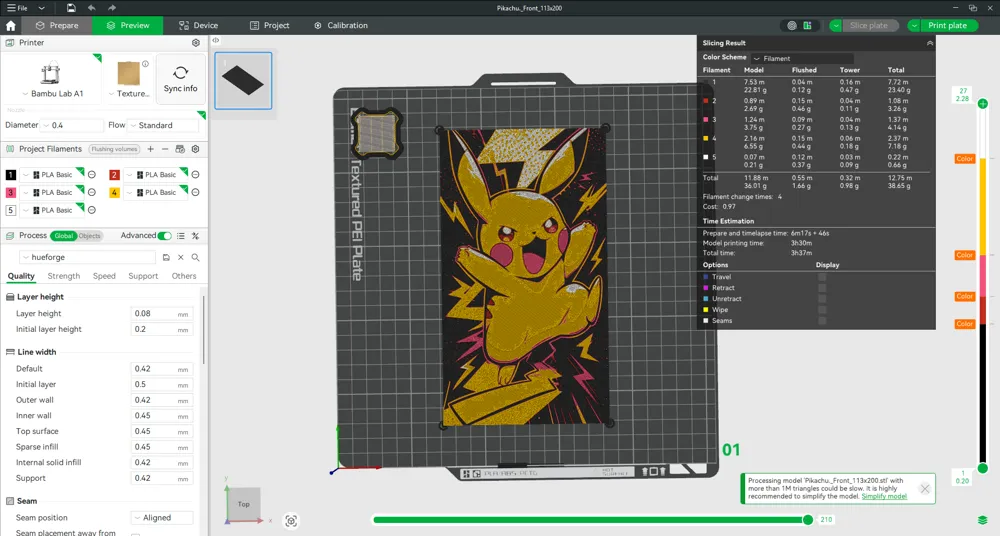
Print at 100% infill with a layer height of 0.08mm with a base layer of 0.2mm
The Model is 112.65x200mm in size
Filaments Used
PLA BambuLab Basic Black Transmission Distance: 0.6
PLA BambuLab Basic Red Transmission Distance: 4
PLA BambuLab Basic Hot Pink Transmission Distance: 3.9
PLA BambuLab Basic Sunflower Yellow Transmission Distance: 4.4
Swap Instructions
Start with Black
At layer #11 (1mm) swap to Red
At layer #13 (1.16mm) swap to Hot Pink
At layer #16 (1.4mm) swap to Sunflower Yellow
At layer #21 (1.80mm) add pause to swap color to white
At layer #23 (1.96mm) swap to Jade White for the rest
Heads up Bambu Studio might show a gray layer at the pause point, but it doesn’t affect the print. It’s just a slicer preview AMS or AMS lite will still use the correct filament
For people with 1 AMS or AMS lite
Load your first four colors (Black, Red, Hot Pink, Sunflower Yellow) in the AMS Lite or AMS
- When slicing, assign the final color White to Slot A1 (or any slot you prefer — I used A1
- The model includes a pause 2 layers before the swap to white.
- When printing pauses, manually replace the filament in Slot A1 (or your chosen slot) with the Jade White filament.
- Resume the print — it will automatically finish the current color and then continue with the white.
💡 Tip: The AMS Lite swaps based on slot position, not filament color. As long as the slot assignment matches what the slicer expects, the print will continue correctly.
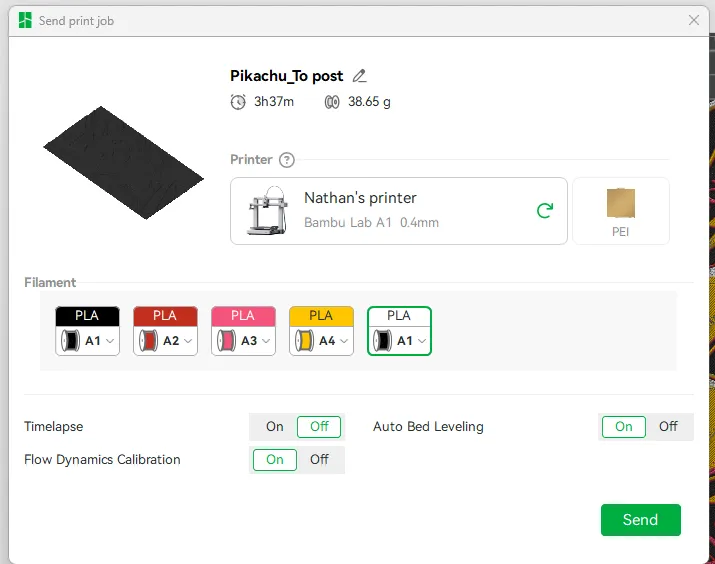
This is what it should look like when going to print
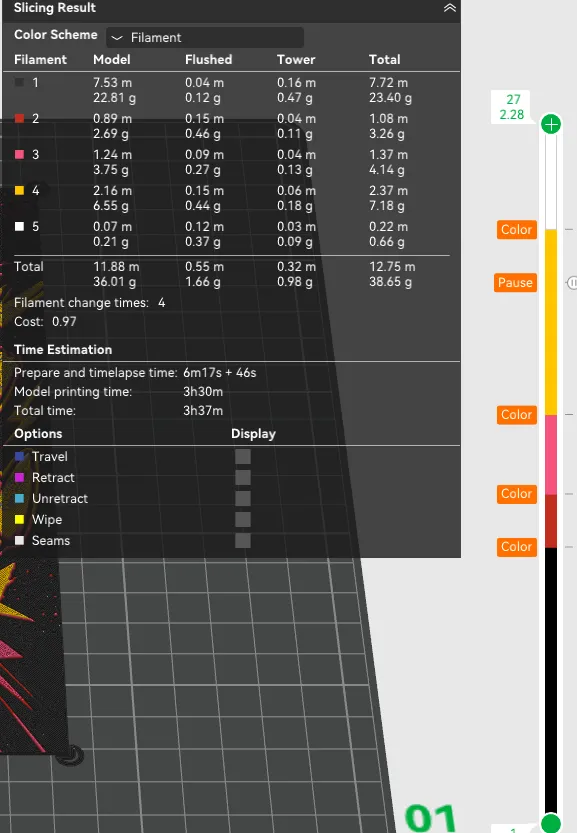
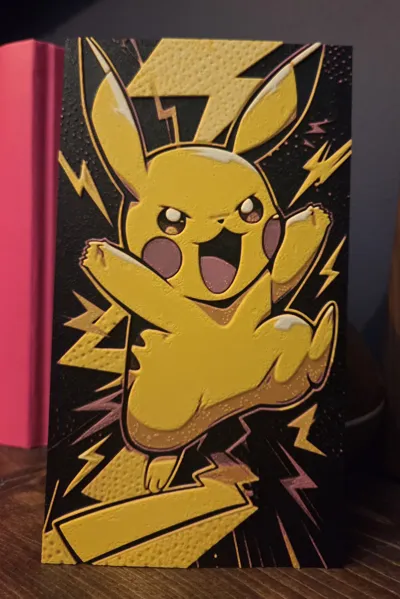
This is what it should look like on the side
message me what else you would want to see on here
License

You shall not share, sub-license, sell, rent, host, transfer, or distribute in any way the digital or 3D printed versions of this object, nor any other derivative work of this object in its digital or physical format (including - but not limited to - remixes of this object, and hosting on other digital platforms). The objects may not be used without permission in any way whatsoever in which you charge money, or collect fees.


Comment & Rating (0)