Search models, users, collections, and posts

Wings for 'Charizard Multipart' no AMS
Remixed by
IP Report
Print Profile(1)
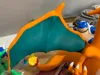
0.16mm layer, 3 walls, 10% infill
Designer
28 h
4 plates
Open in Bambu Studio
Boost
115
244
17
13
336
65
Released
Description
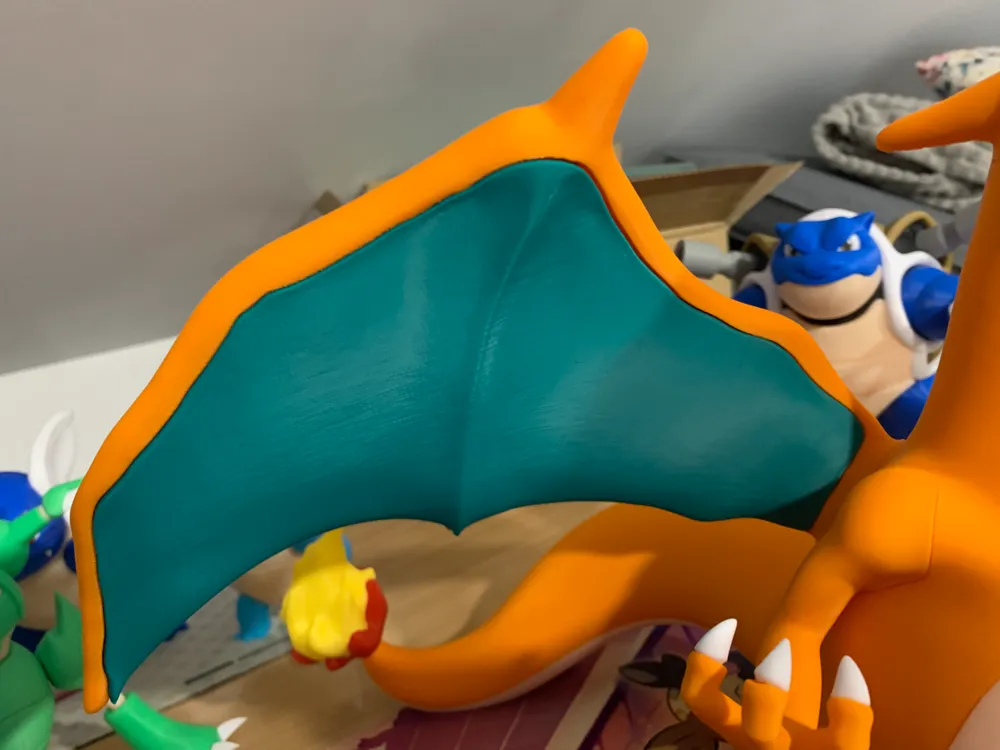
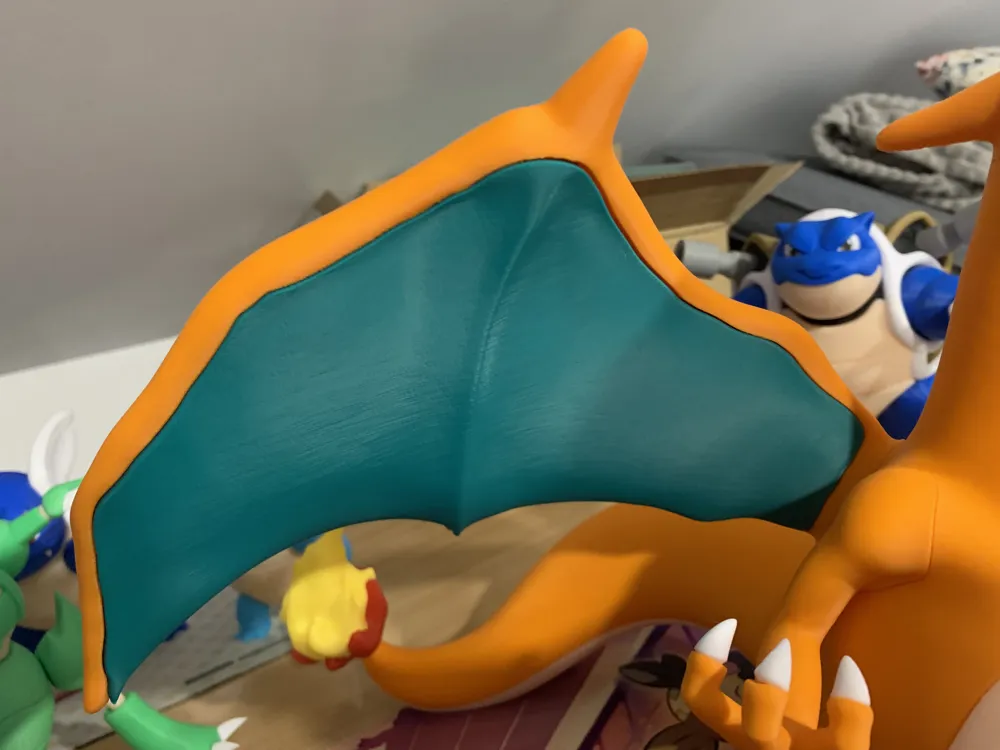
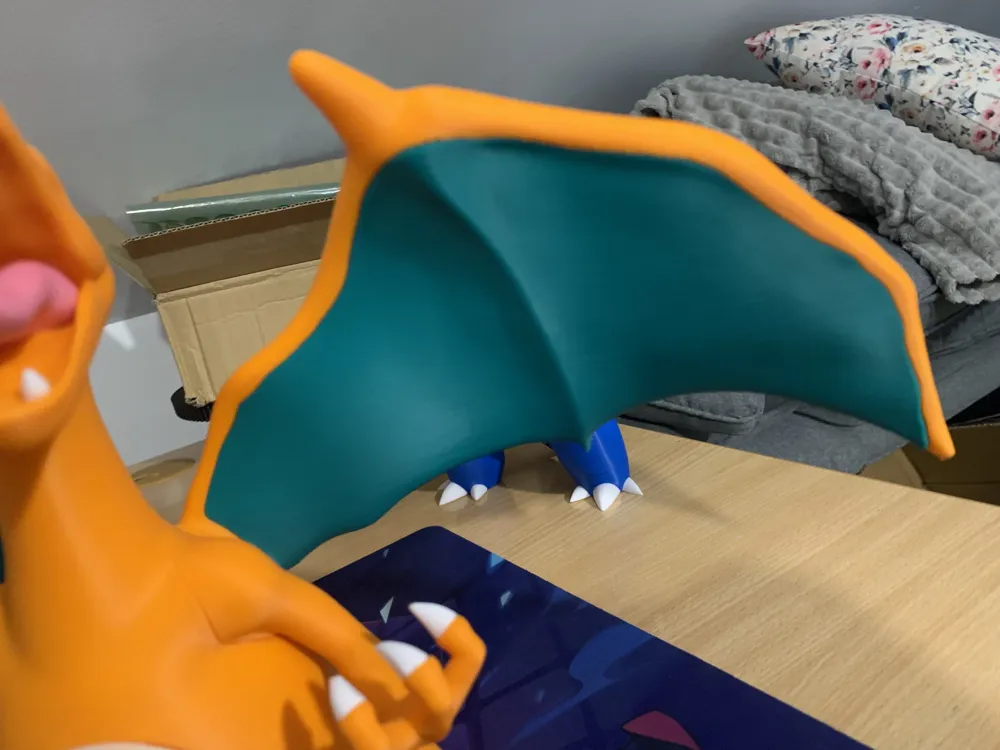
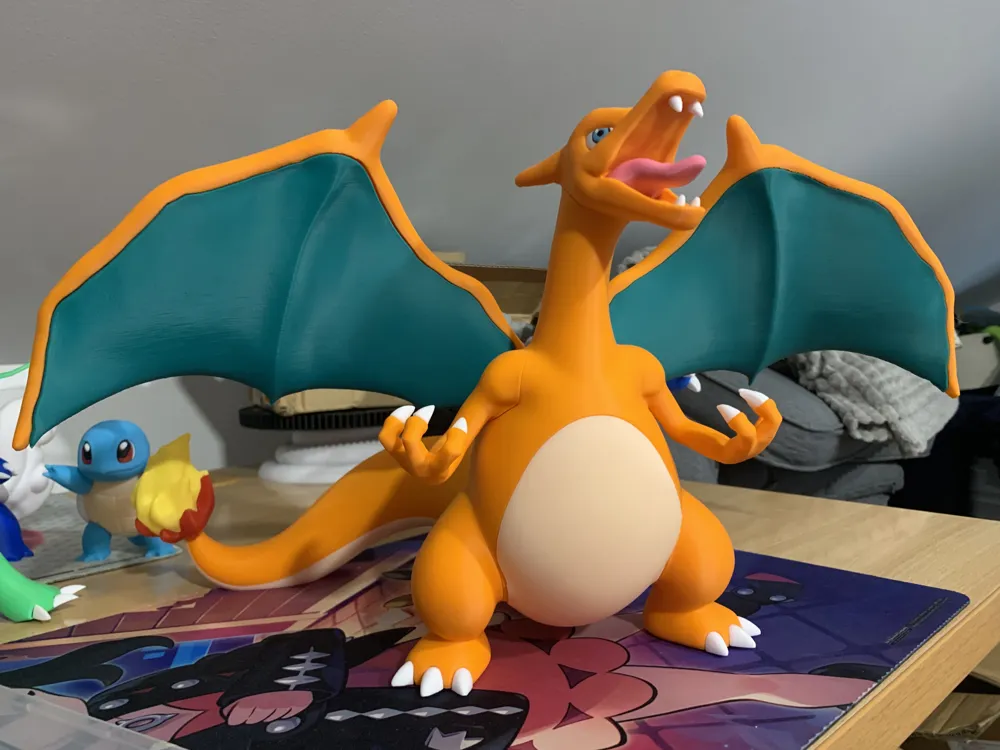
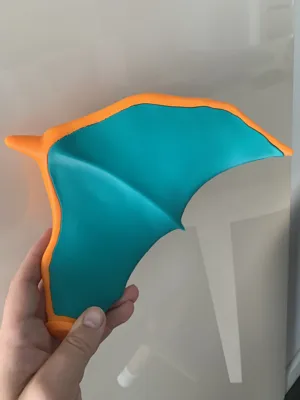
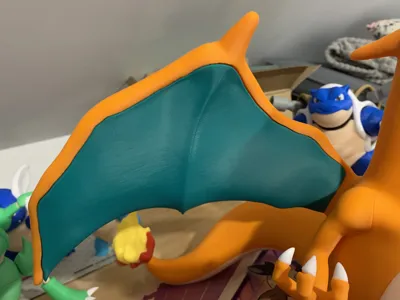
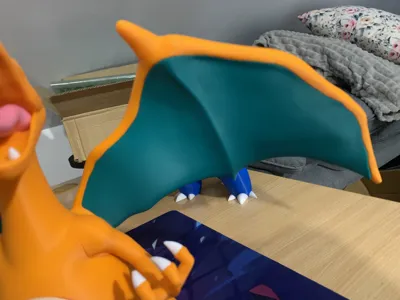
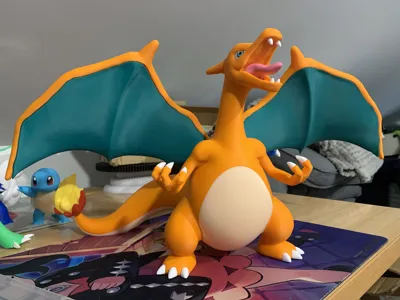
Hello fellow makers, I present you my version of Multipart Charizard's wings. Many thanks to the OG Author - the model is stunning (let me know if you don't agree for such remix).
I wasn't satisfied with available remix and decided to do my own. This was my first try doing all the cutting for Multipart model. It is time consuming and really hard - I used Autodesk Meshimxer (many tutorials available on YT) and did some really marginal post processing.
Remarks:
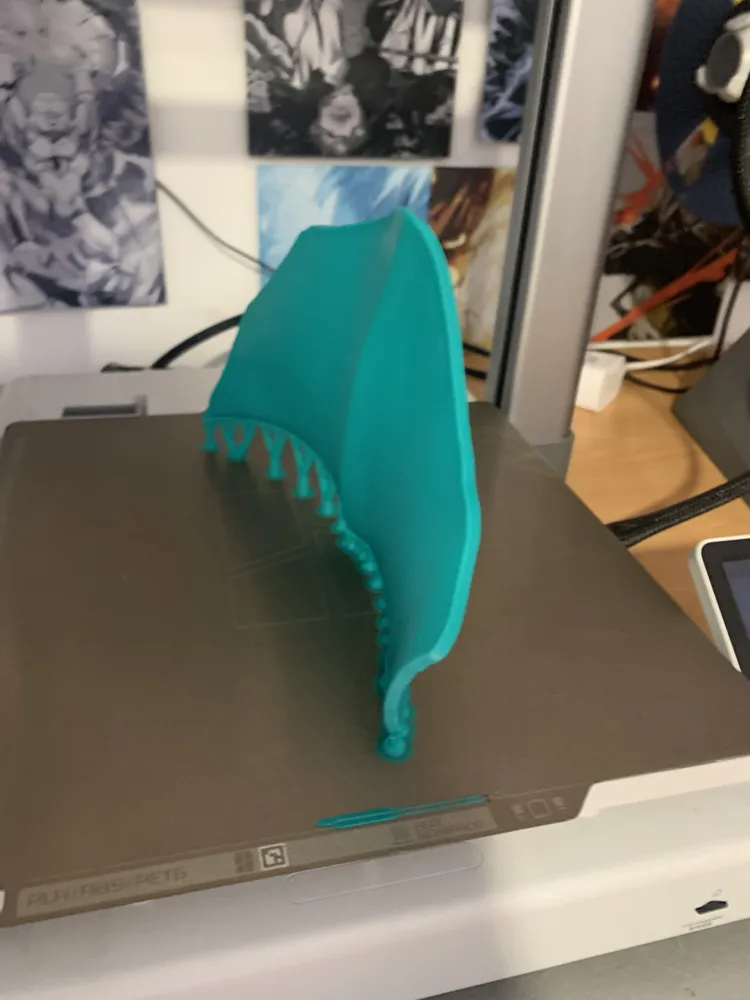
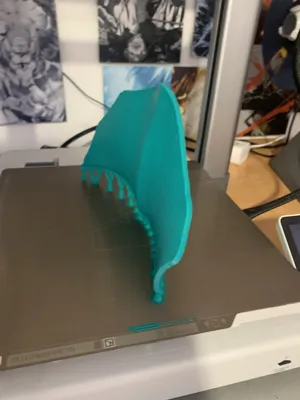
- Clear your plate and apply glue if needed - that kind of vertical parts are really hard to print (I reduced speeds and they came out well on A1 which is not easy on sliding bed printer)
- Reduce speed, use mine or apply your settings as far as you know your printer and stability of the prints on bed - it worked 1st try on my printer, it does not mean that it will work on yours 1st time. I want to higlight again that this is one of harder works
- If failing try thick supports and remember to carefully remove them, especially around the sharper peaks of the wings
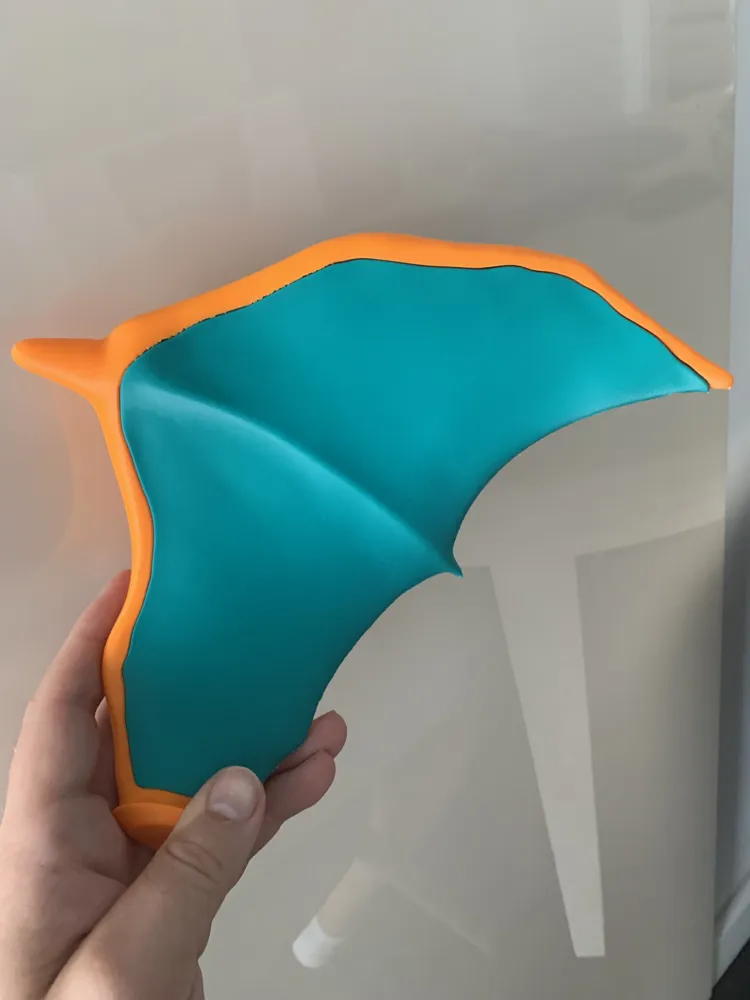
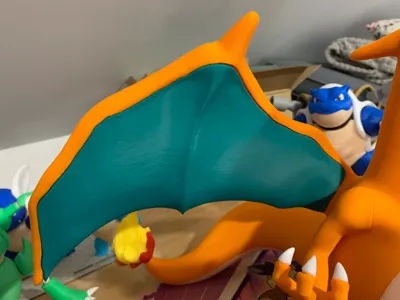
- For me the parts clicked together and I did not need any glue for them to keep as you can see in the photos
- Remember - it's not perfect, the purpose is clearly to save filament, don't rush with the print, better wait a little longer than trying multiple times an waste filament. I was aiming for the upper line of the inside wing to reach higher and look organic
- I used 0.12 layer height for the whole model but for the Wings went with 0.16 to save some time - they still look good
Let me know in case of any problems! Have fun.
This remix is based on


License

This user content is licensed under a
Creative Commons Attribution-Noncommercial-Share Alike


Comment & Rating (17)