
Bambu Studio Flow Rate & Ironing Calibration Cards
Print Profile(3)


Description
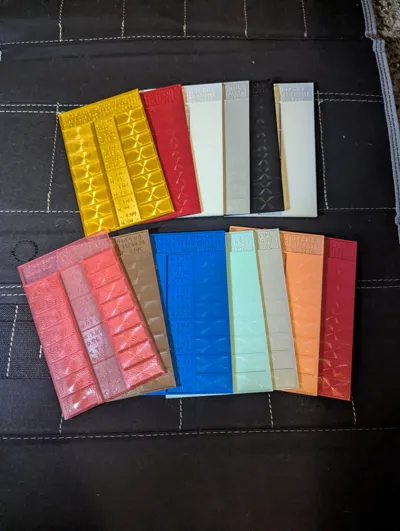
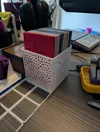
Updated (March 15, 2025). Added a print profile for a bin to hold the cards! Also, be sure to check the great examples in the comments below!
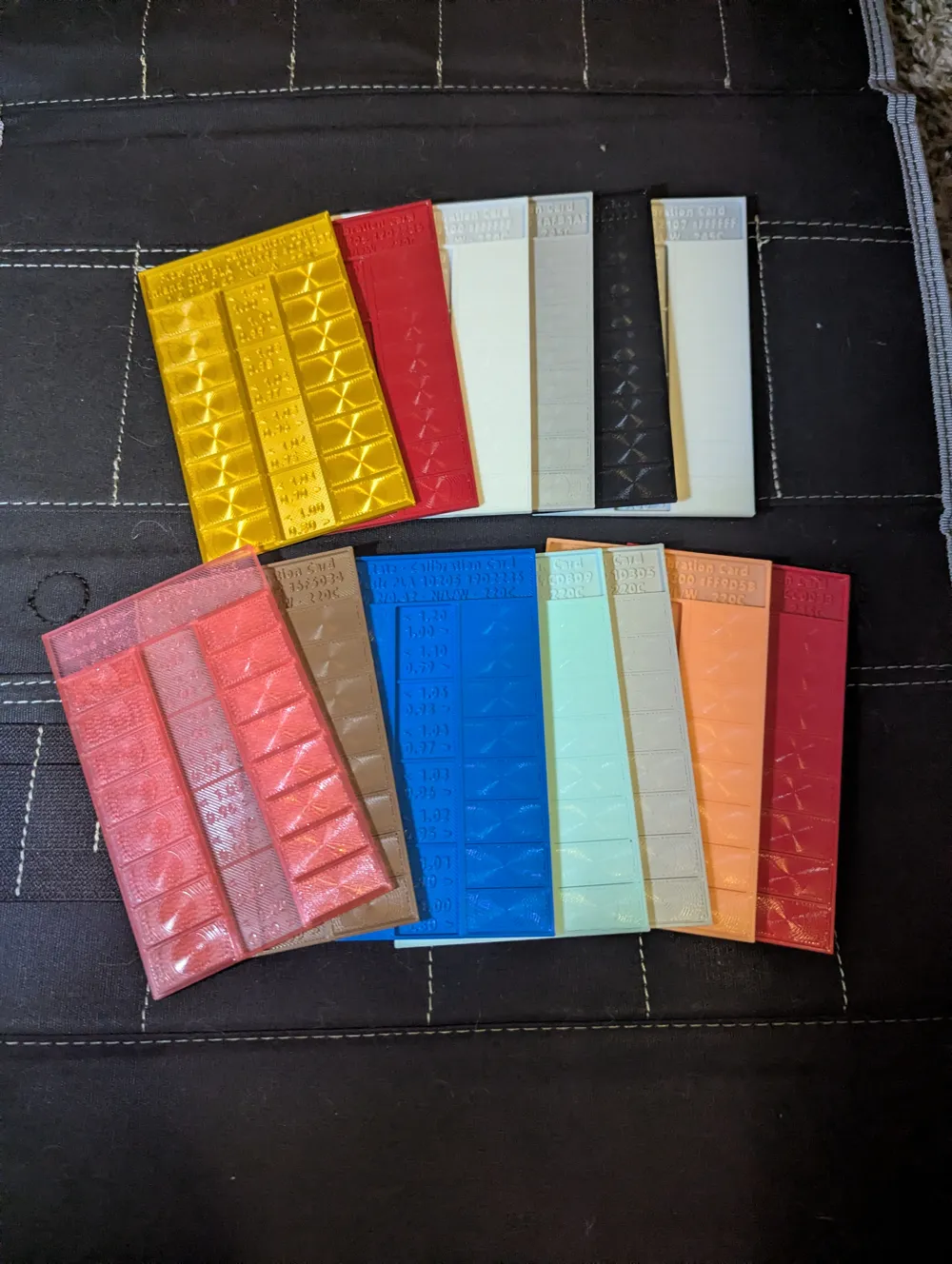
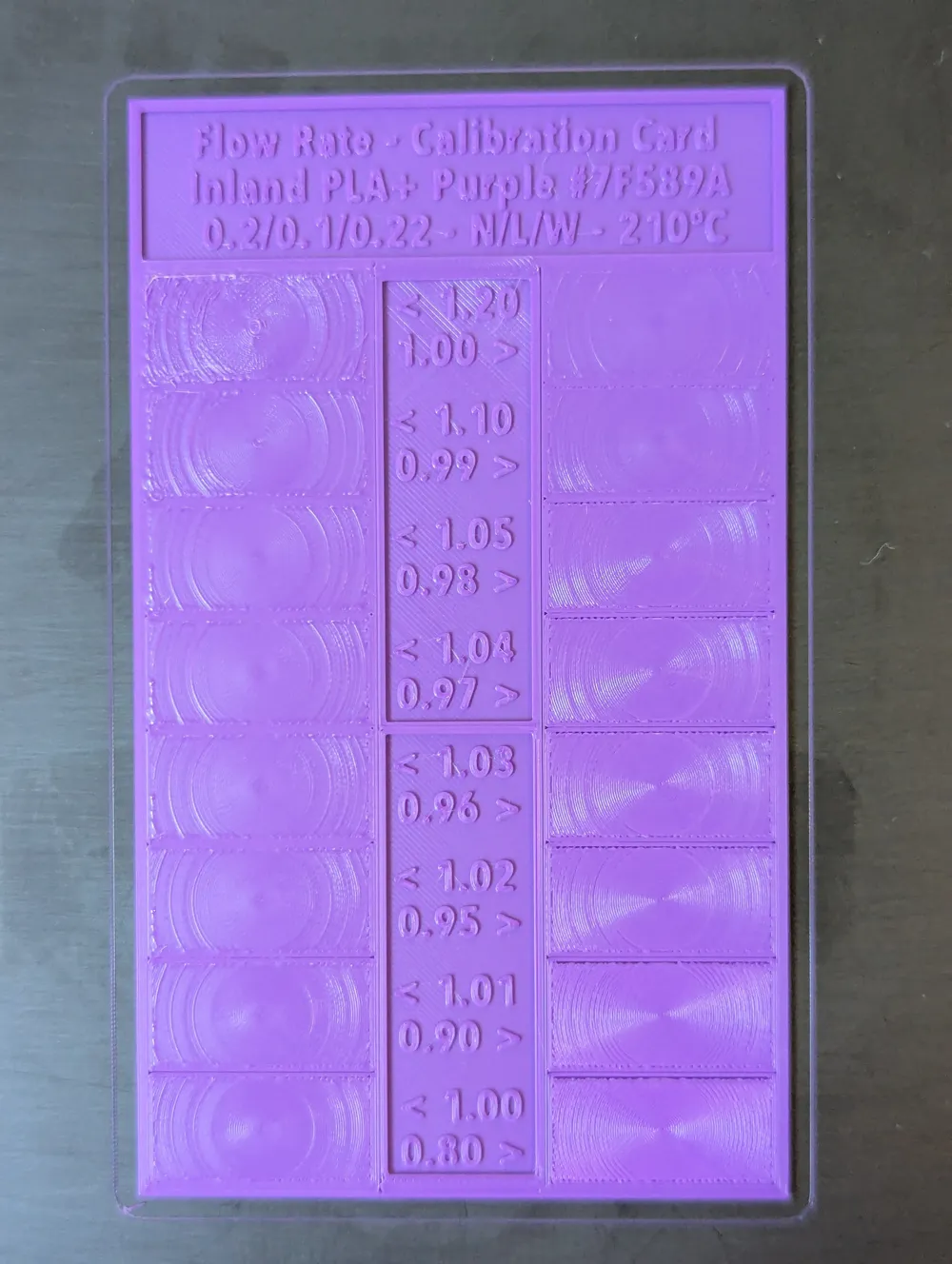
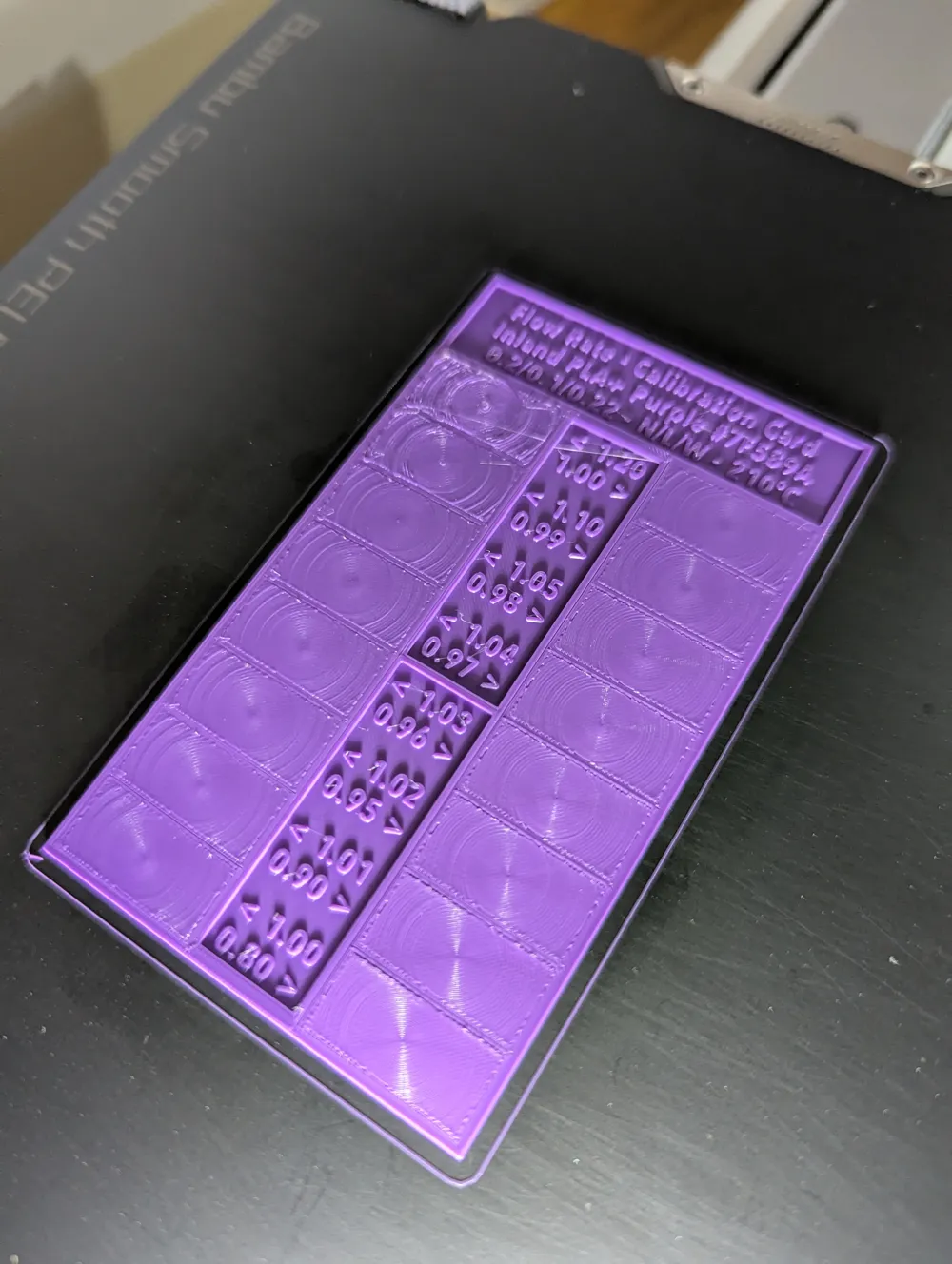
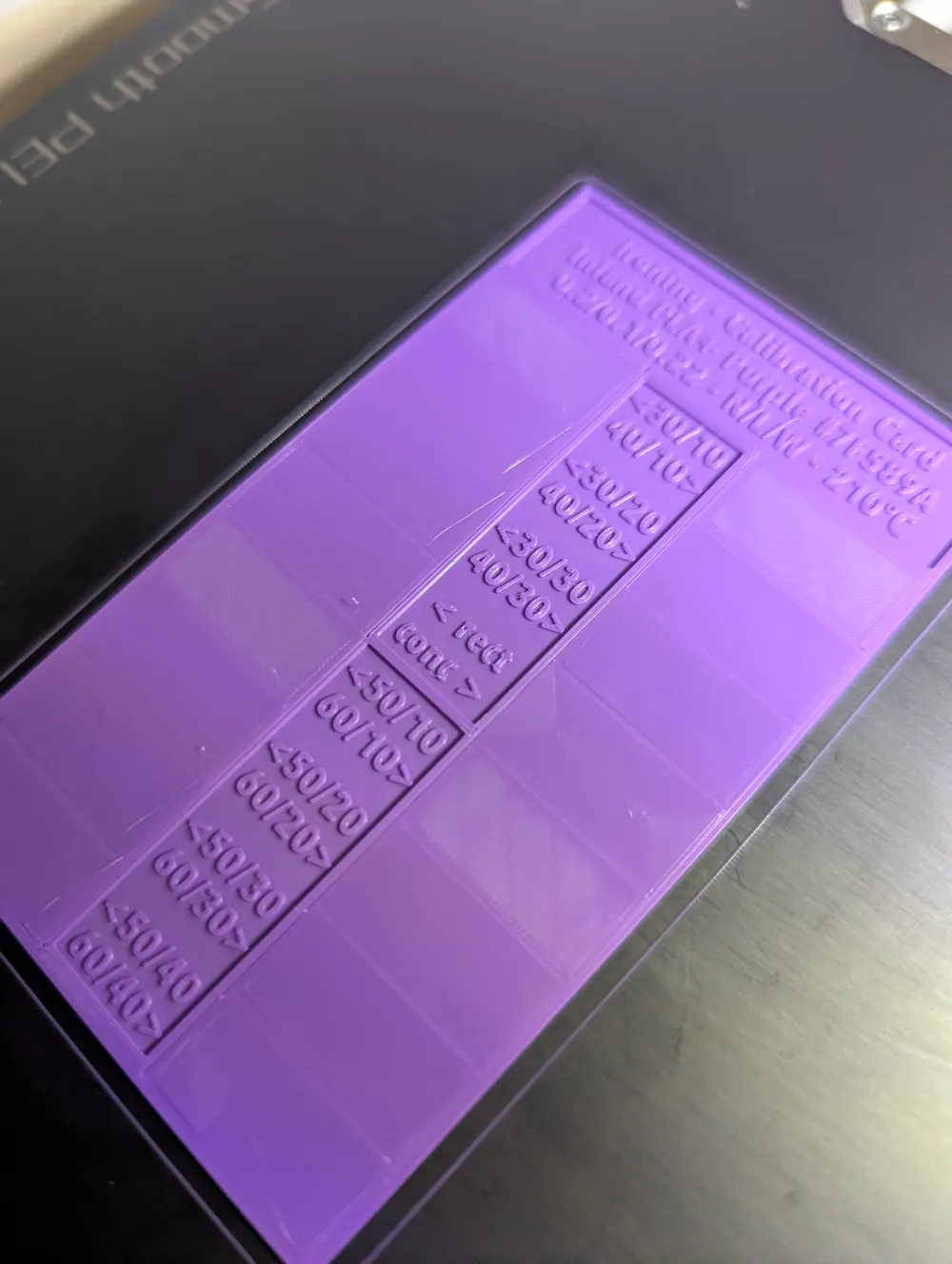
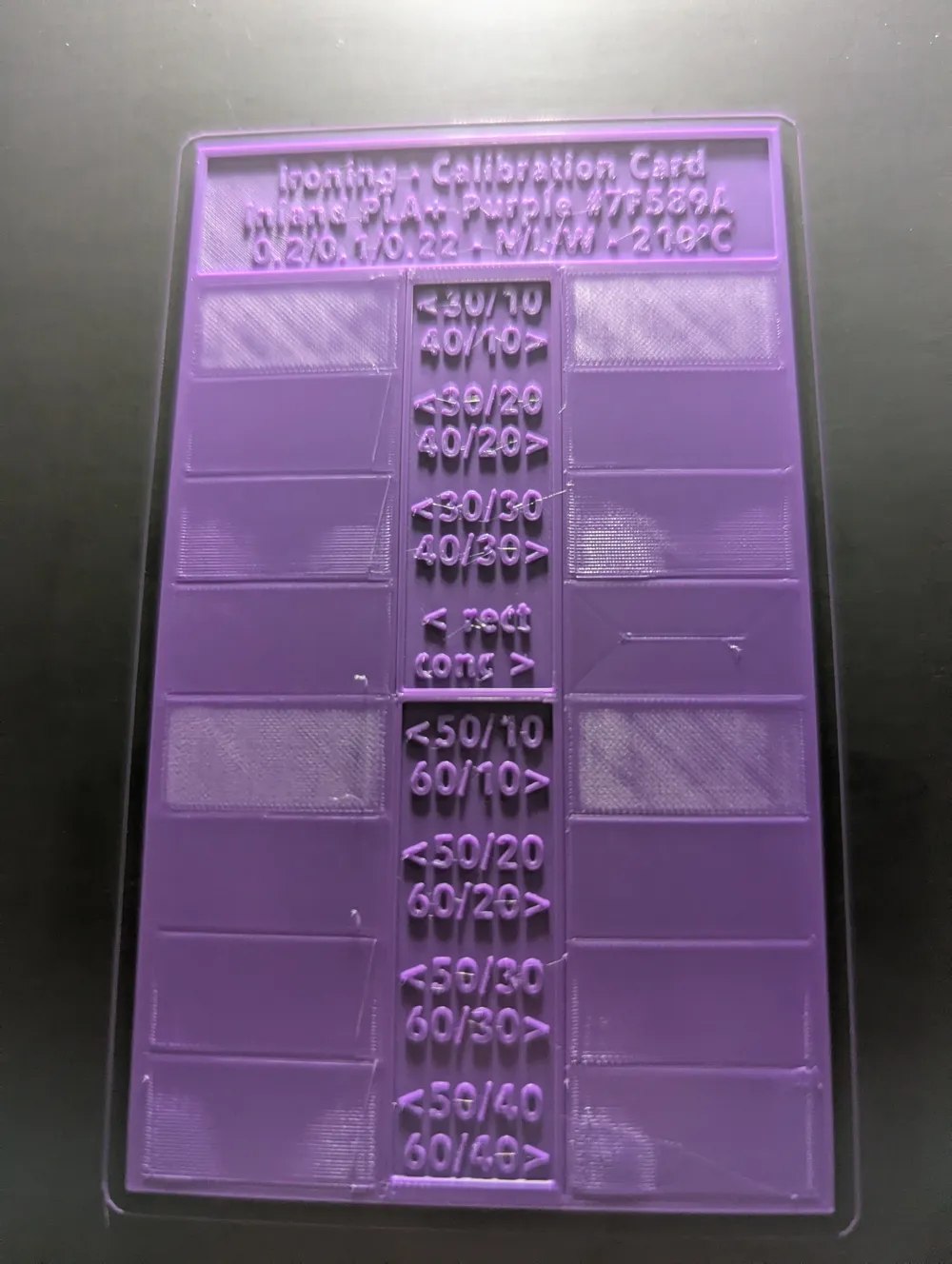
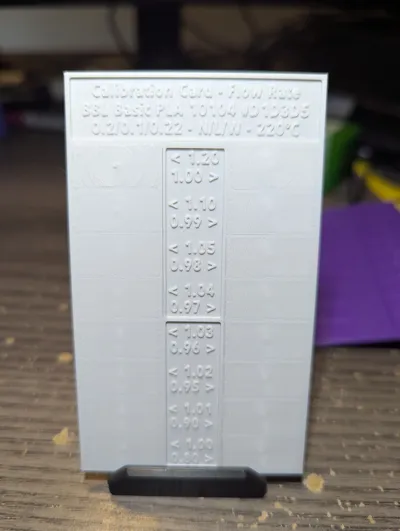
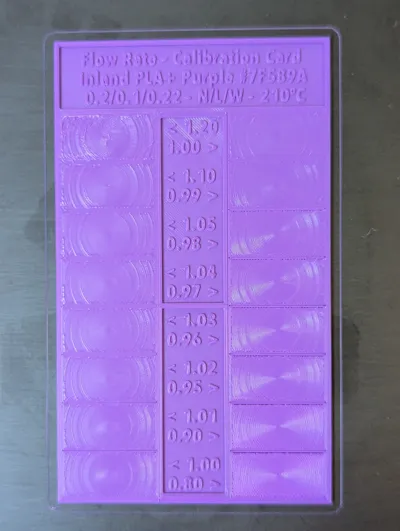
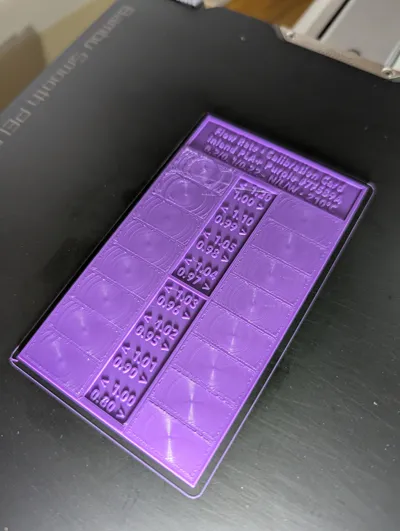
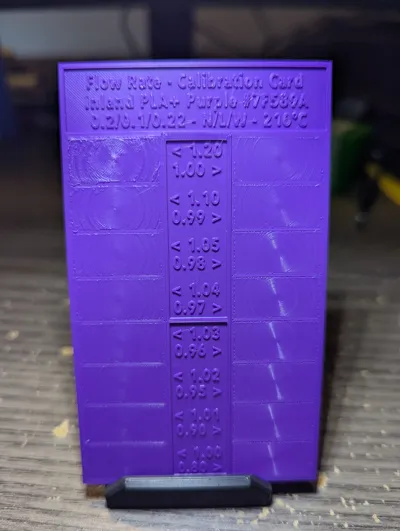
Low filament, single pass cards to tune flow rate and ironing quickly. Two print profiles for 0.2mm and 0.4mm nozzles. Keep this sheet as the permanent baseline for the filament. Uses the easy-to-score Archimedean Chords method.
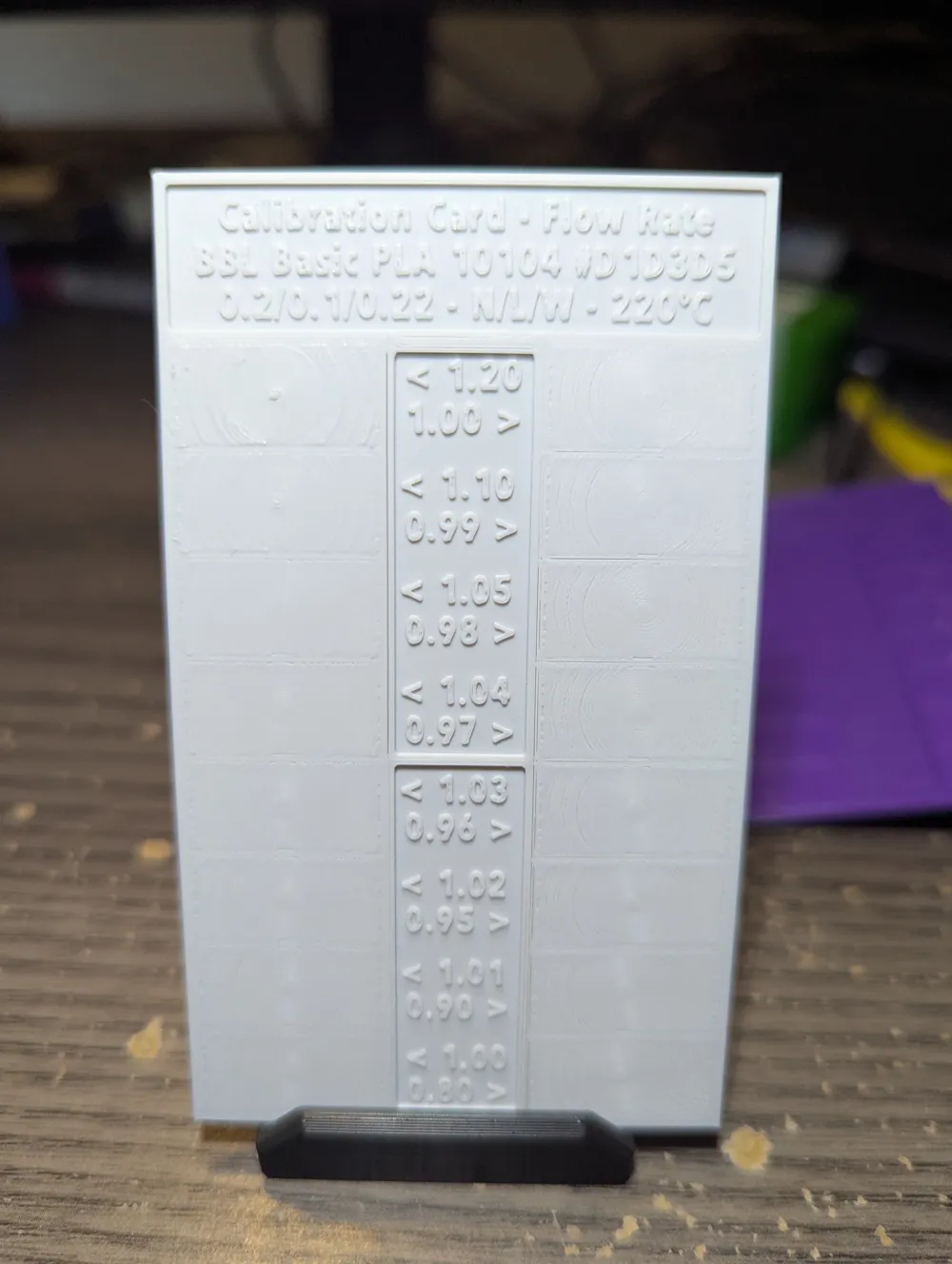
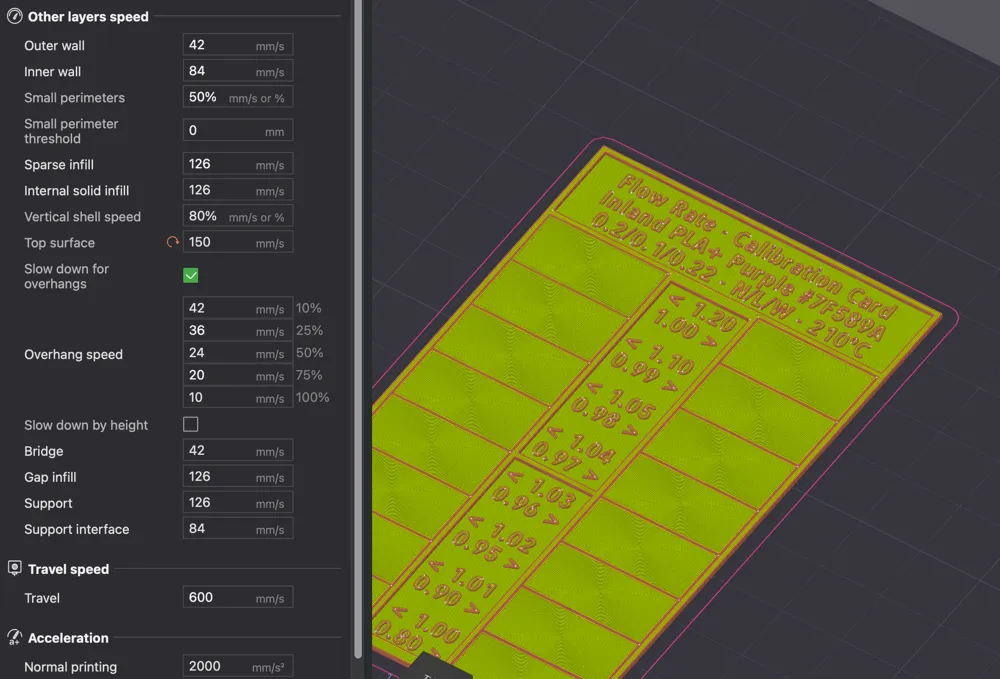
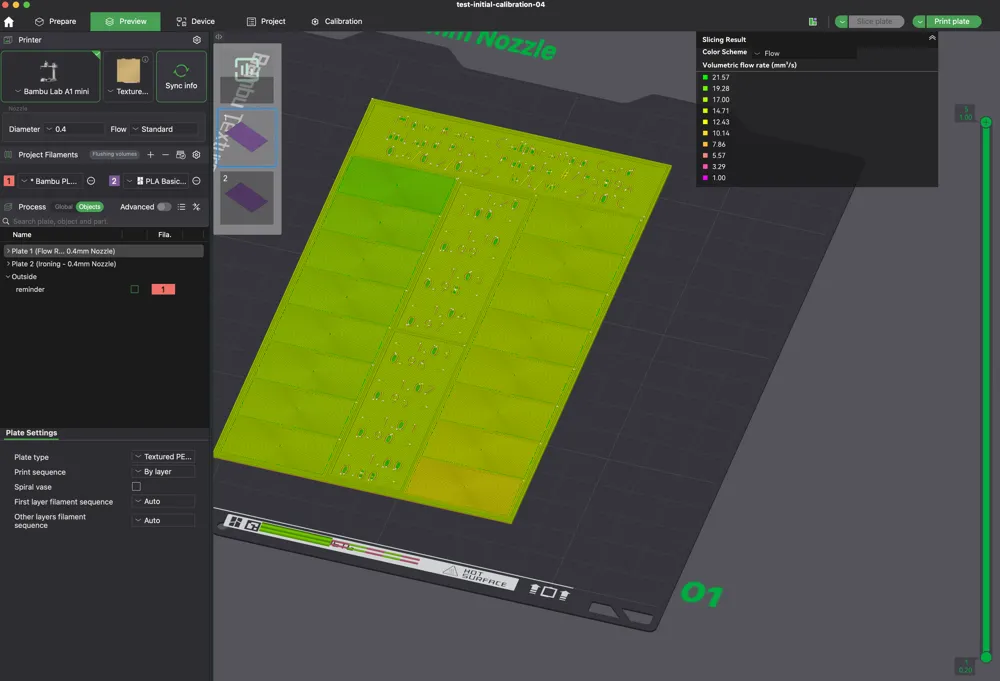
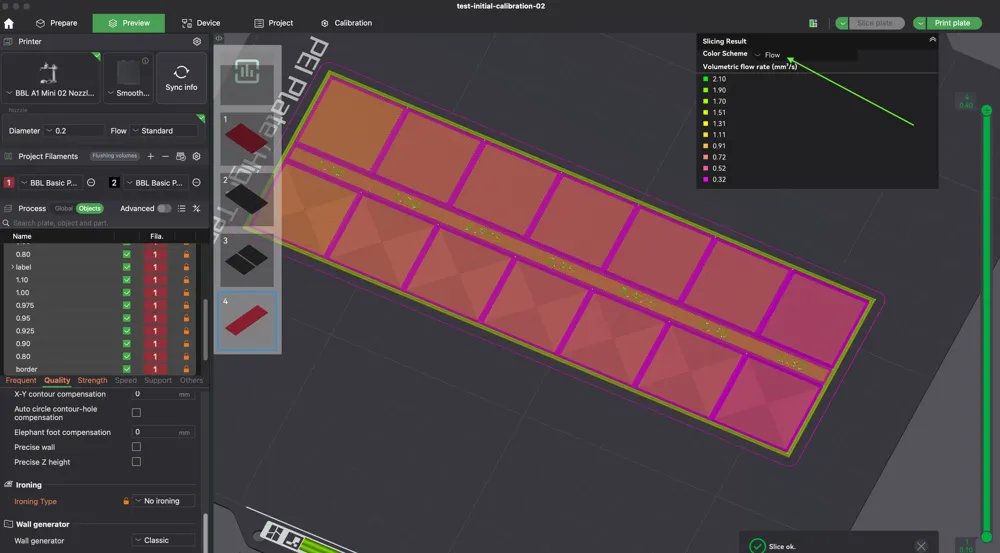
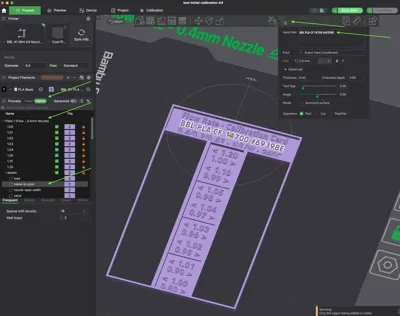
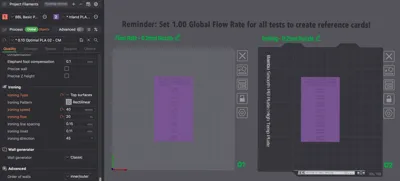
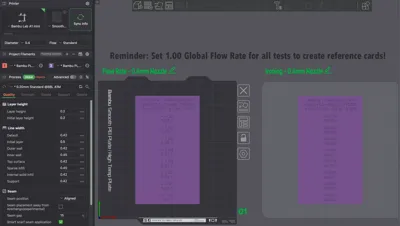
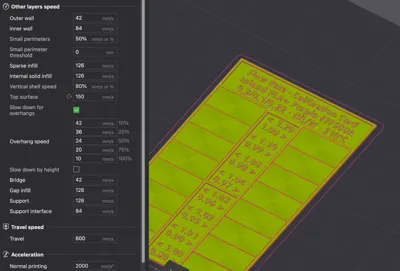
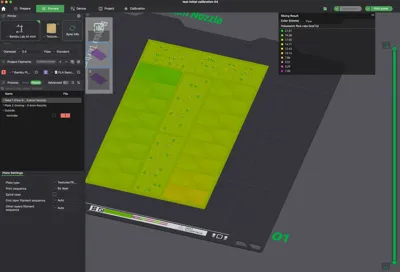
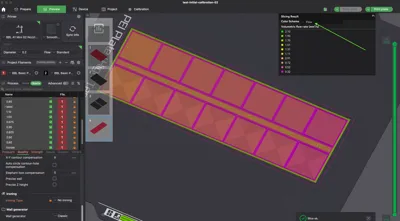
Important note: If you use the default profiles you can cap your flow rate at your max volumetric rate. If all of the swatches look the same, use the flow preview after slicing to check if there is a different flow rate on each swatch. Images are included to show what to expect.
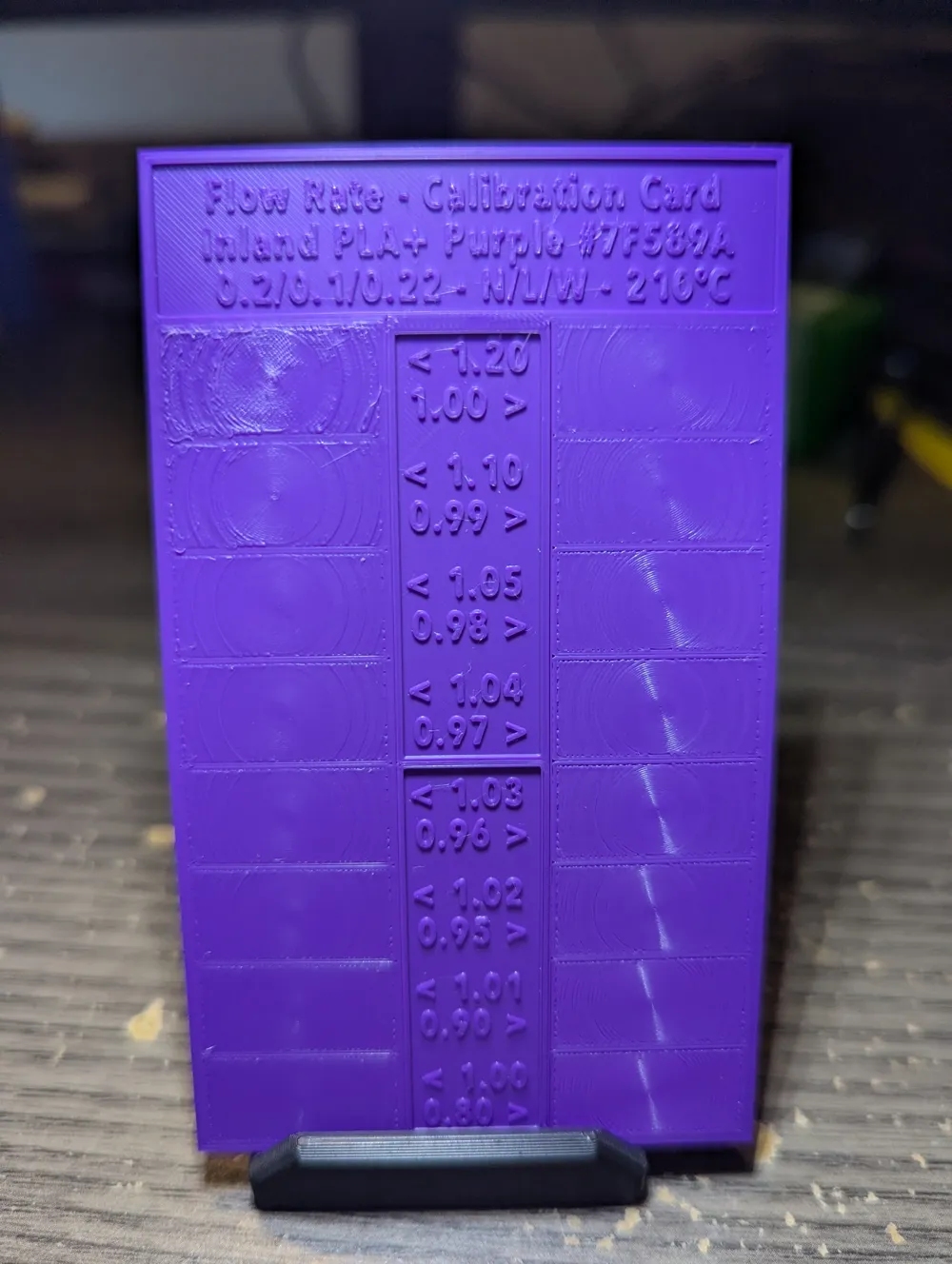
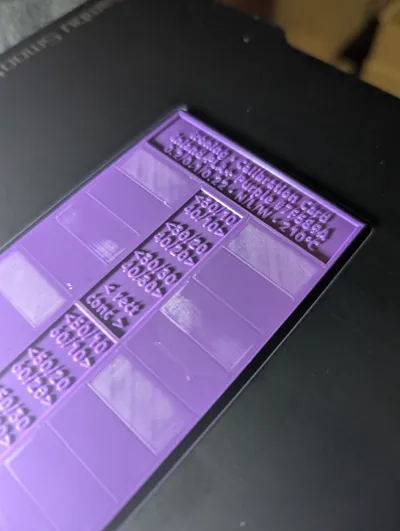
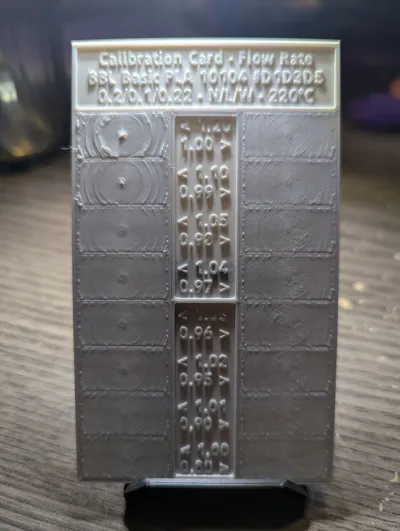
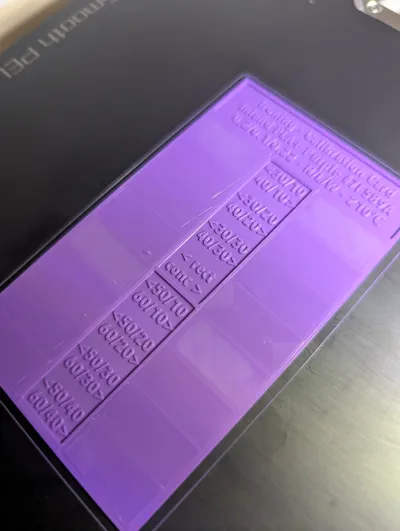
New in v2.2: The bottom face is tuned as a first-layer check, allowing you to flip the card and compare bottom-layer flow at a glance. It can also alert to bed adhesion issues, and since the flow rates are stitched together, there is little worry of detaching.
Quick start
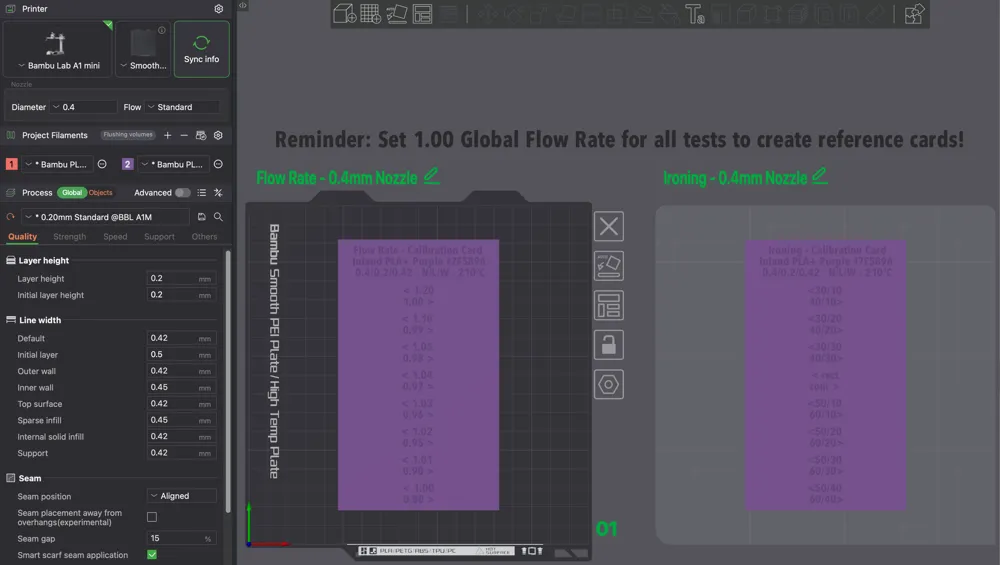
- Choose the 0.2mm or 0.4mm profile, then pick the plate you need (Flow or Ironing).
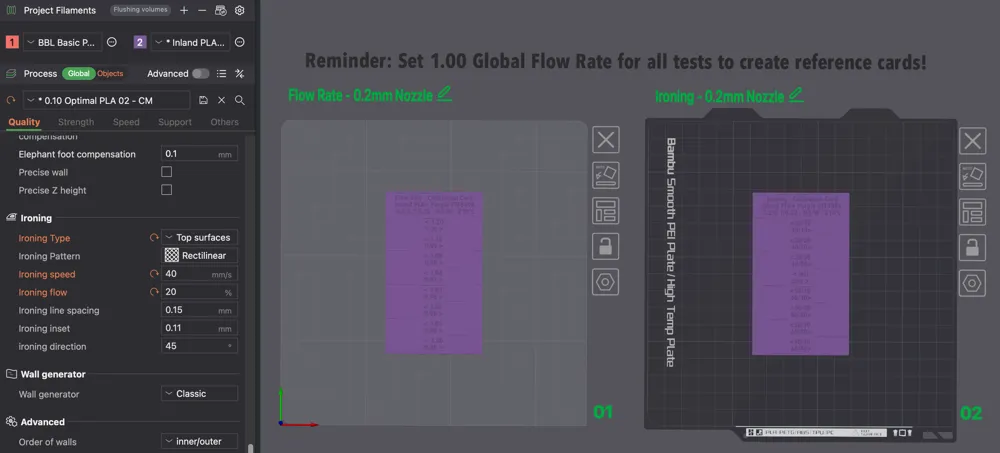
- Set Global Flow = 1.00.
- Do not change top or bottom shells. The layout forces infill, then bridges, to level the surface for fair comparisons.
- Do not group the swatches.
- Print, score, and save as the baseline for this filament.
How to score
Flow rate
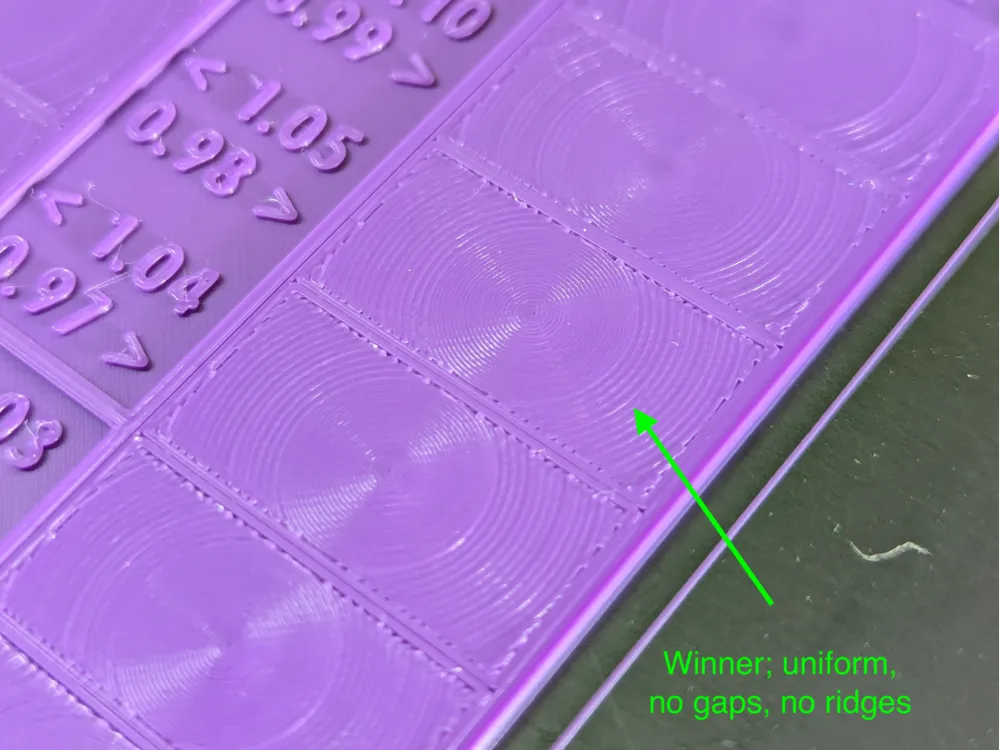
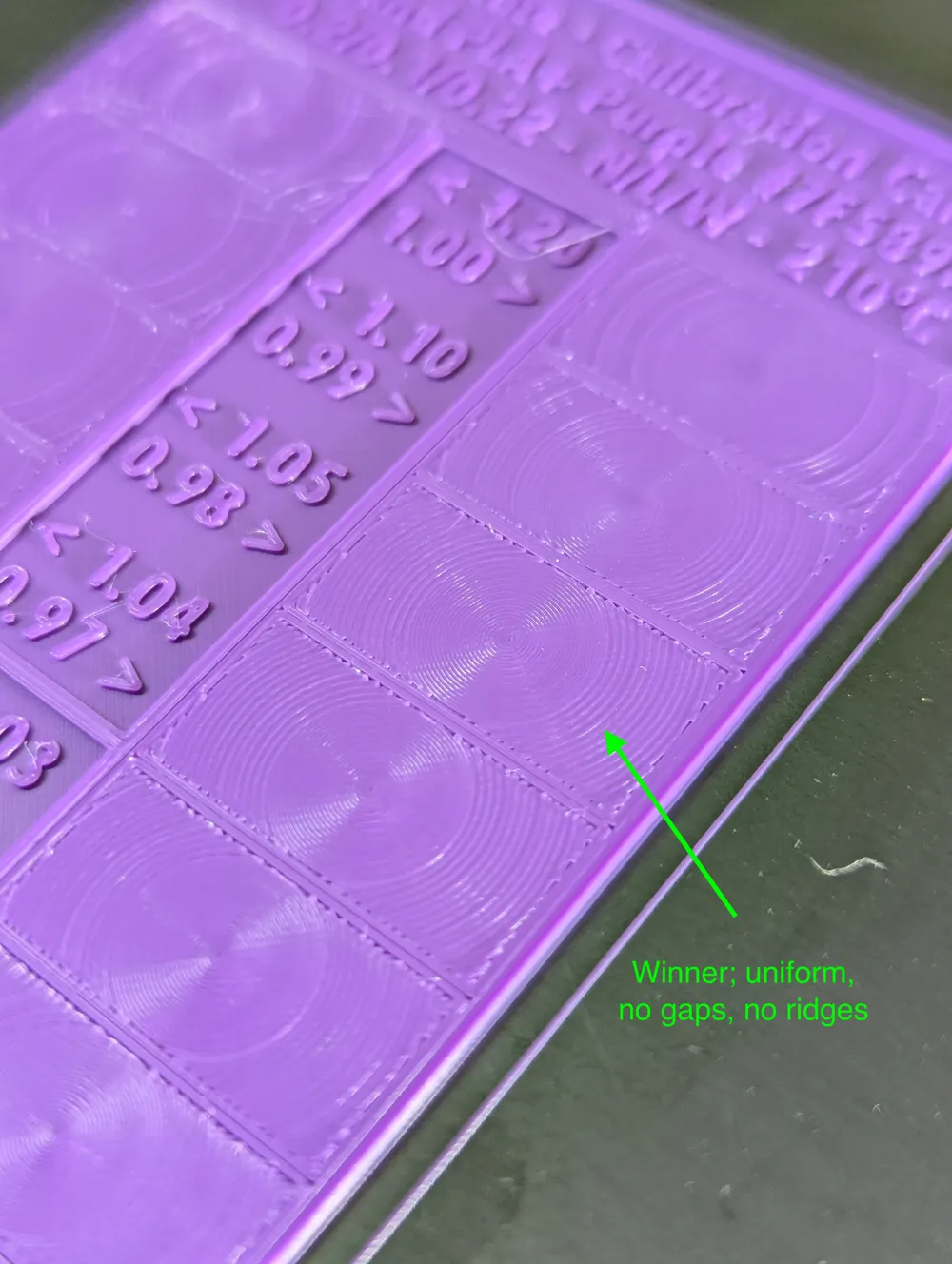
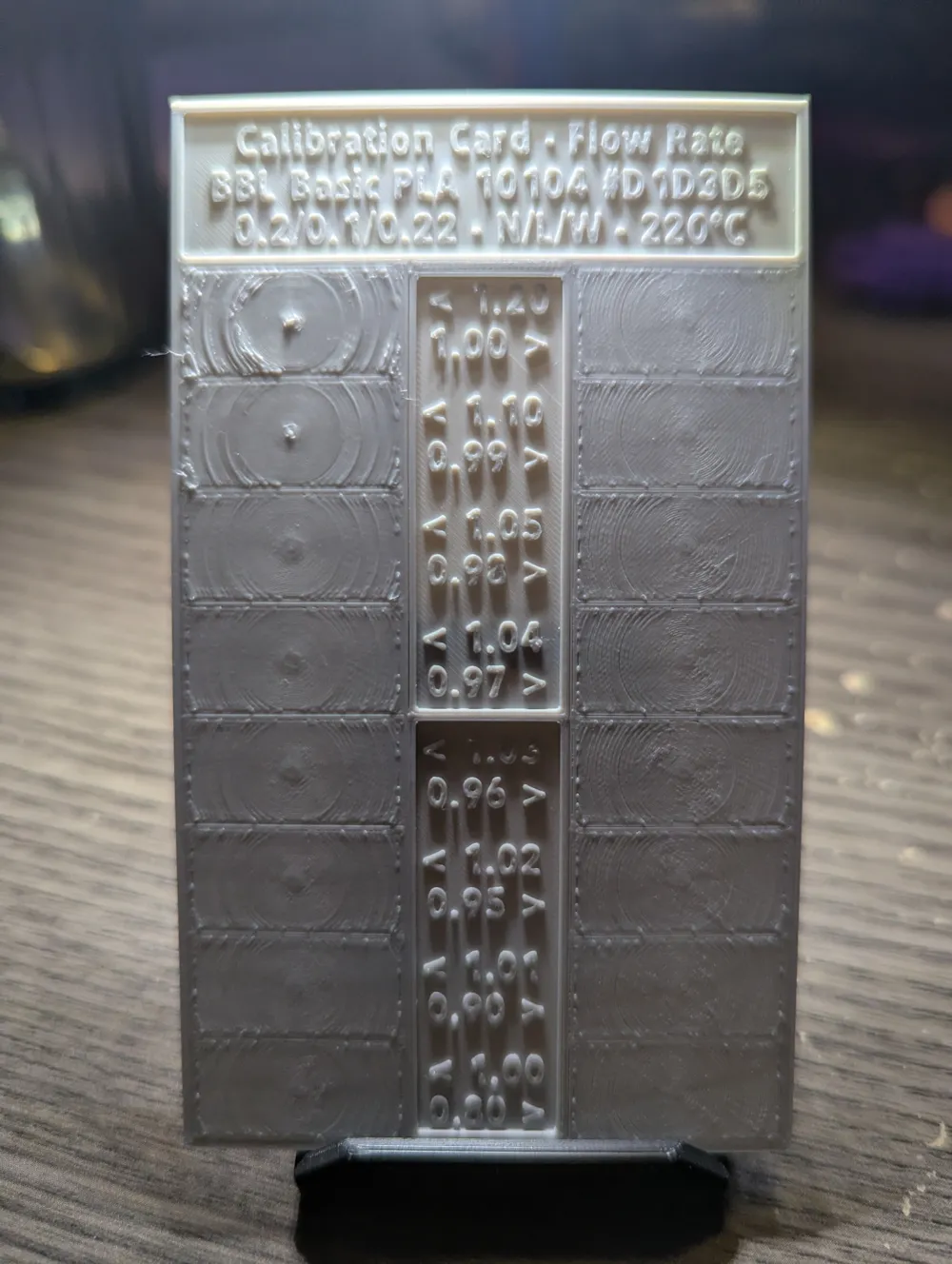
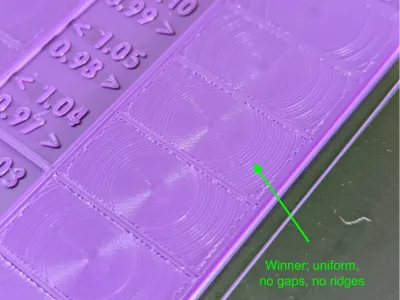
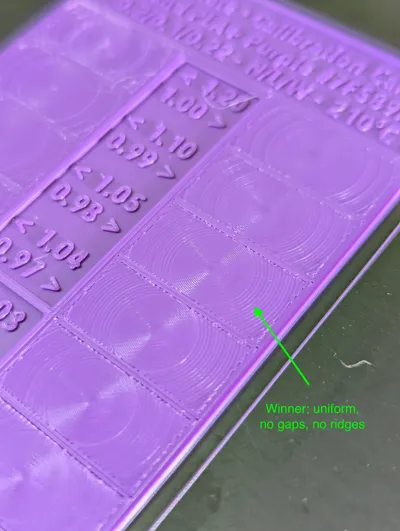
- Lines meeting: lines touch, no gaps, no merging
- Top texture: smooth sheen, no troughs
- Tie-breaker: choose the lower flow that still meets cleanly
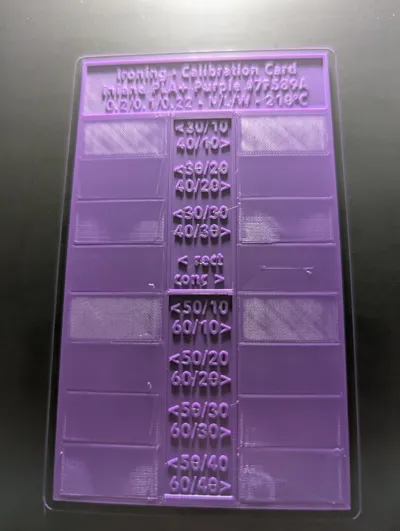
Ironing
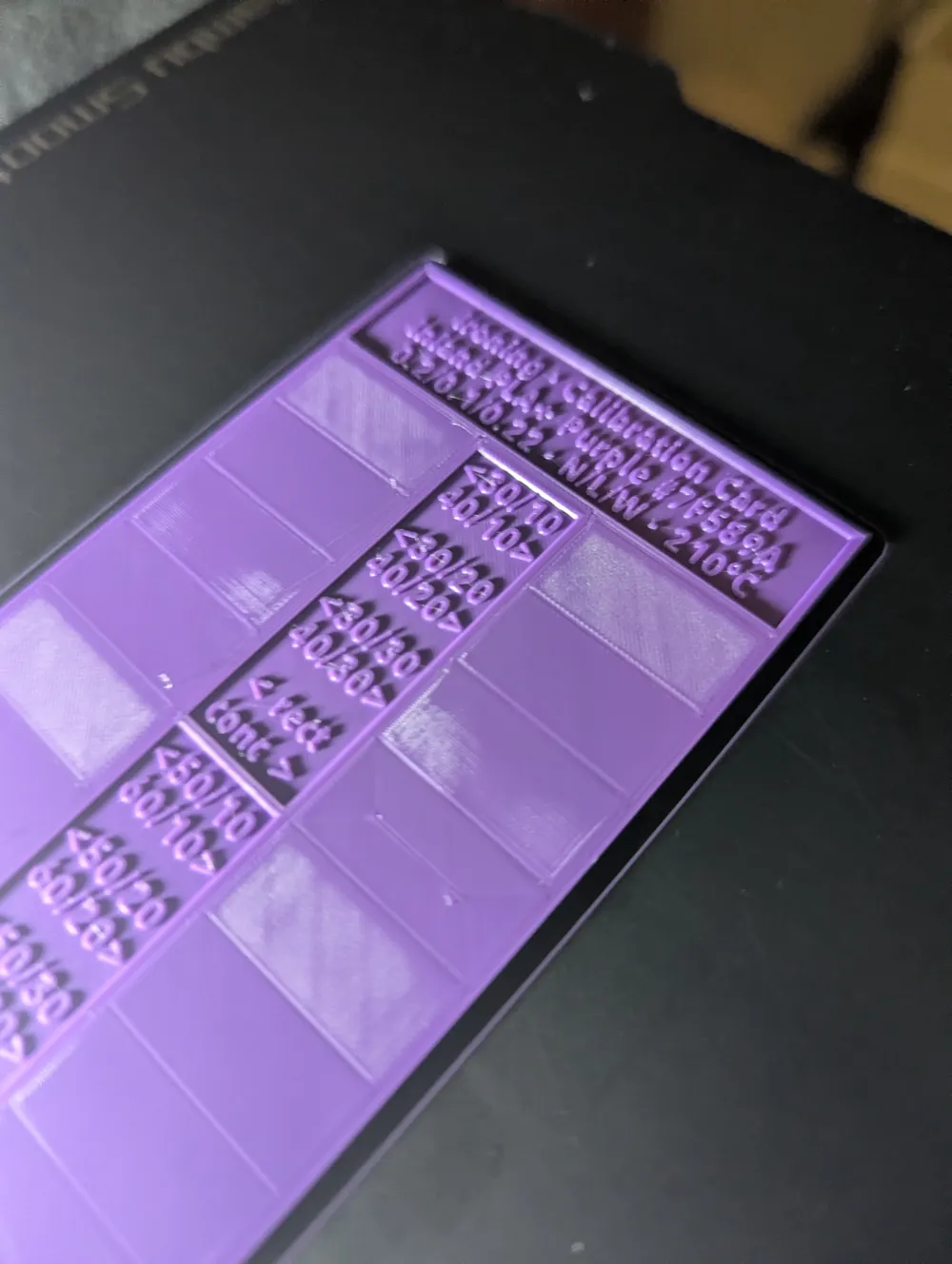
- Center A/B: compare Rectilinear vs Concentric.
- Surface: uniform sheen, minimal track visibility, flat to the touch
- Edges: crisp perimeter, no wash over details
- Tie-breaker: prefer the lower flow at your typical top-surface speed
Plates and Options
Profile A: 0.2 mm nozzle
- Plate 01: Flow-rate reference.
- Plate 02: Ironing reference.
- Plate 03: Experimental first layer flow test.
Profile B: 0.4 mm nozzle
- Plate 01: Flow-rate reference.
- Plate 02: Ironing reference.
Print settings
- No supports; the model lies flat
- Skirt optional; helps prime with fresh filament
- Use your normal speeds; prioritize consistent extrusion
- Use your standard print profiles for the best benchmark
Materials
Validated with Bambu, Polymaker, and Inland PLA/PLA+. Ranges cover common outcomes for these brands.
Notes
- Reference cards read best when they mirror your normal print settings.
- Recommended workflow: temperature tower → pressure advance (K) → flow card → ironing card.
- Keep Global Flow = 1.00 while creating the reference cards.
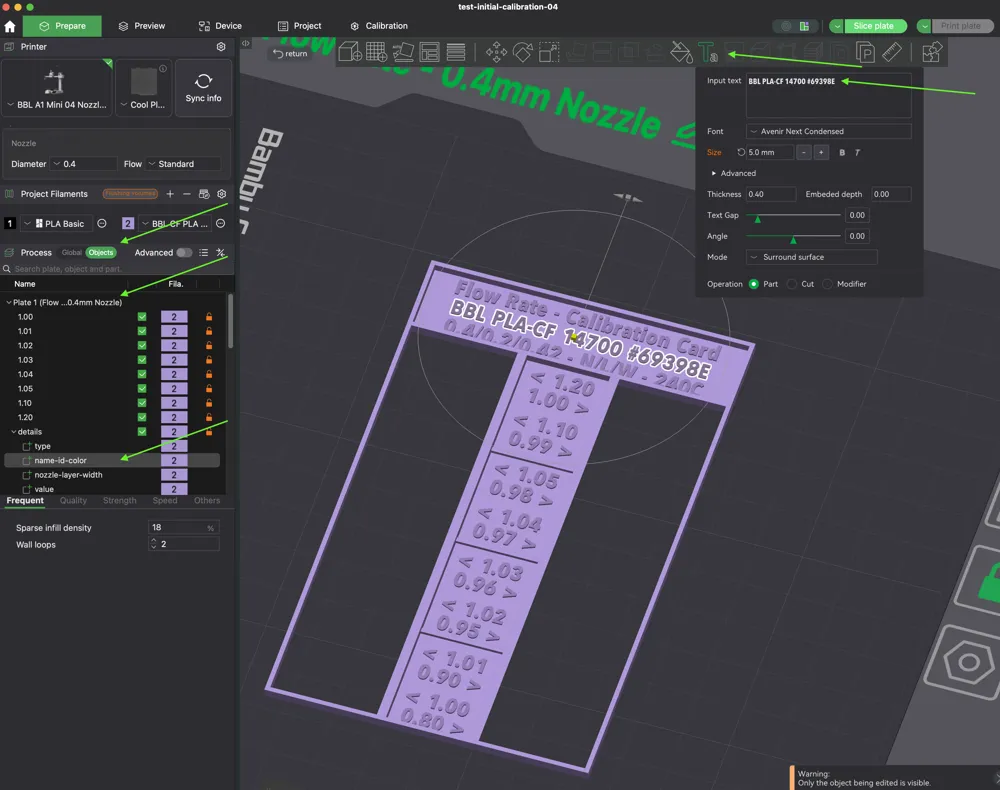
- Built in Bambu Studio; all labels and values are explicit and editable.
- Added an image on how to update the label.
- The bottom surface doubles as a first-layer test where you can flip to compare.
- Keep in mind that Ironing is tough, and usually filament dependent, but can result in amazing surfaces.
What changed in v2
- Cards now use default line widths for results that match everyday prints
- Two layers of 42% infill to stop bottom-to-top telegraphing
- Speeds tuned for accuracy and stable readings
- Text improved for quick number reads
- Stabilizers strengthened to prevent separation on low-flow tiles
- Swatch aspect ratio set to 2:1 for clearer Archimedean Chords scoring
- Profile reminder added to set Global Flow = 1.00
- Profiles simplified to only the settings needed for the tests
- Two far-end flow swatches included to visualize extremes
Changelog
v2.2 (Nov 05, 2025)
- Ironing defaults clarified for a robust starting point (40mm/s, 20%).
- 0.4mm card resized: smaller footprint with more accurate top layers.
- Stabilizer lip added on the outer edge to expose over-extrusion at 1.20 flow.
- Shell strategy updated to prioritize a flat, readable first layer.
- Bottom face tuned for first-layer evaluation, flip the card to compare flow on the underside.
- Thanks to @N5BSB for testing and feedback.
v2.1 (Oct 22, 2025)
- Added on-profile reminder to set Global Flow = 1.00
- Simplified naming and profiles; kept only the fields needed for testing
- Made stabilizers more robust to avoid separation near 80% flow
- Set 2:1 swatch ratio for easier Archimedean Chords judging
v2.0 (Oct 21, 2025)
- Swatches now use default line widths
- Stronger connection between legends and swatches
- Two layers of 42% infill to prevent top telegraphing
- Speeds optimized for accuracy
- Text legibility improved
- Added two far-end flow swatches
License

You may create derivative works based on this object, provided that all such derivative works are published exclusively on the MakerWorld platform and include proper attribution to the original creator. You may not share, upload, host, distribute, or publish this object—or any derivative work of this object—on any other digital platform, marketplace, or distribution channel. Commercial use of this object and any derivative works is strictly prohibited. This includes, but is not limited to, selling, renting, sublicensing, or using the object in any context in which you receive monetary compensation or other financial benefits.


Comment & Rating (197)