Search models, users, collections, and posts

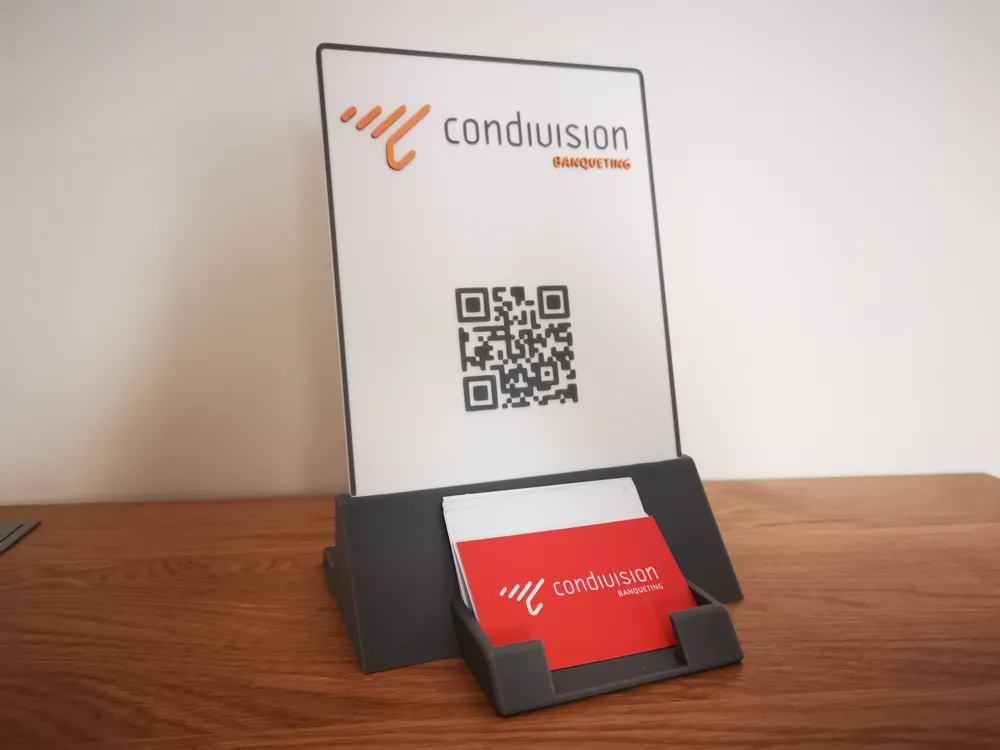
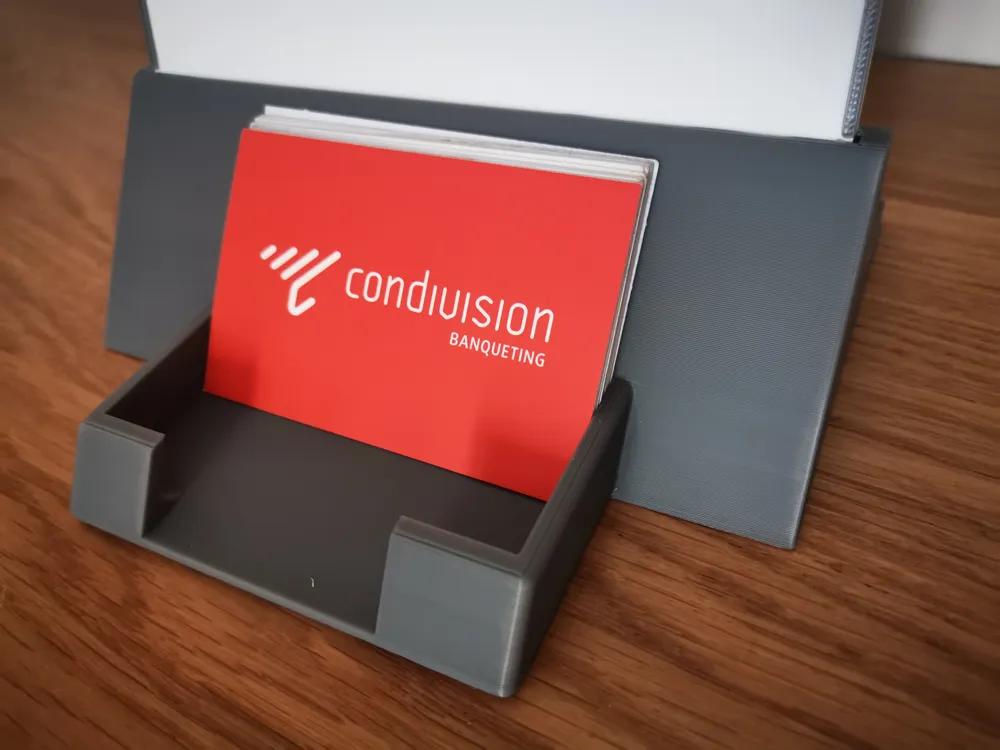
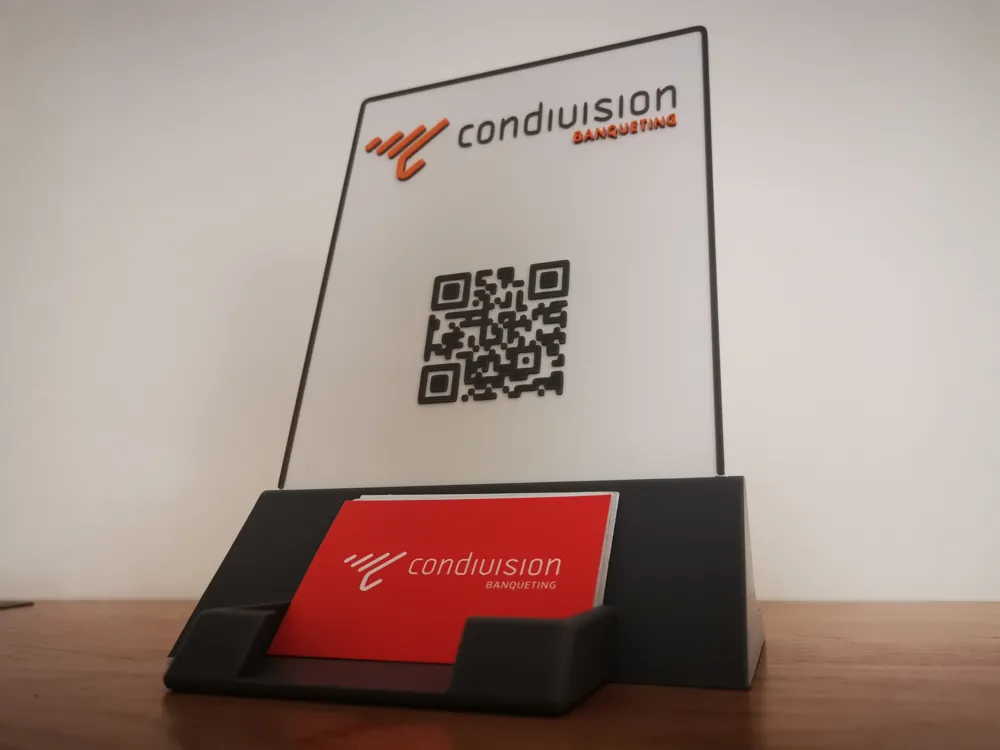
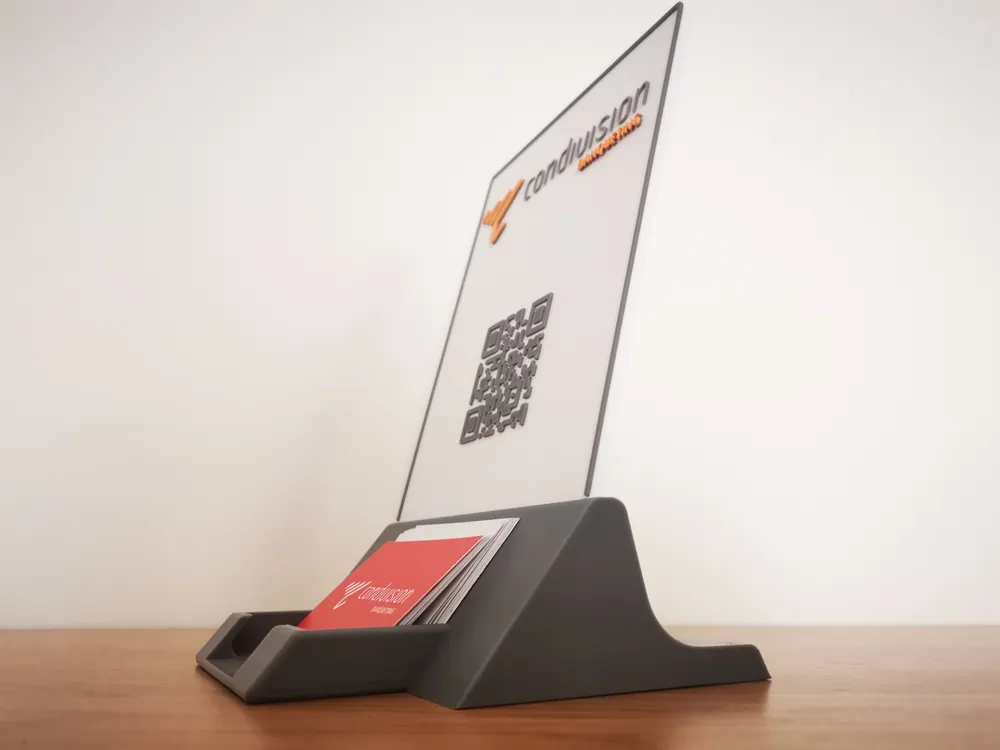
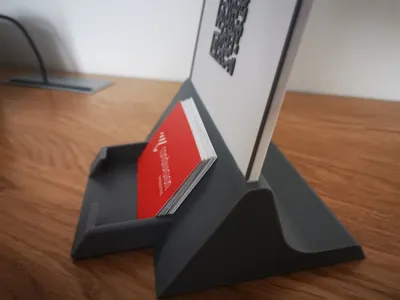
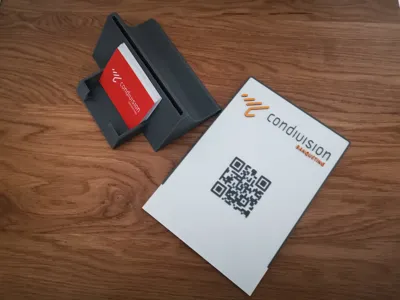
Sign display with business card holder

IP Report

Print Profile(1)

All
A1
H2D Pro
X1
H2S
X1 Carbon
H2C
P1S
X1E
P2S
P1P
H2D
X2D
A2L

CUSTOMIZABLE BASE + SIGN in Bambu Studio
Designer
5 h
2 plates
4.9(7)

Open in Bambu Studio
Boost
150
474
21
8
274
135
Released 

Description

Content has been automatically translated.
Show original

READ THE DESCRIPTION 👇

Boost Me (for free)

❤️ If you loved it, Boost it! 🚀

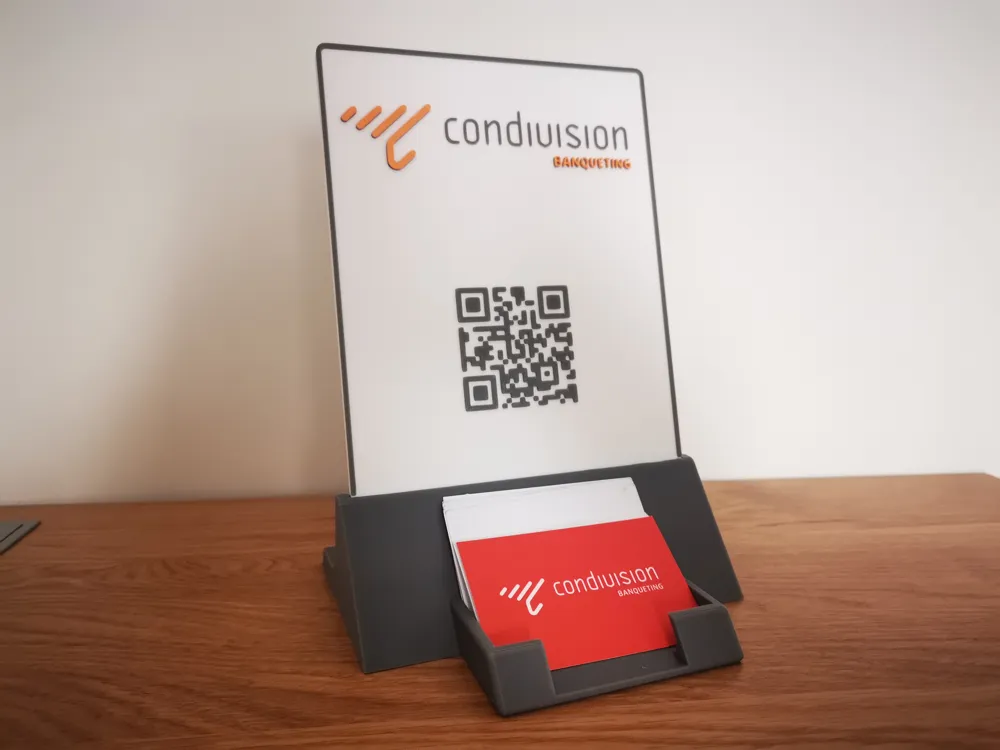
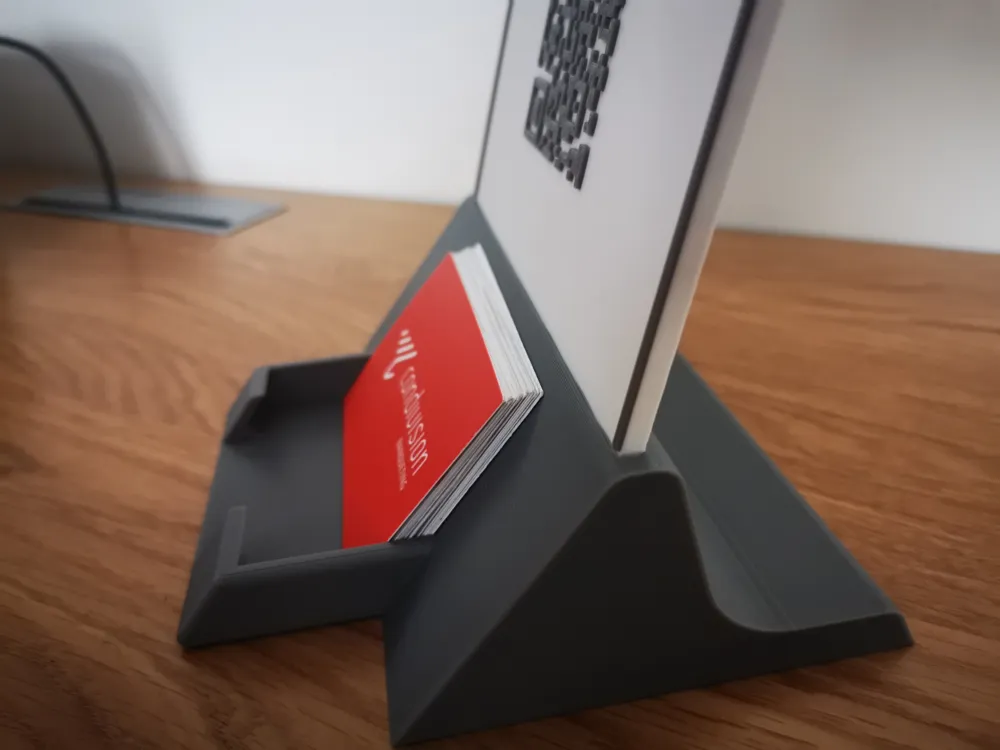
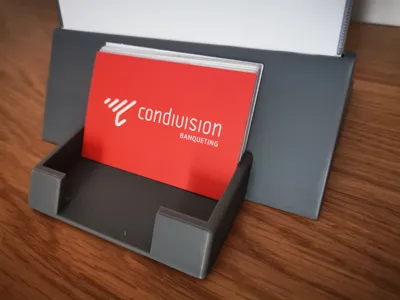
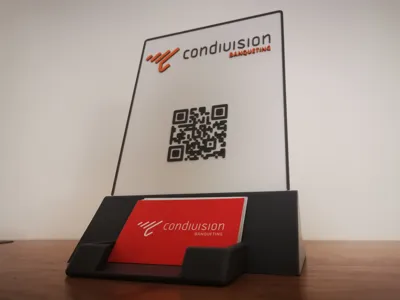
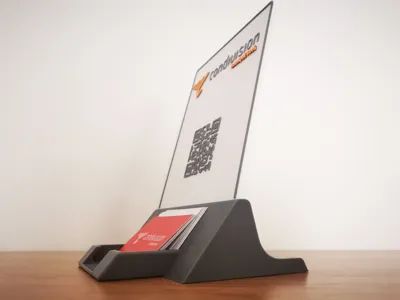
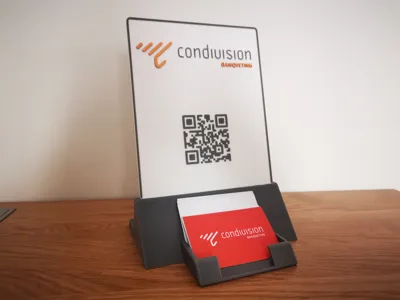
This is a table display with a business card holder: it is customizable as you wish. On the white sign you can write whatever you want.

Now you can also use it for commercialization.


I made this item to use at trade shows for my company (see images): I also uploaded the example .3mf file if you want to see how I customized the colors in Bambu Studio. Essentially, to avoid wasting filament and to utilize multiple colors, I generated the coloring at the slicing level: I used the white color for the base, then I changed the filament printing gray for a height of 1mm, and subsequently another filament change for printing the orange color. In fact, if you look closely, the orange parts are taller. This way I didn't waste any filament.


UPLOADED MODEL:

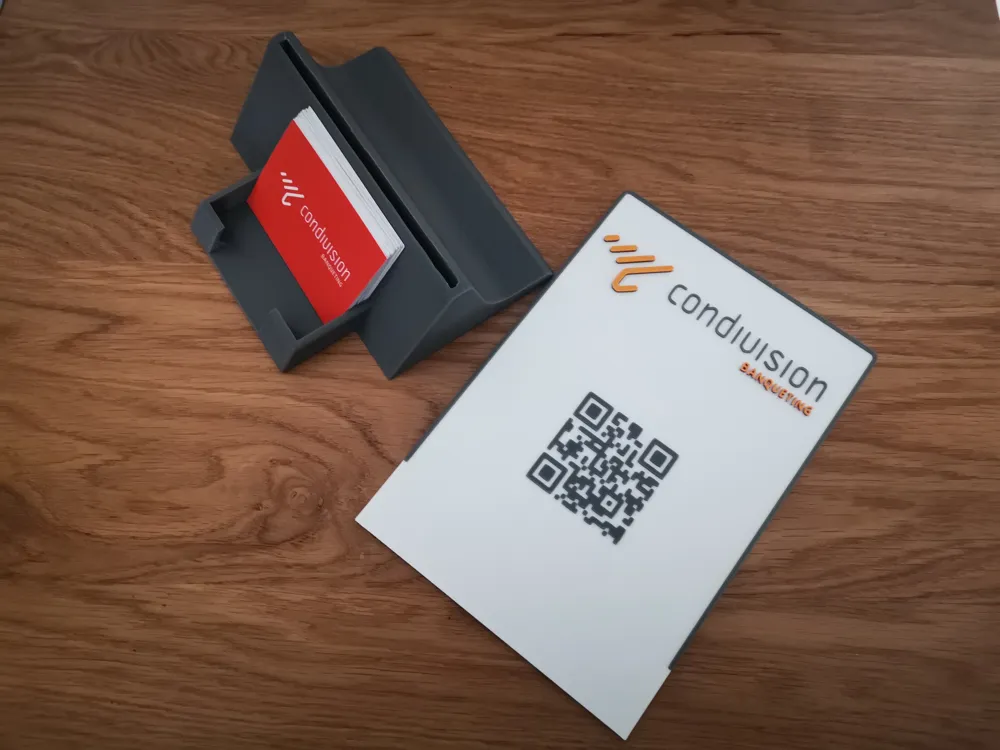
  1. Simple CUSTOMIZABLE model optimized in Bambu Studio: Business card holder base + blank sign.
    On this, if you want, you can customize the sign directly in Bambu Studio by adding text or a logo in SVG.
    I recommend coloring it using filament changes at the slicing level to avoid wasting filament.

EXAMPLE: sample.3mf - You can download the original non-customizable example file by selecting DOWNLOAD STL


If you want to make a sign with MakeMySign, consider the important dimensions for inserting the sign into the base: 150mm Width X 4mm Thickness.


A1 mini

Since only the base is also compatible in size for A1 mini: you can create a sign with MakeMySign with a maximum height of 180mm, width of 150mm and thickness of 4mm: https://makerworld.com/makerlab/makeMySign


IMPORTANT

If it doesn't fit well, try lightly sanding the slot of the base for the sign's insertion


VIEW MY OFFICE PROJECTS COLLECTION

▄▄▄▄▄▄▄▄▄▄▄▄▄▄▄▄▄▄▄▄▄▄▄▄▄▄▄▄▄▄▄▄▄▄▄▄▄▄▄▄▄▄▄▄▄▄▄

Useful tips for optimal printing:
ALWAYS DRY the filament and keep the bed CLEAN
check the EXTRUDER TIGHTENING

I STRIVE to create useful or fun objects If it was worth it for you, reward my time:

Boost Me (for free)

❤️Fuel my passion ✨

See my other works on my PROFILE: https://makerworld.com/en/@kaledo


▄▄▄▄▄▄▄▄▄▄▄▄▄▄▄▄▄▄▄▄▄▄▄▄▄▄▄▄▄▄▄▄▄▄▄▄▄▄▄▄▄▄▄▄▄▄▄

Comment & Rating (21)

(0/1000)

Printed well. I made 2 and use them all the time at events. My cards fit in it fine, they are a generic size, ordered in bulk from Vista.
The designer has replied
designer
1
Reply
Good job, nice print🤩🚀
0
Reply
Print Profile
CUSTOMIZABLE BASE + SIGN in Bambu Studio
didn’t fit my business cards with default layout
The profile uploader has replied
0
Reply
Oh i'm so sorry for that. Maybe it's non standard card. It's not my fault, I don't understand why 4stars. Try to enlarge the width size of the basement, just the width, not the others sizes, it will works.
(Edited)
0
Reply
Replying to @kaledo :
I, too, have the same issue. It doesn't fit a standard US business card (3.5" x 2"). It almost seems like the model itself got messed up and the left wall of the card holder got moved to the right. The left side of the front wall of the card holder is not as wide as the right side, and there is more space between the edge of the base and the left wall of the card holder than the space between the right edge of the base and the right wall of the card holder. Not sure what happened there, but a 3.5" wide business card does not fit.
0
Reply
Replying to @grs033 :
I will modify the model to increase the tolerance
Show original
0
Reply
Print Profile
CUSTOMIZABLE BASE + SIGN in Bambu Studio
Great Model!
The profile uploader has replied
profile
1
Reply
Thank you for the rating 🤩🚀
(Edited)
Show original
1
Reply
Print Profile
CUSTOMIZABLE BASE + SIGN in Bambu Studio
Made the base with a .4 hotend, the sign with a .2 hotend for more legible text. I made the sign with Makerlab Make My Sign.
The profile uploader has replied
0
Reply
Great! Well done! Thanks for the review 🤗🚀
(Edited)
1
Reply
Print Profile
CUSTOMIZABLE BASE + SIGN in Bambu Studio
The profile uploader has replied
0
Reply
Thank you for the rating 🤩🚀
Show original
0
Reply
Print Profile
CUSTOMIZABLE BASE + SIGN in Bambu Studio
The profile uploader has replied
0
Reply
Thank you for the rating 🤩🚀
Show original
0
Reply
Print Profile
CUSTOMIZABLE BASE + SIGN in Bambu Studio
The profile uploader has replied
0
Reply
thanks for the rating 😊🚀
Show original
0
Reply
Print Profile
CUSTOMIZABLE BASE + SIGN in Bambu Studio
The profile uploader has replied
0
Reply
Thank you for the rating 😊
Show original
0
Reply
No more

License

This user content is licensed under a Standard Digital File License.

You shall not share, sub-license, sell, rent, host, transfer, or distribute in any way the digital or 3D printed versions of this object, nor any other derivative work of this object in its digital or physical format (including - but not limited to - remixes of this object, and hosting on other digital platforms). The objects may not be used without permission in any way whatsoever in which you charge money, or collect fees.
