Search models, users, collections, and posts

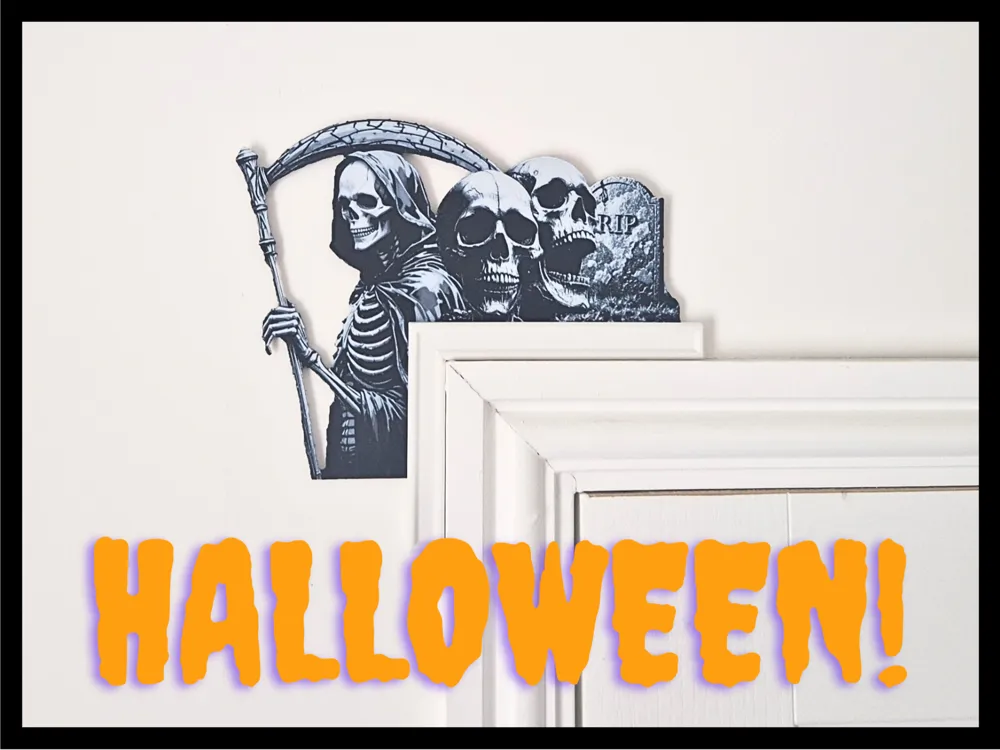
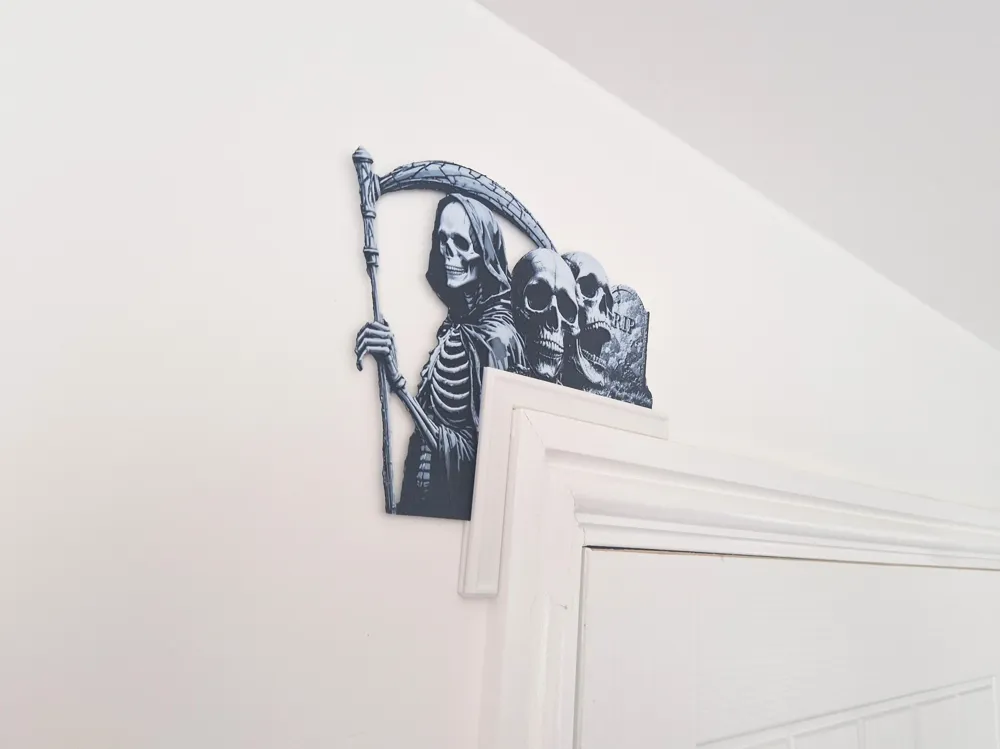
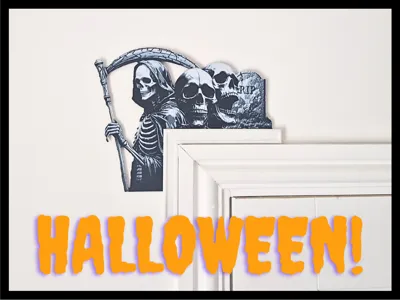
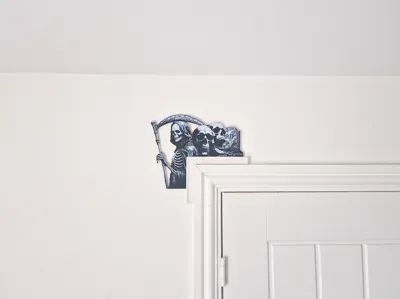
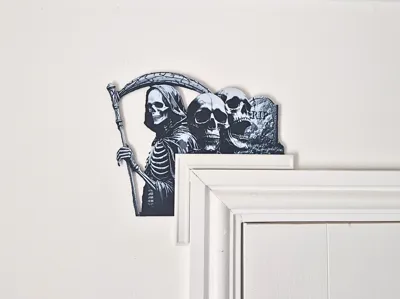
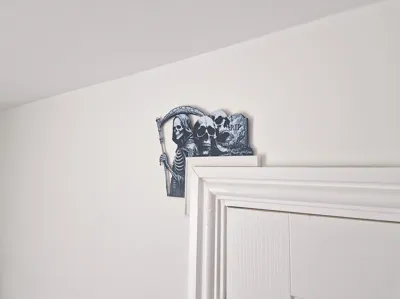
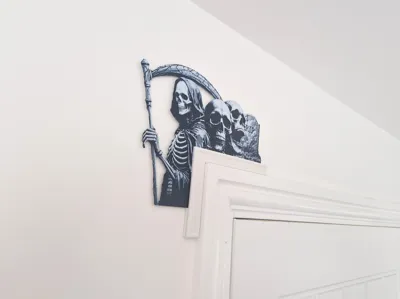
Skulls Grim Reaper Halloween Door Frame Hanger
Print Profile(3)

Hueforge element
Designer
3.6 h
1 plate

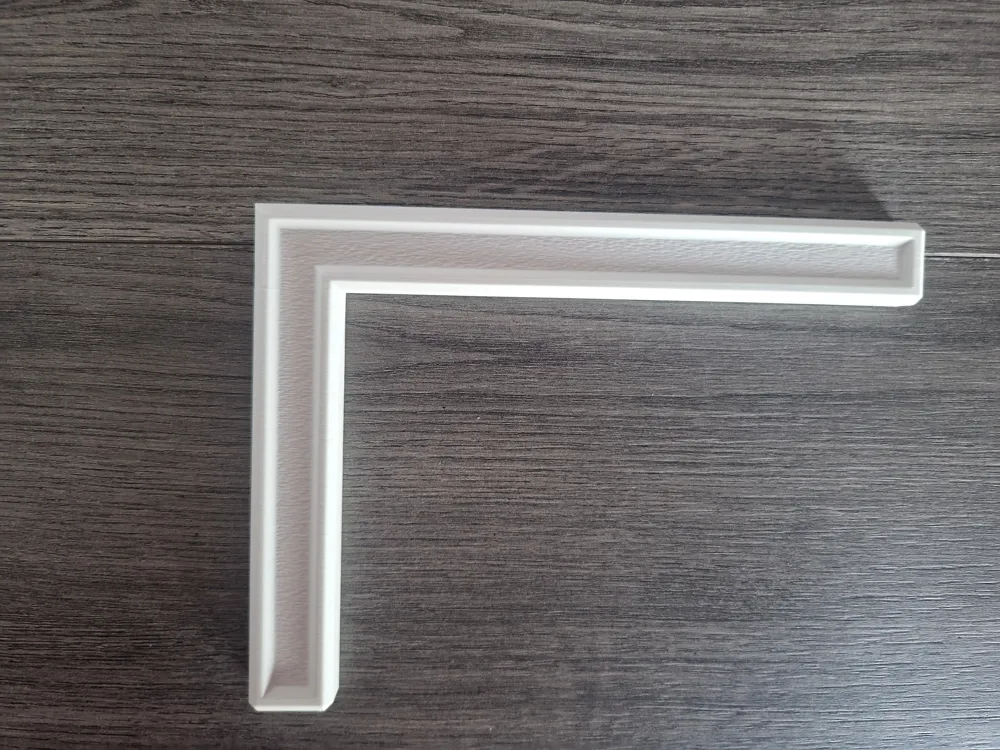
Door frame hanger
Designer
2.4 h
1 plate

Hueforge element - Without frame attachment
Designer
3.4 h
1 plate
Open in Bambu Studio
Boost
13
10
13
1
7
4
Released
Description
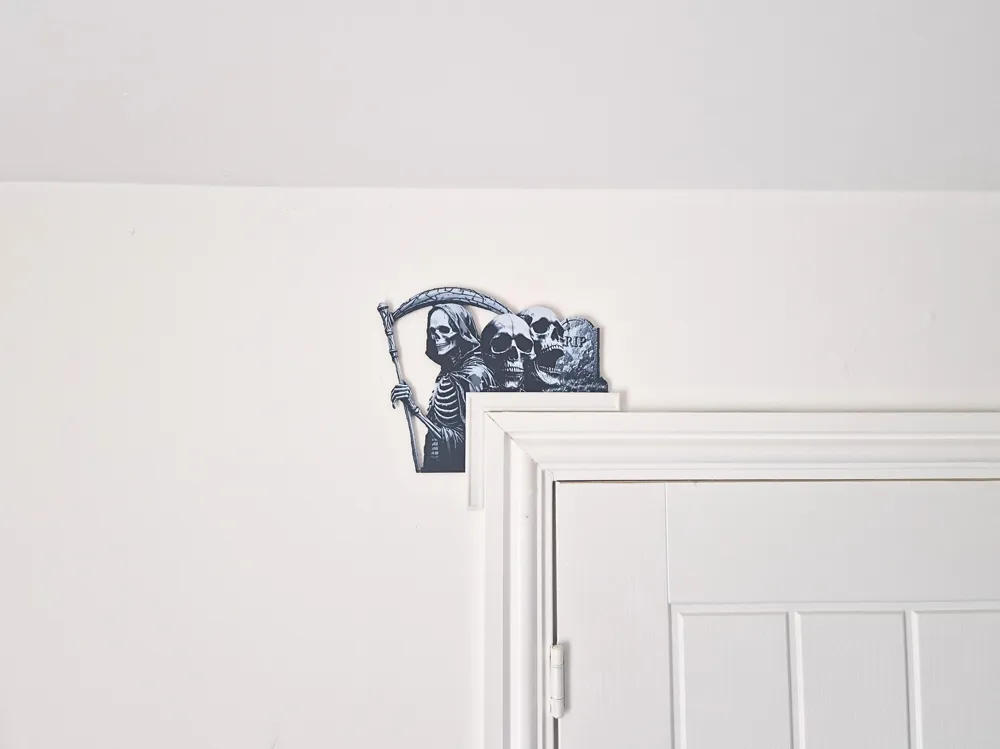
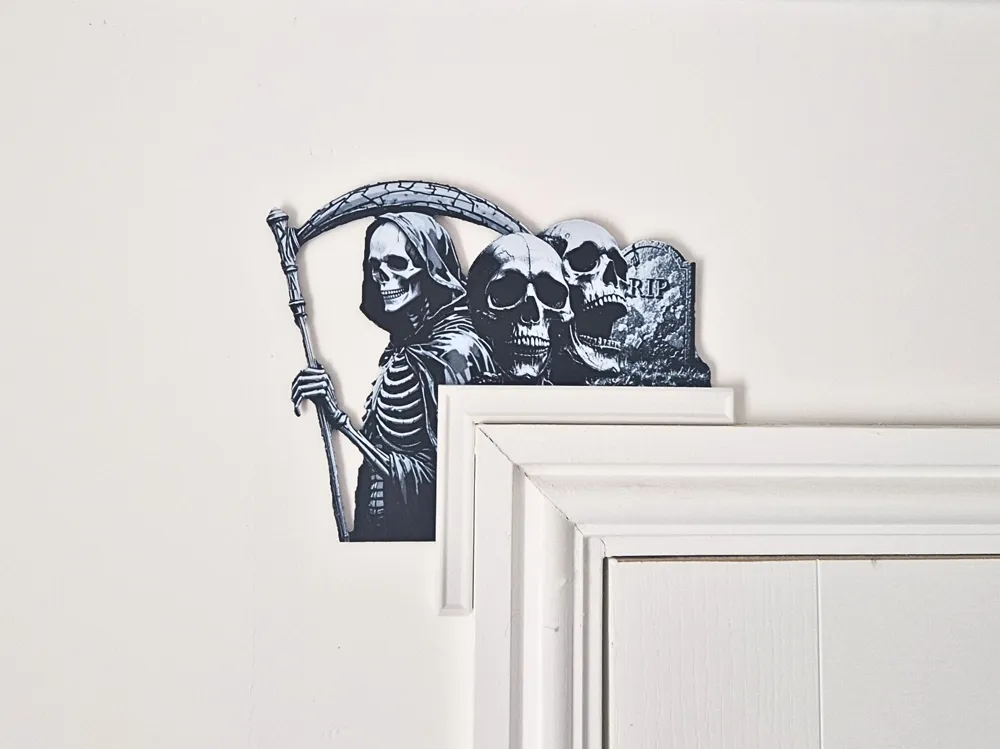
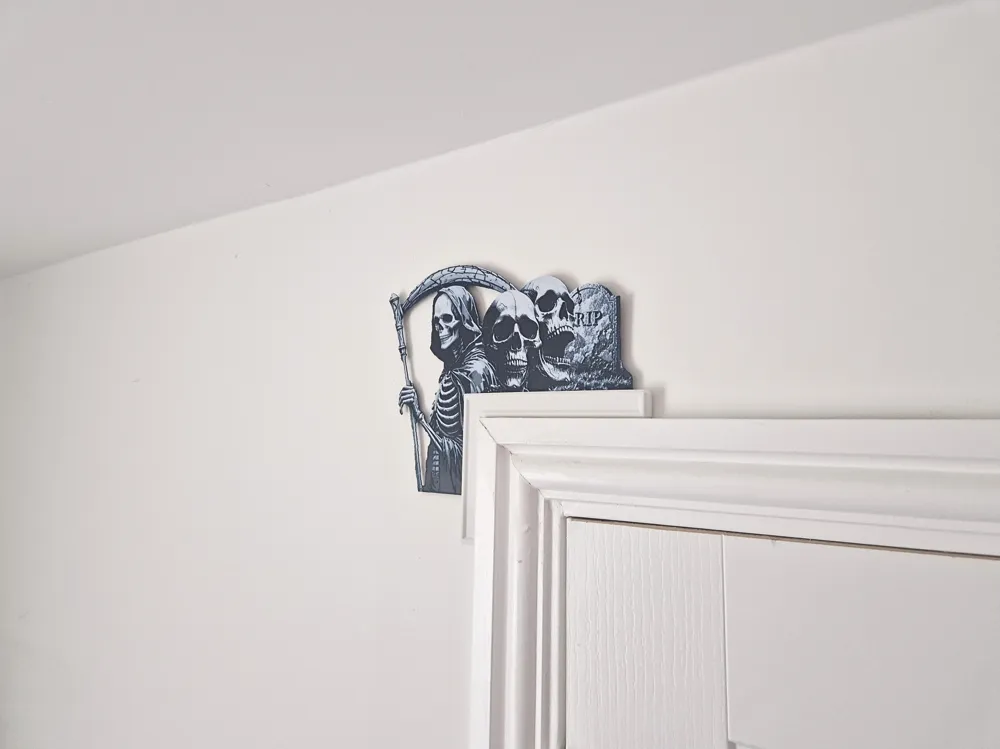
This Hueforge design showcases a Halloween door frame hanger of skulls, the grim reaper and a grave stone.
- Image has been edited for a clean cut out Hueforge.
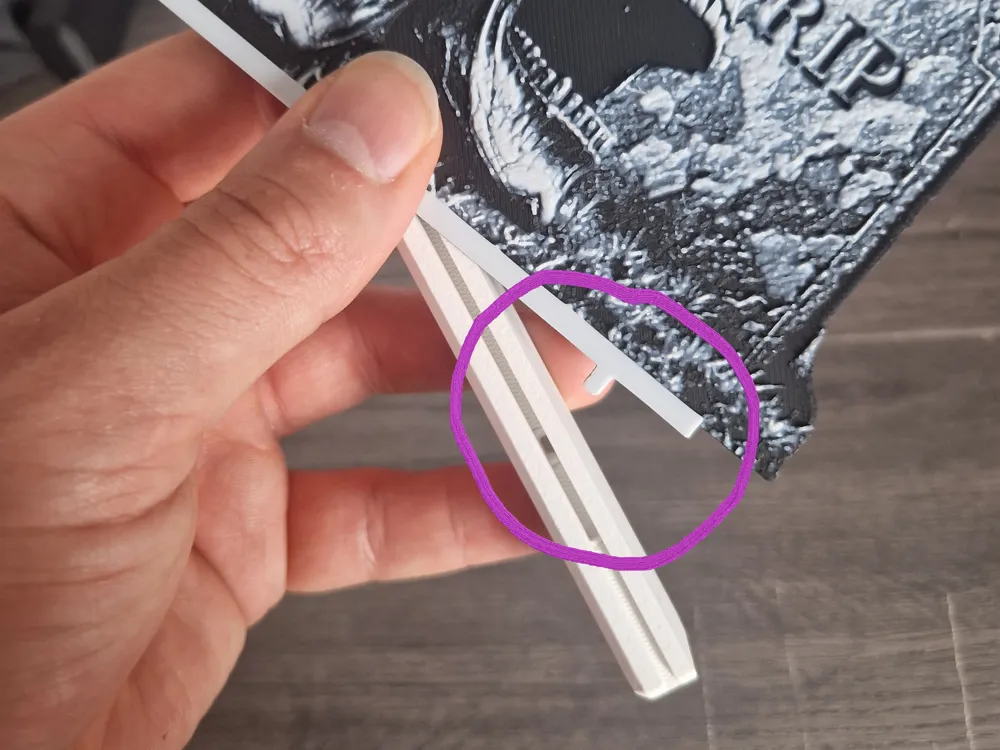
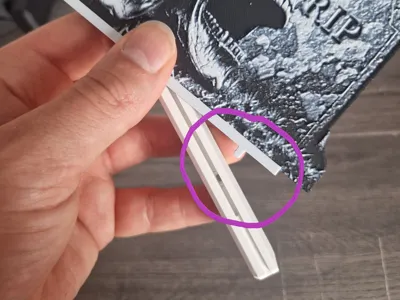

- Easily slots into door frame hanger using the merged in adapter - See Gif below.
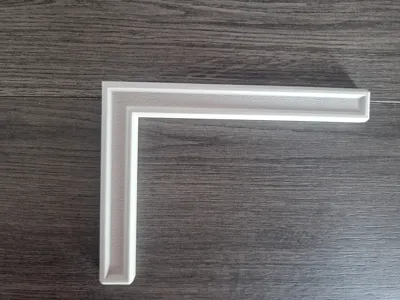
- Door frame is designed with the purpose of ‘Fuzzy skin’ in the centre, 3mf file reflects this.
- Only 3 colours used.
- Quick and easy print for this Halloween!
Dimensions & print settings:
- Hanger - 160 x 120mm, 10mm depth.
- Hueforge - 240 x 191mm
- 1.7mm Depth
- 0.4 Nozzle
- Layer Height - 0.08mm
- Base layer - 0.24mm
- 100% Infill
- 1 Wall
- 9999 Bottom Layers (personal preference to printing Hueforge)
- Recommend to print without a brim.
Filaments Used:
PLA Matte Black TD - 0.1
PLA Bambulab Blue/Grey TD - 3
PLA Bambulab Jade white TD - 5
Instructions:
- Start with Matte Black
- At layer #7 (0.64mm) swap to Blue/Grey
- At layer #13 (1.12mm) swap to Jade White for the rest.
Recommended not to scale due to clearance to fit into the hanger.
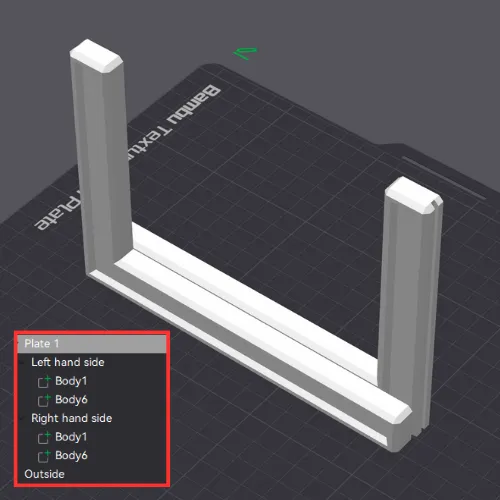
- The Hanger 3mf file has the fuzzy skin applied.
- 2 walls + 20% Gyroid infill for added weight to help keep the hanger on the frame.
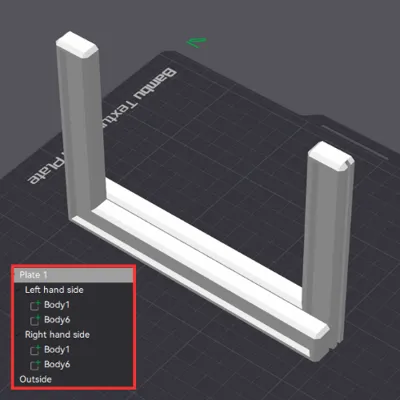
- 2 x hangers for both left and right hand side of the door frame for you to choose - These are labelled in the ‘objects’ section as they have been rotated for best print orientation.
- IF SELECTING RIGHT HAND SIDE HANGER - MIRROR THE HUEFORE ALONG THE X AXIS - Do this by right clicking the object, mirror, along x axis.
- No supports needed
-------------------------------------------------------------------------------------------------------------------------------
Feedback, likes and boosts are always appreciated.
Enjoy.
Boost Me (for free)
Feeling nice? :)
License

This user content is licensed under a
Creative Commons Attribution-Noncommercial-NoDerivatives


Comment & Rating (13)