
AMS 2 Pro RFID Reader Blocker to Override Settings
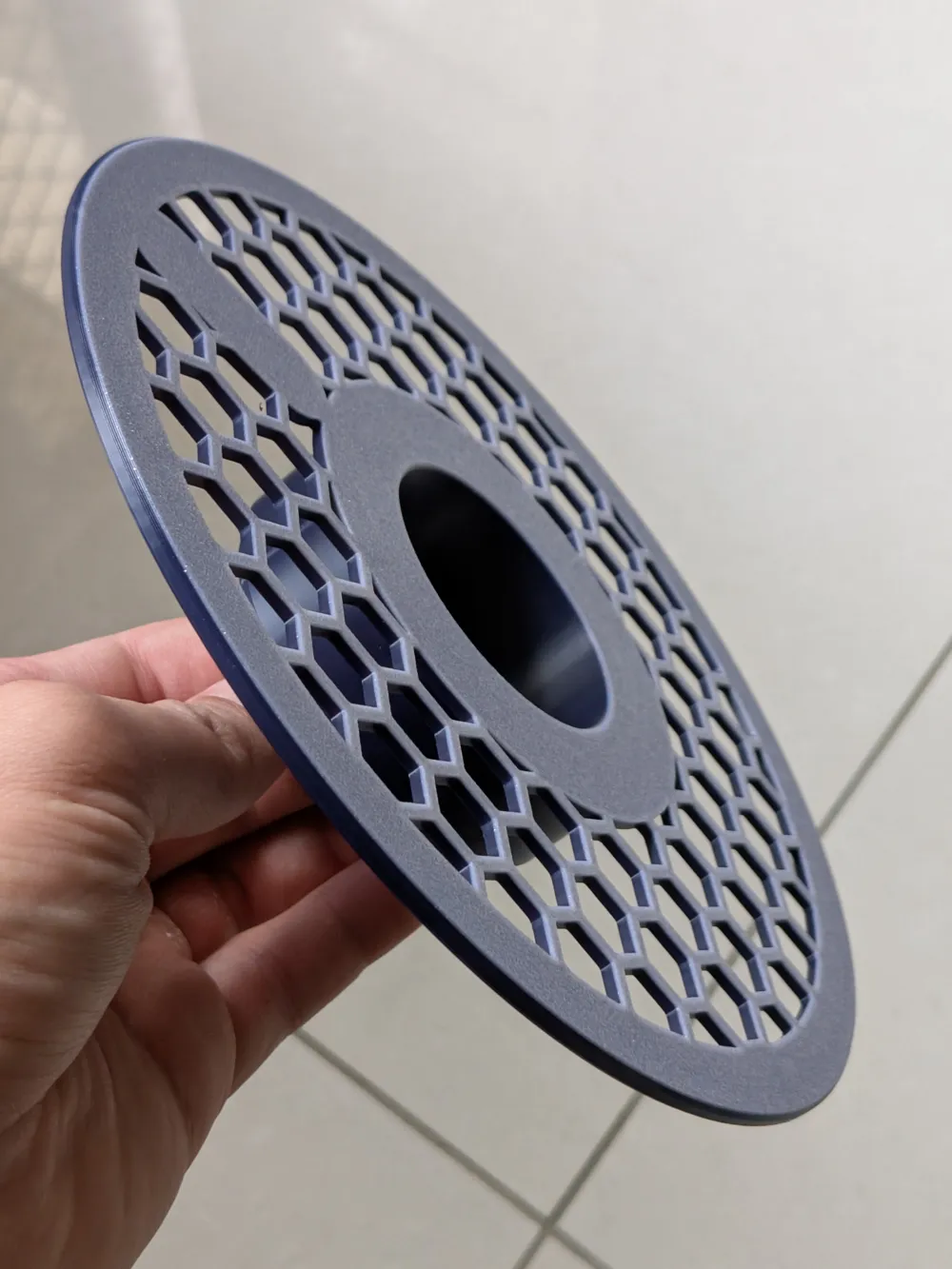
Print Profile(1)

Description
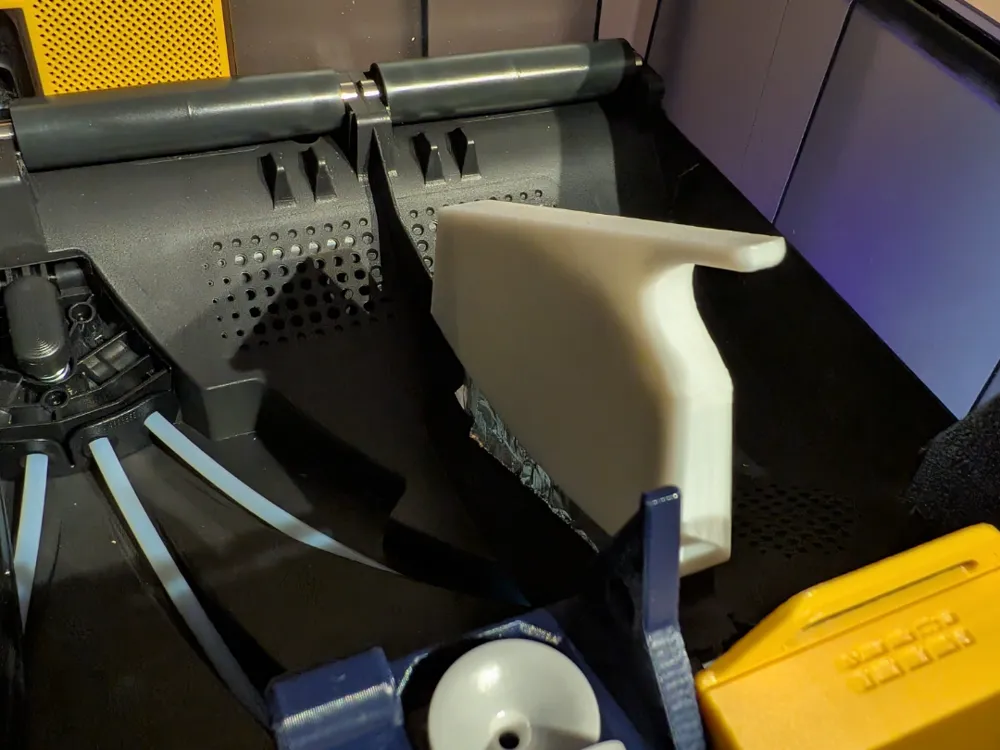
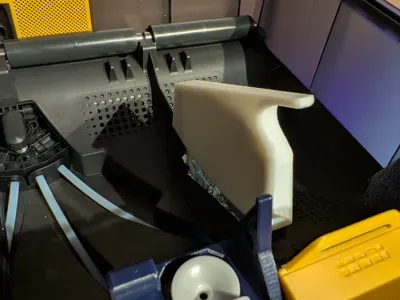
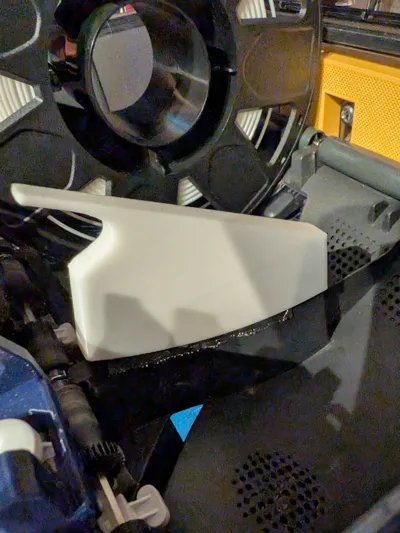
This part is useful if you need to block the RFID readers on the AMS 2 Pro. This can allow you to overide filament settings for first party Bambu Lab filament rolls and assign a roll as any type and colour in the AMS settings. Useful for prototpying or prints where you don't care about filament colour. In the last image, I've shown an example where two rolls were setup as the same type (ABS) and colour, where I used a small amount of leftover filament and enabled Auto Refill to switch over to the blue filament when white ran out.
Use Case: Auto Refill with different colours of the same matieral type.
- This can be done through software (enable “Insertion Update” in the AMS settings in Bambu Studio)
- If for whatever reason this cannot be done through software or if you prefer a hardware approach, try this print.
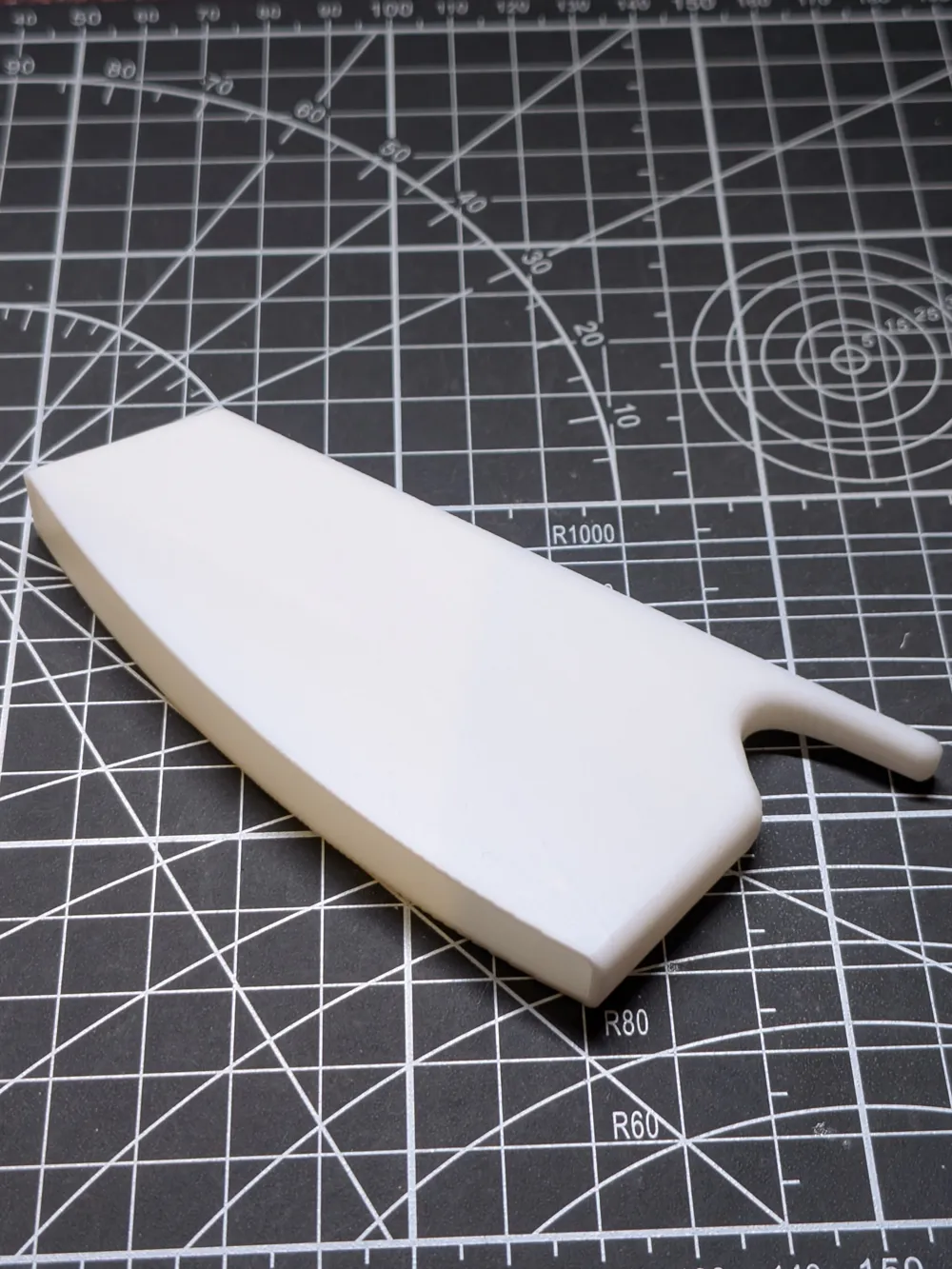
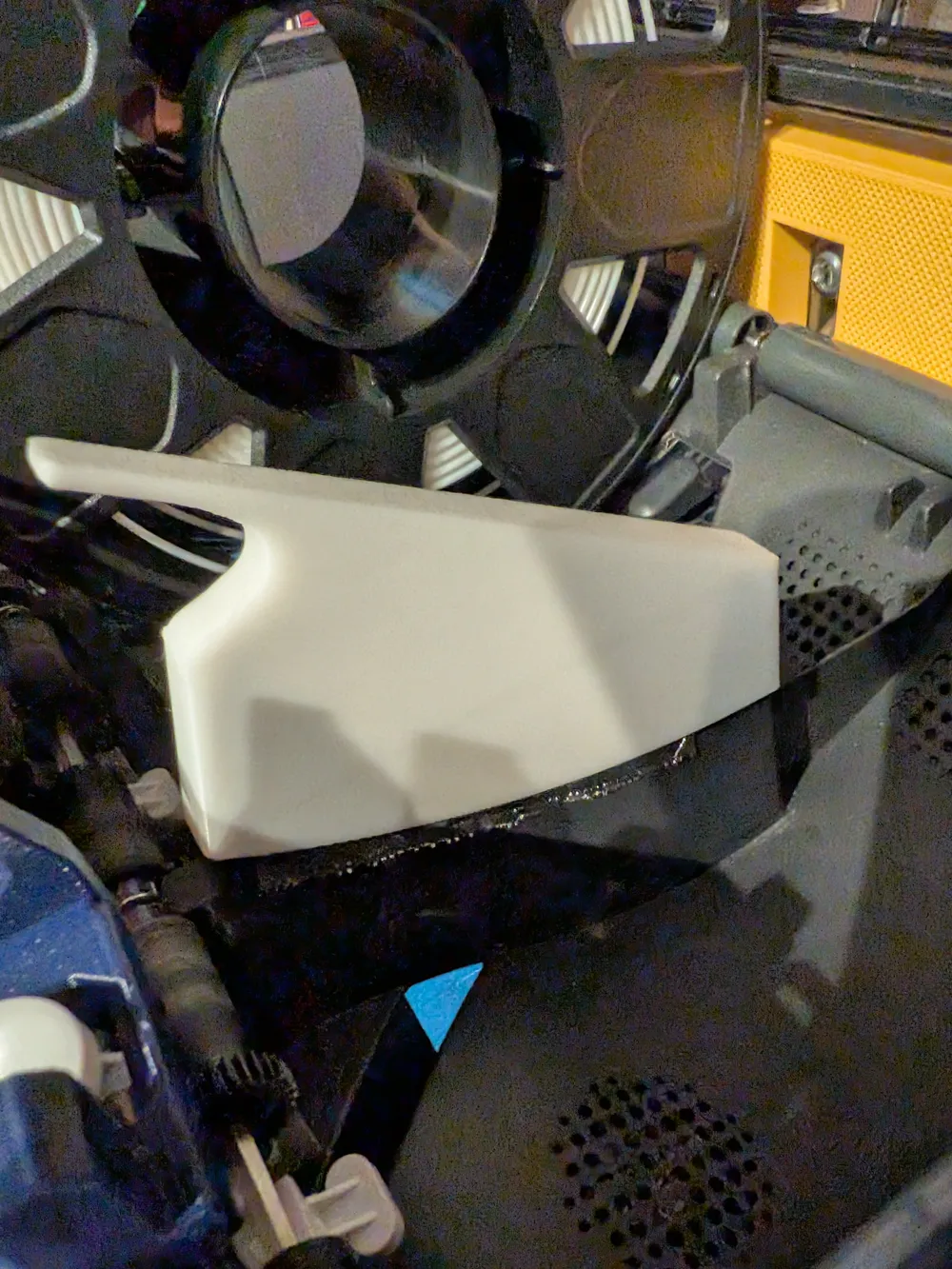
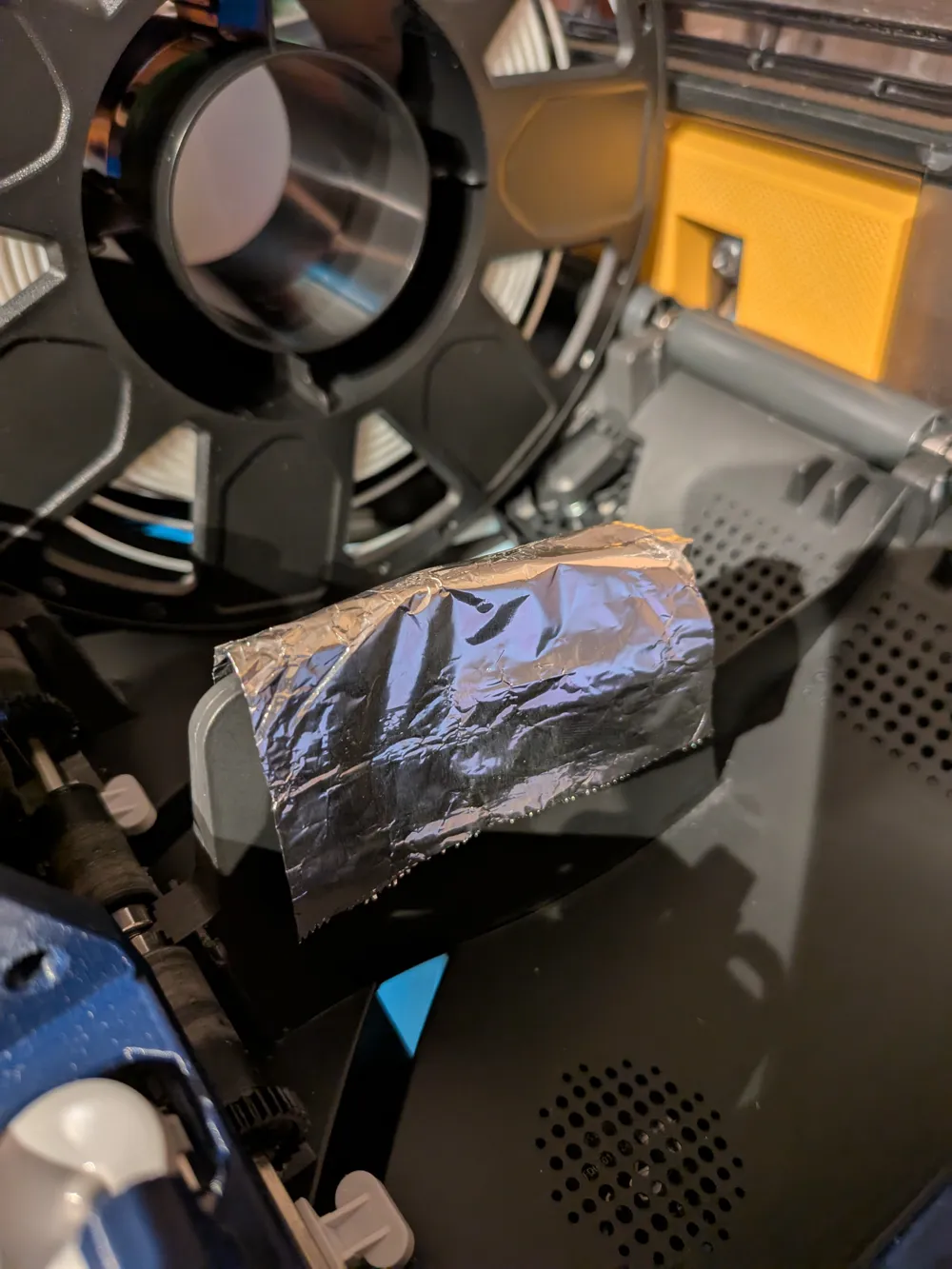
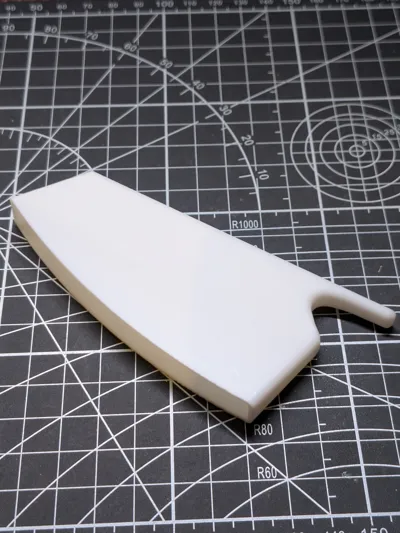
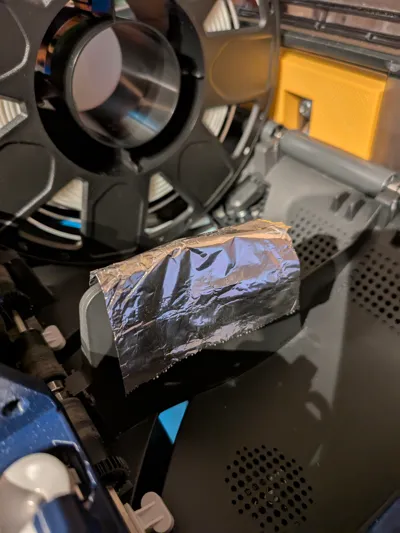
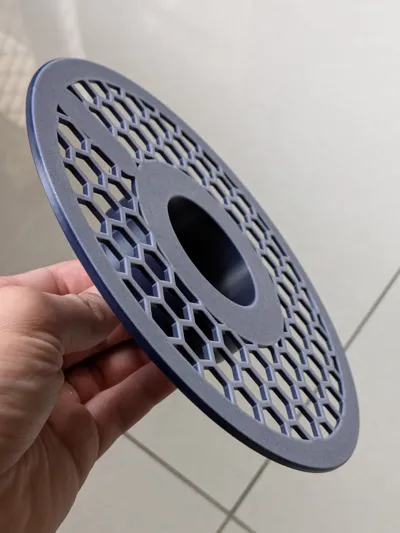
This printed part secures a section of aluminium foil over the RFID reader area.
- Cut a piece of aluminium foil (100 mm x 150 mm) and fold it over itself once.
- Lay over the reader OR slot into the printed part.
- Fit over the RFID reader in the AMS.
Suggest printing in ABS or PETG if you plan to keep it in the AMS during drying cycles.
License



Comment & Rating (1)