
Custom SVG Jigsaw Puzzle Generator
Print Profile(1)

Description
Custom SVG Jigsaw Puzzle Generator
Custom BASE Generator for this will come soon
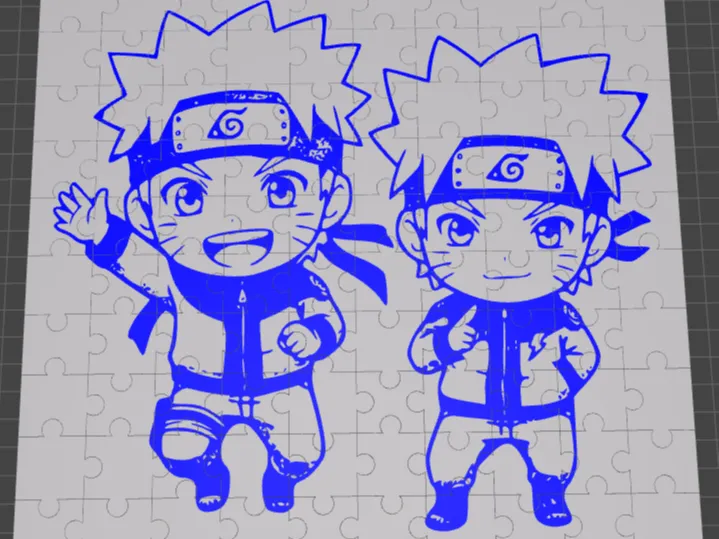
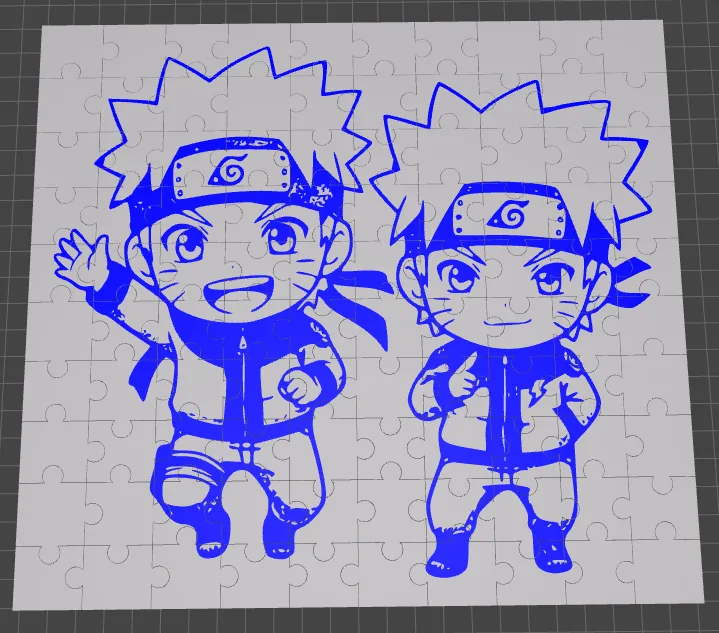
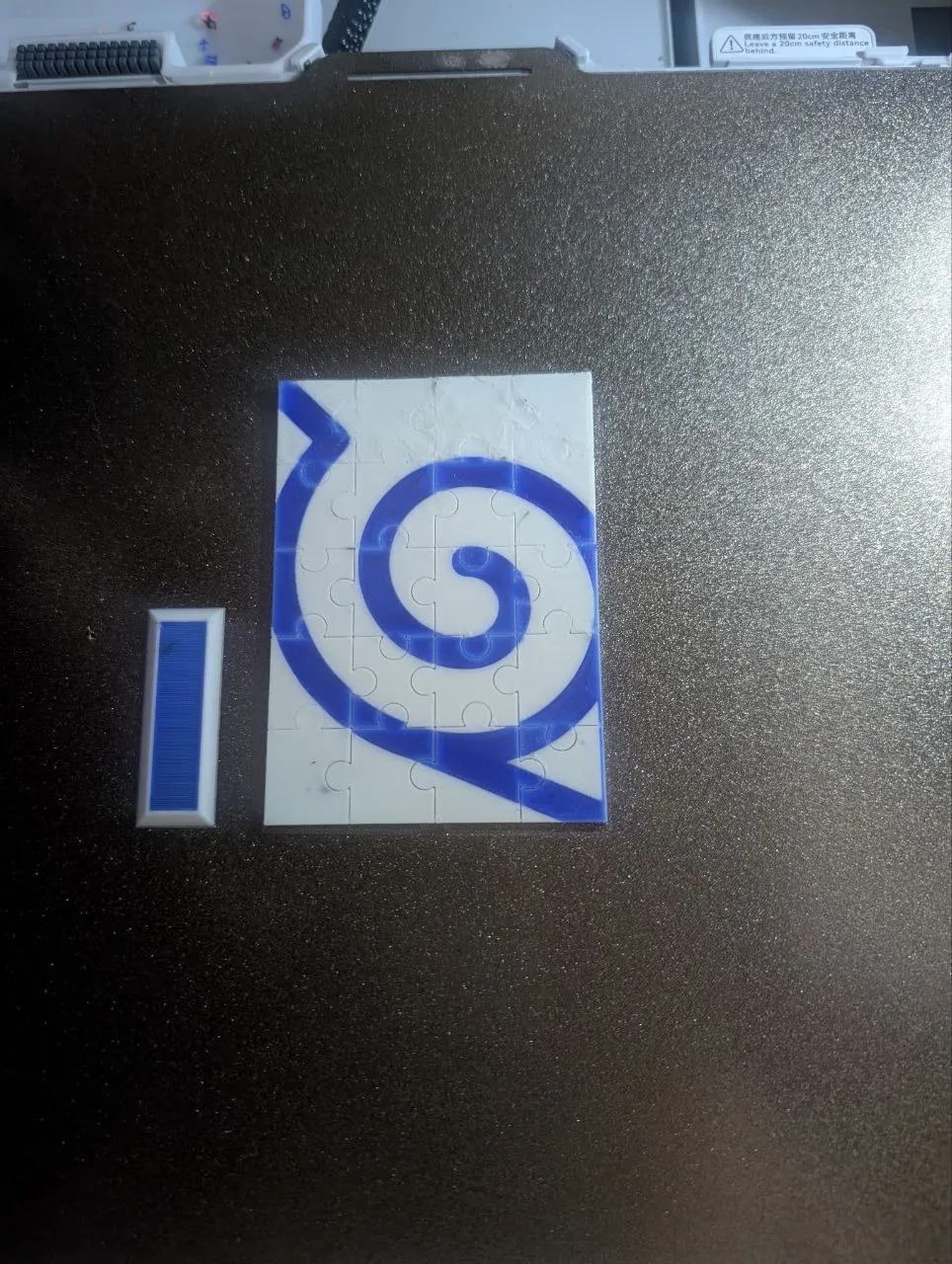
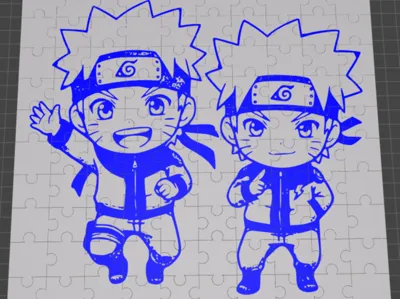
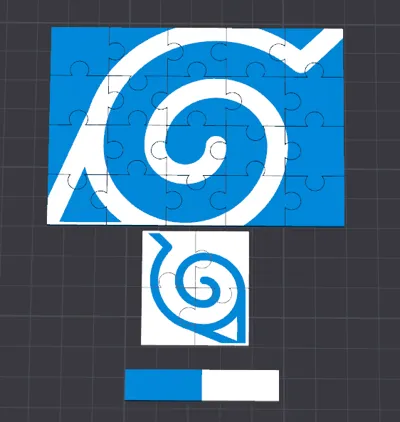
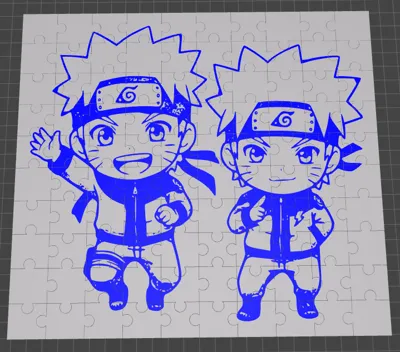
Turn YOUR artwork into a stunning, personalized puzzle with a flat, multi-color SVG. This generator is designed for perfect, print-ready results every time.
Functionality
- Fully Customizable: Control every aspect: puzzle size, piece count, SVG artwork, and fit.
- Upload Any SVG: Add logos, names, calligraphy, illustrations, or patterns directly onto the puzzle surface.
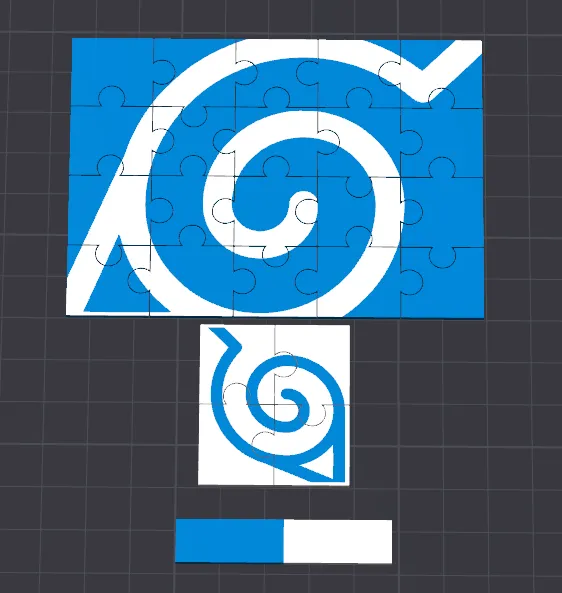
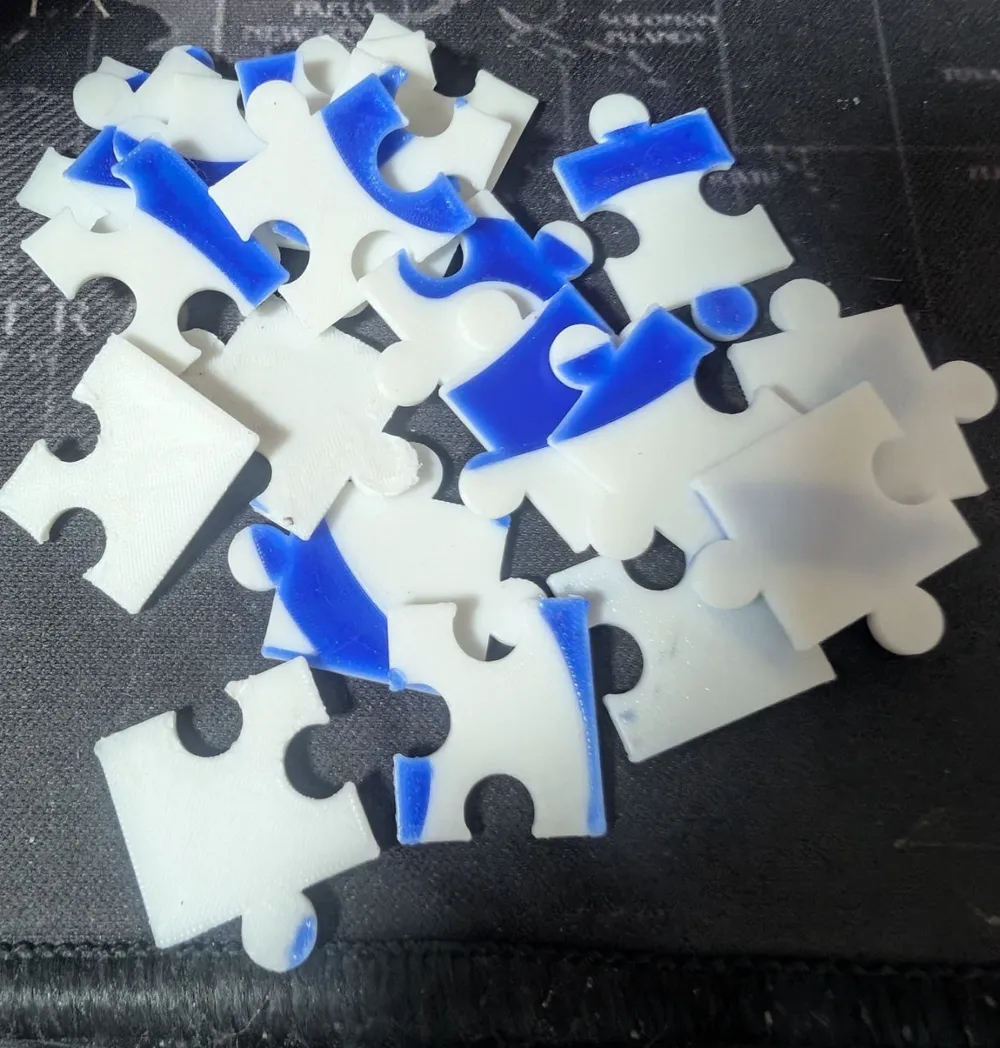
- Print-Ready: Exports a single STL with perfect flat SVG, ready for multi-color printing.
- Randomized Tabs: Each seed generates a unique puzzle pattern; print different puzzles with the same settings.
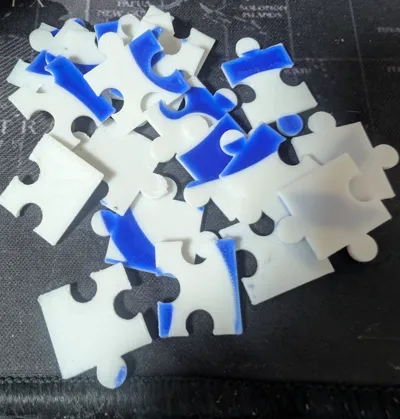
- Printer-Tuned Tolerance: An adjustable gap ensures a perfect fit on any FDM printer.
Perfect for gifts, events, branding, or just making your own custom art puzzles!
Parameter Guide — Dial In Your Perfect Puzzle
Puzzle Settings
| Parameter | What It Does |
|---|---|
| pzl_seed | Random seed for tab layout. Change this number to get a completely new tab pattern. Try 123, 999, 4567—each gives a unique puzzle! |
| pzl_cols | Number of pieces across (columns). |
| pzl_rows | Number of pieces down (rows). |
| pzl_piece_w | Width of one puzzle piece in mm. |
| pzl_piece_h | Height of one puzzle piece in mm. |
| pzl_thickness | Total puzzle plate thickness in mm. |
| pzl_tab_diam | Nominal tab/slot diameter in mm. Controls how pronounced the interlocking tabs are. |
| pzl_gap_half | CRITICAL: Half the clearance between pieces in mm. This is your fit tolerance and adjusts how tight or loose pieces fit. Every printer is different! |
SVG Artwork Settings
| Parameter | What It Does |
|---|---|
| svg_enable | Toggle to turn SVG inlay ON or OFF. When off, you get a plain puzzle. |
| svg_scale | Uniform scale for your SVG. 1.0 = original size. Adjust until it fits nicely within the puzzle bounds. |
| svg_pos_x | X position offset in mm. 0 = centered. Nudge left (negative) or right (positive). |
| svg_pos_y | Y position offset in mm. 0 = centered. Nudge down (negative) or up (positive). |
| svg_height | Depth of the SVG inlay in mm. Recommended: 0.4mm to 0.6mm. This controls how "deep" the art sits and is crucial for a clean multi-color print. |
SVG Transform
| Parameter | What It Does |
|---|---|
| svg_rot_deg | Rotate your SVG around its center in degrees. 0 = no rotation. |
| svg_flip_x | Mirror your SVG left/right. Useful for text or asymmetric designs. |
| svg_flip_y | Mirror your SVG top/bottom. |
SVG Safety Border
| Parameter | What It Does |
|---|---|
| clip_enable | Keep this ON (true) to prevent your SVG from extending beyond the puzzle surface into tabs or slots. |
| clip_margin | Inset distance from the puzzle edges in mm. Keeps your SVG safely away from piece borders. |
SVG Preview Colors (Visual Aid Only)
| Parameter | What It Does |
|---|---|
| ui_svg_white | Preview the SVG as white in OpenSCAD. |
| ui_svg_blue | Preview the SVG as blue. |
| ui_svg_teal | Preview the SVG as teal. |
| These are just for visualization in OpenSCAD! In your slicer, you can assign any filament color you want. |
Fit Tolerance — The Secret to Perfect Puzzles
The pzl_gap_half parameter is your key! It controls the gap between pieces and must be tuned to your specific printer and filament.
🎲 Quick Test Method:
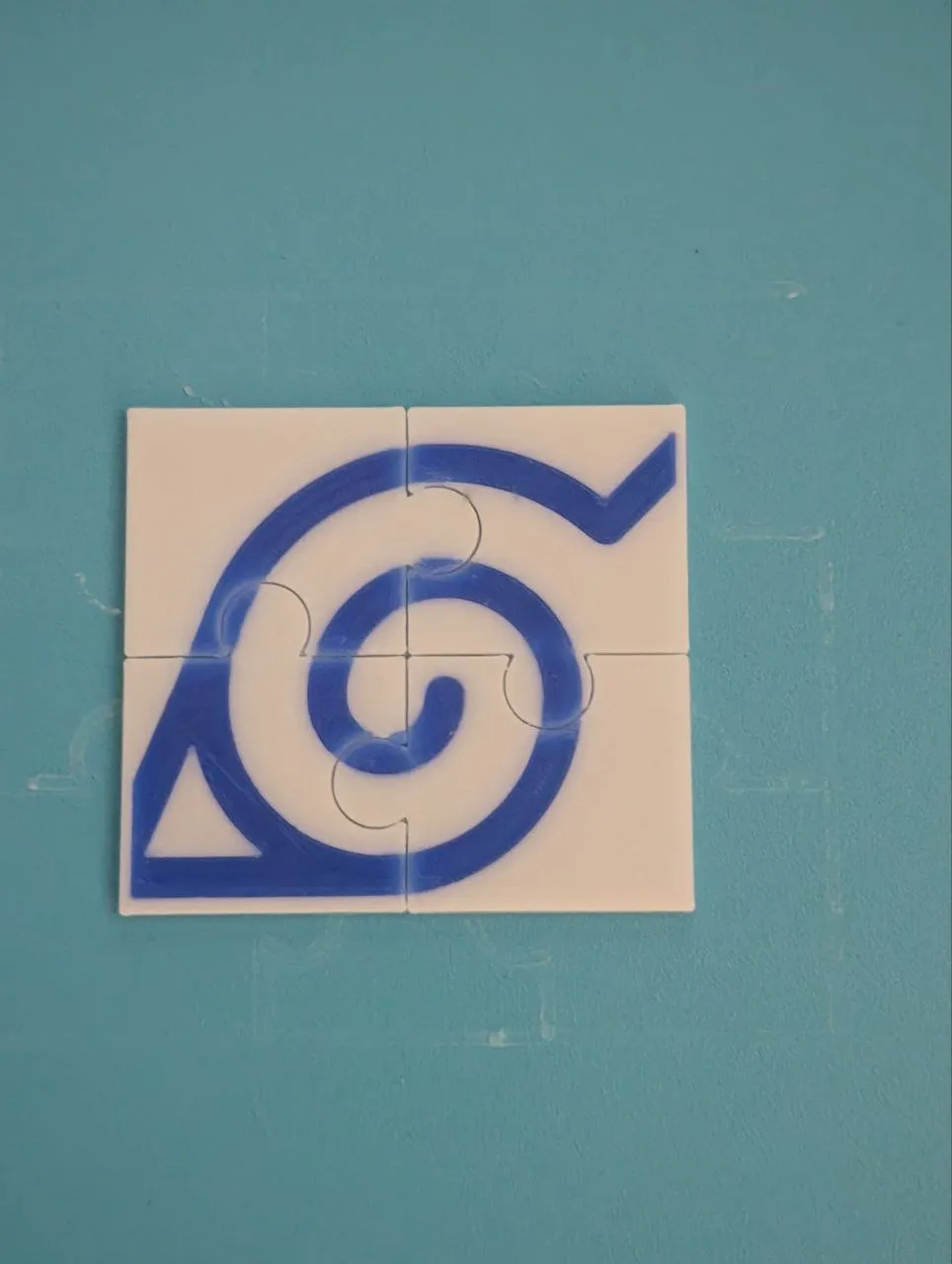
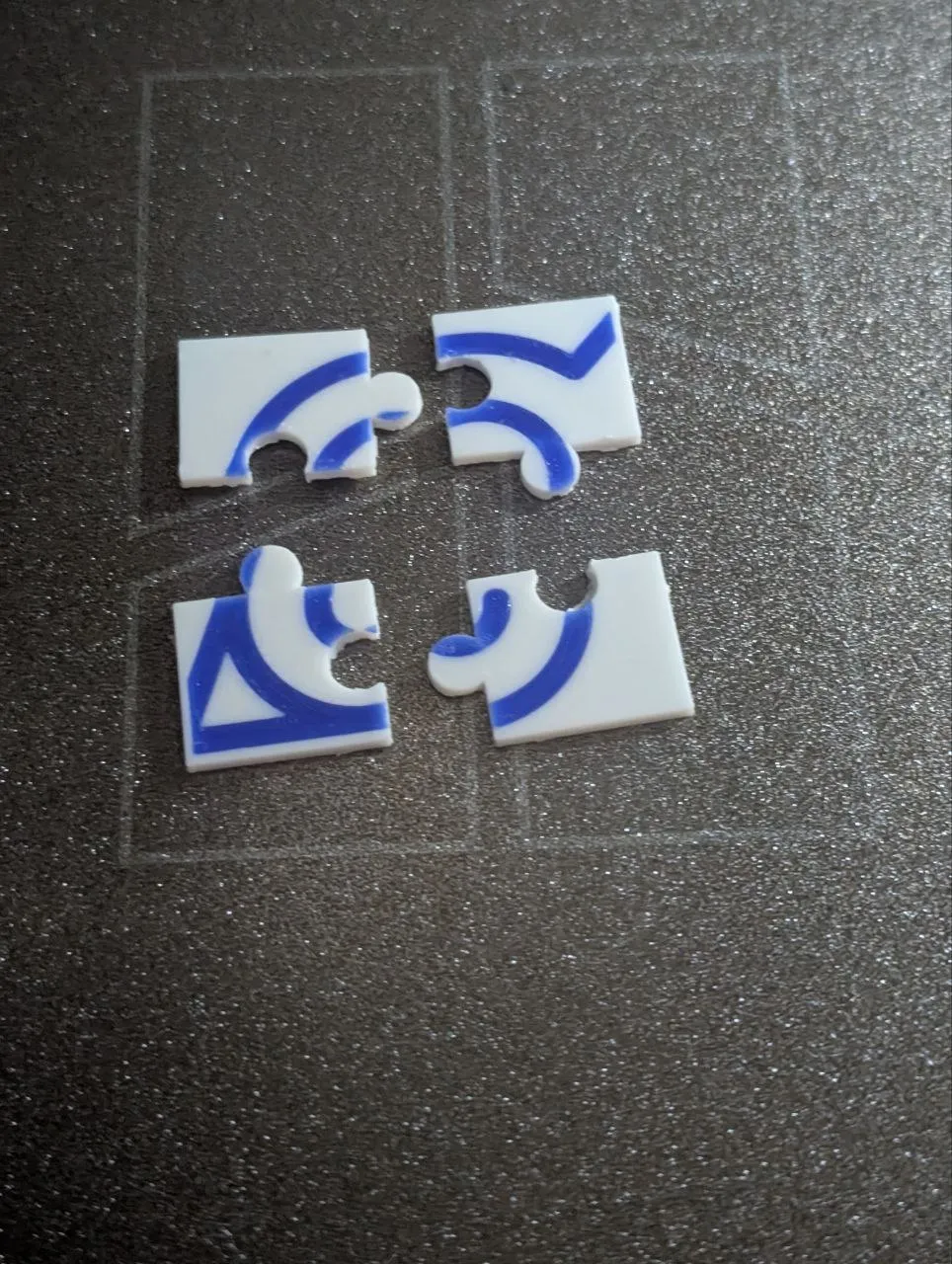
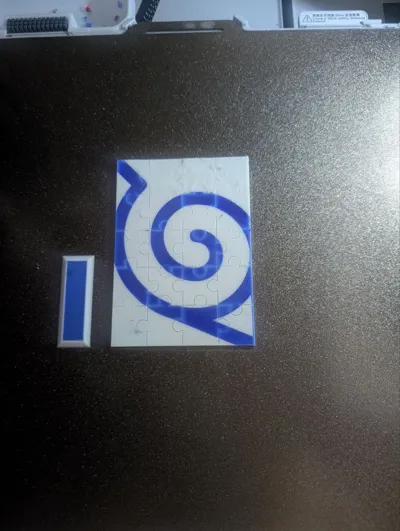
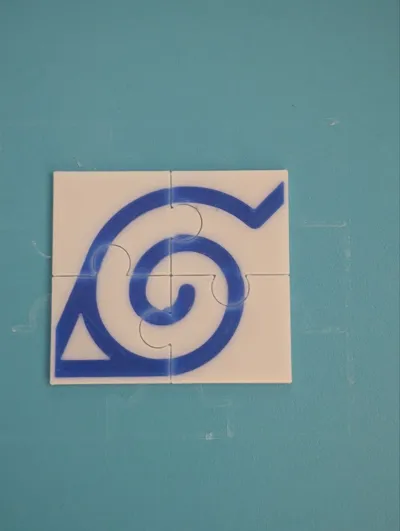
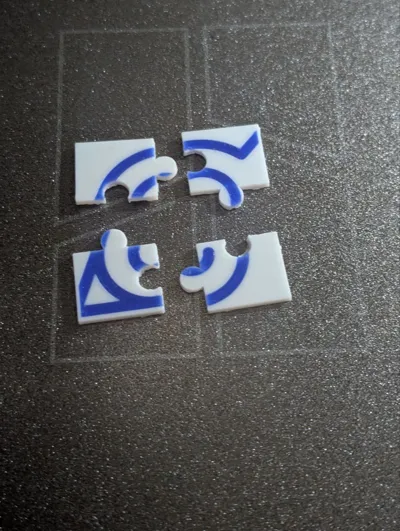
- Print a 2×2 mini puzzle (4 pieces) with the default 0.07.
- Try to assemble. Do the pieces fit smoothly?
- Perfect fit = You found your value!
- Too tight / won't fit = Increase pzl_gap_half by 0.02mm.
- Too loose / wobbly = Decrease pzl_gap_half by 0.02mm.
- Re-print the test, adjust, and repeat until perfect. Lock in your value for all future puzzles!
Common Fit Problems & Fixes
| Problem | Cause | Solution |
|---|---|---|
| Pieces stick/snap together | Gap too small | Increase pzl_gap_half by 0.02mm |
| Pieces fall apart easily | Gap too large | Decrease pzl_gap_half by 0.02mm |
| Some pieces fit, others don't | Printer calibration issue | Level your bed, calibrate e-steps/flow, check belt tension, then retry |
| Tabs break during removal | Gap too small OR poor layer adhesion | Increase the gap AND check layer height/temperature |
Quick Start Guide
- Customize Your Puzzle
- Set your desired size (pzl_cols, pzl_rows, pzl_piece_w, pzl_piece_h).
- Choose a pzl_seed for a unique tab layout.
- 🔥 Set pzl_gap_half based on your printer test!
- Add Your SVG
- Place your SVG file in the same folder as this .scad file.
- Set svg_file to your filename (e.g., "my_art.svg").
- Adjust svg_scale, svg_pos_x, and svg_pos_y until it looks perfect.
- Set svg_height to 0.4 or 0.6 for best results.
- Fine-Tune & Export
- Rotate or flip the SVG if needed.
- Ensure clip_enable is true.
- Render and Export as STL.
- Slice & Print
- Open the STL in your slicer (Bambu Studio, etc.).
- Print and enjoy your custom creation!
Tips
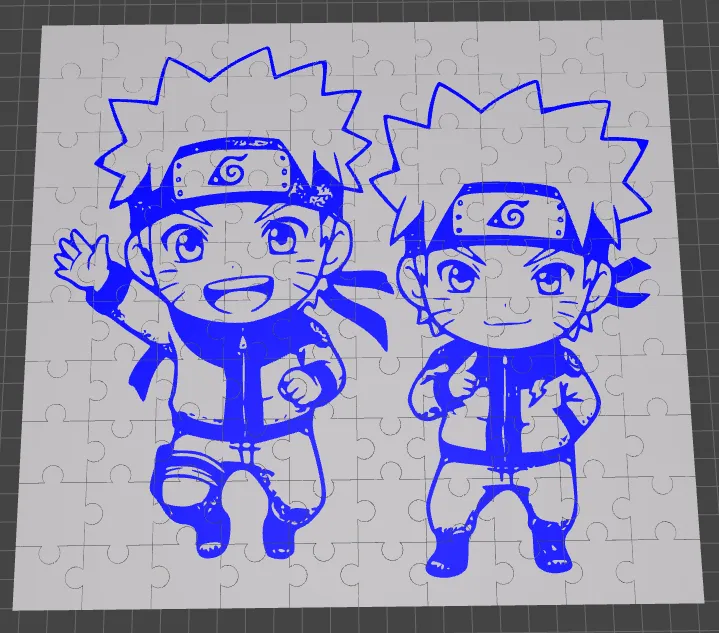
- Performance Limit: Due to computational complexity in OpenSCAD, generating puzzles larger than 10x10 (100 pieces) can be very slow or may fail. For best results, stay within this limit.
- Test Small First: Always print a 2x2 mini puzzle to dial in your tolerance and check SVG alignment before committing to a large print.
- Infinite Layouts: Want a different puzzle with the same image? Just change pzl_seed and export again!
- Document Your Tolerance: Once you find your perfect pzl_gap_half for a specific filament, write it down! Use it for all future puzzles on that printer.
Custom Requests Welcome!
Need something specific? I'm accepting requests for custom SVG-enabled tools like:
Specialized customizable generators (similar to our A1 Screen Cover)
Functional parts with SVG integration
Home and workshop organization tools
Personalized gift generators
Just leave a comment with your idea - let's build something amazing.
Love This Model?
- Please LIKE if this helps you create something awesome.
- BOOKMARK for later—you'll want this again.
- BOOST to help others discover it.
- Share your Makes! We'd love to see your custom puzzles. Please mention the pzl_gap_half value you used!
Happy Printing!
License

You shall not share, sub-license, sell, rent, host, transfer, or distribute in any way the digital or 3D printed versions of this object, nor any other derivative work of this object in its digital or physical format (including - but not limited to - remixes of this object, and hosting on other digital platforms). The objects may not be used without permission in any way whatsoever in which you charge money, or collect fees.


Comment & Rating (6)