
Ironing Flowrate Test Template
Print Profile(1)

Description
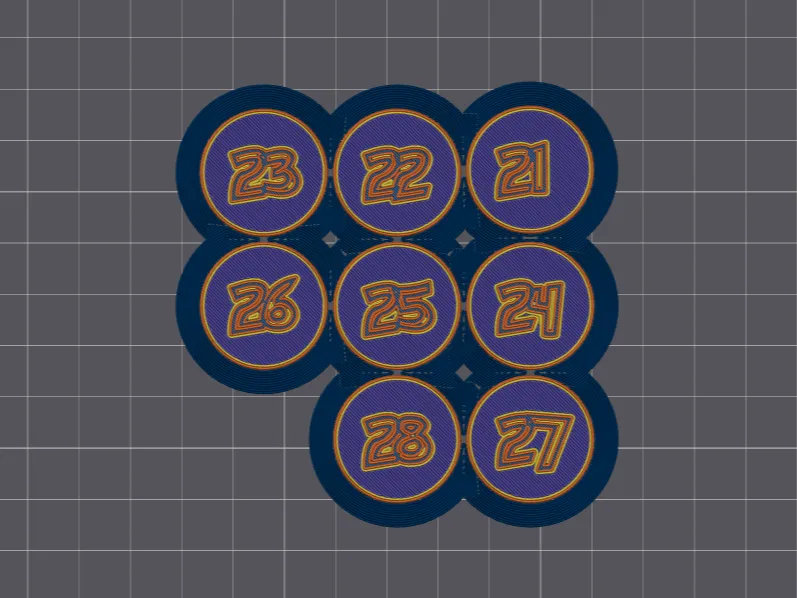
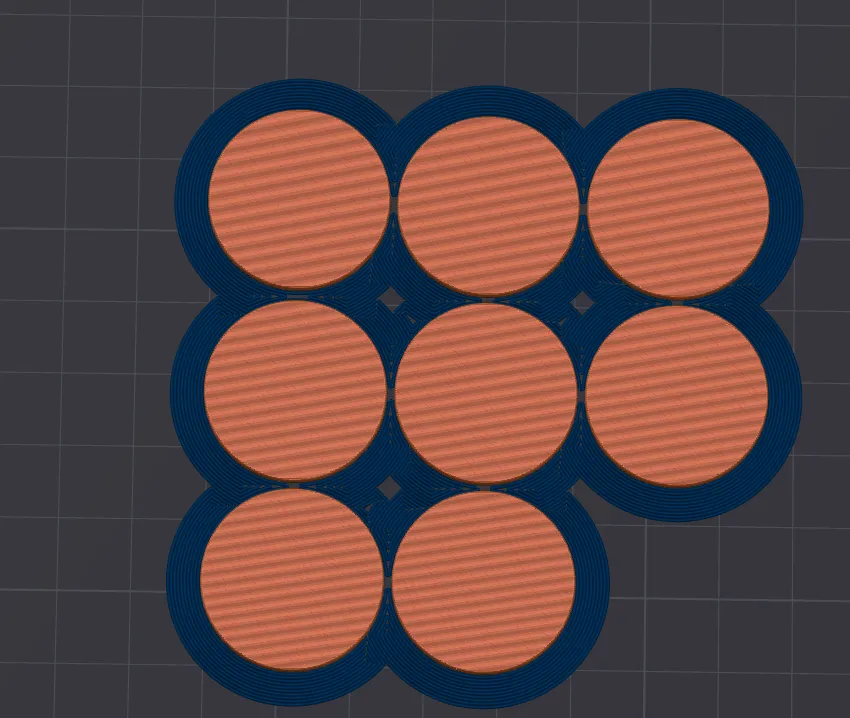
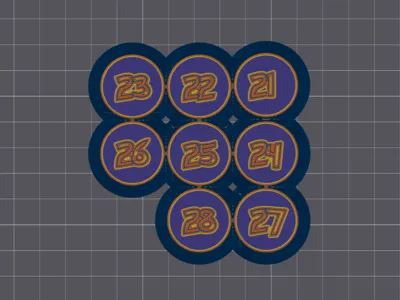
I just wanted to leave a template for everyone to use, I use this template to calibrate the Ironing Flowrate for my new filaments.
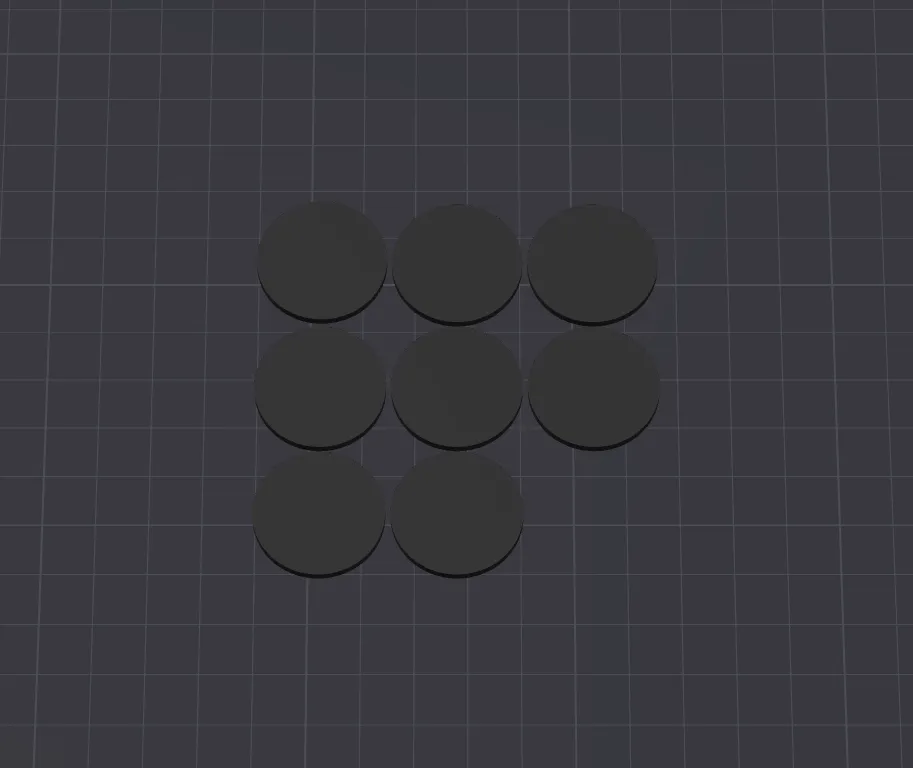
Each circle has a number on the bottom.
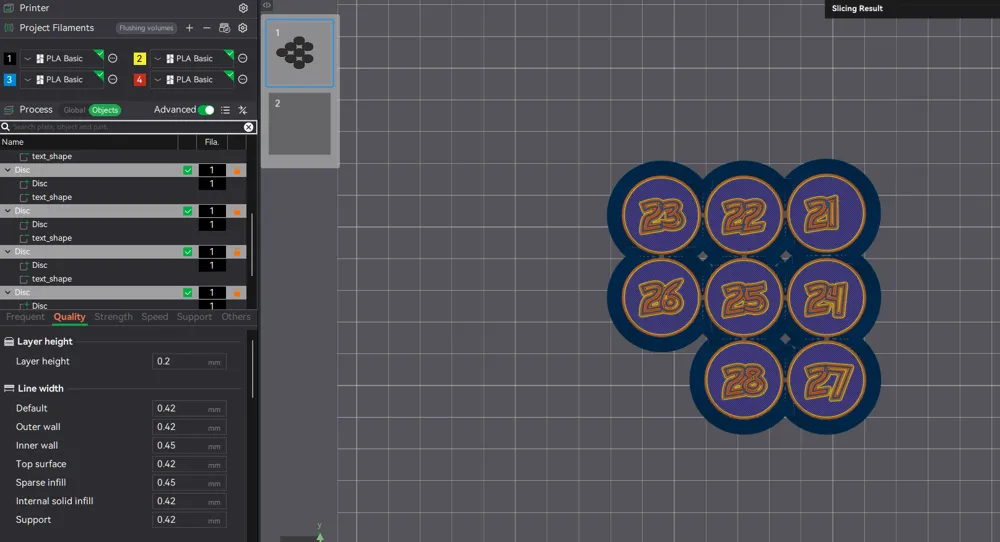
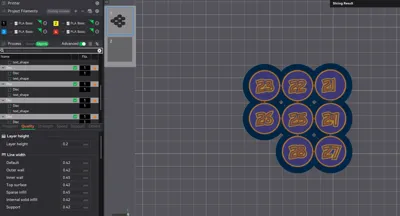
On the left hand side of the screen on your Bambu Studio App, you will see a “Processes” tab, beside that you will see “Global" and beside that you will see OBJECTS, click on OBJECTS.
Inside OBJECTS tab you will see a list of the Objects on the print plate, when you click on one circle, it will highlight in that menu.
With the OBJECTS tab open (highlighted), you can also set each individual circle to the FLOWRATE number that is on the bottom by changing the FLOWRATE setting in the “Quality” settings below the OBJECTS menu (MUST BE WITHIN OBJECT MENU AND HAVE A CIRCLE SELECTED)
Note: Changing IRONING SPEED to “25%” is recommended for this test!
I hope this helps someone out along the way, thank you for looking and or downloading!
License



Comment & Rating (0)