
The BuildPlate Cleaner
Print Profile(2)


Bill of Materials

Description
Boost Me (for free)
I usually don’t ask for this, but I’ve noticed that many creators actively encourage it on other platforms—and it makes sense, as it helps increase visibility. So, if you can follow me, it would make difference. It’s a great way to support my work and show appreciation. For more insight subscribe my blog at: https://designrepcom.com/ This design is freely available for the community, but if you enjoy my work and would like to show your support, you can boost this project. Thanks!
What is it?
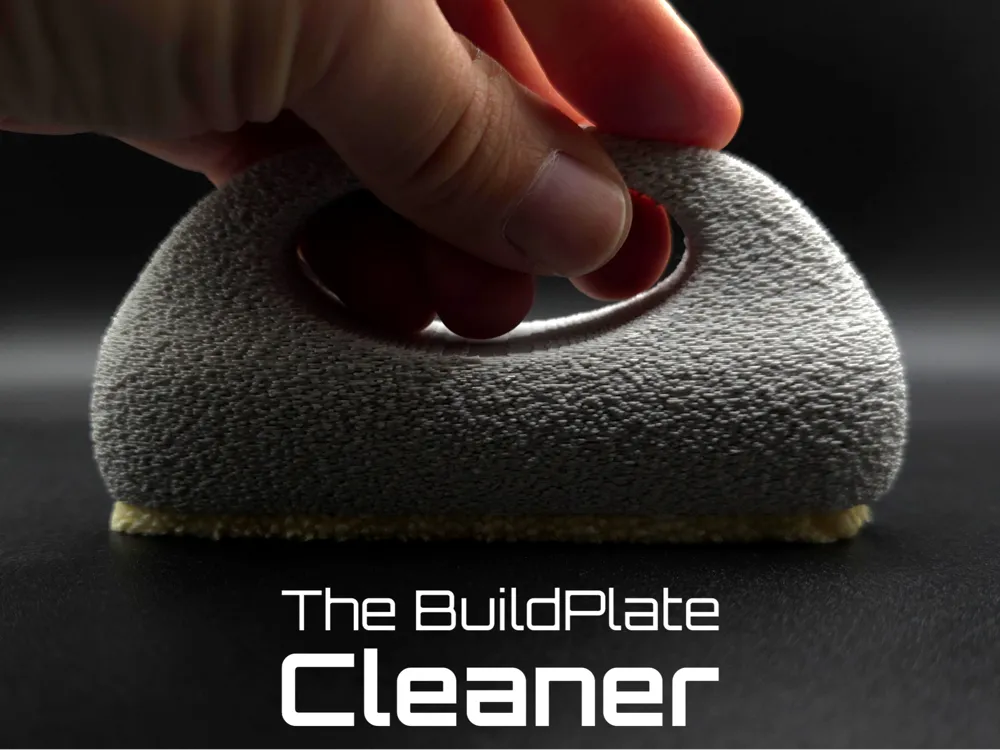
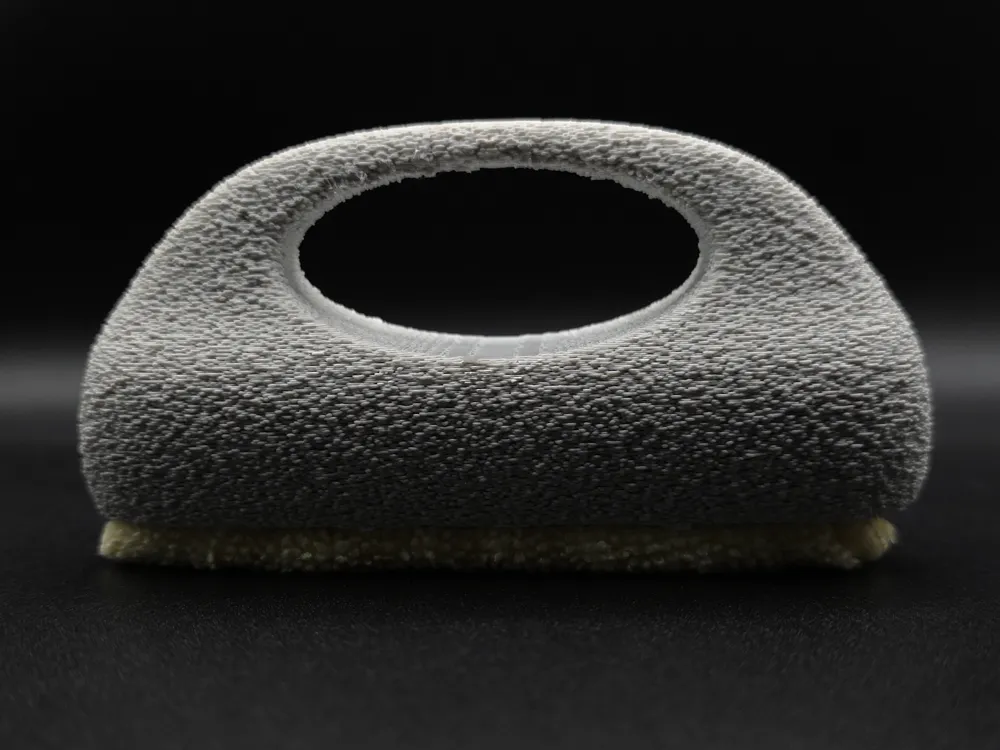
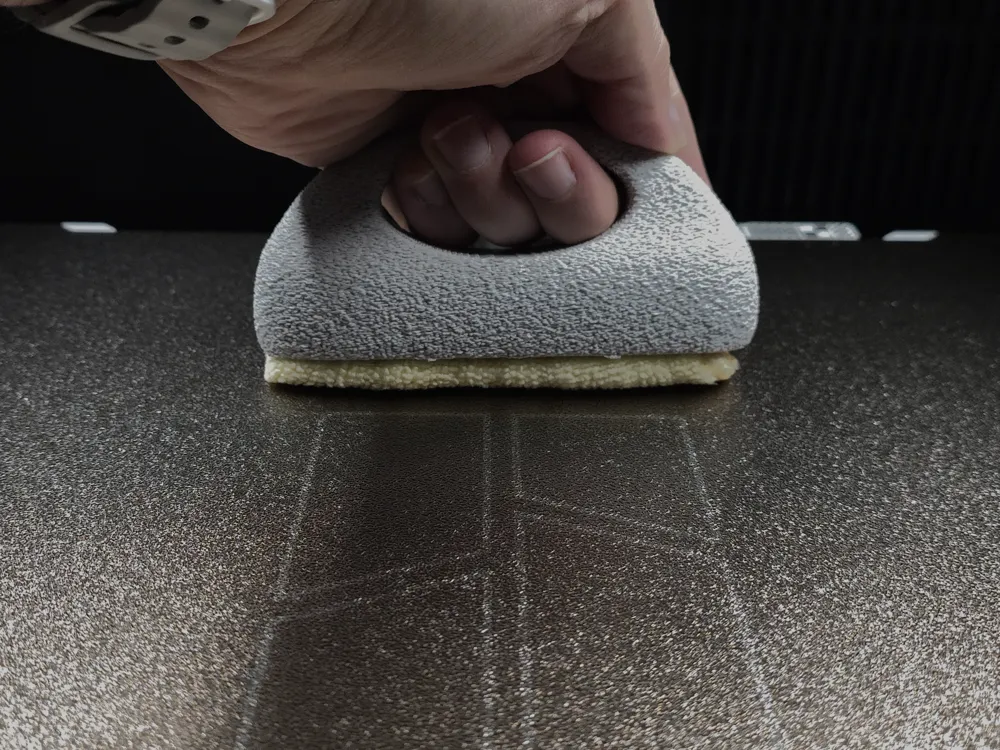
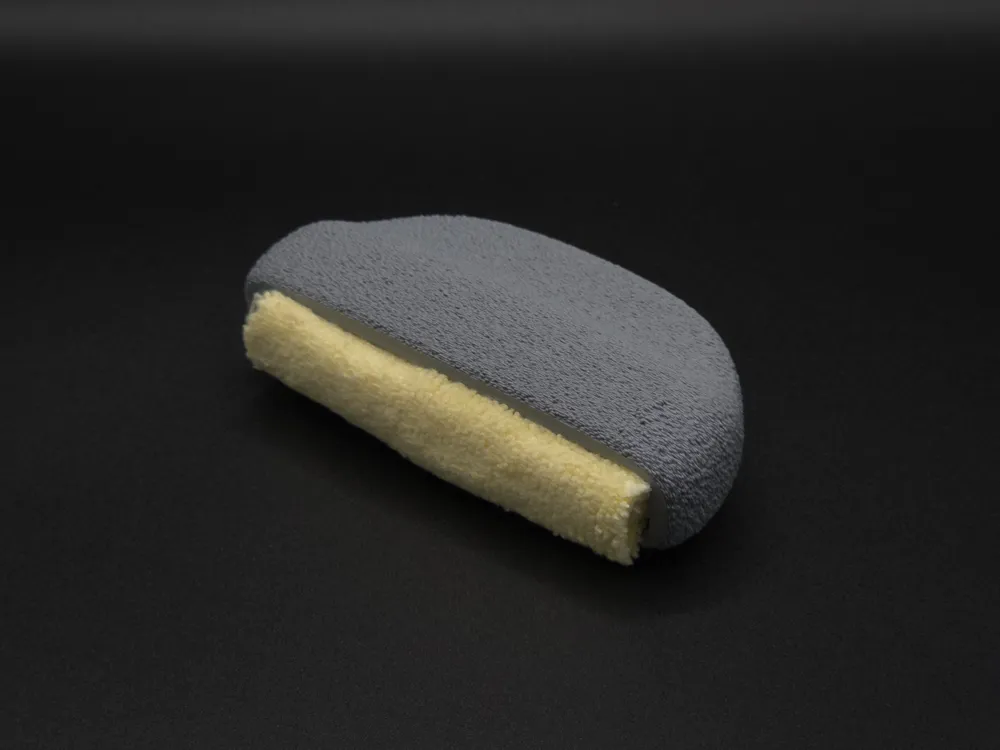
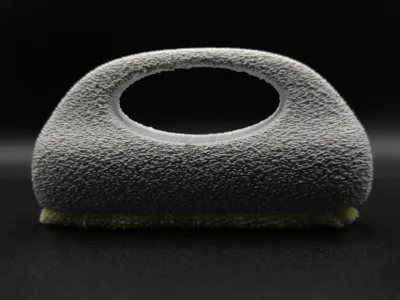
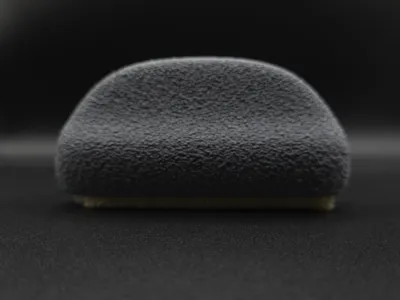
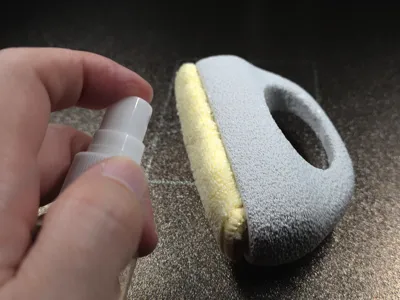
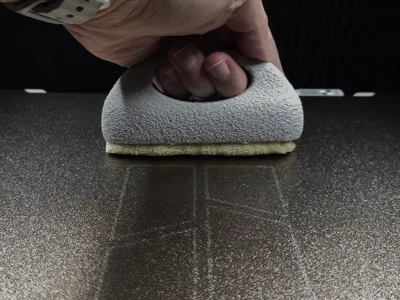
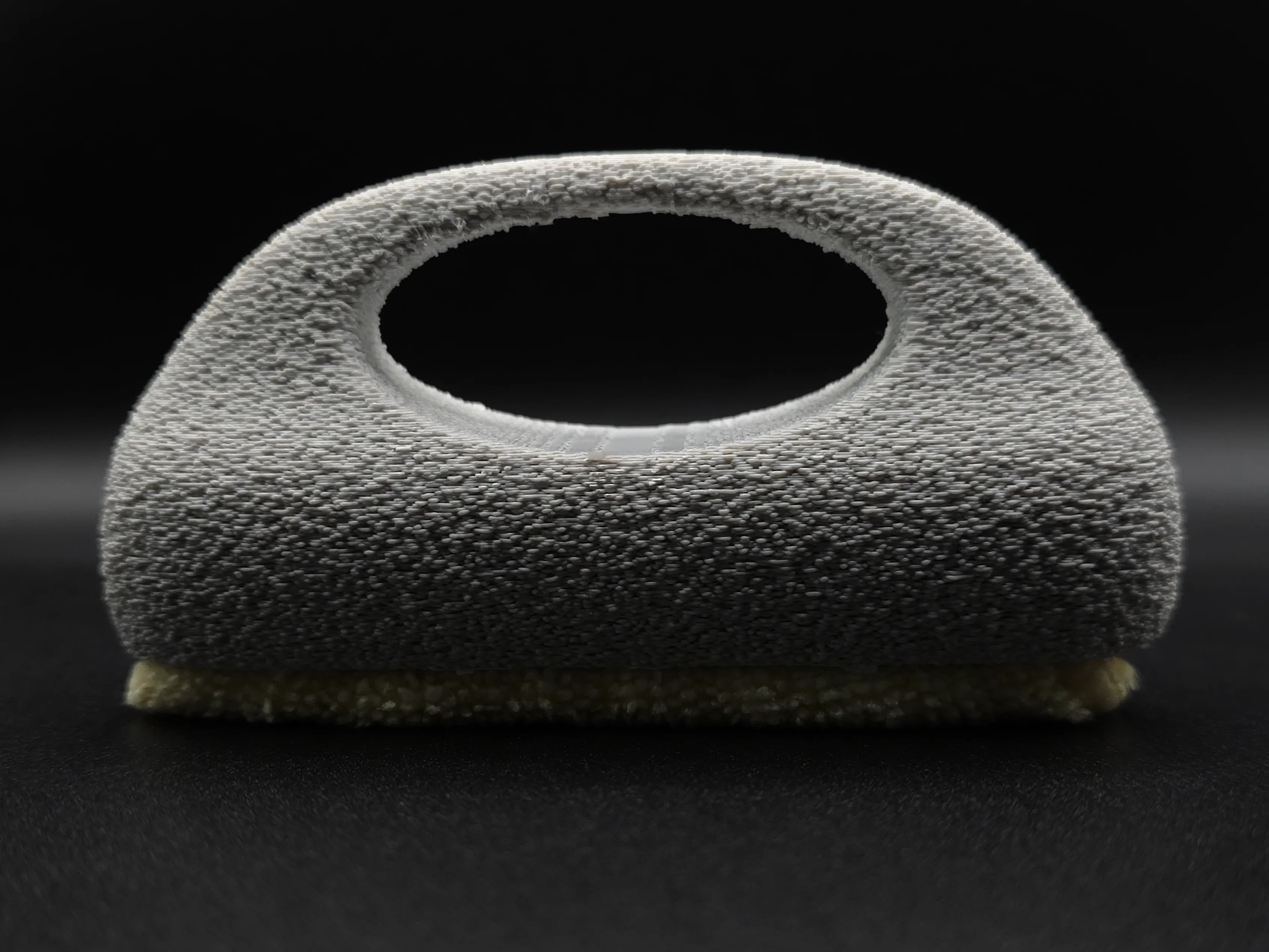
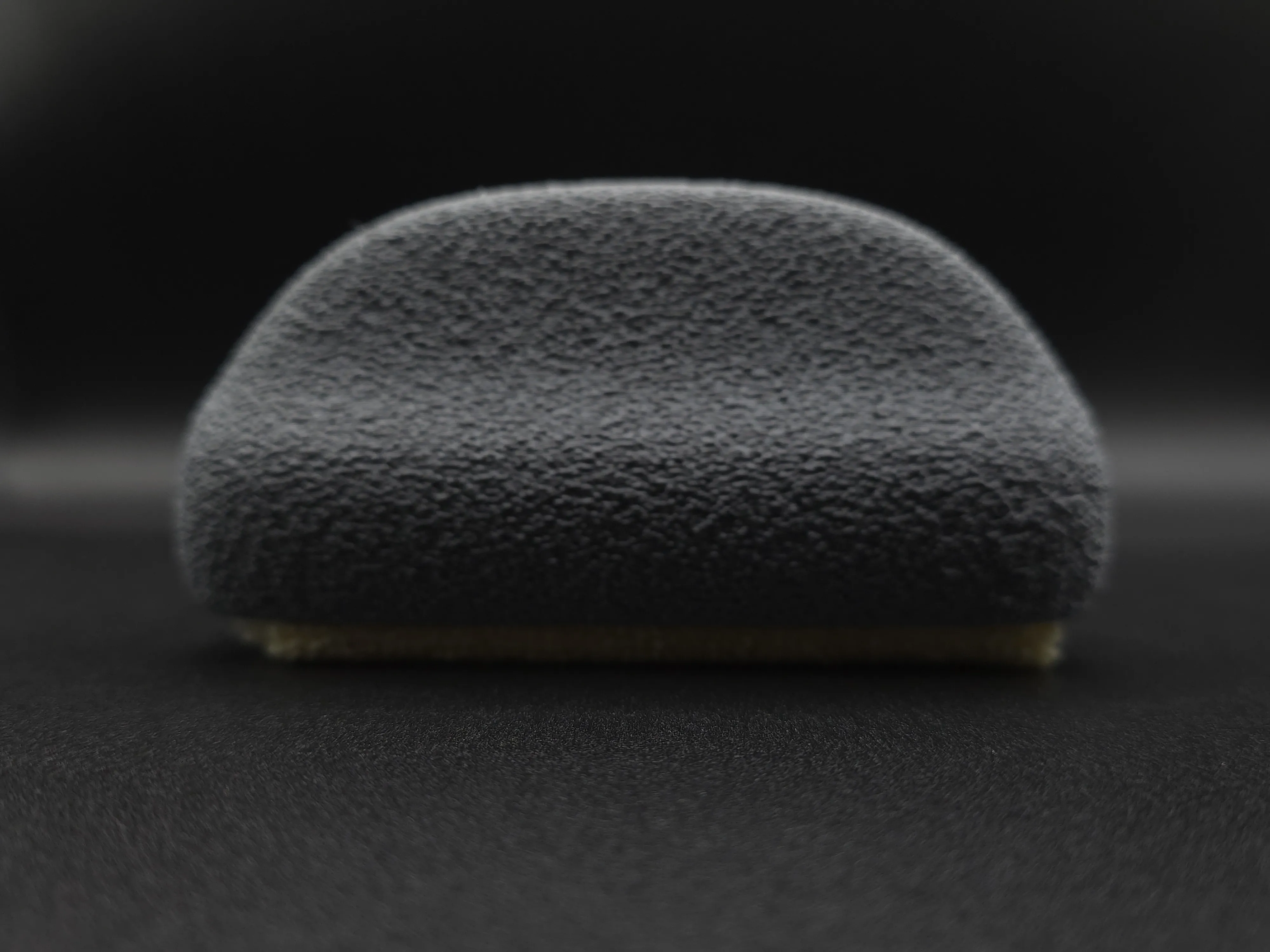
This project is a 3D-printable tool called The build plate cleaner is designed to simplify the process of cleaning your 3D printer's build plate. It uses a microfiber cloth to effectively remove dust, grime, and grease. The design is ergonomic, with a geometry that has been optimized for the hand position during manual scrubbing, and it is part of a larger set of accessories aimed at maintaining a functional build plate.
Advantages / Benefits
- Ergonomic Design: The handle is designed to be comfortable and easy to use, with a geometry that facilitates the typical scrubbing motion.
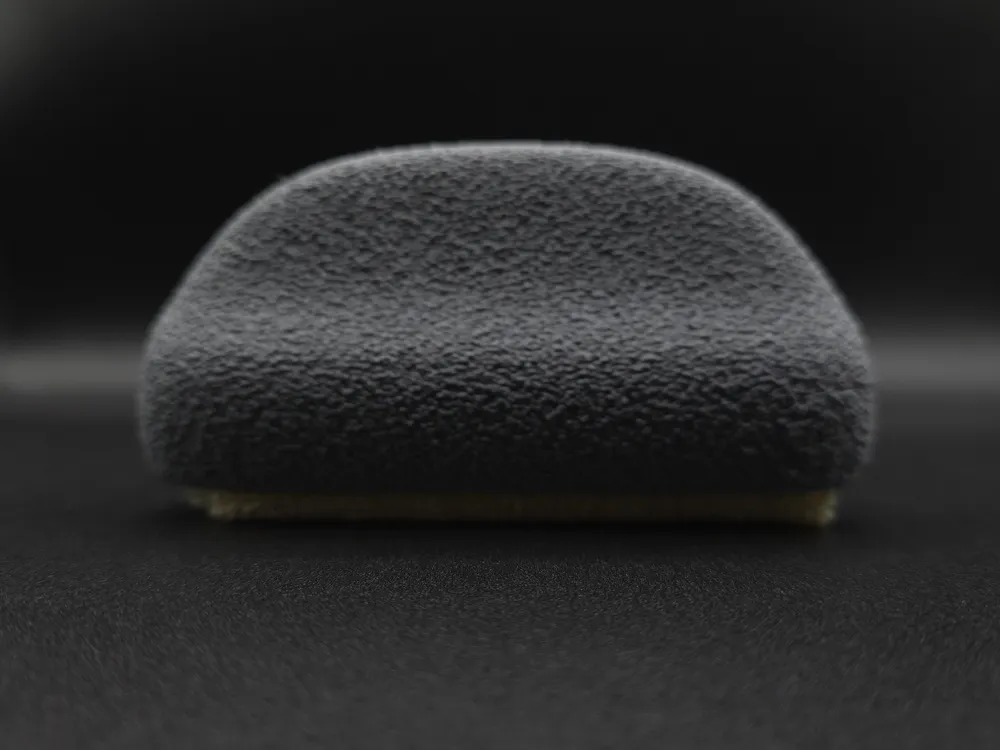
- Enhanced Grip: The Fuzzy Skin texture on the handle is not just aesthetic; it provides a better grip, especially when your hands or the cloth are wet with IPA.
- Efficient Cleaning: Utilizes a microfiber cloth to efficiently clean your build plate of dust, debris, and stubborn grease.
- IPA-Efficient: The narrow strip design uses less isopropyl alcohol (IPA) compared to larger areas of contact, making the cleaning process more economical, and just as fast.
- Versatility: The design can be adapted to clean other surfaces, such as vinyl records, screens, or printer top and front glass, making use of all the cut cloth strips.
- Material Reuse: The design allows you to reposition the cloth inside the handle as it wears out, extending its lifespan.
What do you need
- The 3mf profile available here of the Buildplate Cleaner, available in two versions: with and without a handle.
- microfiber cloth (350x350mm or 380x380mm)
How to use it?
Assembly
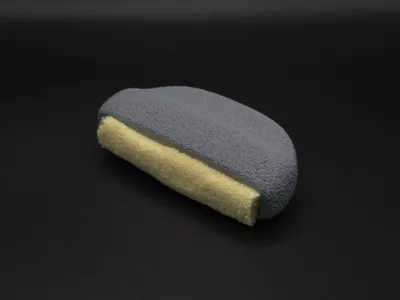
- Cut a microfiber cloth strip (90-95mm wide).
- Roll the strip tightly.
- Insert the roll into the main handle.
- If needed, insert the printed spacers with the chamfered edge facing the cloth until they click into place, securing the roll. You can use only one spacer or both.
How to use The BuildPlate Cleaner on your build plate:
- For removing dust or light dirt, use the cleaner dry.
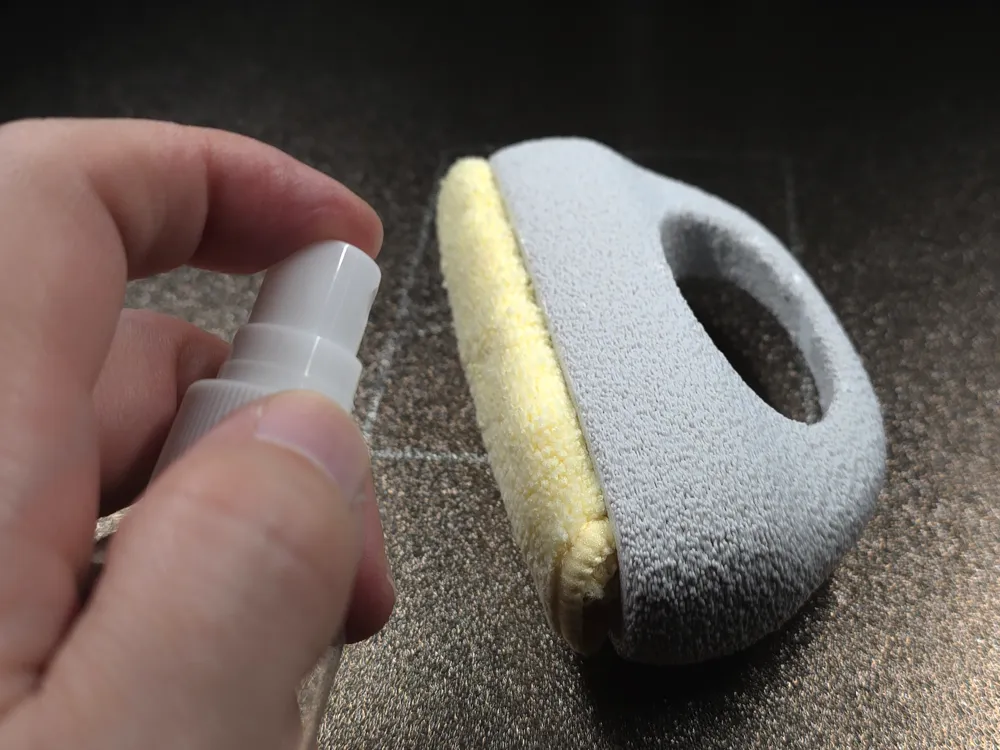
- To remove stubborn grease and fingerprints, spray a small amount of isopropyl alcohol (IPA) on the build plate and use the cleaner.
- For deeply embedded grime that IPA can't remove, wash the build plate with liquid dish soap and hot water, then allow it to air dry.
Over time, you can rotate the cloth inside the handle to expose a new, clean section, extending the life of your microfiber cloth.
And a small clip showing the assembly process.
Compatibility
This accessory is a universal tool for cleaning any 3D printer's build plate. Its design is also suitable for cleaning other flat surfaces like vinyl records, screens, and glass/acrylic panels (your printer top and front glass).
Modularity / Expansion
The Buildplate Cleaner is part of a family of tools designed to maintain your build plate.
Materials used
- PLA: For 3d printed parts
- Microfiber Cloth: A standard microfiber cloth is required. These are widely available and can be cut into strips for use.
Print recommendations
- Layer Height: 0.2mm
- Infill: 15%
- Supports: They are necessary on the version with handle
- Orientation: Print the handle and spacers in their default orientation.
- Special Tips: The design is optimized for FDM printing. Applying Fuzzy Skin is highly recommended to improve grip and handling
All these settings makes part of the profile print, and is ready to print
Design Philosophy & Development
The design of this tool was inspired by the need for an efficient cleaning of the build plates after a couple of prints.
A bit of story regarding the development process
Early prototypes with a wider cleaning area proved to be inefficient, requiring excessive amounts of IPA. The final "brush-like" design was chosen for its narrow strip of micro fibers, that concentrate the IPA in a smaller area. The choice to include a Fuzzy Skin texture was a direct result of user testing, where a smooth handle proved difficult to grip when applying pressure, especially with wet hands.
Curious About My Tools? Check This Out!
For those of you who often ask about the tools I use to bring ideas to life, this article, The Journey From Idea To Object (Part I), offers some insights into the initial stages. It highlights the use of various tools, including software like Autodesk Fusion for CAD design, Blender for render and Bambu Studio for 3D printing preparation, and other... So, if you're curious about the software and hardware too, that I've incorporate in my workflow, take a look at the link for more details!" – Visit https://designrepcom.com/ for much more.
License

You shall not share, sub-license, sell, rent, host, transfer, or distribute in any way the digital or 3D printed versions of this object, nor any other derivative work of this object in its digital or physical format (including - but not limited to - remixes of this object, and hosting on other digital platforms). The objects may not be used without permission in any way whatsoever in which you charge money, or collect fees.


Comment & Rating (202)