Search models, users, collections, and posts

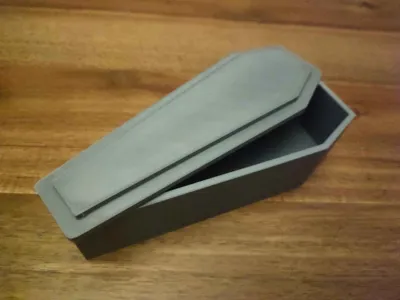
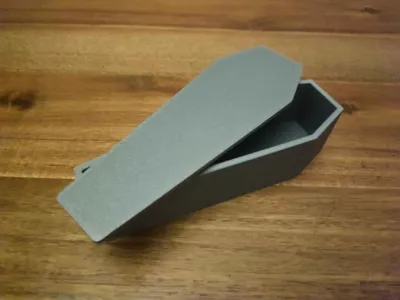
Coffin generator
IP Report
Print Profile(1)

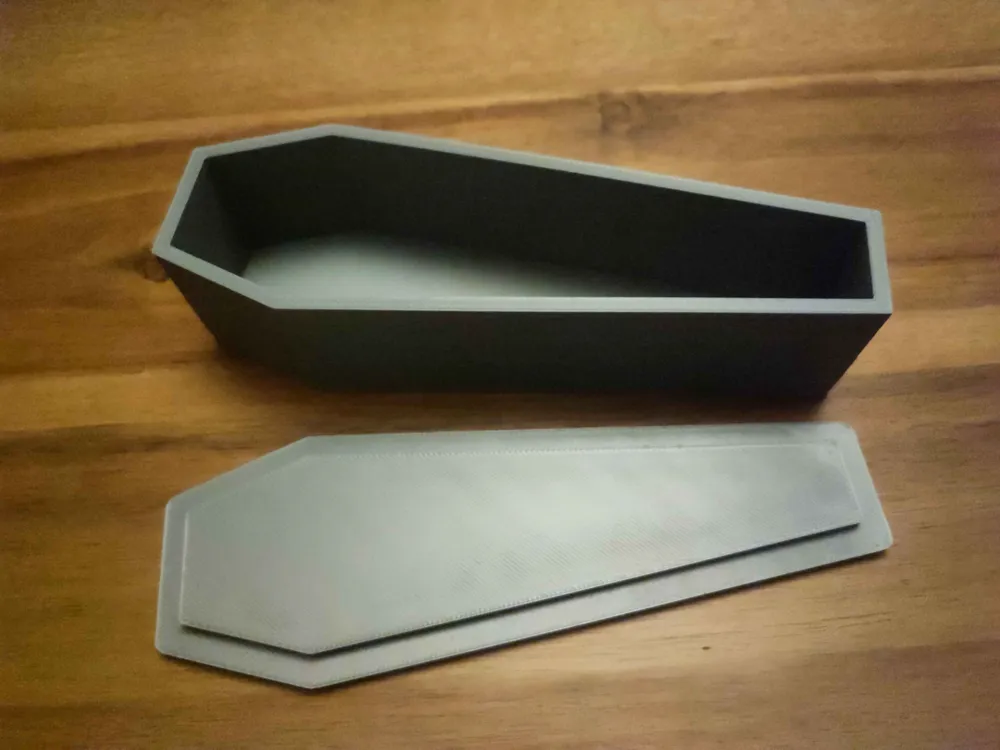
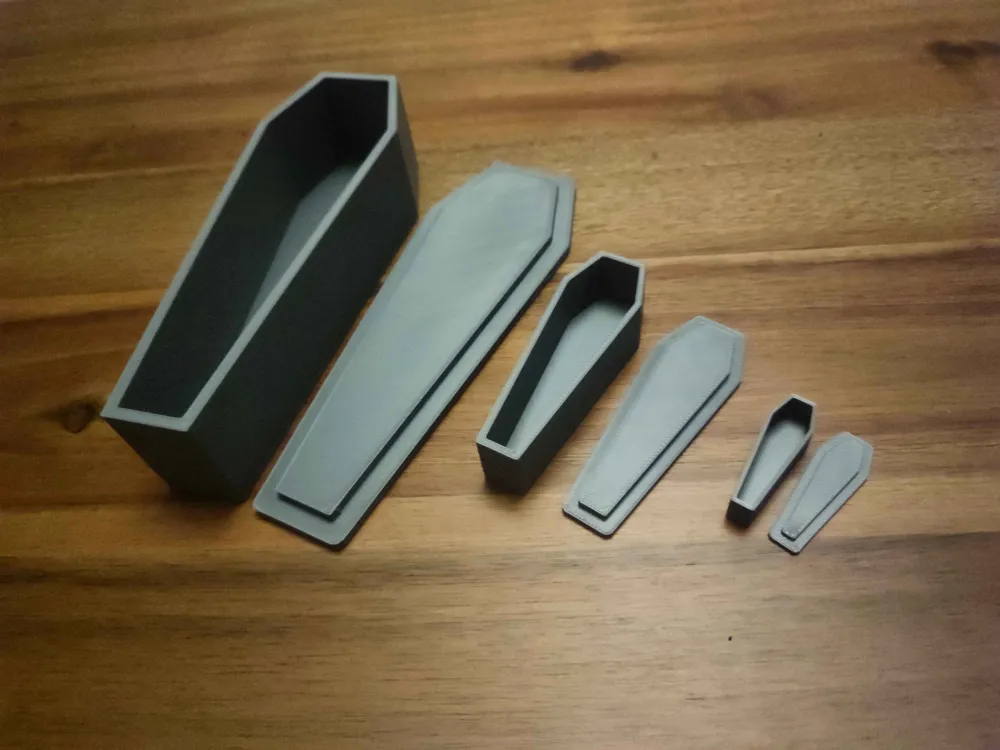
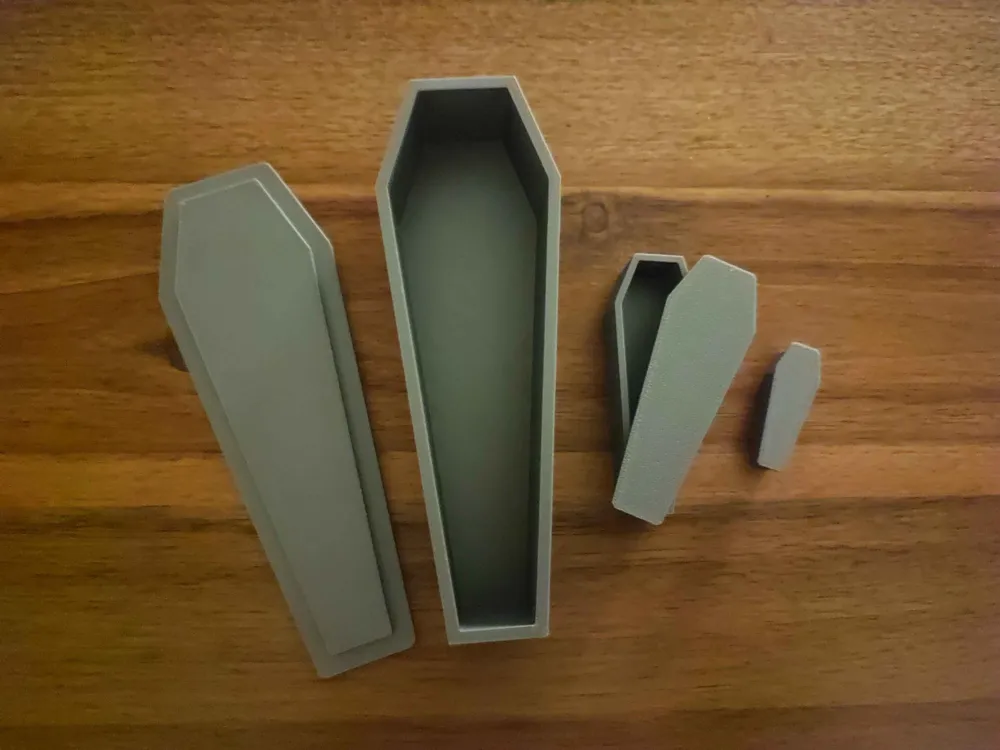
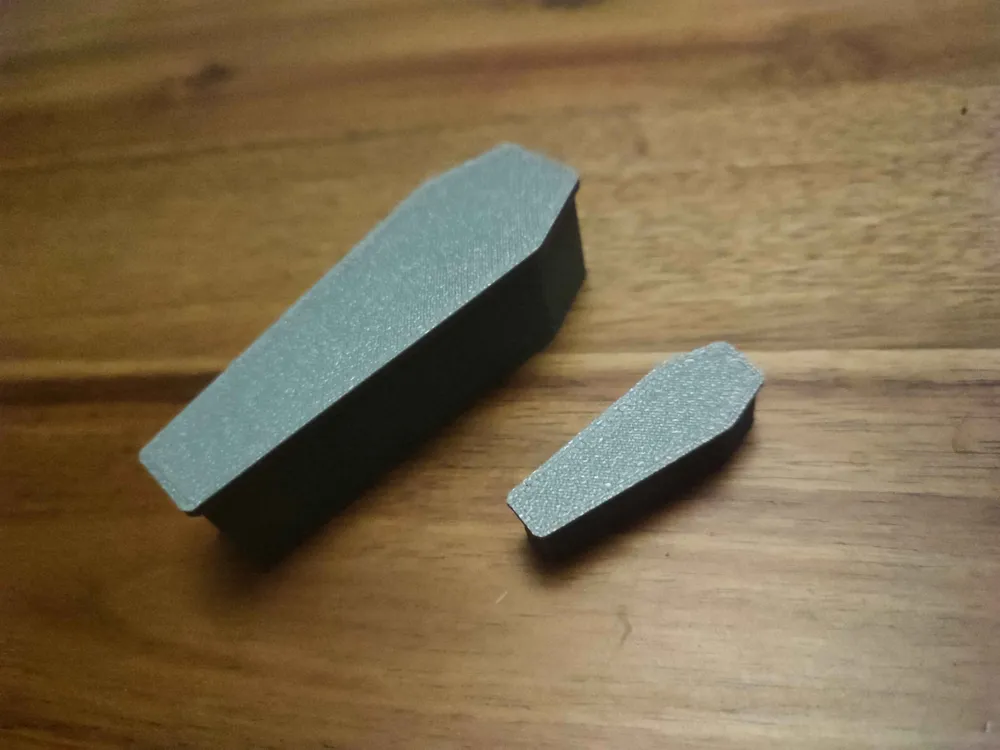
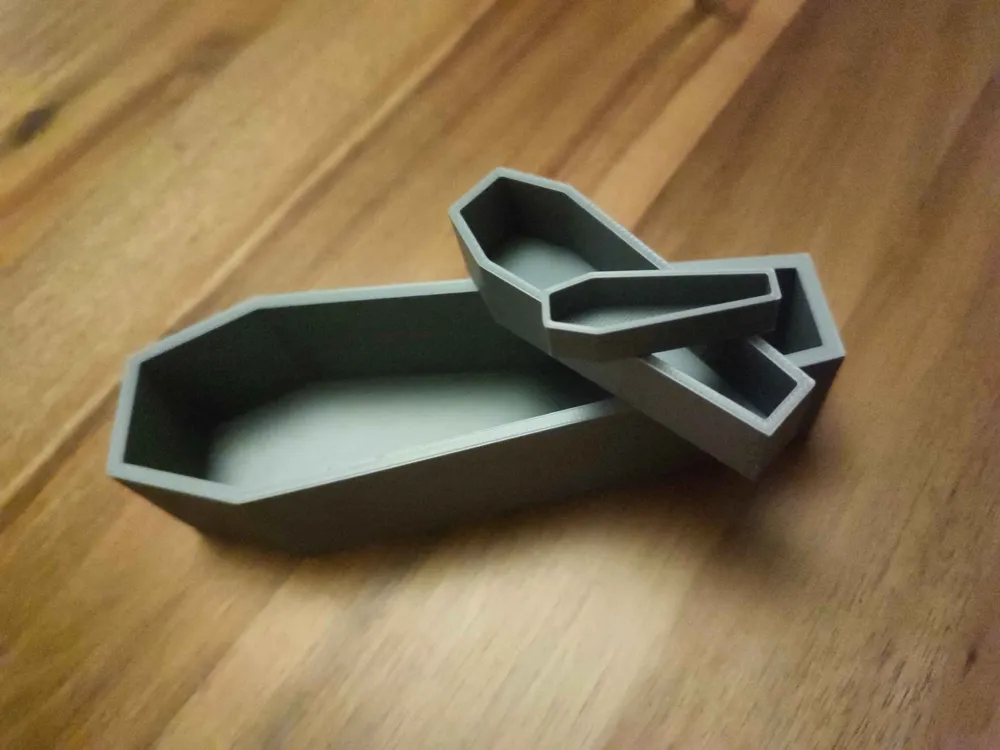
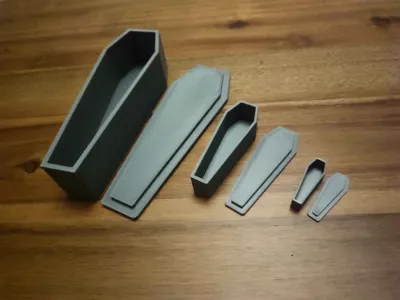
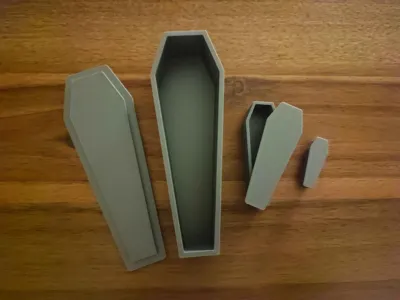
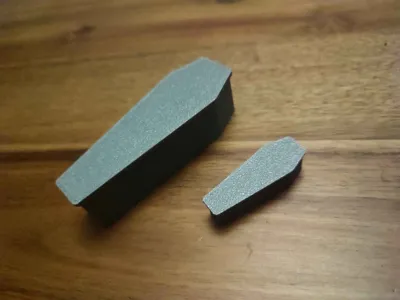
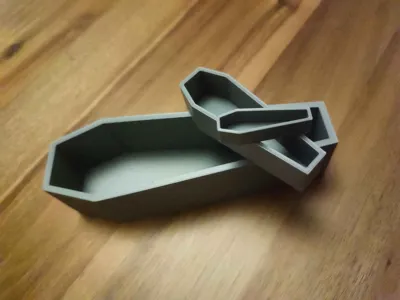
Coffins in 1:12, 1:24 and 1:48 scale.
Designer
2.6 h
3 plates
Open in Bambu Studio
Boost
85
230
8
0
263
164
Released
Description
Coffin Generator:
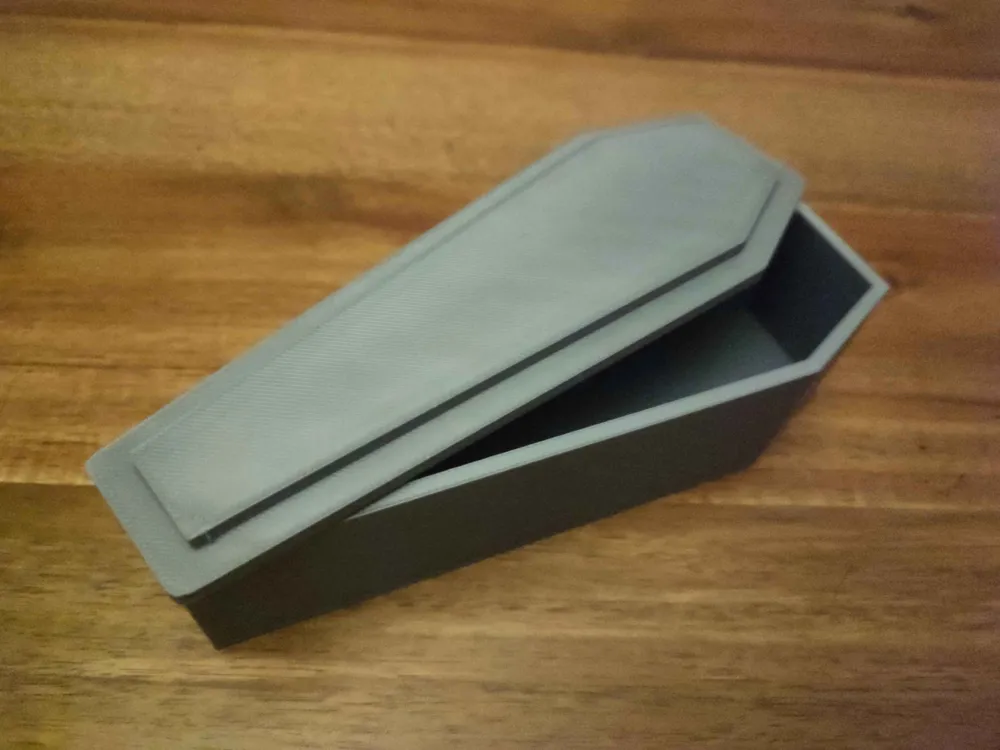
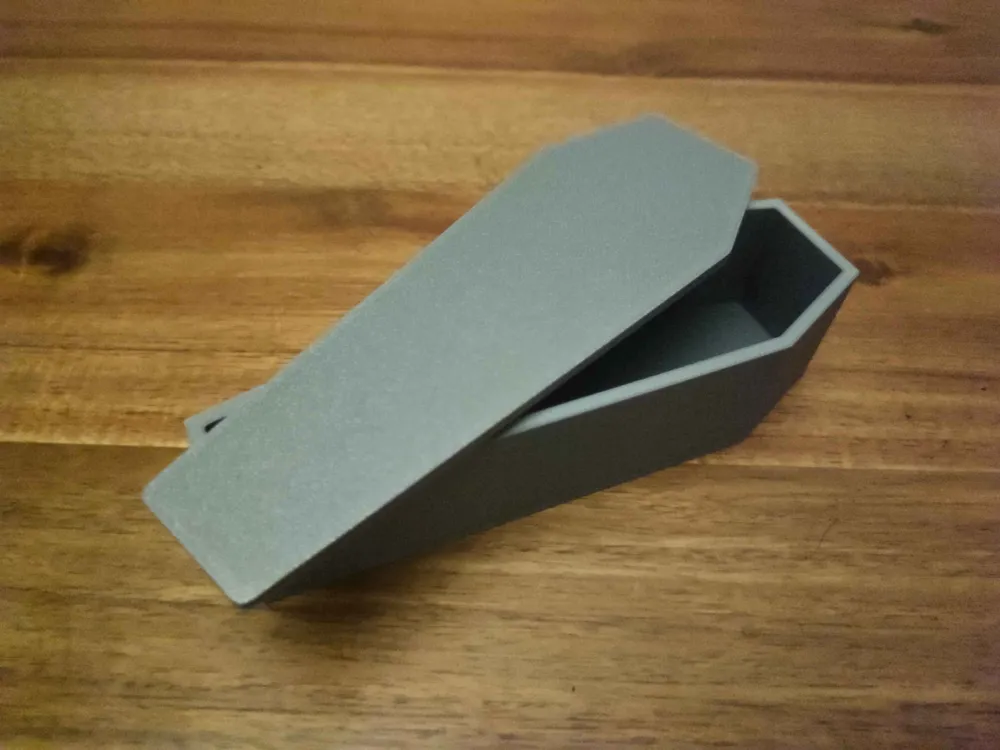
I initially made the coffin generator to create scale models of real sized coffins, but due to its shape and the lid - it might as well be used as a storage box or decoration for halloween.
I'm open to feedback and tips, and if there are any mistakes - do let me know!
There are 2 openSCAD files from which to generate a coffin.
- Coffin generator
- Generates a non-assembled coffin - meaning the lid and coffin is not put on each other.
- Can export both STL and 3MF
- Coffin assembled generator
- Can generate an assembled coffin - for seeing how the coffin looks put together.
- Can also generate a non-assembled coffin BUT can only export 3MF.
Parameters:
- Overall coffin parameters:
- Coffin height: The total coffin height (mm).
- Coffin depth: The total coffin depth (mm).
- Coffin wall thickness: The coffin wall thickness (mm).
- Coffin bottom thickness: The thickness of the coffins floor (mm).
- Coffin shape parameters:
- Top width: The width of the coffin at the very top edge (mm).
- Middle width: The width of the coffin at a chosen middle point (mm).
- Bottom width: The width of the coffin at the very bottom edge (mm).
Middle position: How far down from the top the “Middle width” is placed (mm).
- Example: If set to 10, the coffin will reach its middle width 10 mm from the top.
Some tips!- For a traditional 6-sided coffin, set “Middle width” larger than “Top width” and “Bottom width”, and adjust “Middle position” to a value bigger than 0.
- For a rectangular coffin, make “Top width”, “Middle width”, and “Bottom width” the same value..
- To flare the top or bottom, set “Middle width” larger than “Top width” or “Bottom width”, and adjust “Middle position” to 0.
- Coffin lid parameters:
- Coffin lid thickness: The visible thickness of the lid (mm). It is the part of the lid you see on top of the coffin.
- Coffin lid border: The extra border around the lid that overlaps the coffin edges (mm). Set to 0 for no border.
- Coffin insert lid thickness: The hidden part of the lid that goes inside the coffin to hold it in place (mm).
- Coffin insert lid tolerance: A small clearance (mm) to make sure the lid insert fits inside without being too tight. I usually set this value to 0.2.
License

This user content is licensed under a
Creative Commons Attribution-Noncommercial-NoDerivatives


Comment & Rating (8)