
poop bin H2D H2S H2C variable magnet size
Print Profile(3)


Bill of Materials


Description
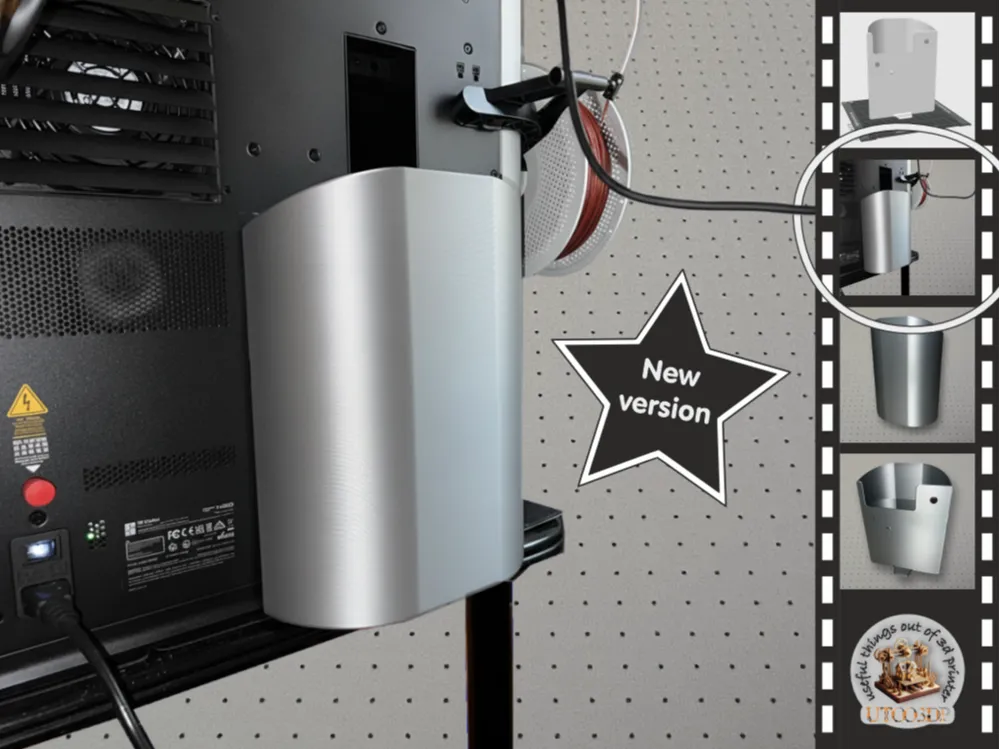

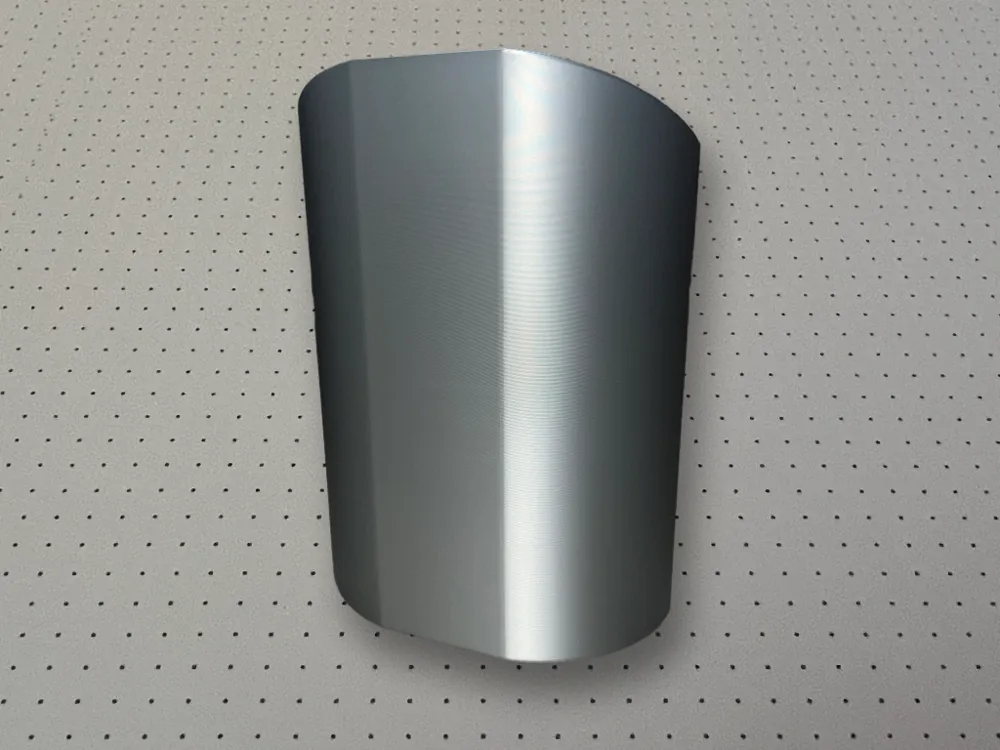
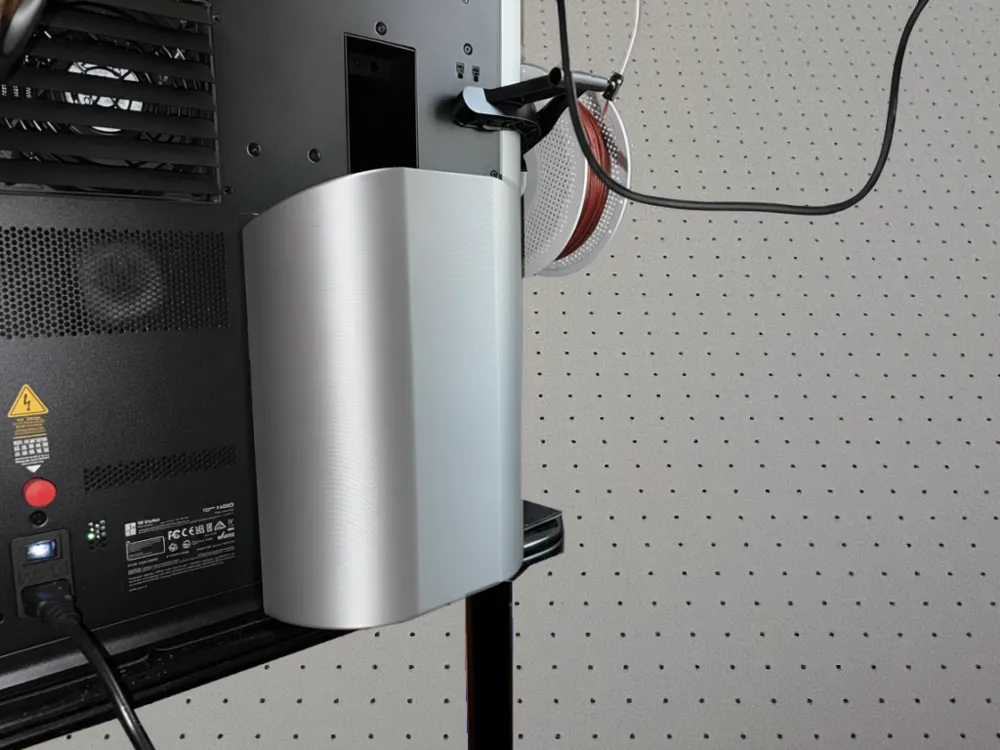
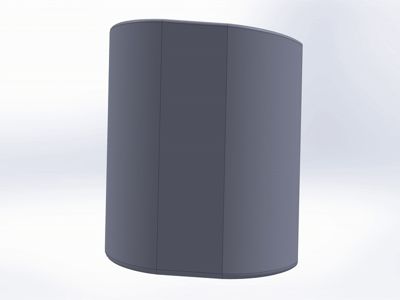
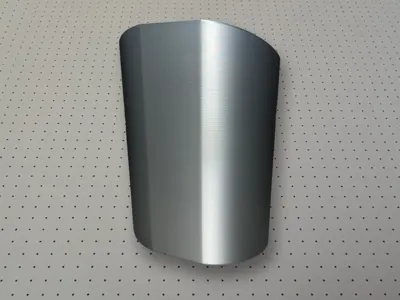
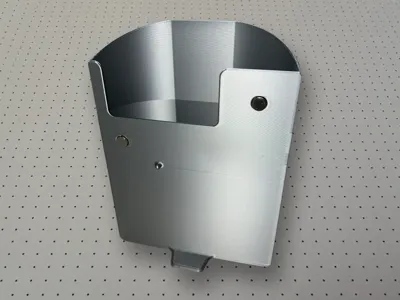
🗑️ Poop bin for Bambu Lab H2D, H2S and H2C with variable magnet size
A space-saving poop bin for the Bambu Lab H2 series. You can set the size of the magnet cutouts in the print profile to match your existing magnets.
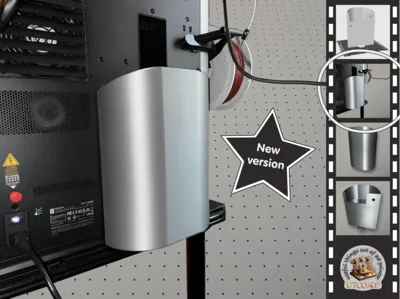
There is also a new extended version of this model.
🌱 The story behind it
After filament scraps occasionally fell next to the printer, I wanted to create an improved version. This is how this poop bin for the Bambu Lab H2 printers came into being.
🧭 Important: Features and Assembly
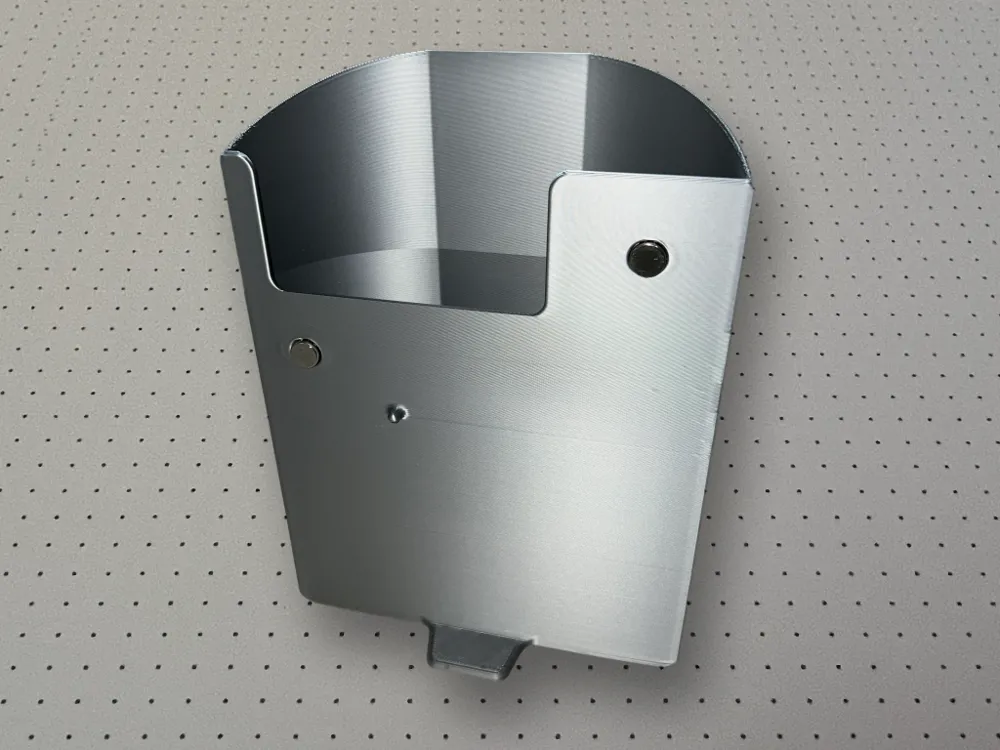
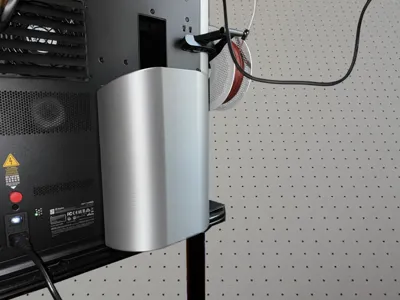
- The container takes up little space on the print bed and can extend beyond the edge of the table.
- A small projection on the back secures the container against slipping sideways.
- Two magnets in the upper area provide a secure hold. These magnets are not optional.
- I glue the magnets with this glue. The connection is very stable.
- The container leaves the printer's ventilation openings free and does not impair cooling.
🖨️ Print Profiles
Three print profiles are available. All are designed without AMS and without a logo.
- 0.4 mm nozzle: 0.2 mm layer height, 2 walls, print time approximately 8.8 hours.
- 0.6 mm nozzle: 0.3 mm layer height, 2 walls, print time approximately 4.3 hours.
- 0.8 mm nozzle: 0.4 mm layer height, 2 walls, print time approximately 4.9 hours.
🎨 Instructions: Setting variable magnet size
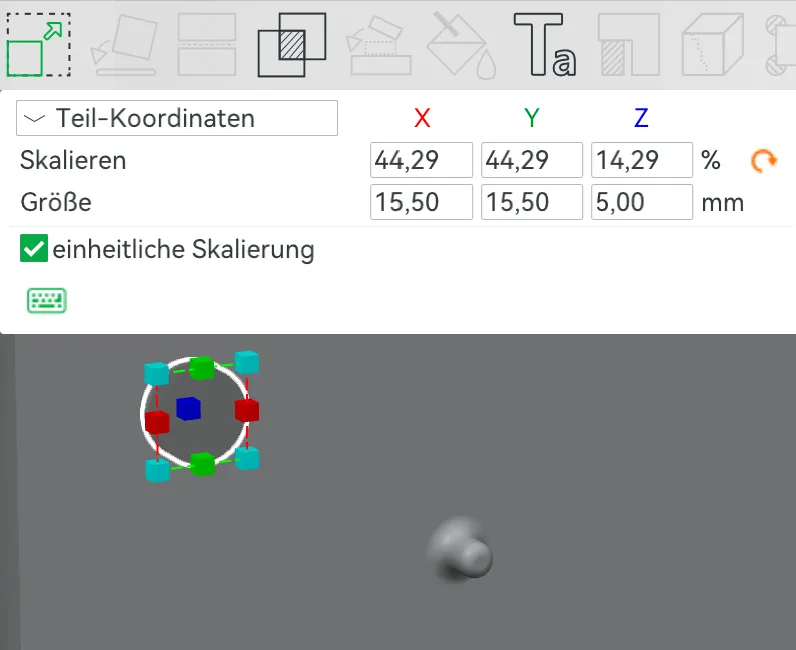
In the print profile, you can now find two negative objects that allow you to adjust the size of the magnet cutouts.
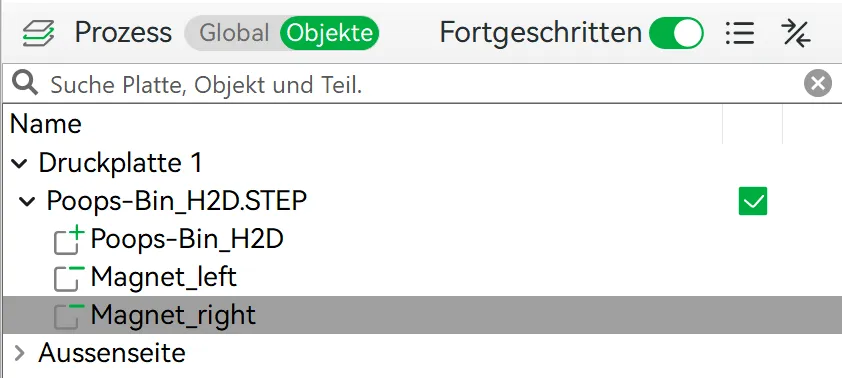
- A magnet size of 15 mm x 3 mm is set by default.
- Using Move [M] and Scale [S], you can adjust the cutouts to fit your existing magnets.
With Move [M], you set the depth of the cutout (Y-value). The preset Y-value of 26.00 corresponds to a depth of approx. 1mm. The magnets should protrude as far as possible; the cutout is actually only for positioning. X and Z must remain unchanged.
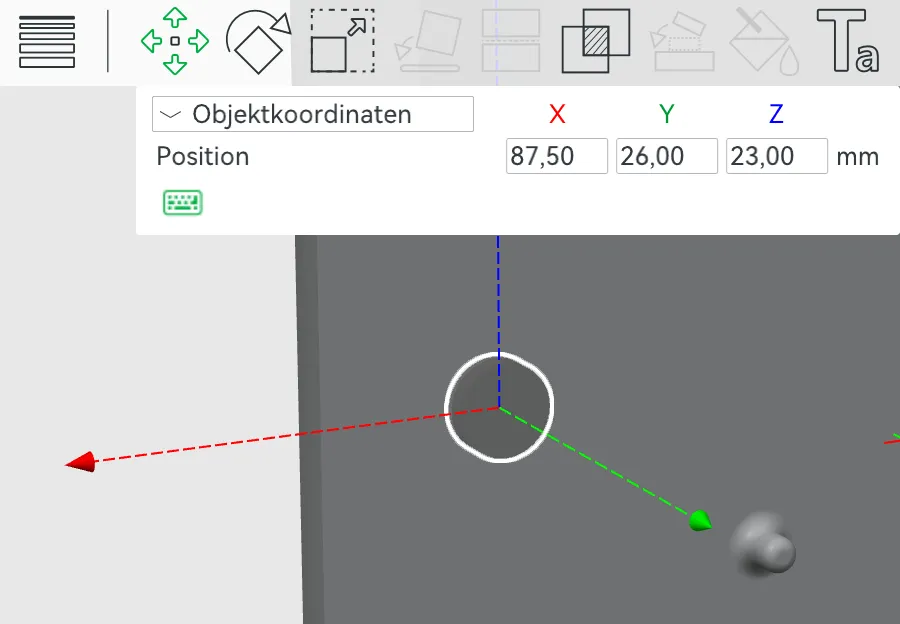
With Scale [S], you set the diameter; I add half a millimeter. The Z-value (5 mm) can remain unchanged.
Boost Me (for free)
If you like the model, I appreciate boosts, likes, and follows – it's incredibly motivating and supports the work of the maker community. 🚀 Have fun printing and building! ✨
 You can also buy me a coffee for one-time support…
Membership
Do you want to sell prints of my models? 🌱 With my commercial license membership, you can sell 3D prints of all my original designs – on Etsy, eBay, markets, or in your own shop. Only $5/month or $48/year. Thank you for your support!
License

You shall not share, sub-license, sell, rent, host, transfer, or distribute in any way the digital or 3D printed versions of this object, nor any other derivative work of this object in its digital or physical format (including - but not limited to - remixes of this object, and hosting on other digital platforms). The objects may not be used without permission in any way whatsoever in which you charge money, or collect fees.


Comment & Rating (8)